Vintage Baby Crib in Nursery Mockup
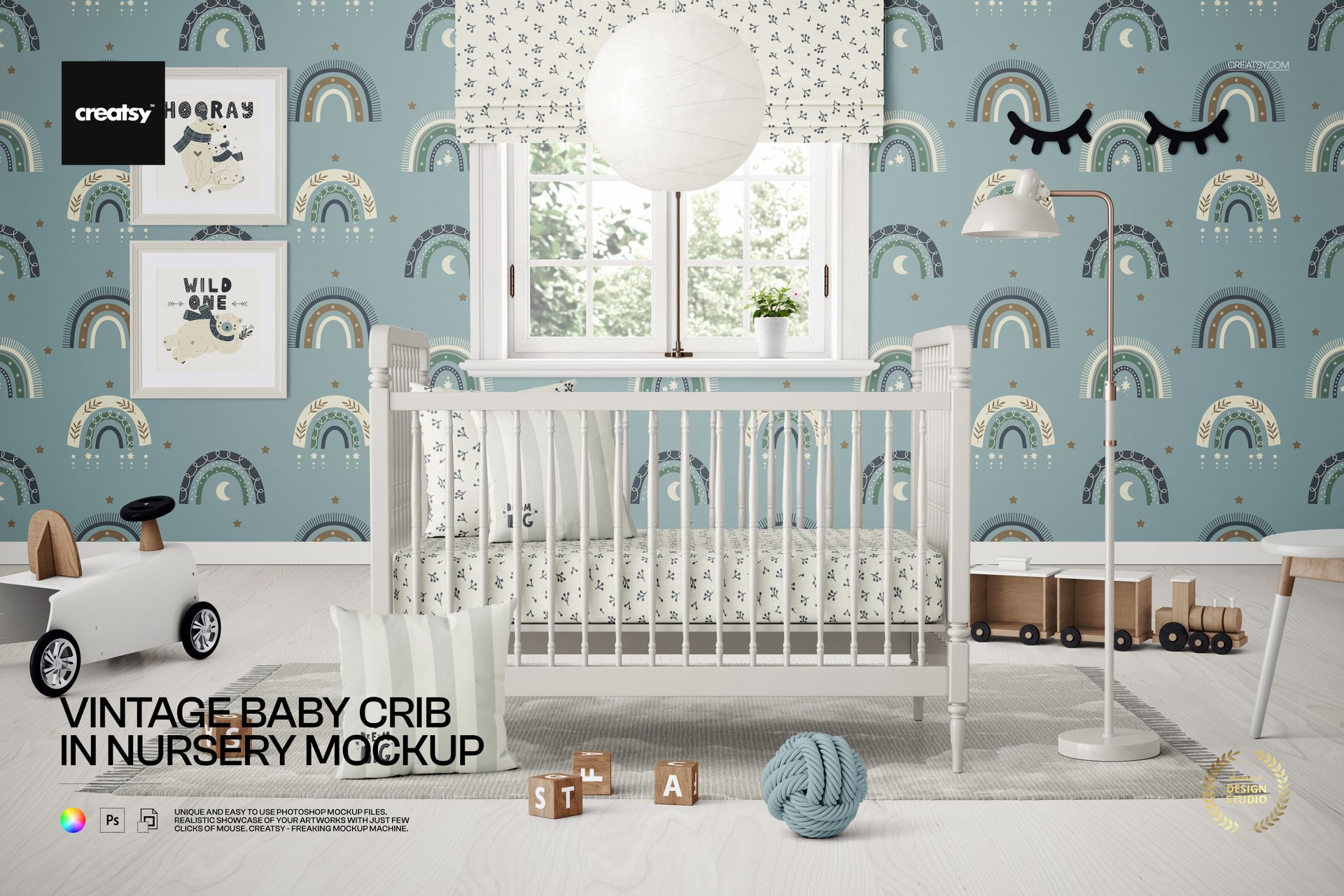
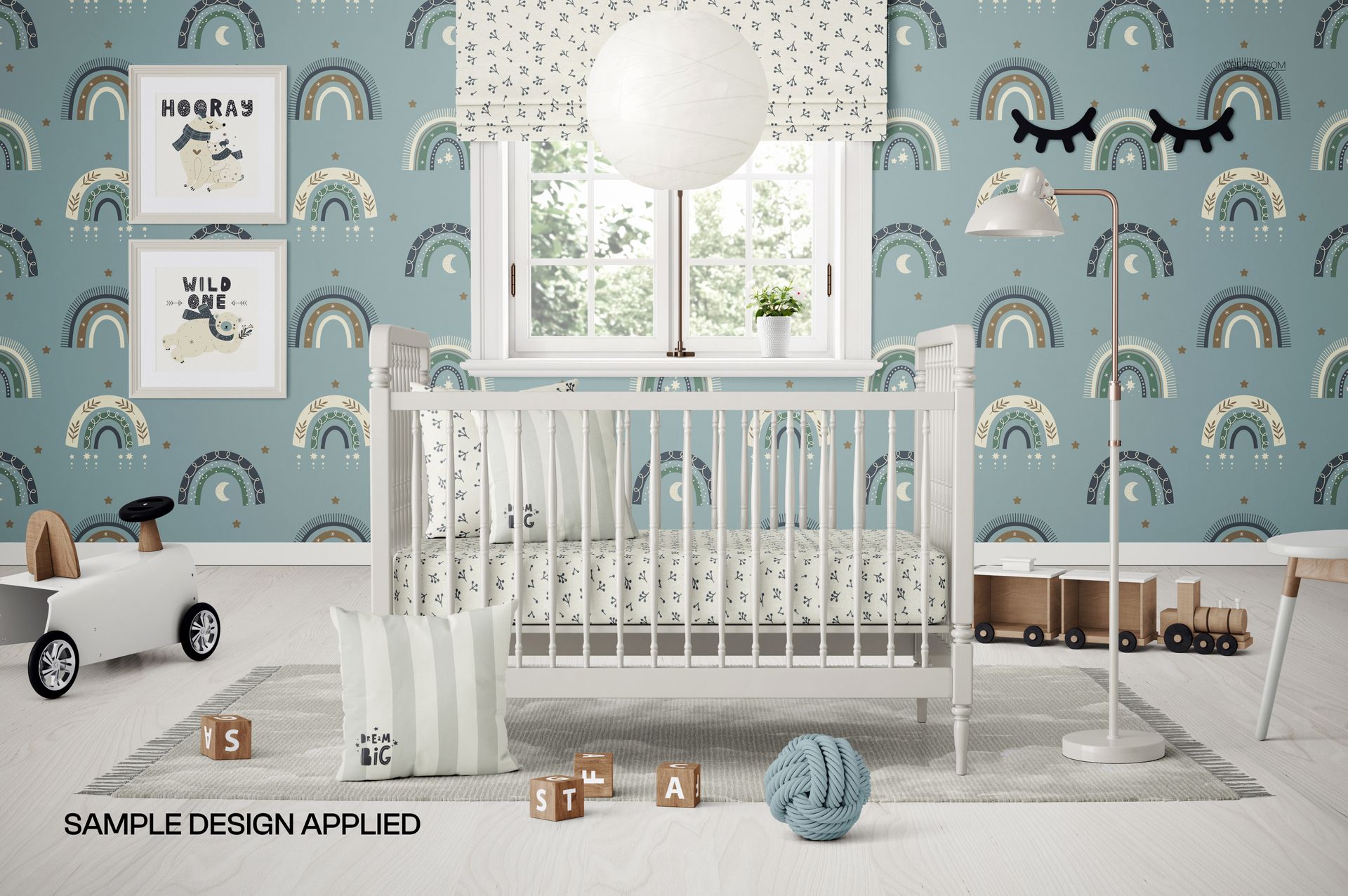
Present crib finishes, bedding patterns, nursery decor, and children's artwork in a carefully arranged front-facing room scene. A vintage white baby crib stands beneath a large window, creating a clear focal point for furniture, textile, and interior design presentations.
A Characterful Vintage Nursery Scene
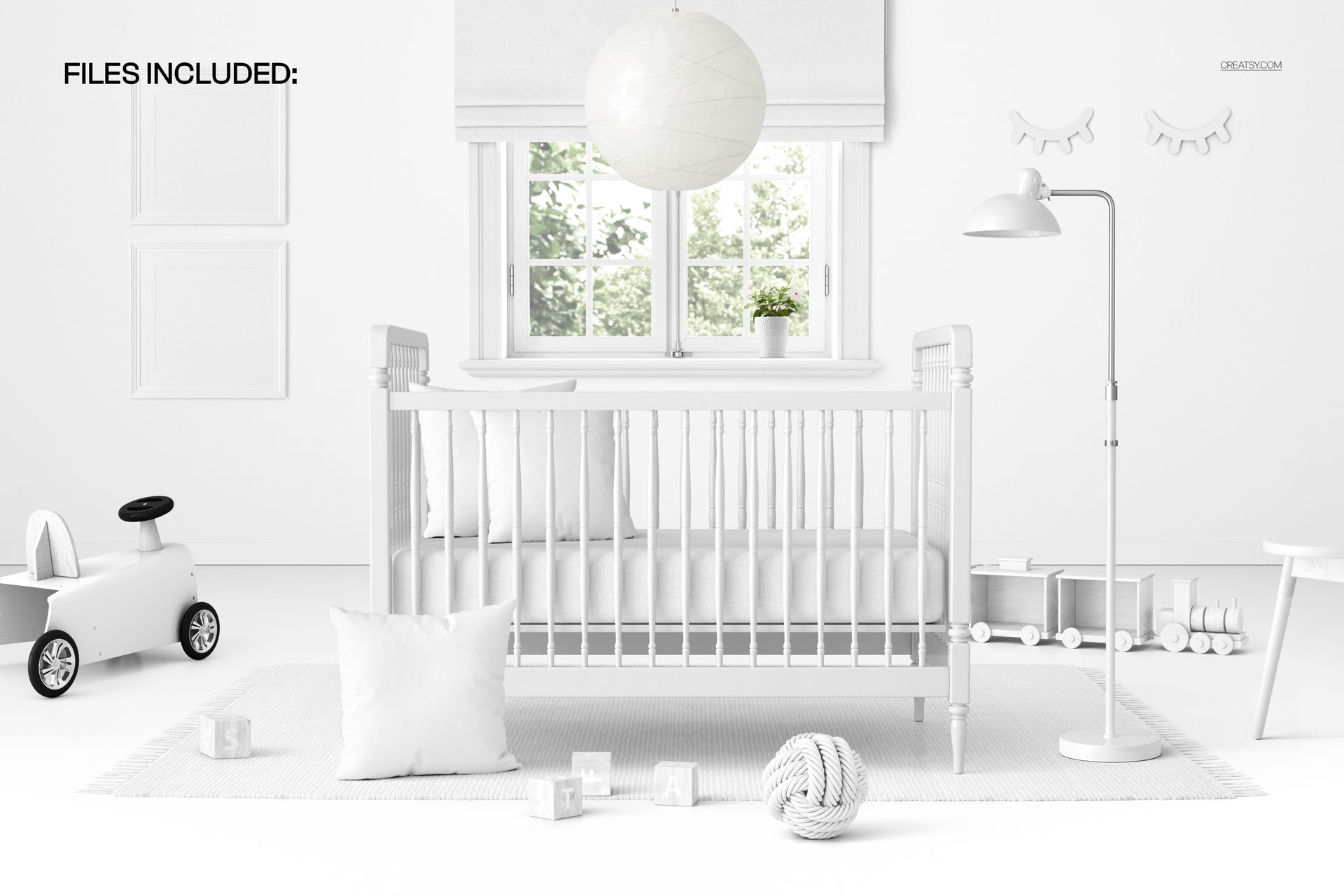
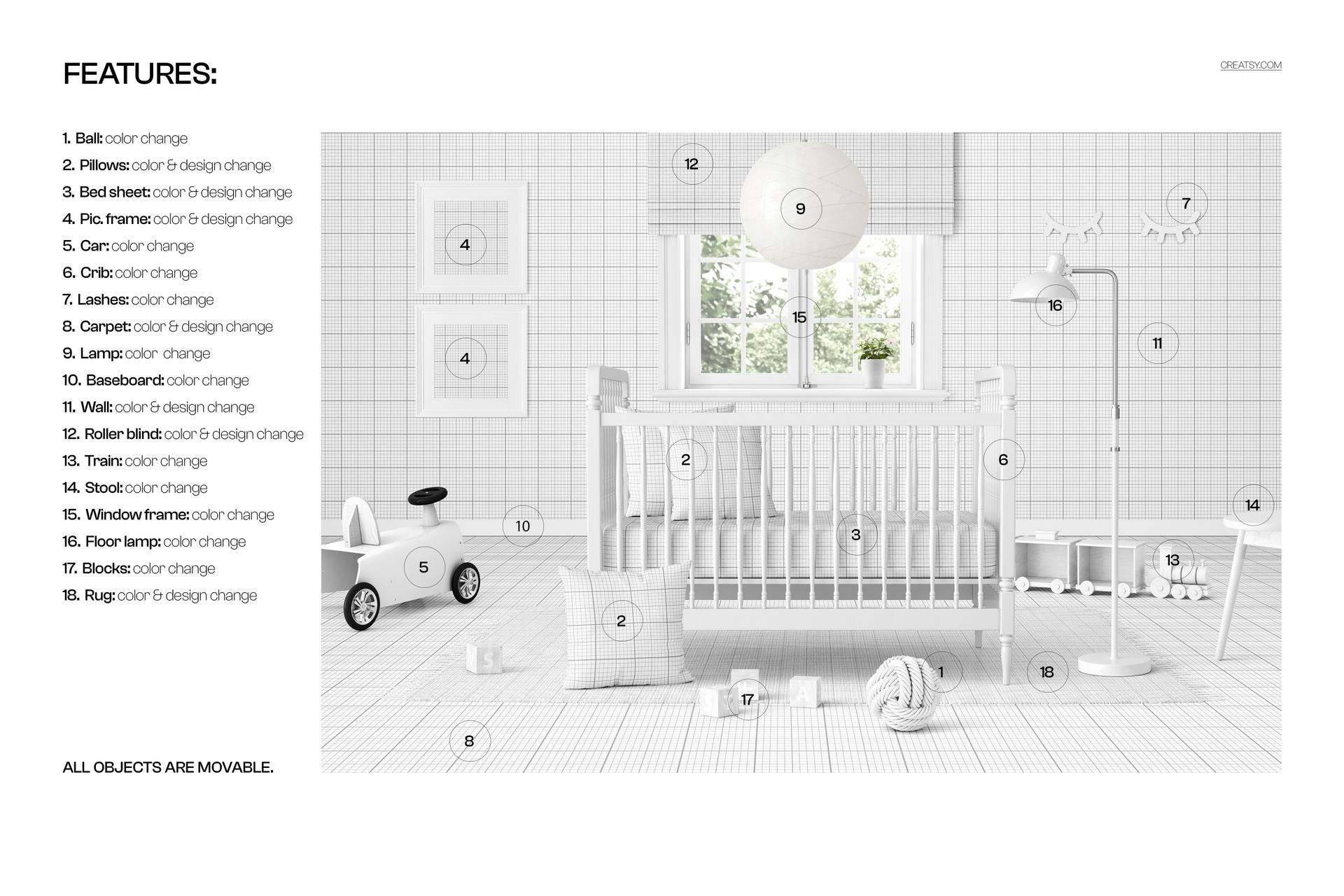
The room includes a roller blind, pendant lamp, floor lamp, two picture frames, ride-on car, wooden train, stool, blocks, decorative ball, pillows, carpet, and rug. The balanced landscape composition combines classic nursery styling with enough editable detail to support a variety of creative concepts.
What Is Included
1 layered and well-organized PSD mockup
1 JPG preview image
2 digital files in total
6000 × 4000 px landscape resolution at 300 DPI
Smart Objects for convenient artwork and pattern placement
Movable objects for flexible scene arrangement
Easy Smart Object Editing
Use Smart Objects to add artwork, colors, and patterns while preserving the organized layer structure. Customize the crib, bedding, picture frames, walls, floor coverings, roller blind, lighting, toys, furniture, and window details. The PSD is compatible with Adobe Photoshop CC2020 or newer and can also be edited in Photopea.
Perfect For
Vintage crib and nursery furniture presentations
Baby bedding, textile, and wallpaper pattern previews
Nursery wall art and decor collections
Online shop images, catalogs, portfolios, and client concepts
Coordinated baby room branding and product campaigns
Digital product notice: This listing includes digital files only. No physical crib, furniture, decor, or printed artwork will be shipped. The sample artwork shown in the previews is for presentation purposes and is not included.