Baby Crib with Floor Lamp in Nursery Mockup
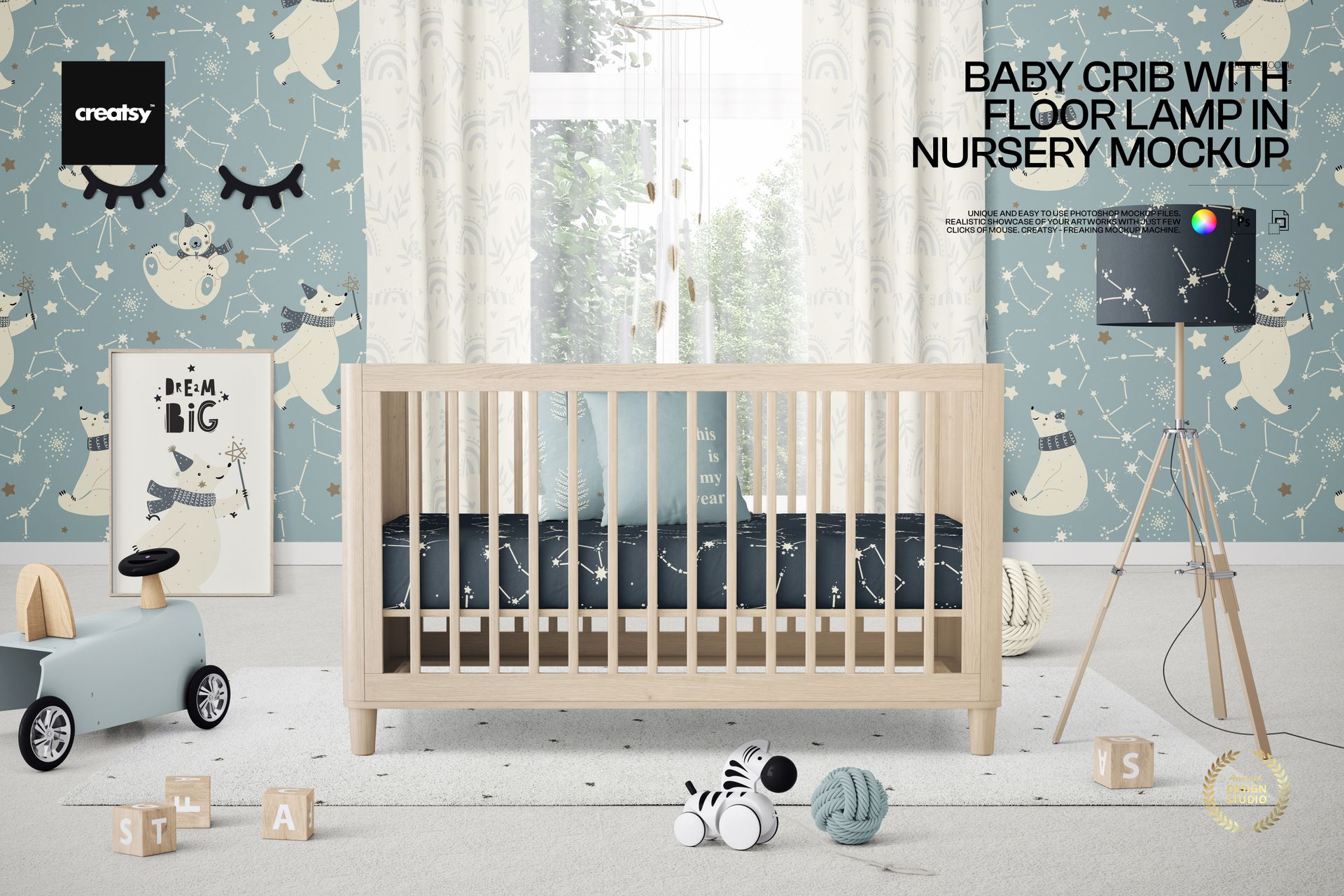
Frame a complete baby room story around a natural wood crib, a bright window, and a prominent tripod floor lamp. This front-facing landscape scene places the crib at the center, with curtains, framed wall art, a small ride-on car, a plush zebra, a yarn ball, blocks, and a soft rug arranged around it.
The balanced setting gives nursery artwork a clear focal point while providing enough context to preview a coordinated interior collection. Use it to compare how bedding patterns, wall art, curtains, rugs, flooring, and decor colorways work together without staging a physical room.
What Is Included
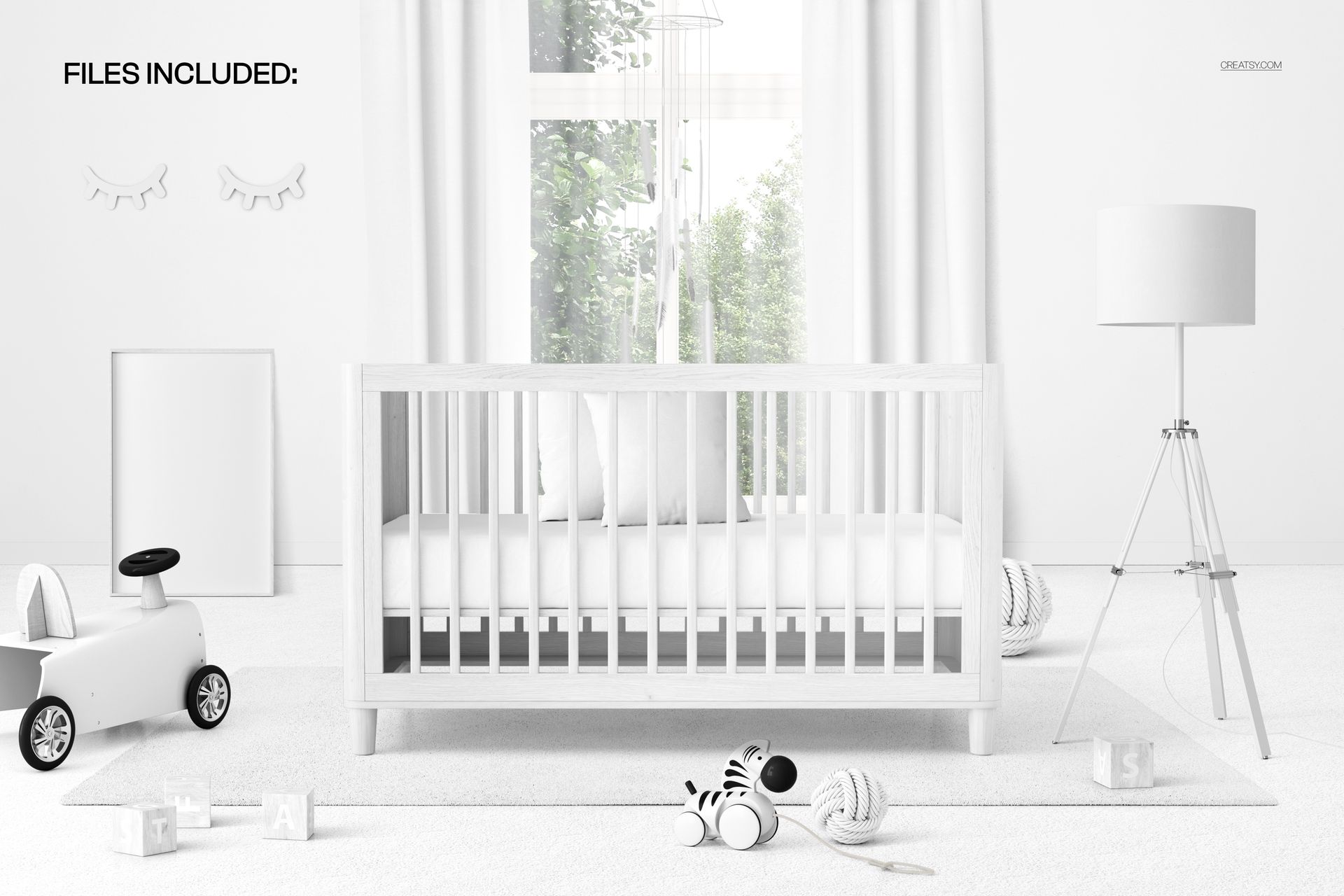
1 layered and well-organized PSD mockup file
1 JPG preview file
2 files in total
6000 × 4000 px landscape format at 300 DPI
Smart Object editing in Adobe Photoshop CC 2020 or newer and Photopea
Coordinate the Entire Nursery Scene
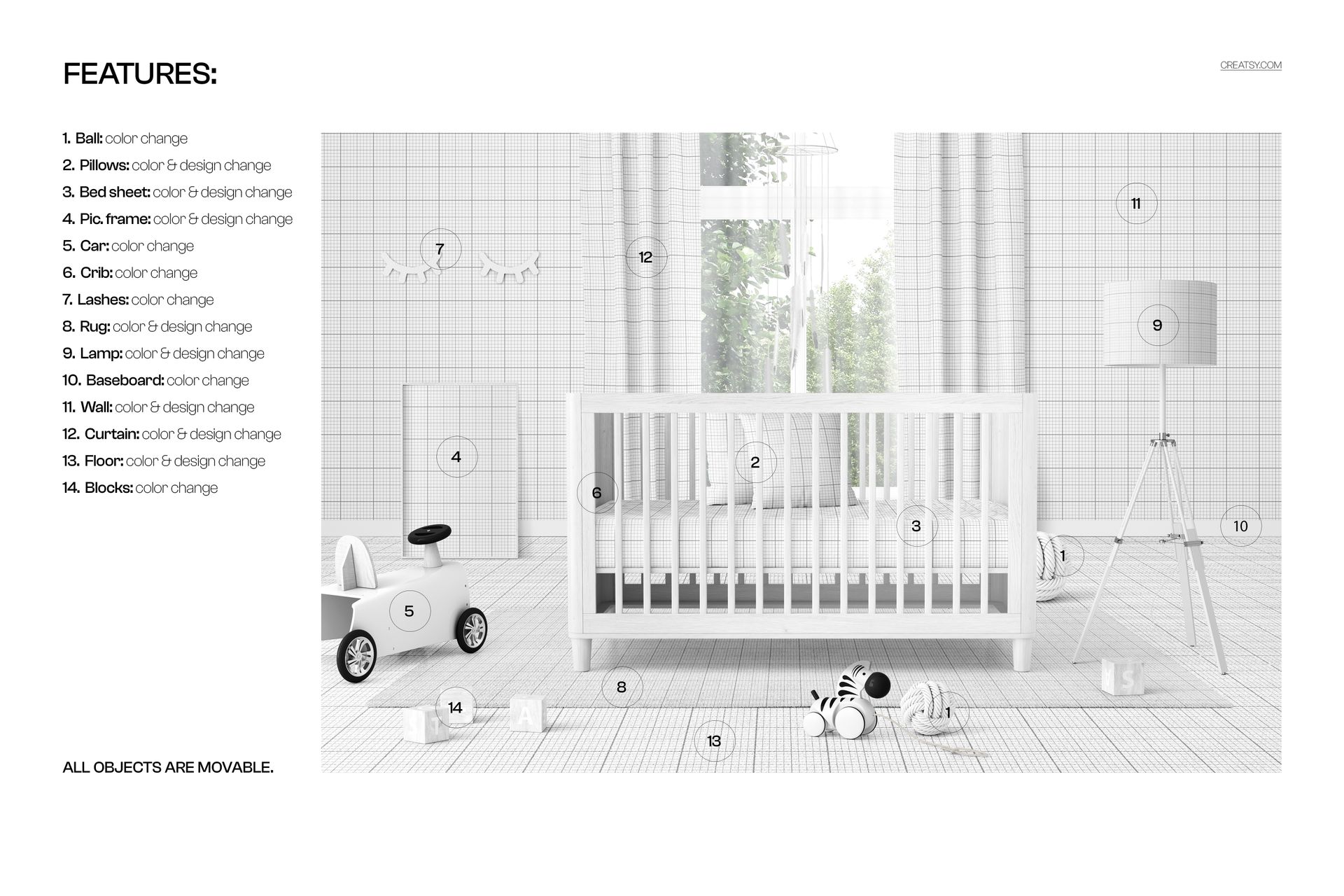
Change the colors of the crib, yarn ball, toy car, blocks, eyelash wall decoration, and baseboard. Add colors or designs to the pillows, bed sheet, picture frame, rug, floor lamp, walls, curtains, and floor. Every object is movable, so you can refine the arrangement or create space for a specific artwork presentation.
Easy Smart Object Editing
Open the relevant Smart Object, place the artwork, save the layer, and return to the main scene to see the updated result. The organized PSD helps you work through individual surfaces and decor elements without rebuilding the room.
Perfect For
Nursery textile and surface pattern collections
Baby bedding, curtain, rug, wallpaper, and flooring concepts
Children's wall art and framed print presentations
Brand proposals, client approvals, and creative direction boards
Portfolio, social media, and online shop imagery
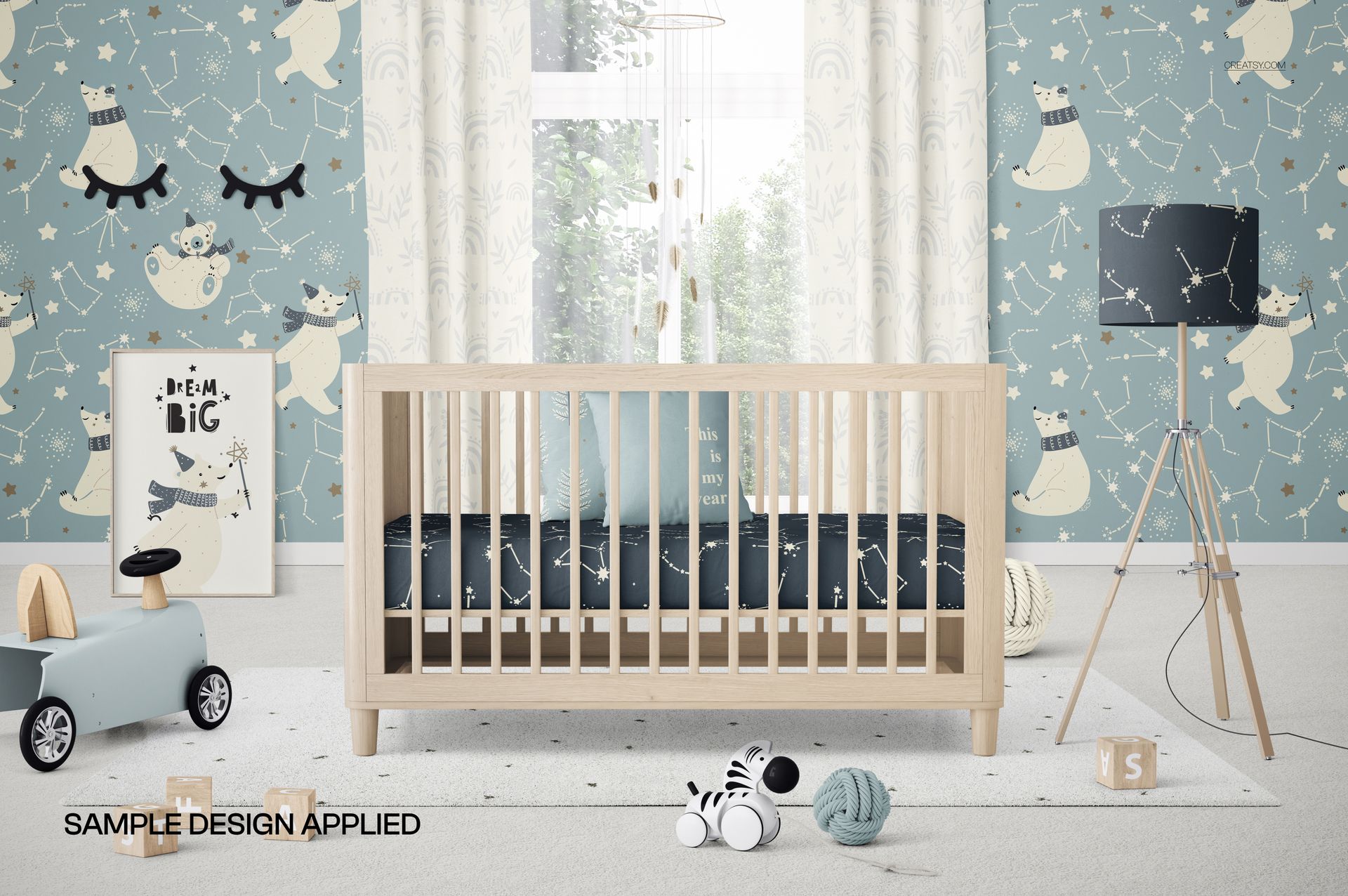
This is a digital mockup product. No physical crib, furniture, or decor will be shipped. The polar bear and constellation artwork shown in the previews is for demonstration only and is not included.