Toddler Bed in Modern Nursery Mockup
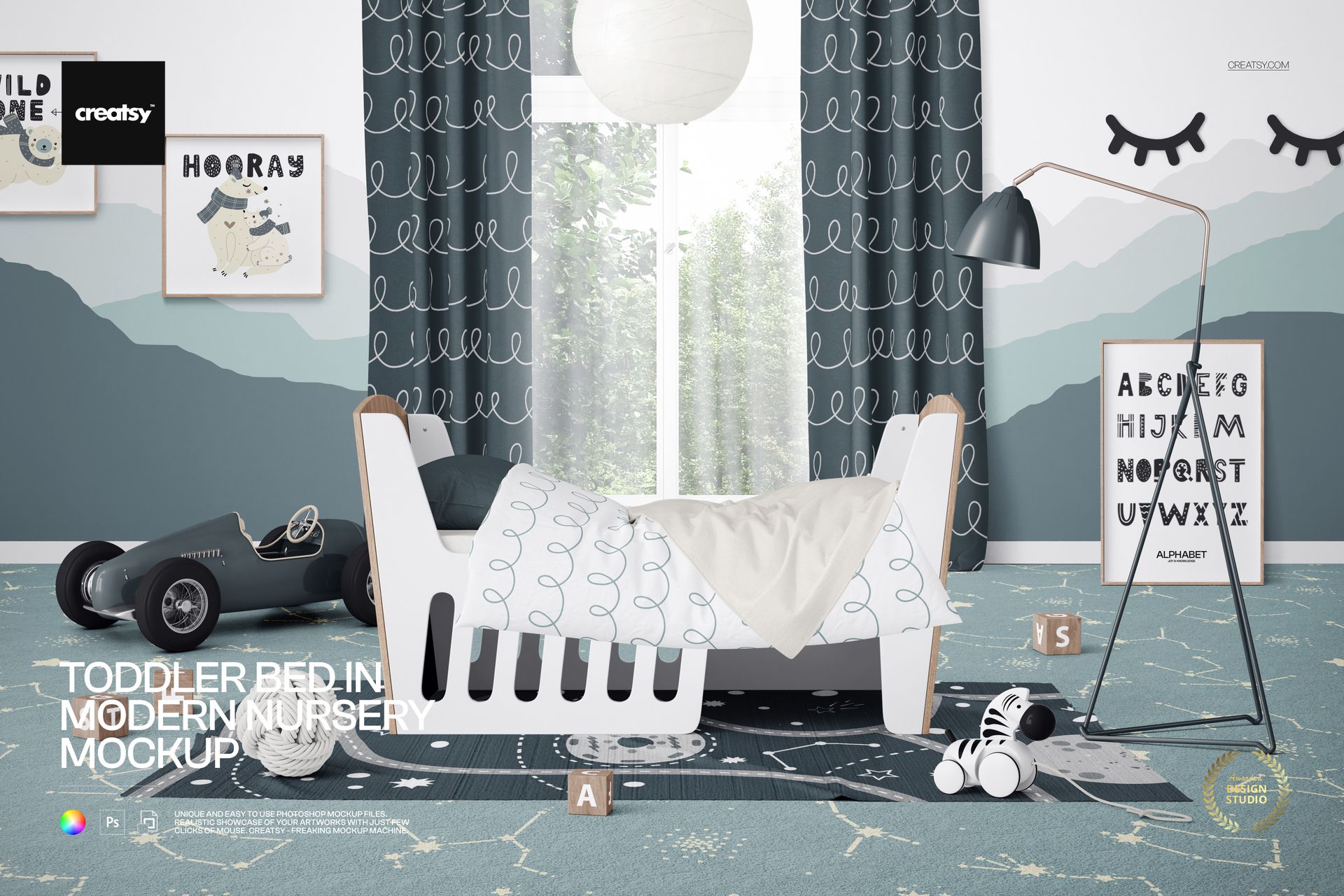
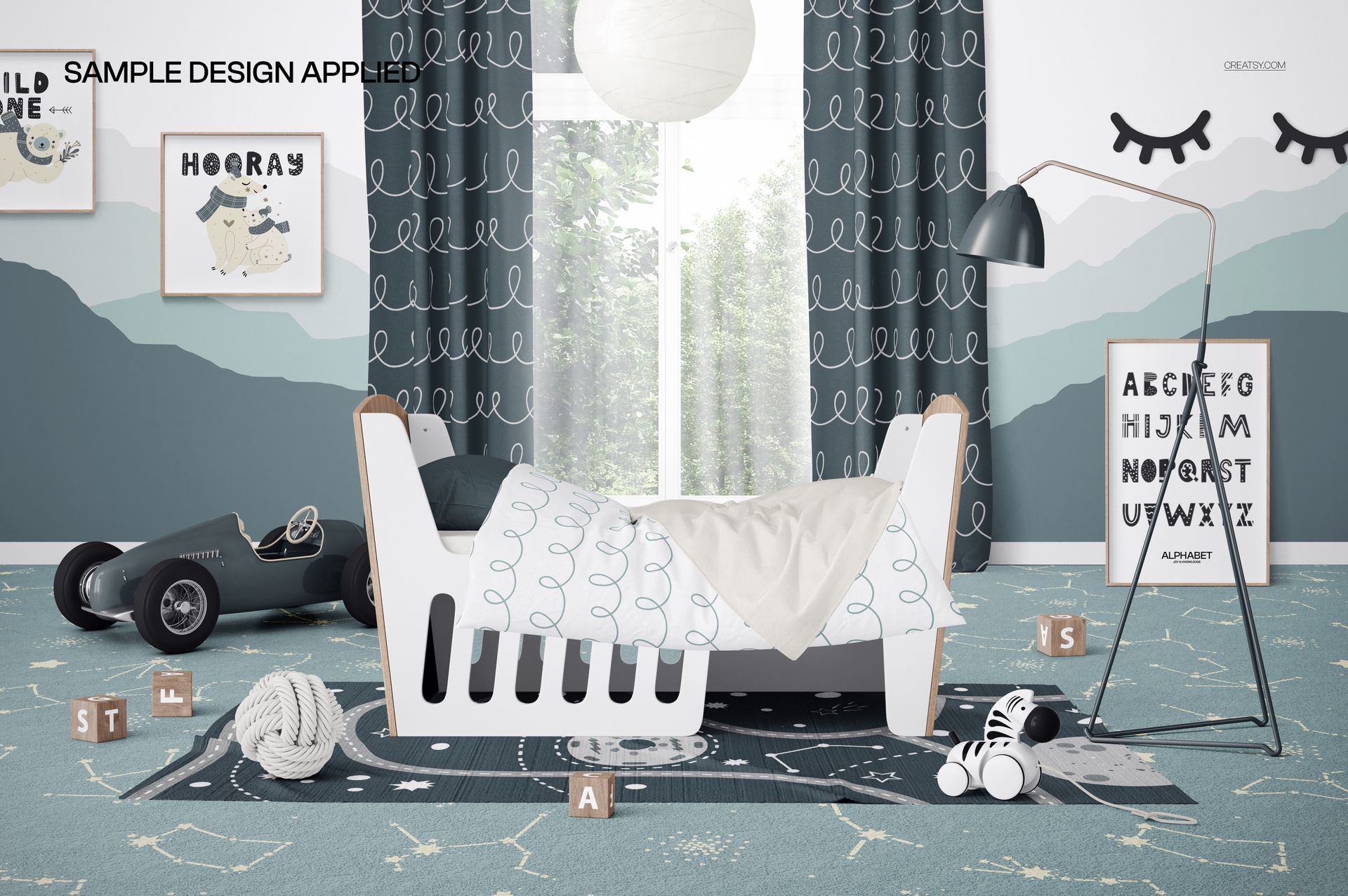
Present bedding patterns, nursery wall art, children's decor, and interior concepts in a bright front-facing room. The scene combines a toddler bed with a duvet, blanket, pillow, window, curtains, layered floor textiles, ceiling and floor lamps, framed artwork, toys, blocks, and decorative details.
What Is Included
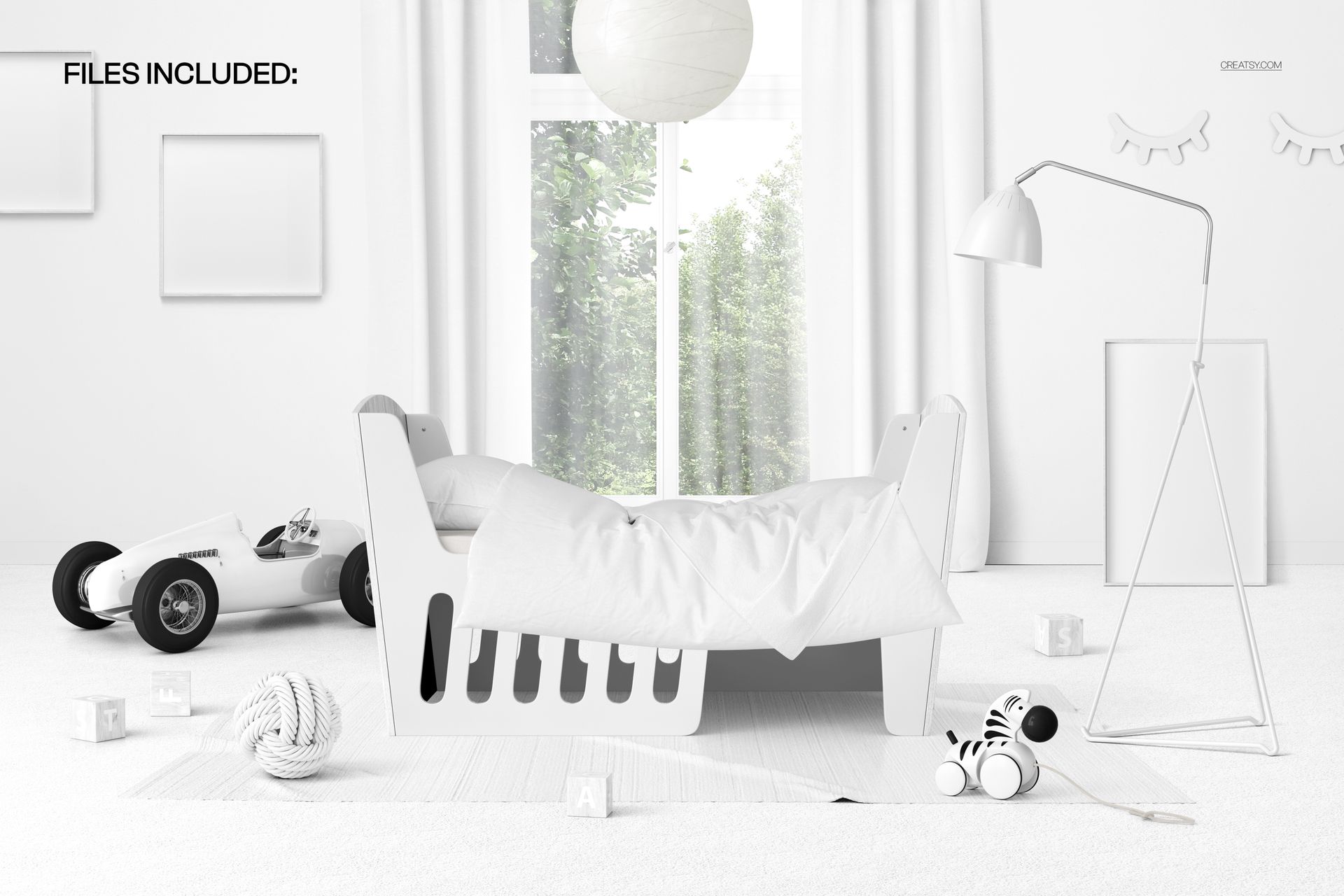
1 well-organized layered PSD with Smart Objects
1 high-resolution JPG preview
2 digital files in total
6000 × 4000 px landscape composition at 300 DPI
Compatibility with Adobe Photoshop CC2020 or newer and Photopea
Edit Bedding, Room Surfaces, and Decor
Use Smart Objects to place artwork and coordinate the scene without rebuilding the room.
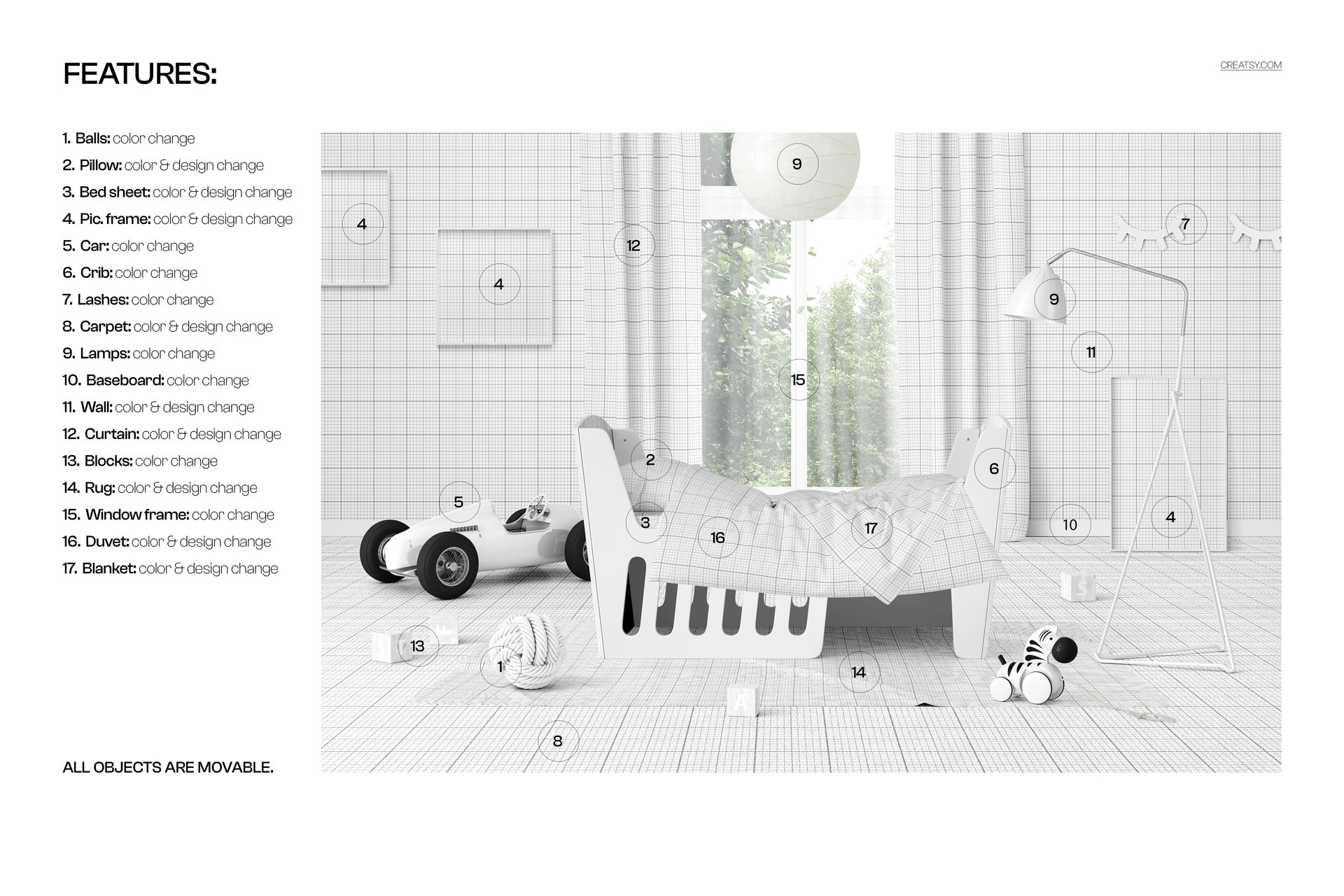
Edit the colors or designs of the pillow, bed sheet, picture frames, carpet, wall, curtains, rug, duvet, and blanket
Change the colors of the decorative ball, toy car, toddler bed frame, eyelash wall decor, lamps, baseboard, blocks, and window frame
Move every scene object to refine the spacing and composition
Scene Details and Flexible Layout
The front-facing composition features a toddler bed dressed with a duvet, blanket, and pillow. Curtains frame the window, while a carpet, rug, ceiling lamp, floor lamp, picture frames, toy car, zebra toy, blocks, and a decorative ball complete the modern nursery setting. All objects are movable, allowing you to adapt the layout to different presentation needs.
Photoshop and Photopea Workflow
Open the relevant Smart Object, insert your artwork, save the edited layer, and return to the main scene to review the result. The PSD is compatible with Adobe Photoshop CC2020 or newer and Photopea. You can also explore the Creatsy Online Mockup Editor for another browser-based creative option.
Useful For
Bedding, duvet, blanket, and pillow pattern previews
Nursery wall art and framed print presentations
Children's decor and textile collections
Interior design concepts and client presentations
Portfolio images, marketplace listings, and social media graphics
Digital product notice: This listing includes downloadable PSD and JPG files only. No physical bed, furniture, decor, or other item will be shipped. The example artwork is not included.