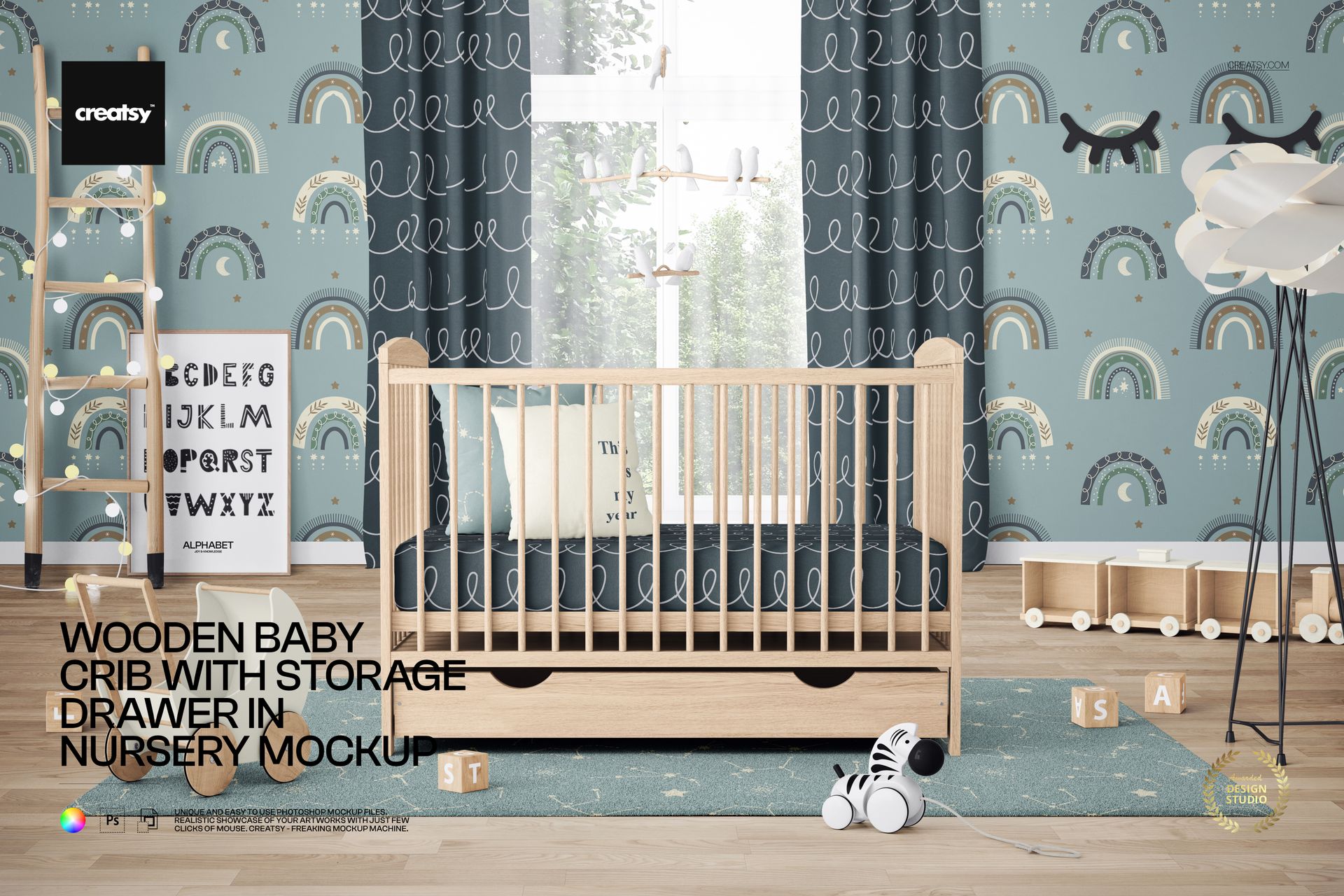
Wooden Baby Crib with Storage Drawer Nursery Mockup
Showcase baby bedding, repeat patterns and nursery decor in a detailed front-facing interior built around a natural wooden crib with a practical under-bed storage drawer. A large window, curtains, floor lamp, ladder, rug and playful props create an adaptable setting for coordinated children’s collections.
Use this layered PSD to present crib sheets, pillow designs, wallpaper, framed prints, rugs and matching colorways in one cohesive scene. Smart Objects and organized layers simplify artwork placement while the original perspective, lighting and realistic room atmosphere remain integrated.
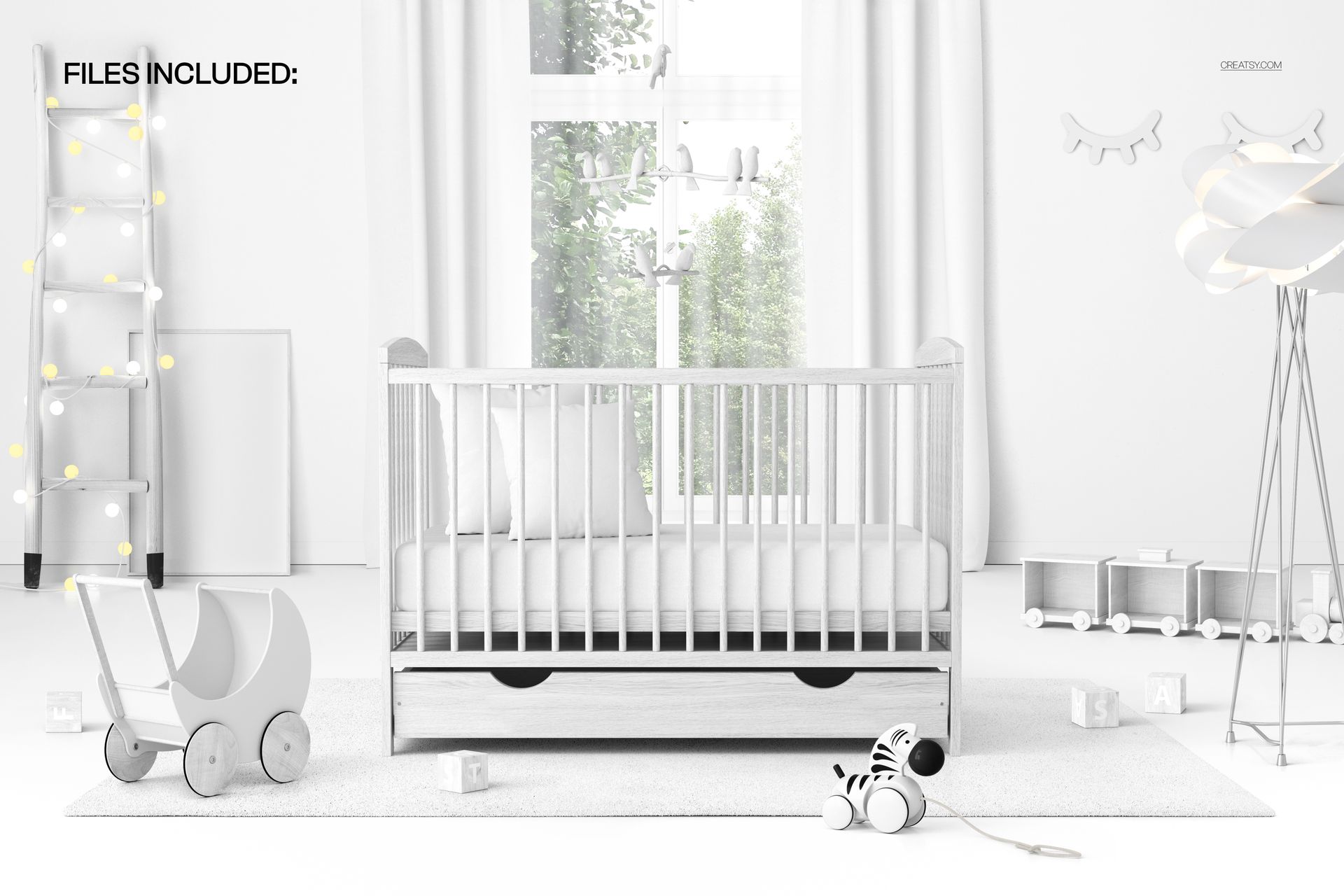
Files Included
1 layered PSD mockup file
1 high-resolution JPG image
2 digital files in total
6000 x 4000 px resolution at 300 DPI
Approximately 732 MB for Windows and 767 MB for macOS
Organized layers and Smart Object artwork replacement
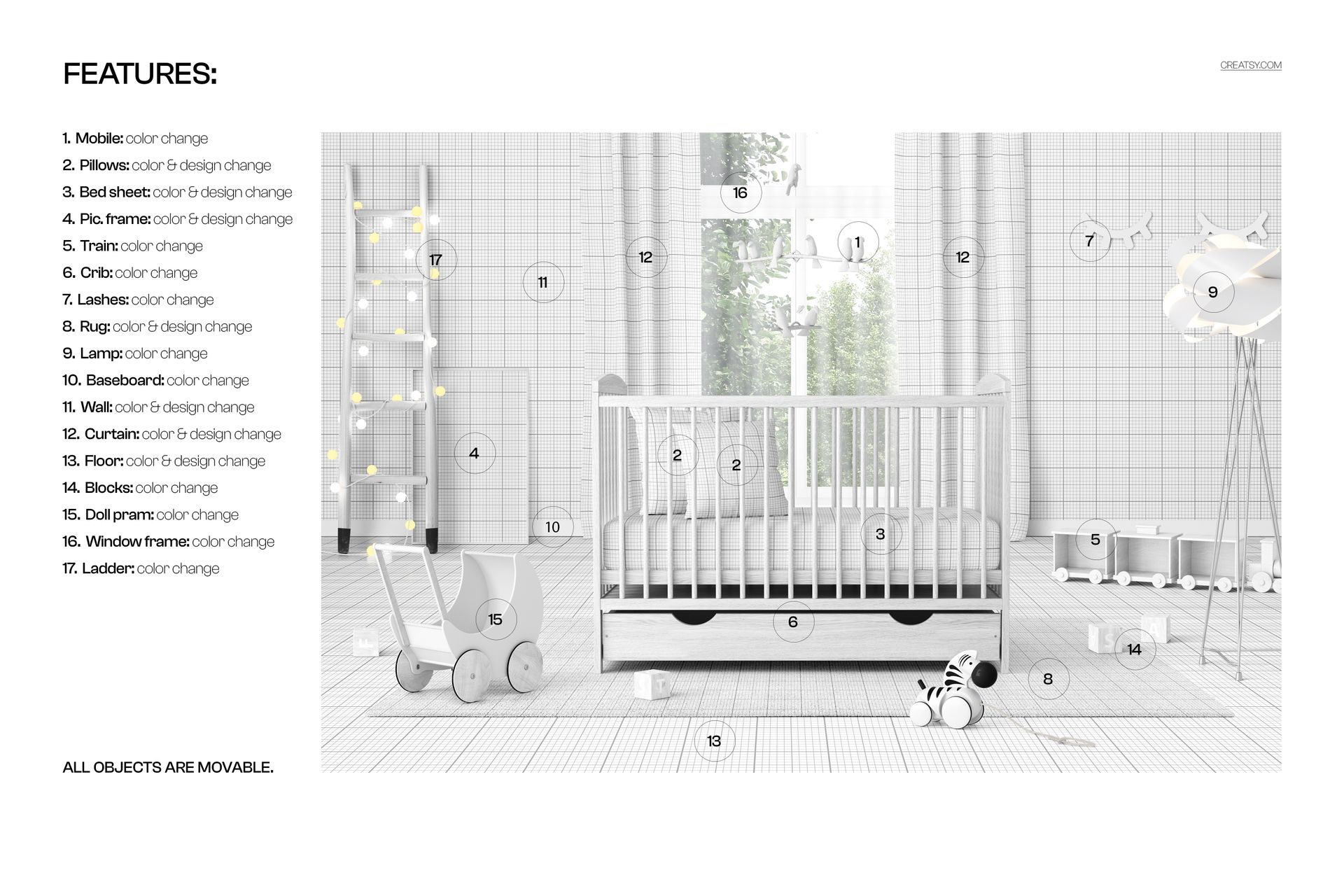
17 Customizable Elements
The feature guide identifies 17 editable areas, allowing the featured artwork and surrounding room to support the same visual direction.
Mobile color
Pillow colors and designs
Bed sheet color and design
Picture frame color and displayed design
Toy train color
Wooden crib color
Eyelash wall decoration color
Rug color and design
Floor lamp color
Baseboard color
Wall color and design
Curtain color and design
Floor color and design
Toy block colors
Doll pram color
Window frame color
Decorative ladder color
Movable Nursery Props
All scene objects are movable. Reposition furniture and decorative elements to create more breathing room around a product, develop alternate compositions or prepare several campaign images from the same interior.
Smart Object Workflow
Open the relevant Smart Object layer, place a pattern, illustration or print and save the file. The design updates inside the nursery scene with the correct perspective and natural visual integration.
Ideal Uses
Crib sheet and baby bedding presentations
Nursery wallpaper and surface pattern previews
Wall art and framed print displays
Kids textile and fabric design portfolios
Baby product branding and client approvals
E-commerce listings, catalogs and lookbooks
Coordinated nursery decor campaigns
Software Compatibility
This is a digital mockup product. No physical crib, bedding, furniture, toys or nursery accessories are supplied.
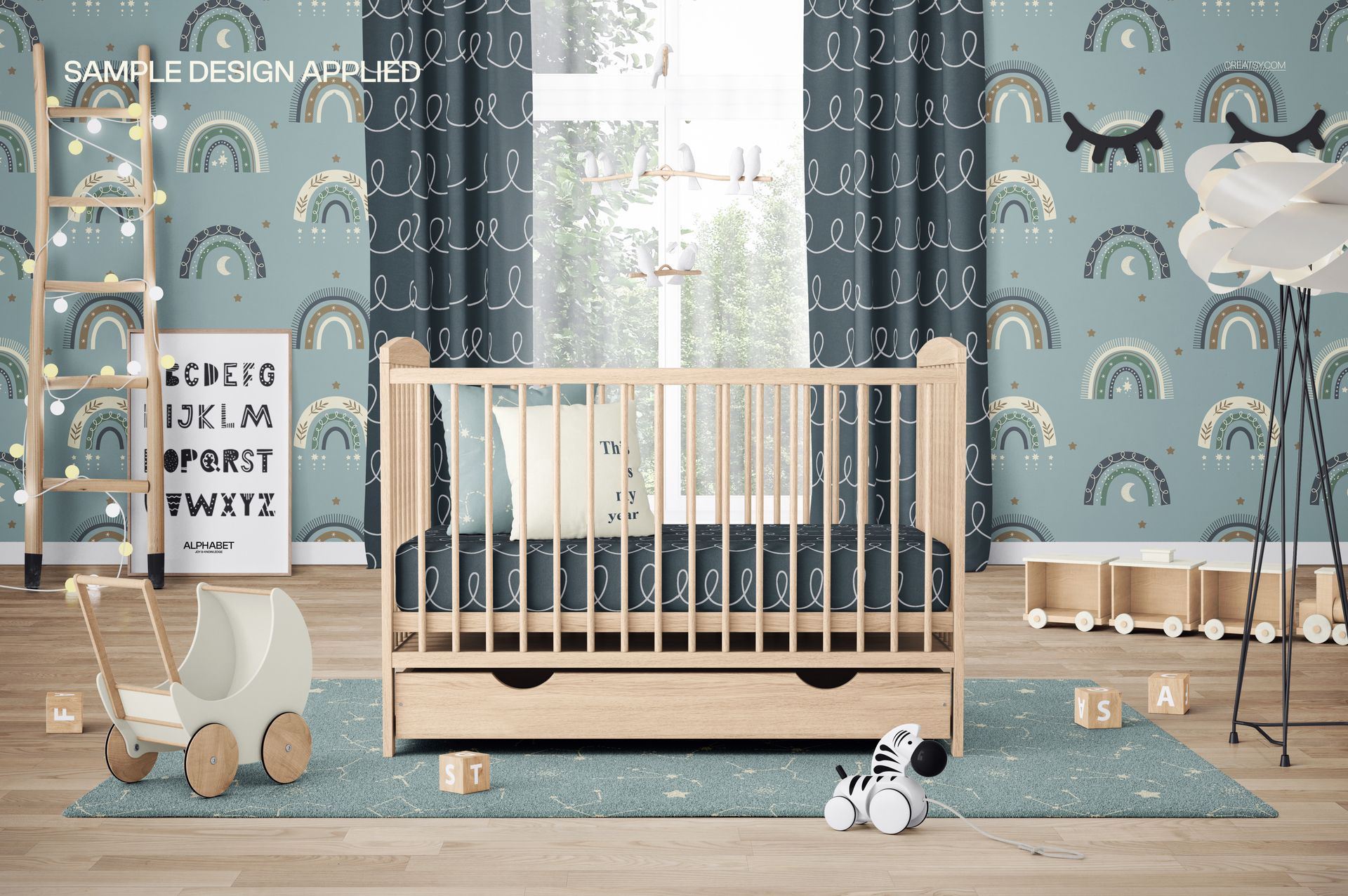
Sample Artwork Credit
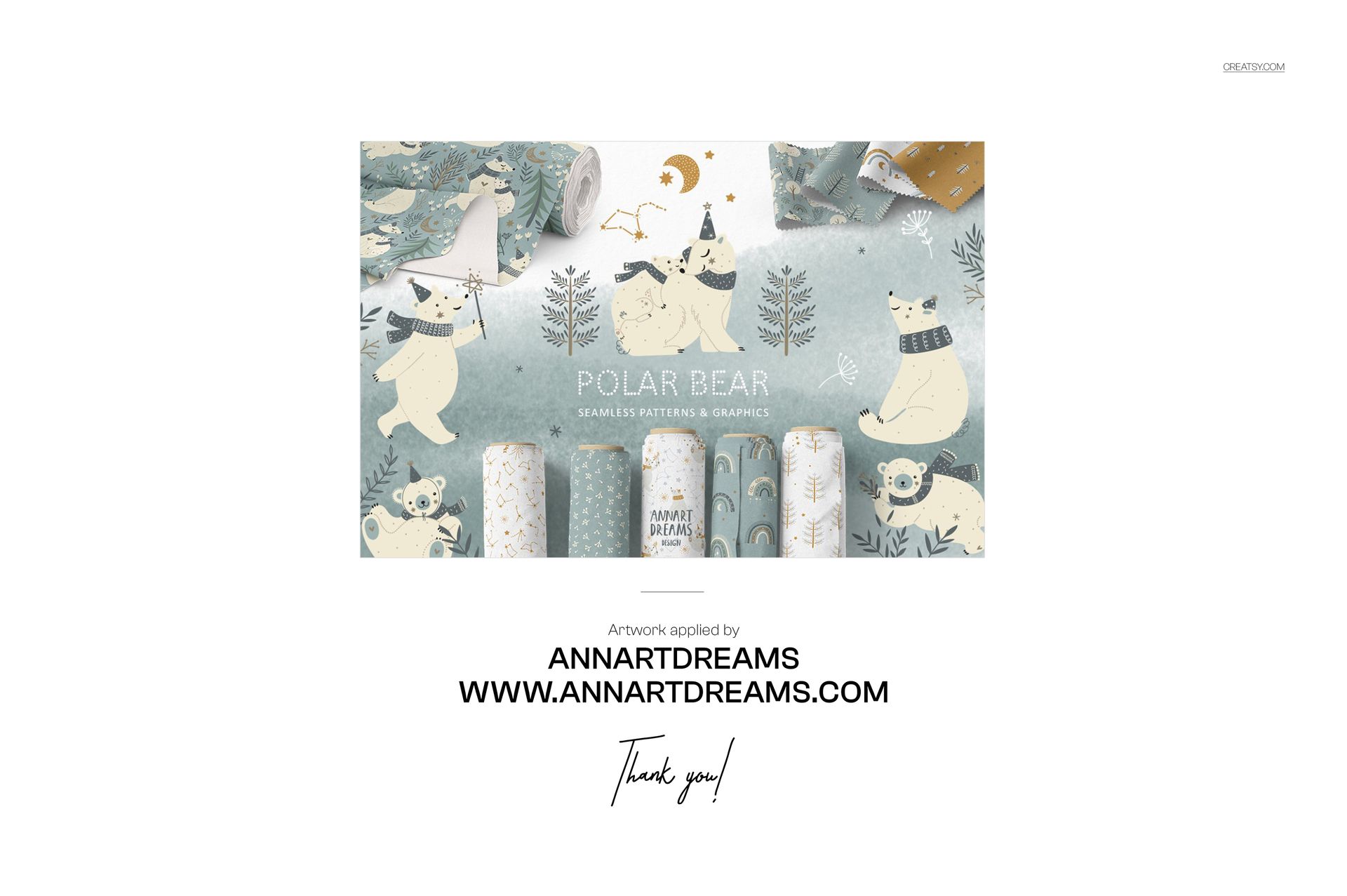
The sample pattern artwork shown in the previews is by ANNARTDREAMS and is used to demonstrate the mockup. The sample designs remain the work of their credited creator. Learn more at https://annartdreams.com/.