Oval Baby Crib with Toy Pram in Nursery Mockup
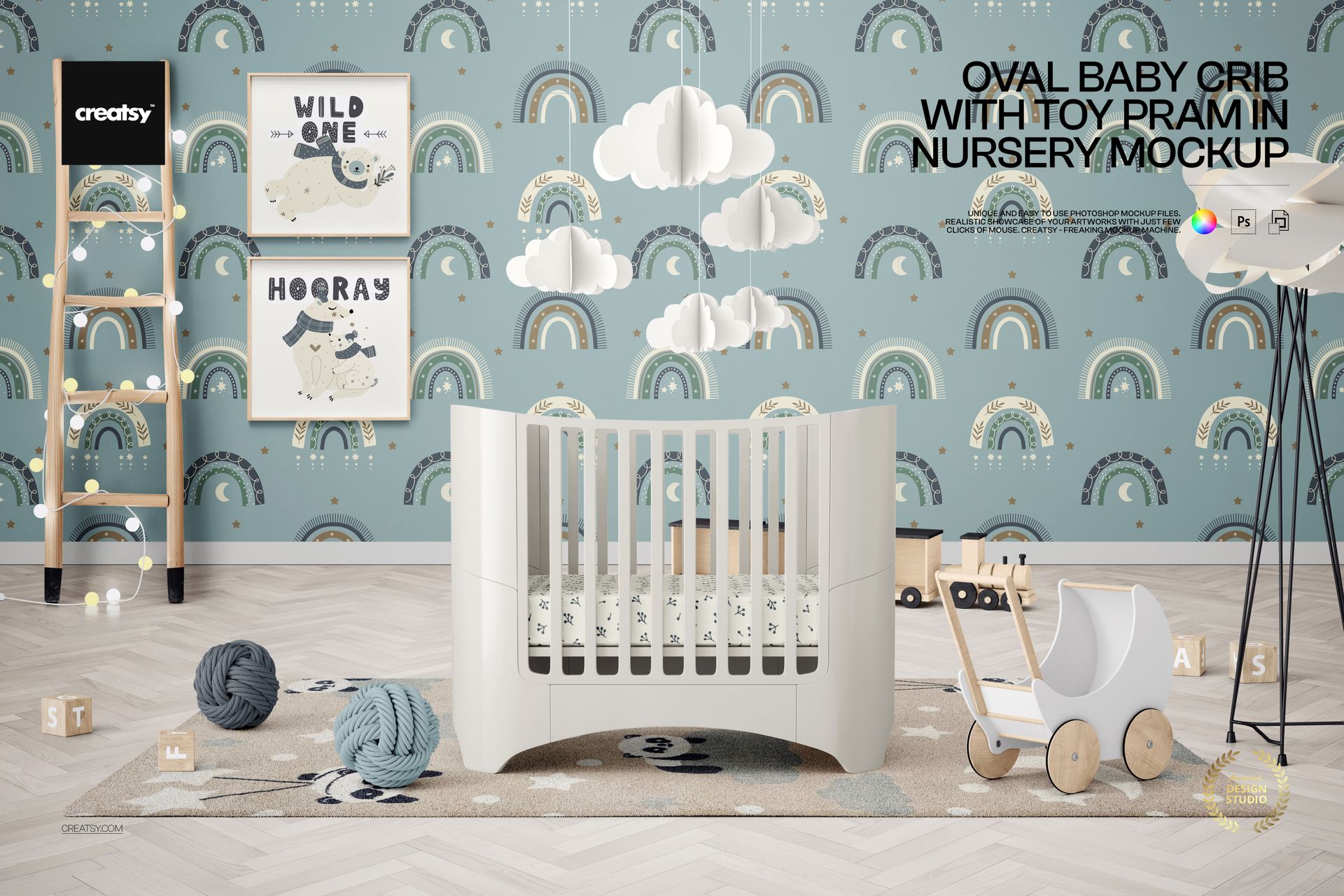
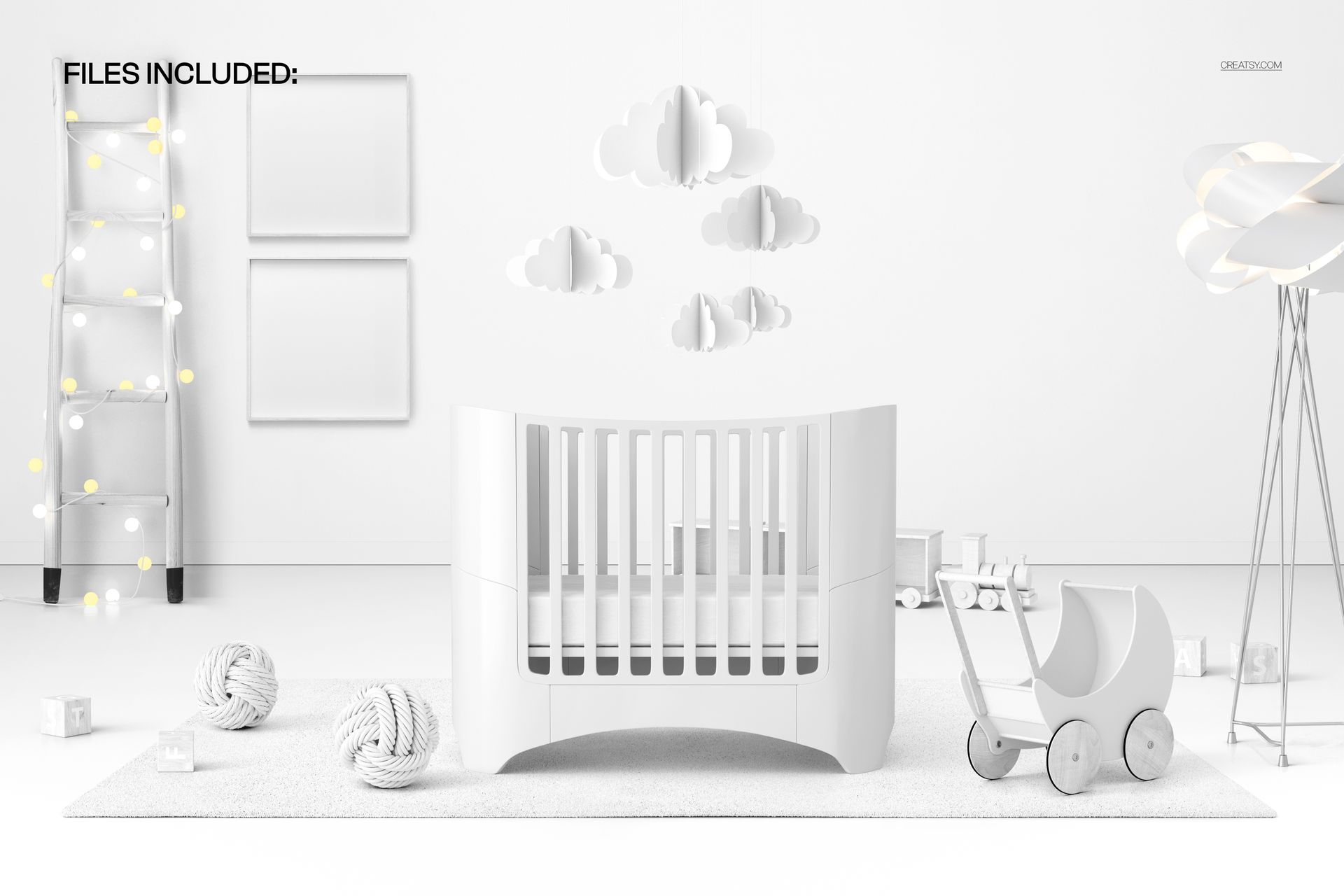
Build a complete nursery presentation around the gentle silhouette of an oval crib and a charming wooden toy pram. The front-facing landscape scene combines these focal elements with a ladder and decorative lights, two framed pictures, a hanging cloud mobile, a rug, lamps, a toy train, blocks, and decorative balls. Together, they create a modern children's room with enough detail to make artwork feel lived in while keeping the design surfaces easy to see.
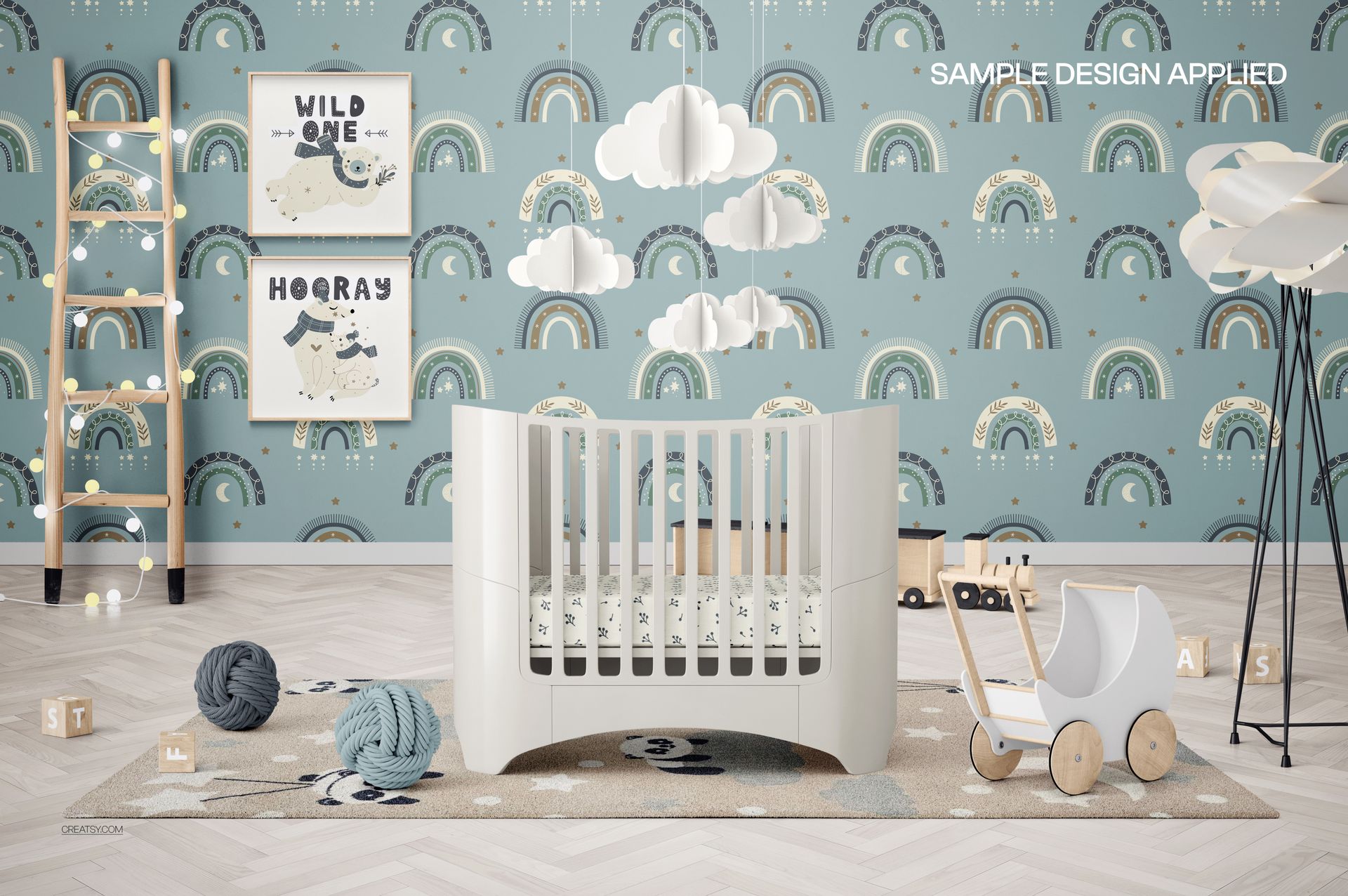
Use the scene to connect bedding patterns, nursery illustrations, wall treatments, rug artwork, flooring, and decor colors within one coordinated setting. It can help you compare pattern scale across different surfaces, present a complete theme to a client, or show shoppers how individual products might work together in a finished baby room.
What Is Included
1 layered and well-organized PSD mockup file
1 JPG preview file
2 files in total
6000 × 4000 px landscape format at 300 DPI
Smart Object editing in Adobe Photoshop CC2020 or newer and Photopea
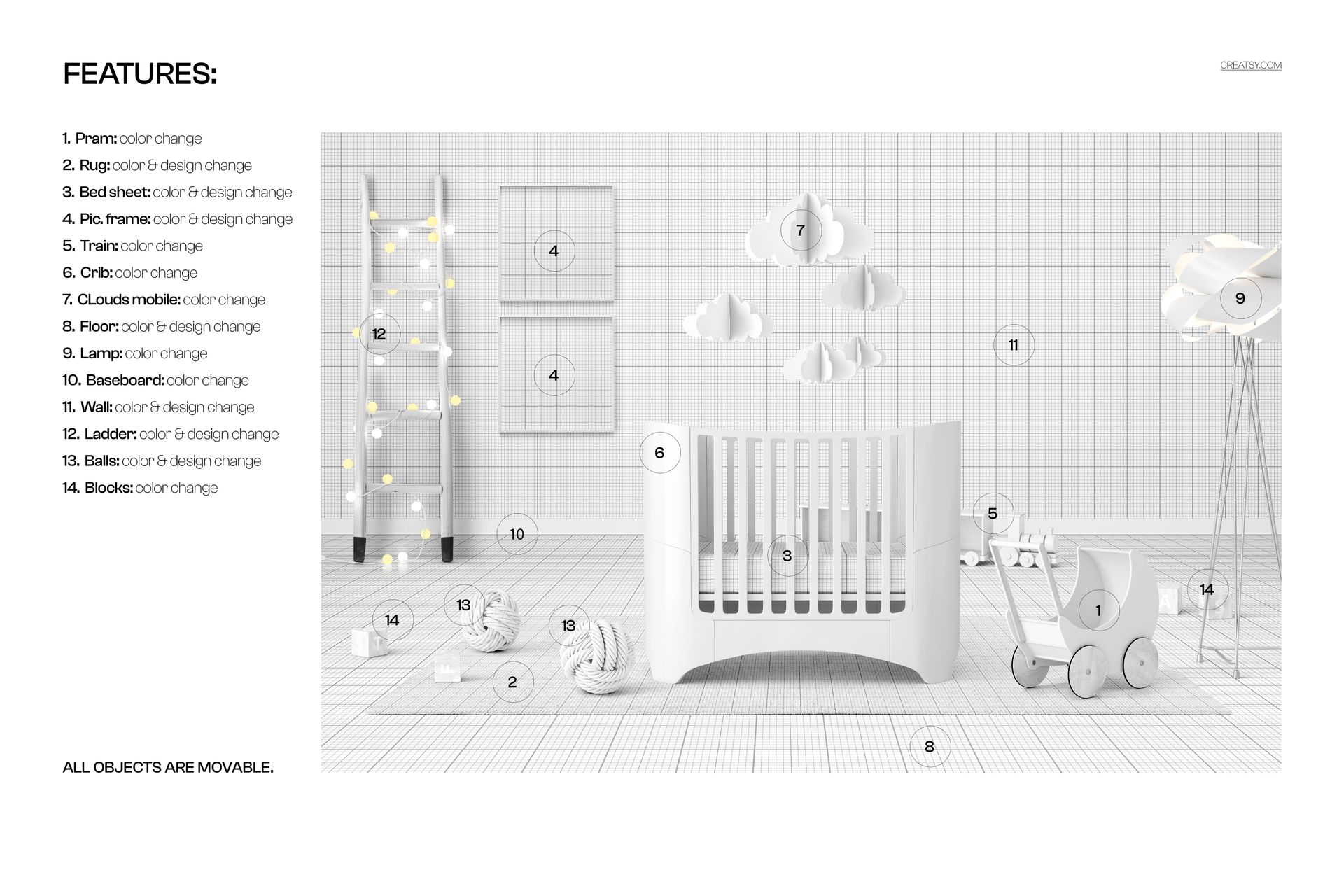
Edit Furnishings, Patterns, and Color
Change the colors of the wooden pram, toy train, oval crib, cloud mobile, lamp, baseboard, and blocks. Add colors or designs to the rug, bed sheet, picture frames, floor, wall, ladder, and decorative balls. These options make it possible to develop a subtle neutral nursery, a playful illustrated room, or a coordinated surface pattern collection from the same scene.
Arrange Every Object Around Your Artwork
All objects in the room are movable. Reposition the pram, ladder, frames, train, blocks, balls, lamps, and other decor to create a new balance, open up negative space, or bring attention to a particular design. This flexibility is useful when preparing several gallery images with different compositions from one PSD.
Easy Smart Object Editing
Place artwork through the relevant Smart Objects, save the edited layer, and return to the main document to review the updated nursery. The organized layer structure helps you work through the room without rebuilding the composition. The PSD is compatible with Adobe Photoshop CC2020 or newer and Photopea. You can also explore the Creatsy Online Mockup Editor for additional browser-based presentation options.
Perfect For
Nursery surface pattern and textile collections
Baby bedding, rug, wallpaper, and flooring concepts
Children's illustrations and framed wall art
Client presentations and coordinated colorway reviews
Portfolio, social media, and online store imagery
Nursery decor branding and product collection previews
This is a digital product. No physical crib, pram, furniture, artwork, or decor will be shipped. The sample artwork shown in the product previews is used for presentation only and is not included in the download.