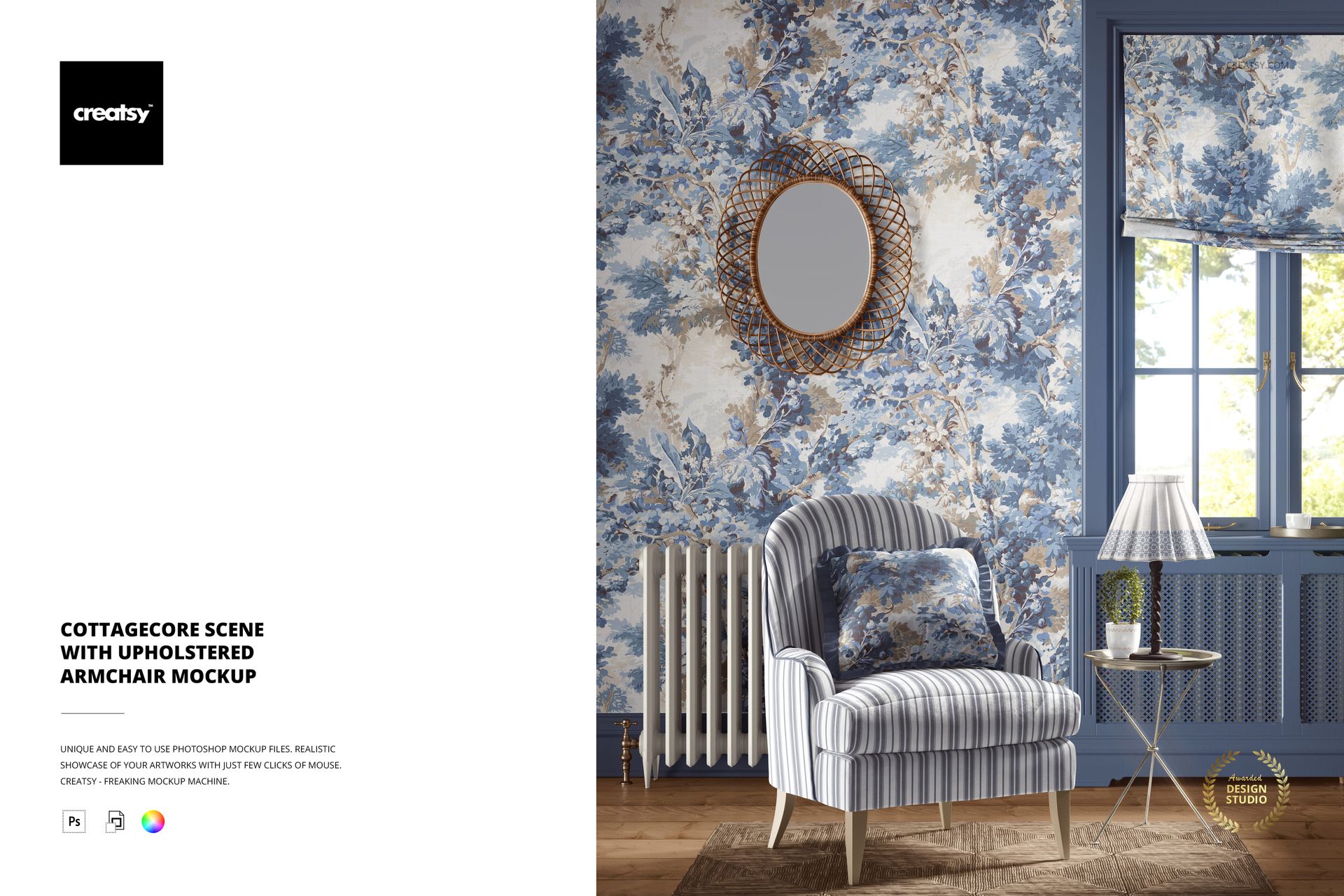
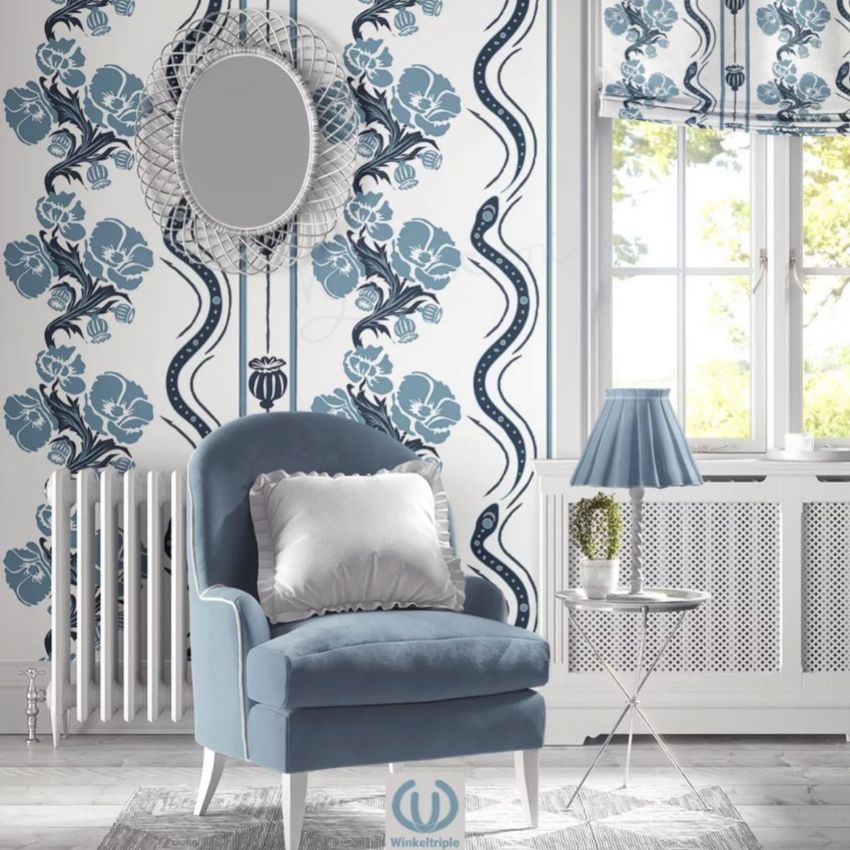
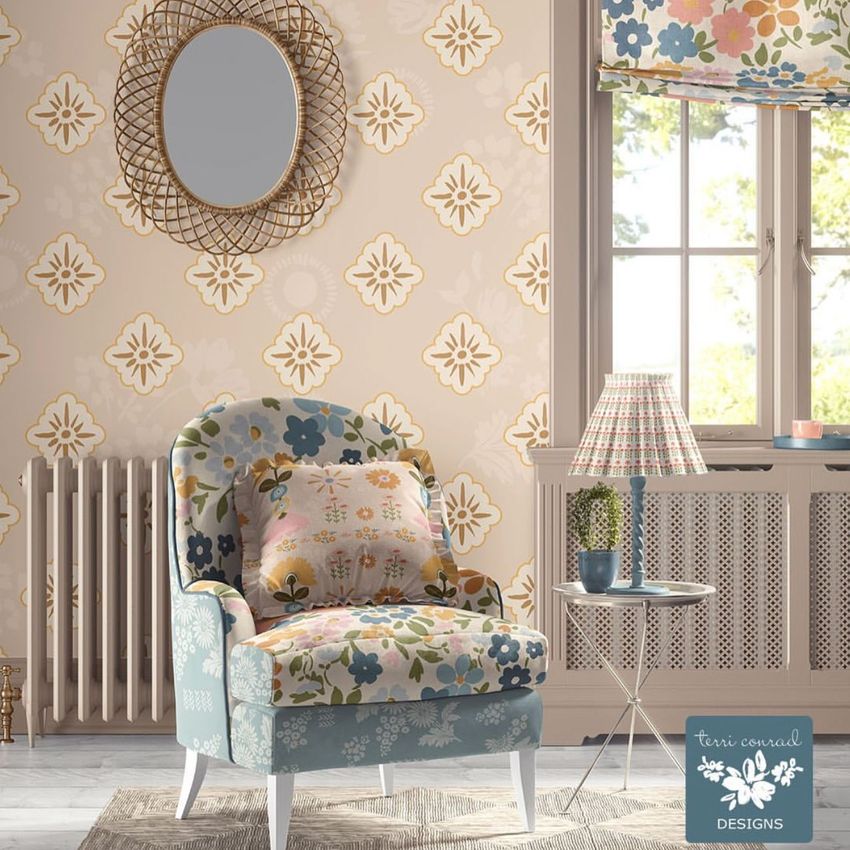
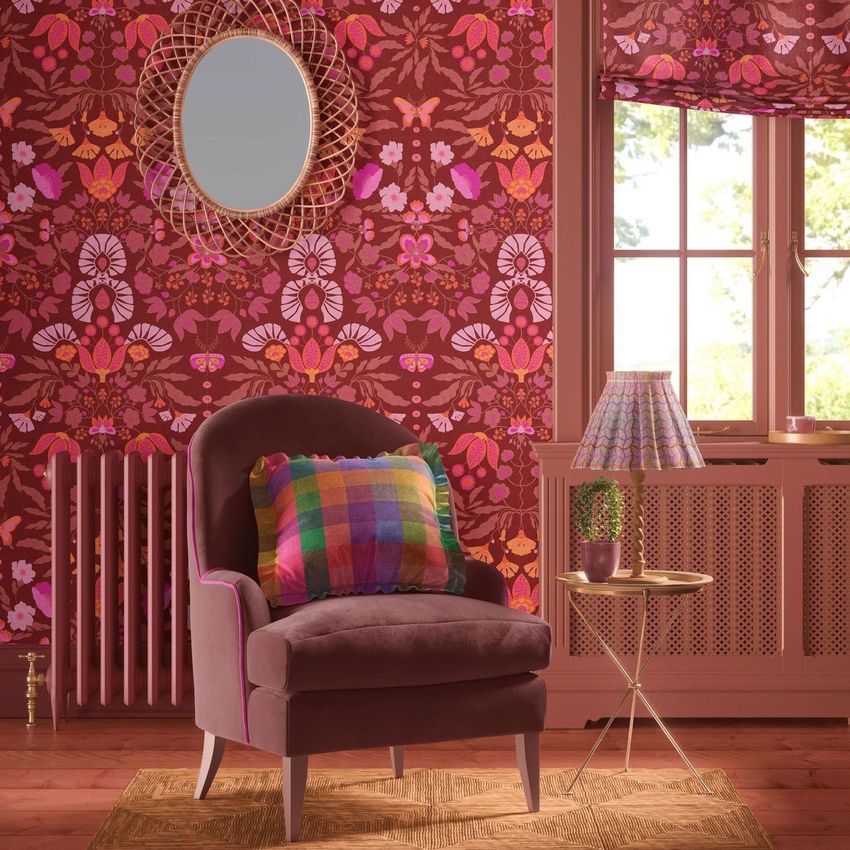
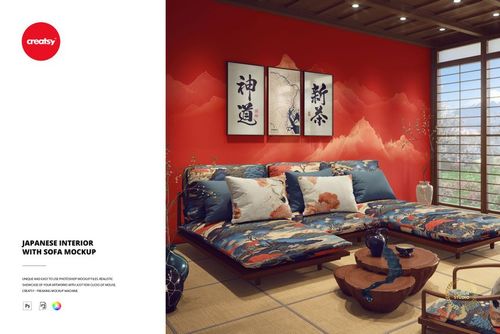
Cottagecore Scene with Upholstered Armchair Mockup
This product is a part of Fabric Factory v.3 Mockup Bundle (Upholsteries & Wallpapers)
Product Details
Cottagecore Scene with Upholstered Armchair Mockup
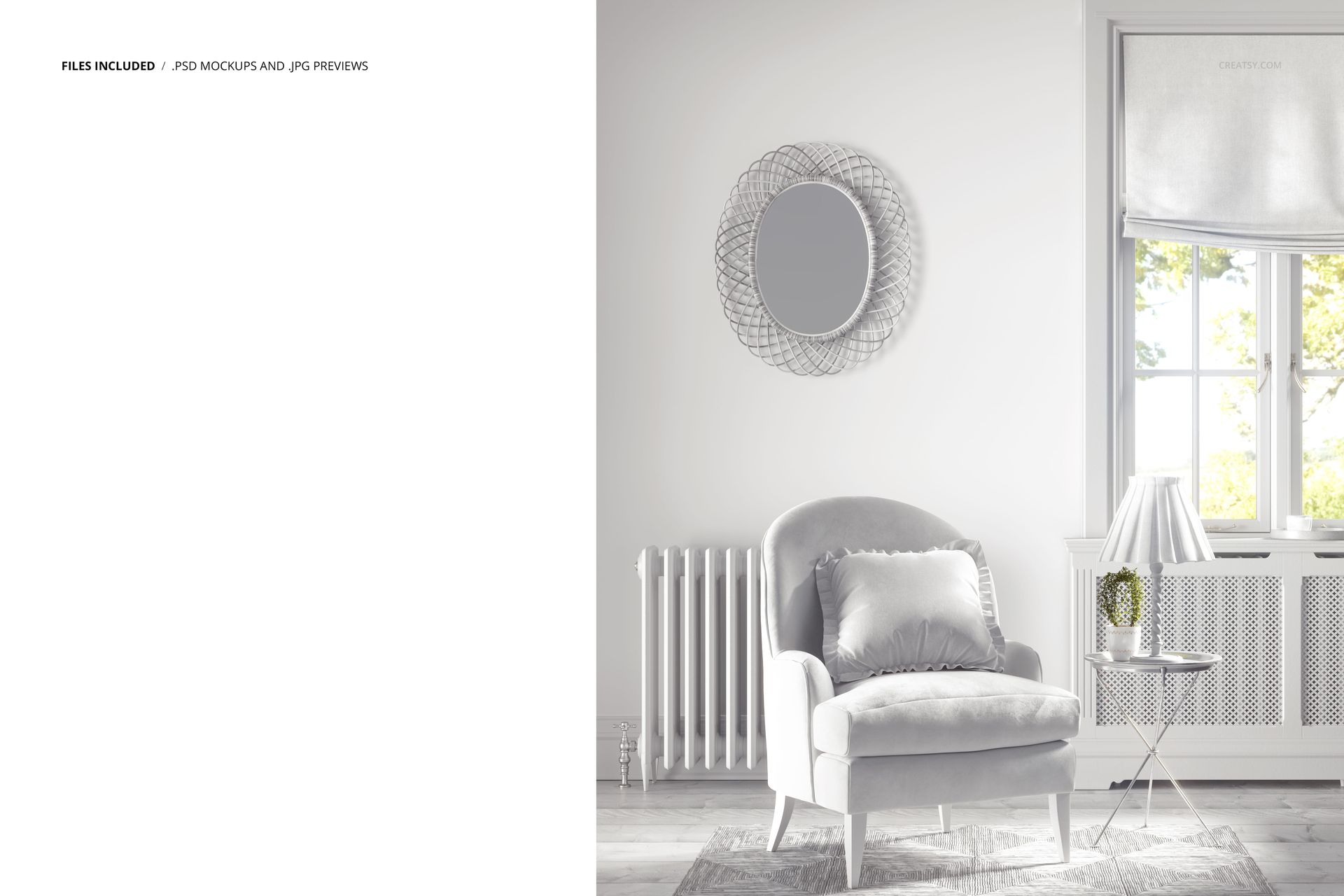
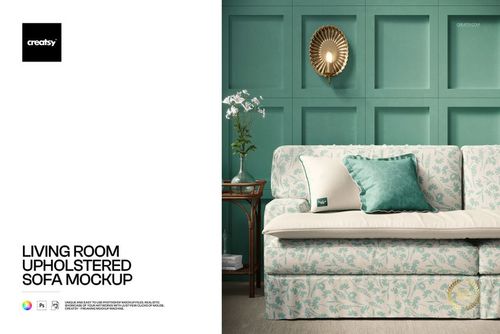
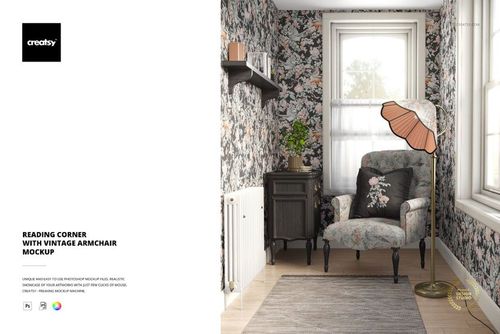
Present fabric and wallpaper patterns in a cottagecore corner with an upholstered armchair, a ruffled cushion, a Roman blind and a table lamp. A wicker mirror, woven rug and small side table give the scene a layered, lived-in setting.
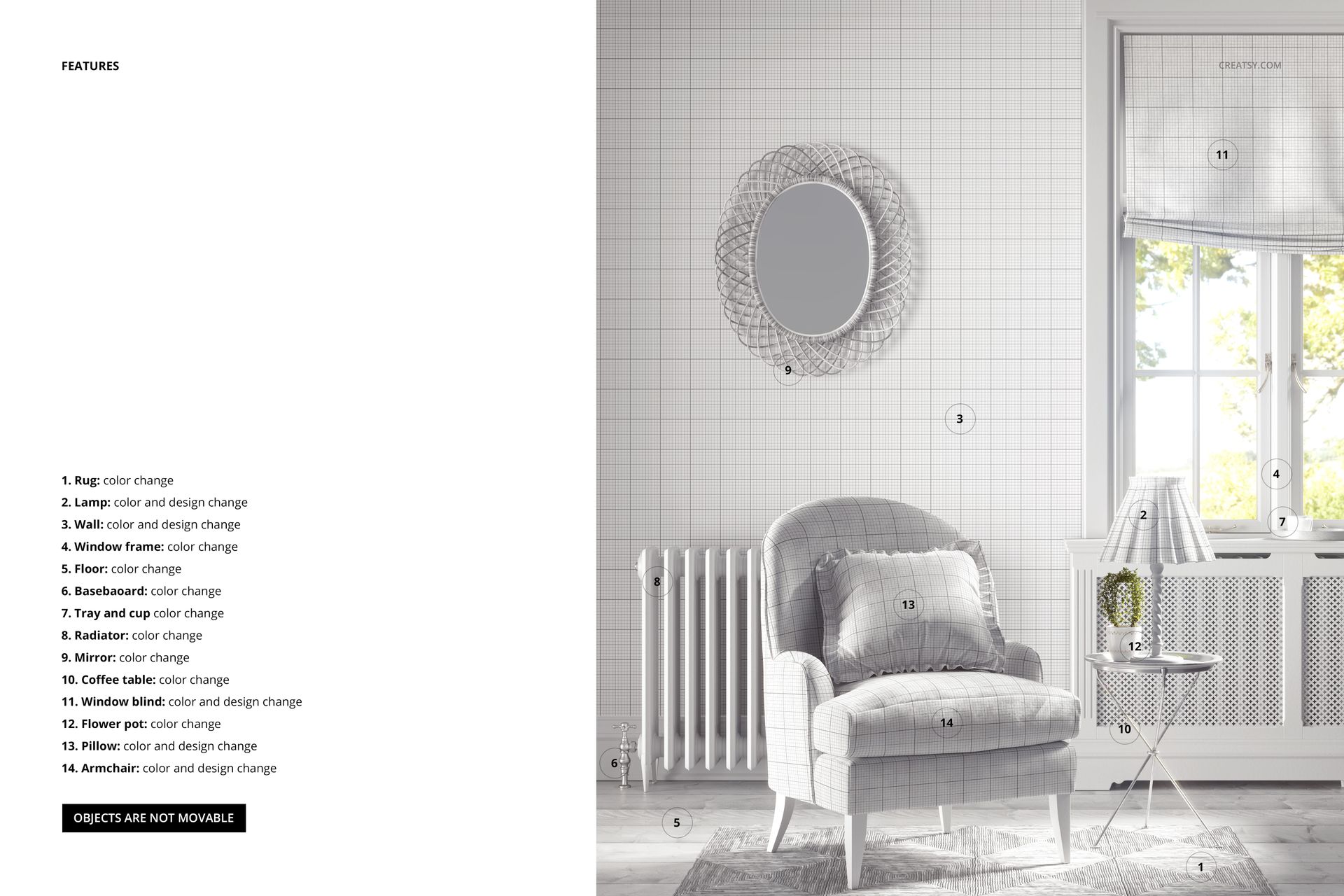
Edit the surfaces shown in the feature guide
Apply colors and designs to the armchair, pillow, wall, window blind and lamp shade.
Change colors on the rug, floor, baseboard, window frame, tray and cup, radiator, mirror, side table and flowerpot.
The objects are fixed in place and cannot be moved.
The pack includes 1 editable PSD at 6000×6000 px, 300 DPI, and a JPG preview. It works in Adobe Photoshop CC2020 or later and Photopea.
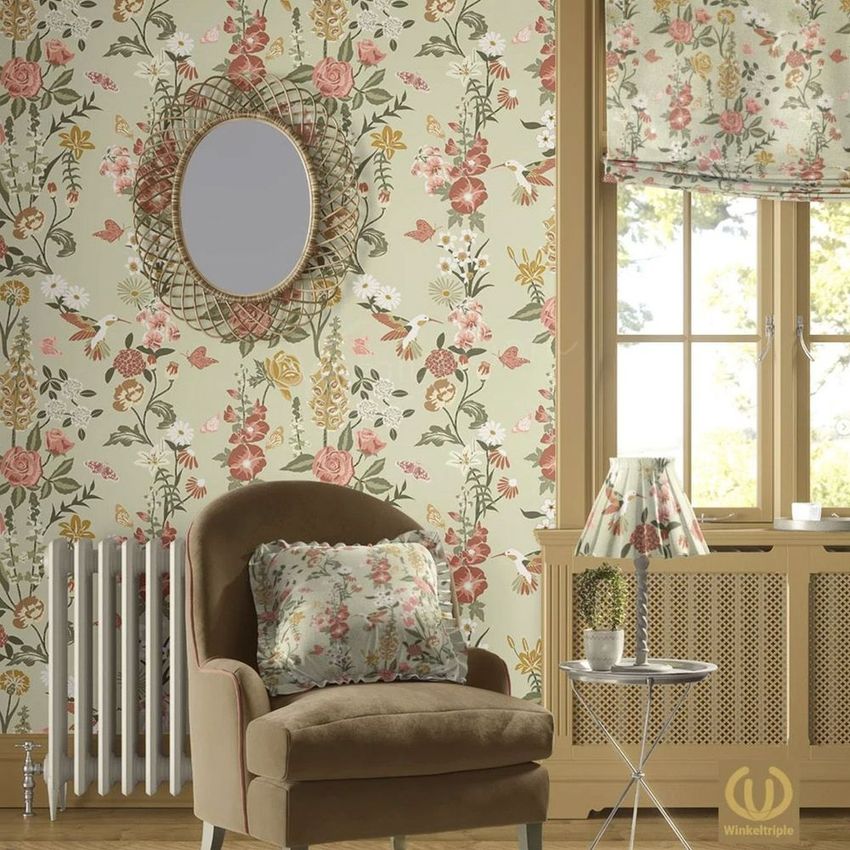
Use the scene for floral wallpaper previews, upholstery proposals and coordinated home textile collections. This is a digital mockup; no physical furniture or accessories are included. Sample artwork shown in the previews is not included.
File details
- Compatibility
- Package size
- 302 MB
|317 MB
- Files type
- .psd, .jpg
- Files size
- 6000x6000


Reviews
Professional PSD mockups built in-house - editable, realistic, high-resolution, and supported by real people.
had such fun populating this mock up, and my patterns looked wonderful applied to it.
Thank you so much for your lovely review! We’re so happy to hear you had fun working with the mockup and that your patterns looked wonderful in the scene. We truly appreciate your support.
Made with Creatsy
Real designs. Real customers. See how creatives use Creatsy mockups to turn their artwork, branding, and product ideas into polished visuals.
MEET THE SHOP
- $2040$24.00
- $2040$24.00
- $1615$19.00
- $1615$19.00

HOW IT WORKS
3 clicks. That's it.
No tutorial needed. If you can copy-paste, you can use this.
- 1OpenDouble-click the smart object inside the PSD - in Adobe Photoshop, or free in your browser with Photopea.
- 2PasteDrop in your pattern, print, or artwork. Any design, any style.
- 3SaveHit save and the mockup wraps it in for you - shadows, folds, and lighting included.
FROM IDEA TO IMAGE
Built for real workflows
Skip the photo shoot Show your artwork on the real product type for approvals or listings - no studio, no model, no sample.
See it on the product, not a swatch Drop your file into the smart object and the scene's lighting and folds wrap around it, so you judge the real thing before you commit.
Smart Objects
Edit once and you're done. Your artwork drops into a smart object and the mockup updates itself - no masking, no warping by hand.
Perfectly Organized
Named layers and folders you can actually navigate. Find what you need, change what you want, and get out fast.
Print-Ready
High-resolution files built to hold up on screen and in print. Exact size and DPI are in this product's Details above.


Creatsy make the best Mockups on the market, no matter what you need to showcase. These mockups are highly customizable, and the lighting in them makes everything look very realistic. You can keep or turn off many of the Items in the mockup, also a great feature giving control over the look you want. They have the most friendly and very helpful support. I highly recommend these mockups!
Thank you so much for this wonderful review! We’re so happy to hear the mockup feels realistic, flexible, and easy to customize. It means so much to us that you’d recommend our mockups.