

Fabric Factory v.3 Mockup Bundle (Upholsteries & Wallpapers)
Product Details
Fabric Factory v.3 Mockup Bundle (Upholsteries & Wallpapers)
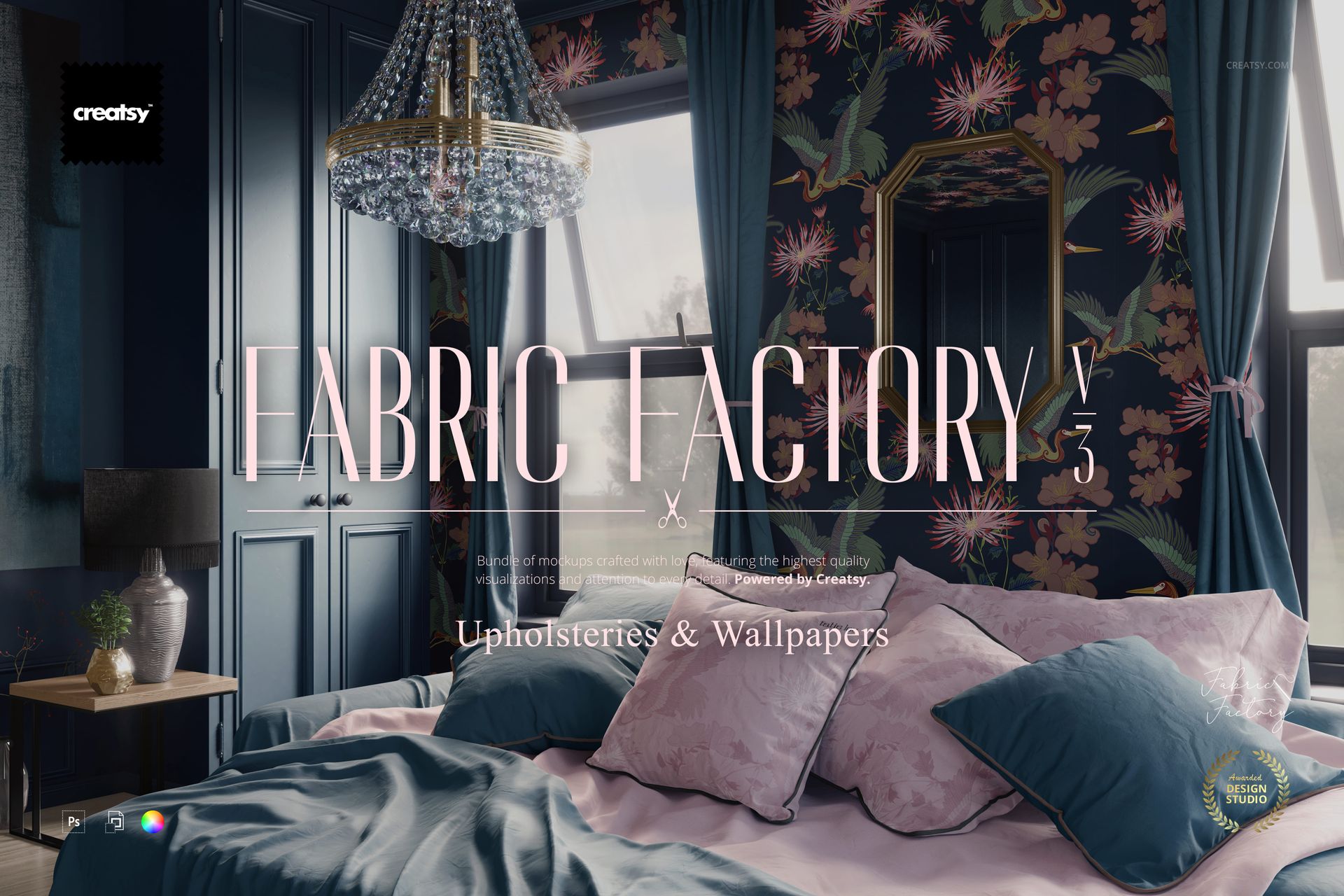
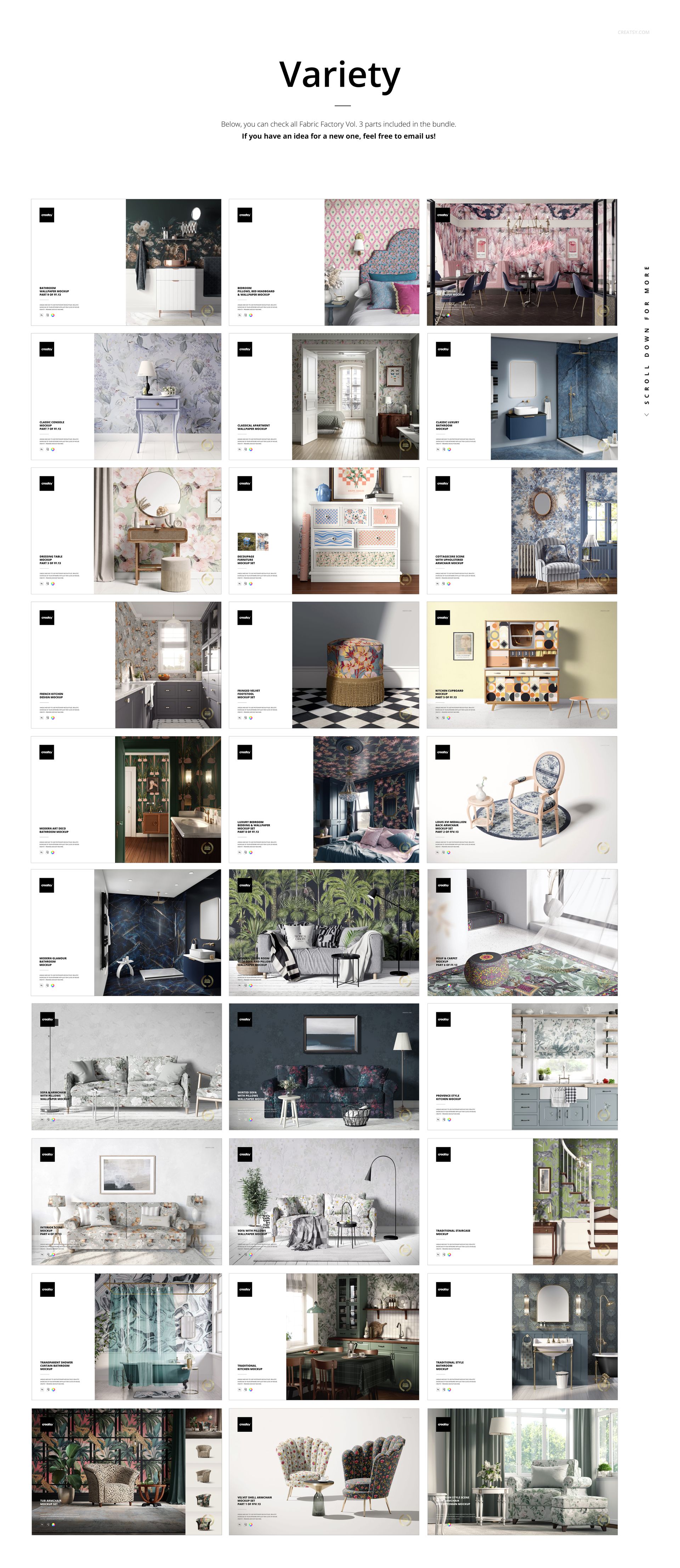
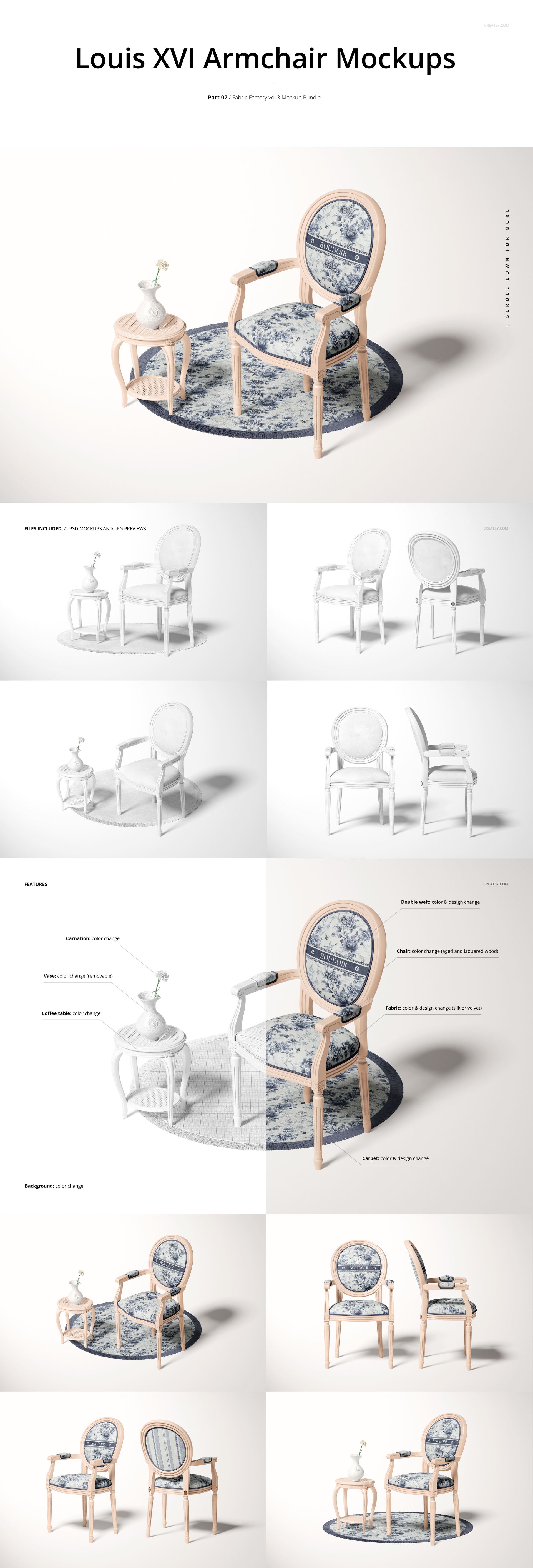
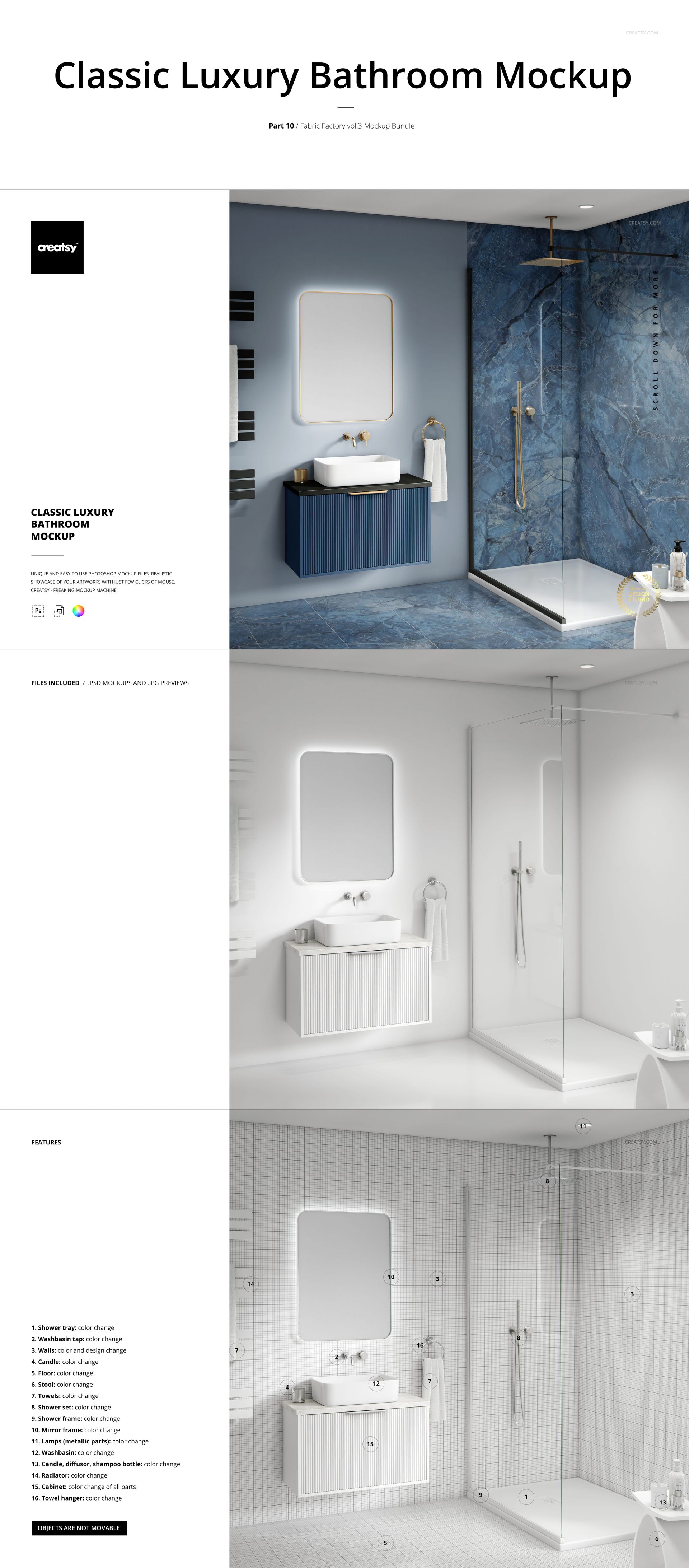
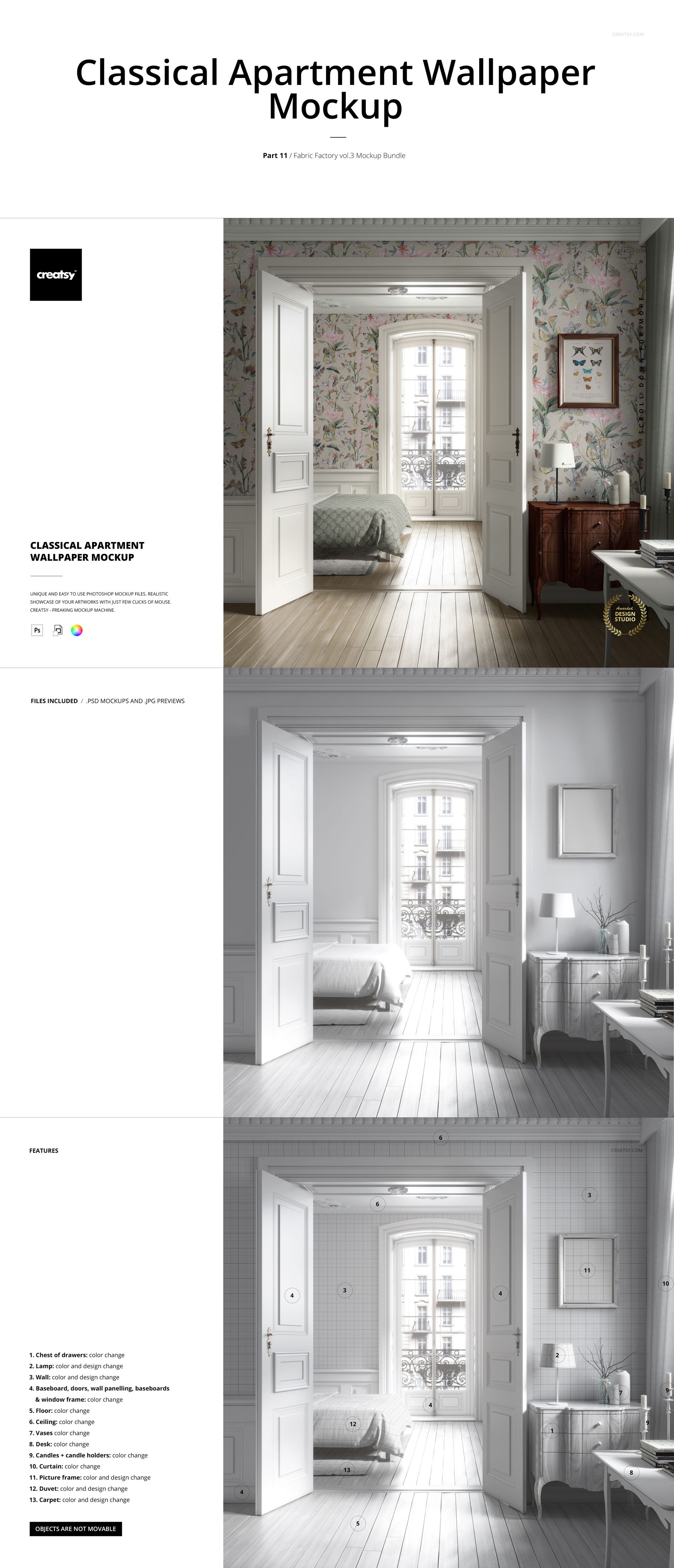
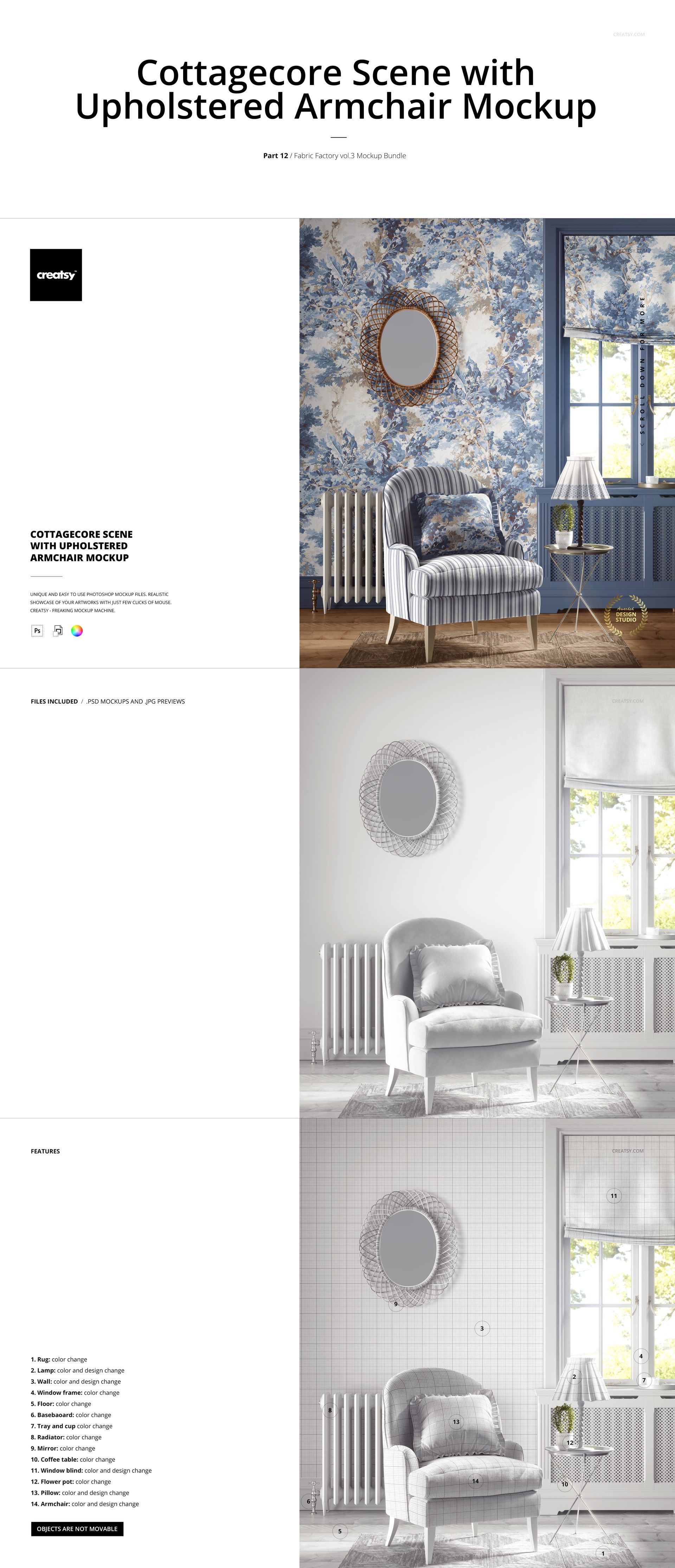
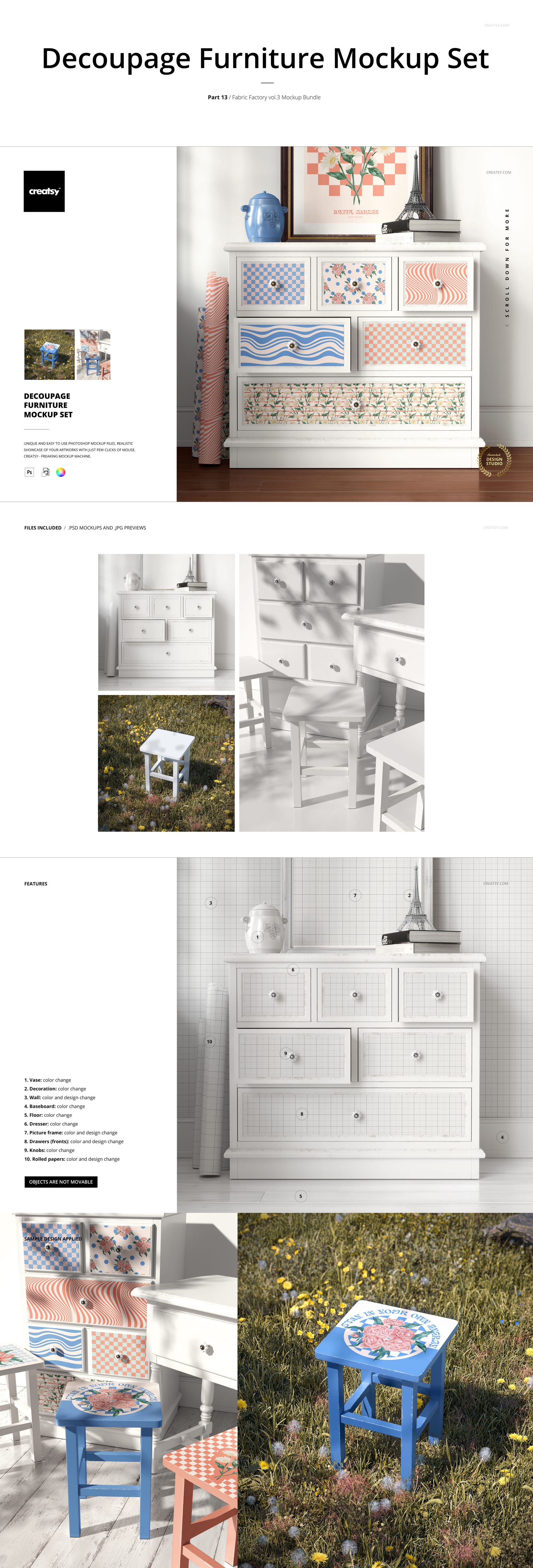
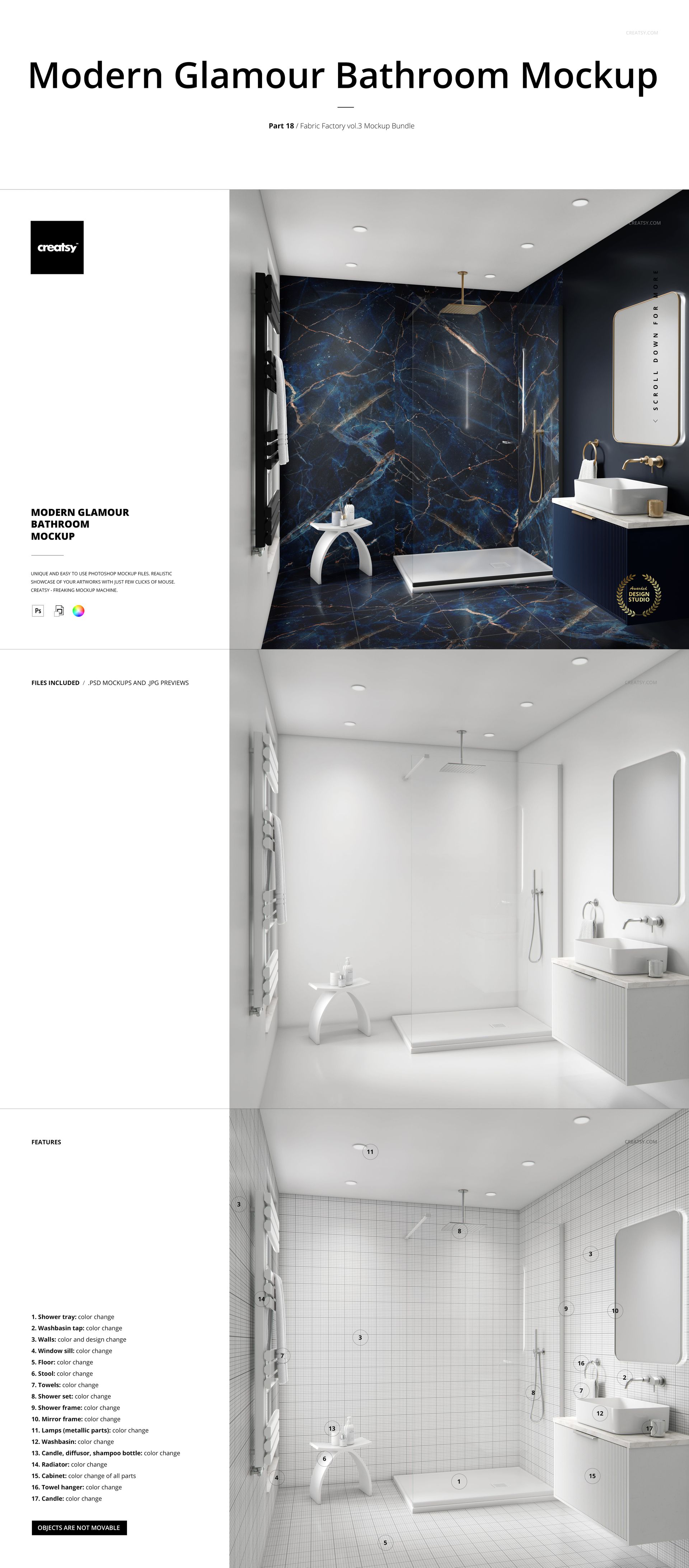
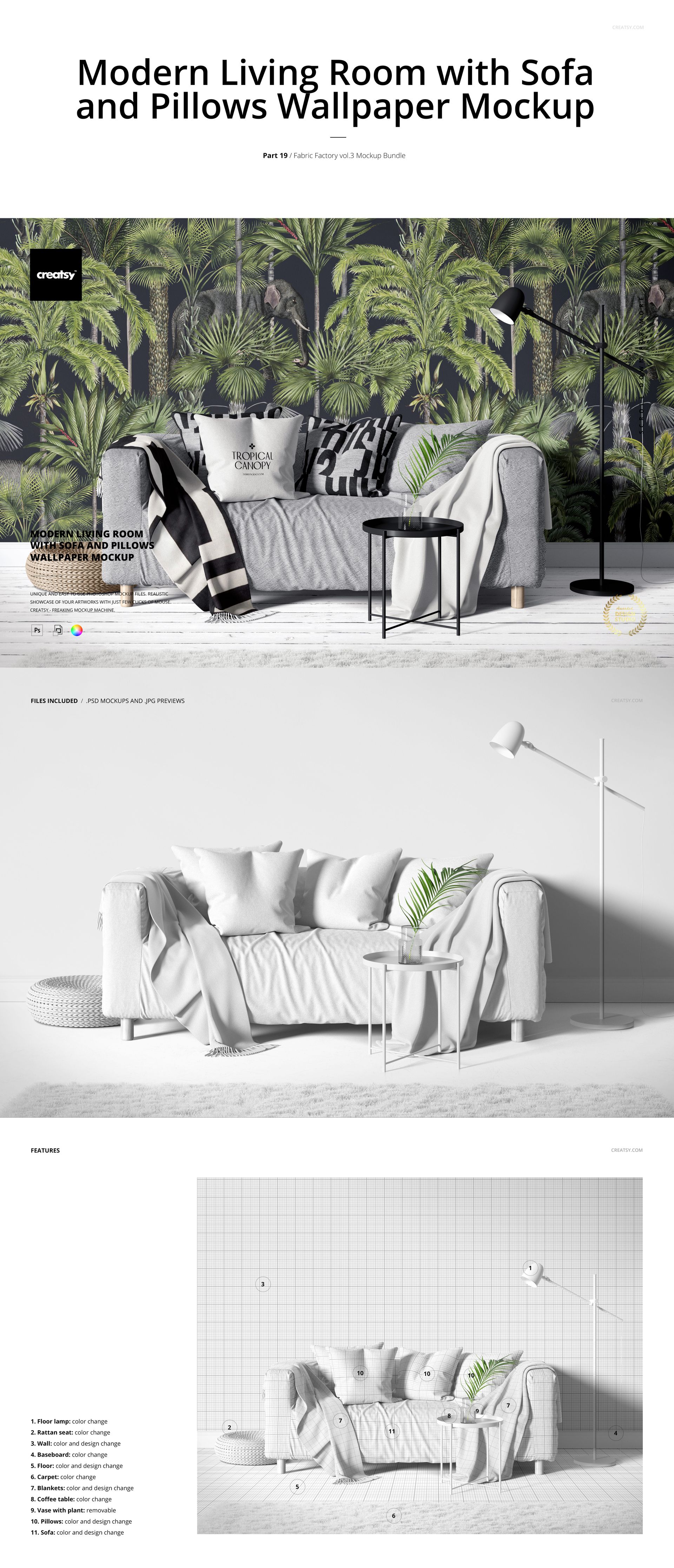
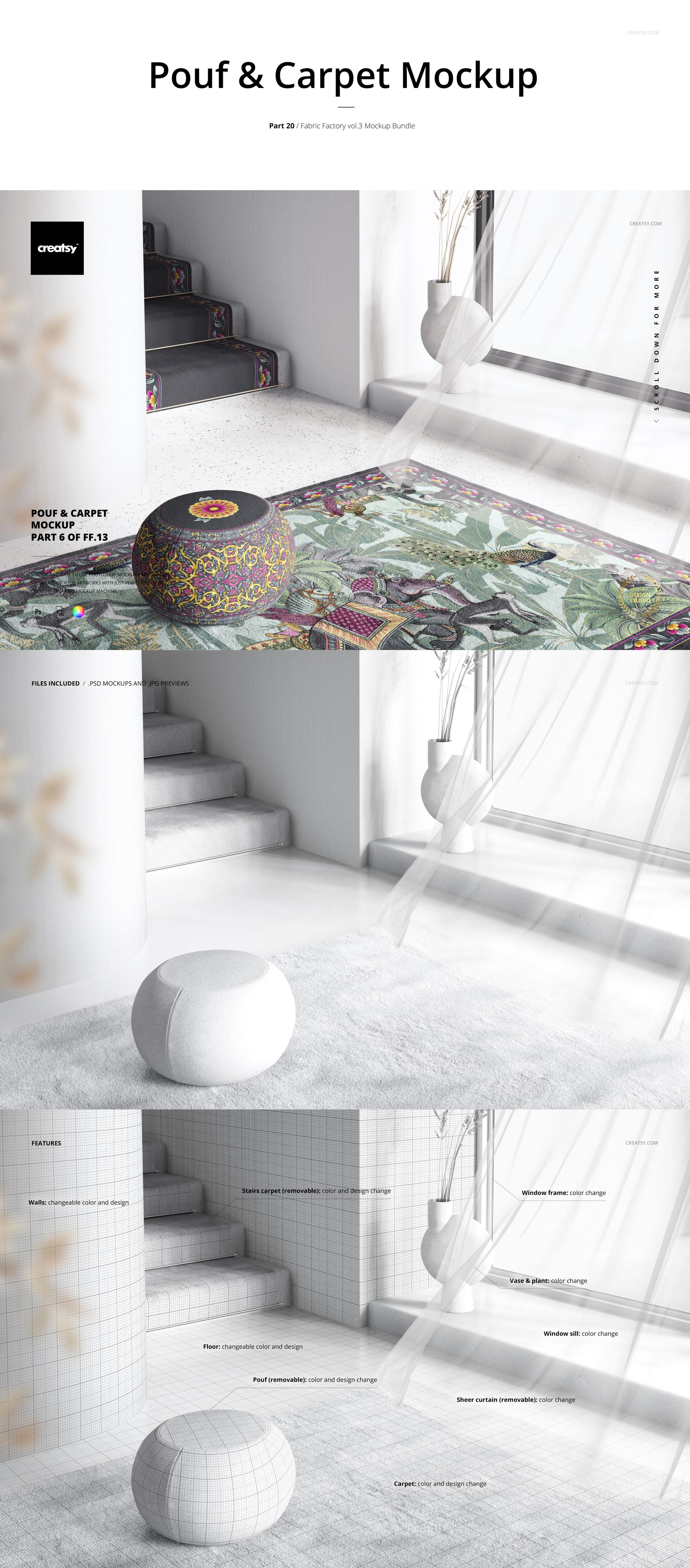
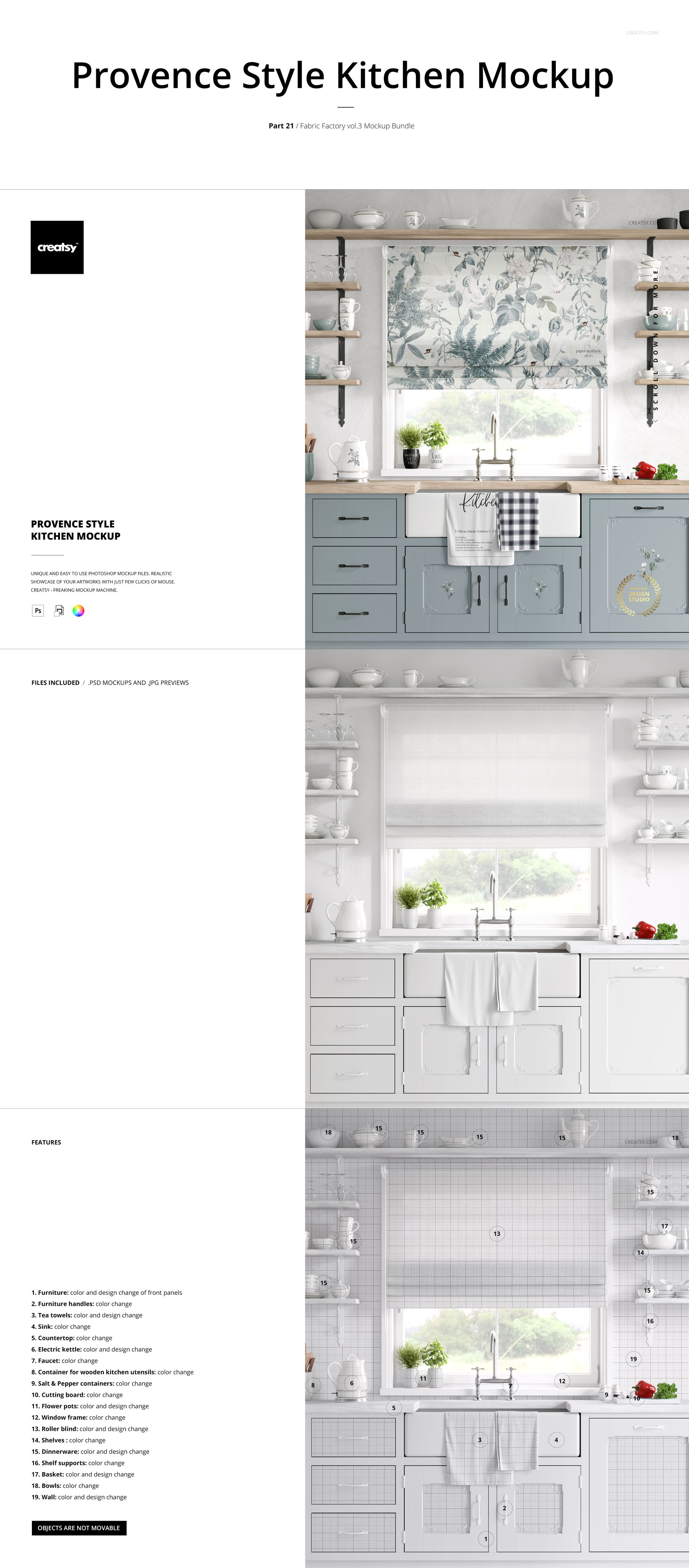
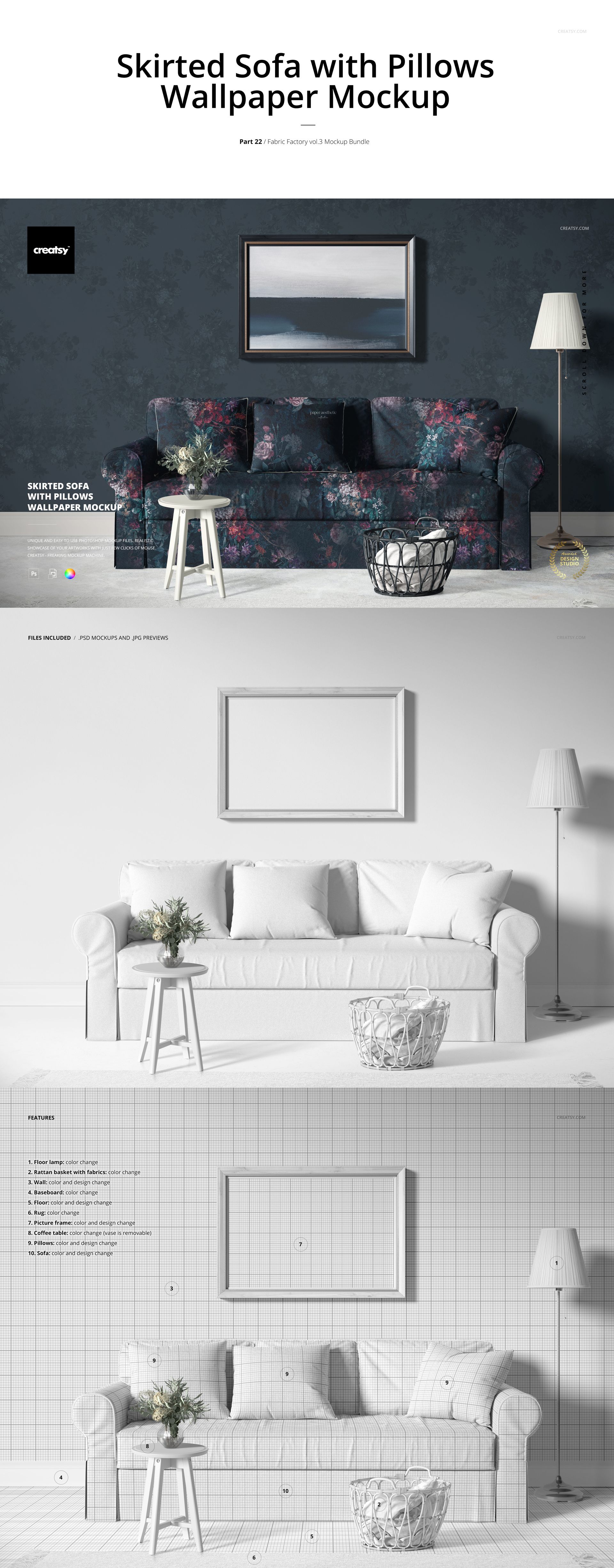
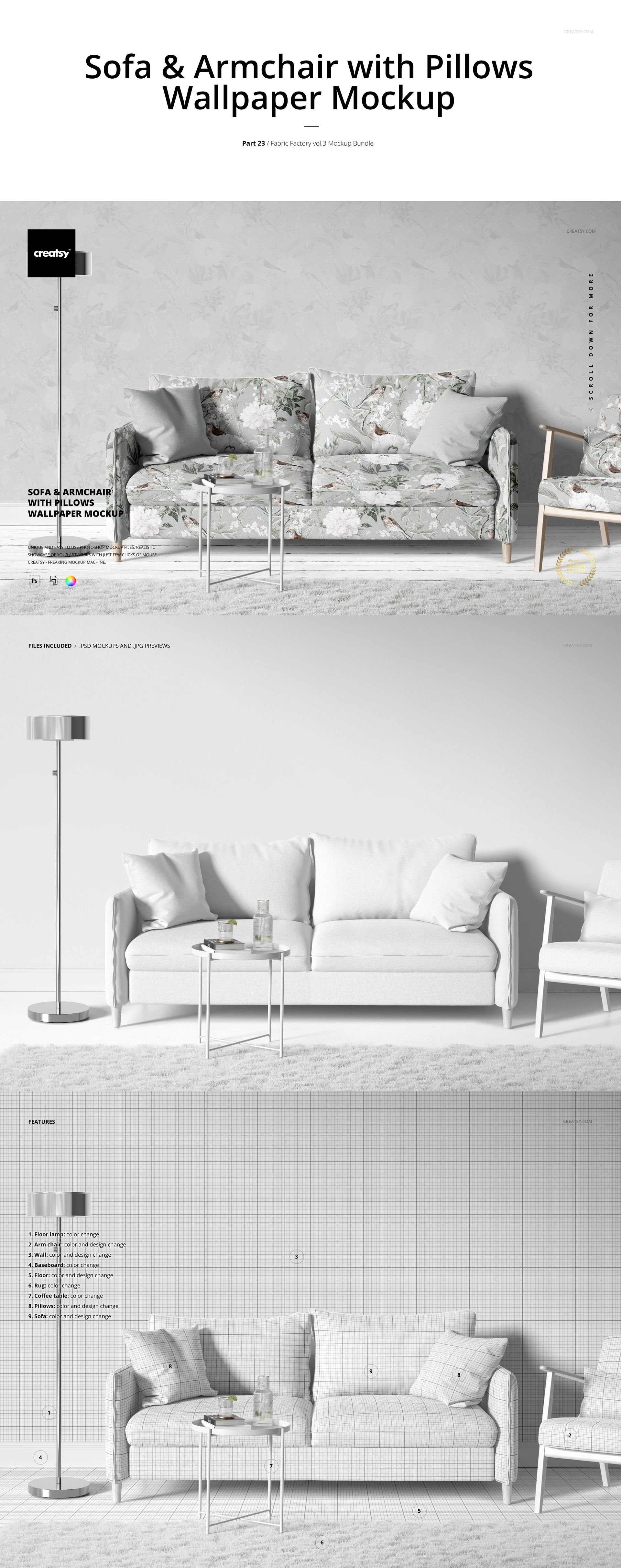
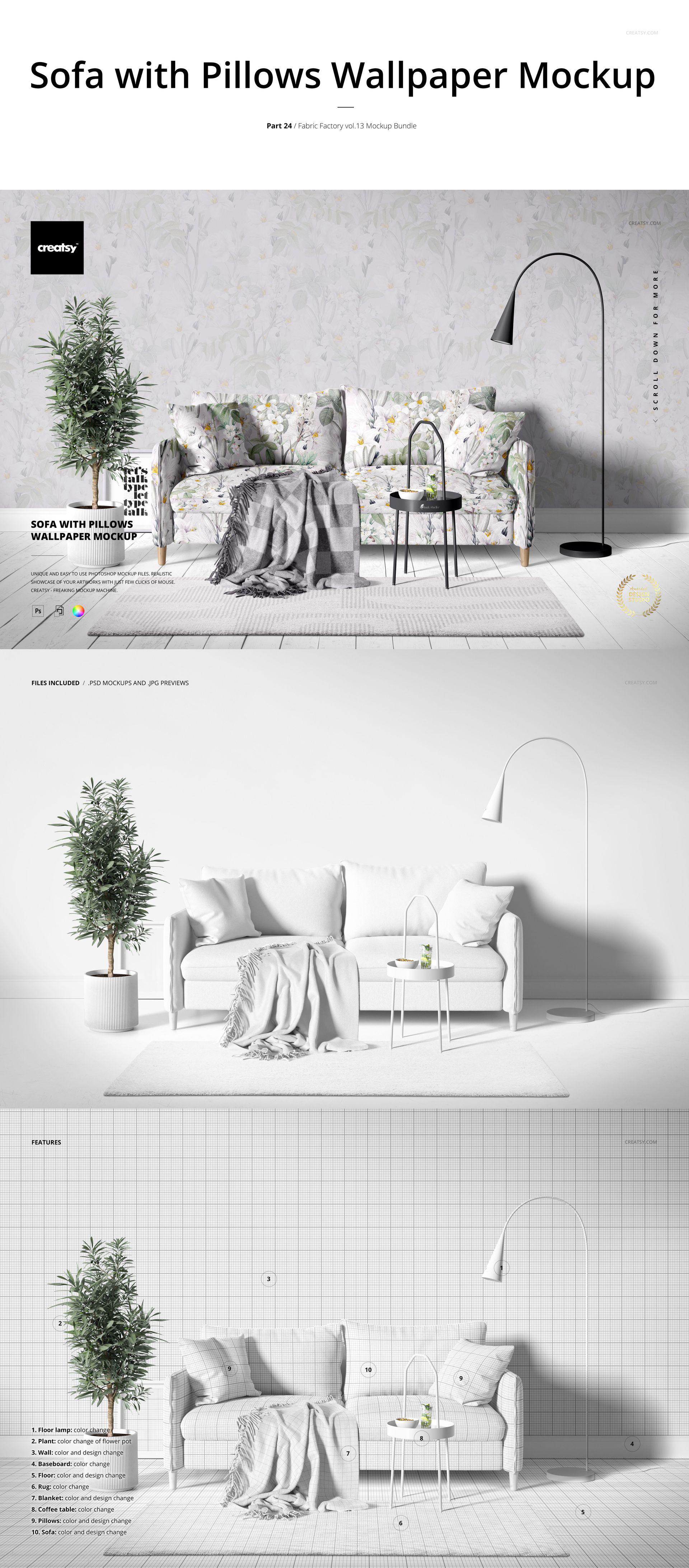
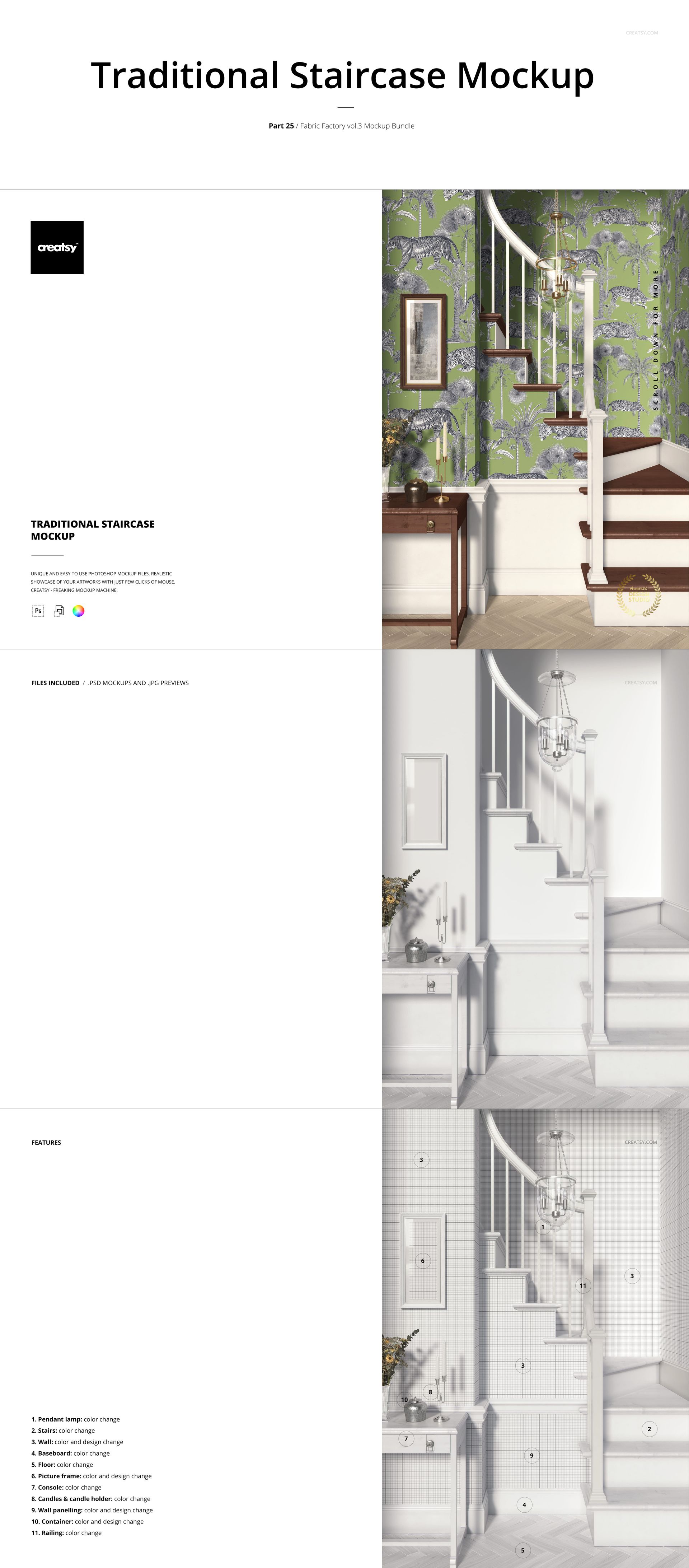
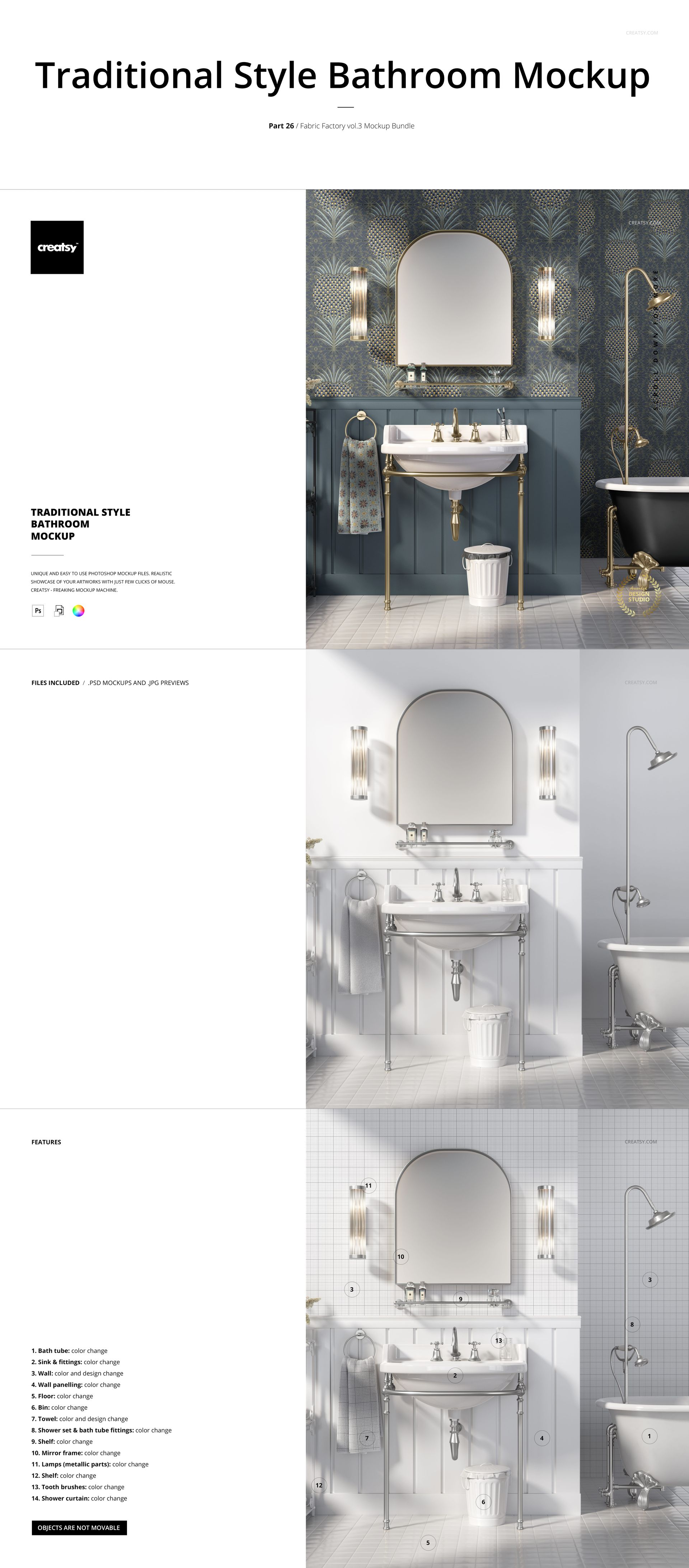
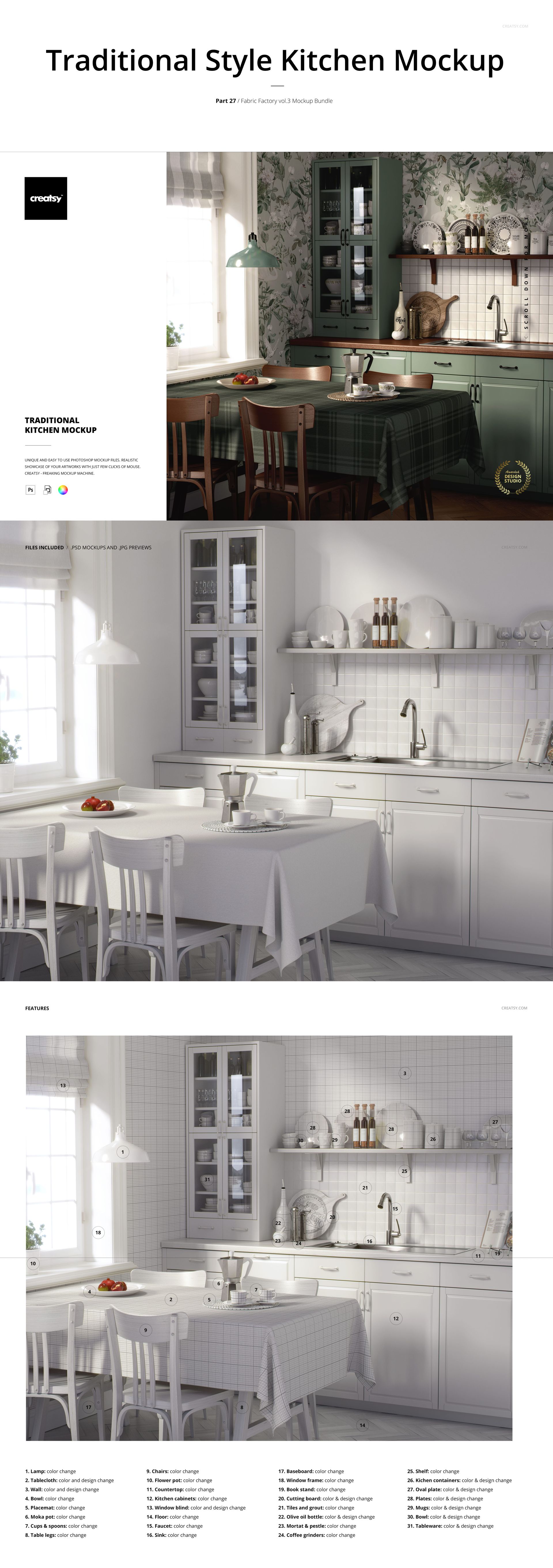
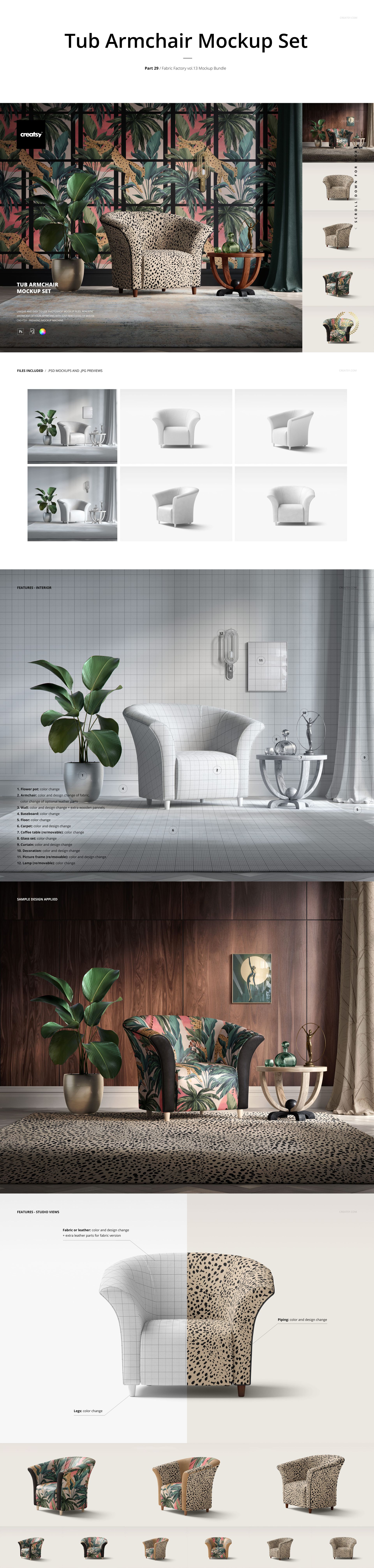
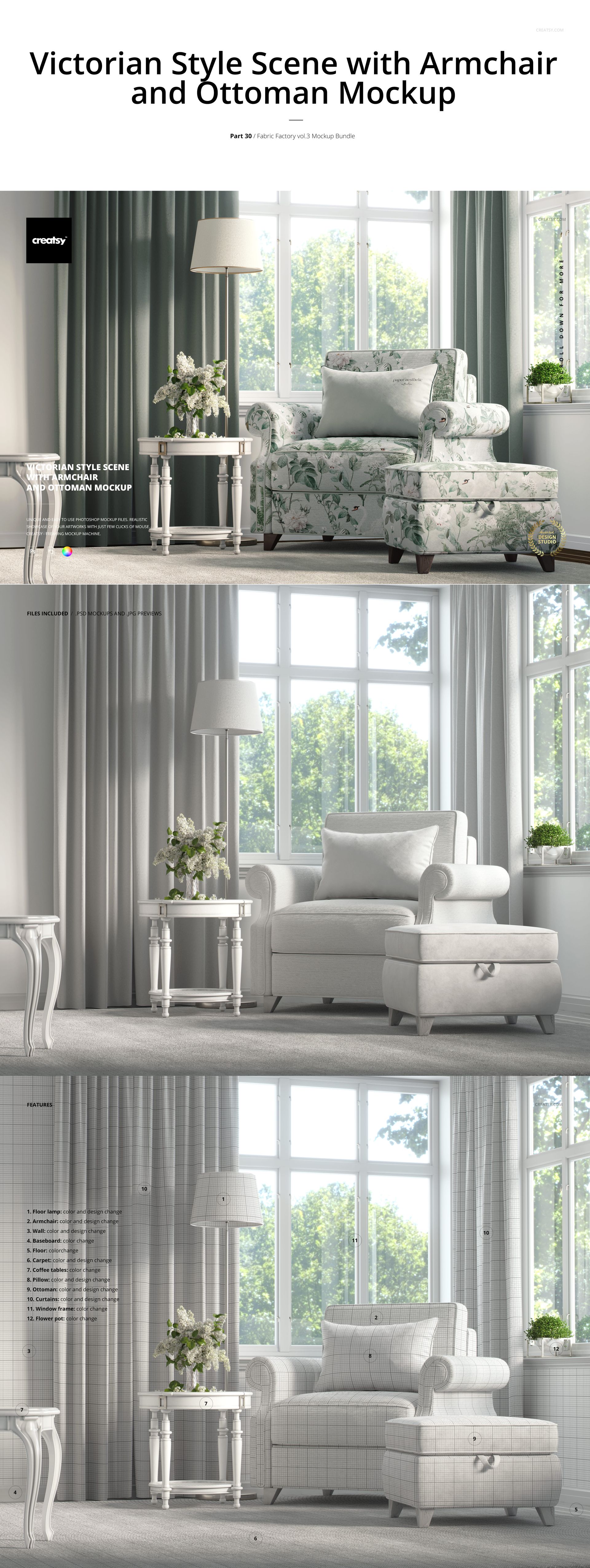
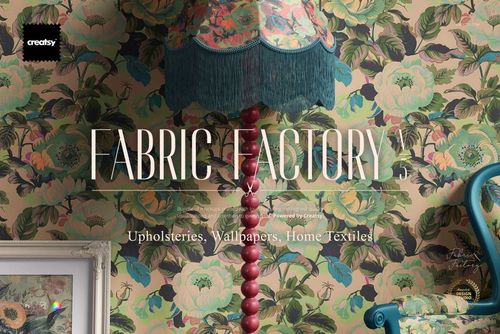
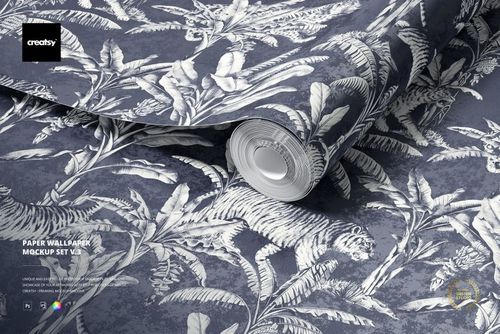
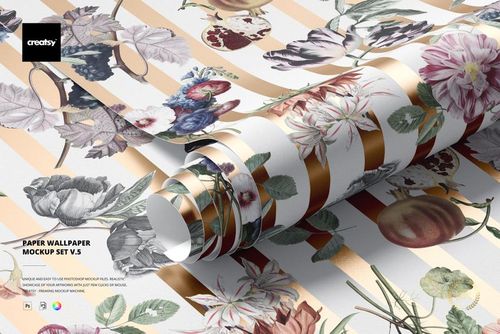
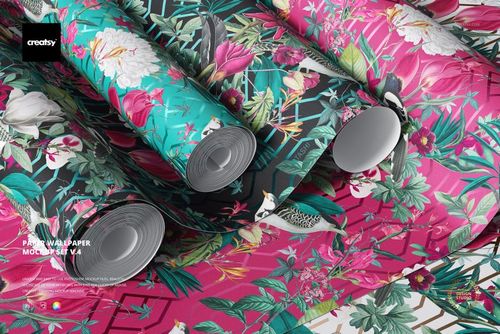
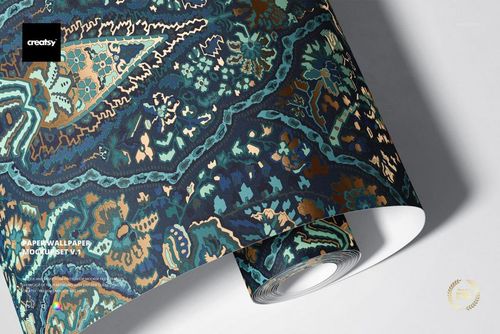
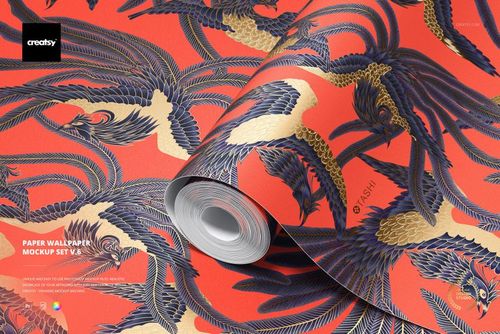
Build a pattern presentation around classic interiors, from an upholstered armchair to a bedroom, kitchen or bathroom. Fabric Factory v.3 combines 30 products, including furniture mockup sets and room scenes, so wallpaper and textile designers can show coordinating prints on different surfaces.
What the collection covers
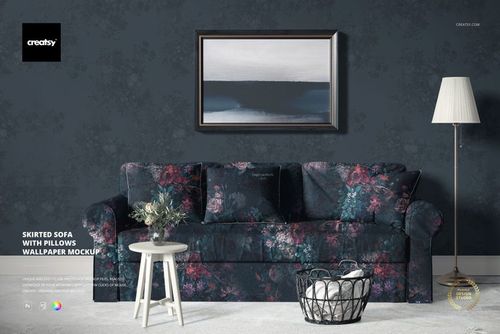
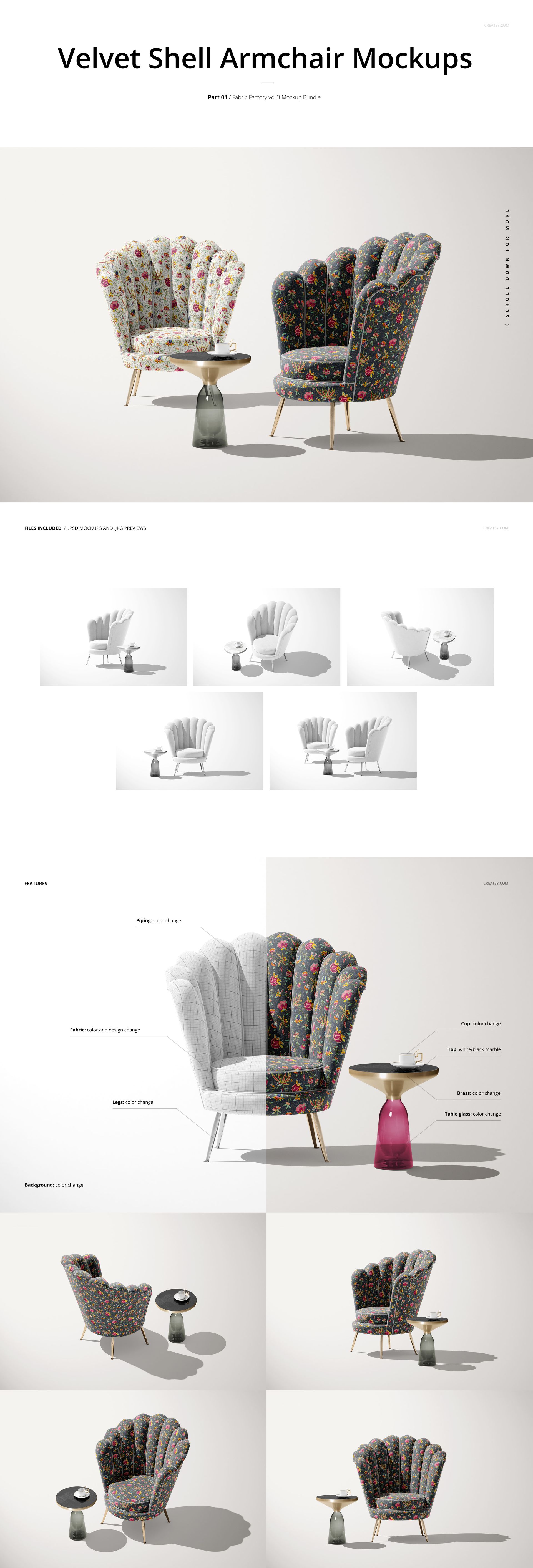
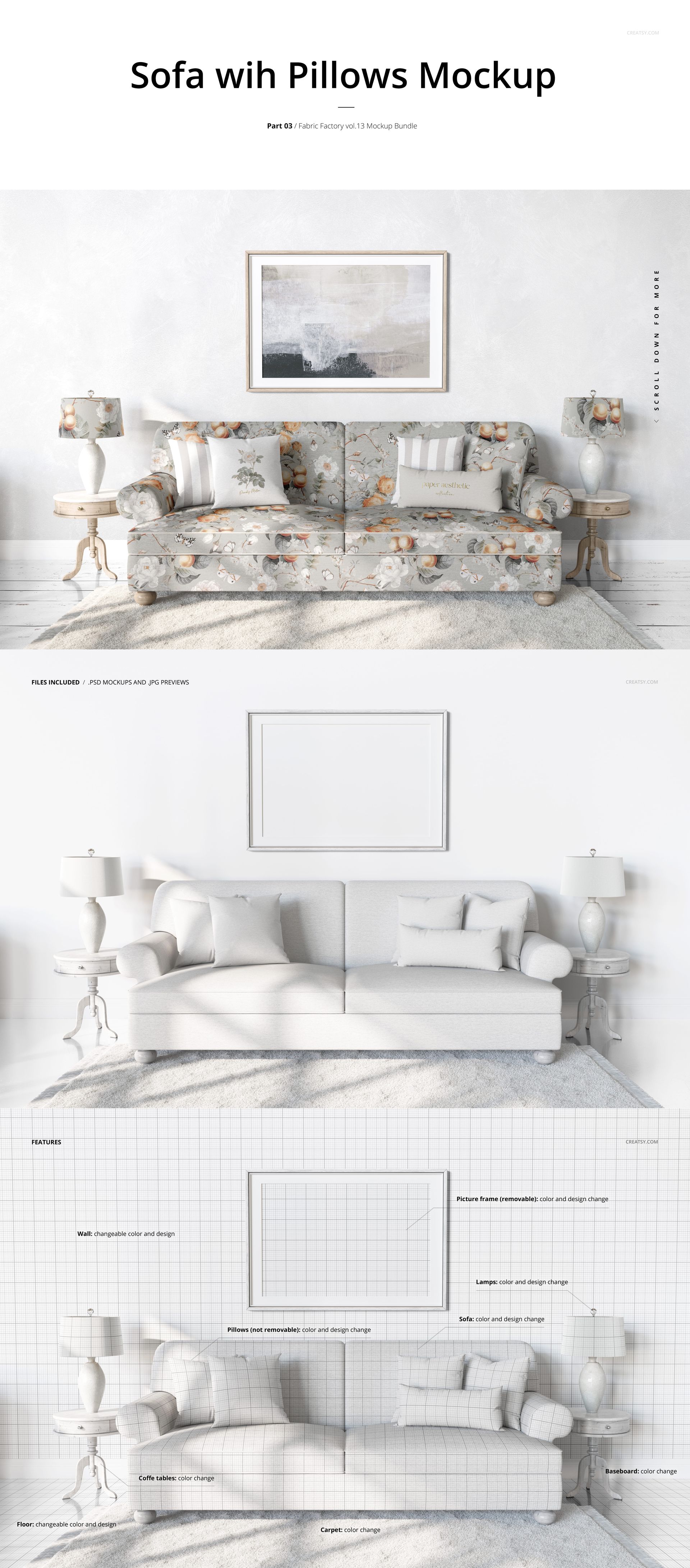
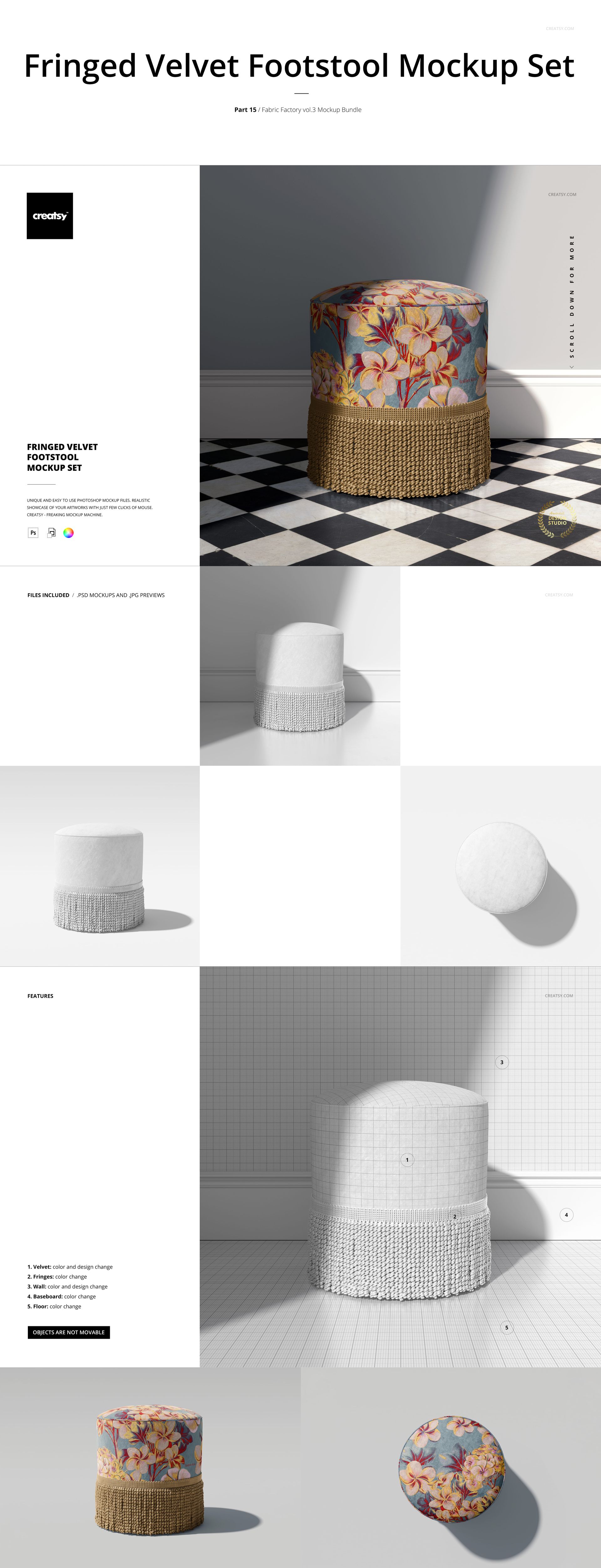
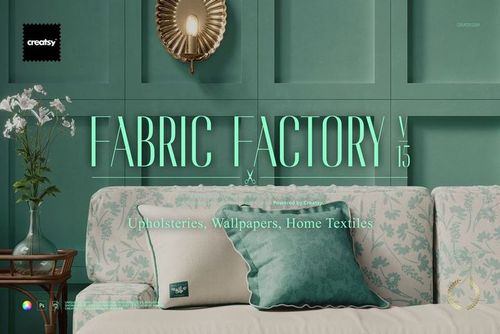
Sofas, armchairs, footstools, cushions and rugs for upholstery and textile collections.
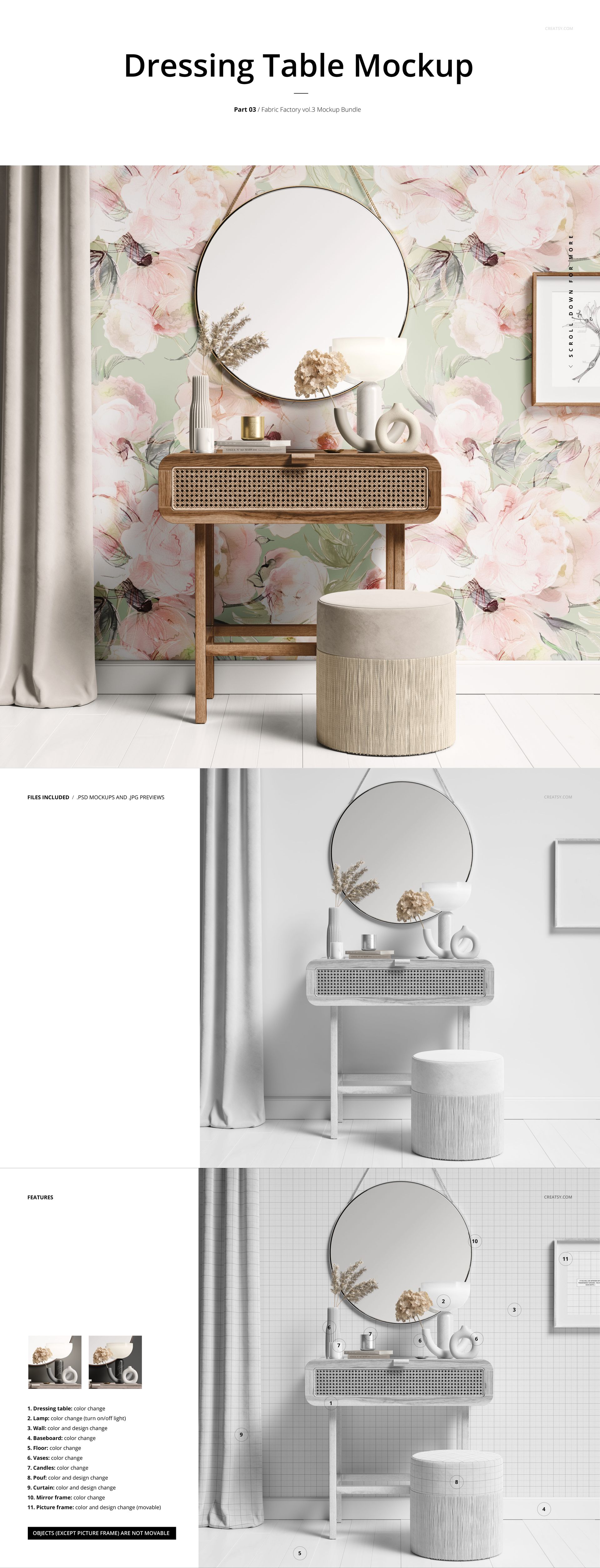
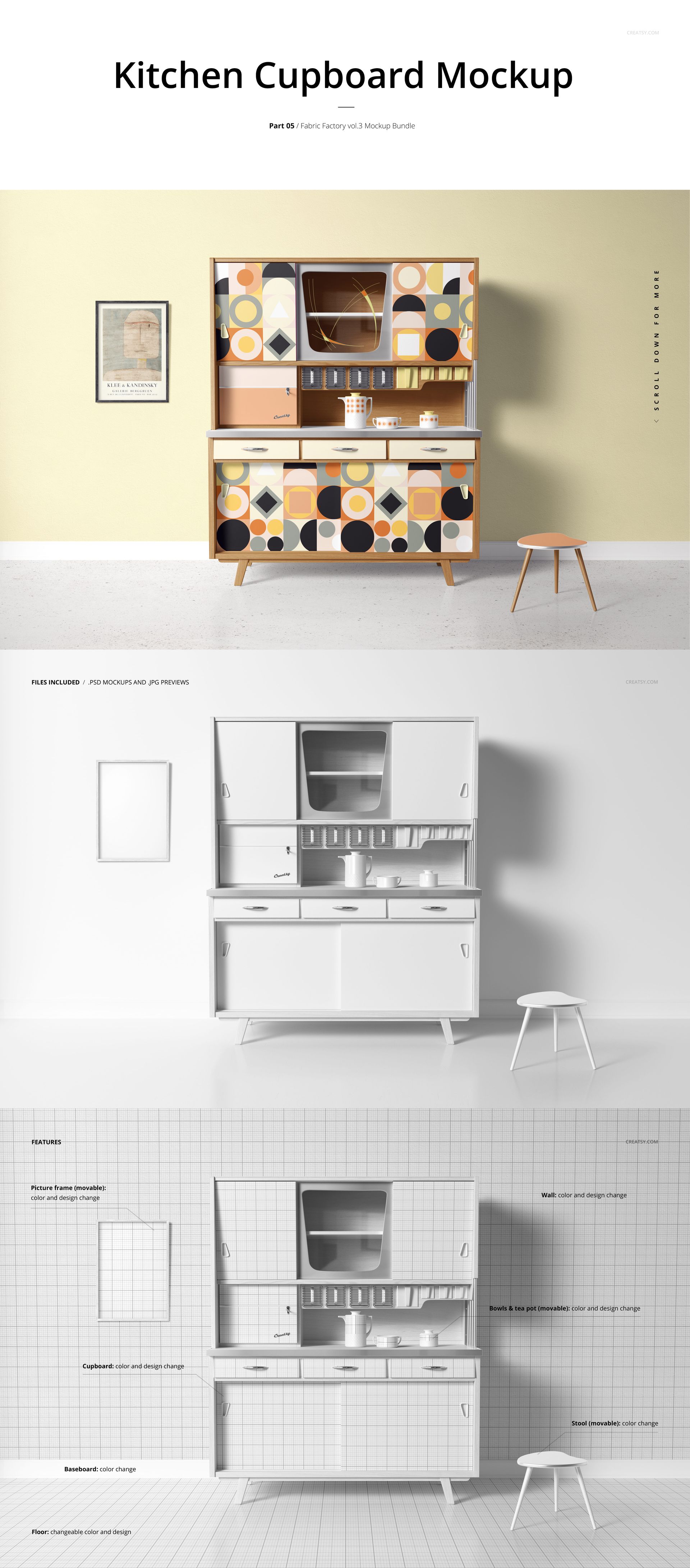
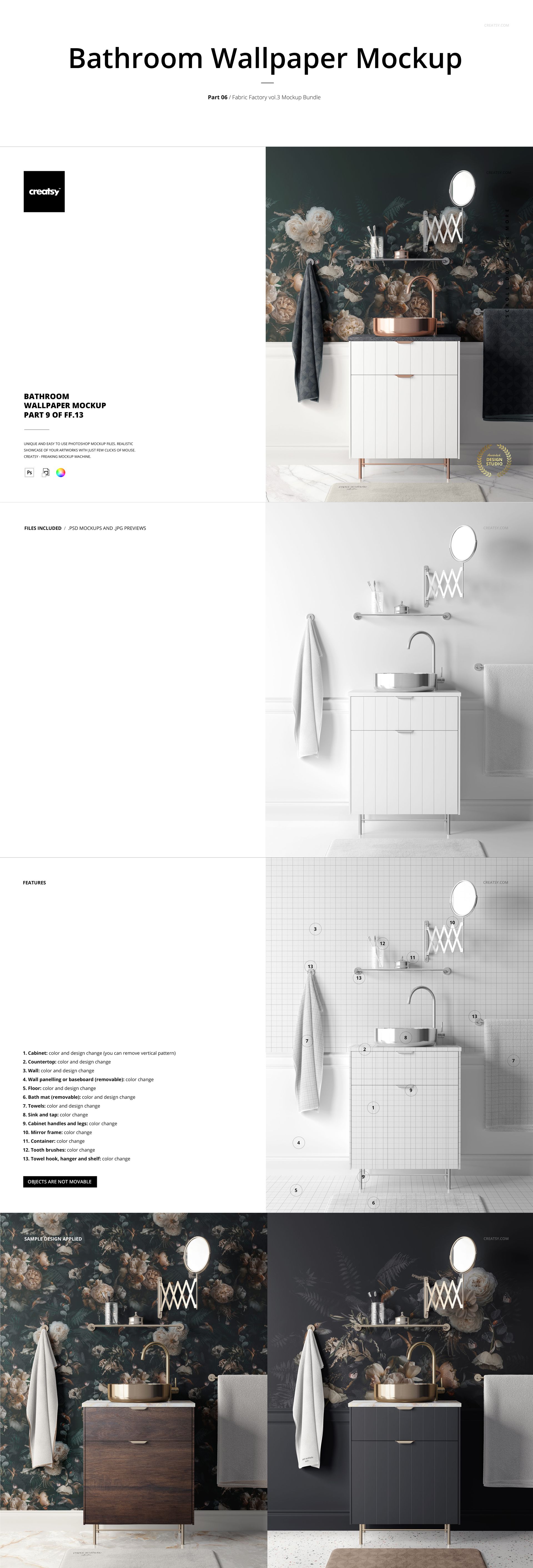
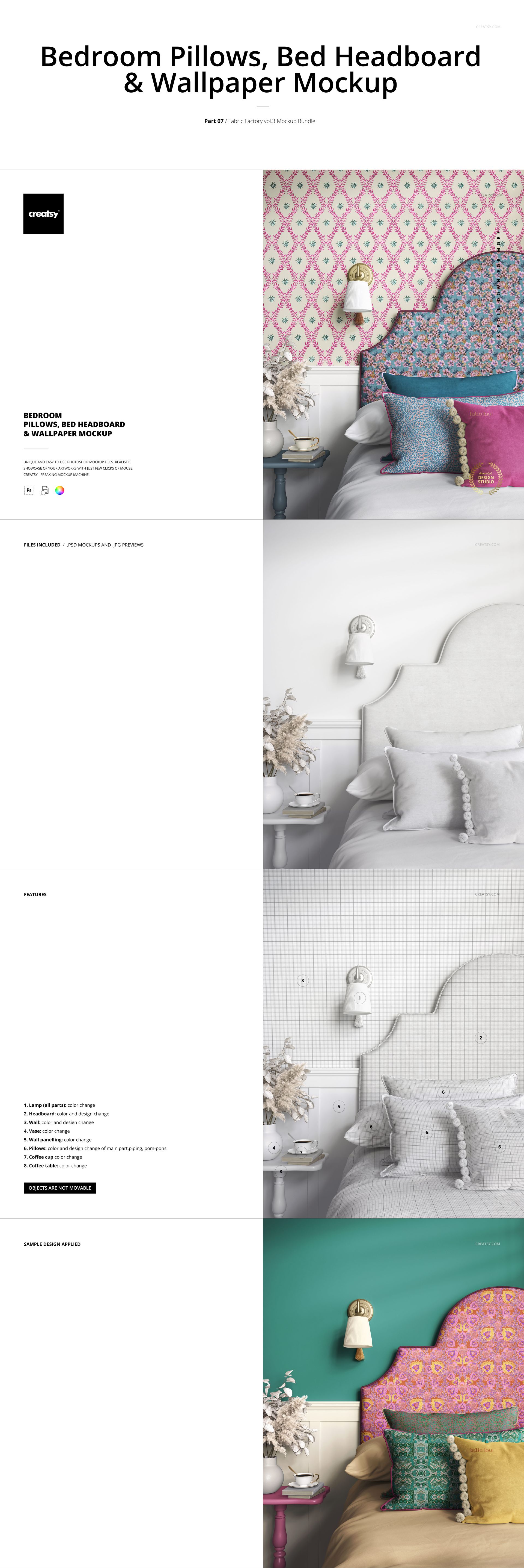
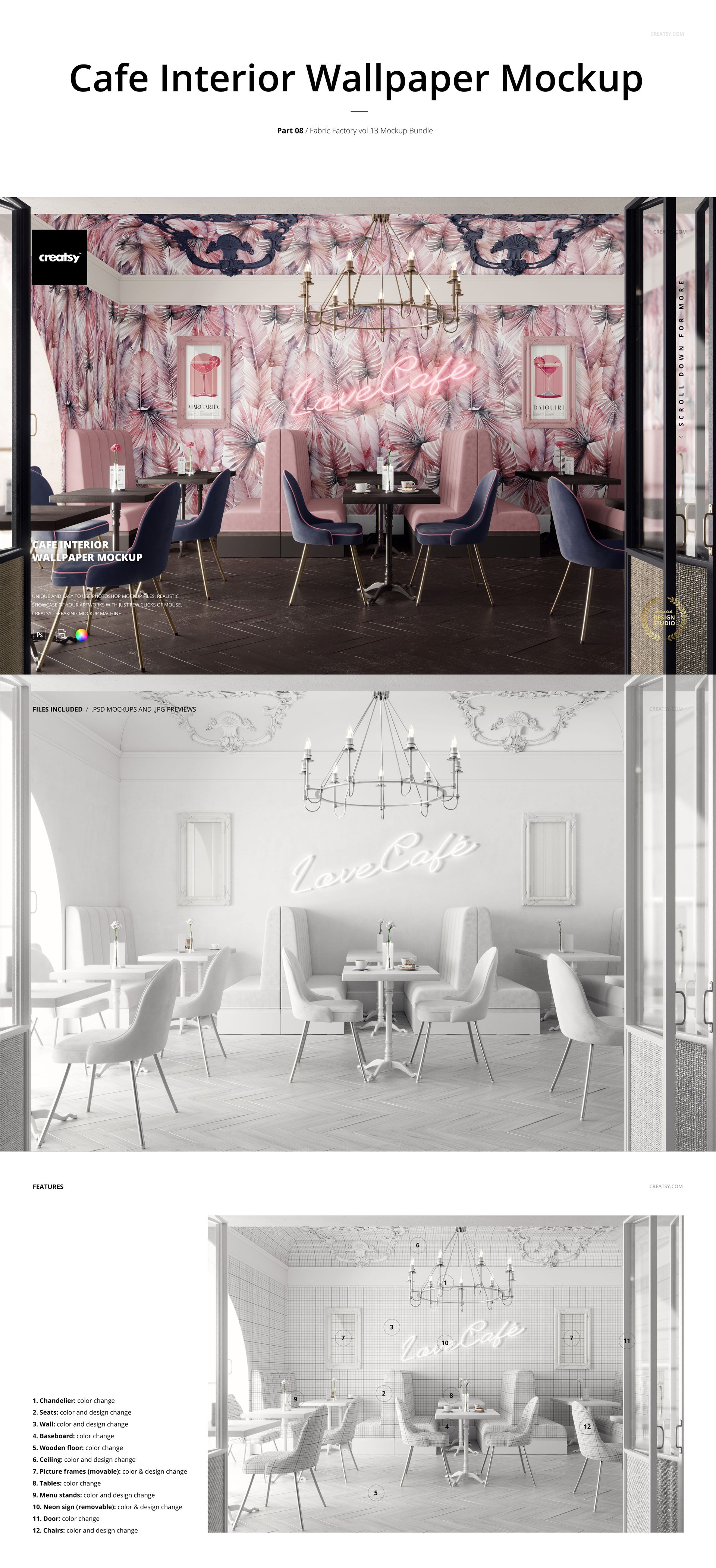
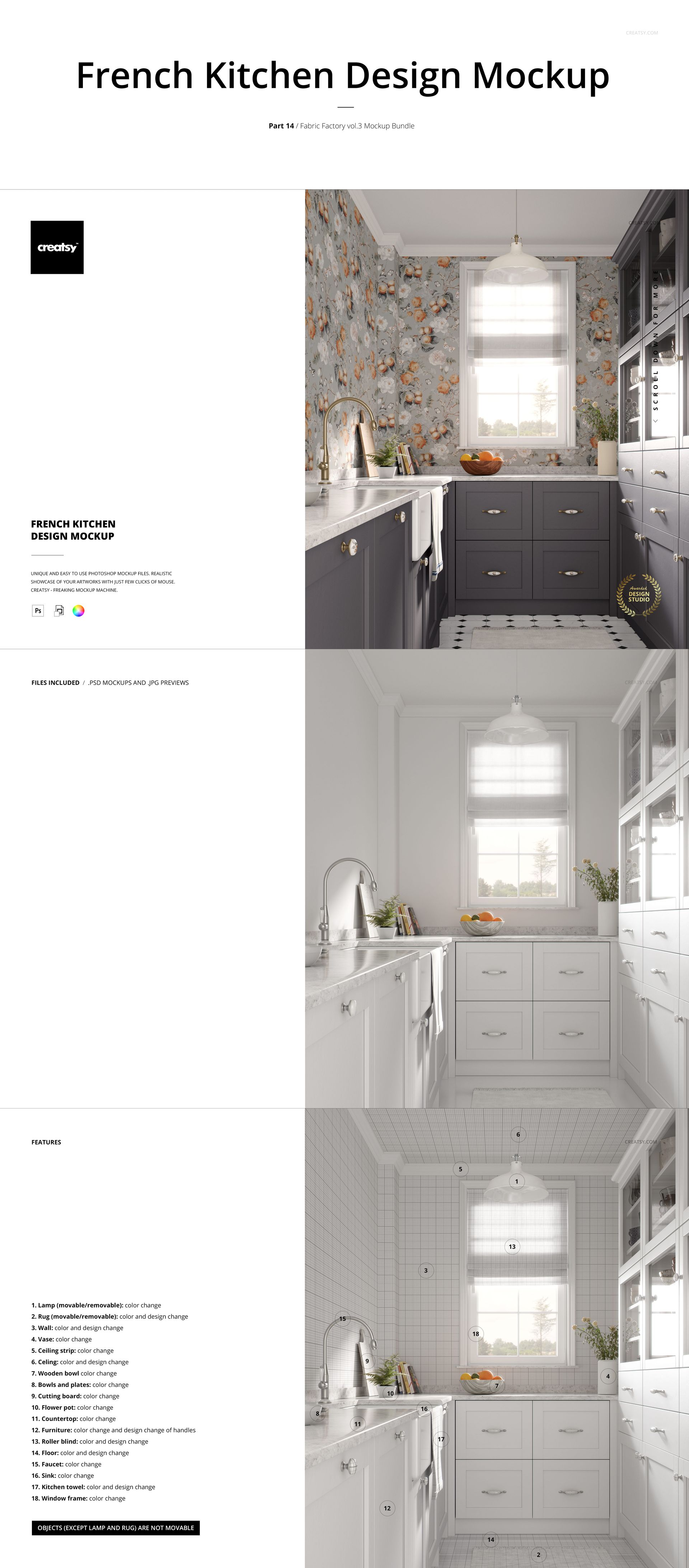
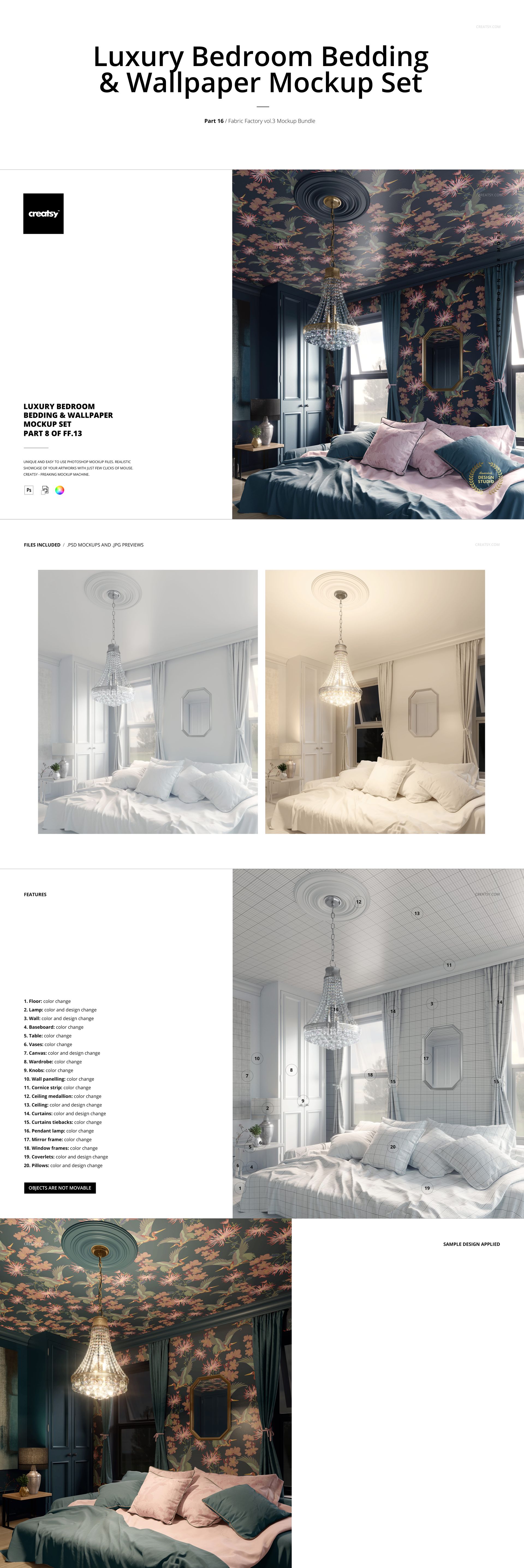
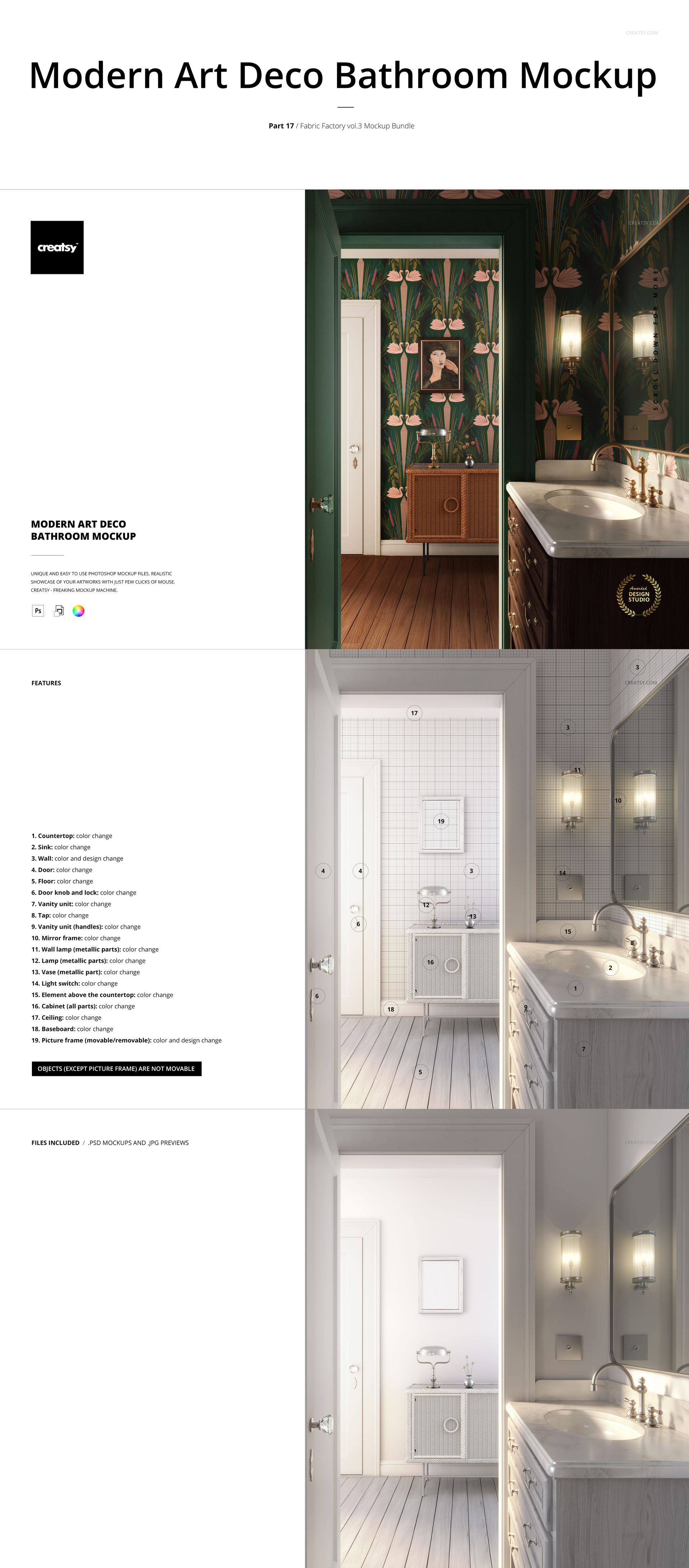
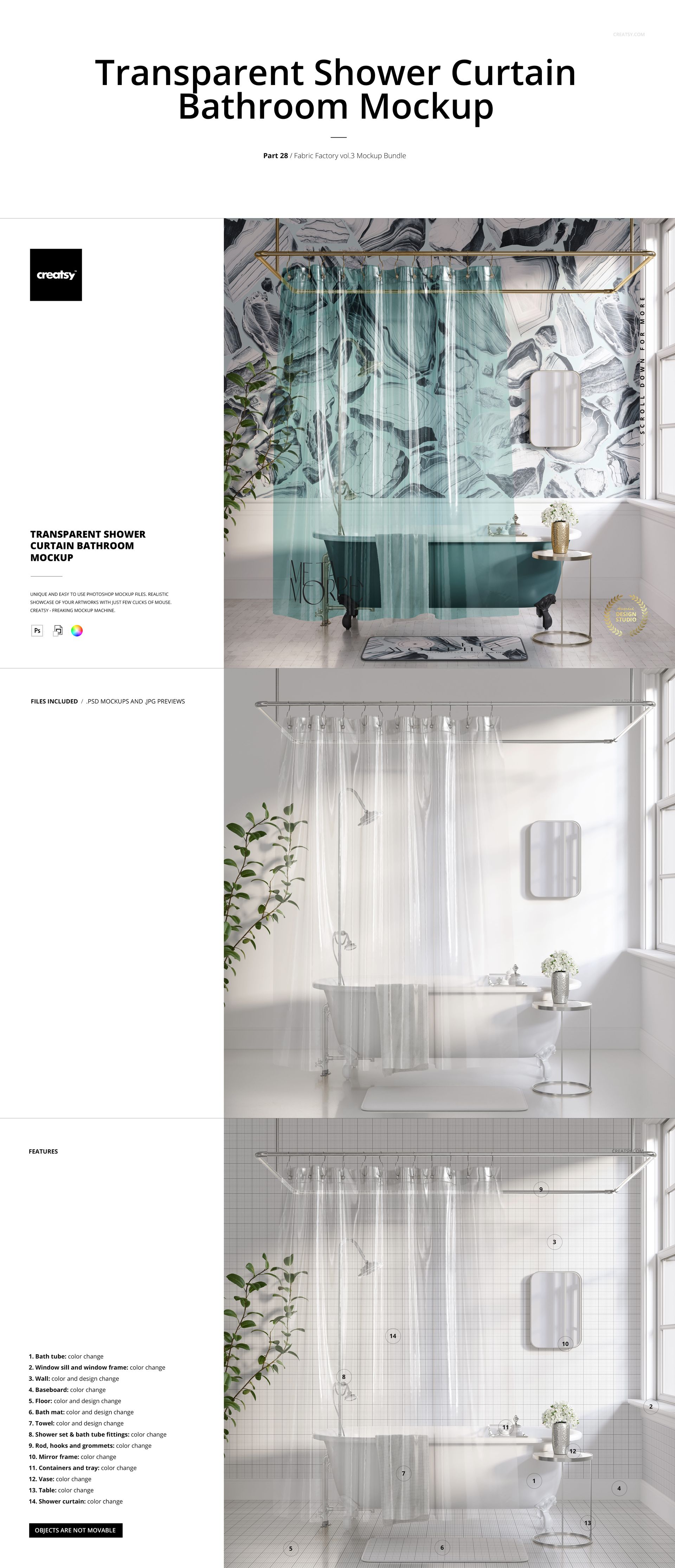
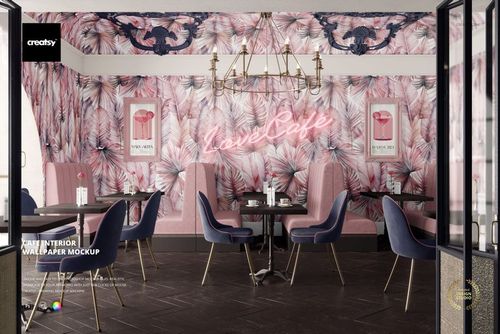
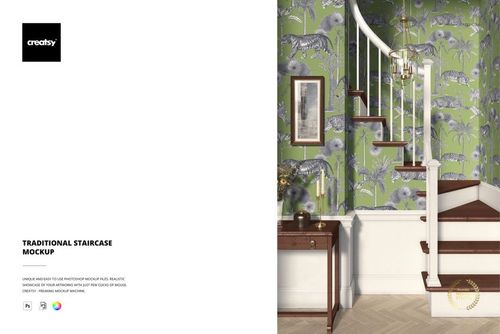
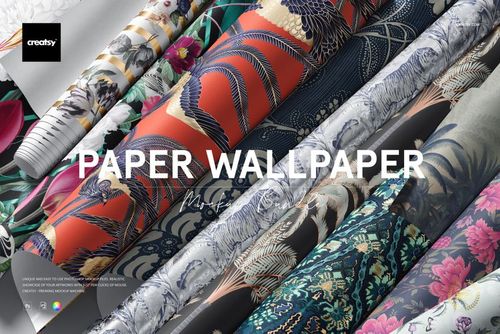
Wallpaper settings in living rooms, bedrooms, kitchens, bathrooms and a cafe, plus cabinetry and decoupage furniture presentations.
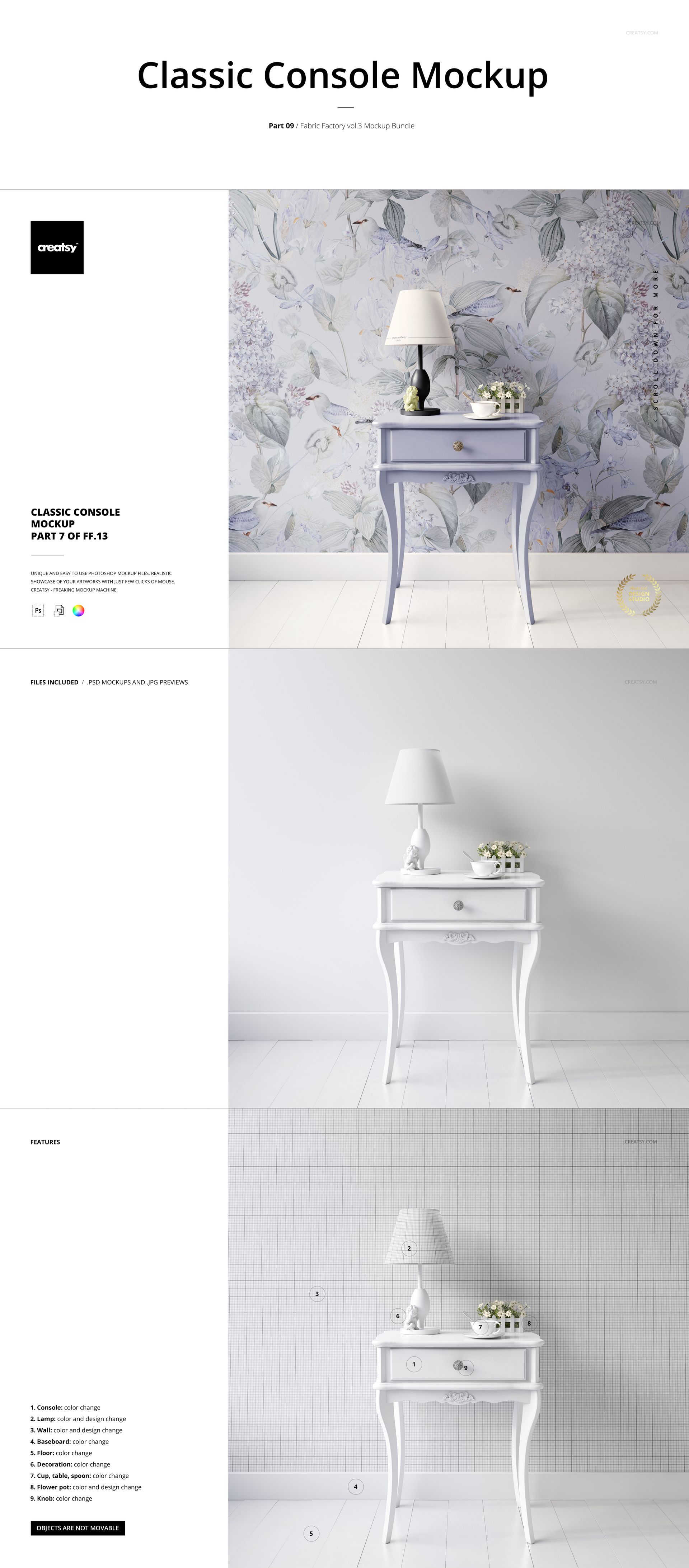
Color and design replacement on the surfaces identified in each scene's feature board. Props may offer color controls only; movement and removal options vary by file.
Files and software
Layered PSD mockups with JPG previews, organized layers and Smart Objects. Adobe Photoshop CC2020 or newer and Photopea are listed as compatible. Formats across the collection: 6000×4000, 4000×6000 and 6000×6000 px at 300 DPI.
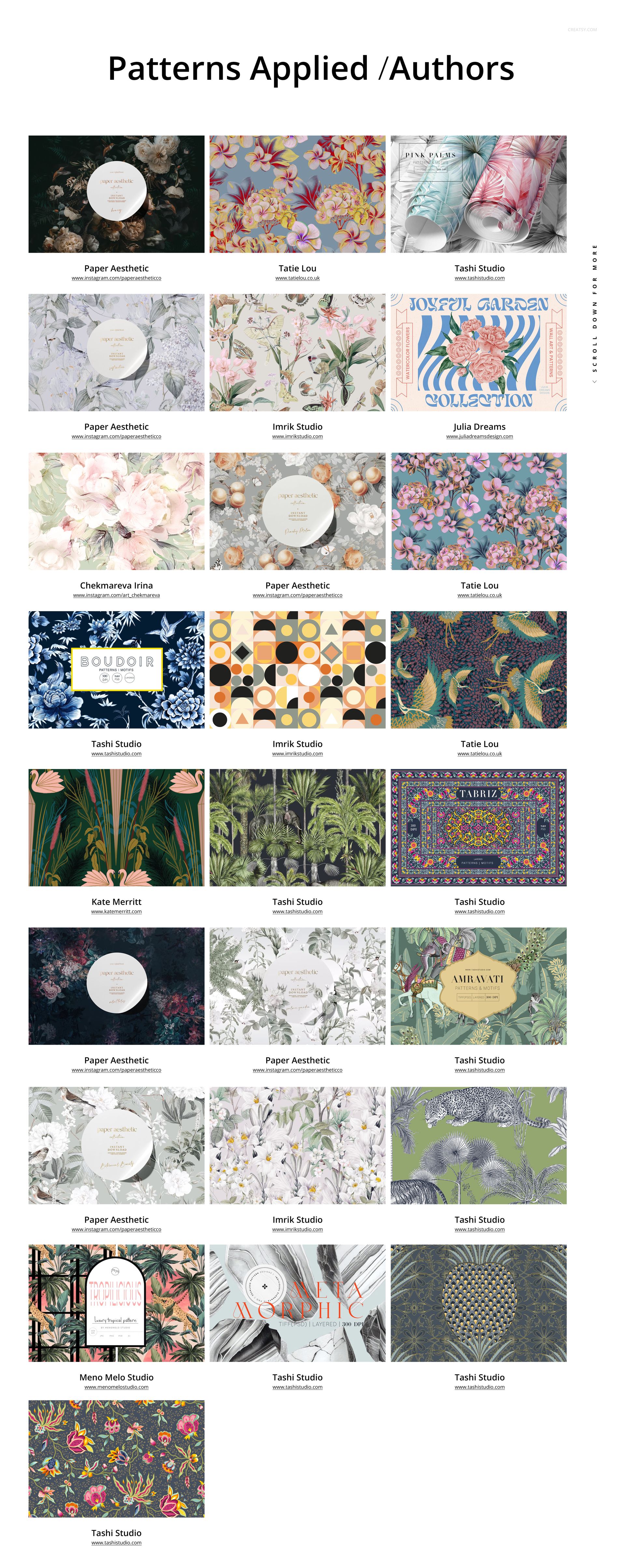
This is a digital bundle. Physical furniture, textiles, wallpaper and preview artwork are not included. Artists are credited on the gallery's pattern boards, including Tashi Studio.
File details
- Compatibility


- Products in bundle
- 30
- Package size
- 20.5 GB
 |22 GB
- Files type
- .psd, .jpg
- Files size
- 6000x4000
Reviews
Professional PSD mockups built in-house - editable, realistic, high-resolution, and supported by real people.
5
Sort by:

One of my favorite collections thus far. I love the level of realism and the number of customizable objects.

Thank you so much for your wonderful review! We’re thrilled to hear this is one of your favourite collections so far and that you’re enjoying both the realism and the number of customizable objects. Your support means a lot to us.
INCLUDED/30
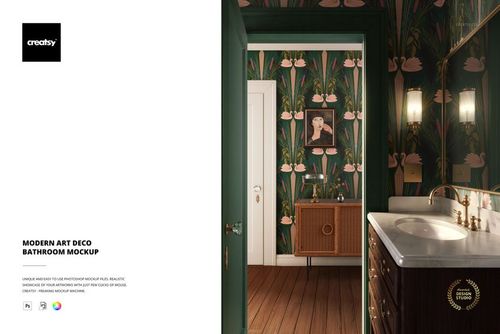
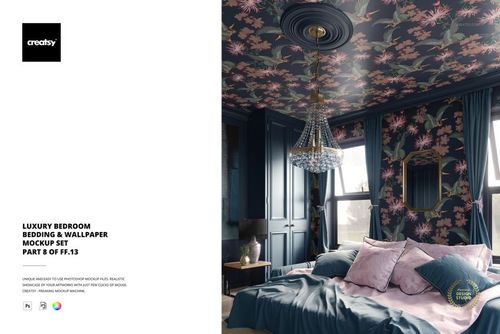
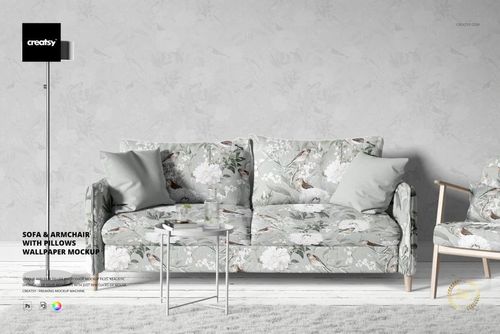
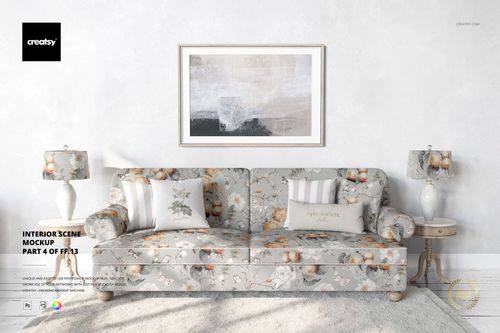
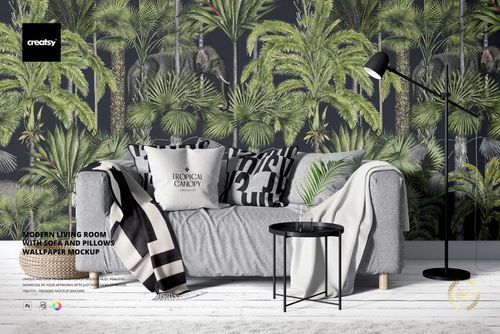
All 30 products in this bundle
Made with Creatsy
Real designs. Real customers. See how creatives use Creatsy mockups to turn their artwork, branding, and product ideas into polished visuals.


MEET THE SHOP

Creatsy
Poland
Bring your ideas to life.
We're a family-run studio in Katowice, Poland, making PSD mockups by hand since 2016. Everything in this shop starts in our own studio. We shoot the photography, build the 3D, and put together every Smart Object PSD ourselves - then we test it, organize the layers, and only ship it once it actually works...
 15$2550$30.00
 15$1870$22.00
 15$1615$19.00
 15$2040$24.00

HOW IT WORKS
3 clicks. That's it.
No tutorial needed. If you can copy-paste, you can use this.
- 1OpenDouble-click the smart object inside the PSD - in Adobe Photoshop, or free in your browser with Photopea.
- 2PasteDrop in your pattern, print, or artwork. Any design, any style.
- 3SaveHit save and the mockup wraps it in for you - shadows, folds, and lighting included.
FROM IDEA TO IMAGE
Built for real workflows
Skip the photo shoot Show your artwork on the real product type for approvals or listings - no studio, no model, no sample.
See it on the product, not a swatch Drop your file into the smart object and the scene's lighting and folds wrap around it, so you judge the real thing before you commit.
Smart Objects
Edit once and you're done. Your artwork drops into a smart object and the mockup updates itself - no masking, no warping by hand.
Perfectly Organized
Named layers and folders you can actually navigate. Find what you need, change what you want, and get out fast.
Print-Ready
High-resolution files built to hold up on screen and in print. Exact size and DPI are in this product's Details above.
Related Products
 Early Access
These are the very best mockups on the market! The most important thing in a mockup is the lighting and Creatsy nail that, it's natural and consistent. The mockups are aesthetically pleasing, visually attractive, and showcase my artwork realistically and professionally. A warring; these mockups are addictive! I love using them, they keep surprising me by making my art look better than even I thought it would. I highly recommend Creatsy, also to everyone who compliments me on my artwork and the mockup images I make using Creatsy. They really are great!
Thank you so much for this incredible review! We’re thrilled to hear the lighting, realism, and overall presentation help showcase your artwork so beautifully. Your kind words truly mean the world to us, and we’re so grateful for your recommendation.