Surfboard Longboard Mockup Set
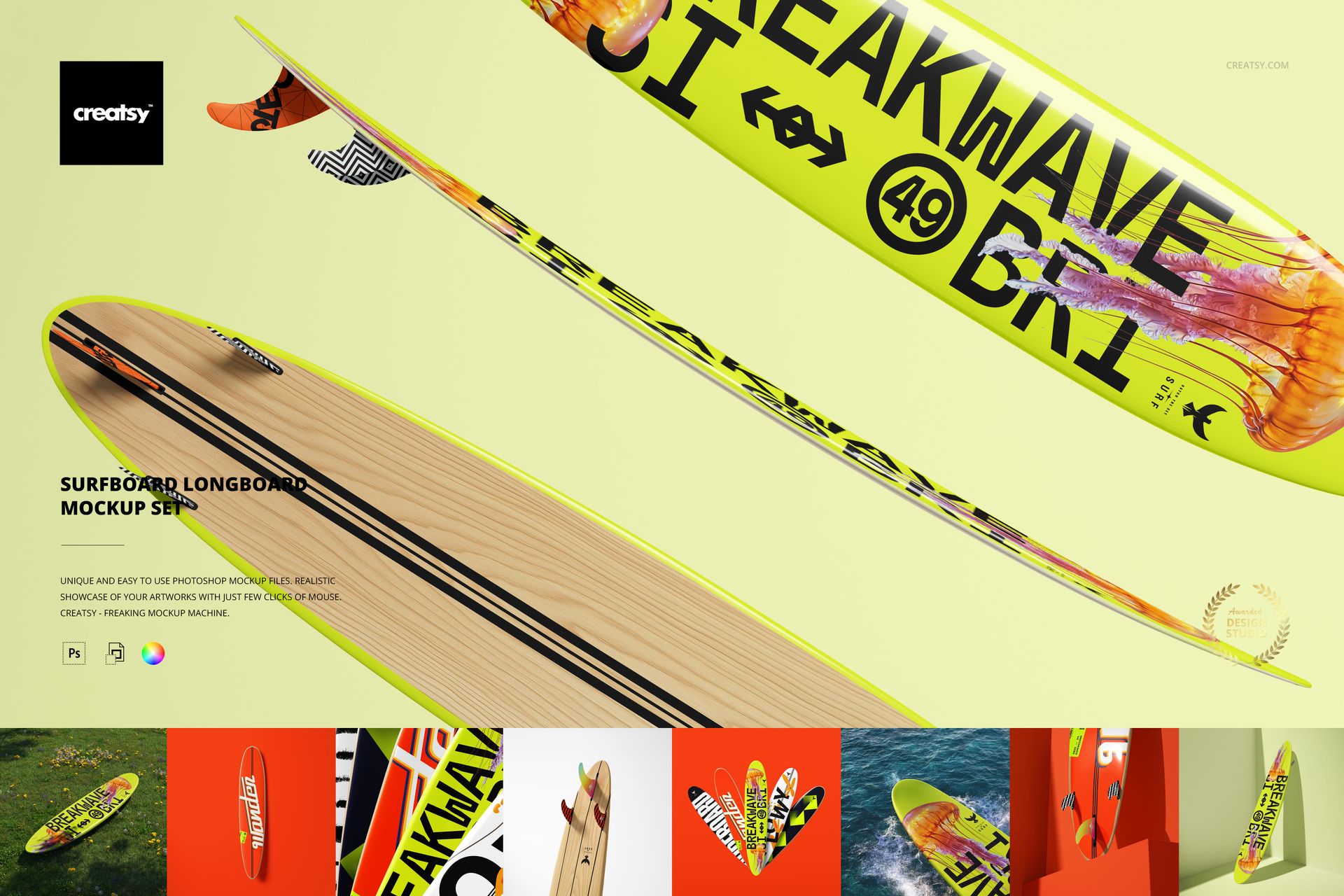
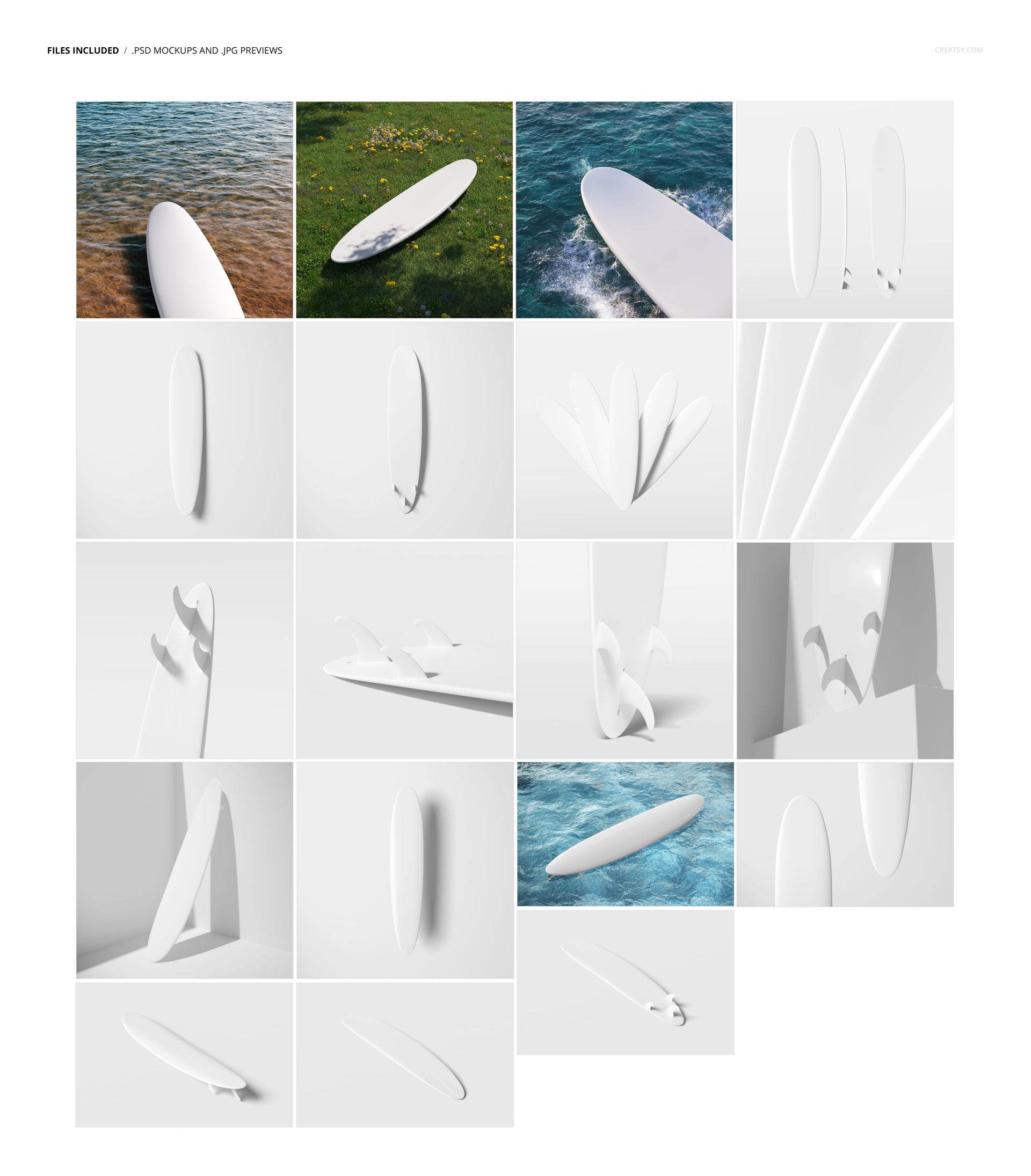
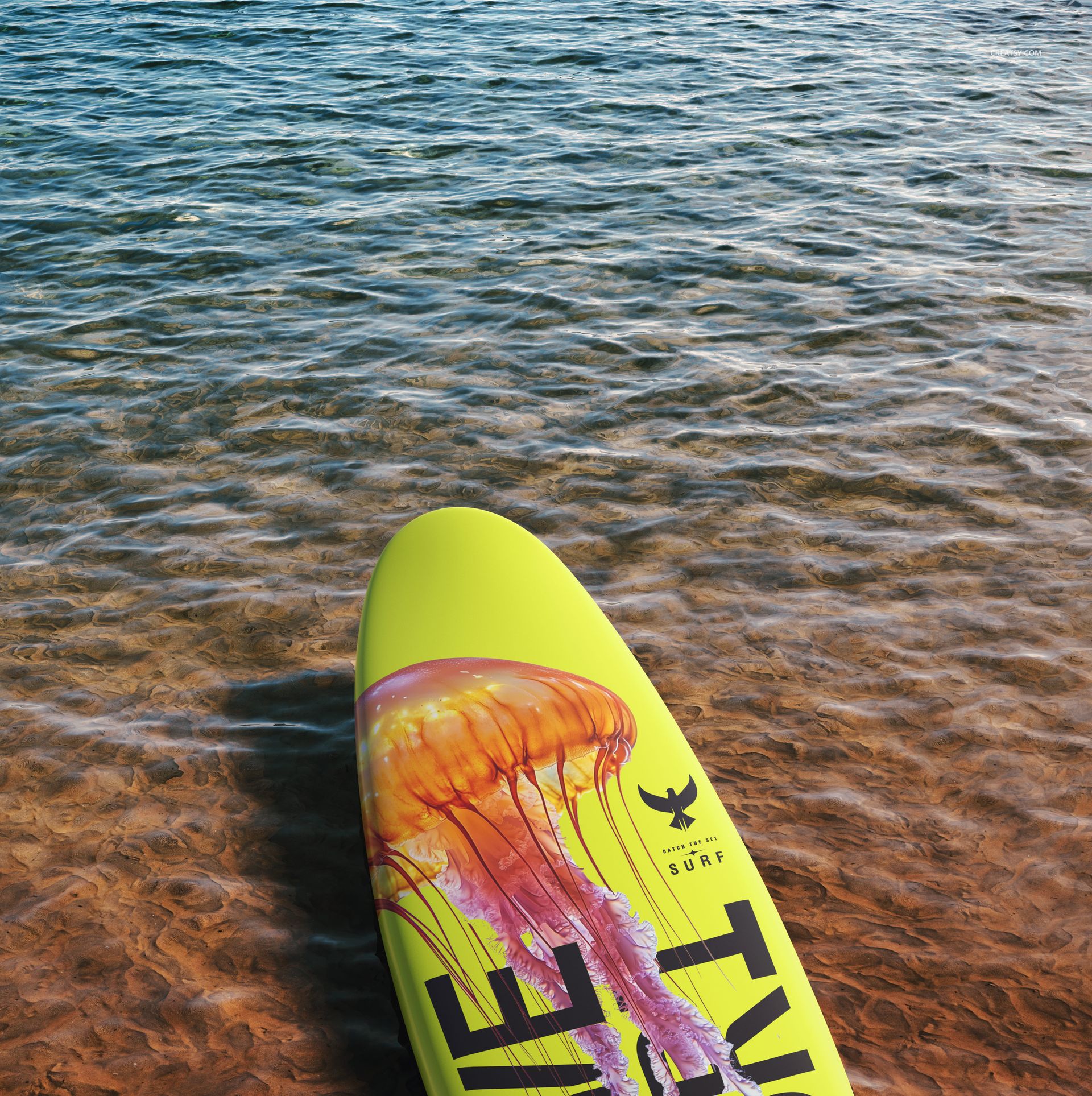
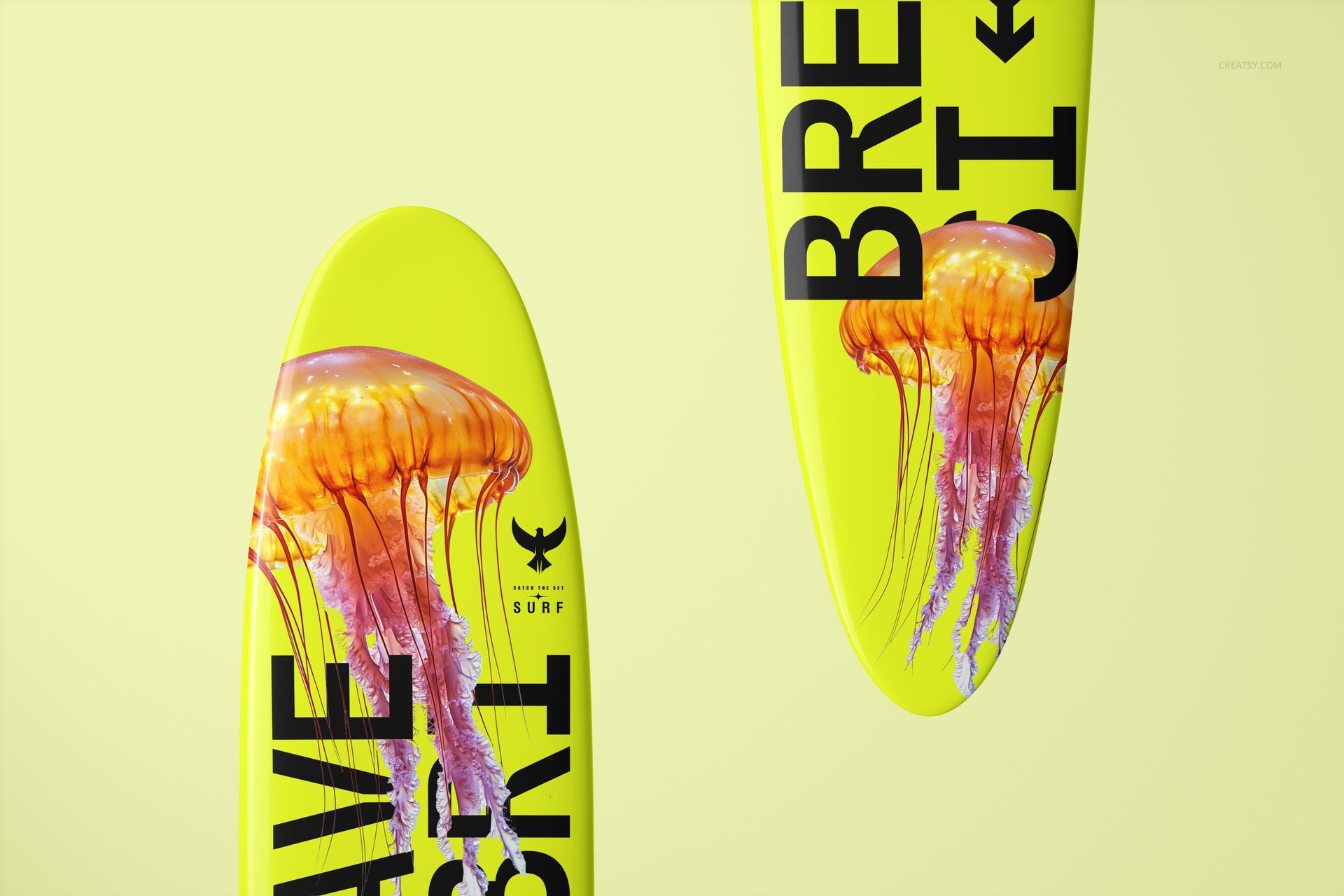
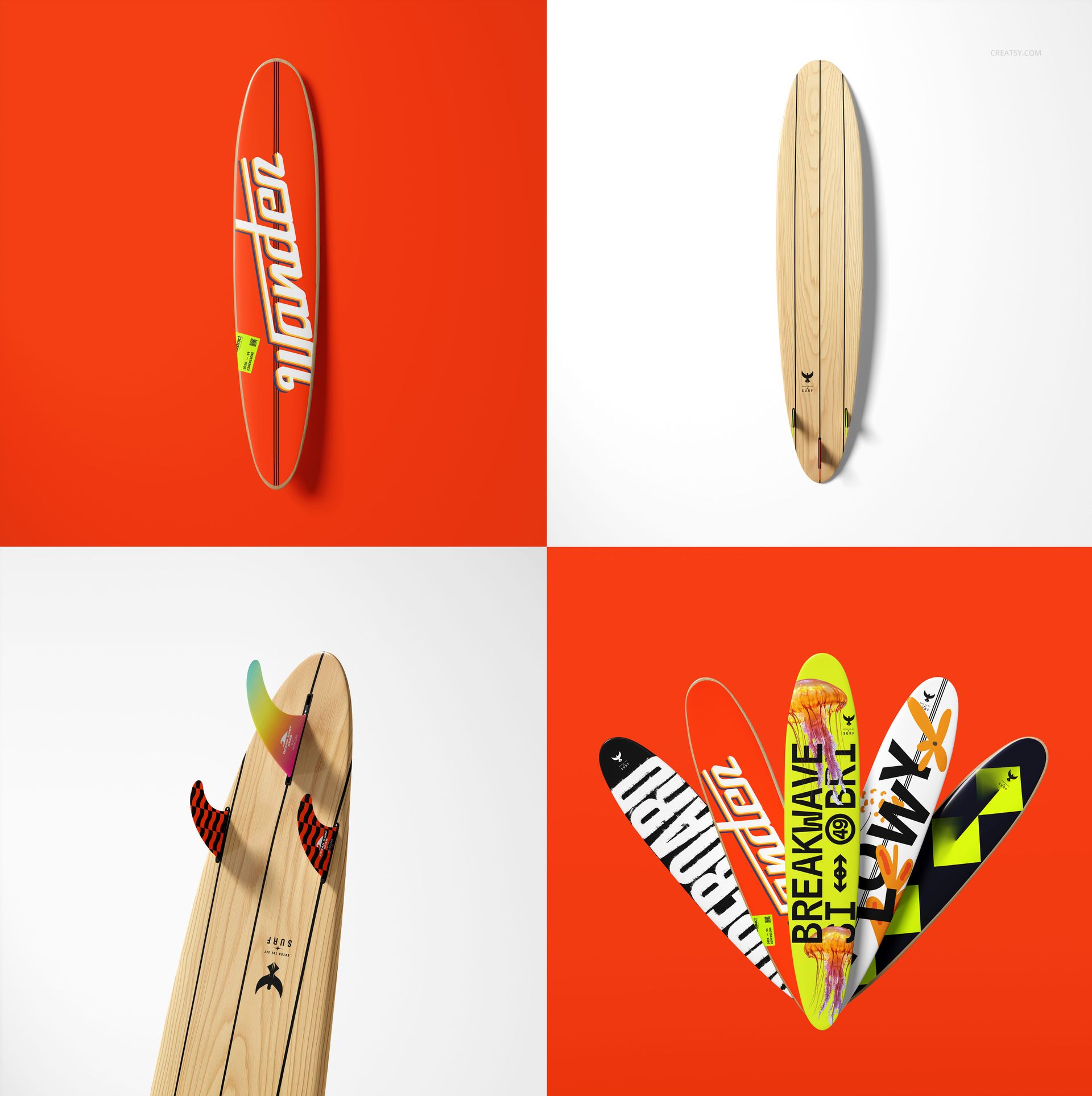
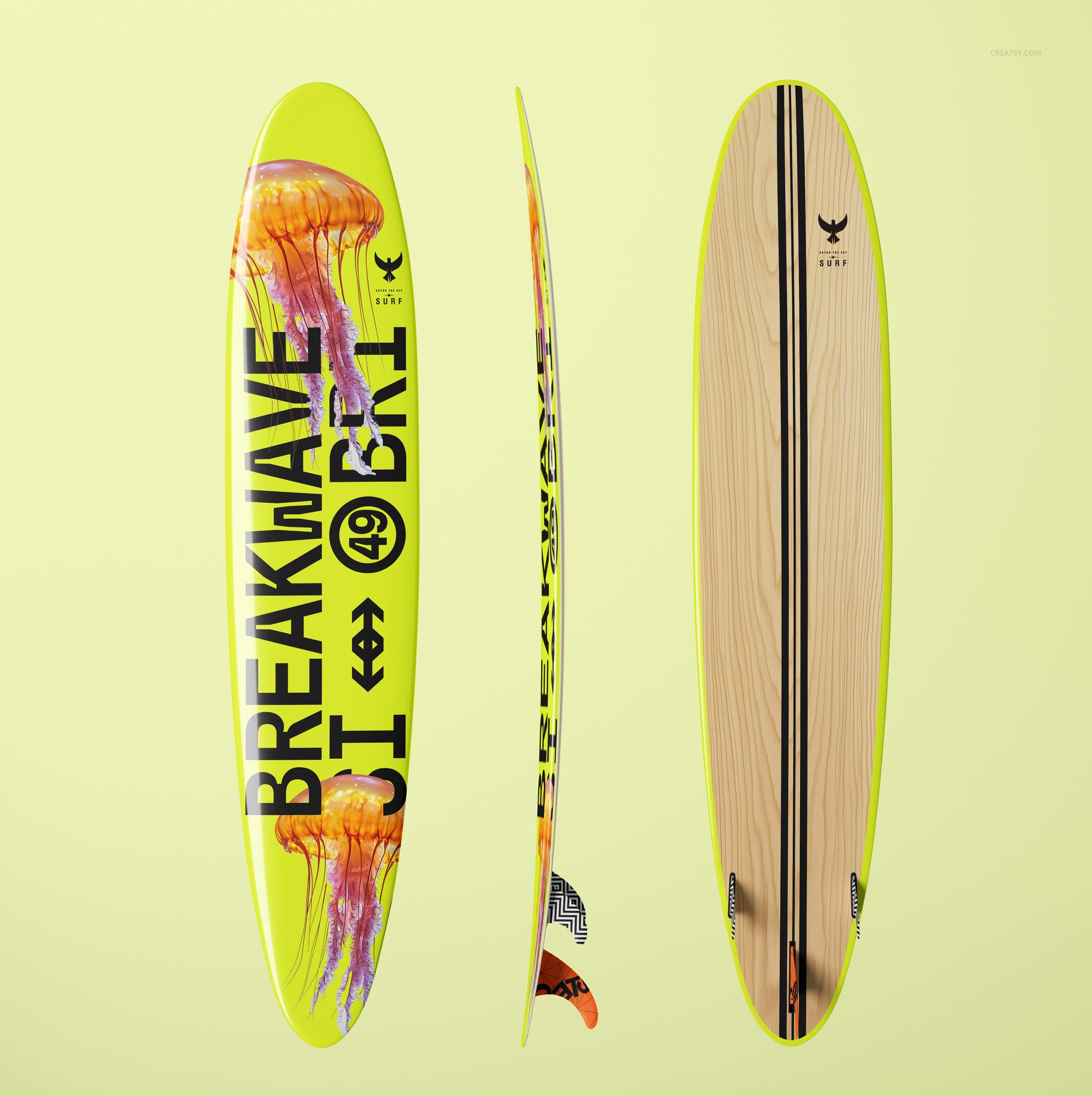
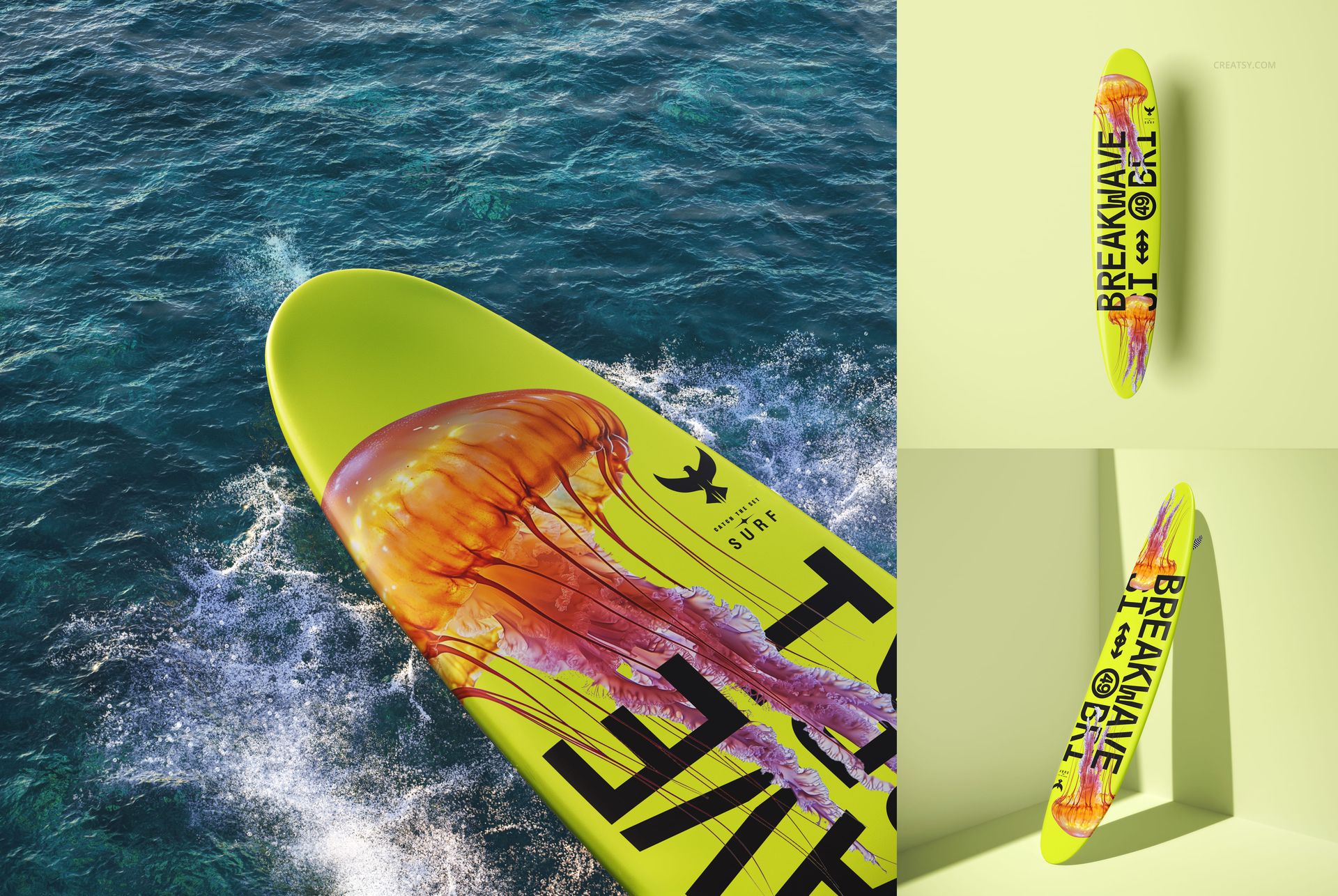
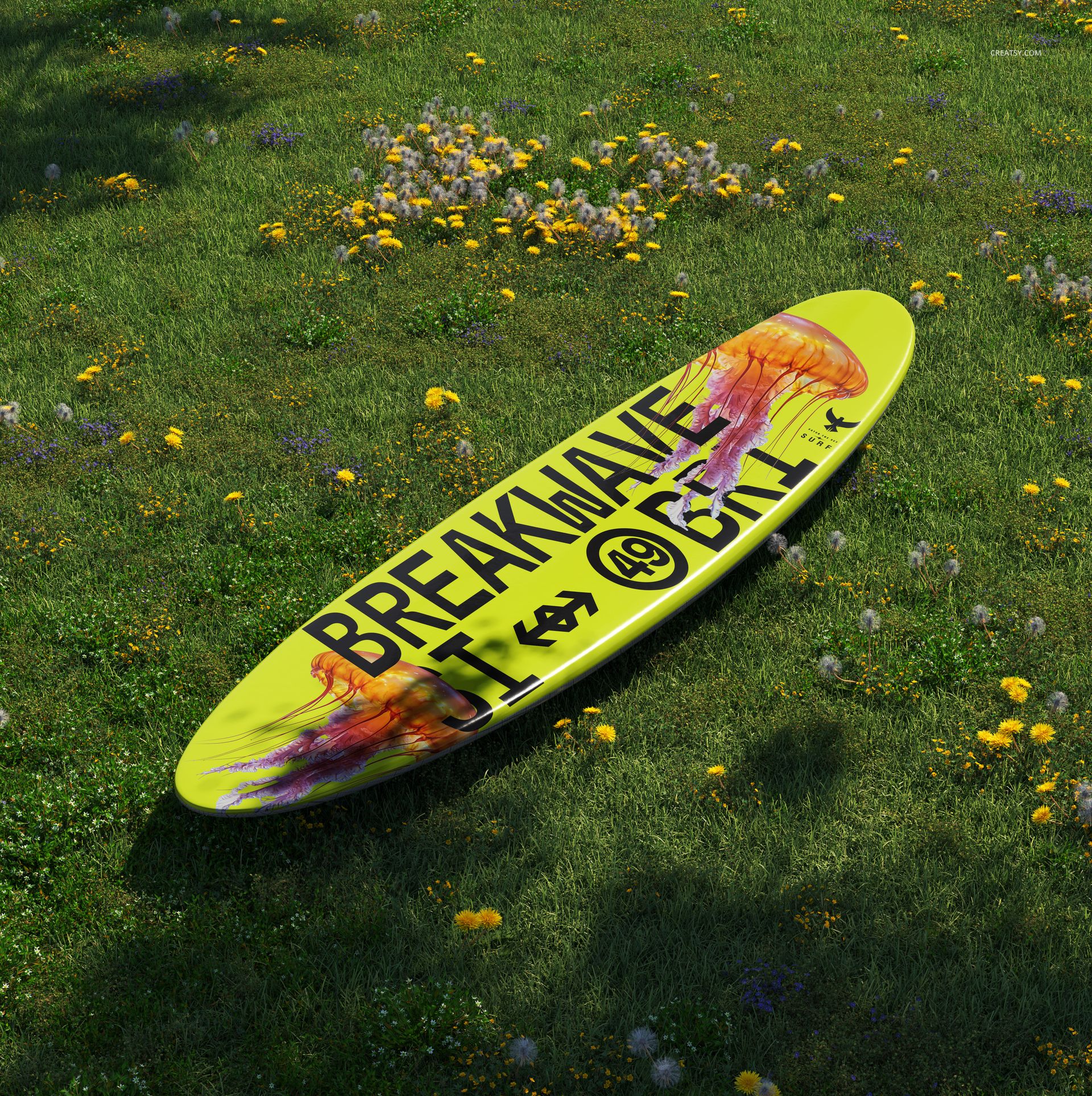
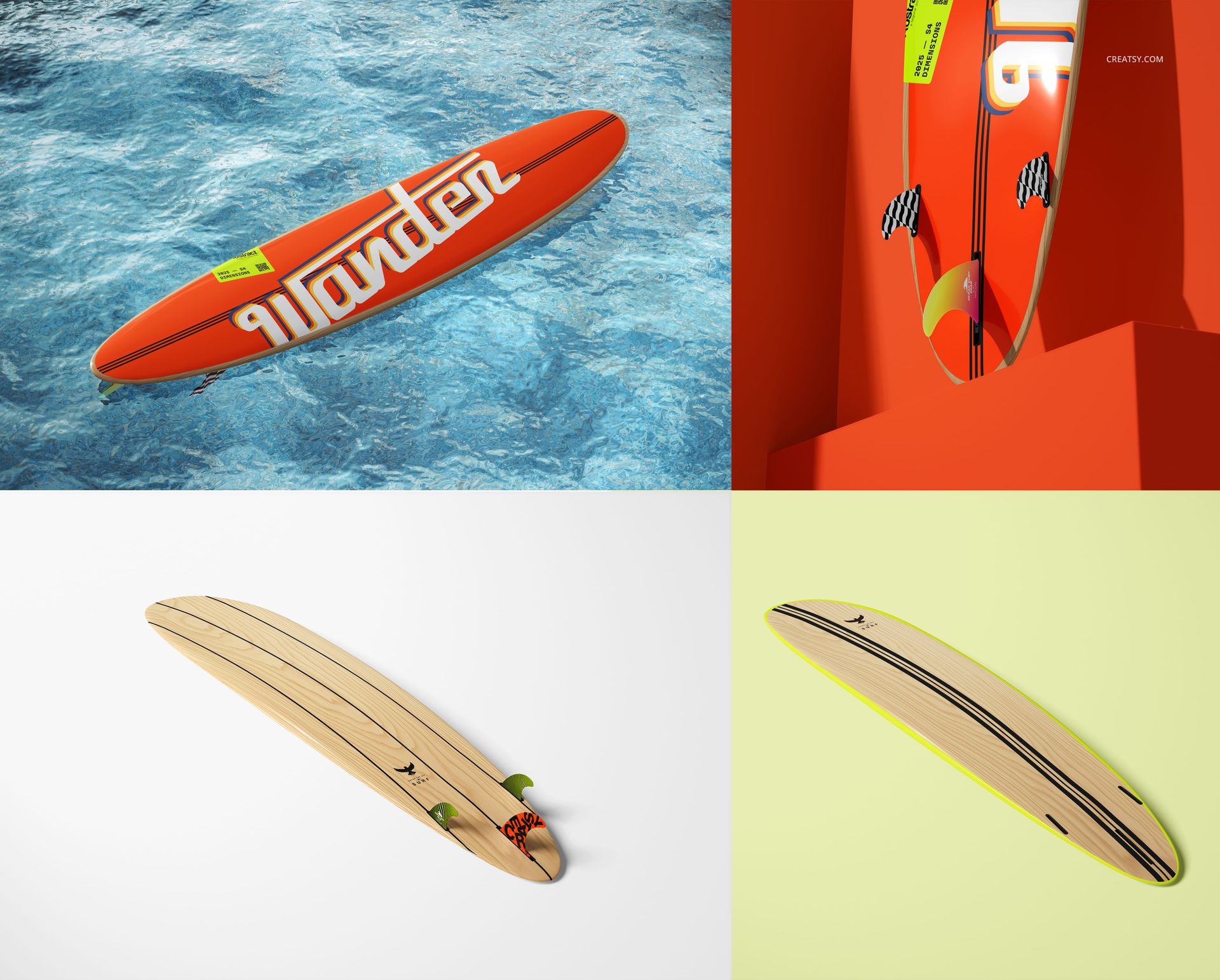
Present an entire surfboard artwork concept across 19 square scenes instead of relying on a single hero angle. The collection combines clean studio compositions with ocean, shoreline, and meadow settings, plus upright, lying, grouped, close-up, top, bottom, and fin-focused views.
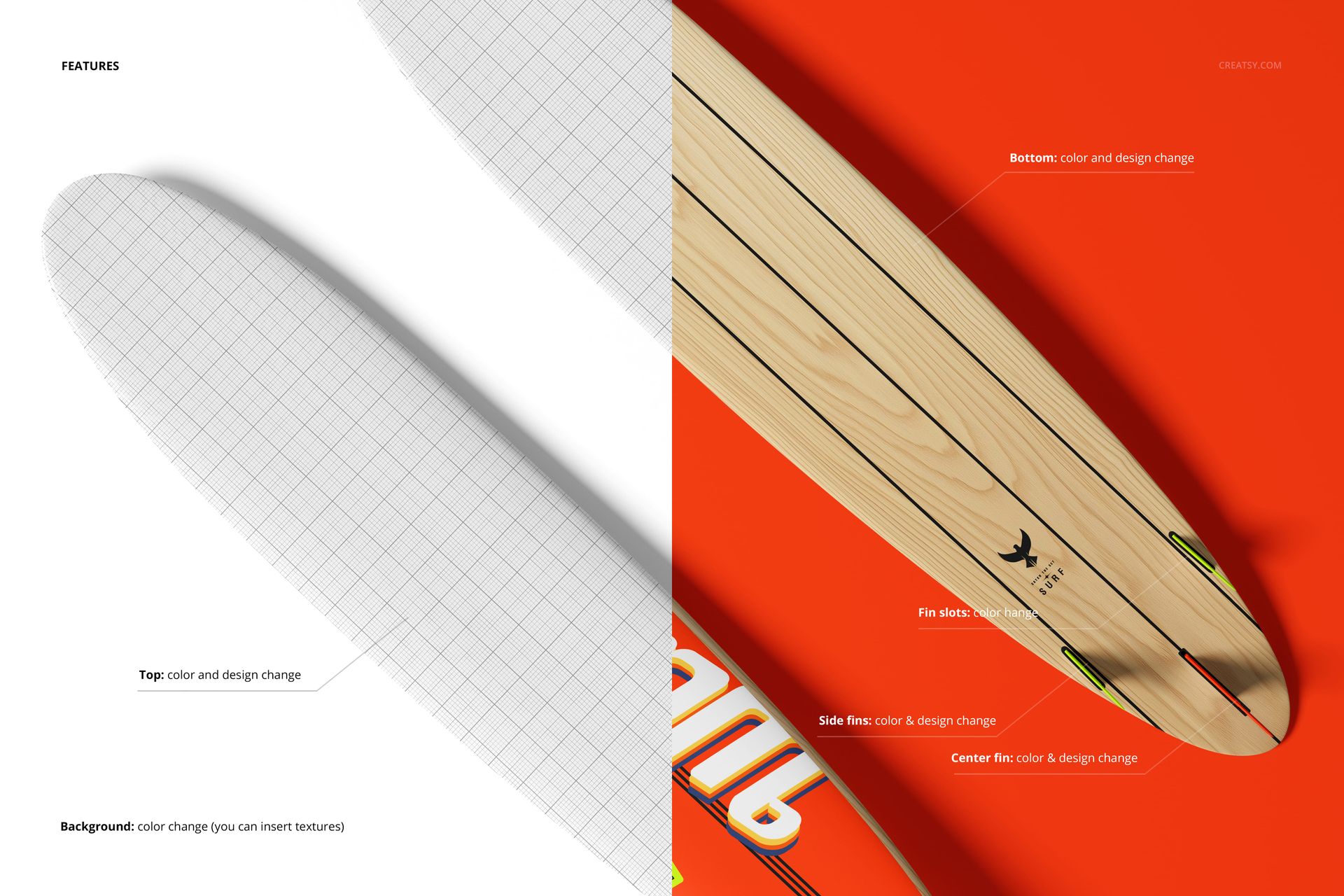
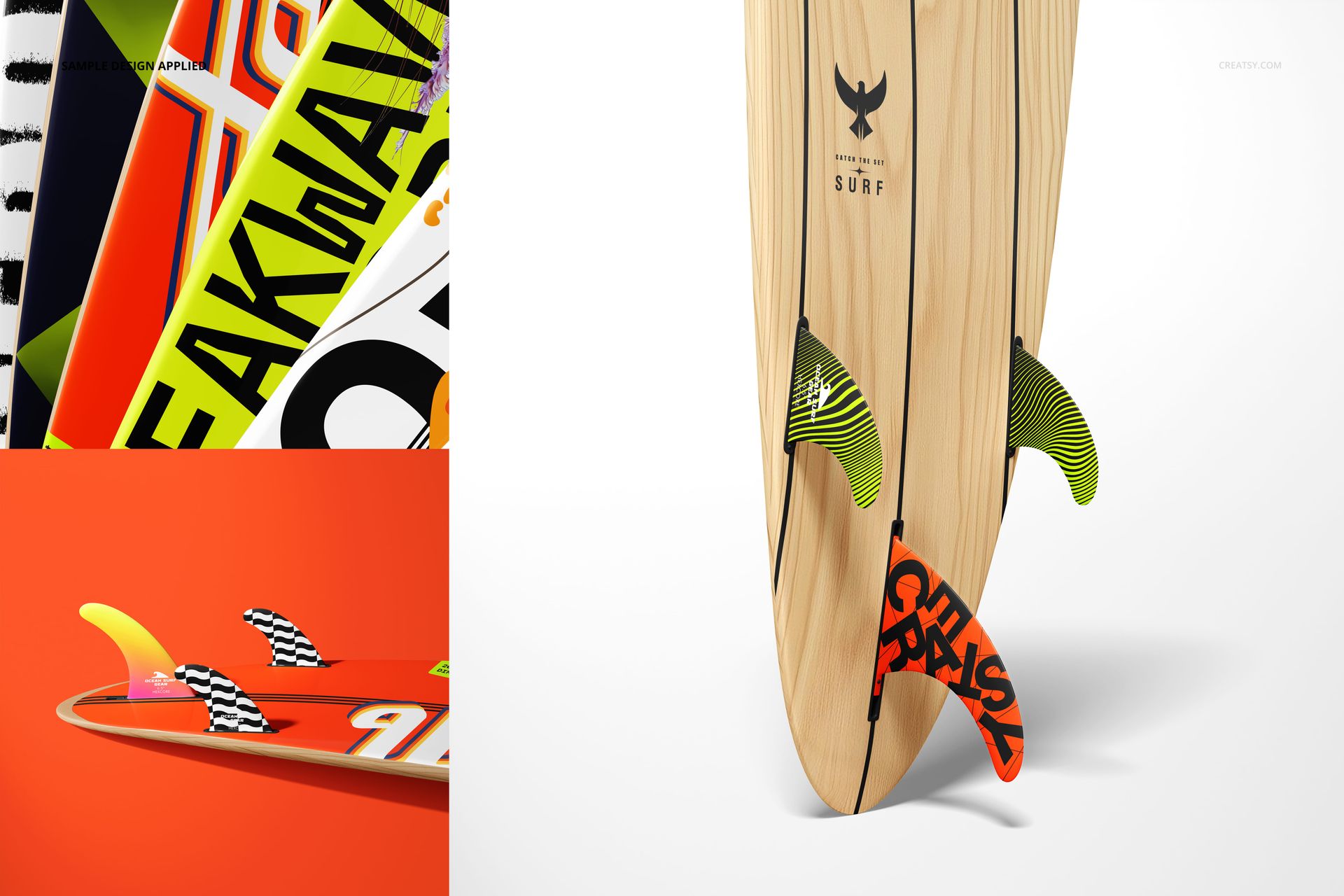
This range makes it easier to compare full-board graphics, show how a pattern runs from nose to tail, and explain the relationship between the top, bottom, side fins, center fin, and fin slots in one consistent presentation.
What Is Included
19 layered PSD mockup files
19 JPG preview files, 38 files in total
6000 × 6000 px PSD scenes at 300 DPI
Well-organized layers and Smart Object editing
Studio and outdoor surfboard views
Show Every Side of the Longboard
Use direct top and bottom views for full-length artwork, close-ups for fin details, upright and grouped scenes for comparison, and ocean or grass settings for lifestyle context. The consistent square format helps create a varied gallery while keeping the product clearly identifiable.
Customize Board, Fins, and Background
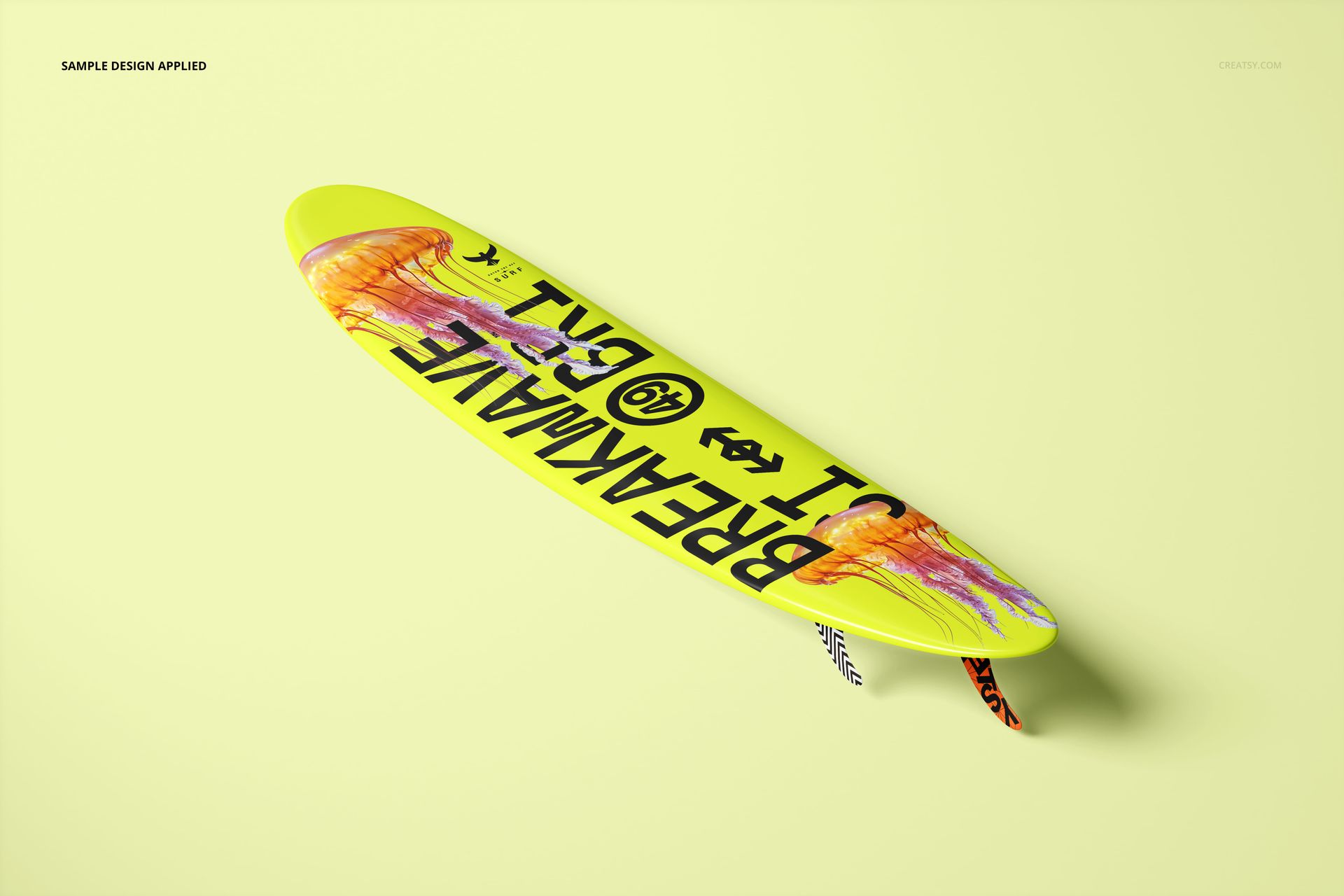
Change the color and design of the top surface
Change the color and design of the bottom surface
Edit the side fins and center fin
Adjust fin slot colors
Change the background color or insert a texture in compatible studio scenes
Easy Smart Object Editing
Open a PSD in Adobe Photoshop CC2020 or newer, or in Photopea, then place your artwork through the prepared Smart Objects. Adjust the confirmed color options and use the organized layers to refine the scene before export.
Perfect For
Surfboard and water sports brands
Surface pattern and graphic designers
Board artwork client presentations
Portfolio case studies and product galleries
Comparing several longboard colorways
Digital product: No physical surfboard will be shipped. Sample artwork and patterns shown in the previews are not included.