Brazilian Jiu Jitsu Uniform BJJ GI Mockup Set
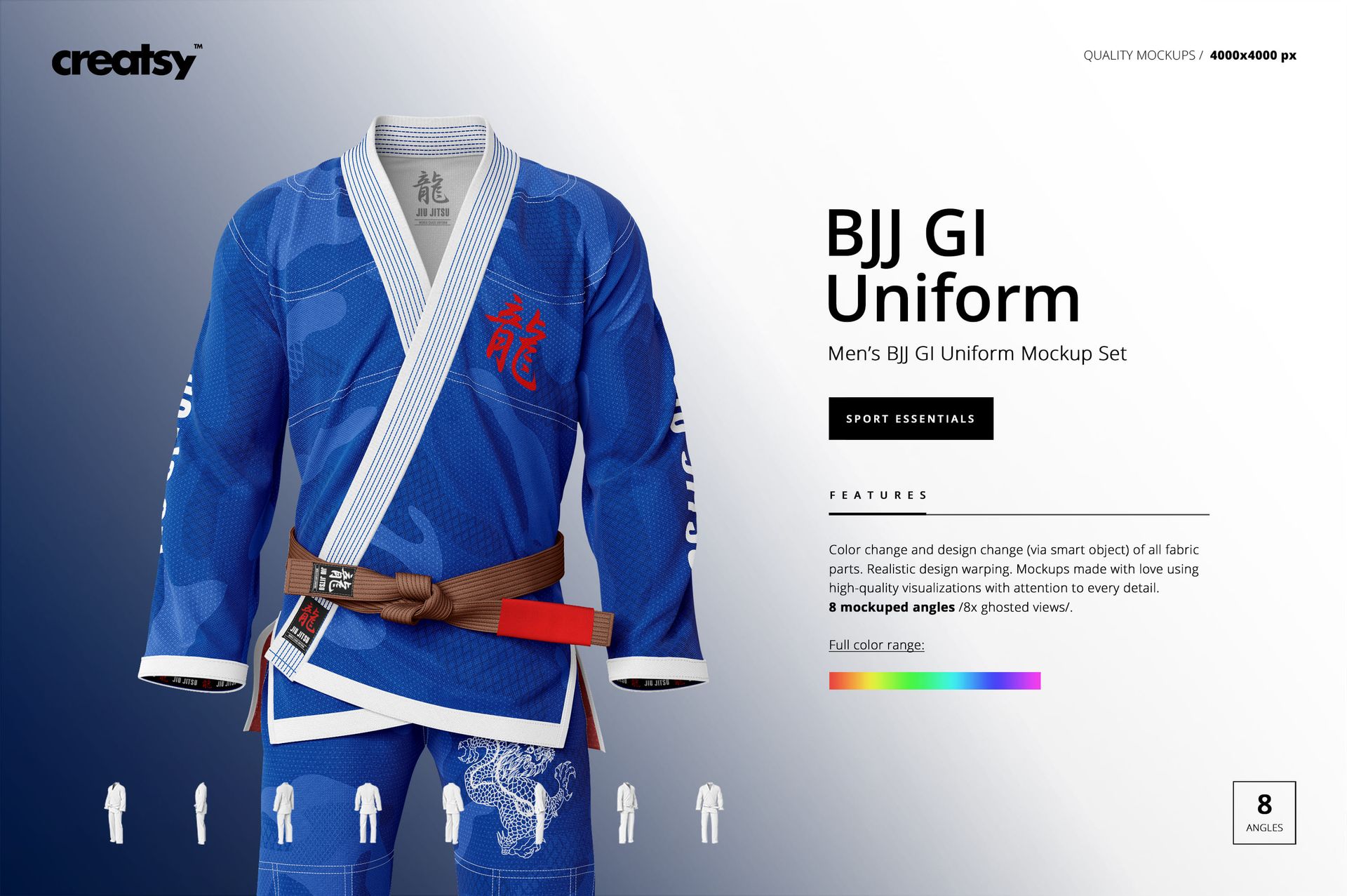
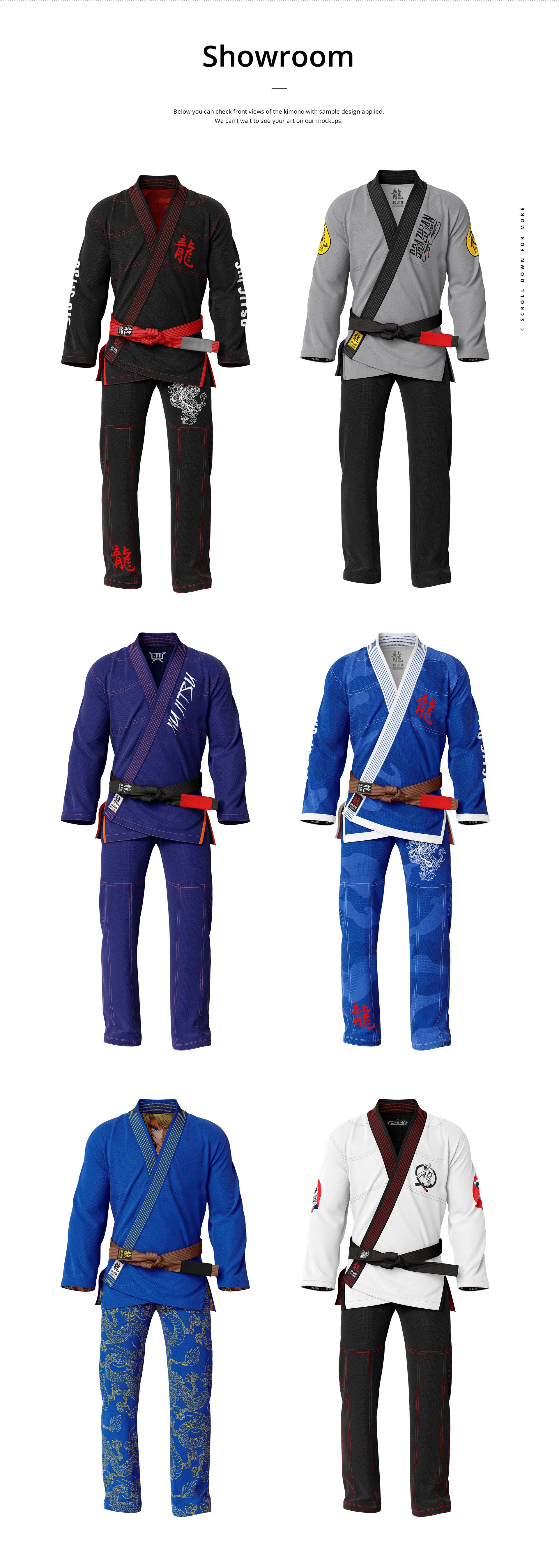
Review a complete men's BJJ gi design without arranging a model or garment photoshoot. Eight square ghosted scenes show the uniform from front, back, side, and angled viewpoints, helping you present the jacket, trousers, belt, lapels, sleeve graphics, labels, and stitching as one coordinated fightwear system.
The multi-view structure is especially useful for checking whether logos, patterns, colors, and seam details stay consistent around the garment before creating a physical sample or client proof.
What Is Included
8 layered PSD mockup files
8 JPG preview files at 512 × 512 px, 16 files in total
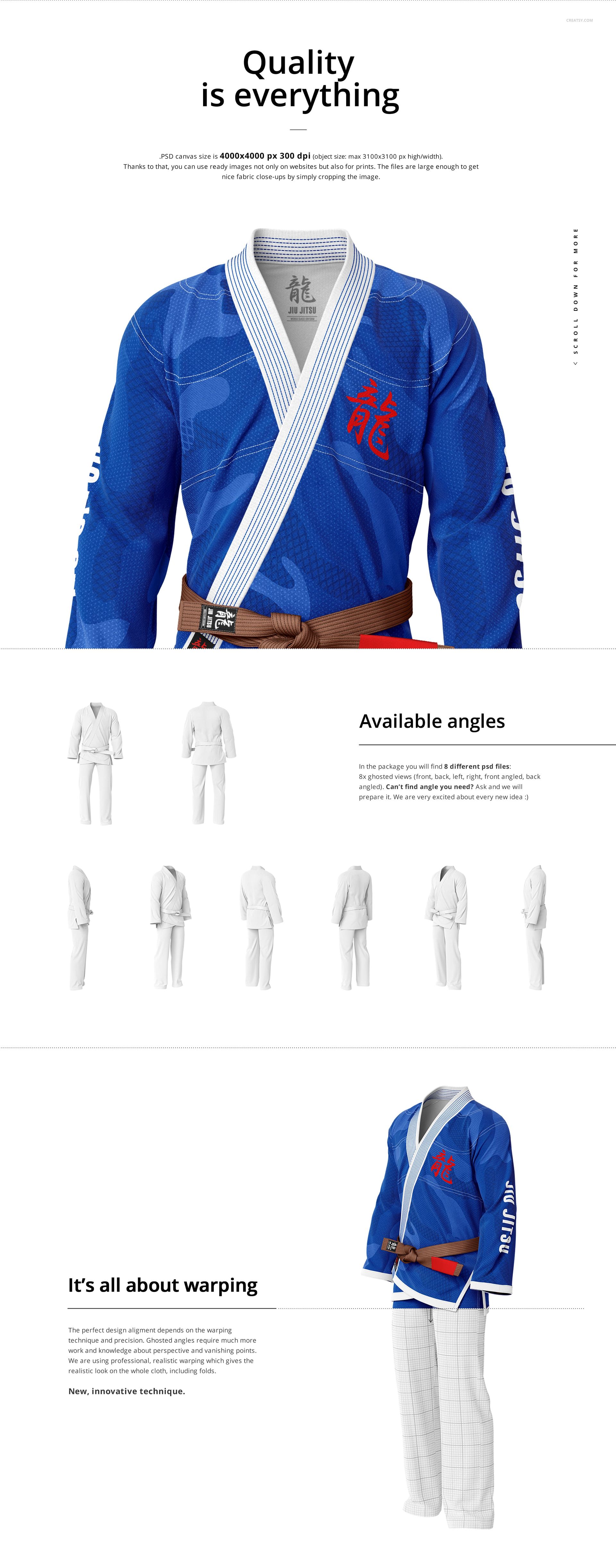
4000 × 4000 px PSD scenes at 300 DPI
Eight ghosted front, back, side, and angled views
Smart Objects, color layers, and an organized file structure
Customize the Full Gi
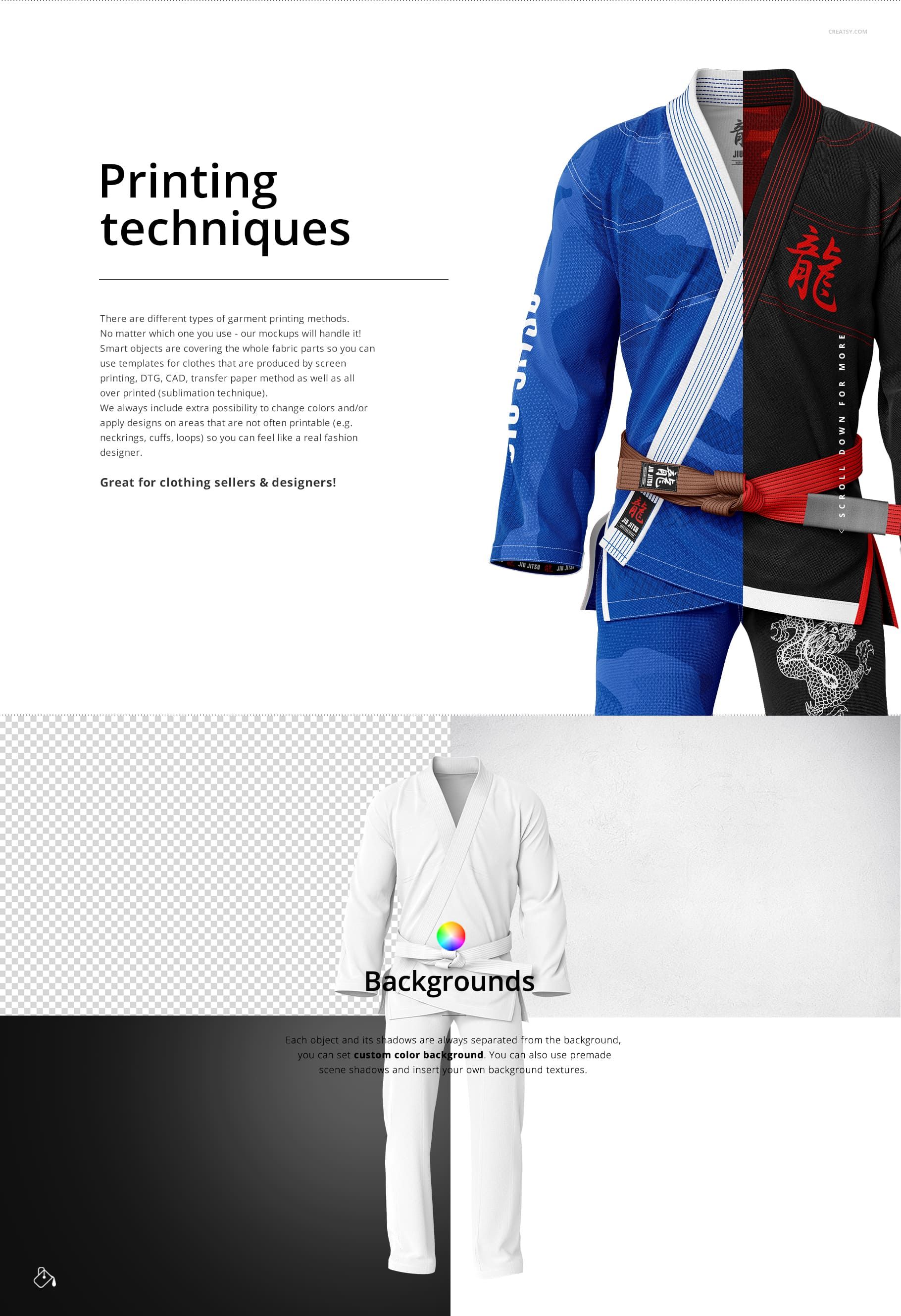
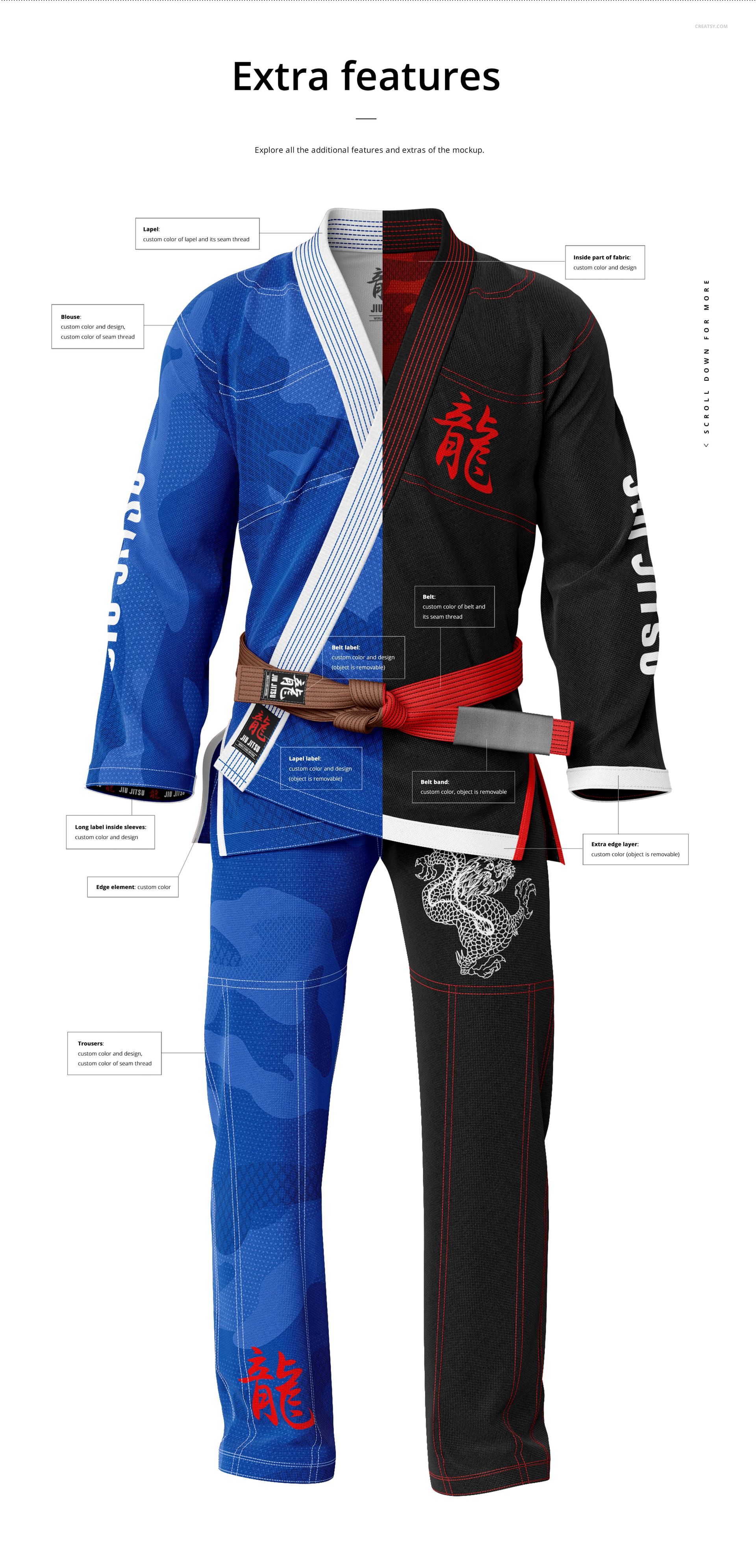
The files support color and artwork changes across all fabric parts. Build a detailed uniform presentation by editing:
Jacket and trouser fabric panels
Lapels, cuffs, and inside fabric areas
Belt and label details
Sleeve and trouser graphics
Stitching thread colors
Eight Angles for a Complete Review
Use the direct front and back scenes for main garment artwork, side views for sleeve and profile details, and angled scenes to inspect how artwork wraps around the torso, trousers, and lapels. The consistent square layout keeps the set easy to arrange in a product gallery.
Easy Smart Object Editing
Place artwork through Smart Objects in Adobe Photoshop CC2020 or newer or Photopea, then adjust the confirmed colors and thread details. Separate garment, shadow, and background layers let you set a custom background color or insert your own background texture.
Perfect For
BJJ academies and martial arts brands
Fightwear and combat sports apparel designers
Uniform manufacturers and print shops
Client approvals and product presentations
Portfolio and ecommerce gallery images
Digital product: No physical gi, belt, or garment will be shipped. Sample artwork and patterns shown in the previews are not included.