Men’s Polyester Golf Knickers Mockup Set
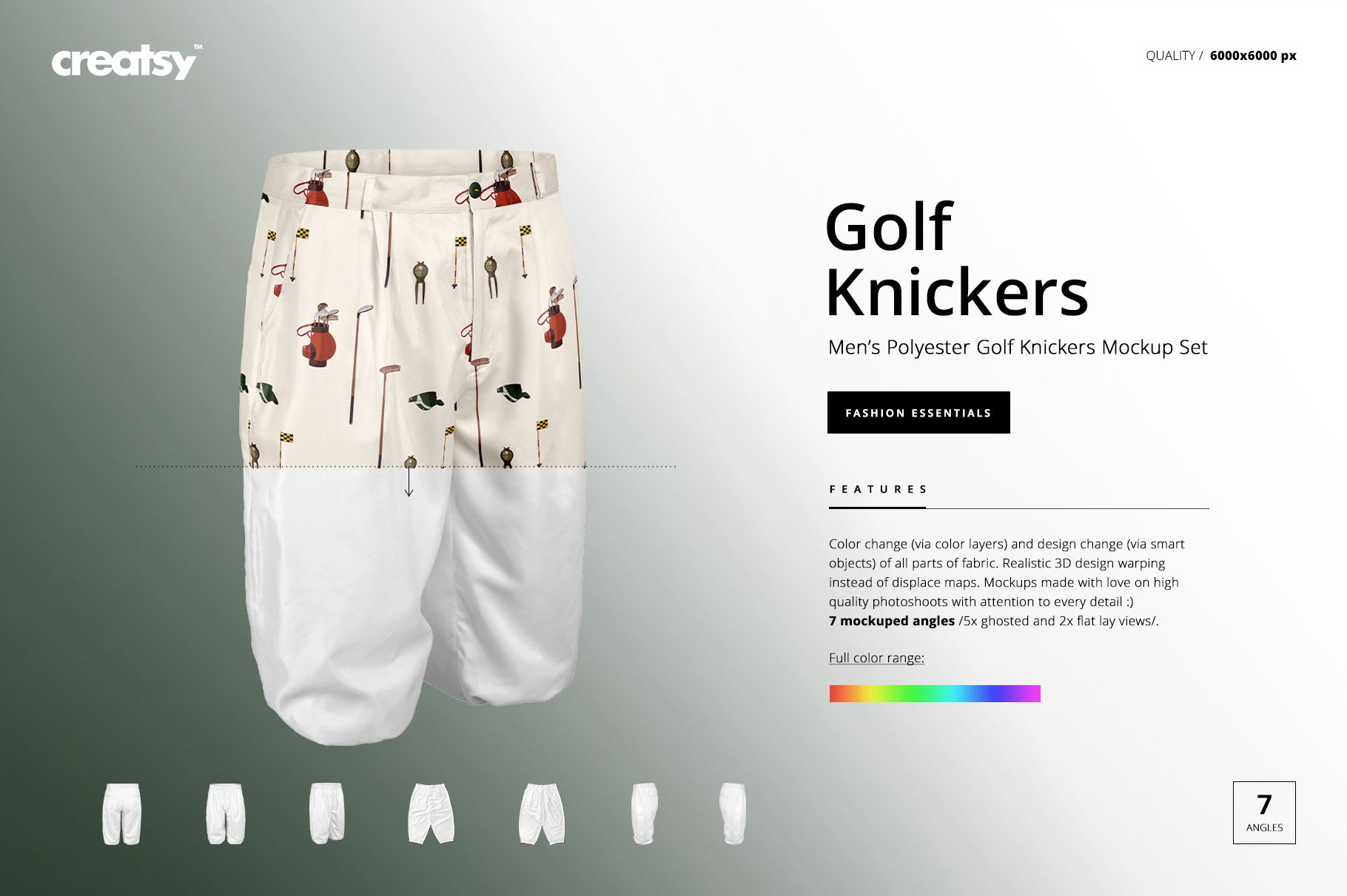
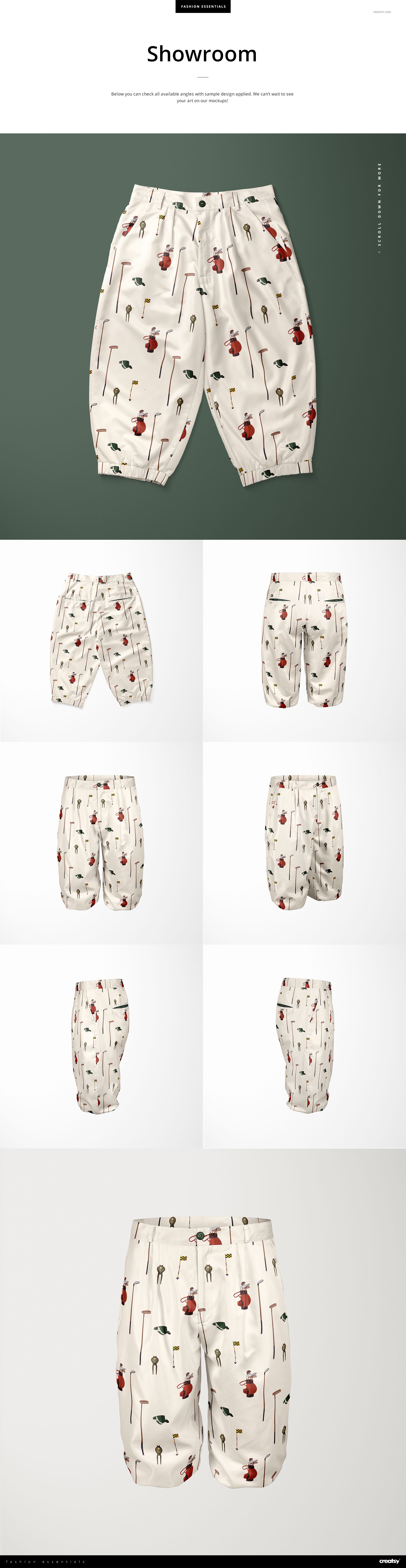
Build a complete seven-view presentation for men’s golf knickers without arranging a garment photo shoot. Two flat lay scenes and five ghosted views help you compare all-over patterns, club colors, logos, and construction details across the front, back, sides, and an angled perspective.
The square isolated scenes make it easy to move from a clear overview of the full garment to focused checks around the waistband, belt loops, pockets, legs, and gathered cuffs.
What Is Included
7 layered PSD mockup files
7 matching JPG scene previews plus 1 JPG guide
15 files in total: 7 PSD and 8 JPG
6000 × 6000 px square PSD and scene JPG files at 300 DPI
Two flat lay scenes and five ghosted views
Smart Objects and well-organized layers
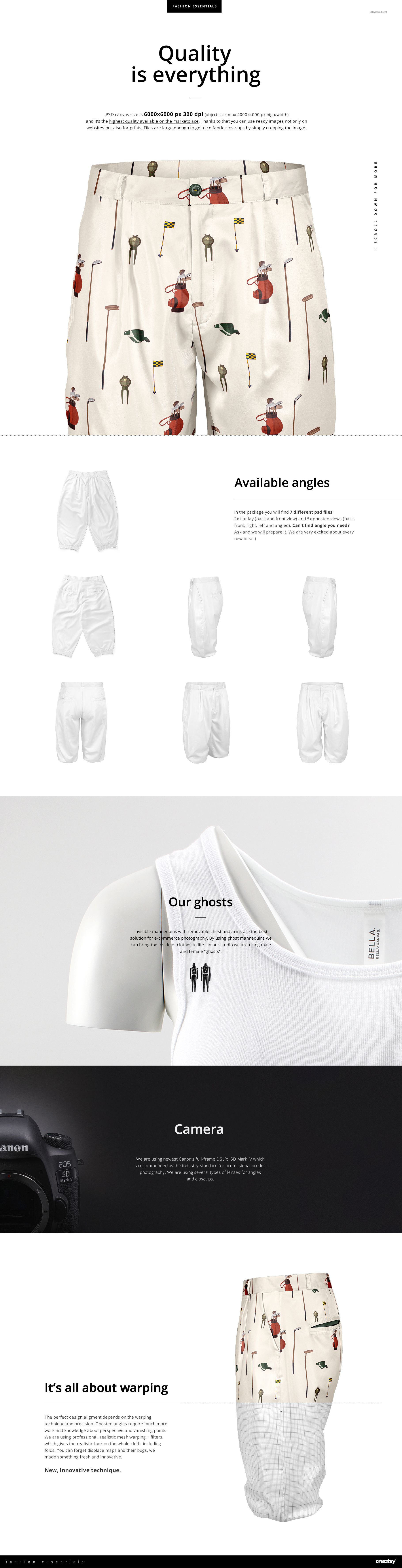
Two Flat Lays and Five Ghosted Views
Use the flat lay front and back files for clean catalog-style images. The ghosted front, back, left, right, and angled views provide a more dimensional review of how artwork wraps around the cropped trouser shape.
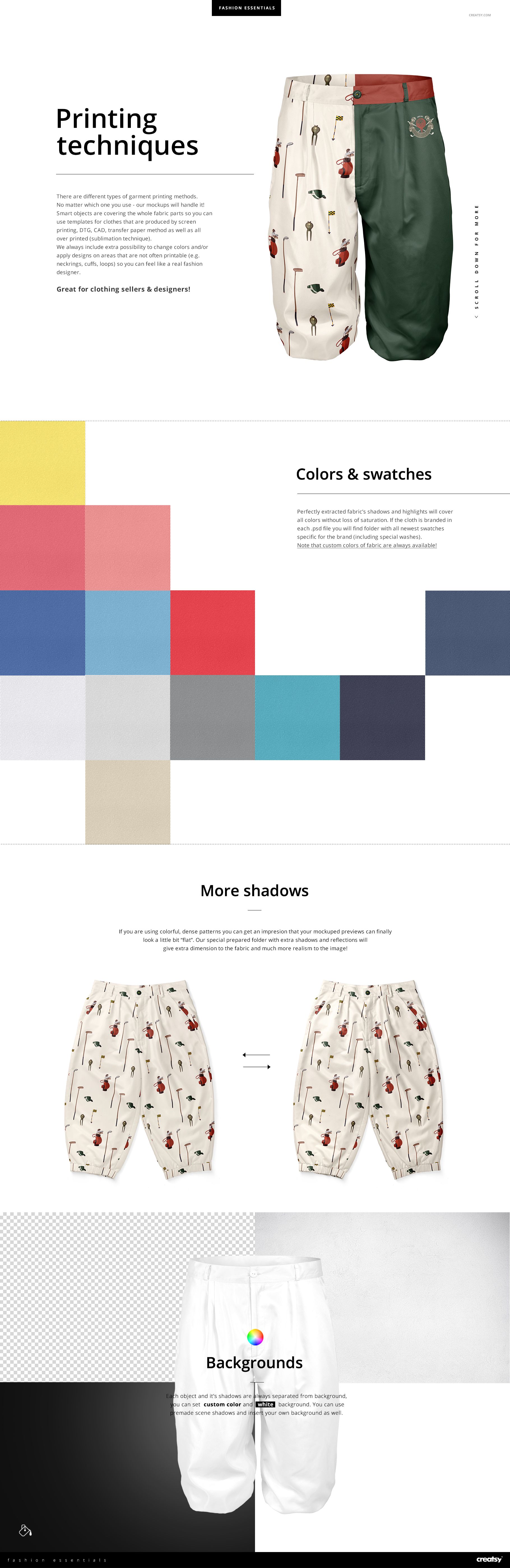
Control Patterns, Colors, and Garment Details
Smart Objects cover the prepared fabric areas, supporting solid colors, placement graphics, and all-over patterns. Use section-specific color changes to explore split colorways and accents around the waistband, belt loops, and cuffs while preserving the garment’s folds, shadows, and highlights.
Easy Smart Object Editing
Place artwork through Smart Objects in Adobe Photoshop CC2015 or newer or Photopea. Objects and shadows are separated from the background, so you can use a custom background color, the included white option, or your own background image.
Perfect For
Golf apparel and heritage sportswear brands
Surface pattern and fashion designers
Golf clubs and team merchandise
Garment manufacturers and print shops
Client approvals, portfolios, catalogs, and product galleries
Digital product: No physical knickers or other garment will be shipped. Sample artwork and patterns shown in the previews are not included.