Swim Cap Mockup
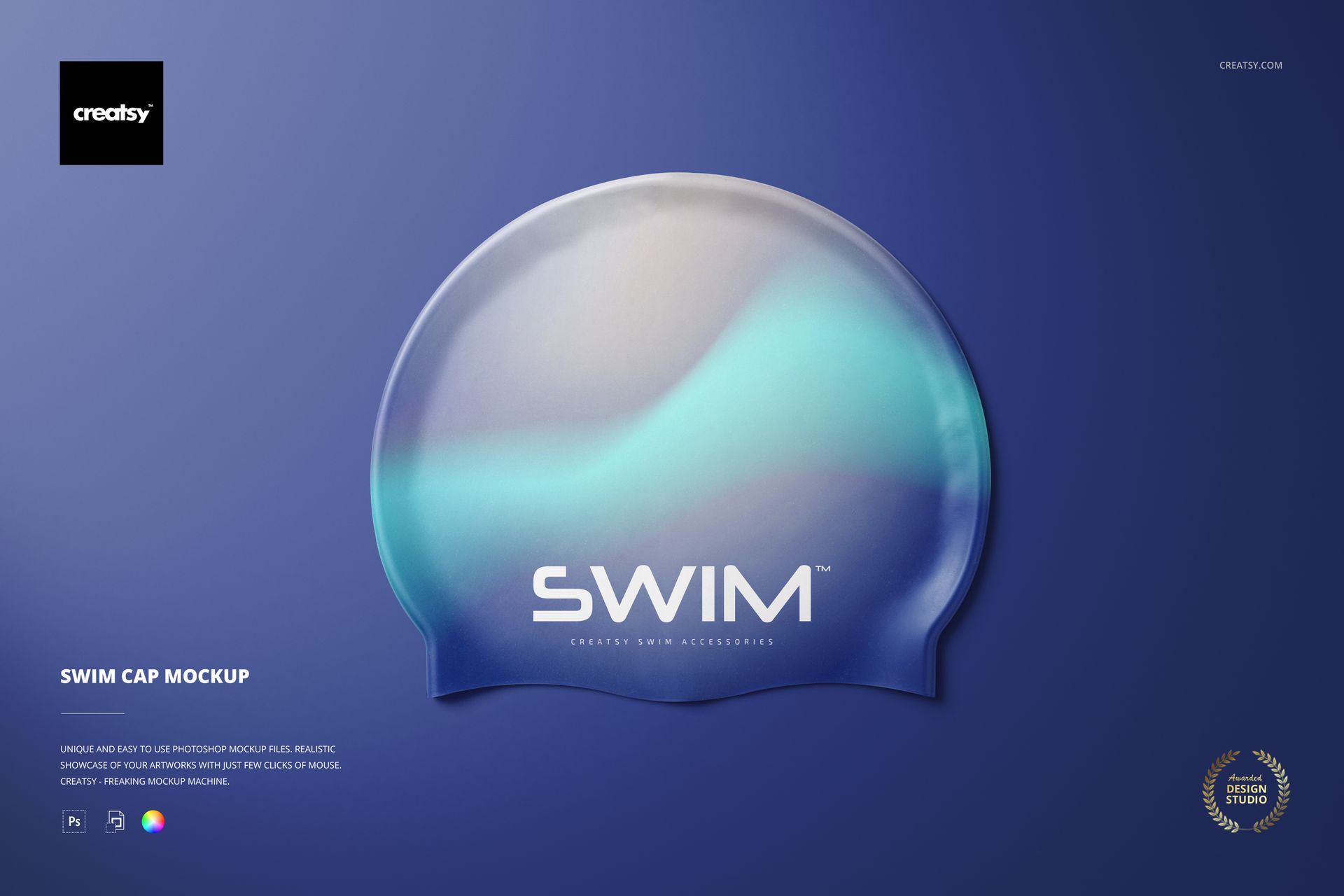
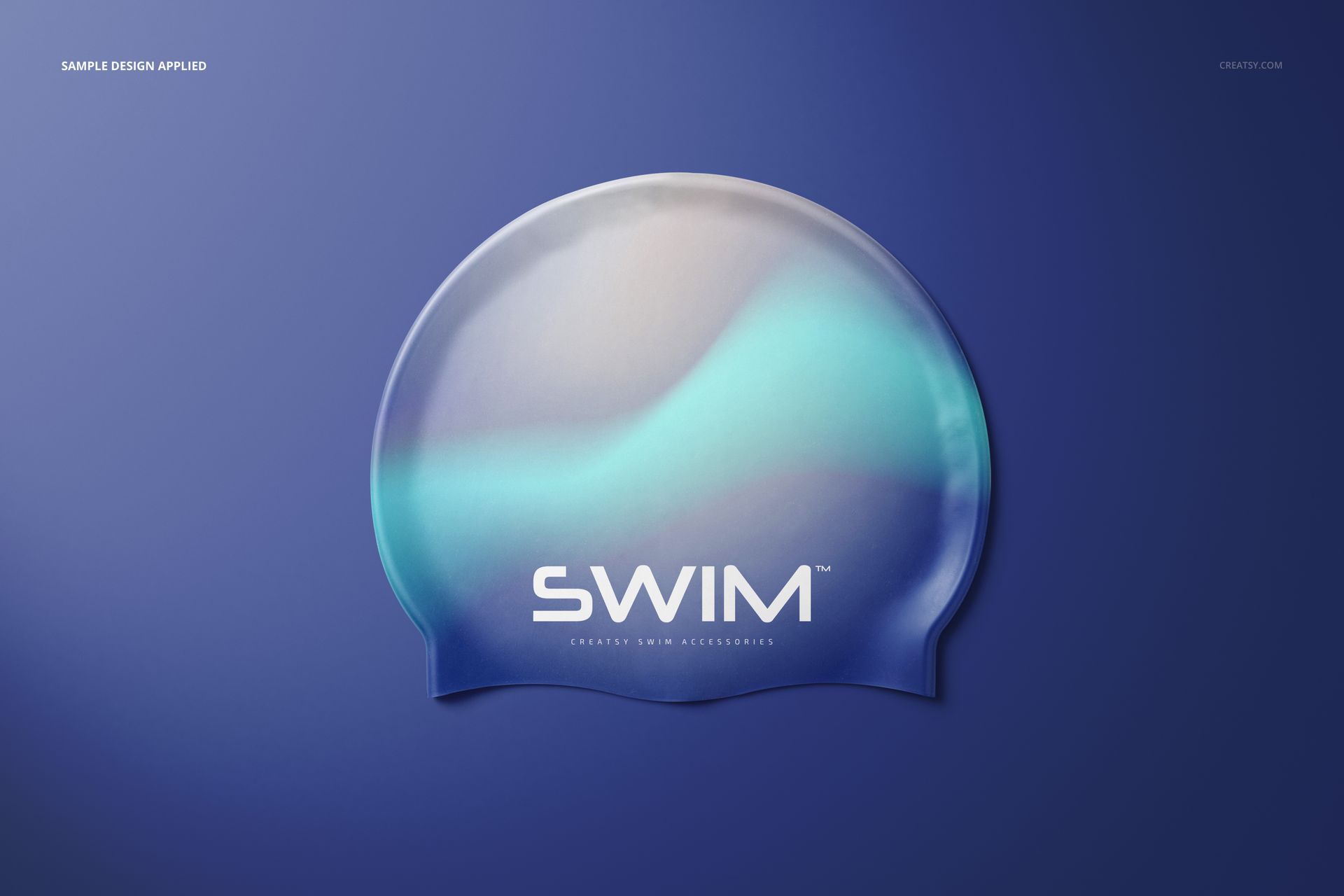
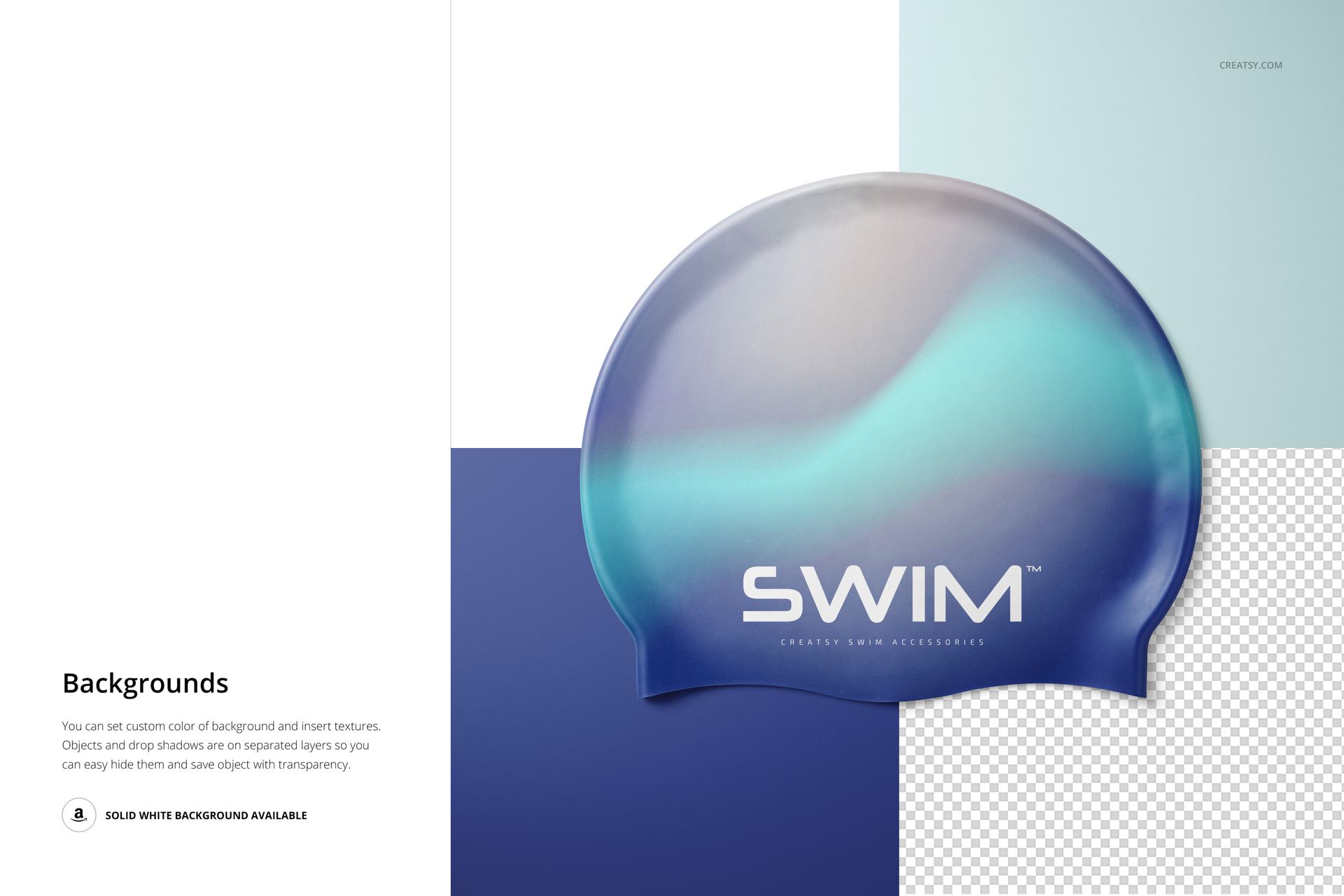
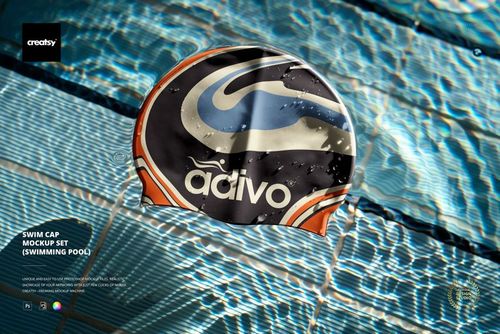
Give one swim cap design the full frame with a clean, front-facing presentation. The large centered surface makes it easy to assess logo scale, pattern placement, typography, and color relationships without competing props or a busy setting.
This focused landscape scene works well as a hero image for a client presentation, portfolio, catalog, or product gallery when one clear view is more useful than a multi-scene collection.
What Is Included
1 layered PSD mockup file
1 JPG preview file
1 PDF user manual, 3 files in total
6000 × 4000 px landscape canvas at 300 DPI
Smart Objects and well-organized layers
A Direct Front View for Artwork Checks
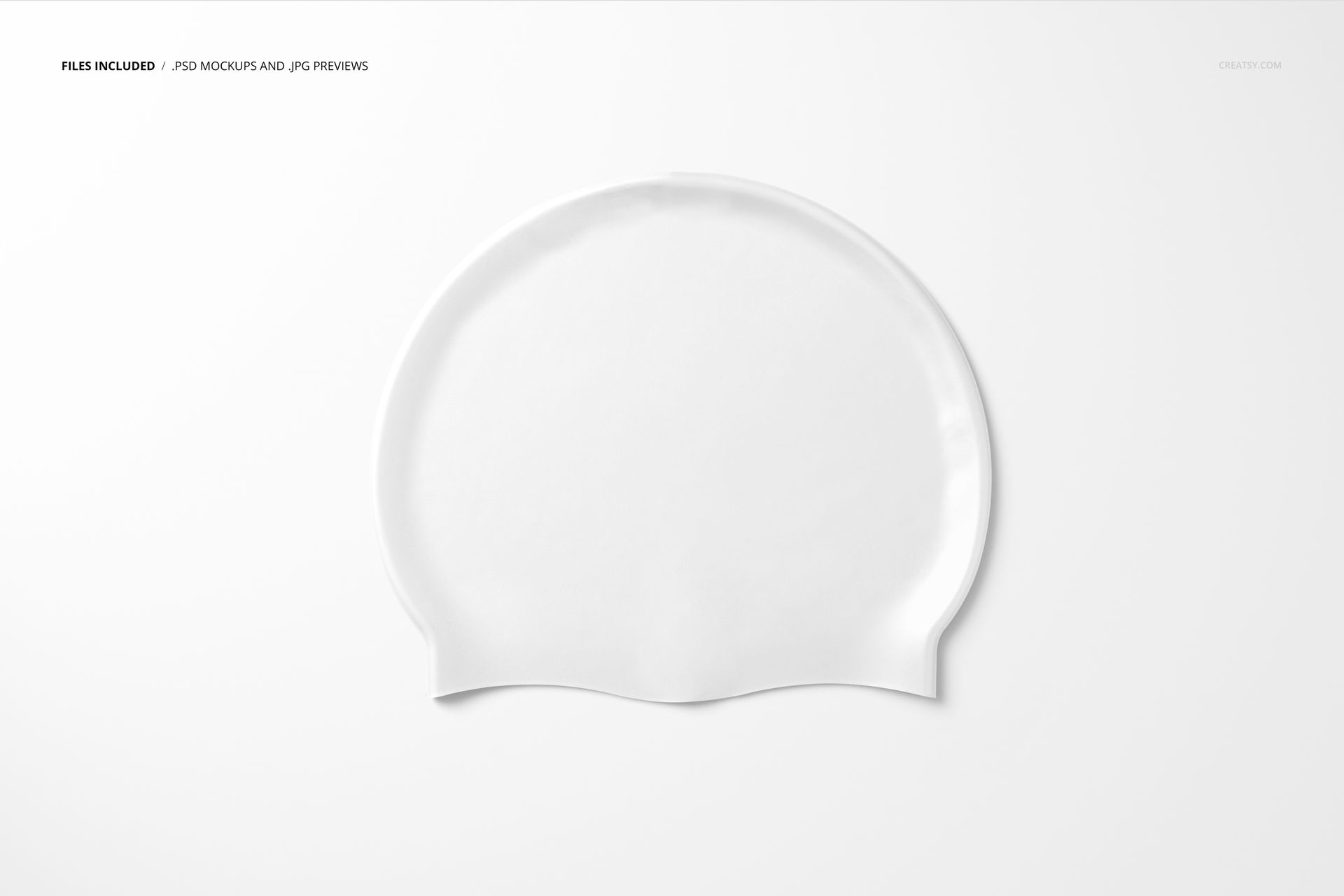
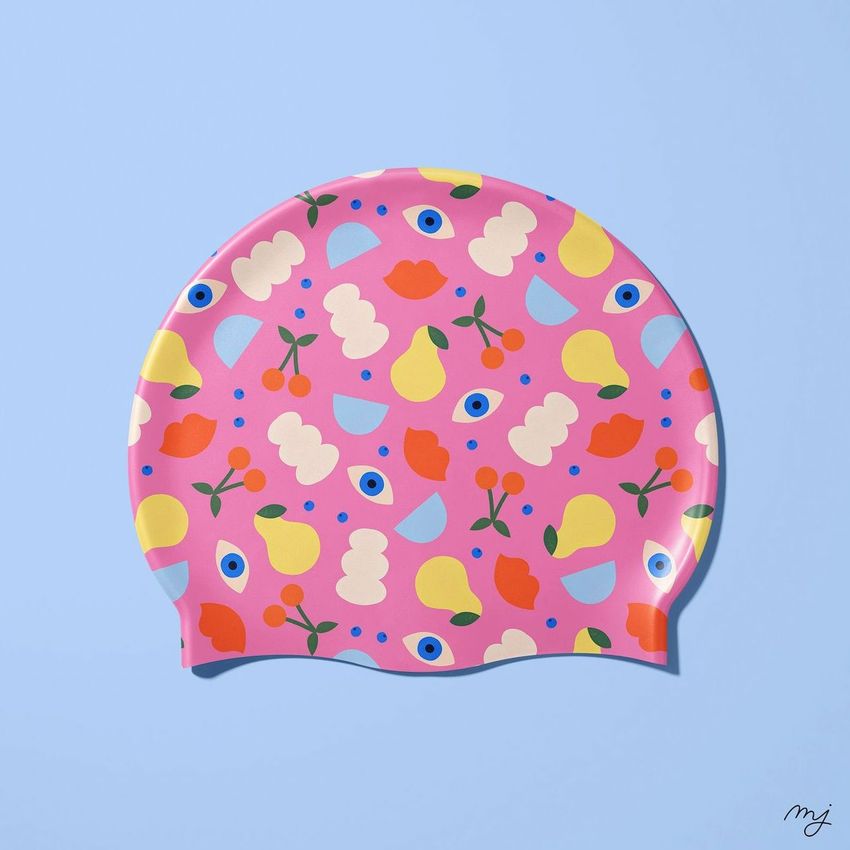
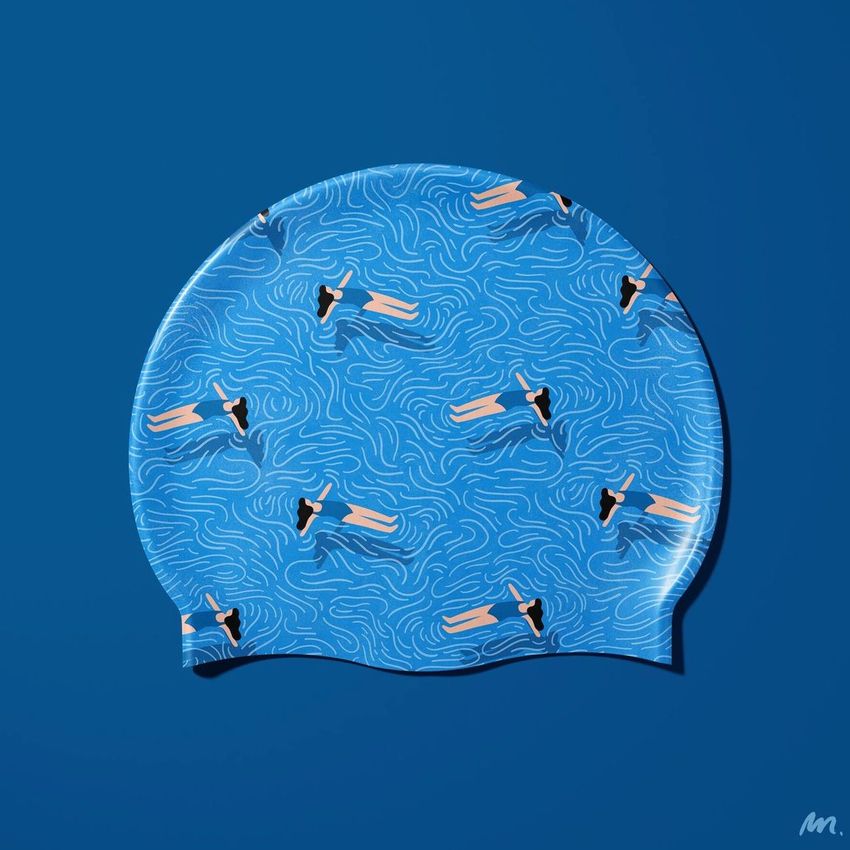
The isolated front view shows the rounded cap surface and lower-edge contours clearly. Use it to review a central logo, team name, sponsor mark, illustration, or all-over pattern before choosing final presentation images.
Customize the Cap and Background
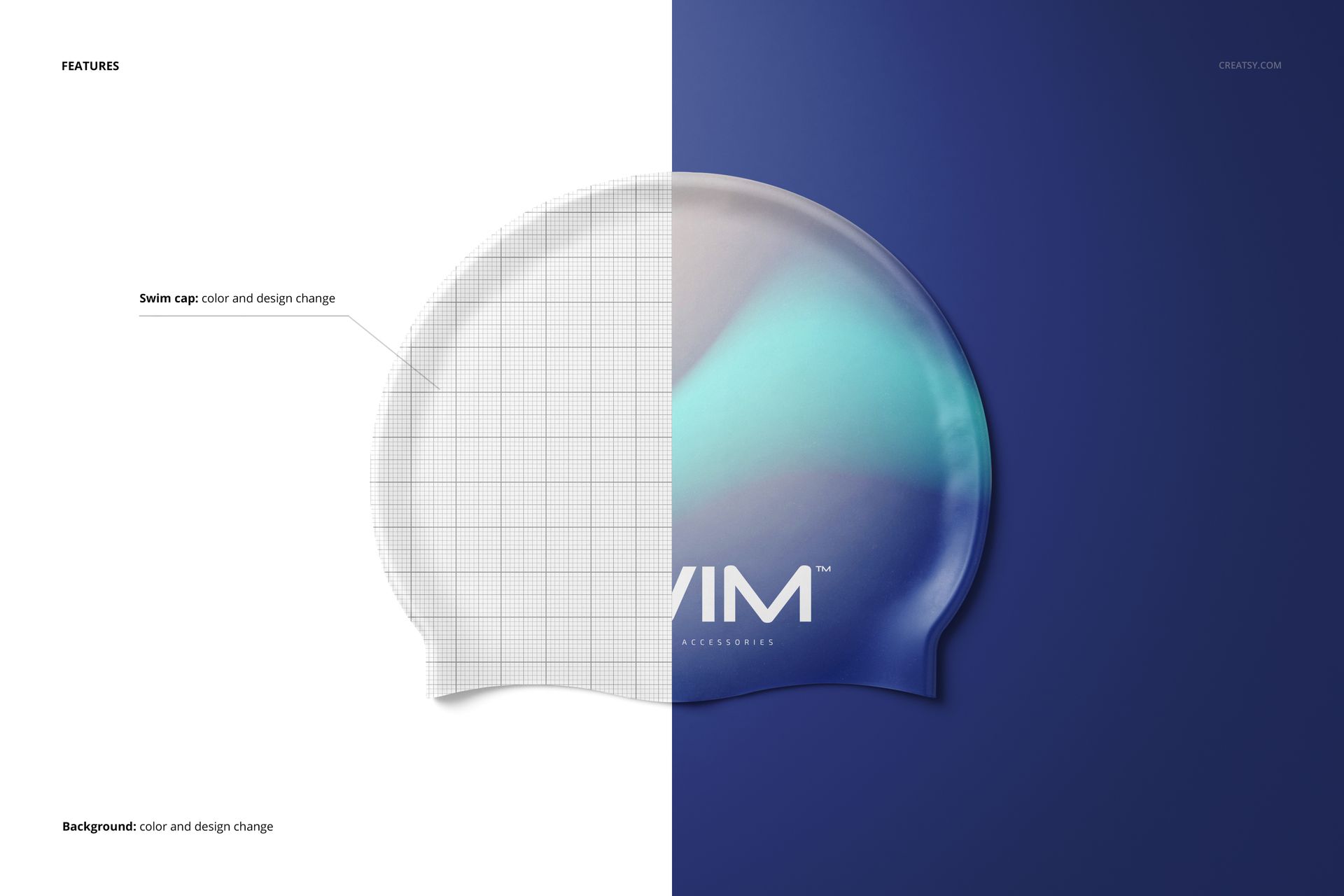
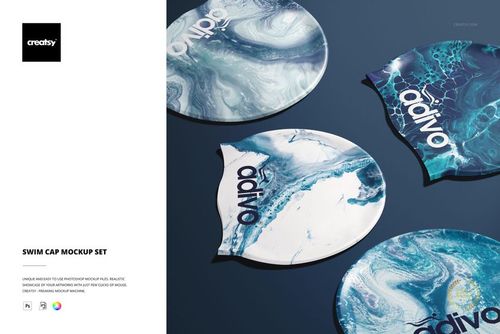
Change the swim cap color and design
Set a custom background color or insert your own background design
Use the included solid white background for a clean catalog image
Hide separate objects and drop shadows for transparent output
Easy Smart Object Editing
Insert artwork through the prepared Smart Object, adjust the cap and background layers, and save the file to update the scene. The original product notes specify Adobe Photoshop CC2015 or newer, while current compatibility information also confirms Photopea.
Perfect For
Swimming clubs and team merchandise
Swimwear and aquatic sports brands
Logo, sponsor, and event graphics
Surface pattern and illustration presentations
Client approvals, portfolios, and product imagery
Digital product: No physical swim cap will be shipped. Sample artwork and patterns shown in the previews are not included.