Skateboard Deck with Trucks and Wheels Mockup Set
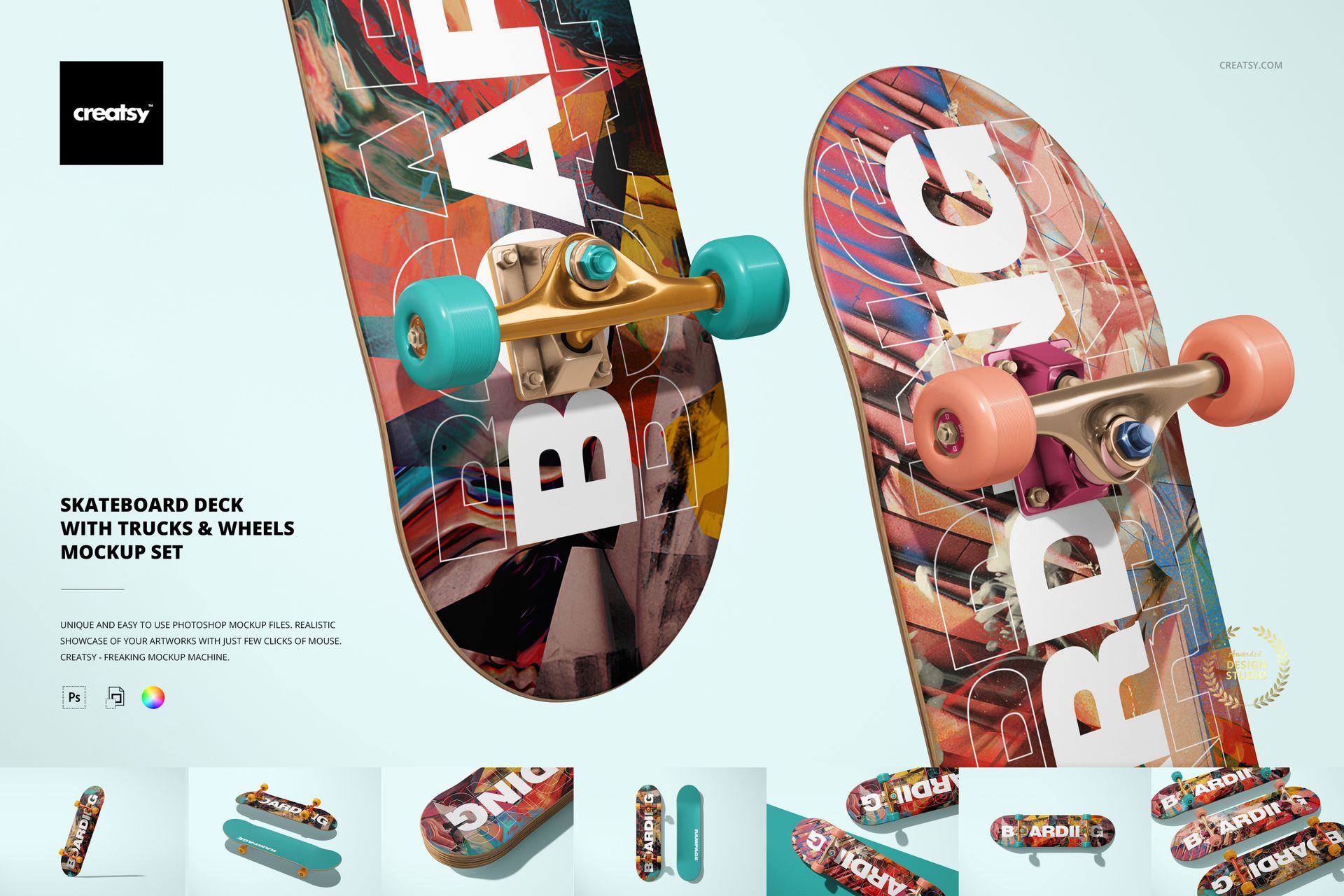
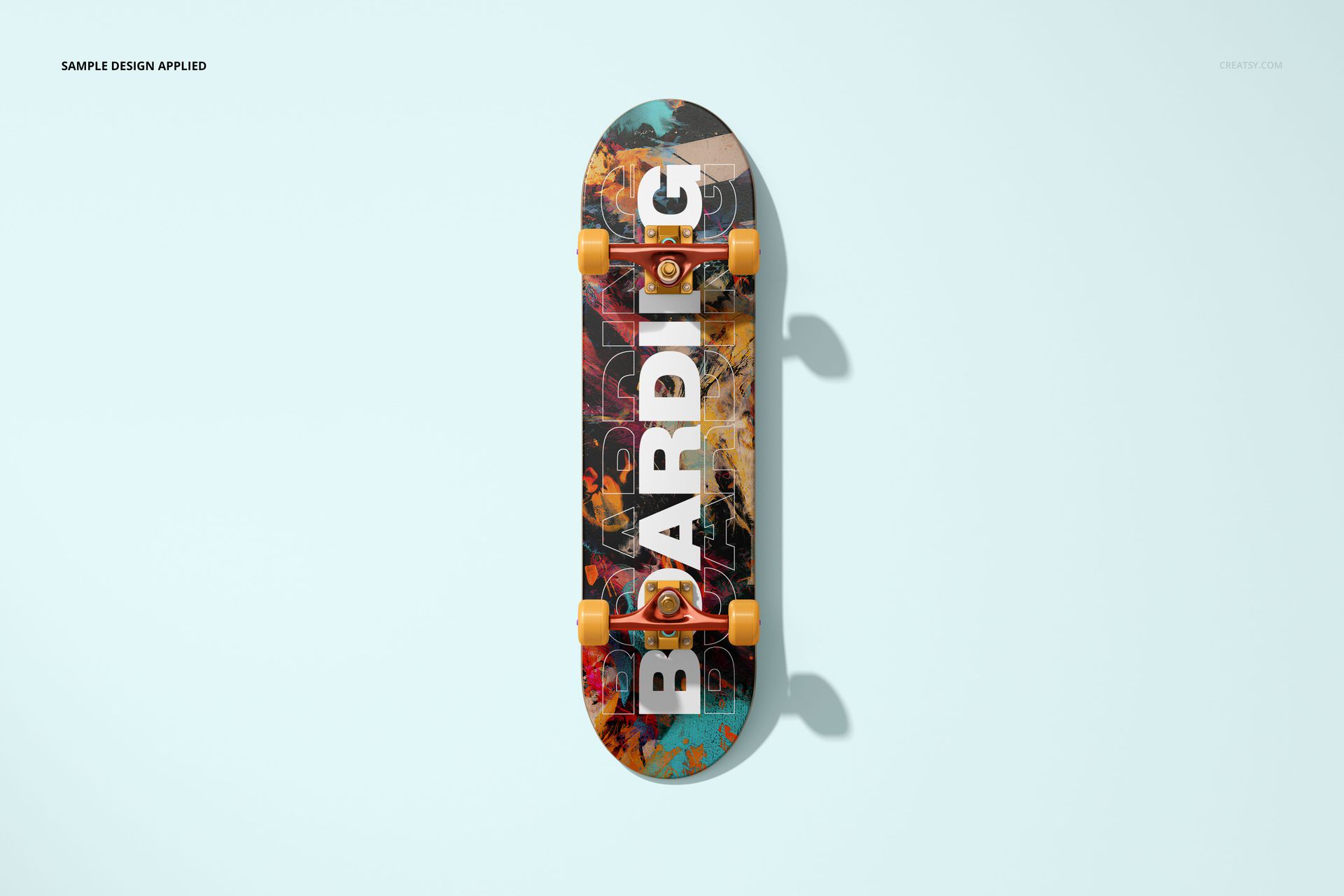
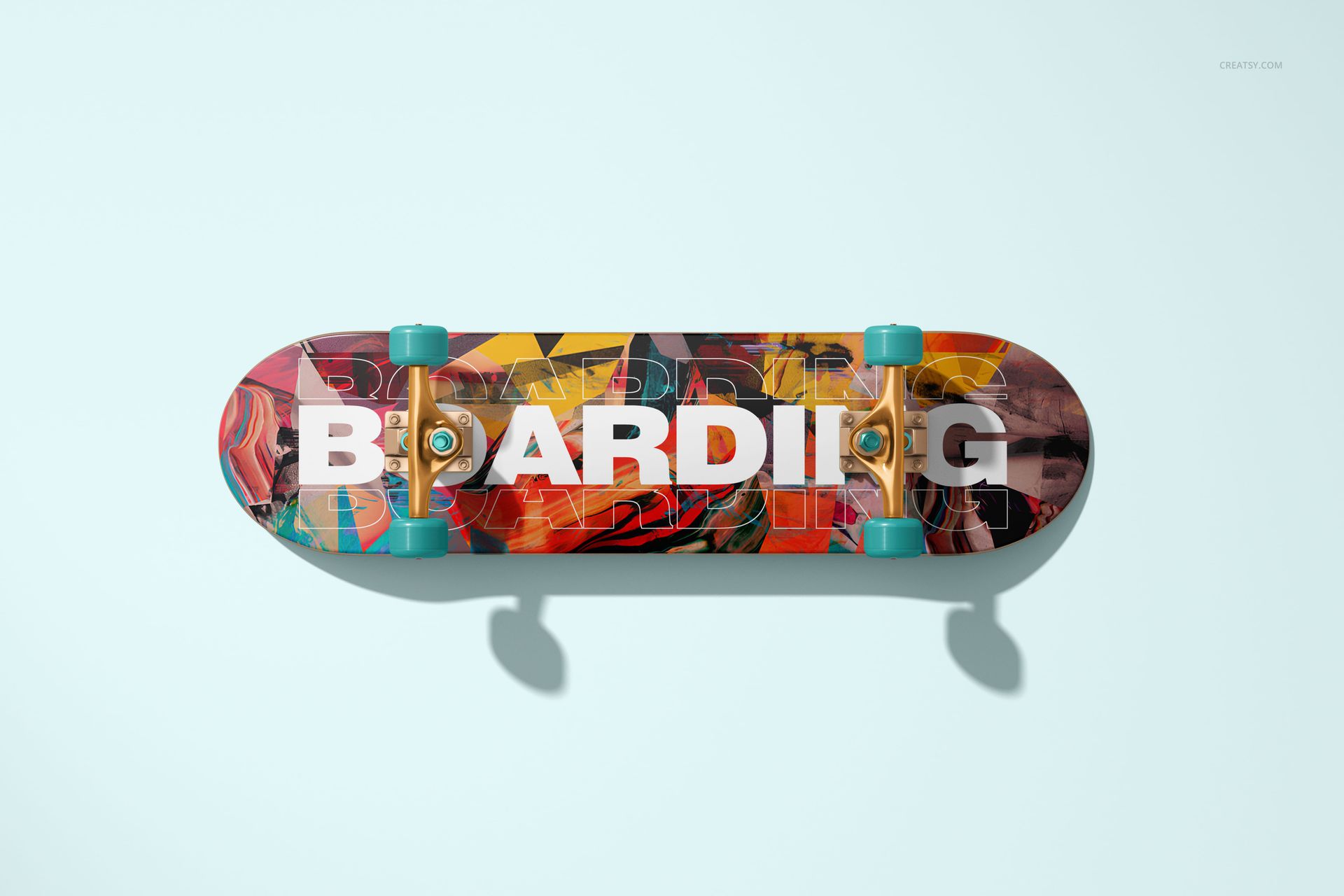
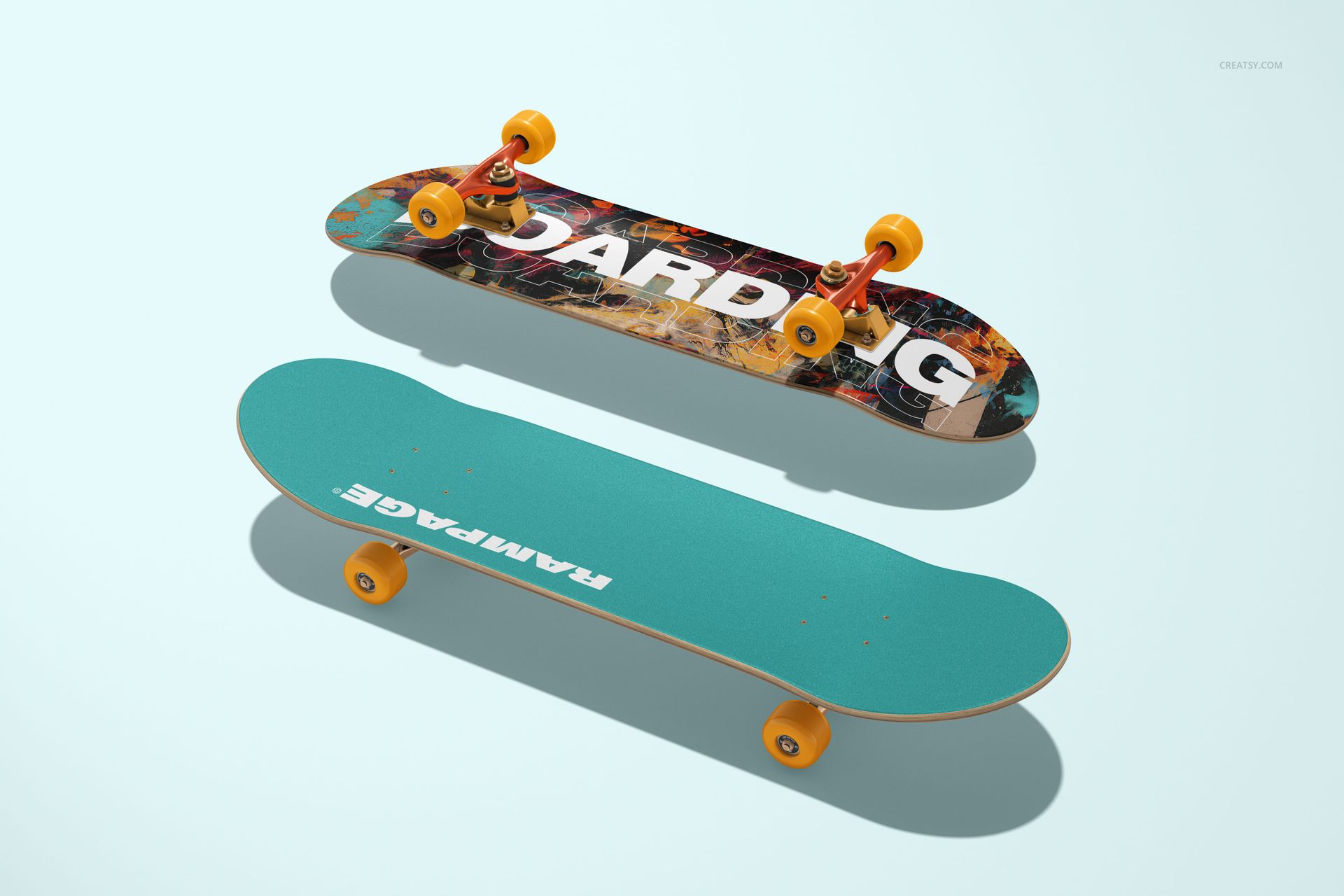
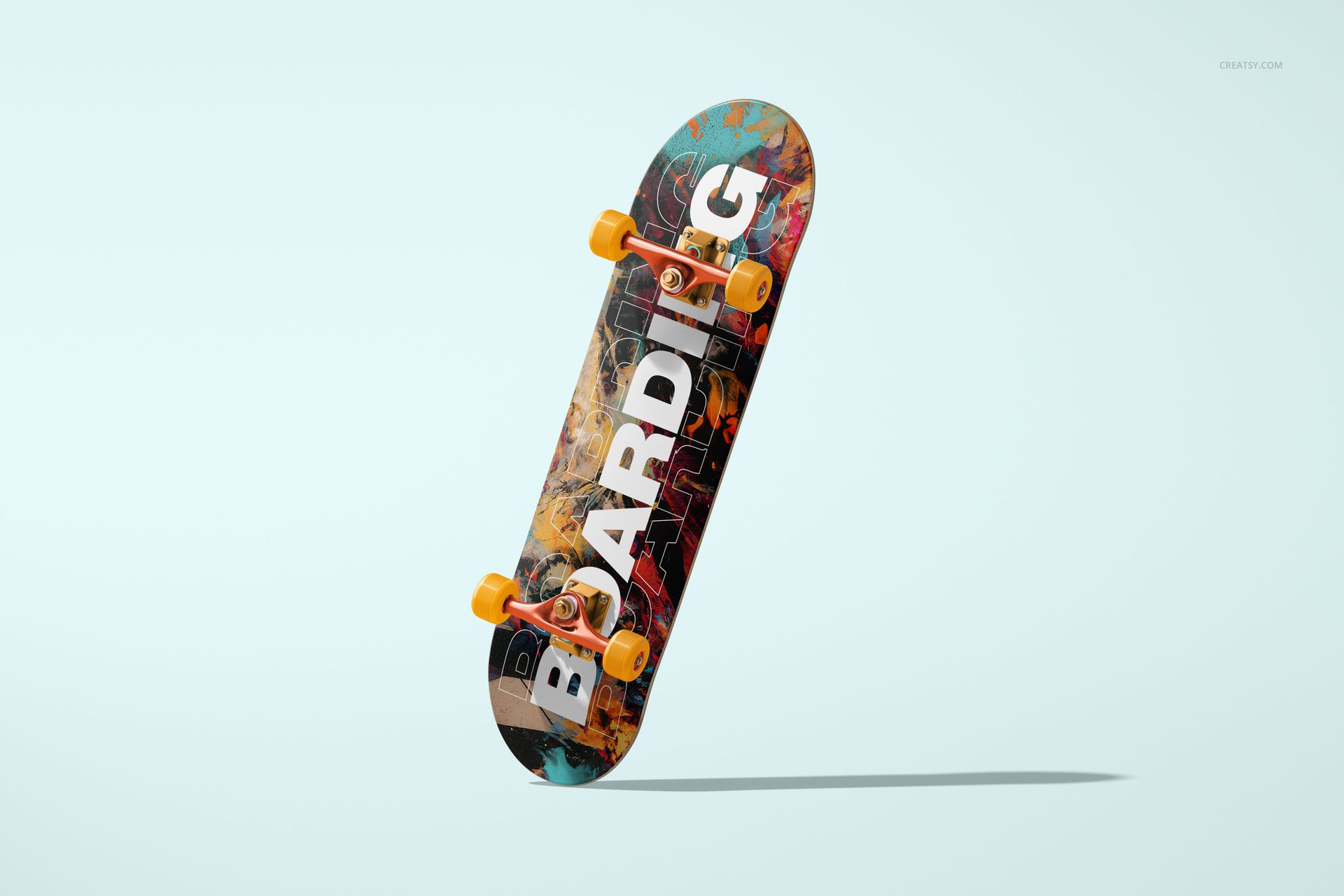
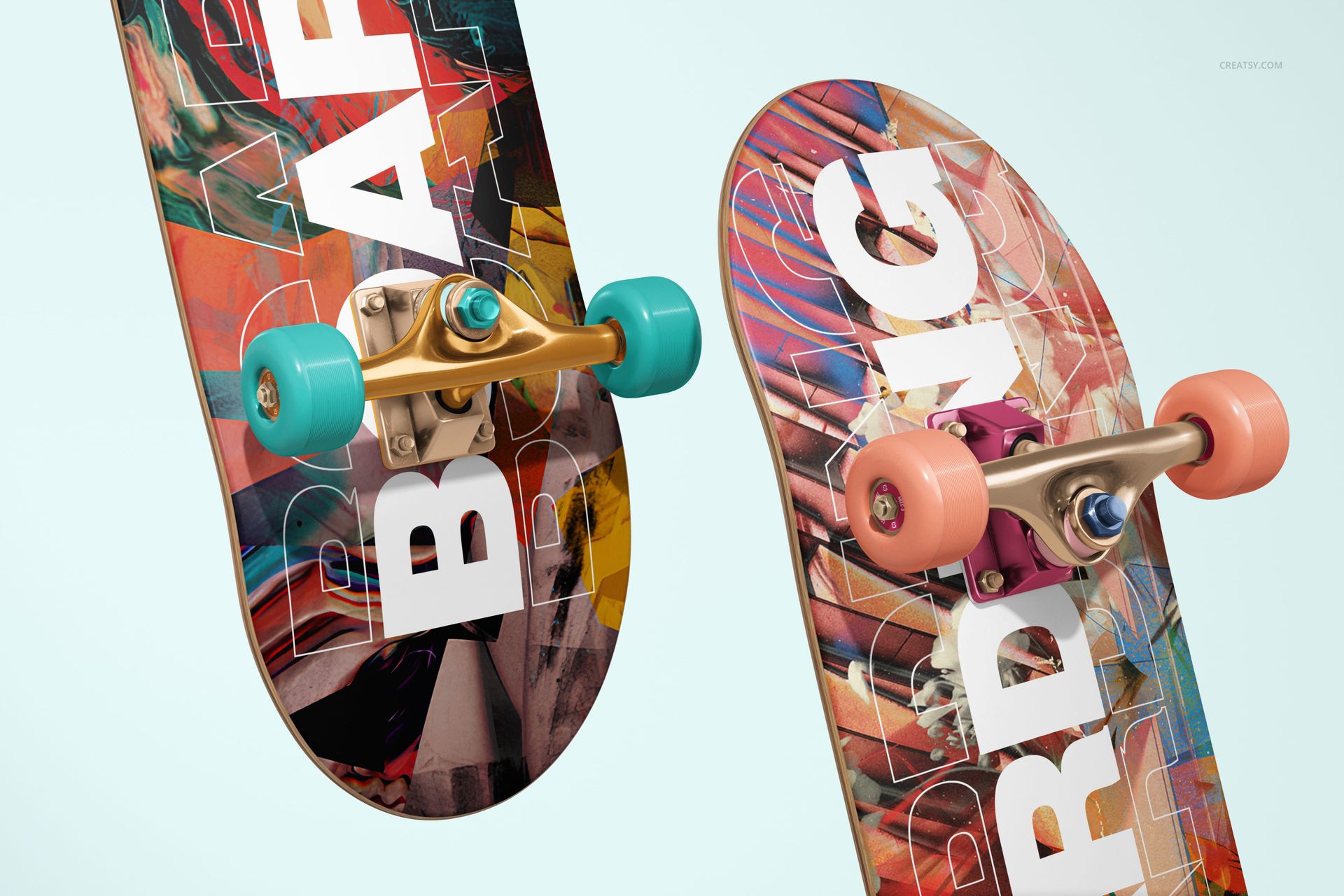
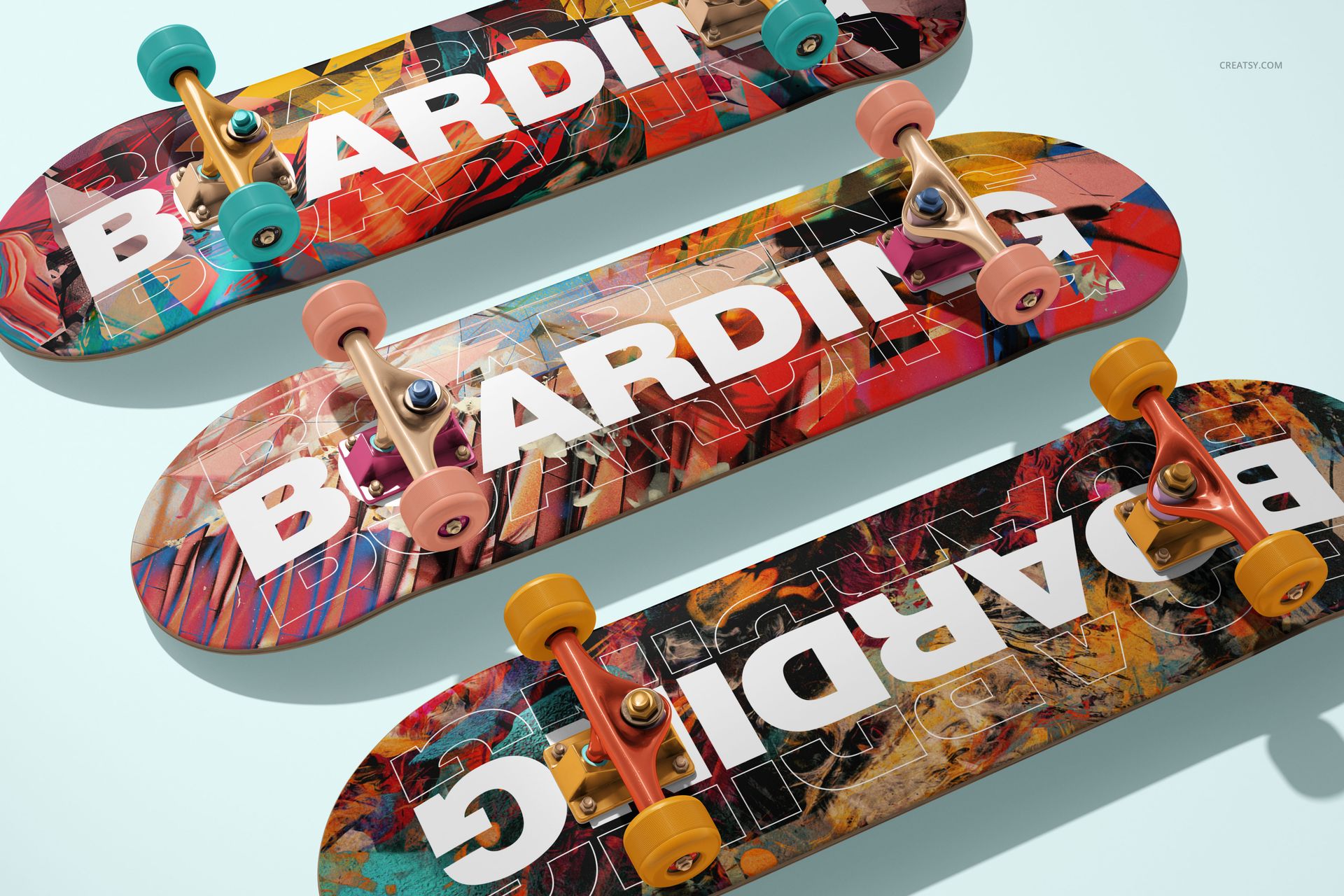
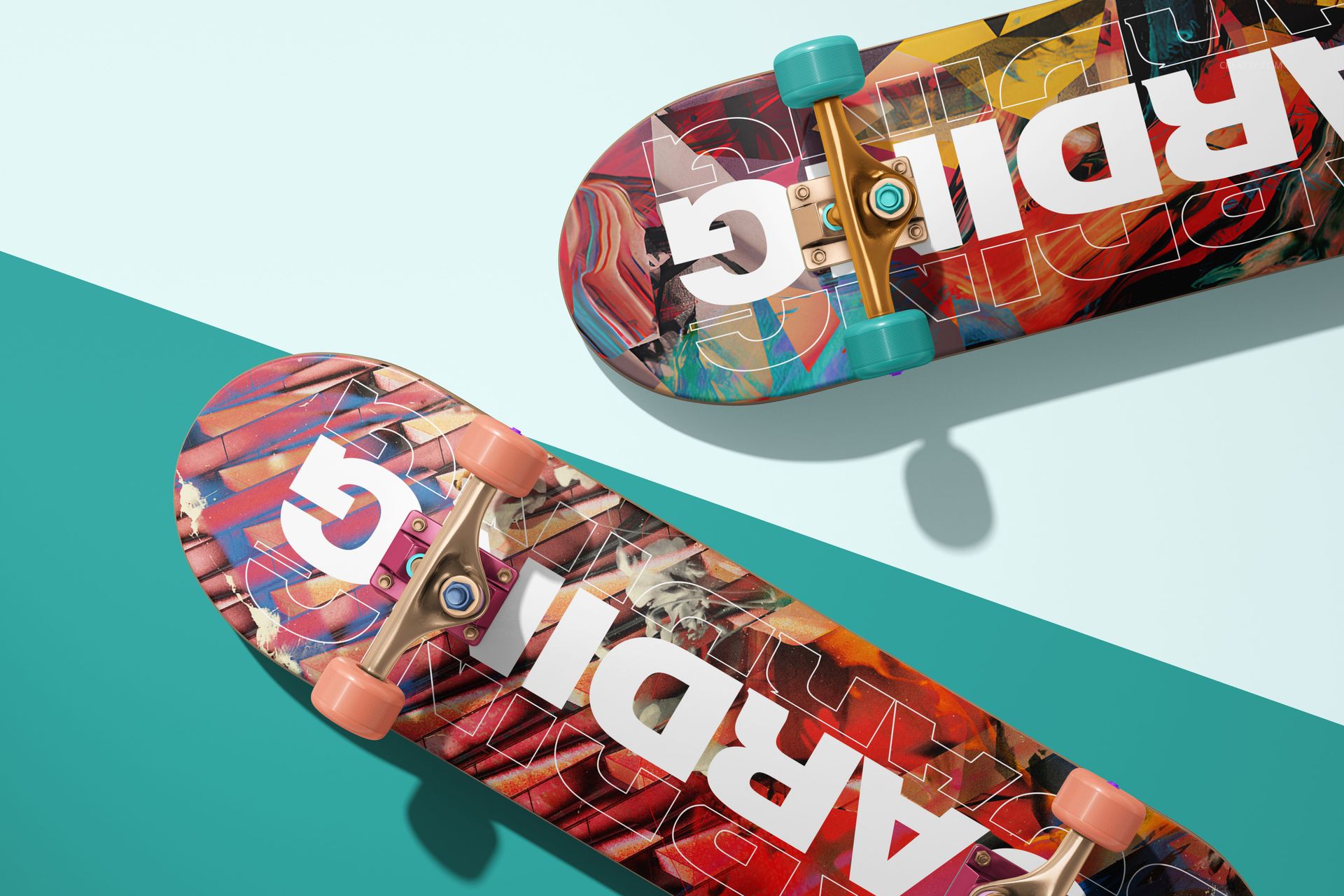
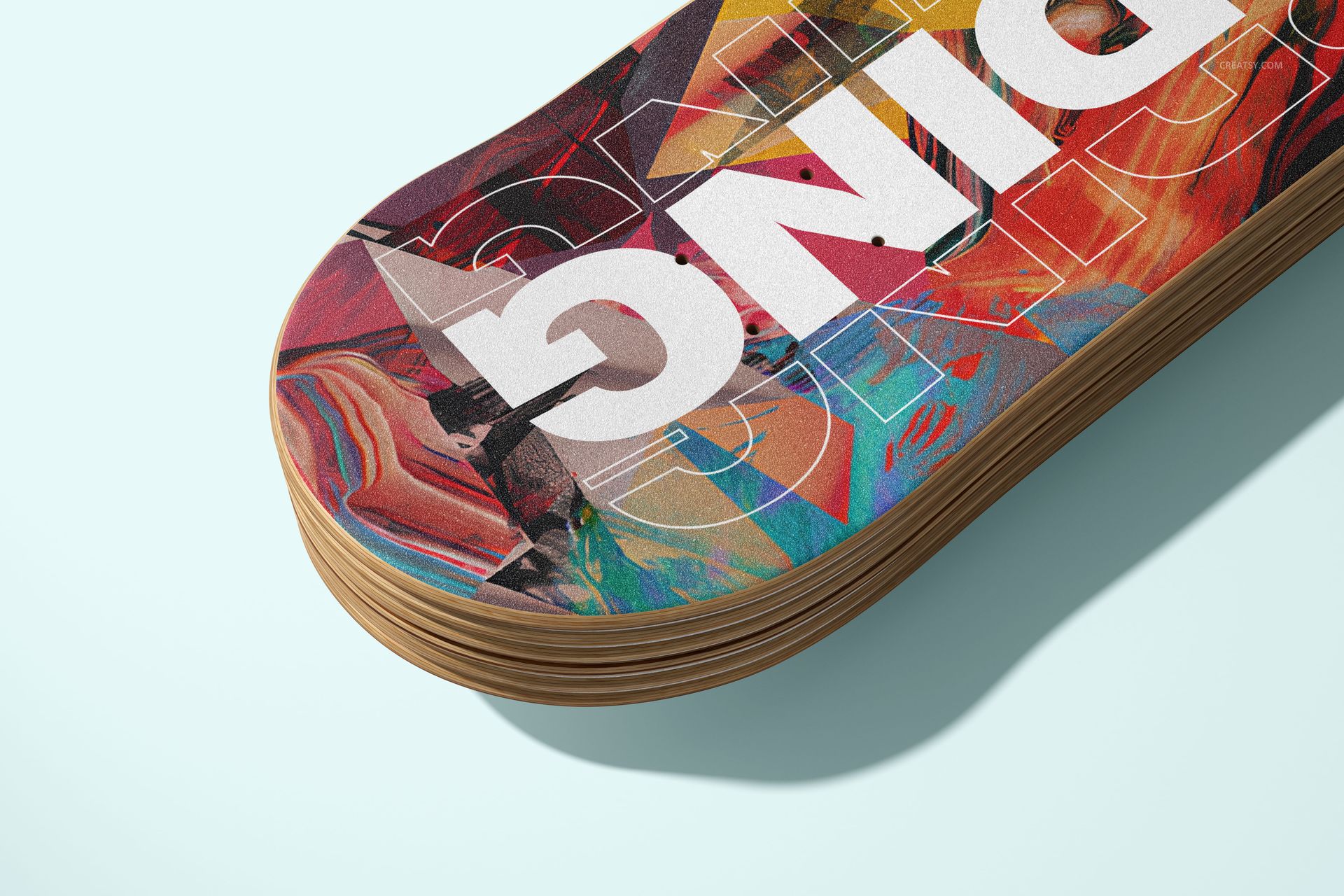
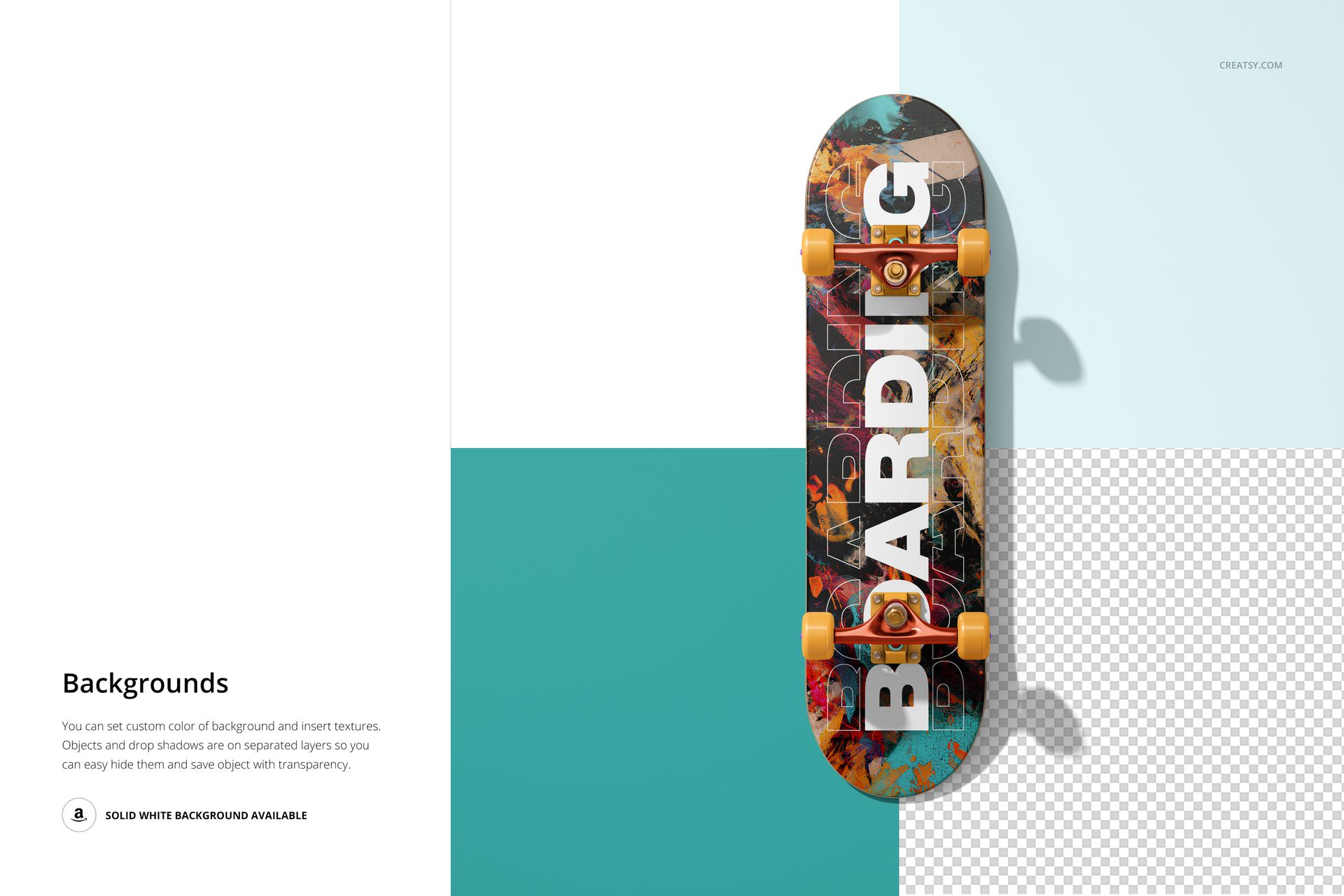
Present a complete skateboard concept across nine high-resolution landscape scenes. The set combines full-board views, angled compositions, detailed close-ups, and grouped arrangements so you can show artwork on the deck, grip tape, trucks, wheels, and layered plywood edge.
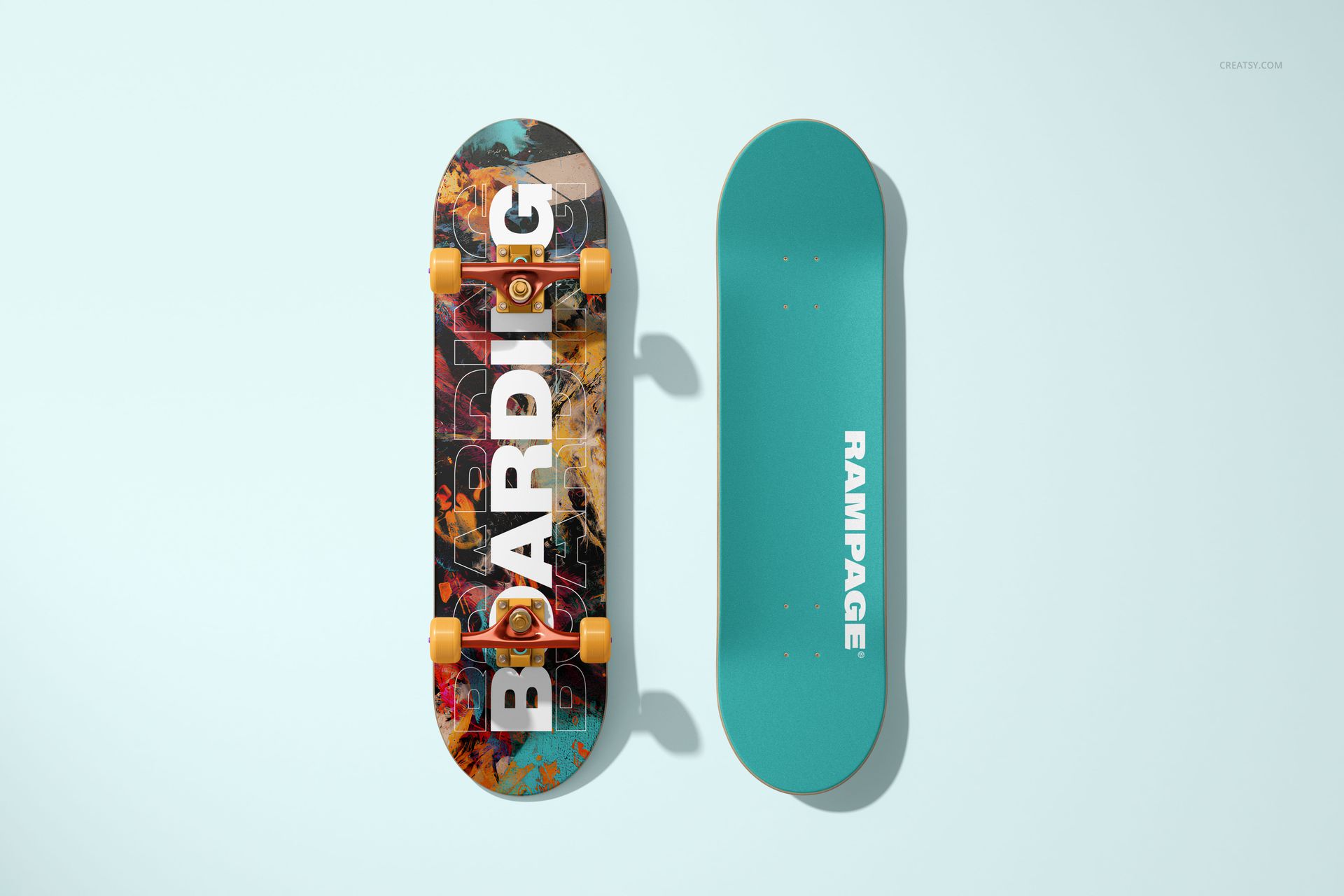
Use the direct views to explain the full graphic, then add dimensional and close-up scenes to show how the design works around mounting holes, curved ends, hardware, and deck construction.
What Is Included
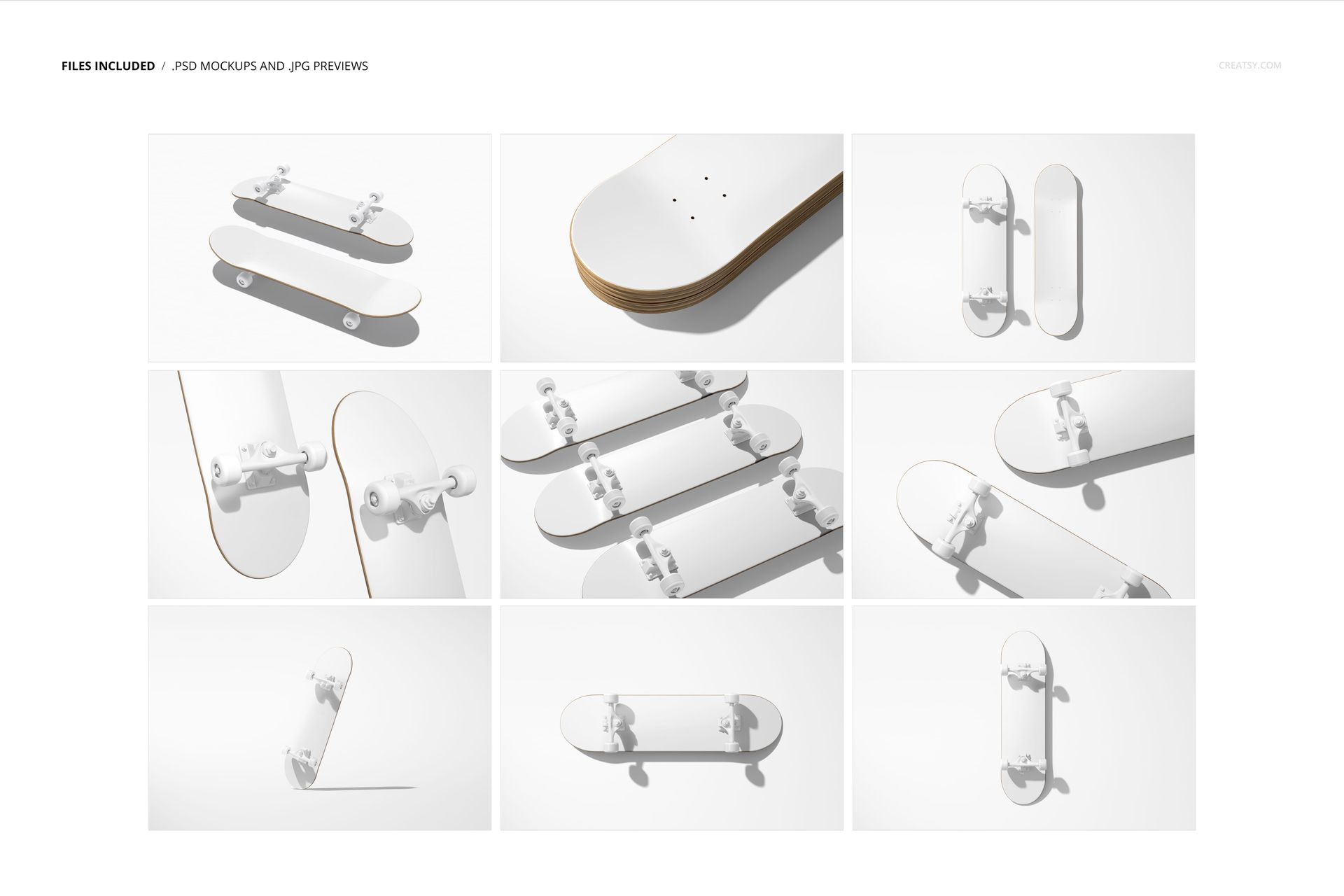
9 layered PSD mockup scenes
9 JPG preview files, 18 files in total
6000 × 4000 px landscape canvases at 300 DPI
Smart Objects and well-organized layers
Show the Complete Board From Multiple Angles
The nine scenes include top and bottom presentations, horizontal and vertical compositions, angled and standing views, hardware close-ups, paired boards, three-board arrangements, and a detailed stacked-deck view that reveals the layered wood edge.
Customize Board Surfaces and Hardware
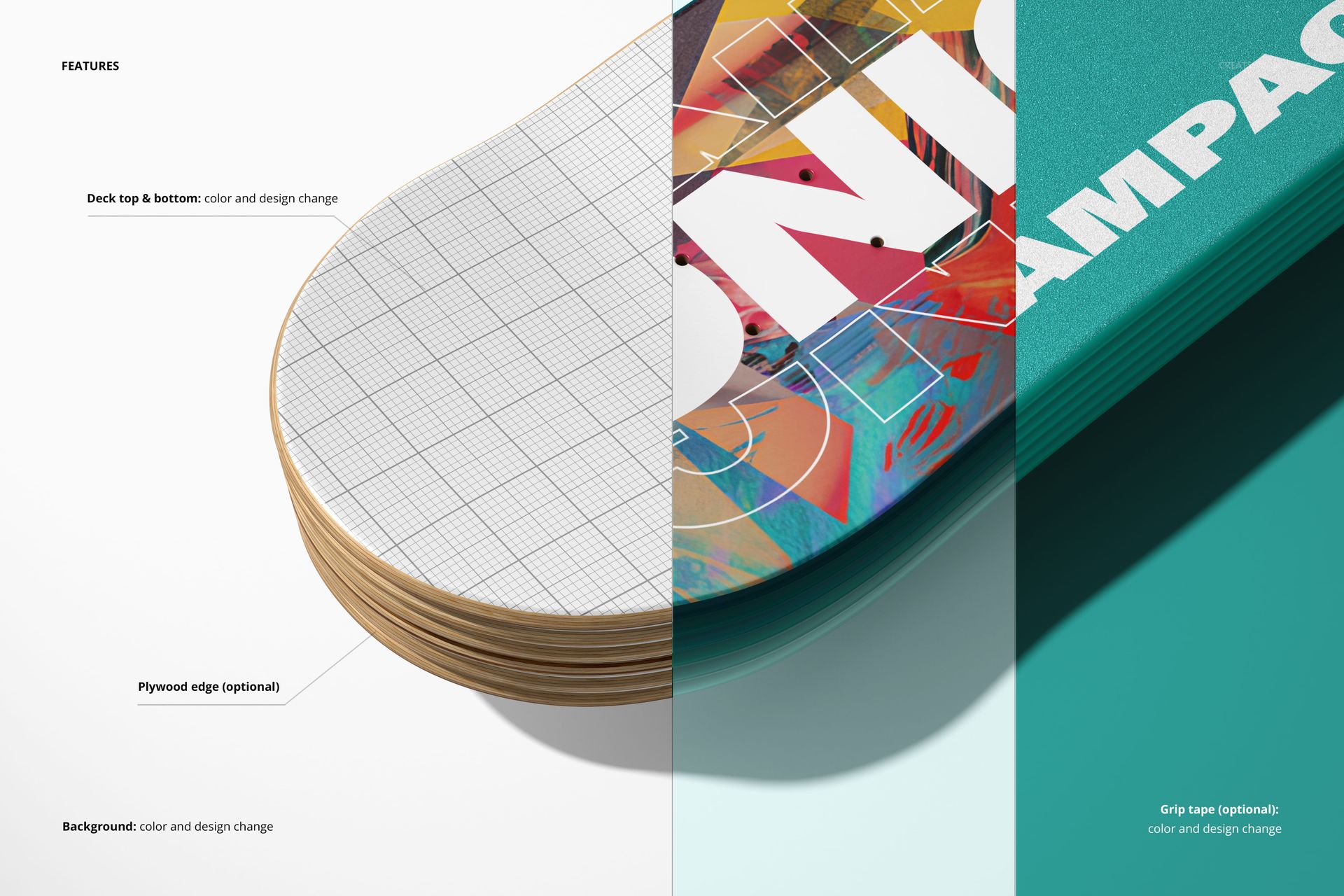
Change the color and design of the deck top and bottom
Add optional grip tape and edit its color and design
Use the optional plywood edge treatment
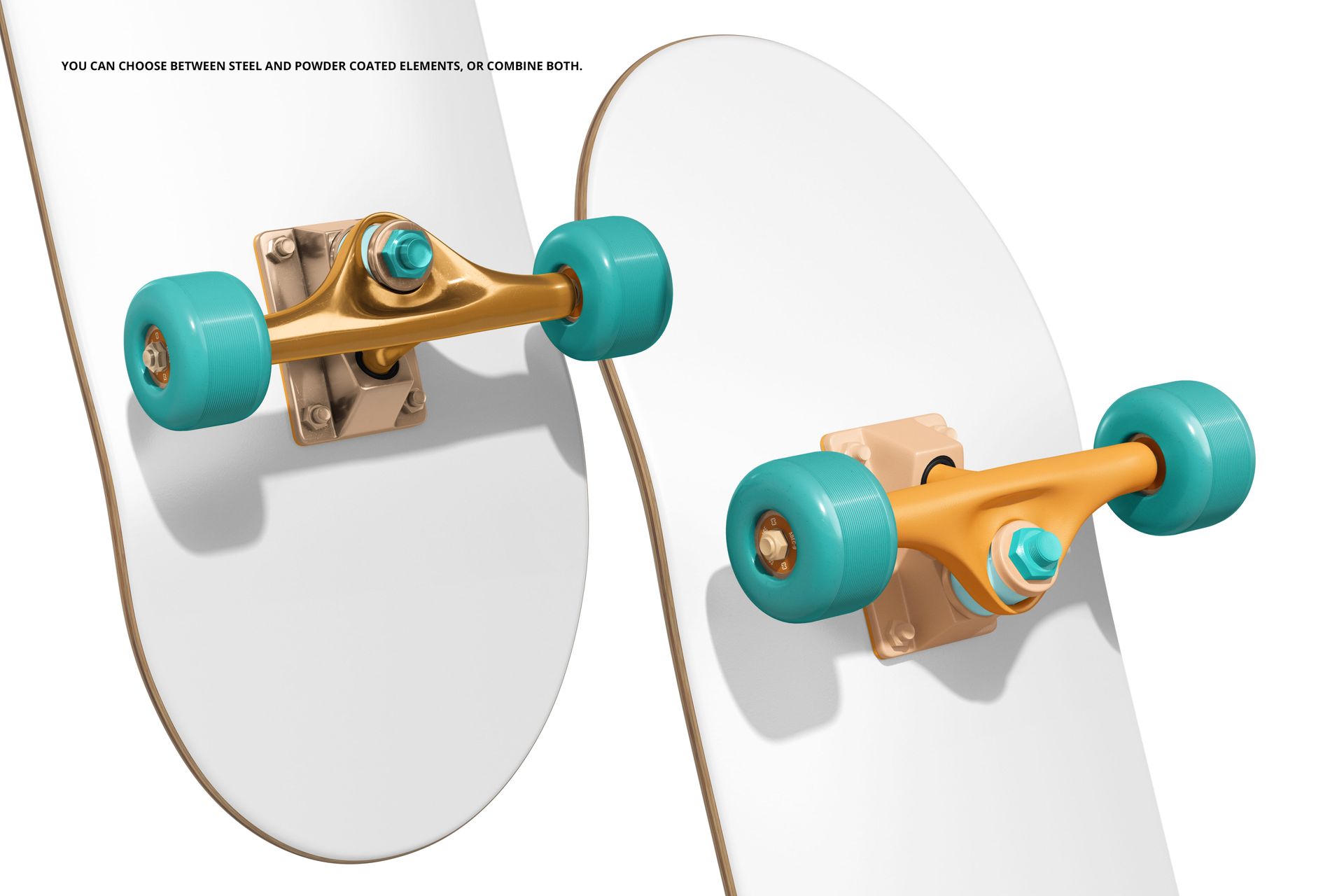
Choose steel or powder-coated hardware elements, or combine both finishes
Change the background color or insert your own background design
Easy Smart Object Editing
Place artwork through Smart Objects, adjust the prepared colors and textures, and work with separate object and shadow layers. Current product compatibility information lists Adobe Photoshop and Photopea; the original file notes specify Photoshop CC2020 or newer.
Perfect For
Skateboard artists and skate labels
Surface pattern and graphic designers
Streetwear and action-sports branding presentations
Client approvals, portfolios, catalogs, and online product galleries
Comparing board graphics and hardware colorways
Digital product: No physical skateboard, deck, truck, wheel, or grip tape will be shipped. Sample patterns and artwork shown in the previews are not included.