Surfboard Hybrid Mockup
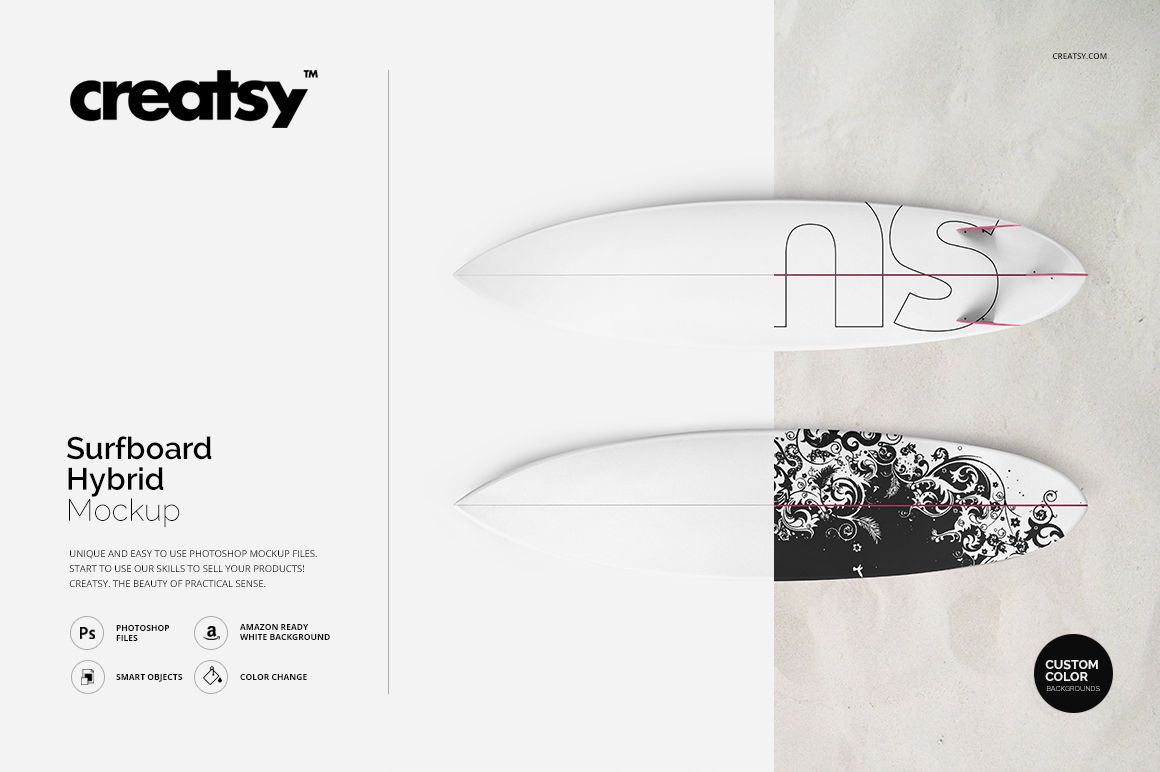
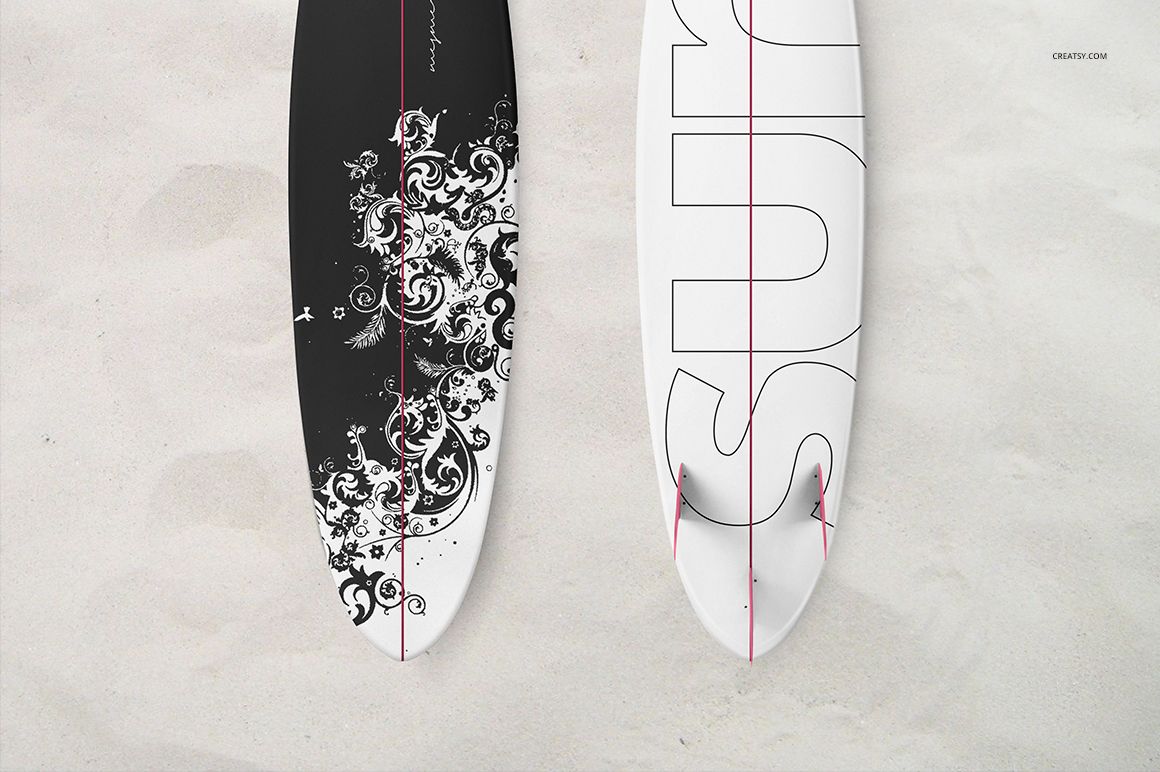
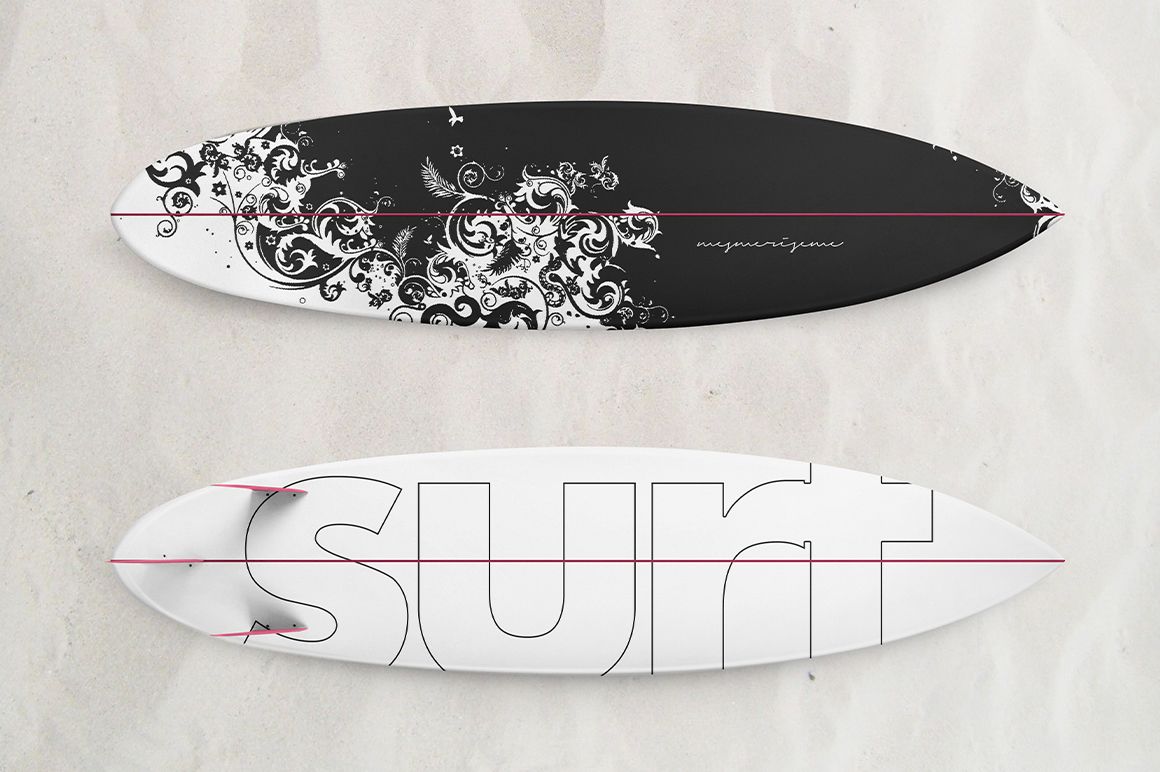
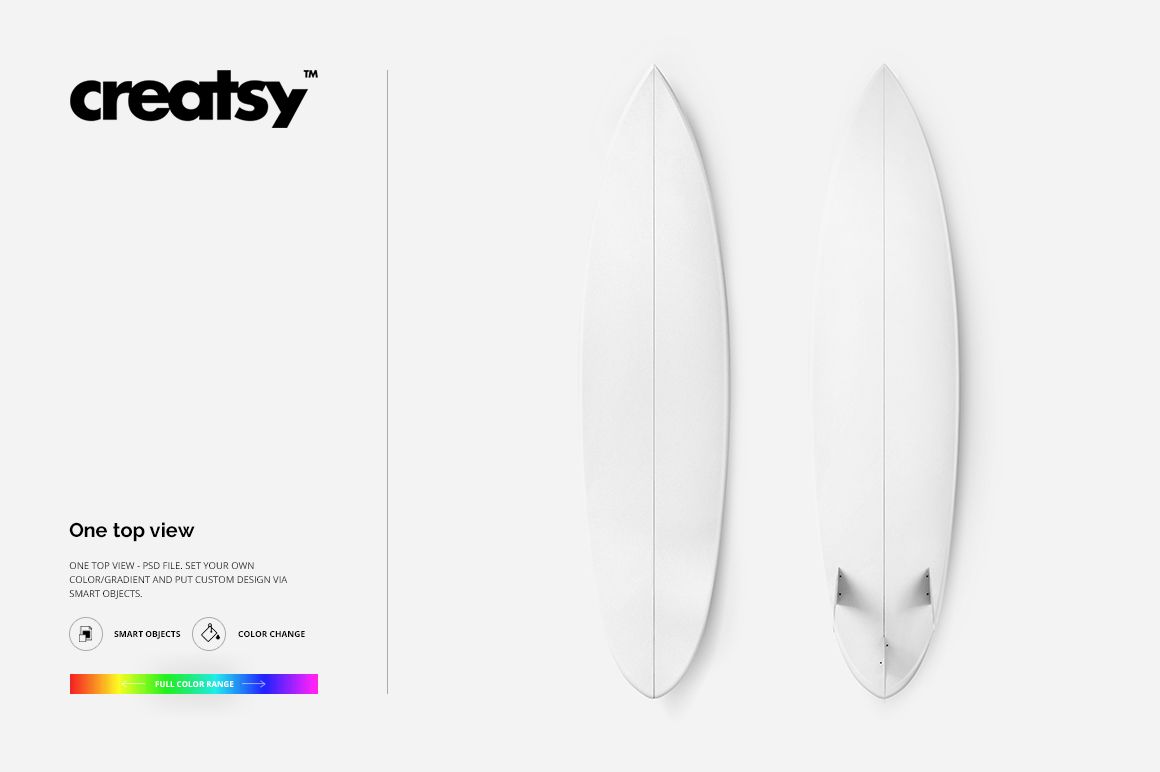
Show a pair of hybrid surfboards from directly above in one clean square scene. The parallel boards create a natural comparison between two colorways, coordinated graphics, or contrasting deck designs while keeping the full elongated shape visible.
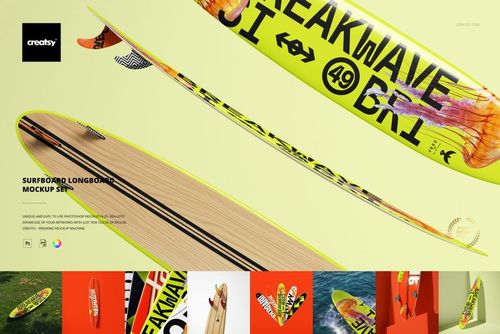
Use Smart Objects to place artwork on each board, then adjust colors or gradients and review how typography, illustrations, or repeating motifs follow the outline. Separate objects and shadows support flexible composition, isolation, and transparent-background exports.
What Is Included
1 layered PSD mockup file with one top-view scene
1 matching JPG preview at 4000 × 4000 px
1 TIFF guide at 1000 × 1414 px, 3 files in total
Two surfboards arranged as a parallel pair
Smart Object editing with color, gradient, background, and shadow controls
A Two-Board Top-View Comparison
The scene is designed for comparing two versions of one collection. Present alternate colorways, pair a hero graphic with a quieter companion design, or show how one identity adapts across both boards without changing the viewpoint.
Flexible Objects, Shadows, and Backgrounds
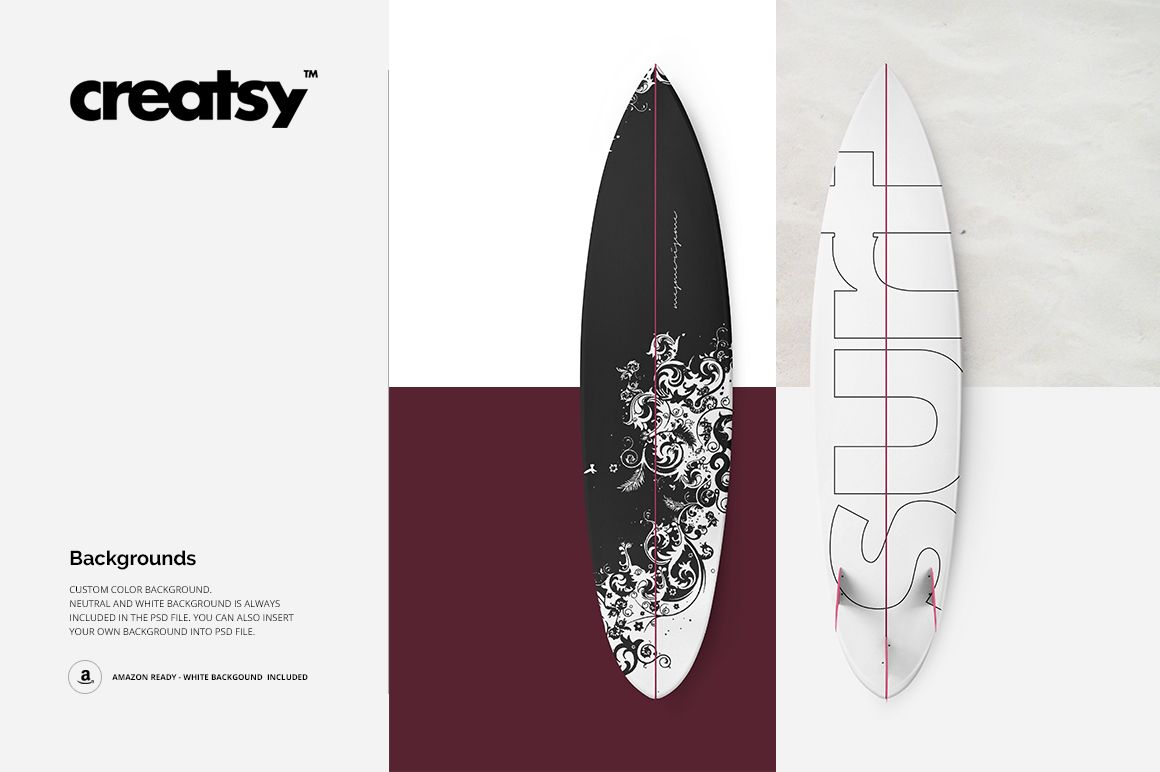
The surfboards and shadows are separated so you can refine the arrangement or isolate the objects while retaining transparency. Neutral and white backgrounds are included, and you can apply a custom color, texture, design, or personal background image.
Easy Smart Object Editing
Add deck graphics through Smart Objects and use the full color range to test bold blocks, gradients, typography, or surface patterns. The public compatibility panel lists Adobe Photoshop and Photopea.
Perfect For
Surfboard shapers and board graphics studios
Surf, beach, and outdoor lifestyle brands
Illustrators and surface pattern designers
Agencies preparing collection approvals
Ecommerce galleries and portfolio projects
This is a digital presentation mockup, not a board construction, shaping, or print-production template. Sample artwork shown in the previews is not included.