Surfboard Longboard Mockup
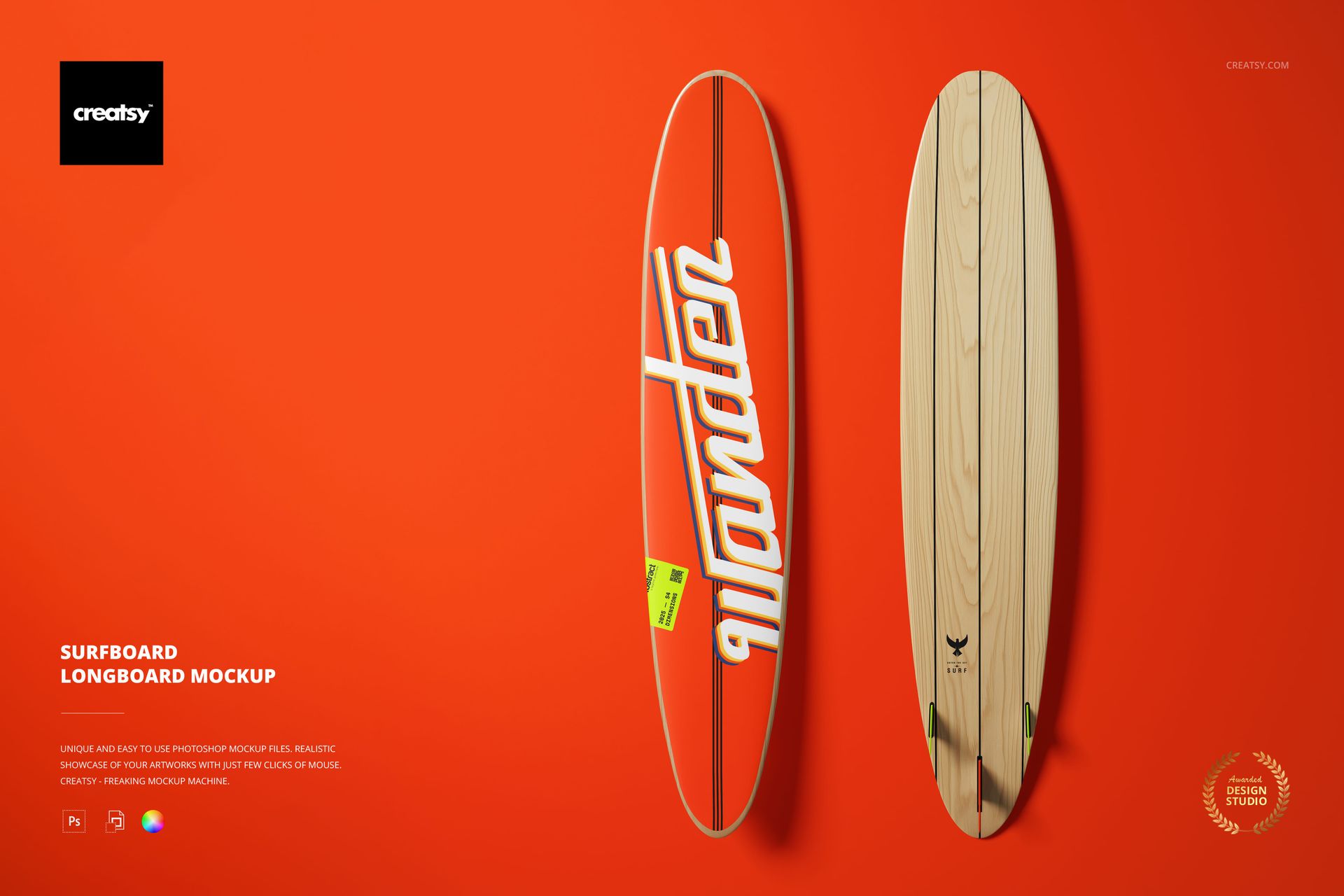
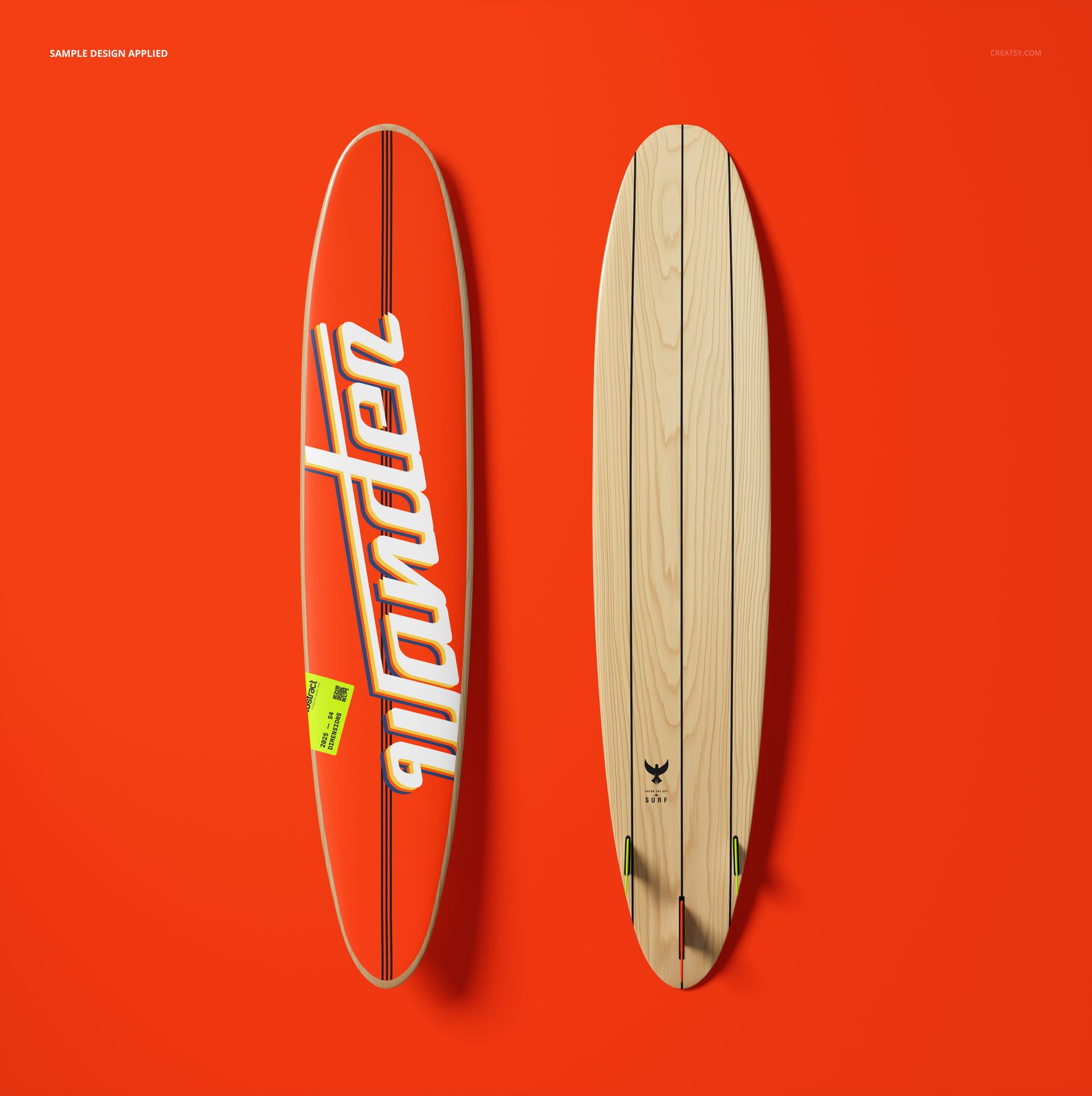
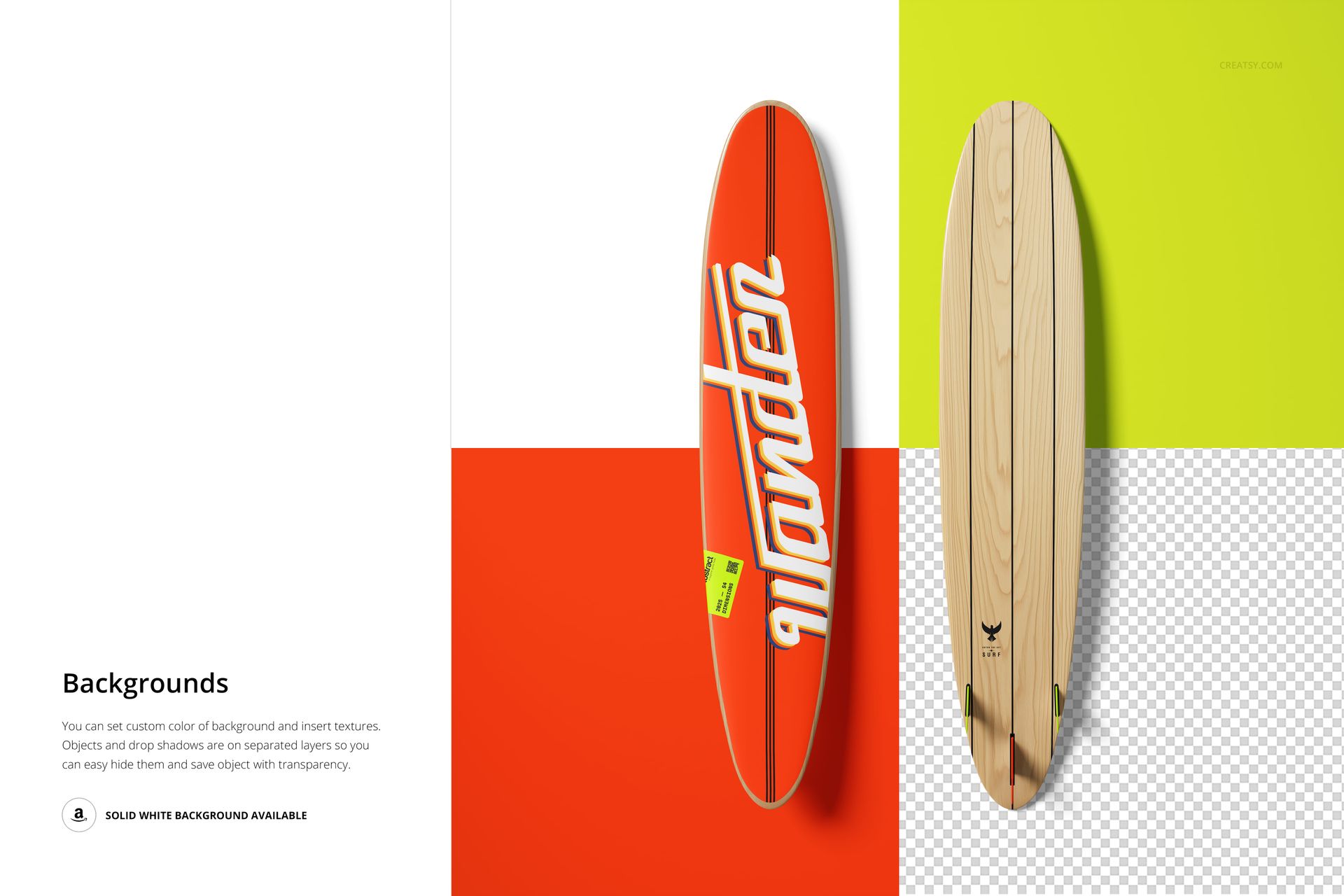
Present the top and bottom of one longboard surfboard together in a single high-resolution square PSD. The overhead arrangement keeps the complete length visible, making it easy to compare deck artwork, underside graphics, natural textures, and a coordinated color treatment within one product concept.
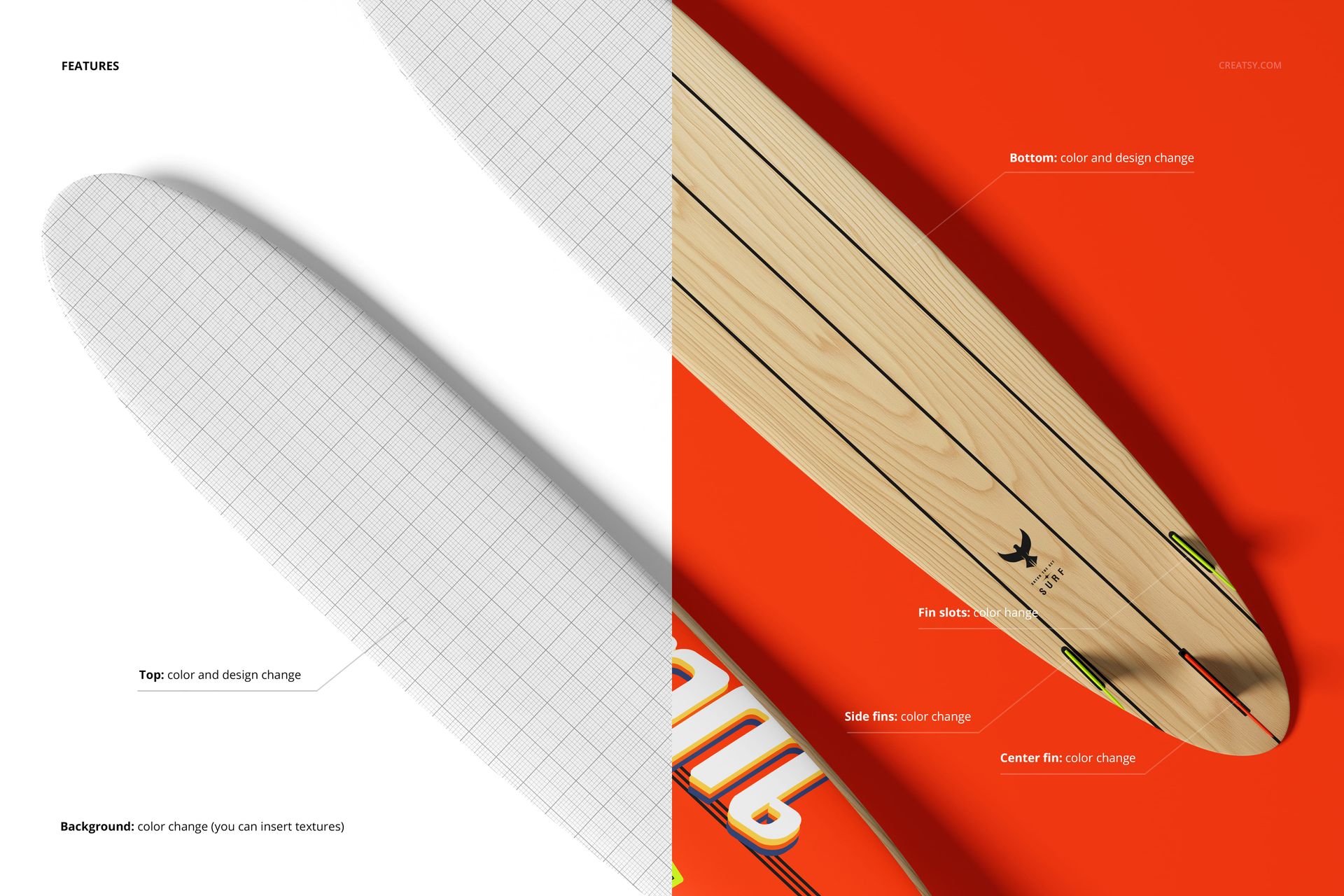
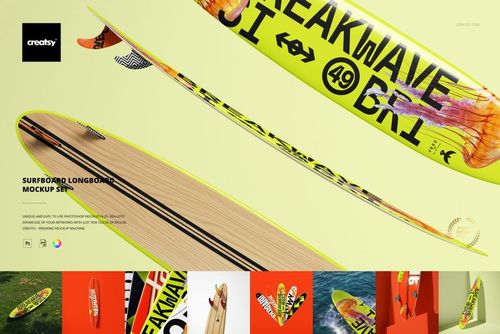
Smart Objects help artwork follow the elongated board shape, while editable colors, backgrounds, separate objects, and shadow layers support flexible campaign and catalog layouts. Dedicated controls for the side fins, center fin, and fin slots help complete the full longboard presentation.
What Is Included
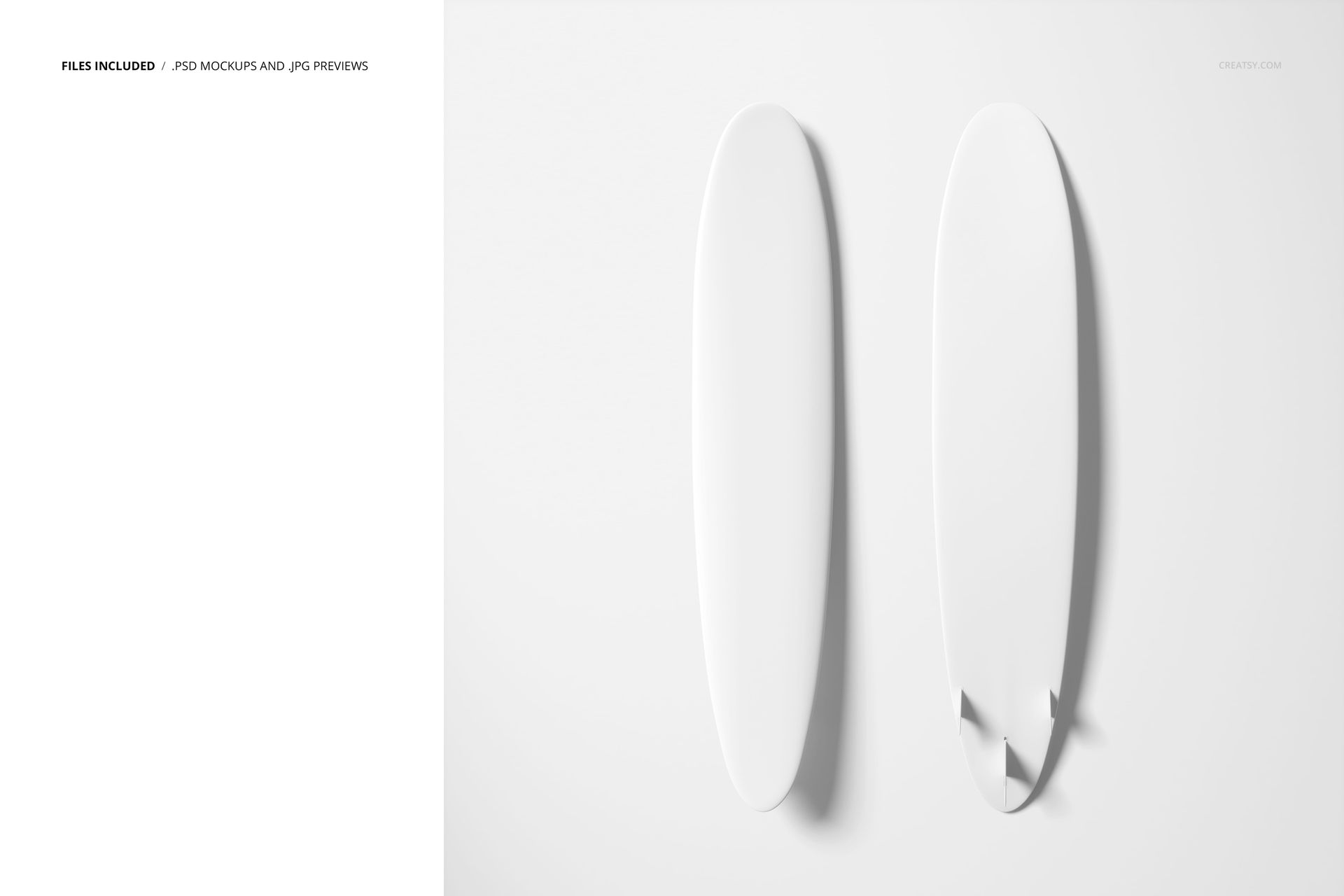
1 layered PSD mockup file with top and bottom longboard views
1 JPG preview, 2 files in total
PSD described as 6000 × 6000 px at 300 DPI
Editable top and bottom artwork through Smart Objects
Color controls for side fins, center fin, fin slots, and background
Top and Bottom in One View
The scene reveals both principal board surfaces at the same scale. Use the top for deck graphics and traction-area concepts, then coordinate the underside with illustrations, wood grain, typography, sponsor marks, or a complementary color system.
Flexible Composition and Background Control
Apply a custom color or texture to the background, move or isolate the board objects, and retain transparency through separated shadow layers. A solid white background is also available for clean product imagery.
Easy Smart Object Editing
Place artwork through Smart Objects, adjust colors on the top and bottom, and refine the side fins, center fin, and fin slots. The listing confirms Adobe Photoshop CC2020 or newer and Photopea compatibility.
Perfect For
Longboard surfboard brands and shapers
Surf and beach lifestyle labels
Graphic and surface pattern designers
Agencies preparing board artwork approvals
Ecommerce galleries and portfolio projects
This is a digital presentation mockup, not a board construction, shaping, or print-production template. Sample graphics shown in the previews are not included.