Swim Cap Mockup Set (swimming pool)
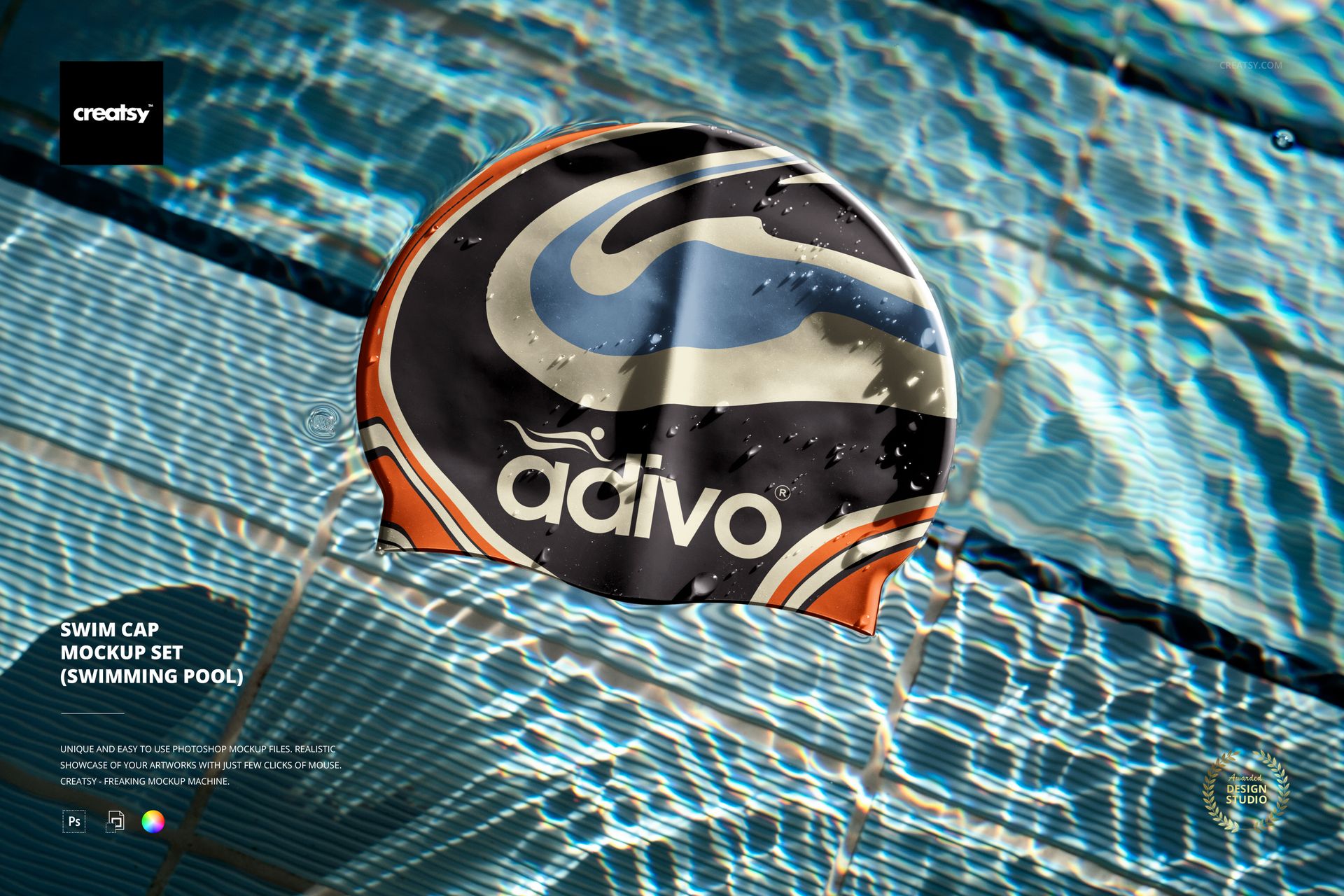
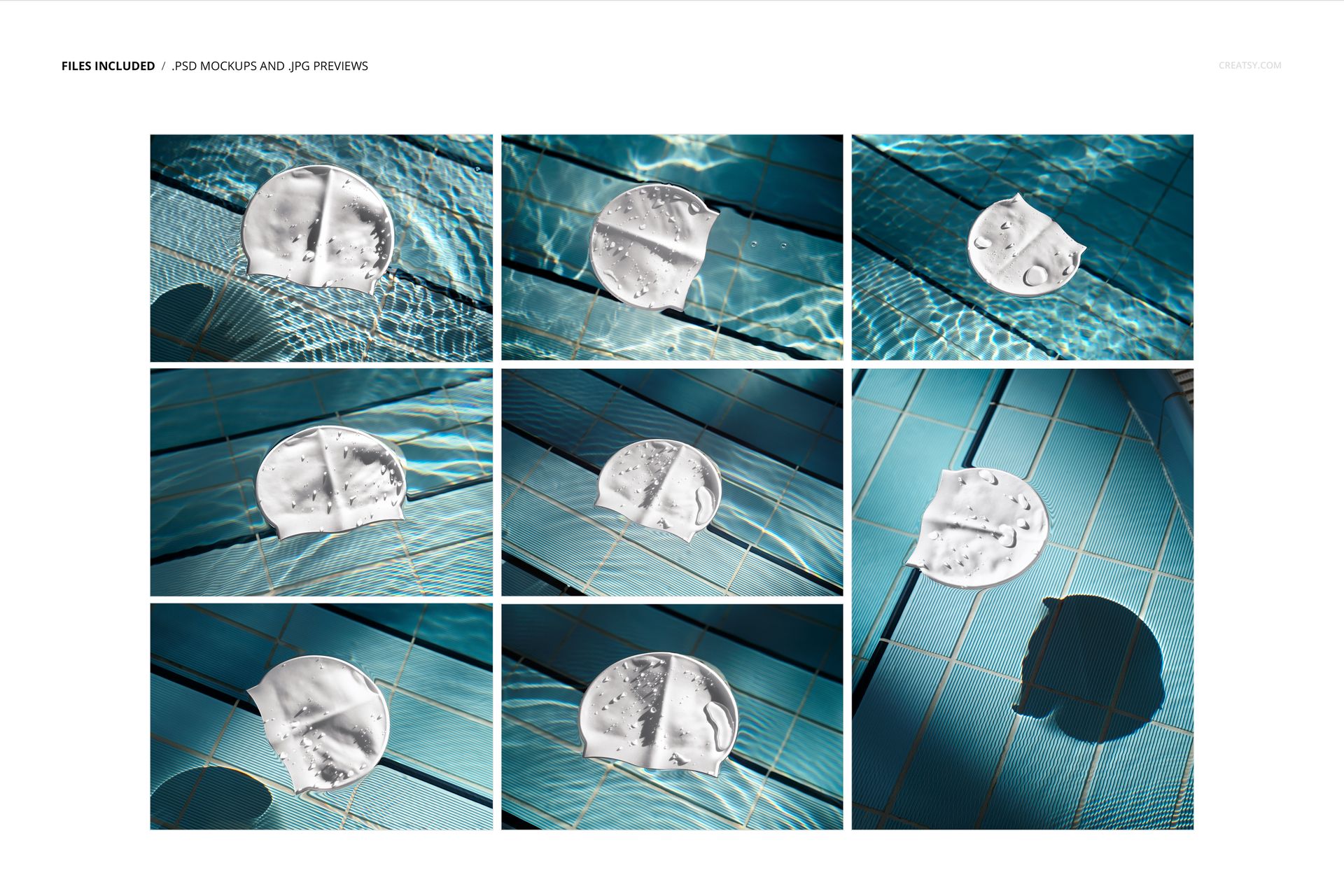
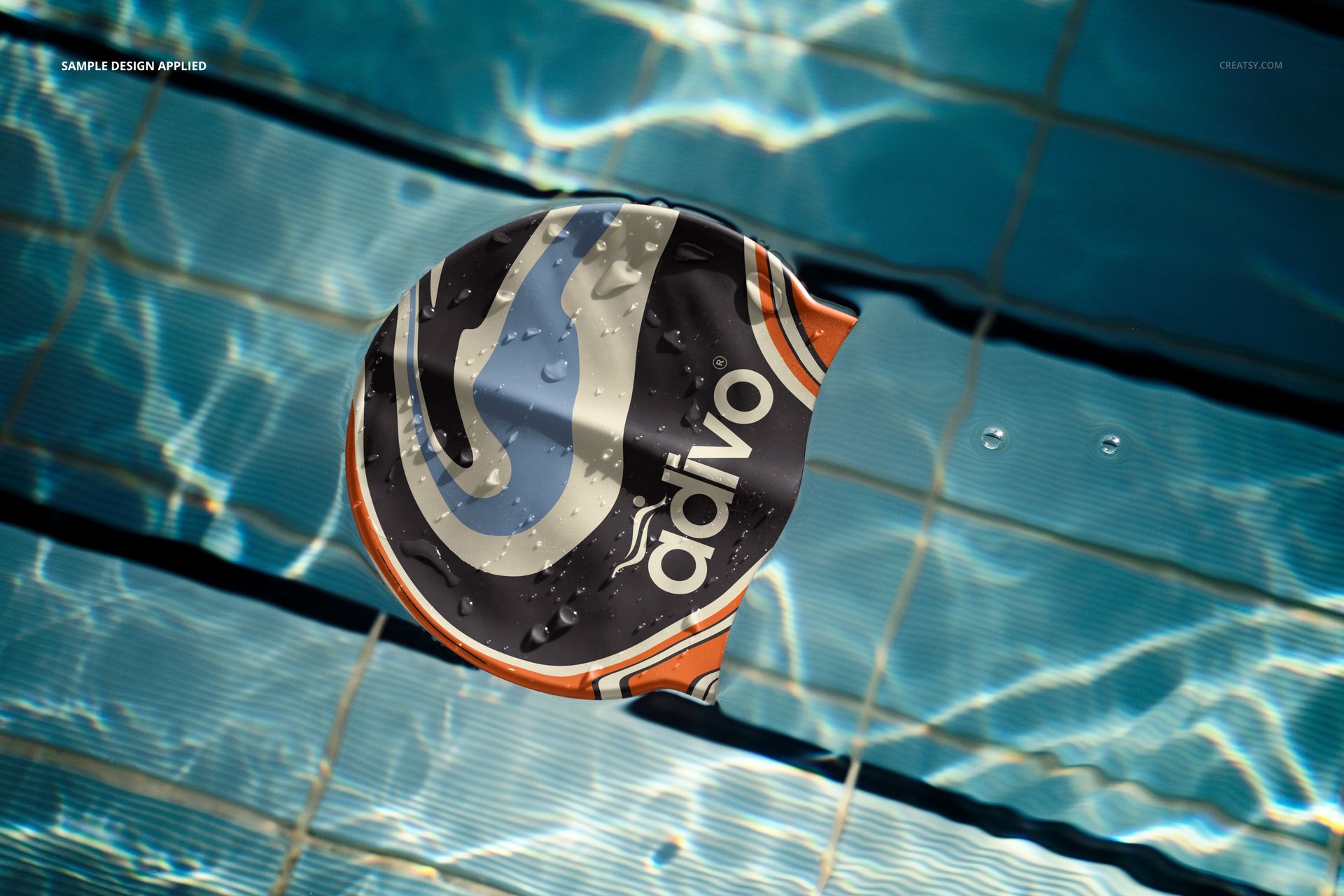
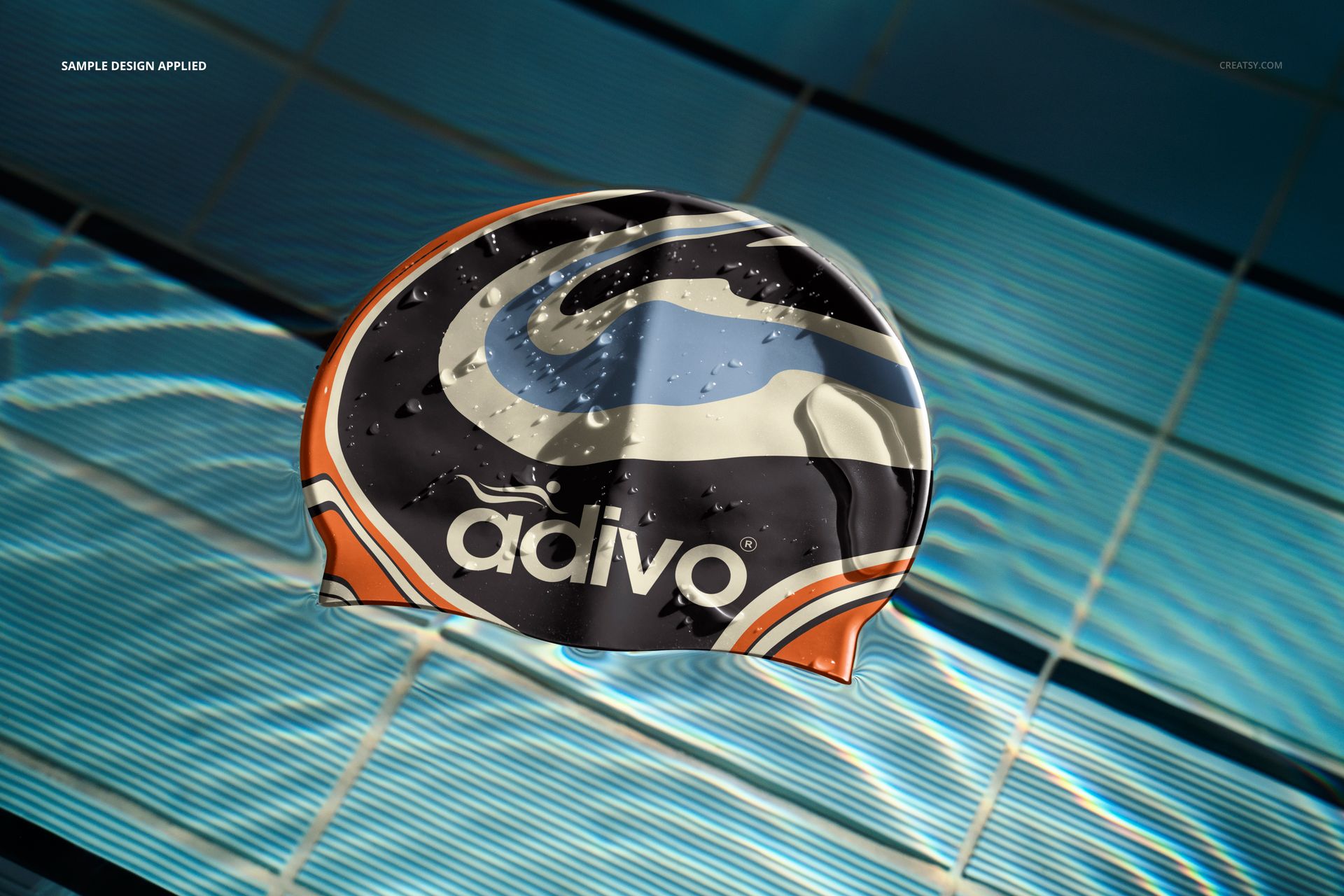
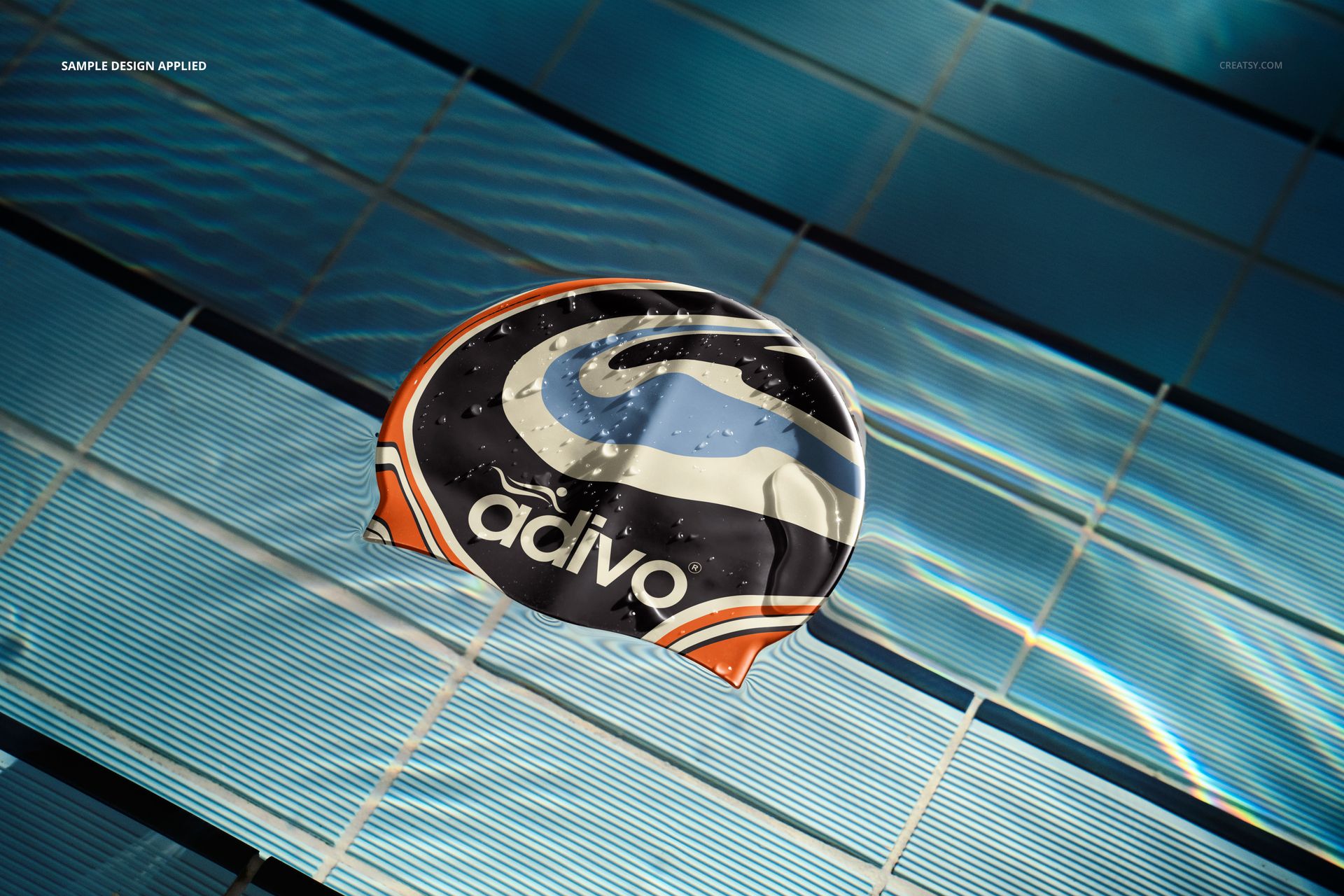
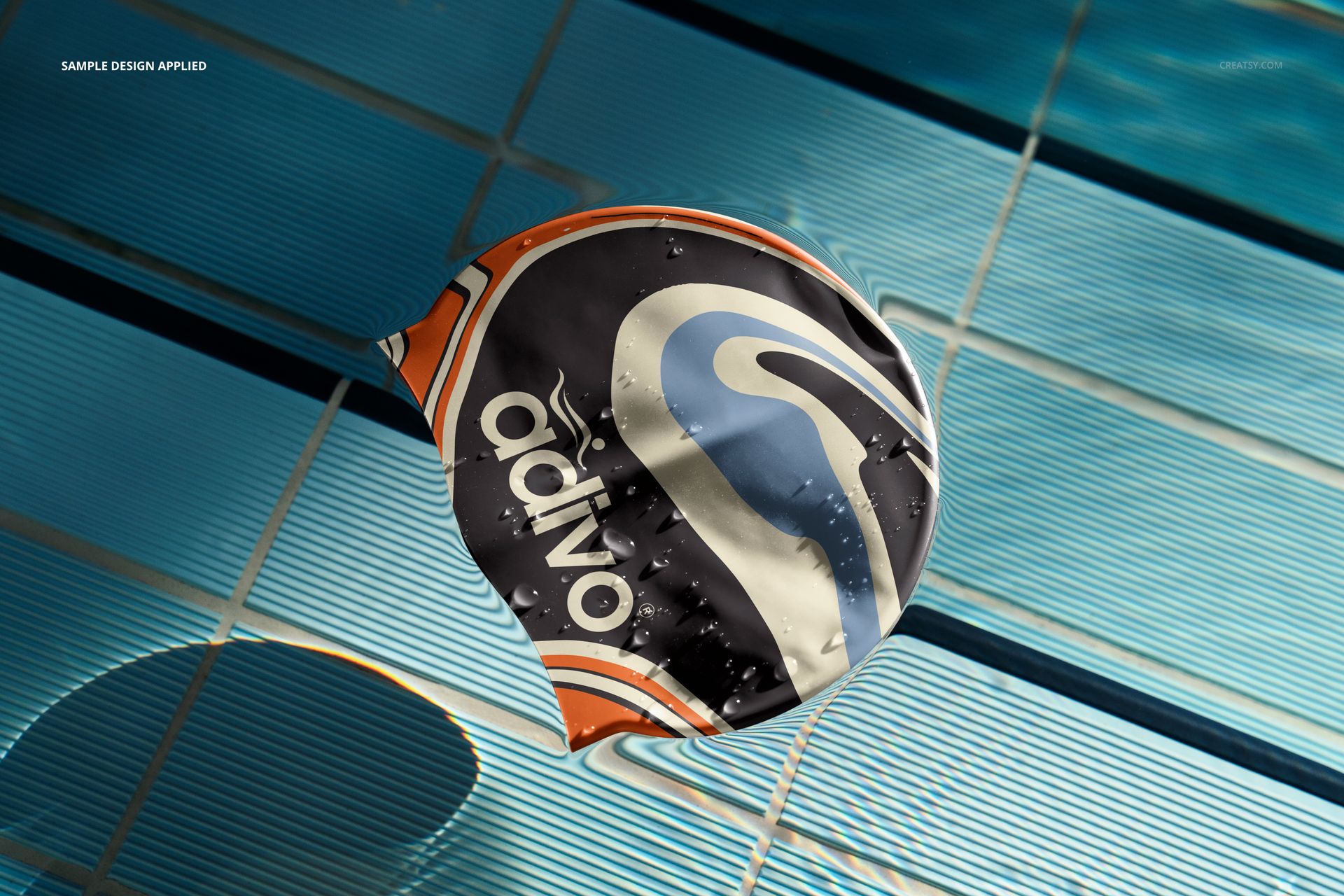
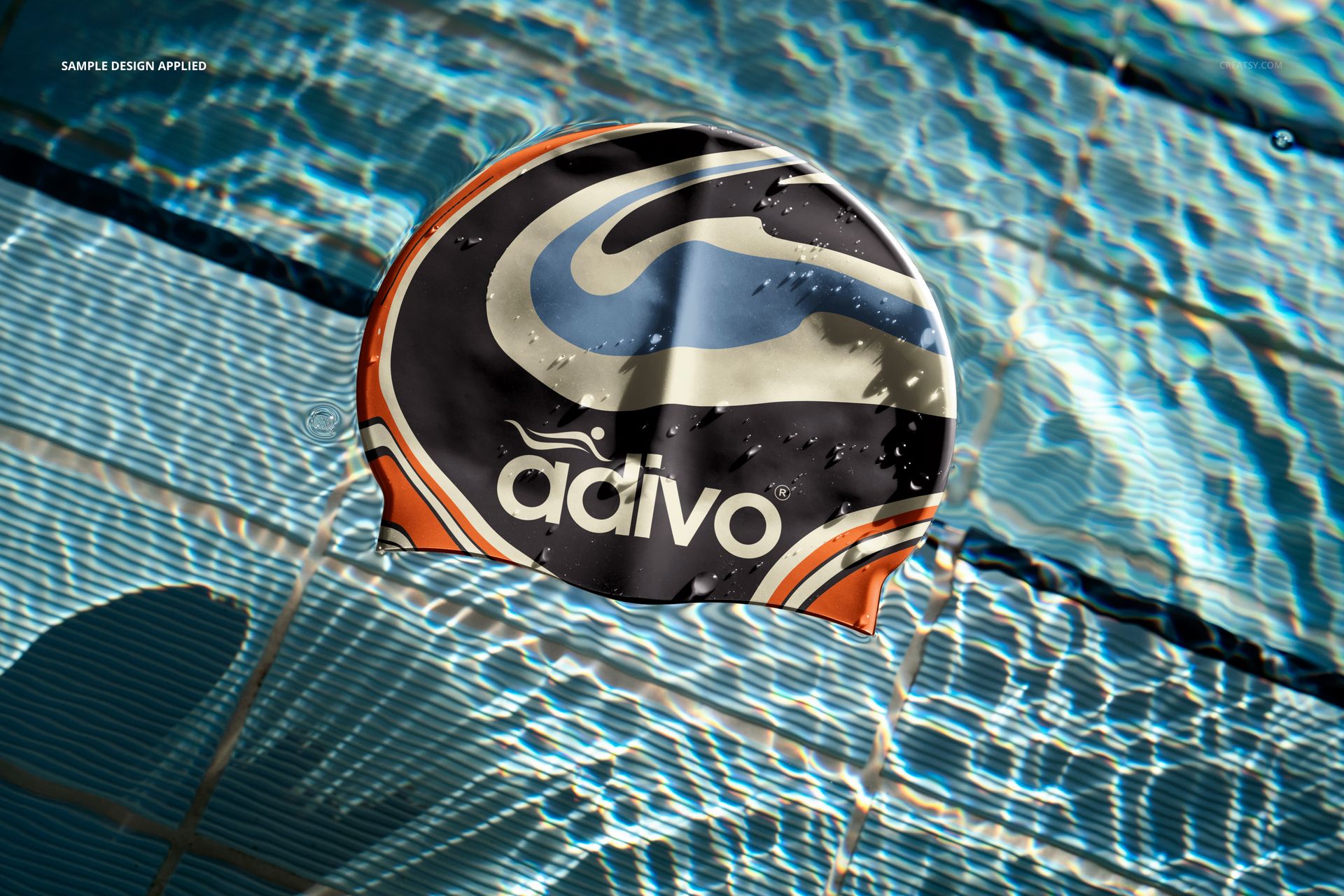
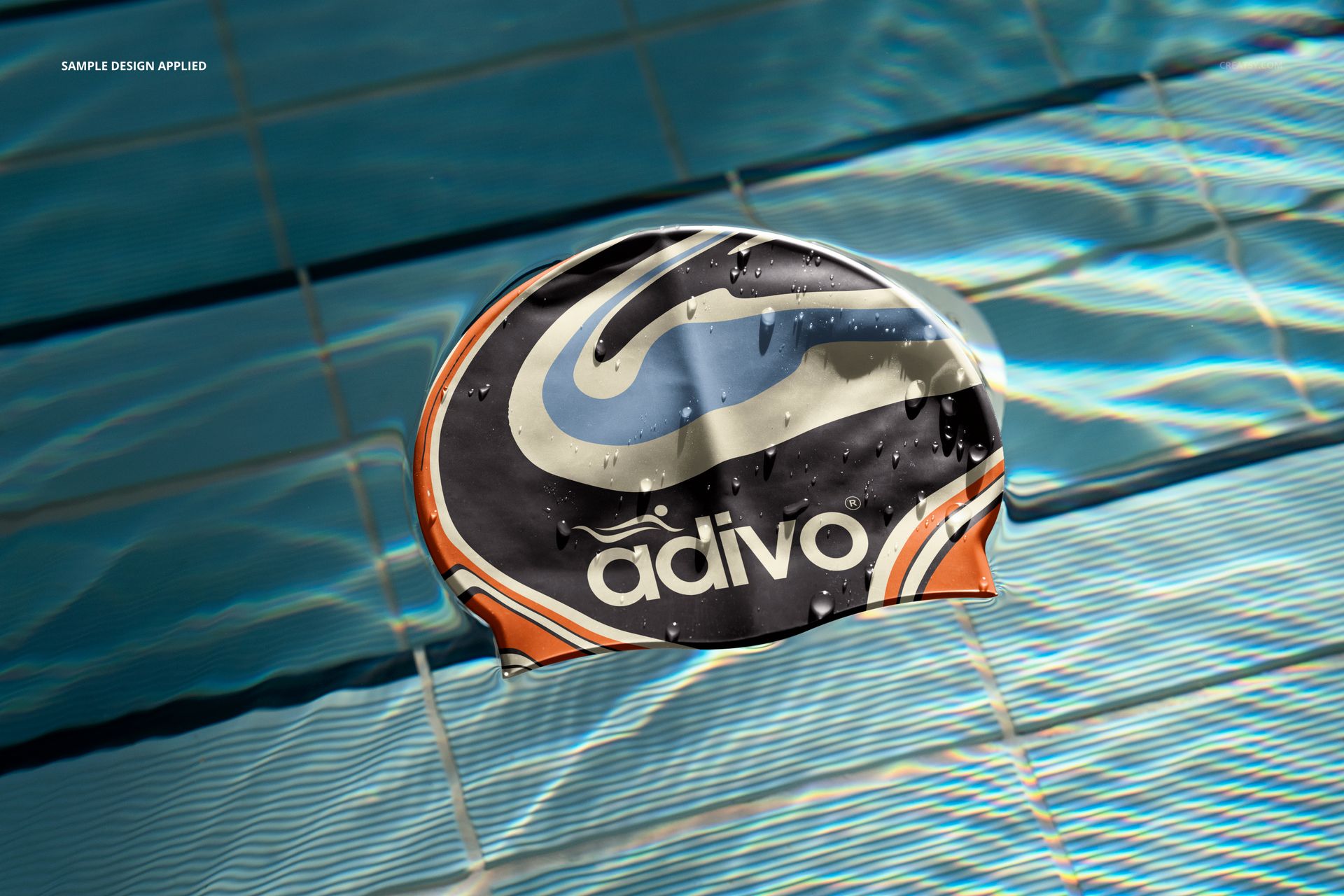
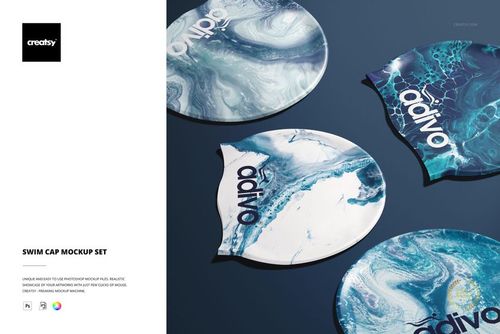
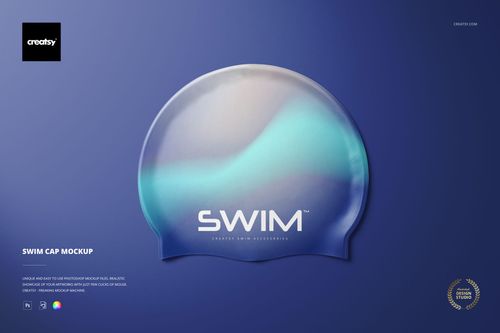
Place your cap artwork directly in the swimming environment it was designed for. Eight pool scenes combine tiled water, changing reflections, visible droplets, and varied cap angles, helping logos and patterns feel connected to training, competition, and aquatic branding.
Seven landscape files and one portrait scene give you a useful mix for wide storefront banners, portfolio spreads, social media crops, and vertical campaign imagery. Because every view belongs to the same pool setting, the final gallery can stay visually consistent while showing the cap from several perspectives.
What Is Included
8 layered PSD mockup files
8 matching JPG preview files
1 PDF user manual, 17 files in total
7 landscape scenes at 6000 × 4000 px
1 portrait scene at 4000 × 6000 px
300 DPI resolution and well-organized layers
Eight Swimming Pool Perspectives
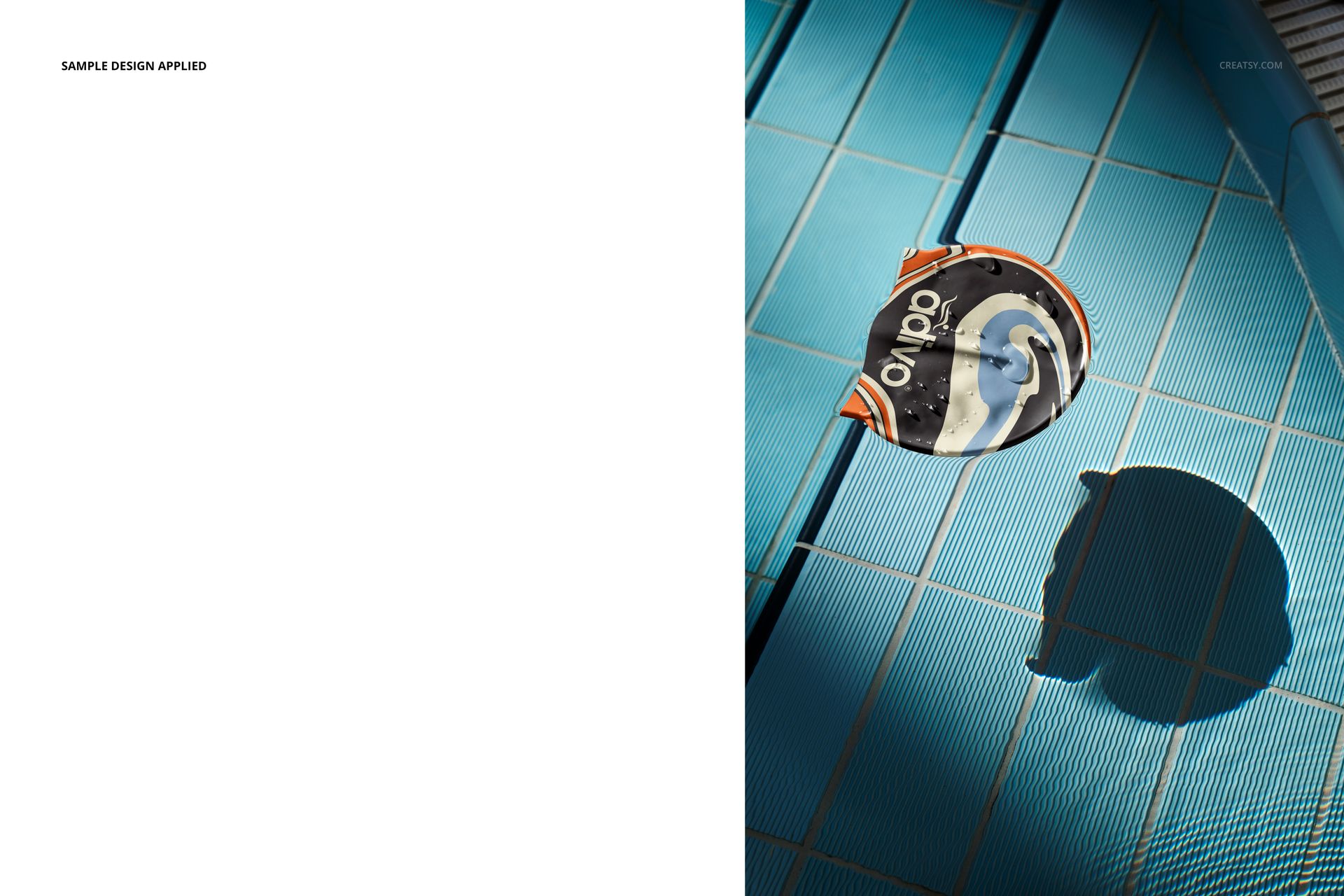
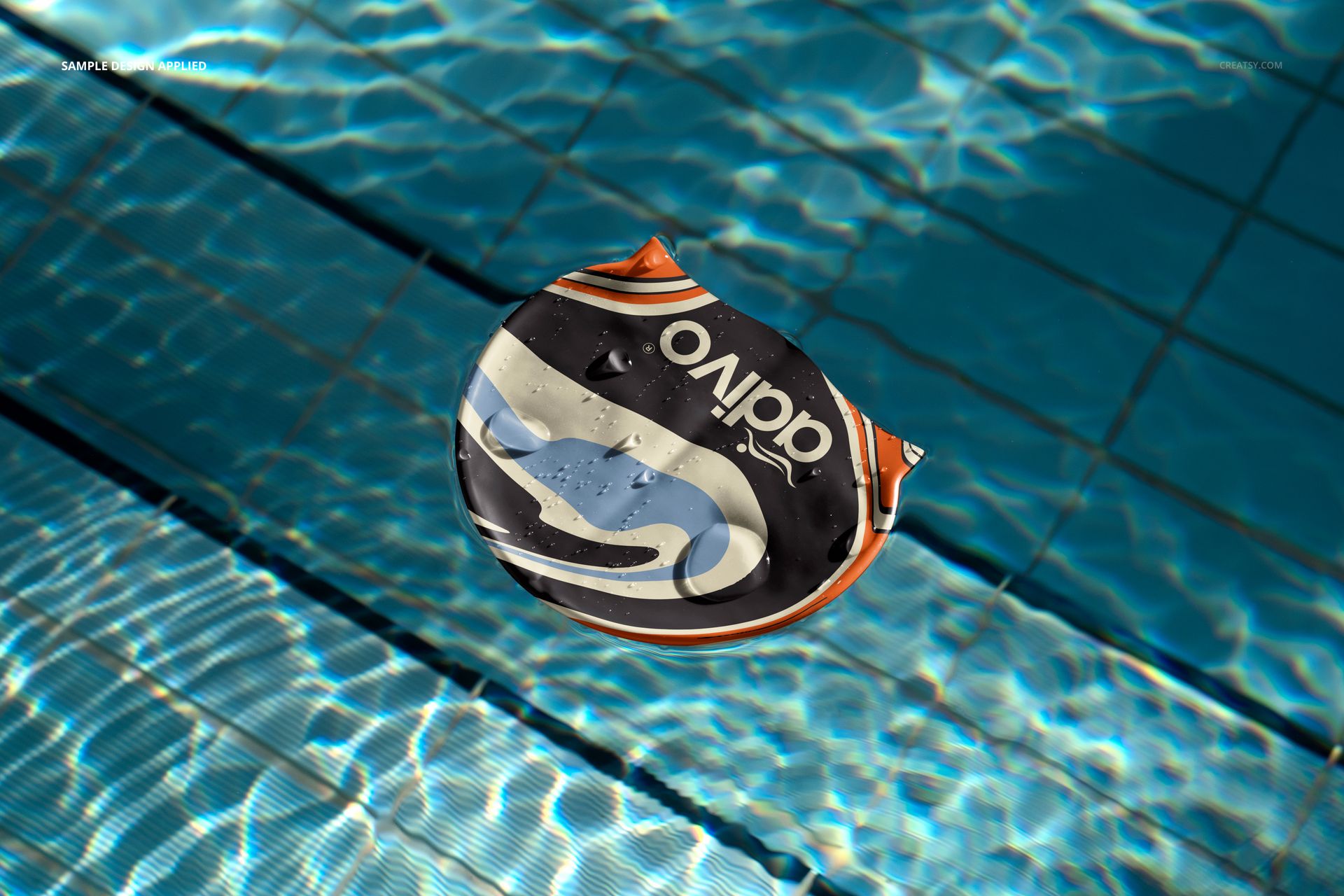
The cap appears from top and angled views against blue pool tiles and rippling water. Some scenes emphasize large surface artwork, while others use more surrounding space, pronounced shadows, or a vertical layout. Water droplets and reflections are built into the presentation.
Easy Smart Object Editing
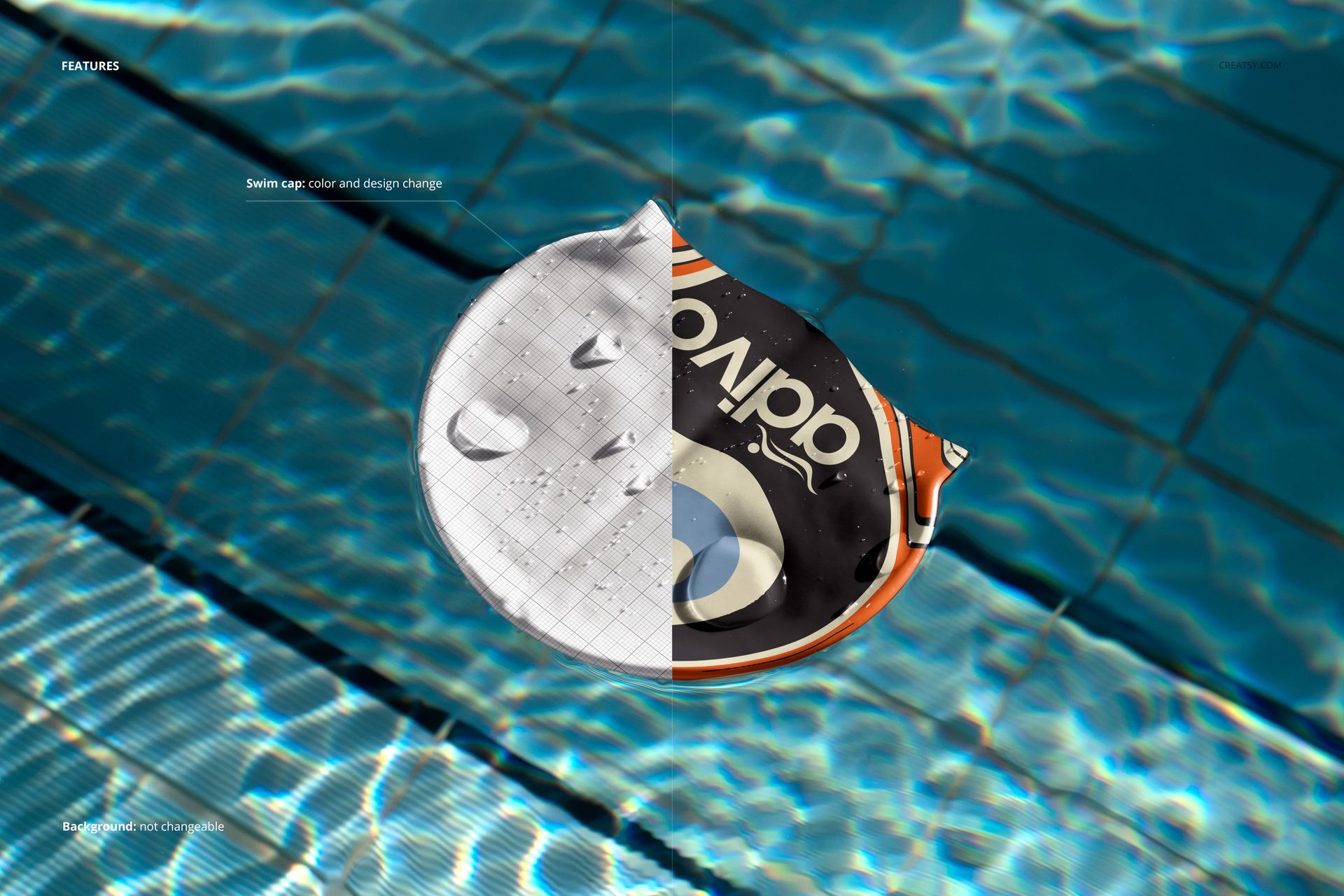
Add custom artwork through Smart Objects, then adjust the cap color and design. The swimming pool backgrounds are fixed and are not designed for replacement. Adobe Photoshop CC2020 or newer is the confirmed desktop requirement; Creatsy’s current product workflow also provides a Photopea editing route for Smart Object PSDs.
Perfect For
Swimwear and aquatic sports brands
Swimming clubs and team merchandise
Cap logo, sponsor, and all-over pattern presentations
Client approvals, portfolios, and campaign imagery
Product listings that need in-water context
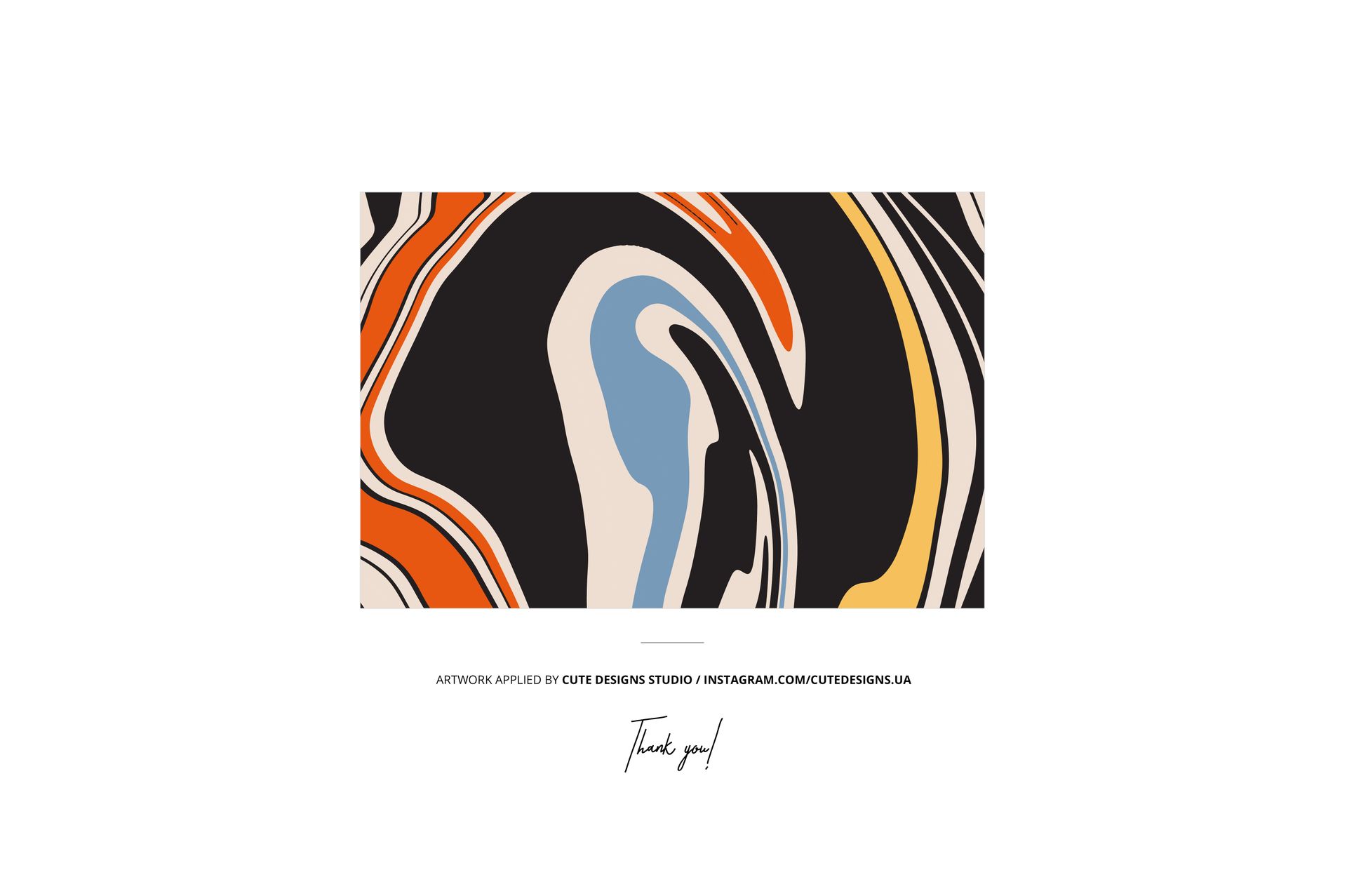
Digital product: No physical swim cap will be shipped. The sample artwork shown in the previews is by Cute Designs Studio and is not included.