Golf Ball & Accessories Mockup Set
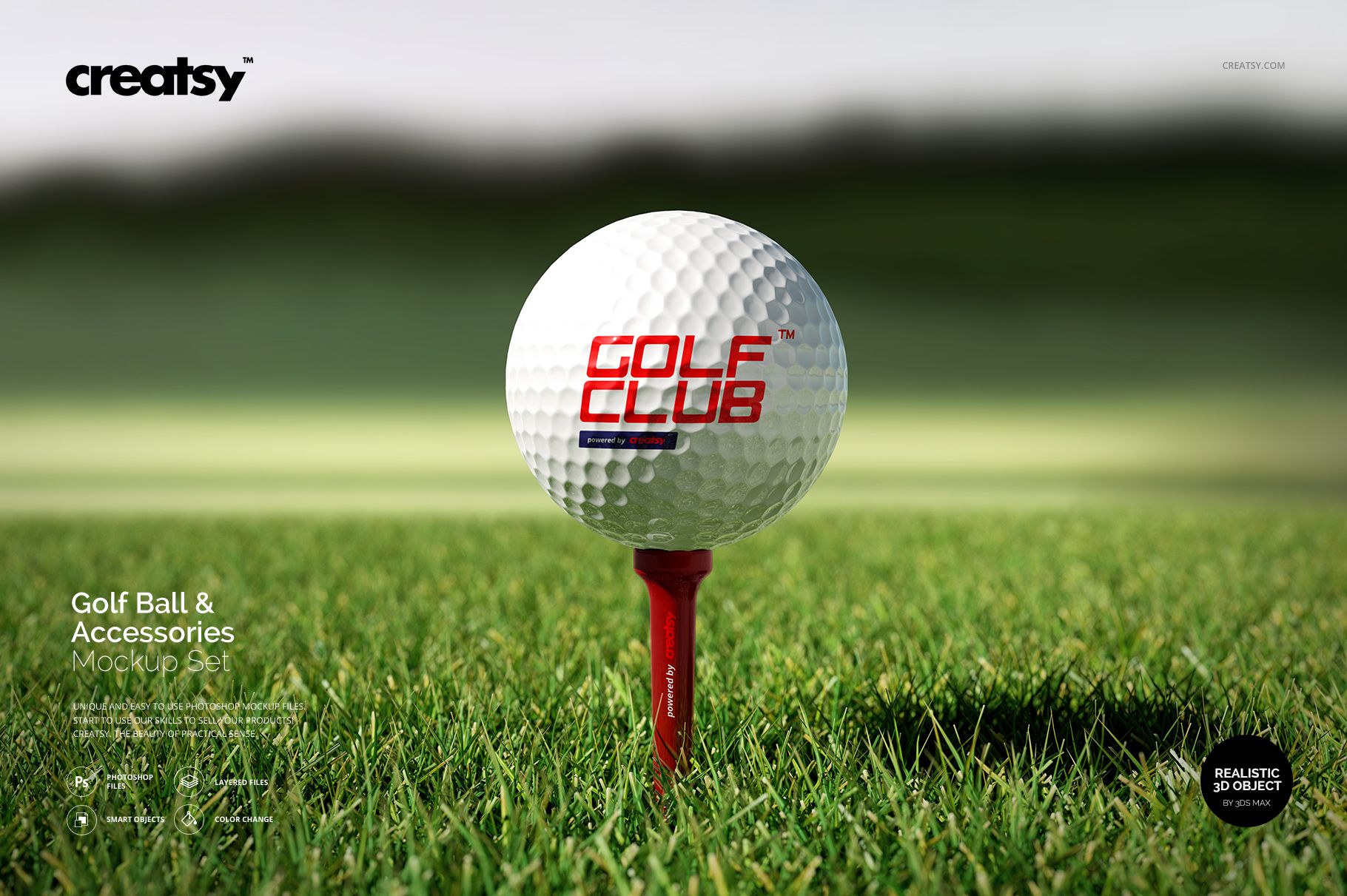
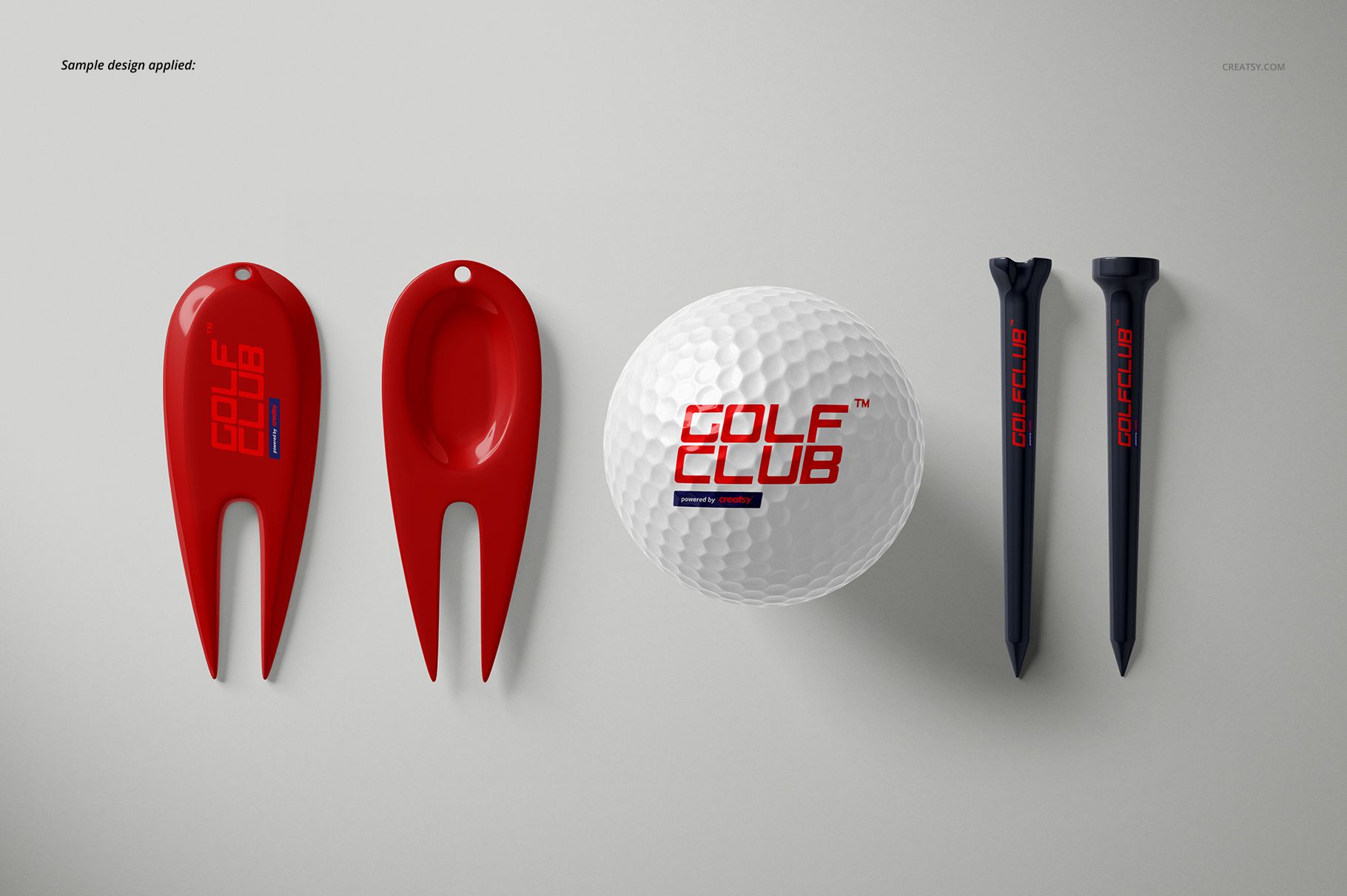
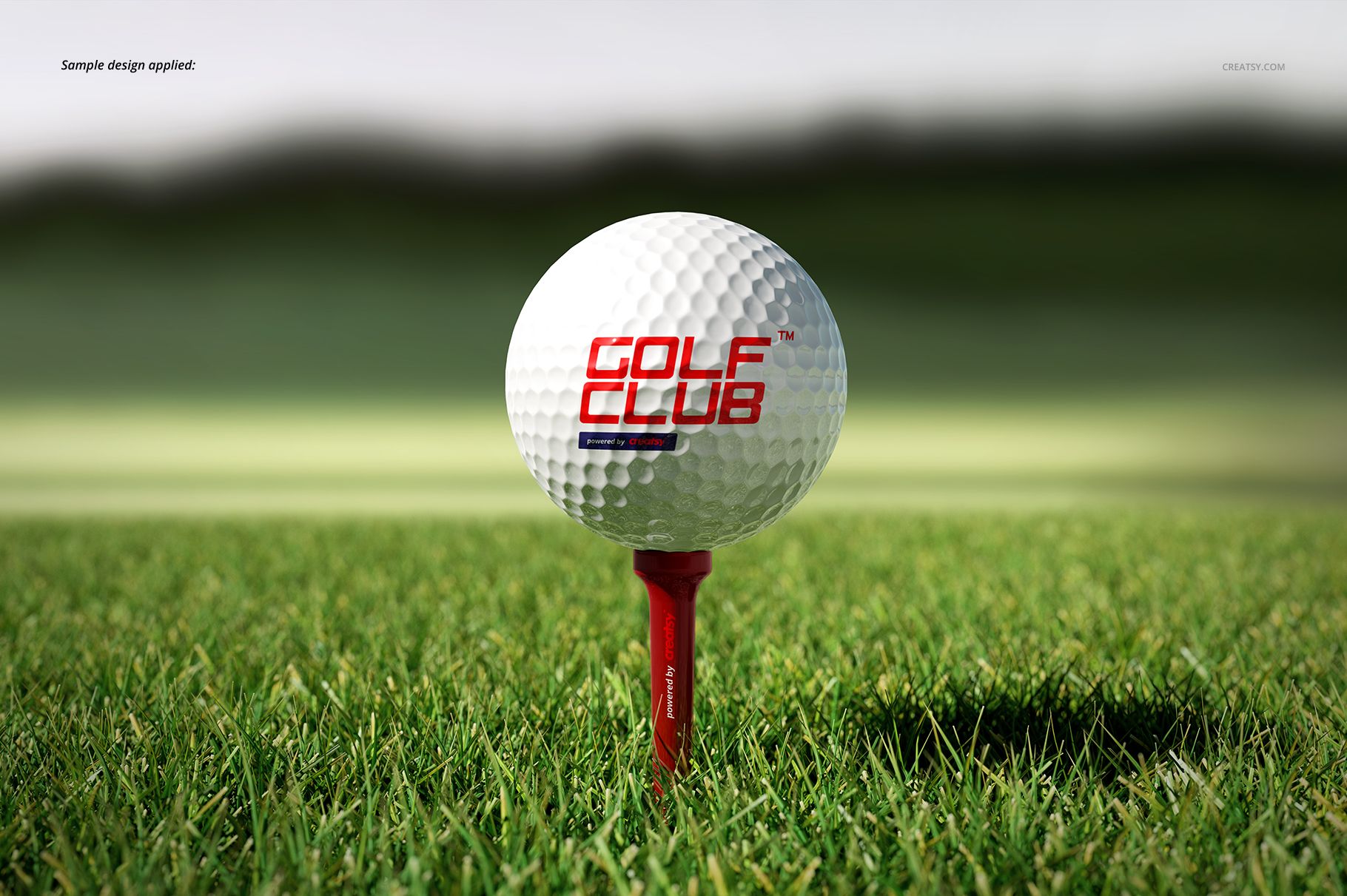
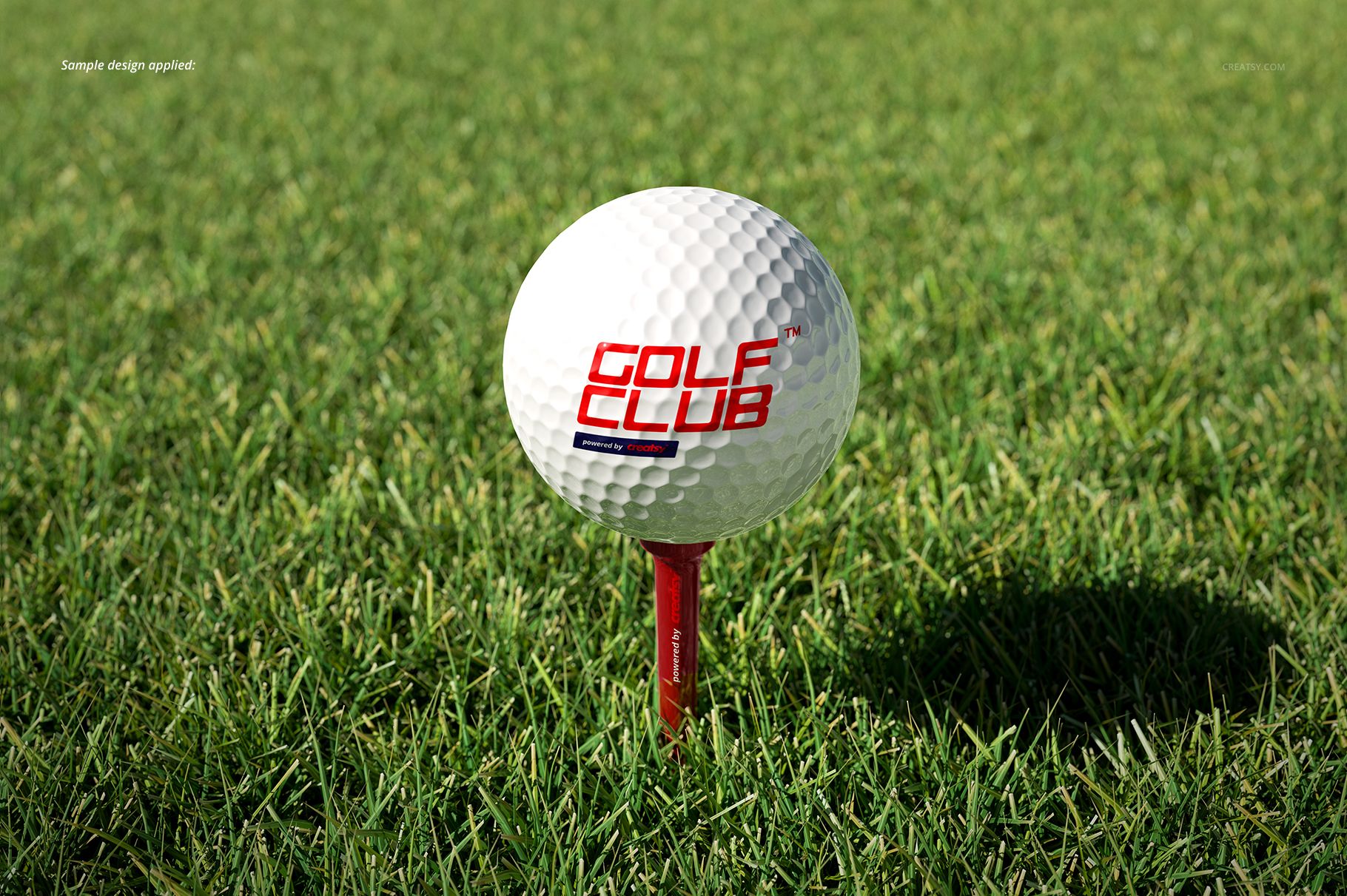
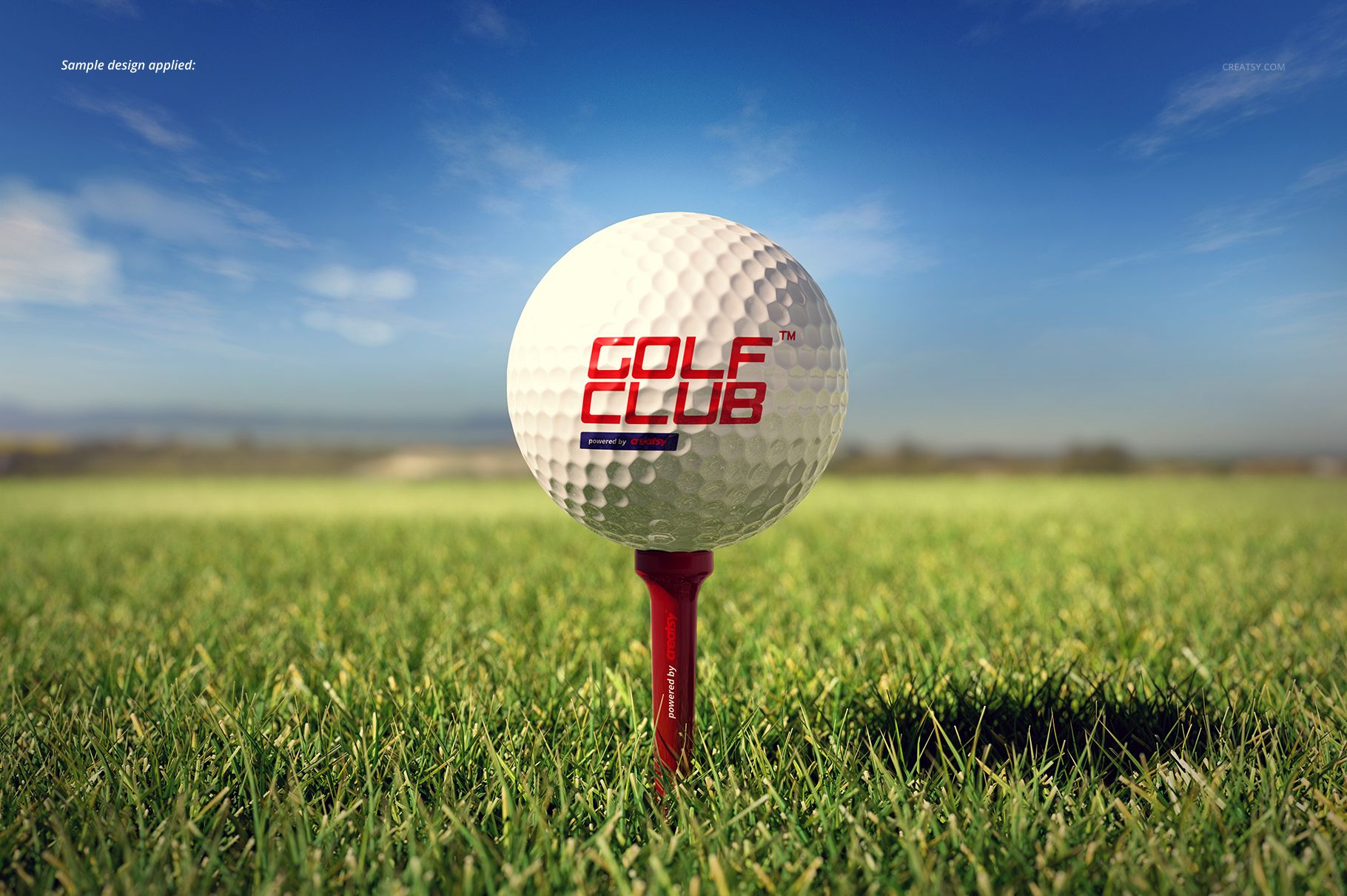
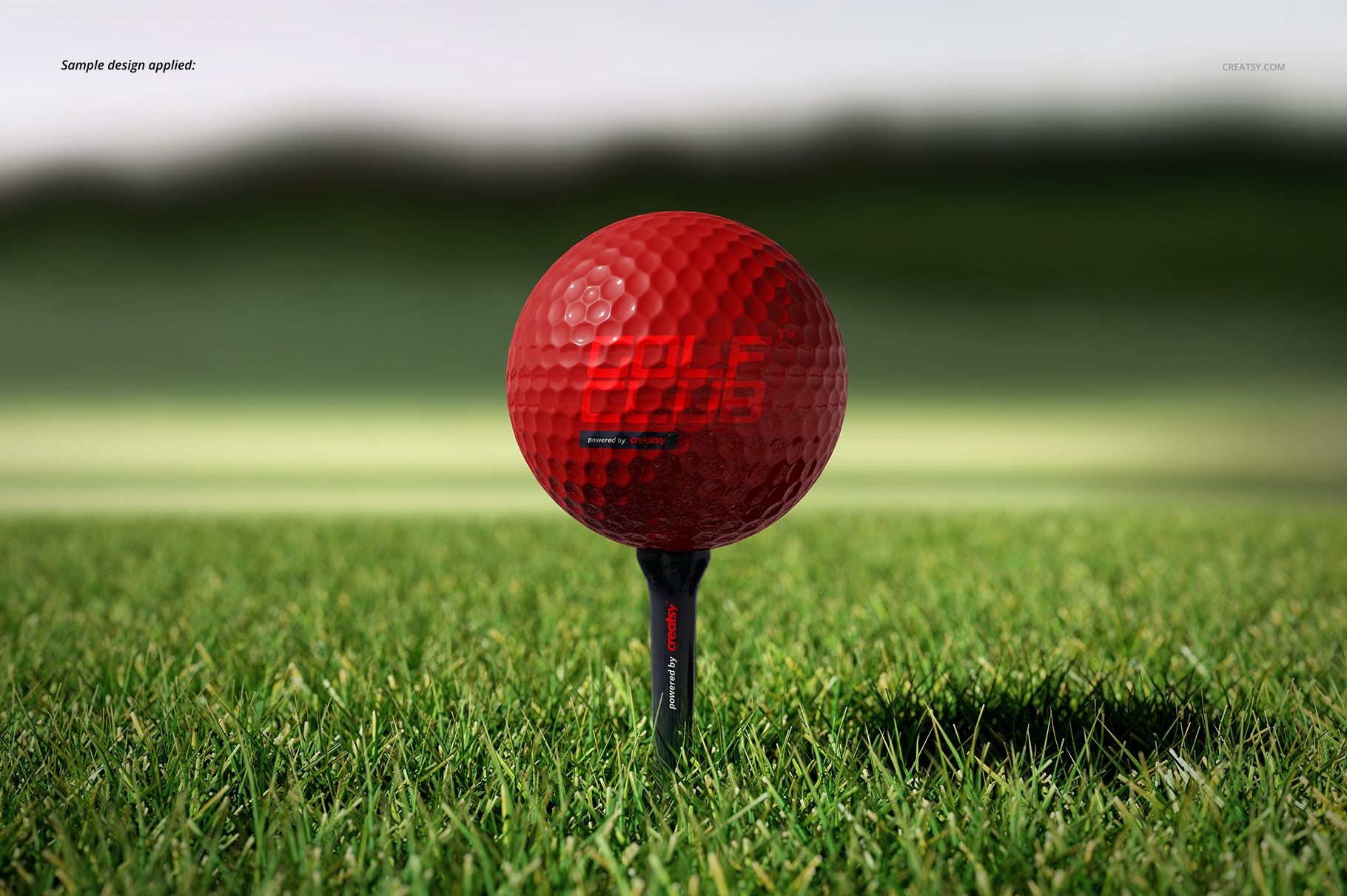
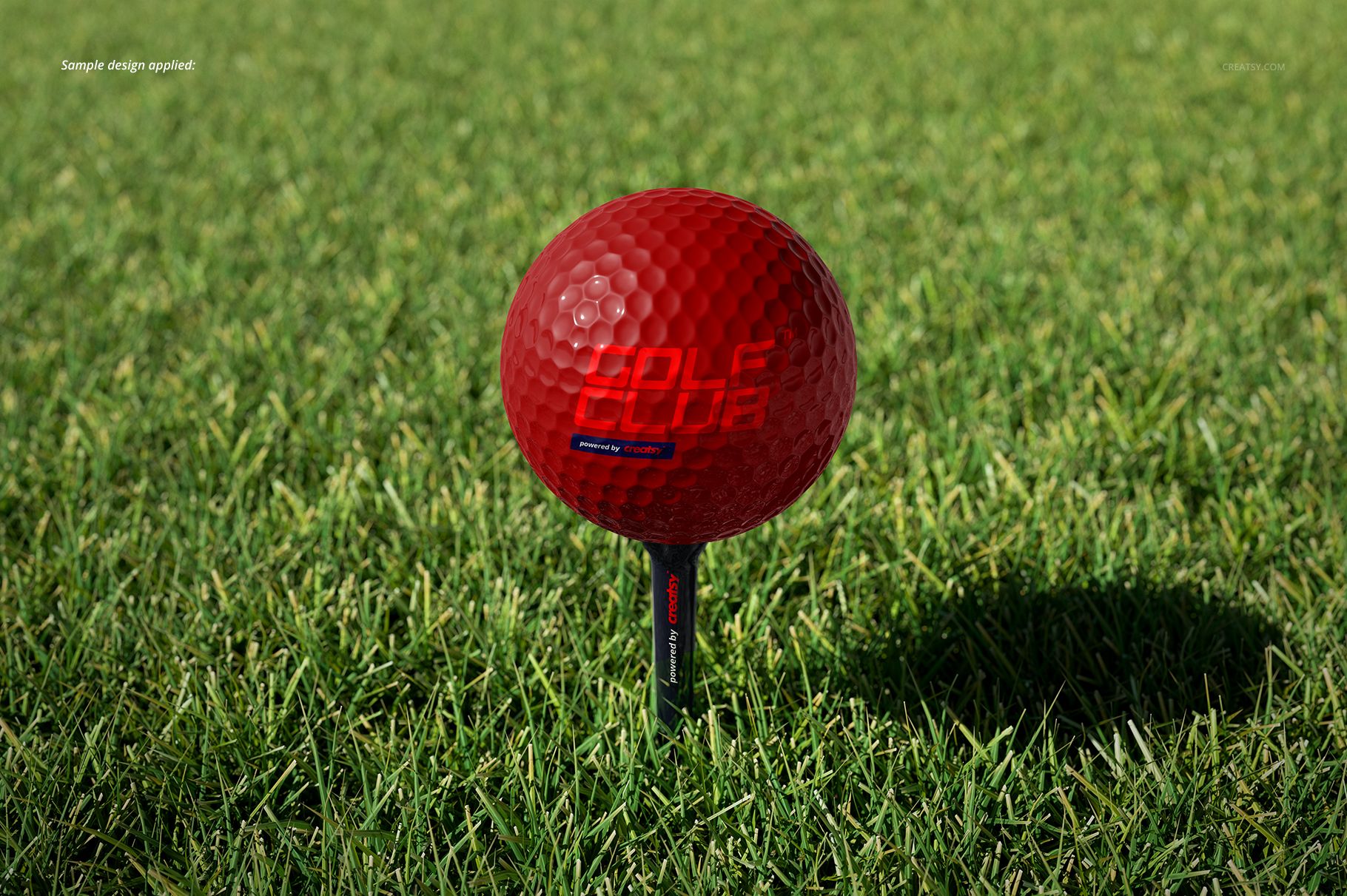
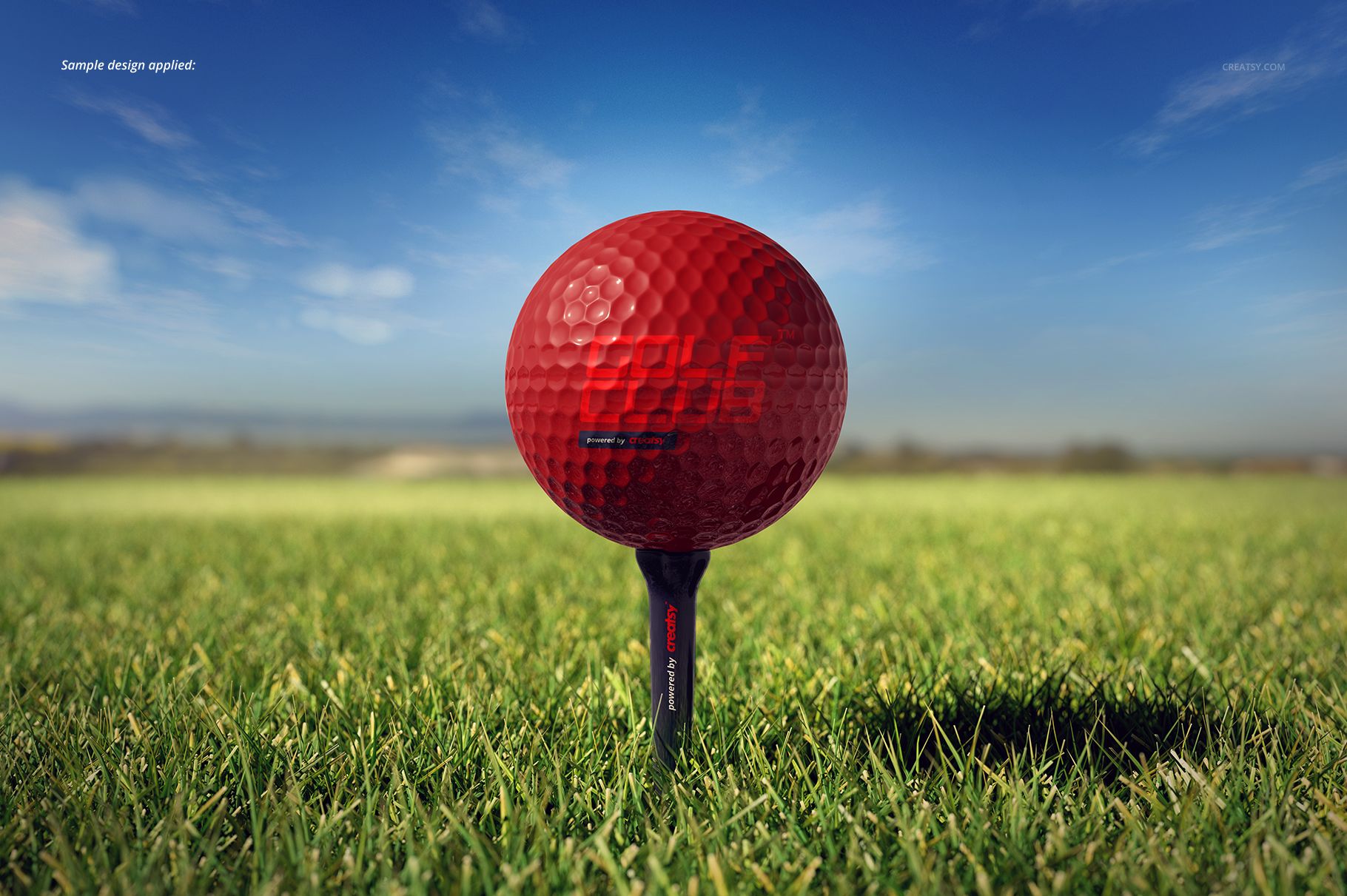
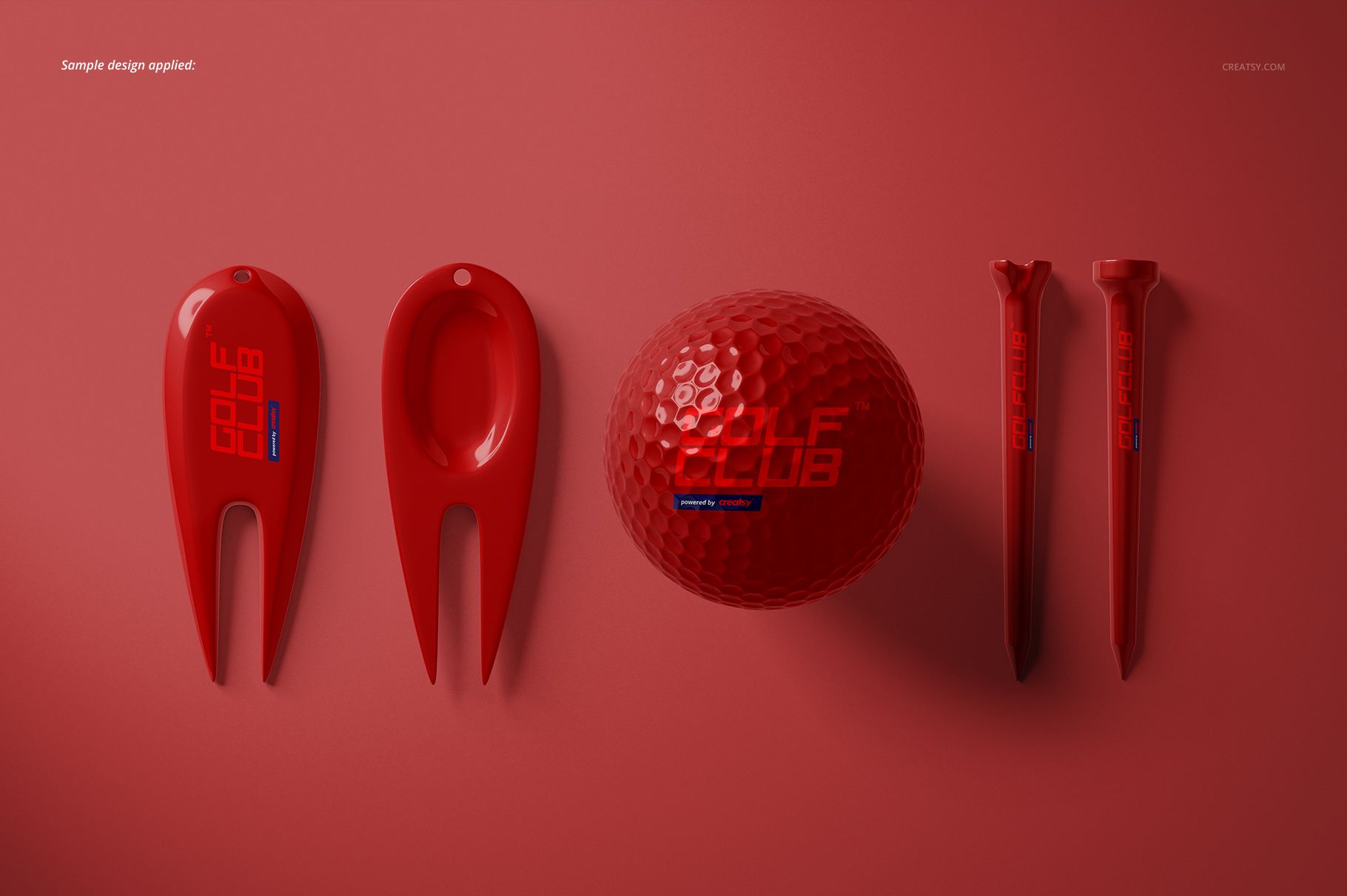
Present a complete golf identity across a dimpled ball, two tee styles, and a divot repair tool. Eleven coordinated PSD scenes move from clean isolated product views to outdoor grass settings, giving you both precise approval images and contextual campaign visuals.
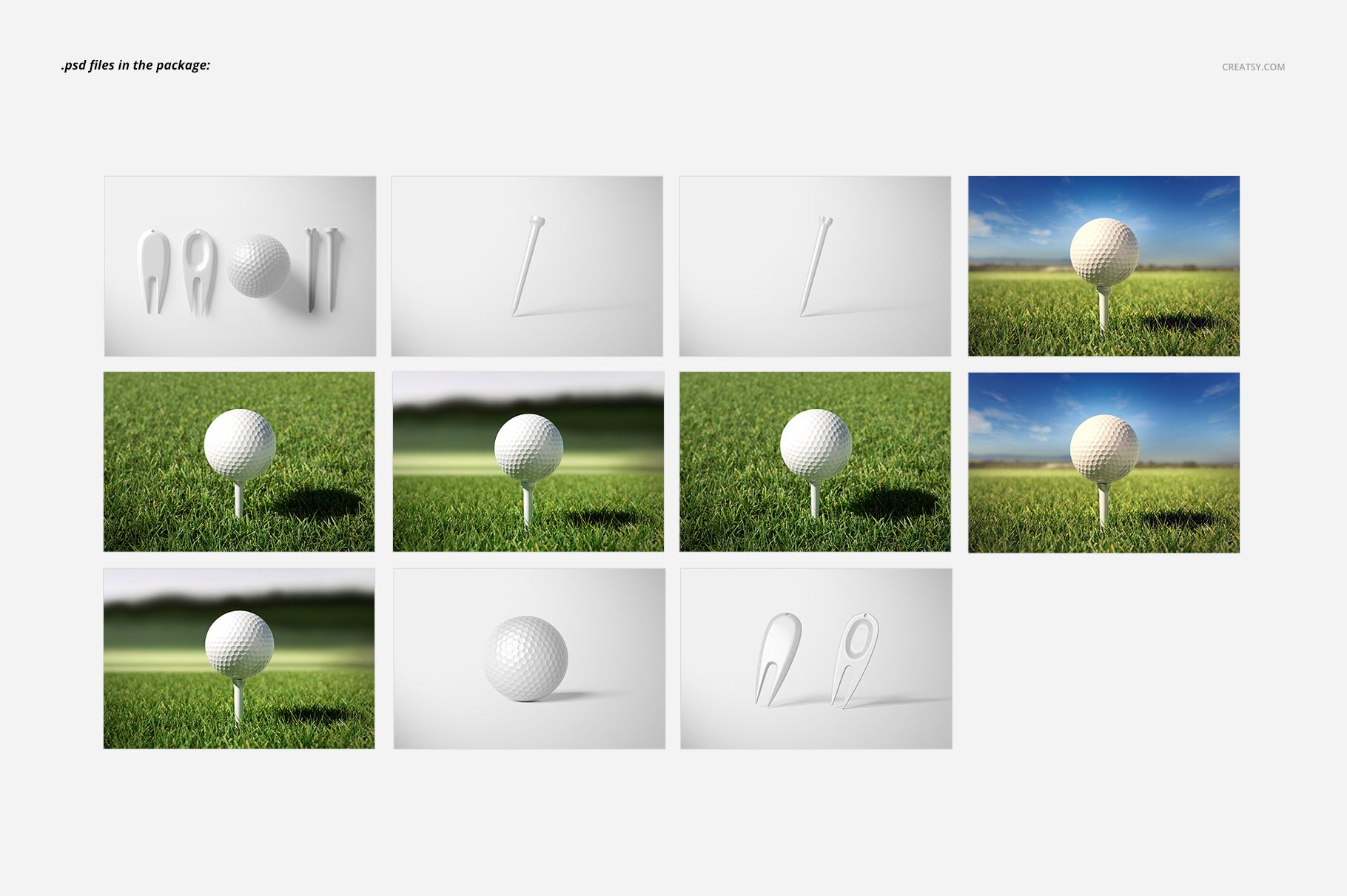
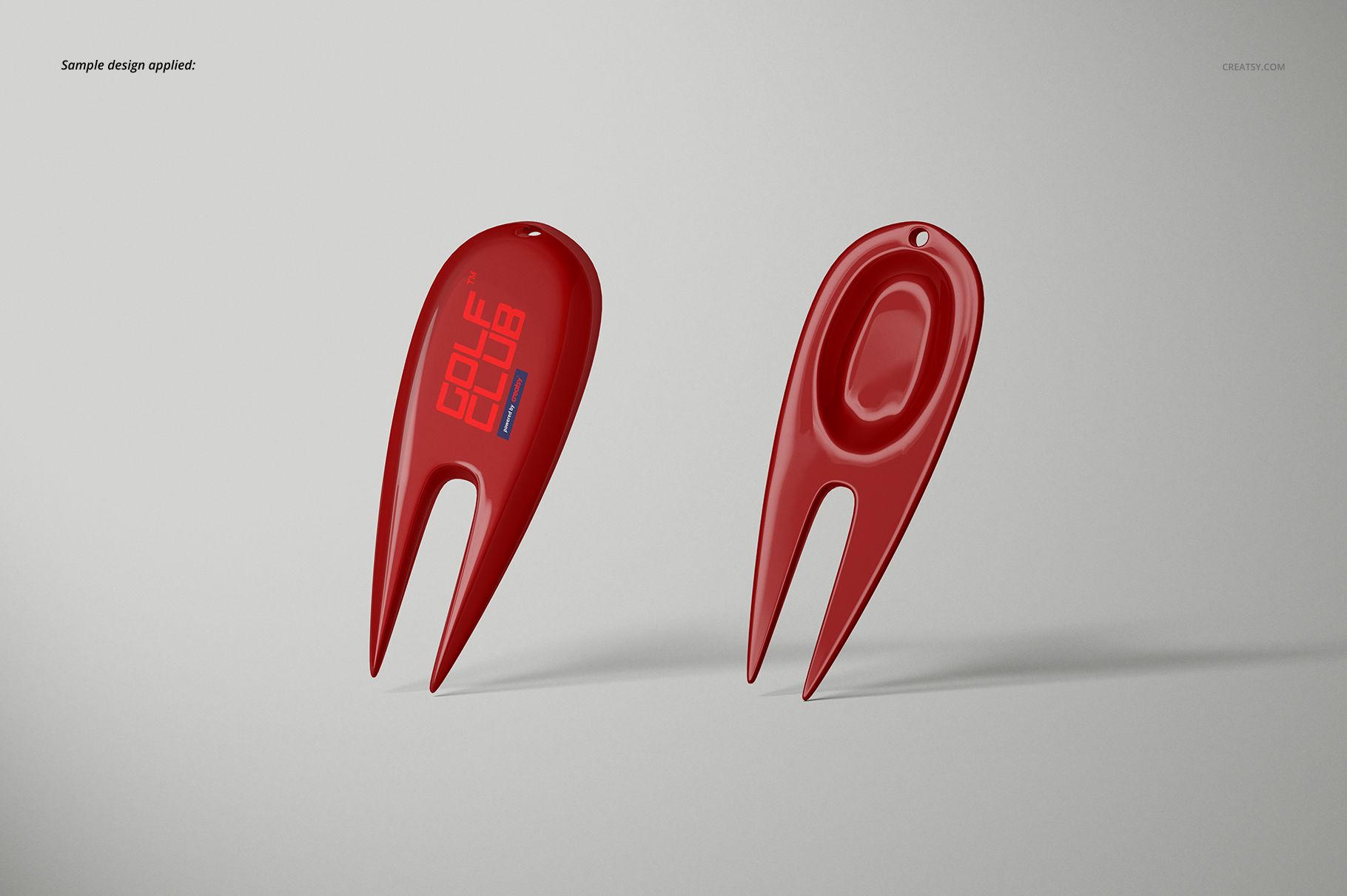
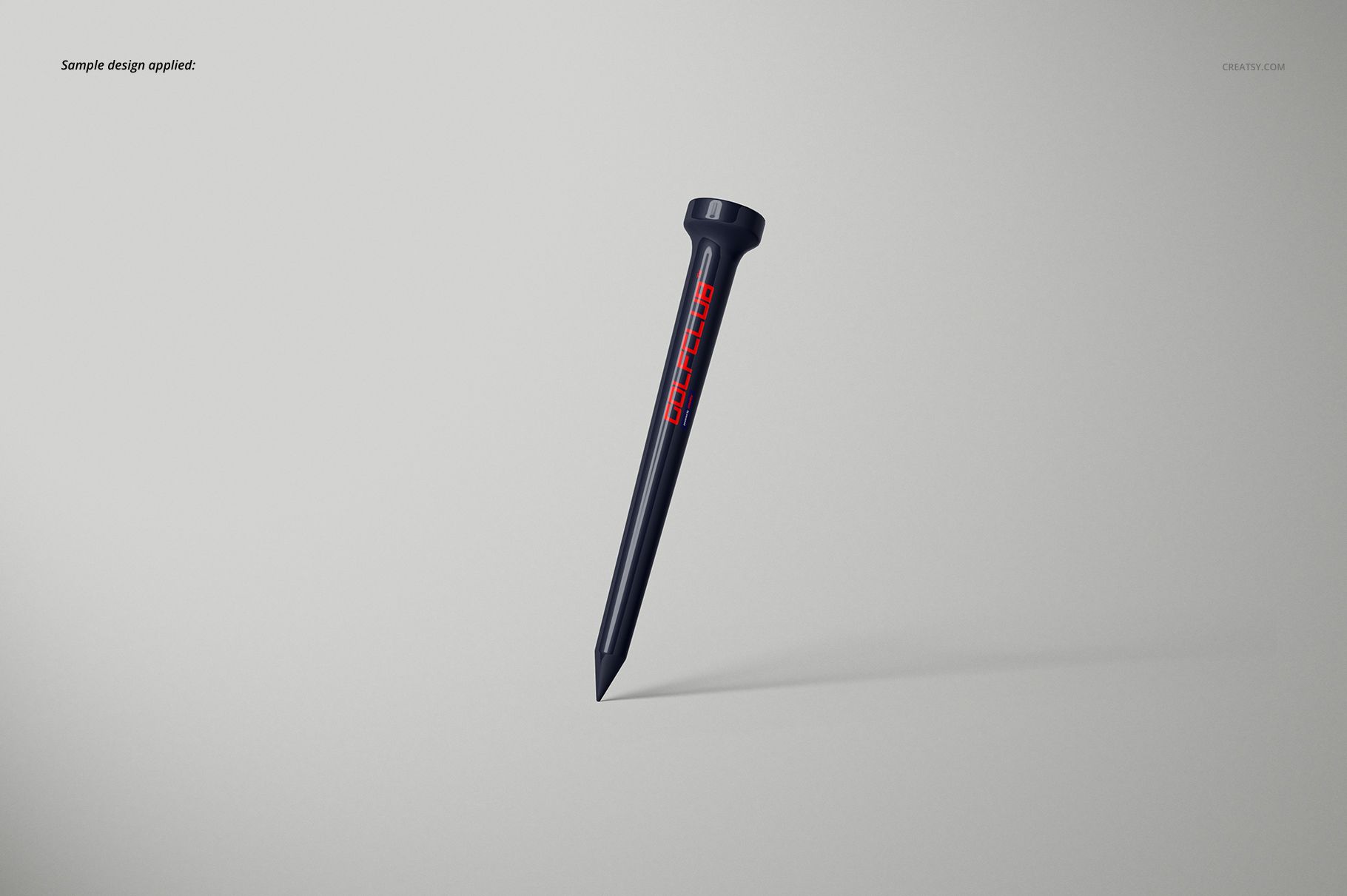
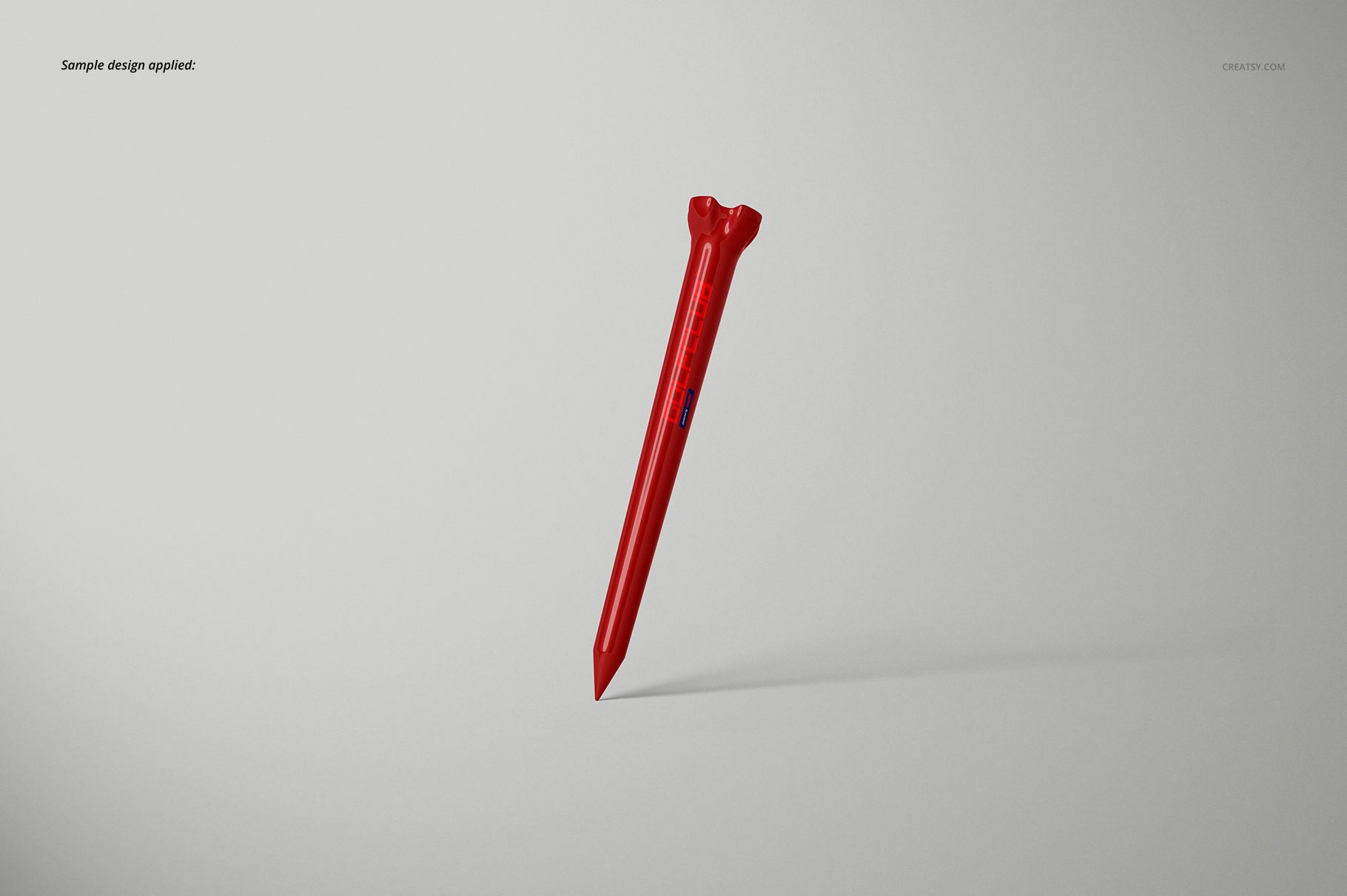
Six ball-on-tee scenes provide three perspectives for each tee style. The remaining files focus on the golf ball, individual tees, the front and back of the divot tool, and a top-view arrangement of the complete accessory group.
What Is Included
11 layered PSD mockup files at 6000 × 4000 px
11 matching JPG preview files at 6000 × 4000 px
1 TIF guide at 1000 × 1414 px
23 files in total
Landscape PSD scenes prepared at 300 DPI
Golf Ball, Two Tee Styles, and Divot Tool
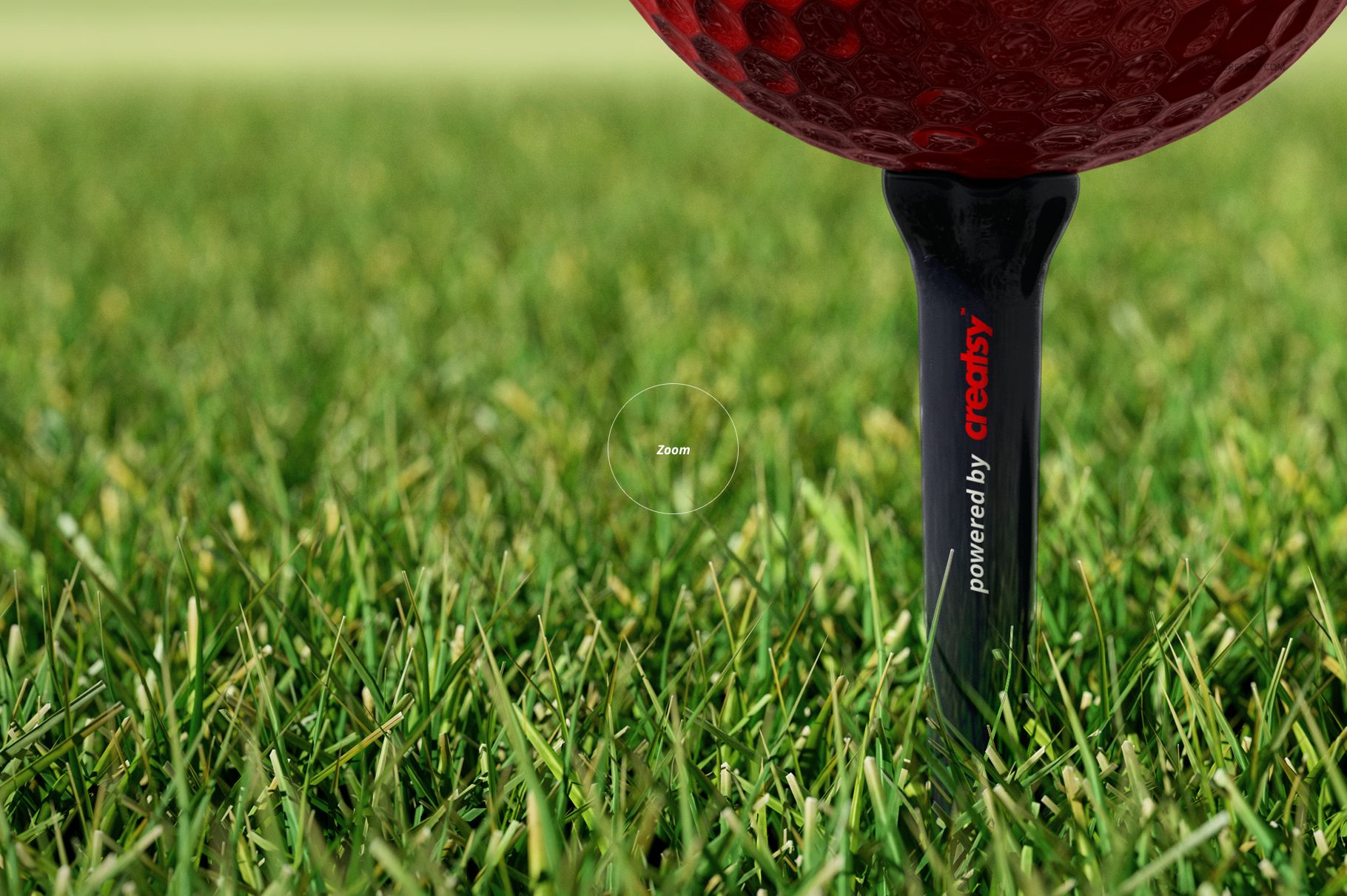
Use the isolated scenes to review small logos and accessory colors, the top view to present the products as a coordinated kit, and the outdoor scenes to show the golf ball on a tee in a natural playing context. Front, angled, close-up, grass, and sky-backed compositions provide useful variation without changing the product theme.
Easy Smart Object Editing
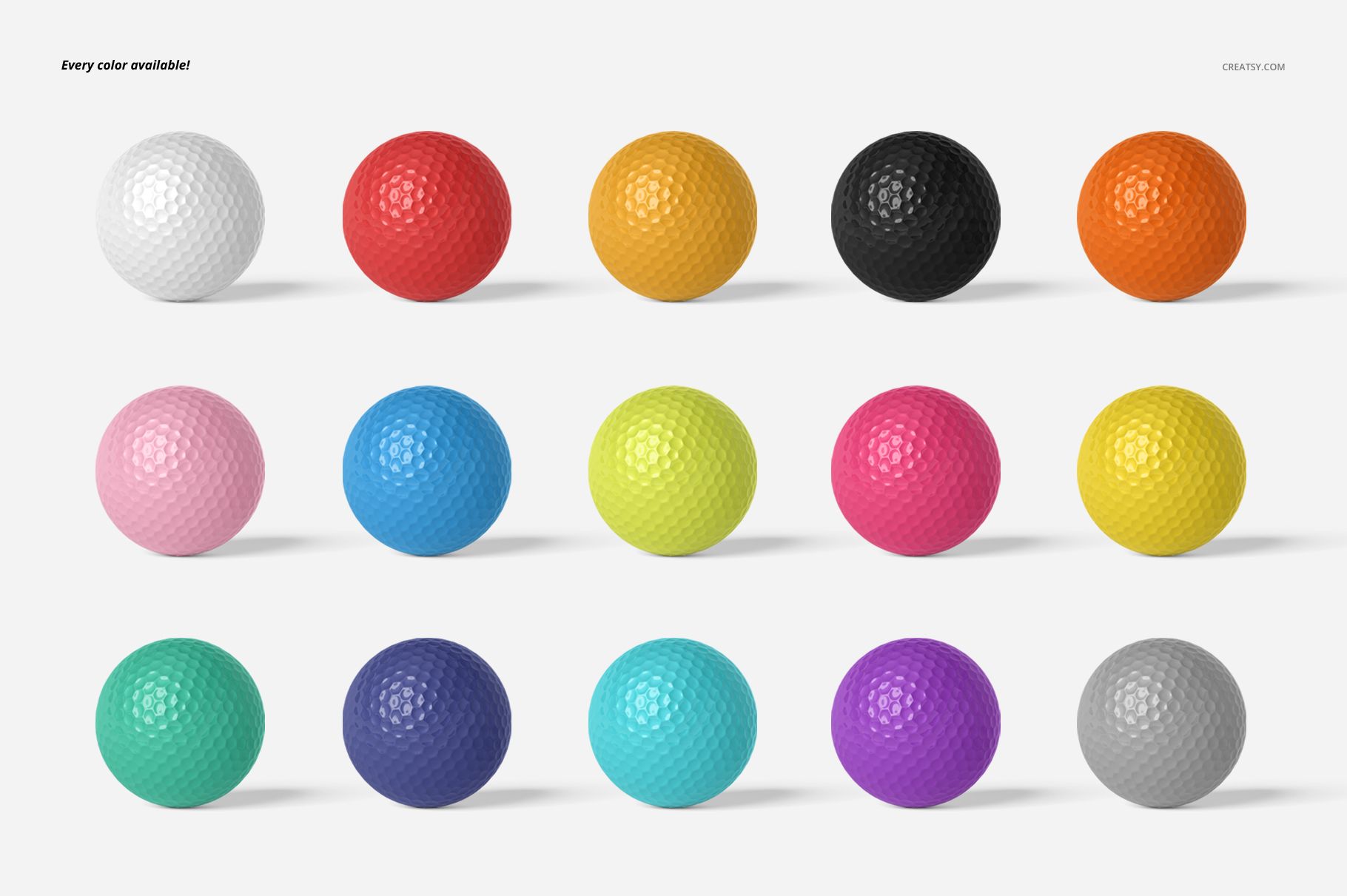
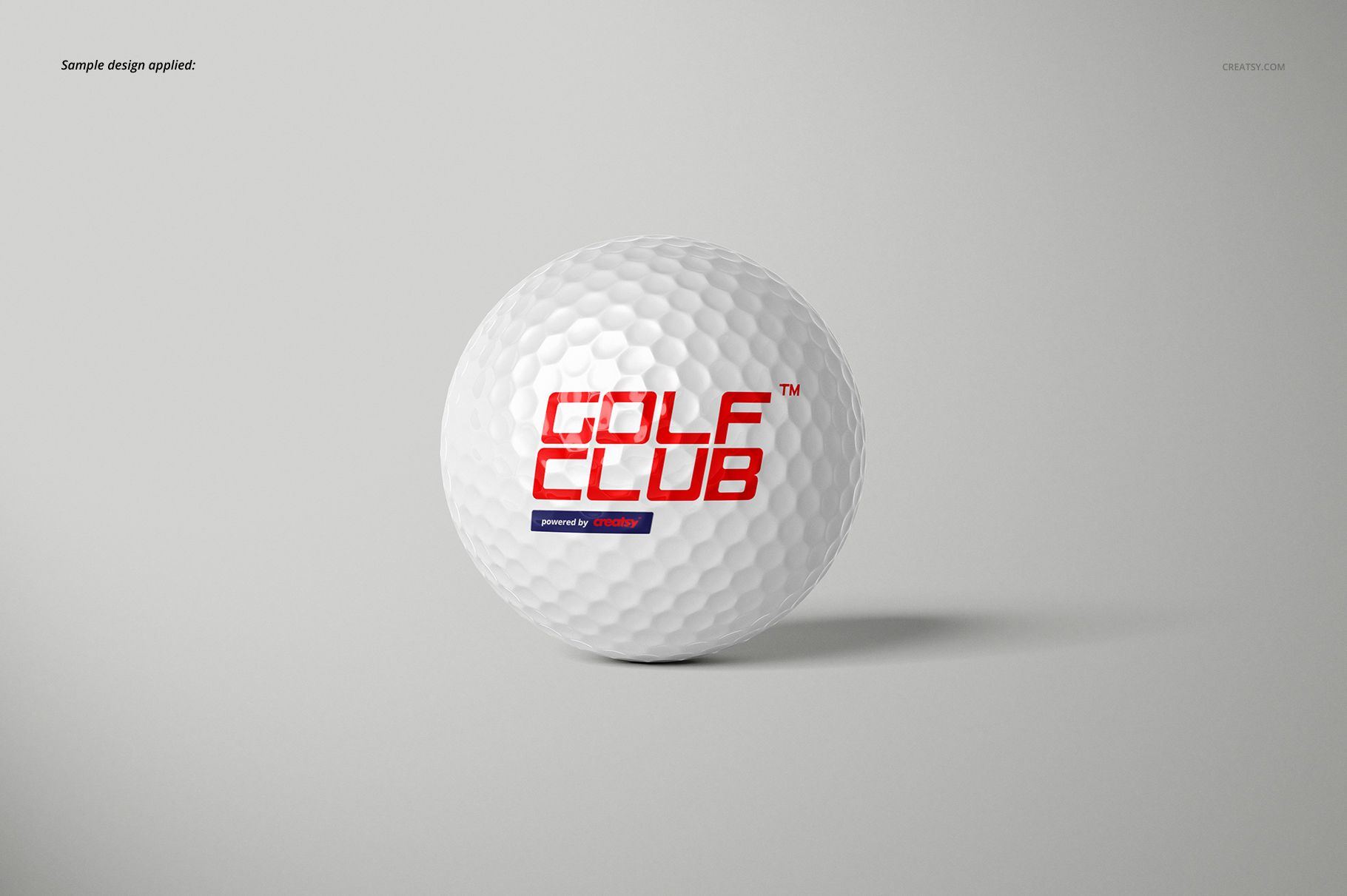
Insert logos or artwork through Smart Objects, then adjust the colors and designs of the golf ball and accessories. Background colors, designs, and textures can also be changed. Objects and shadows are organized on separate layers, so they can be hidden when a transparent composition is required. The files are compatible with Adobe Photoshop CC2015 or newer and Photopea.
Perfect For
Golf clubs and tournament organizers
Sports branding and identity designers
Promotional product suppliers
Golf equipment and merchandise brands
Client presentations, portfolios, catalogs, and product galleries
Digital product: No physical golf ball, tee, divot tool, or other item will be shipped. Sample logos and artwork shown in the previews are not included.