Motocross Jersey Mockup Set
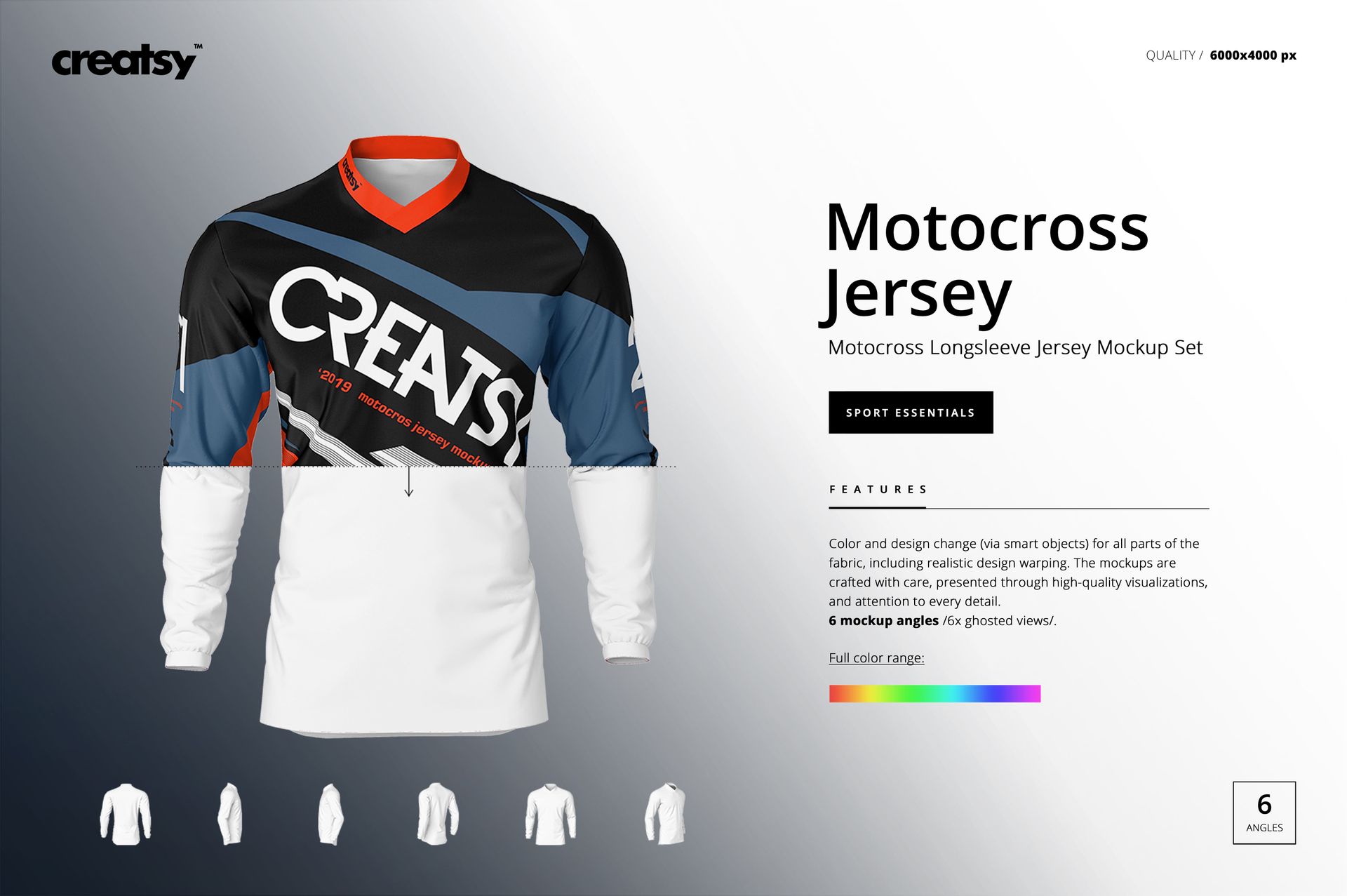
Develop a complete long-sleeve motocross jersey presentation across six ghosted views, without arranging a model photo shoot. Front, back, side, and angled perspectives help you review how graphics connect across the torso, sleeves, shoulders, collar, and lower hem.
The clean product-only format keeps attention on the garment and makes it easier to compare team colorways, sponsor layouts, numbers, and dense all-over patterns from every important direction.
What Is Included
6 layered PSD mockup files
6 JPG preview files, 12 files in total
6000 × 4000 px PSD scenes at 300 DPI
Six ghosted jersey perspectives
Well-organized layers and Smart Object editing
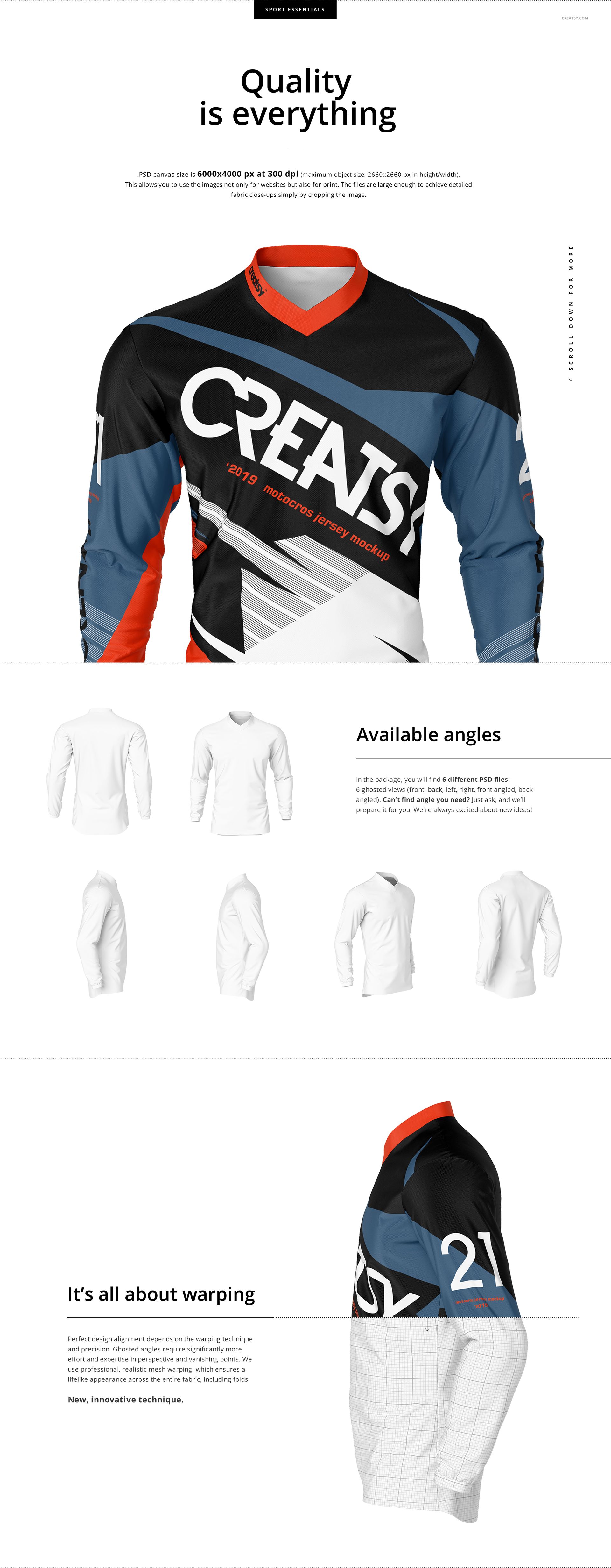
Six Angles Around the Jersey
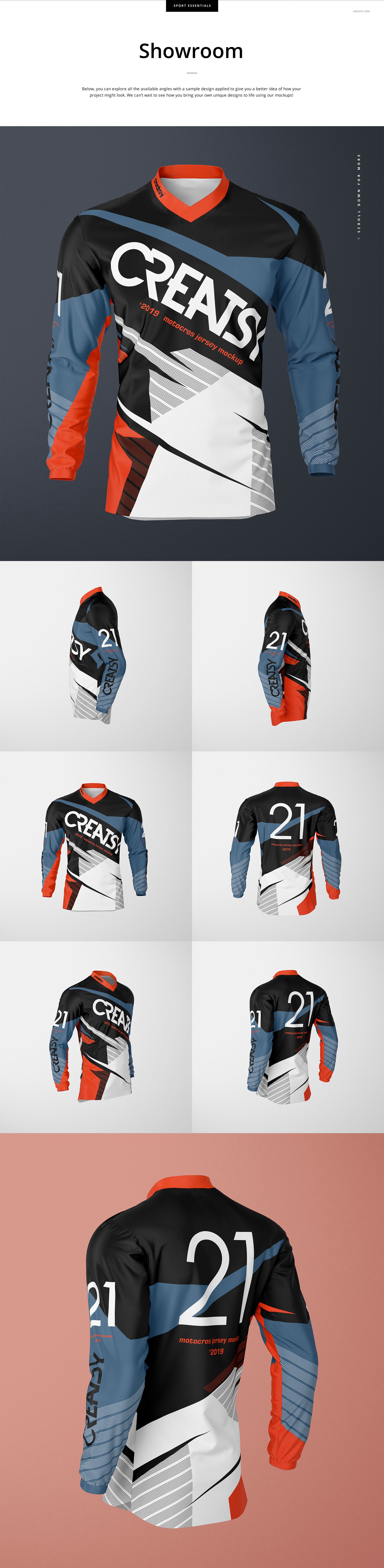
The set includes front, back, left, right, front-angled, and back-angled views. Use the direct scenes for clear sponsor and number placement, then add the side and angled perspectives to check sleeve artwork and transitions around the garment.
Control Fabric Design and Visual Depth
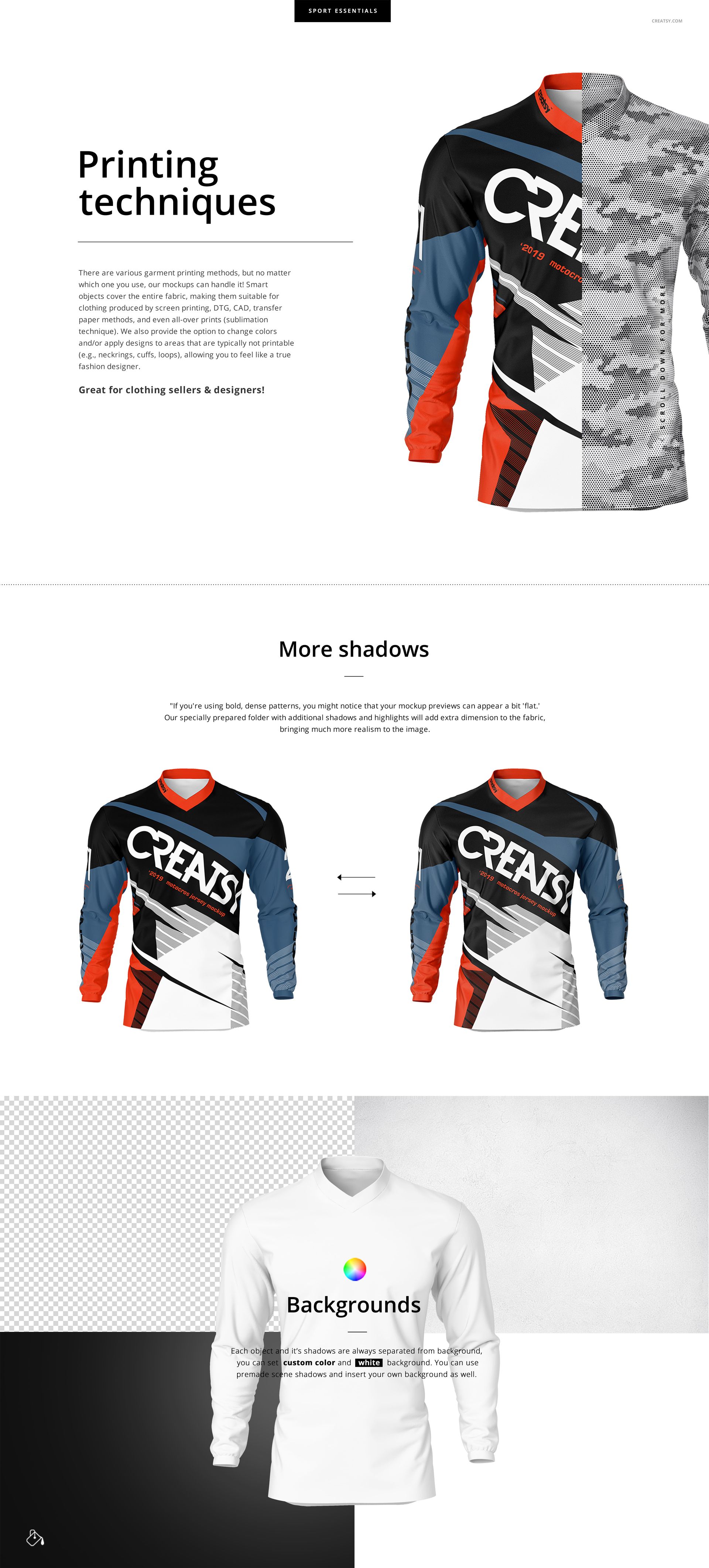
Change the color and design of all prepared fabric parts. A dedicated folder with additional shadows and highlights can add more depth when bold or dense patterns make the first preview appear too flat.
Easy Smart Object Editing
Open a PSD in Adobe Photoshop CC2020 or newer, or in Photopea, and place artwork through the prepared Smart Objects. Organized object, shadow, and color layers make it easier to refine the jersey and background before export.
Perfect For
Motocross teams and racing apparel brands
Sportswear, jersey, and surface pattern designers
Sponsor and rider number presentations
Client approvals, portfolios, and product galleries
Comparing coordinated team colorways
Digital product: No physical jersey or model is included or shipped. Sample artwork and patterns shown in the previews are not included.