Paper Cup in Coffee Beans Mockup Set
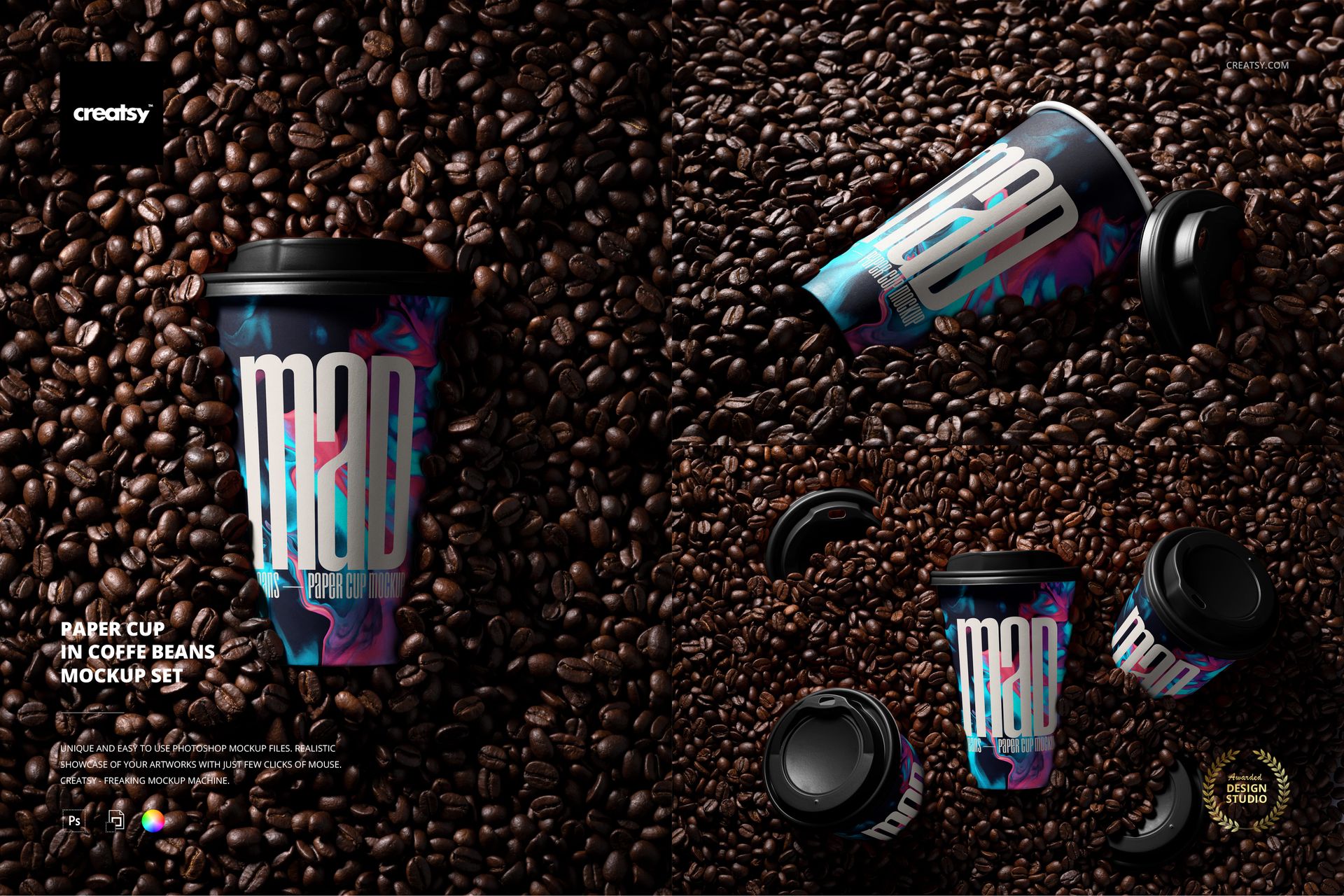
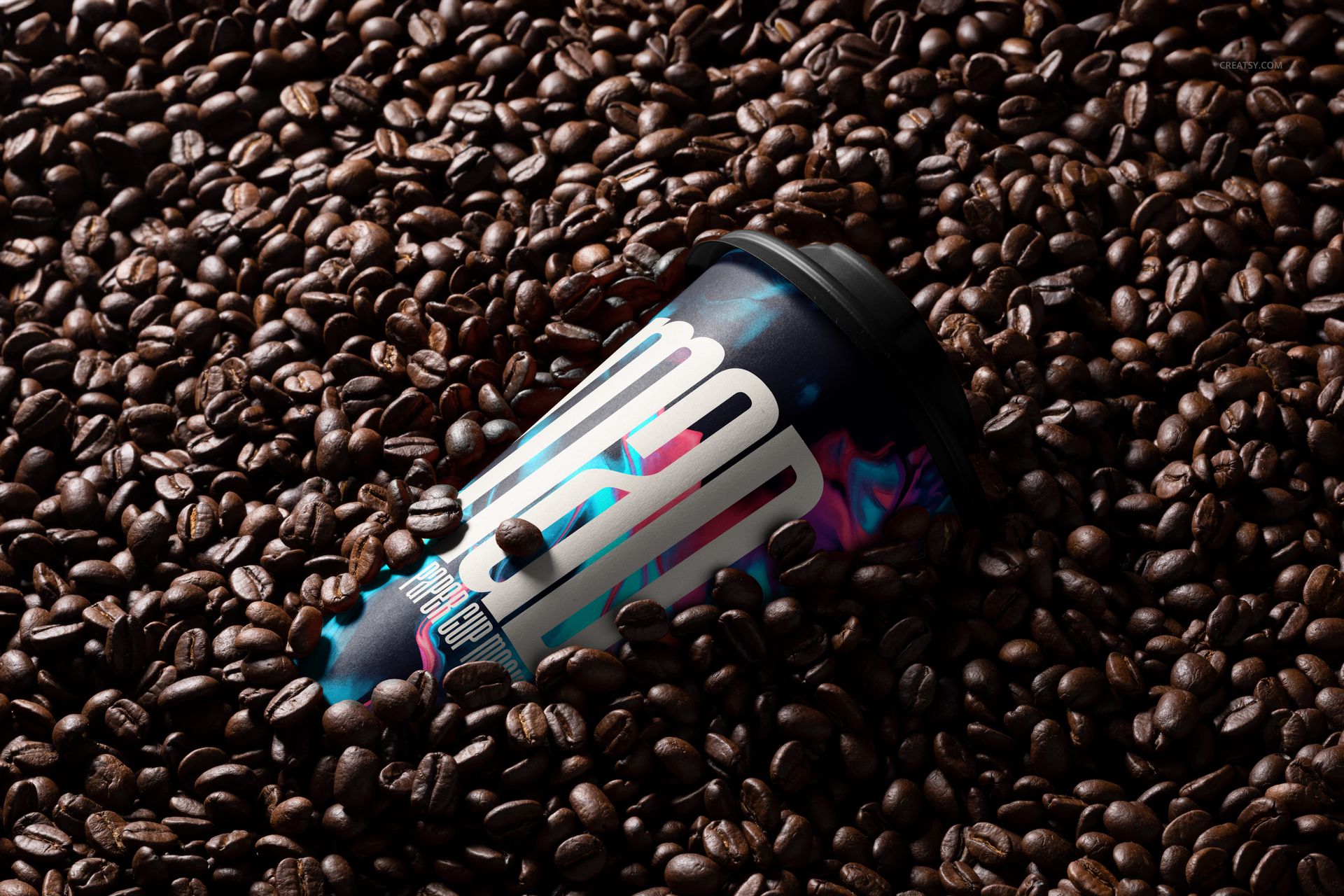
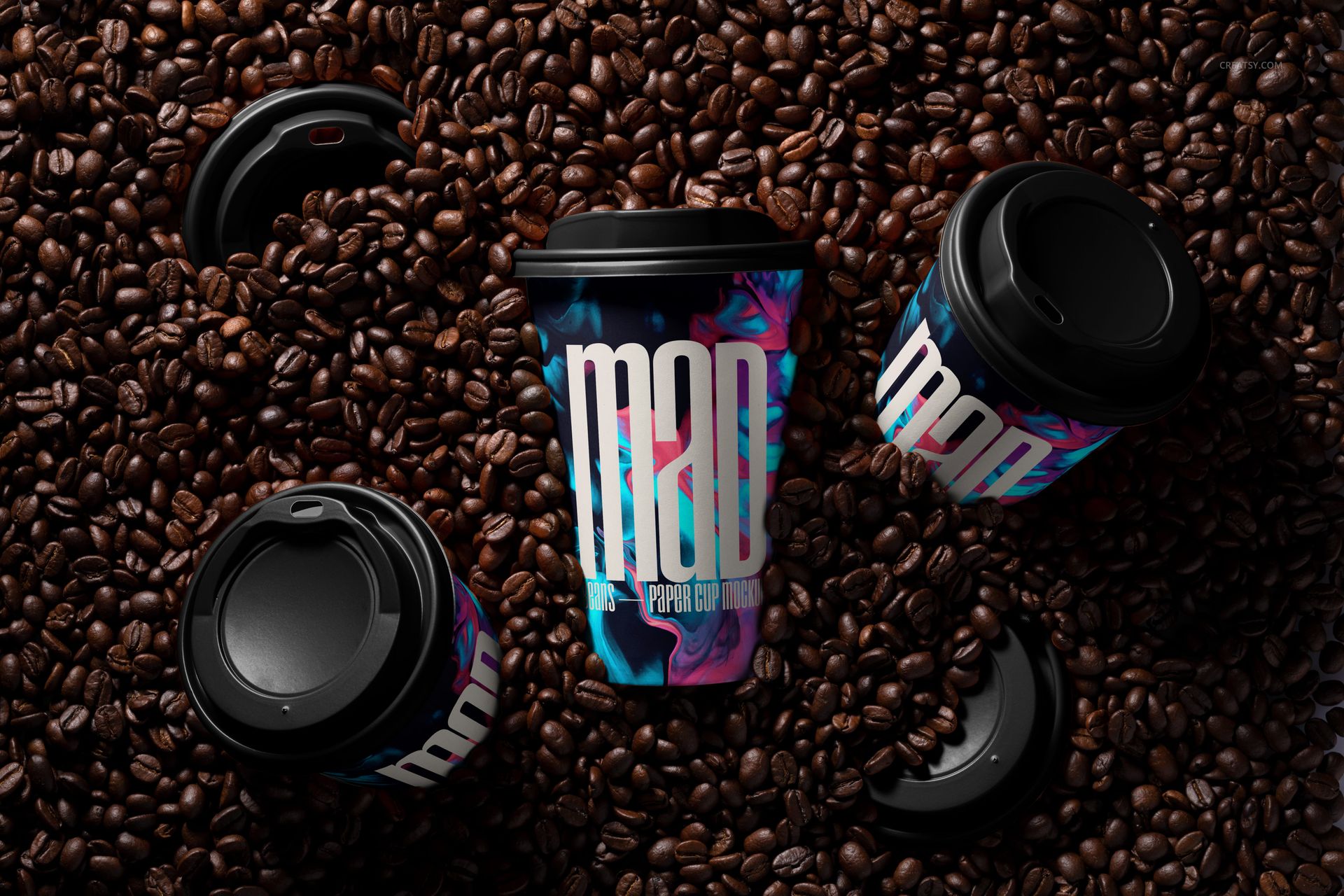
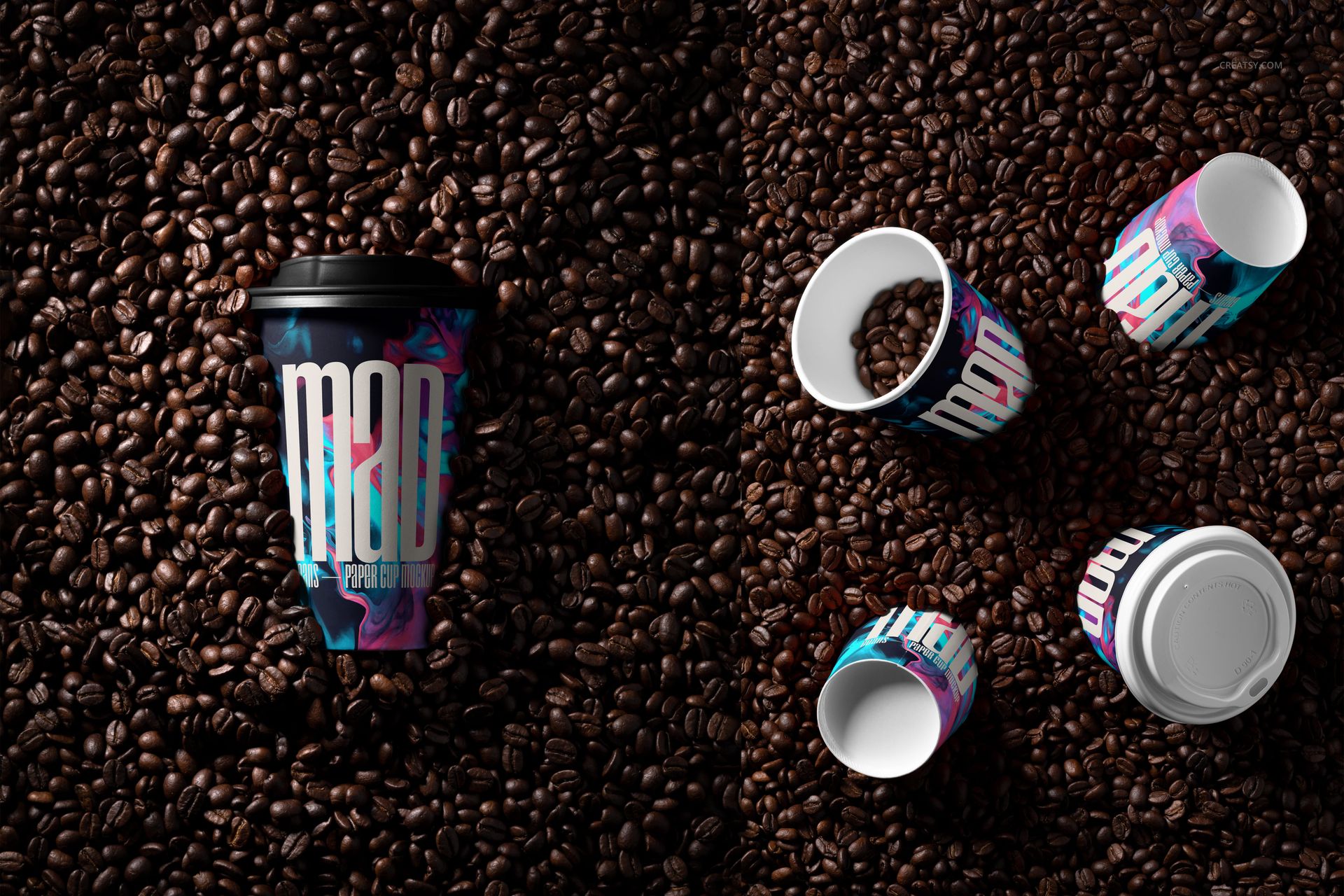
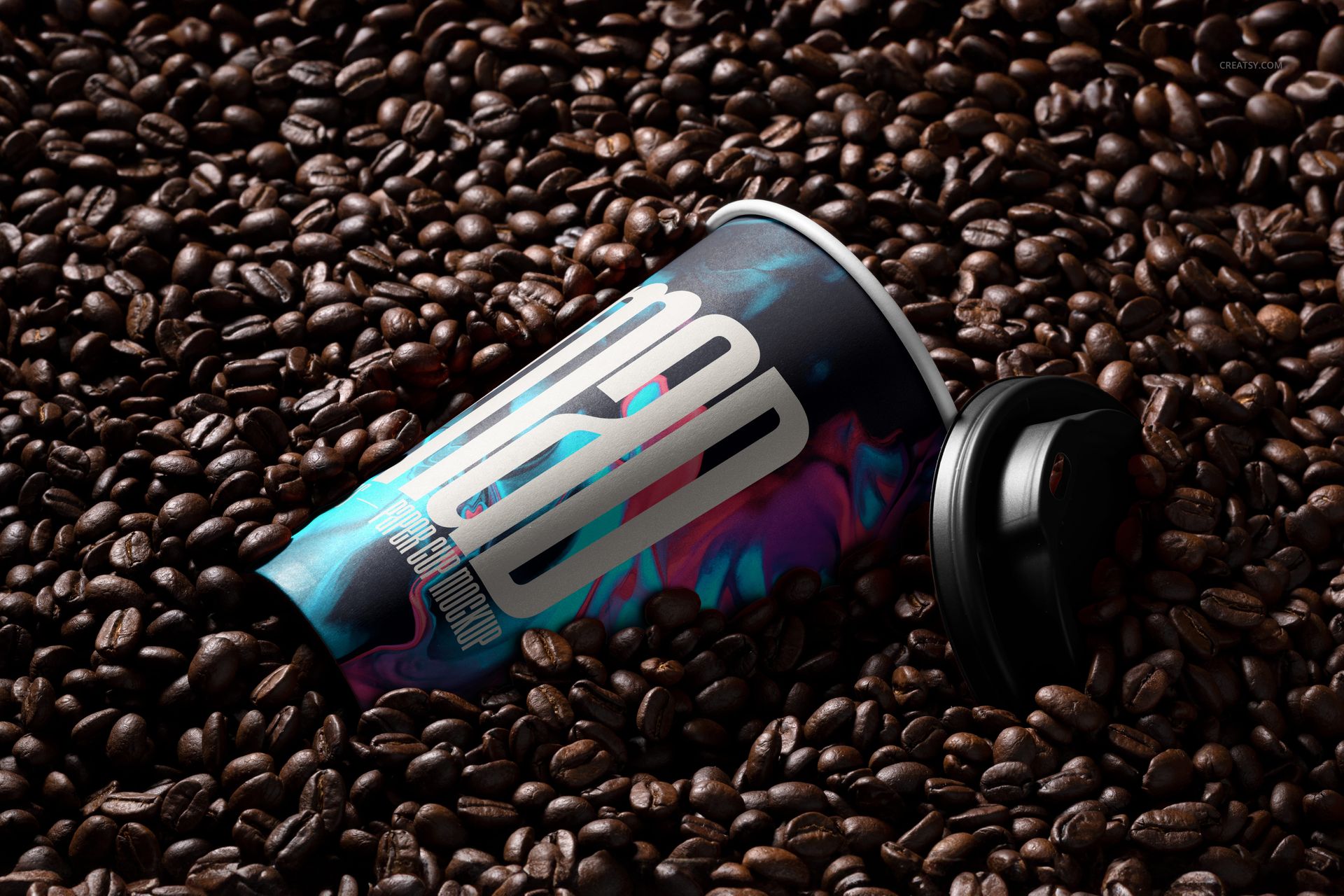
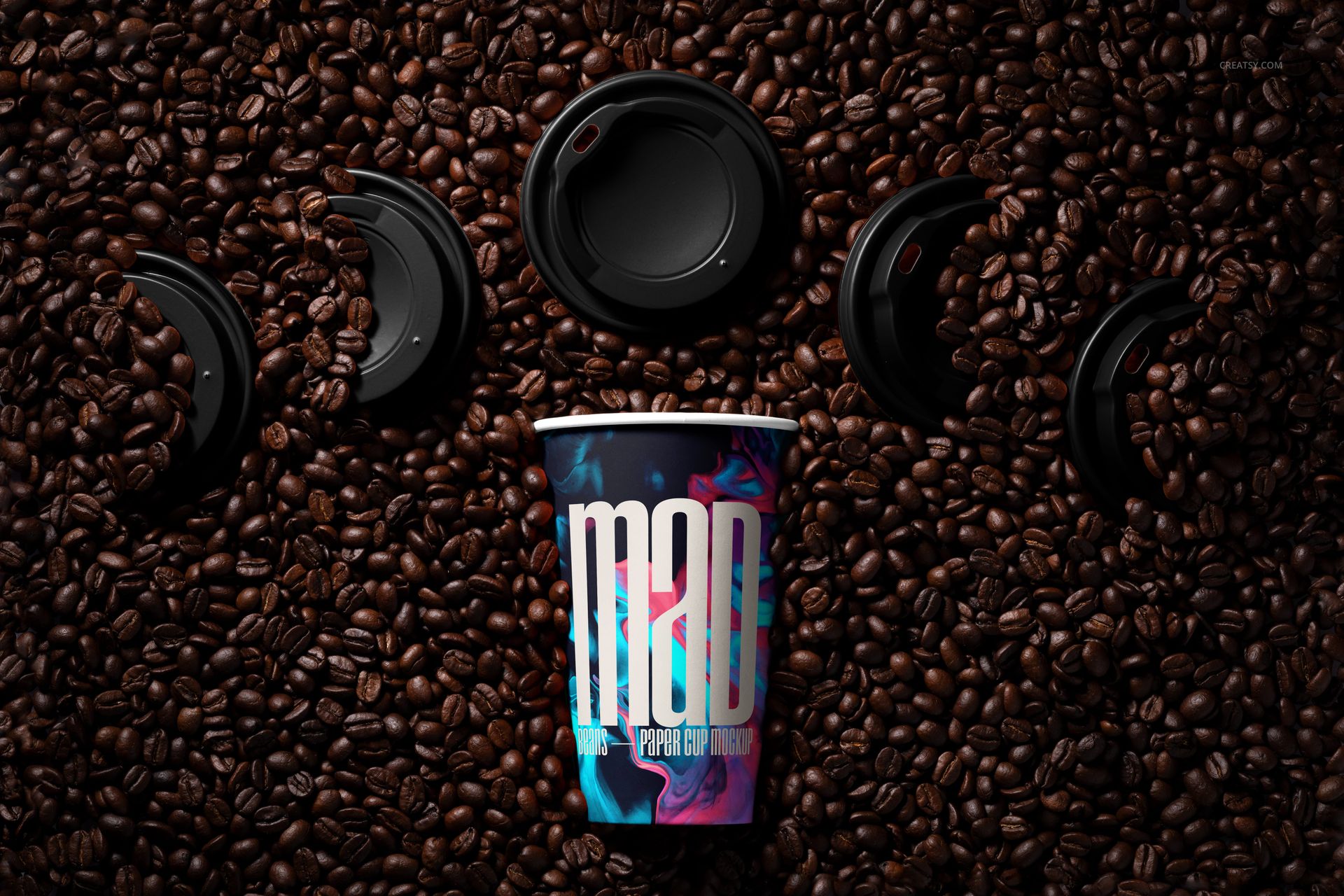
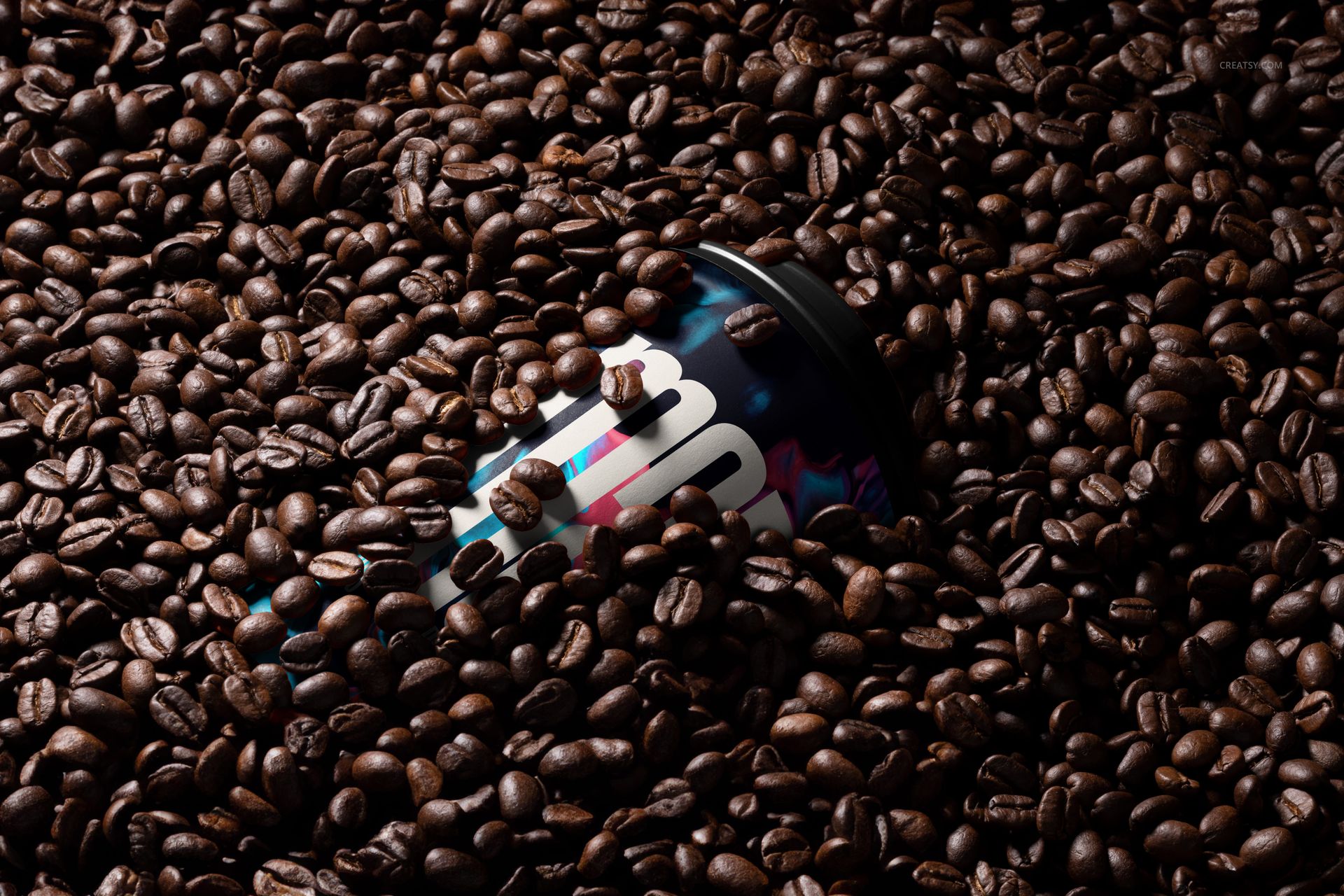
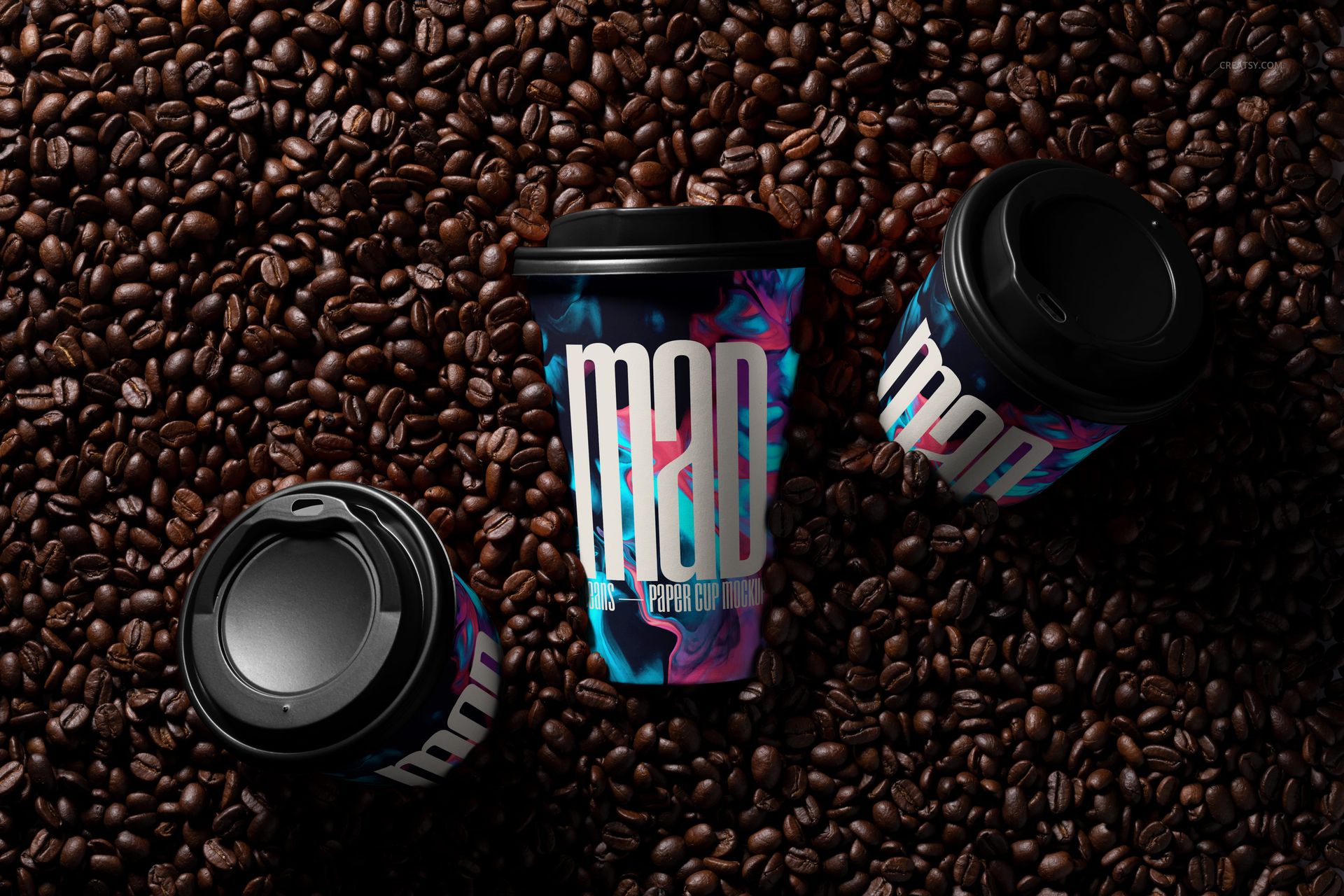
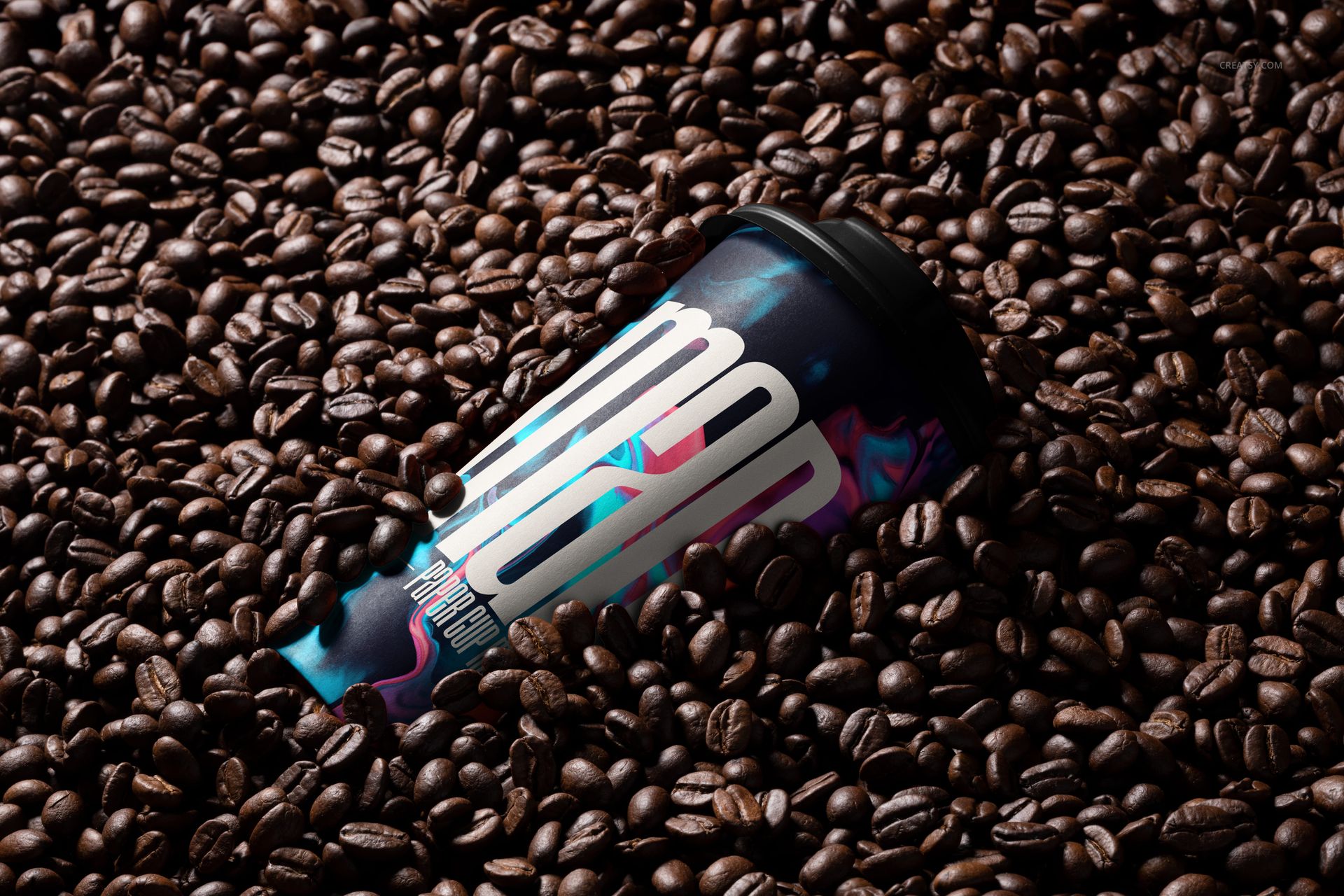
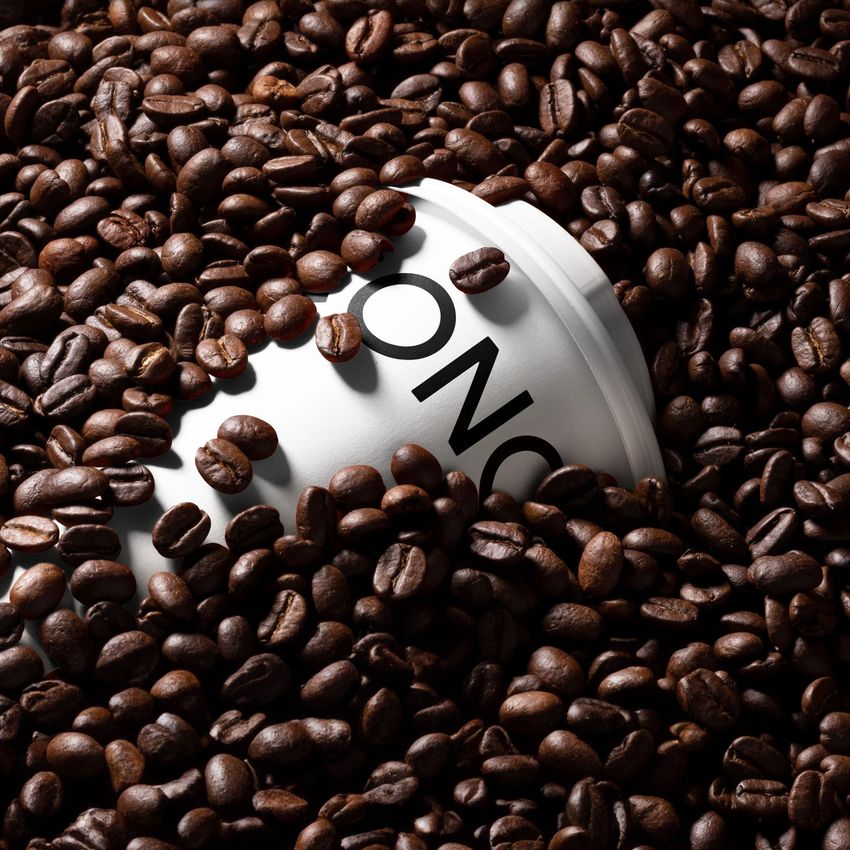
Place a takeaway drink identity inside a tactile coffee setting with ten prepared mockup scenes built around whole roasted beans. The collection moves from a single upright cup to diagonal, horizontal, partially buried, lid-separated and grouped compositions, giving one campaign a consistent material backdrop with varied crops and visual rhythm.
Dark beans, strong directional light and deep shadows connect the cup directly with coffee origin and roast character. The mix of overhead and high-angle views works well for roastery launches, cafe menus, subscription concepts and packaging presentations.
What Is Included
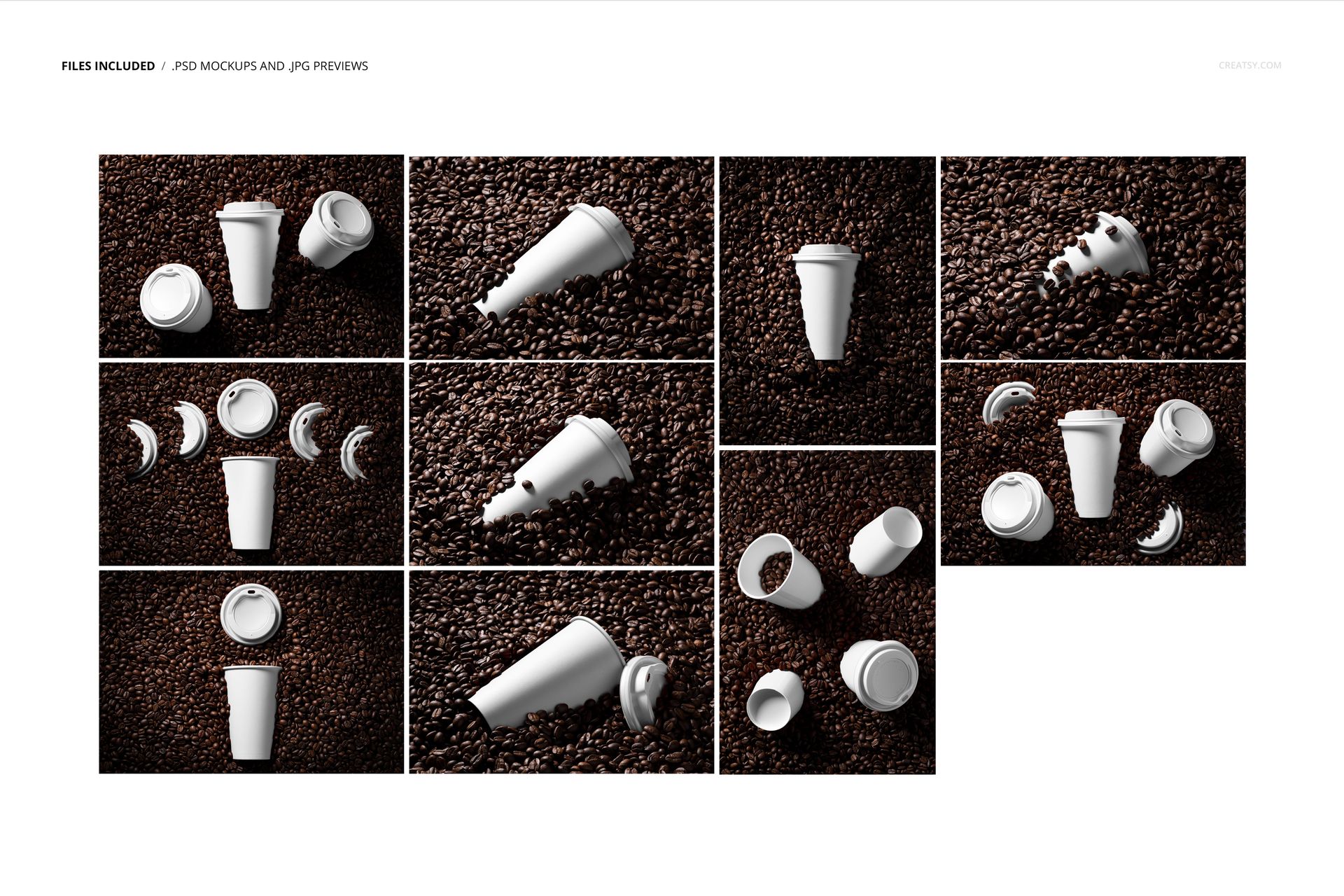
10 layered PSD working files
10 JPG reference previews, for 20 files in total
Working resolution listed as approximately 6000 x 4000 px at 300 DPI
Eight landscape and two portrait reference previews
Product-specific support for Adobe Photoshop CS6 or newer and Photopea
Ten Coffee-Led Views
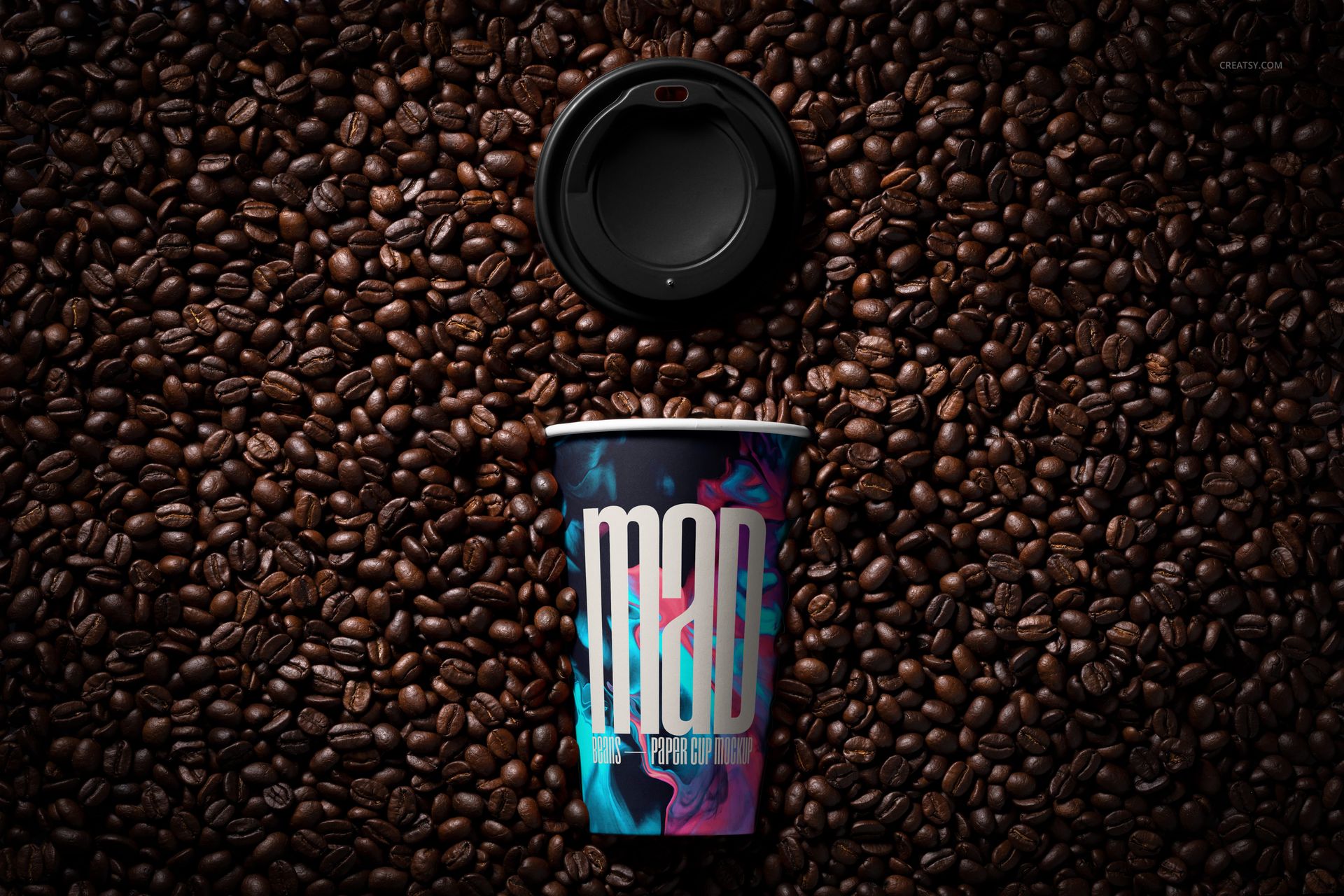
Choose an upright cup for a direct logo-led image, a tipped or partly buried cup for a tactile launch visual, separated lids for component-focused storytelling, or grouped overhead scenes for flavors, roast levels and coordinated campaign variants.
Easy Smart Object Editing
Use Smart Objects to place logos, typography, illustrations or patterns on the tapered paper cup surface. The current specifications confirm editable cup artwork and color plus editable lid color. Organized layers keep the prepared lighting, shadows, bean texture and perspective connected to each composition.
Perfect For
The scenes suit coffee roasters, cafes, beverage brands and packaging designers who need a distinctive visual setting for brand presentations, product launches, menus, portfolios and promotional graphics.
Preview Artwork Credit
Product preview imagery is credited to Creatsy®. This is a digital mockup product, and the sample graphics, physical cups, lids and coffee beans shown in the images are not included.