11 oz. & 15 oz. White Mug Mockup Set Bundle

ID: 1239966037 | Updated: Nov 12, 2022

Product Details

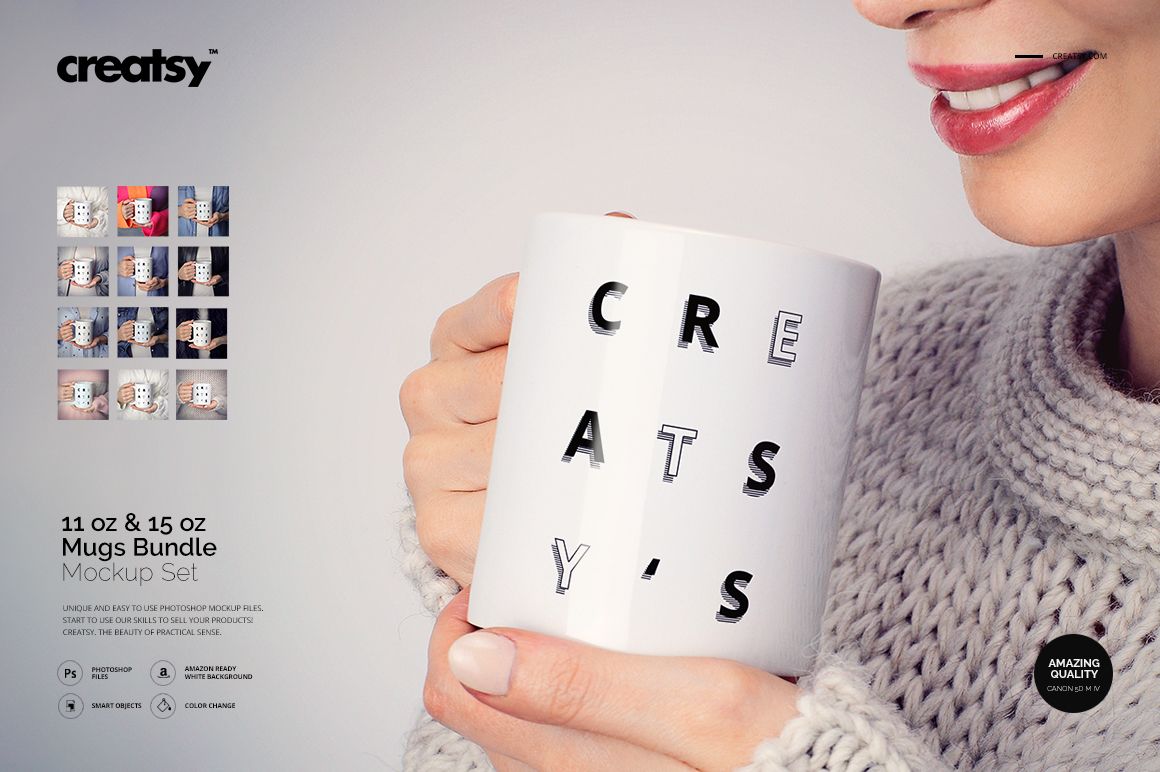
11 oz. & 15 oz. White Mug Mockup Bundle

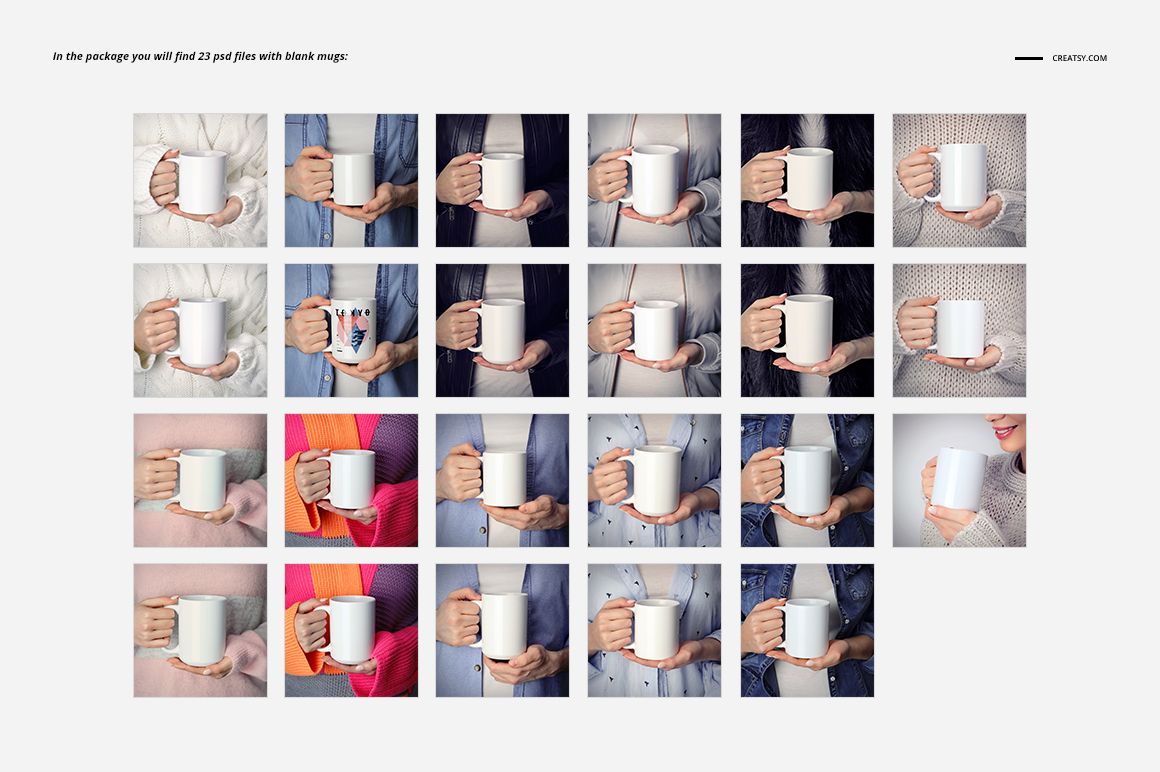
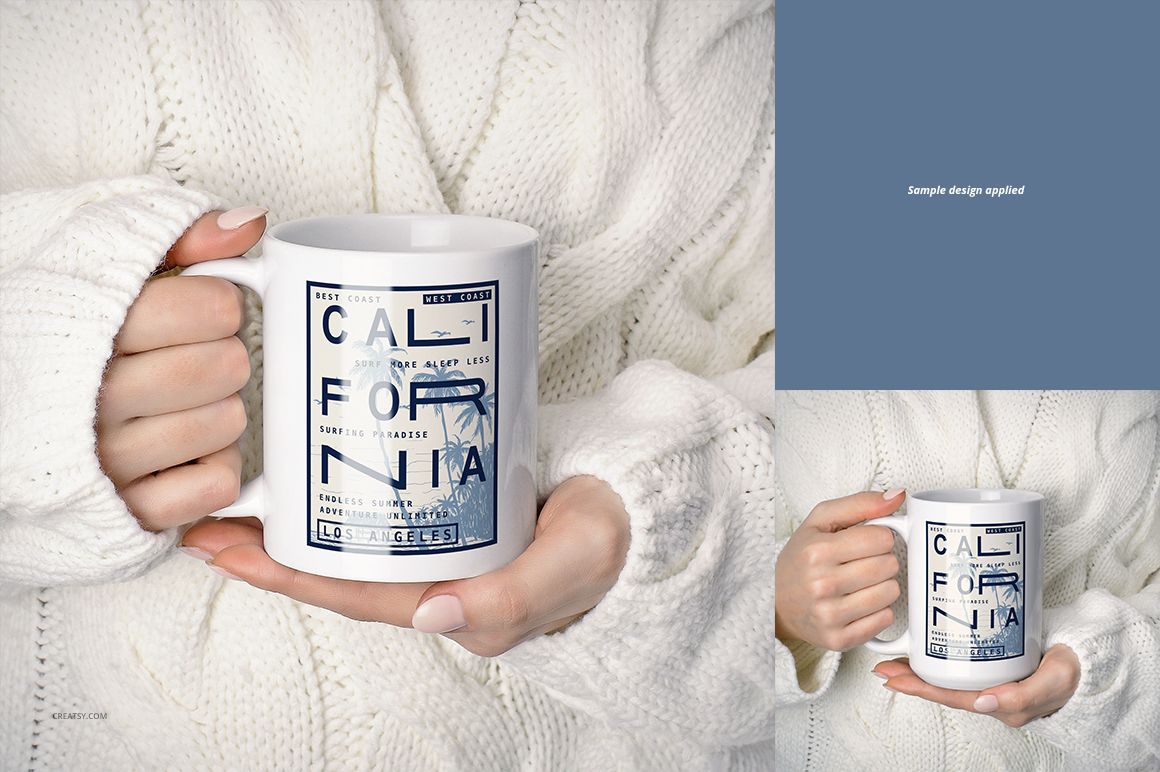
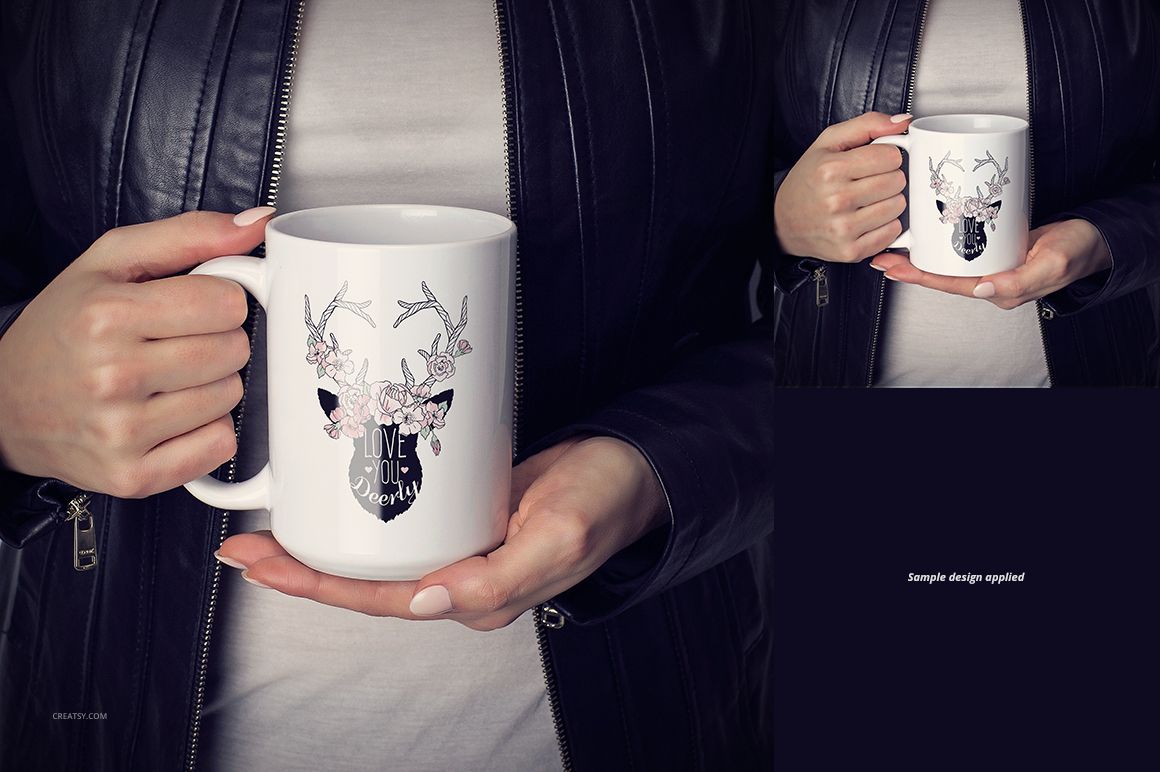
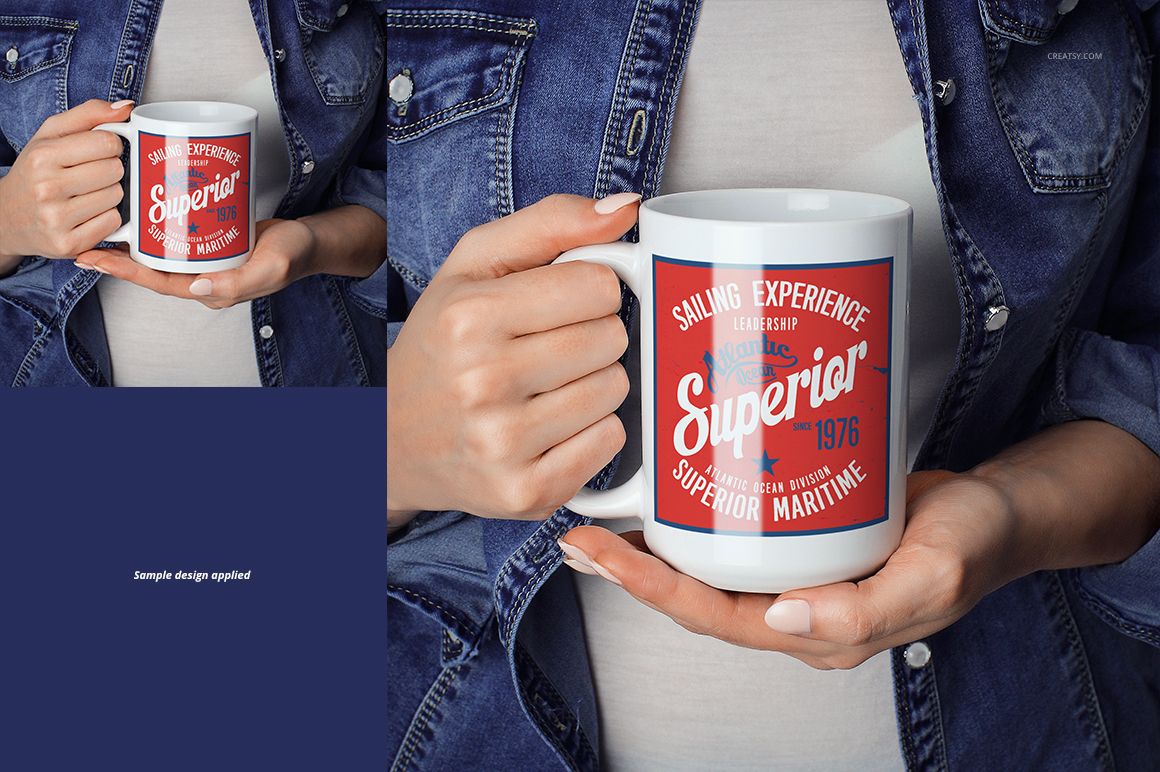
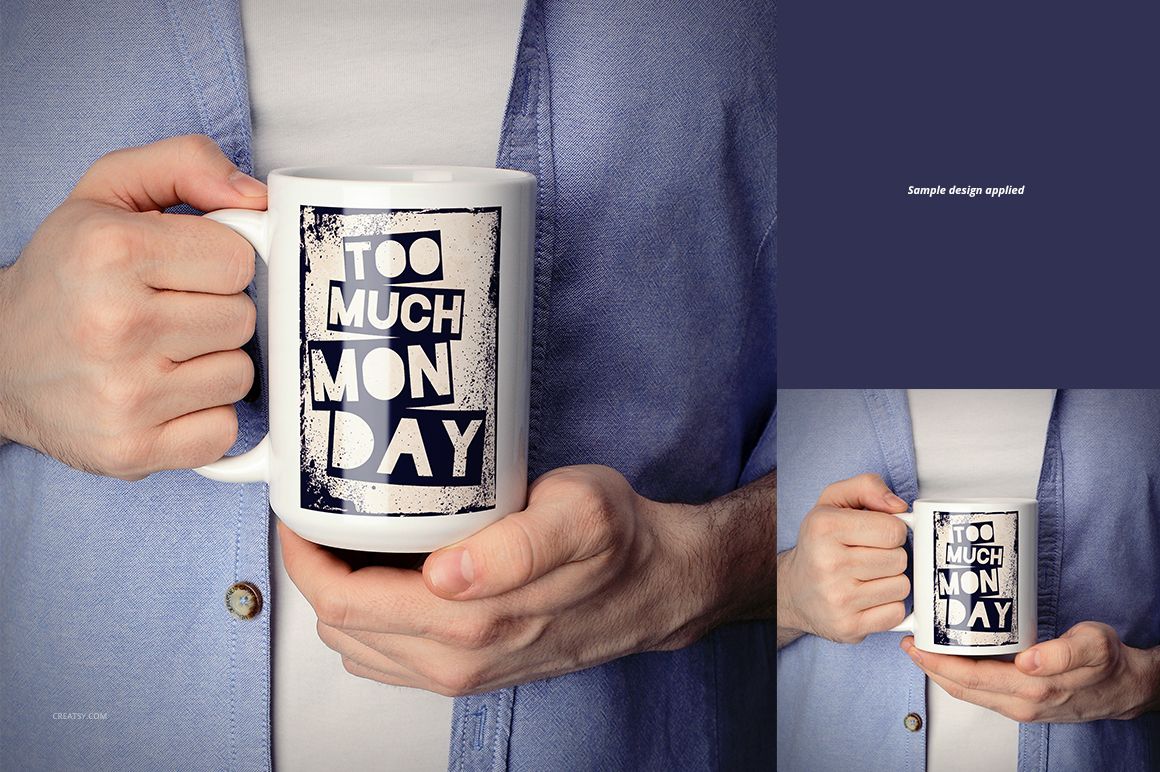
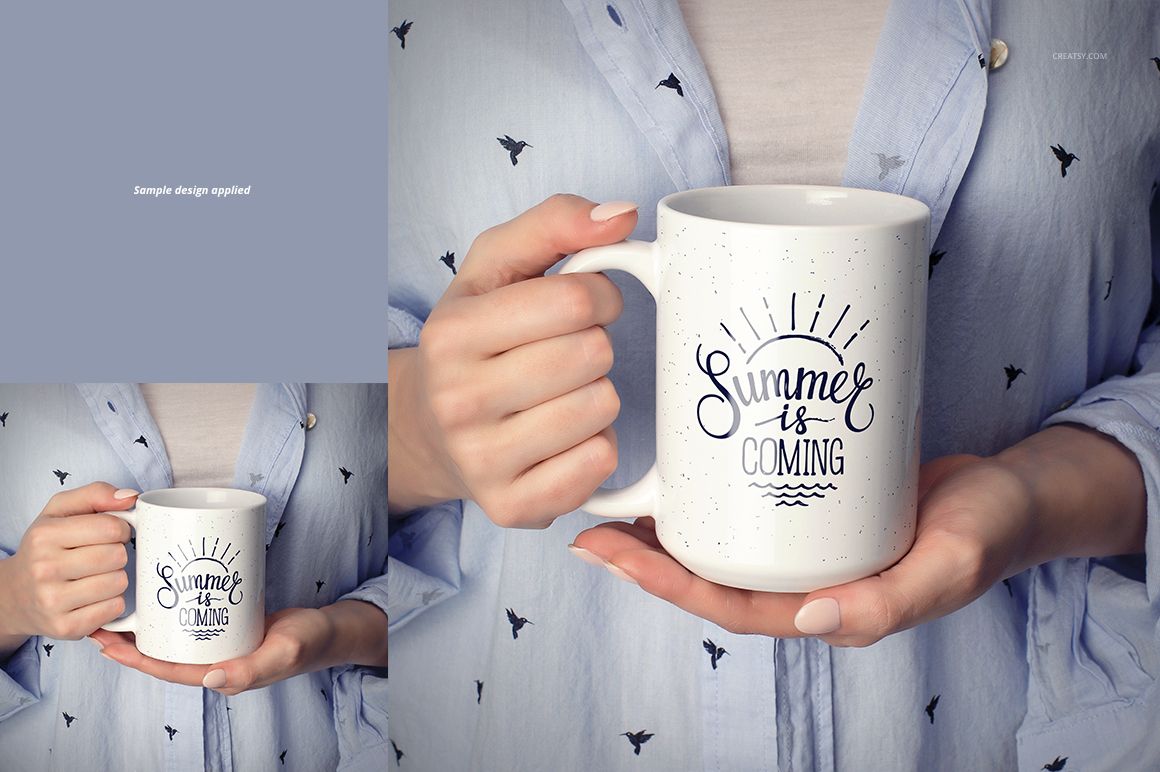
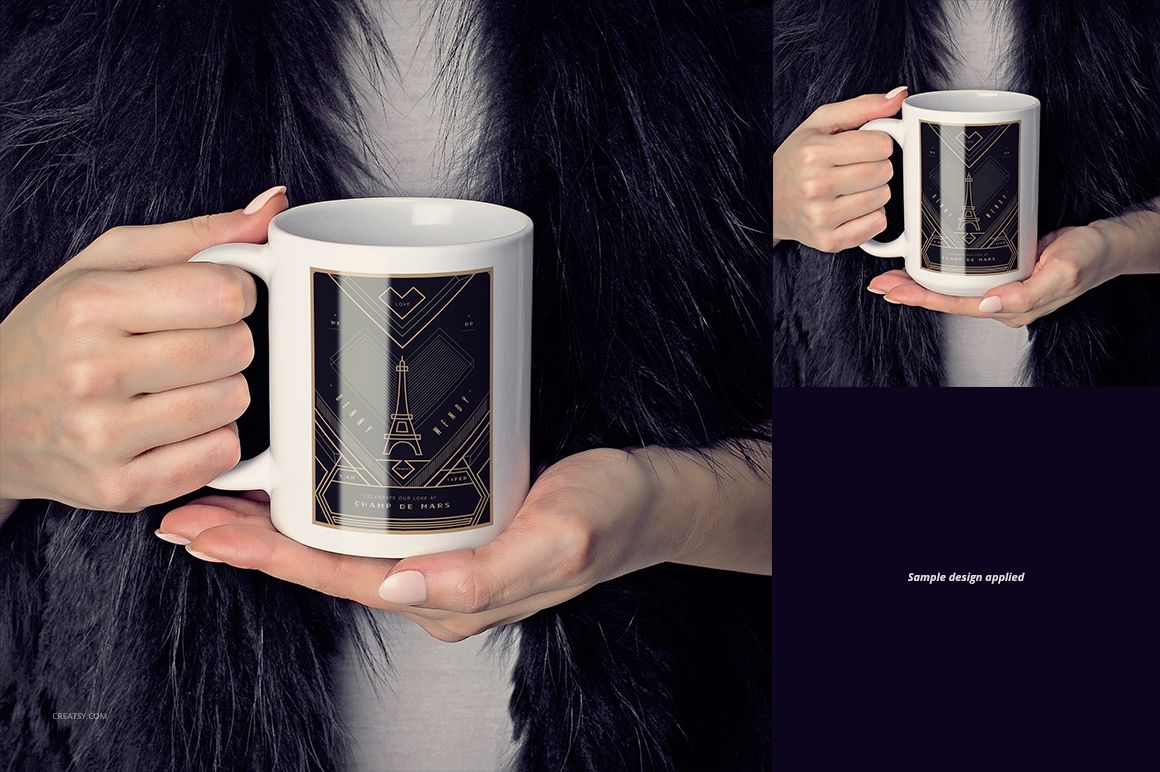
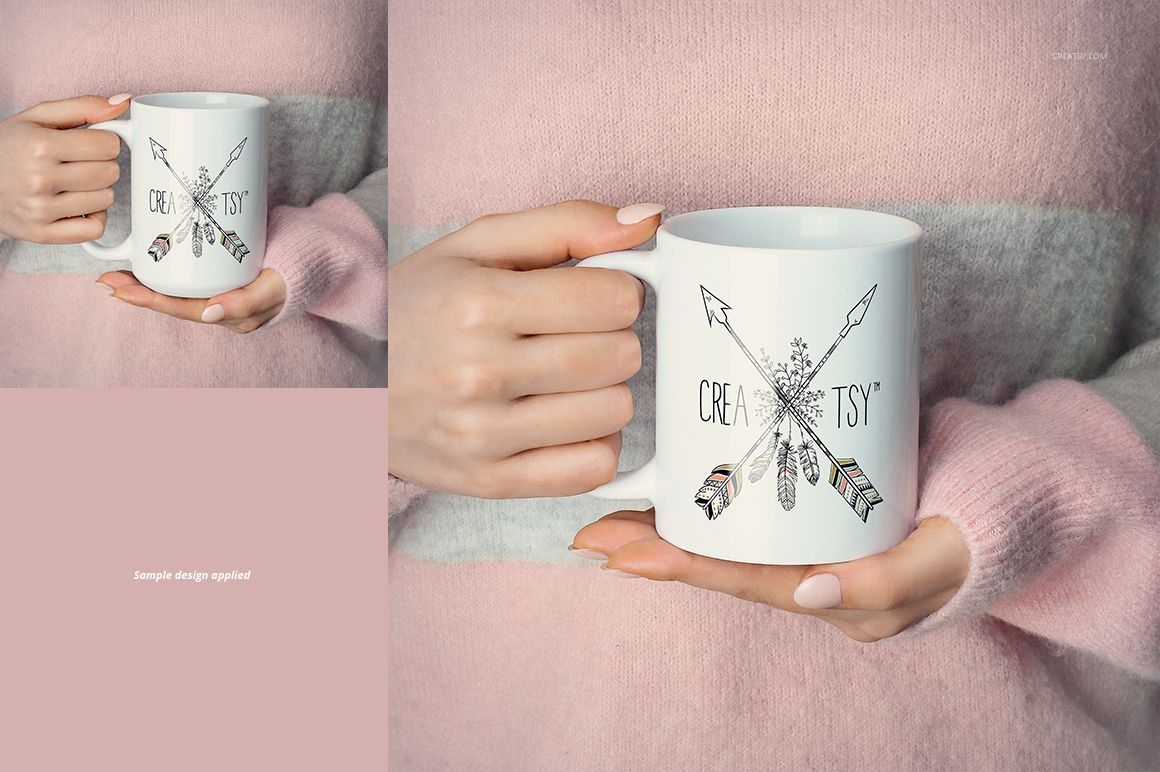
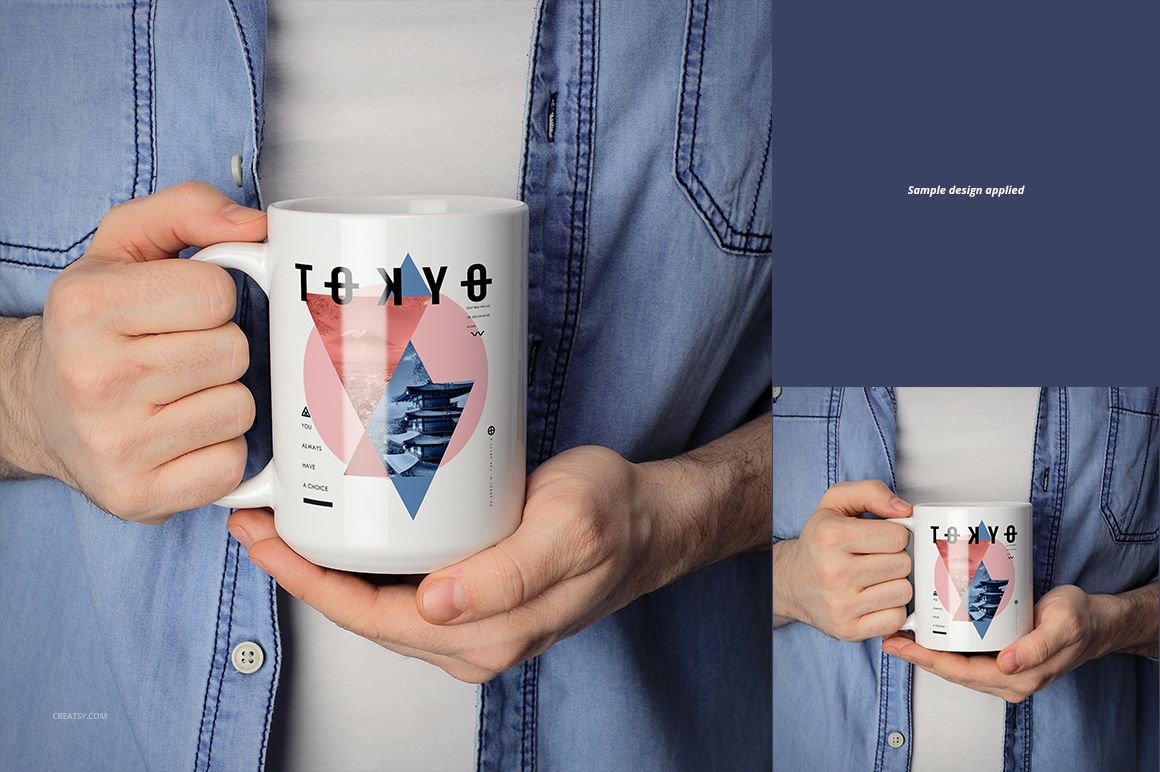
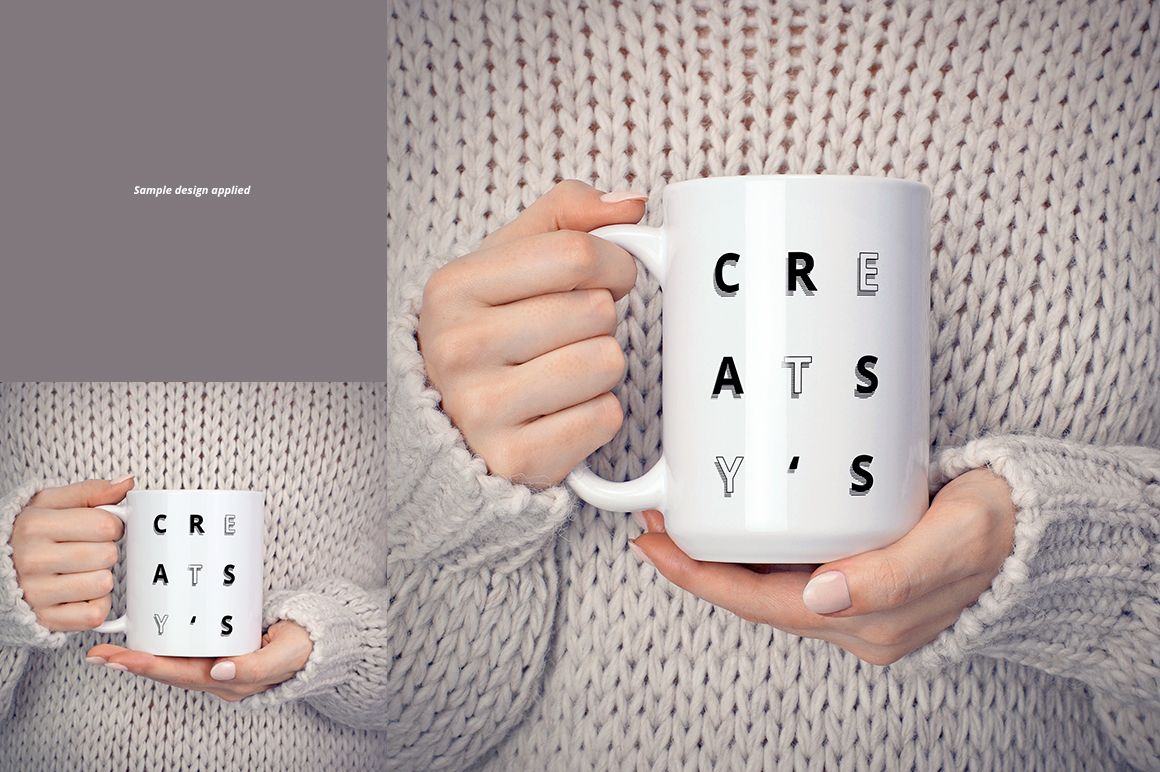
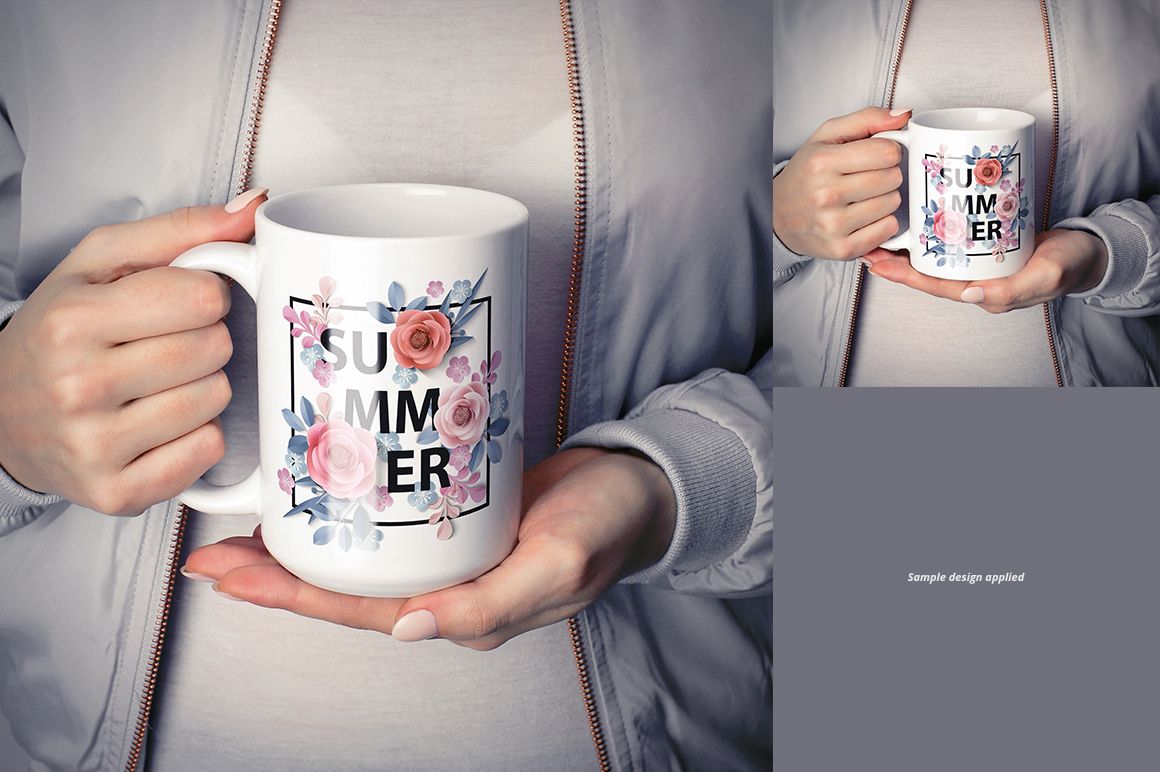
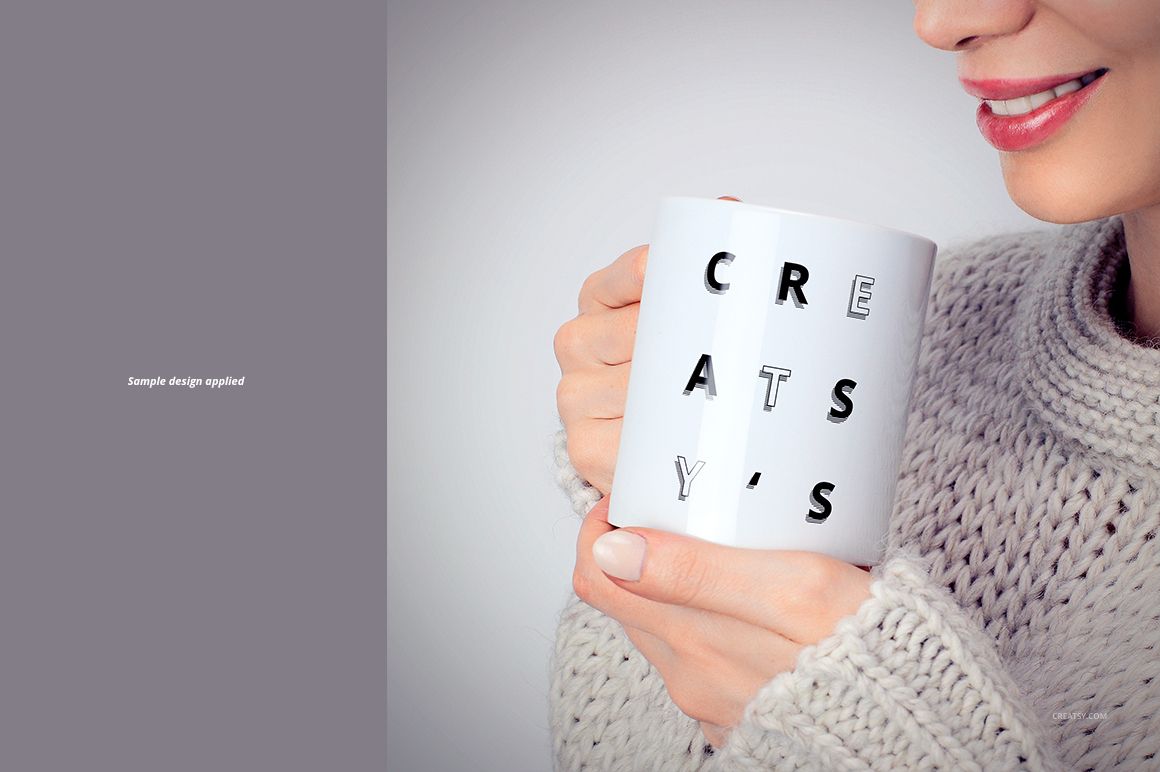
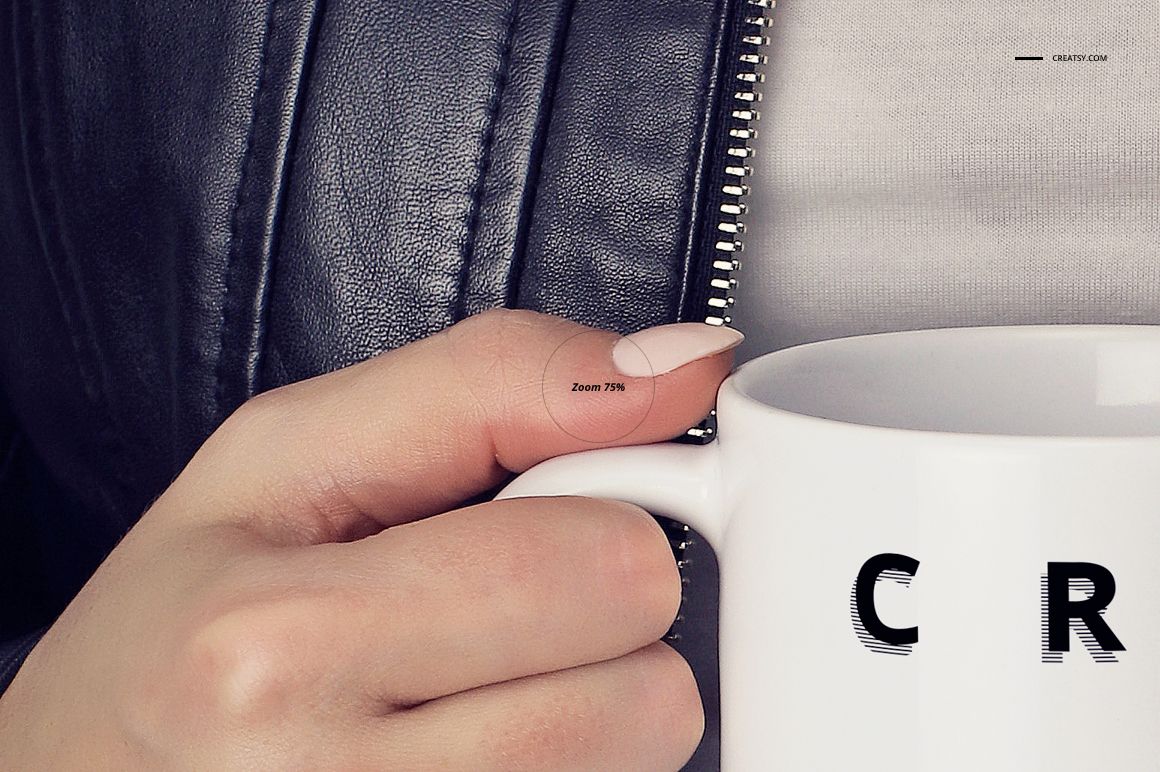
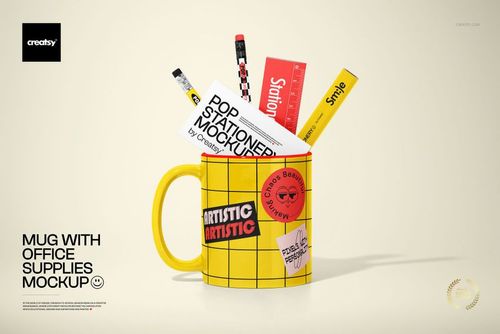
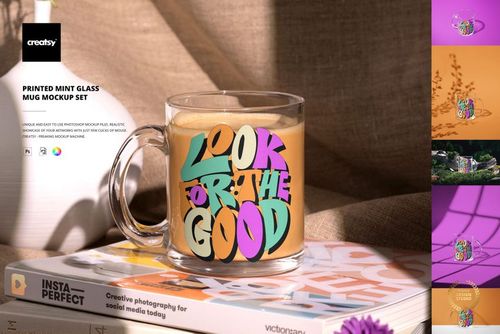
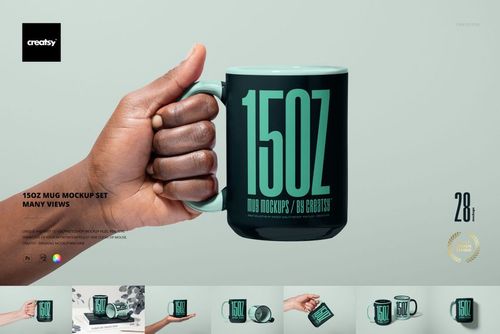
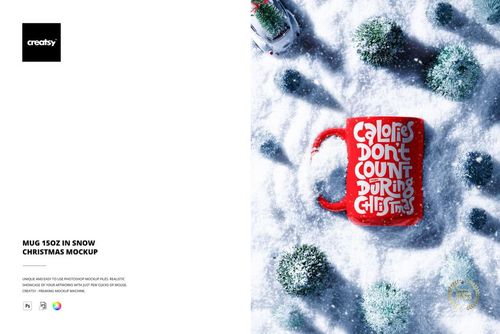
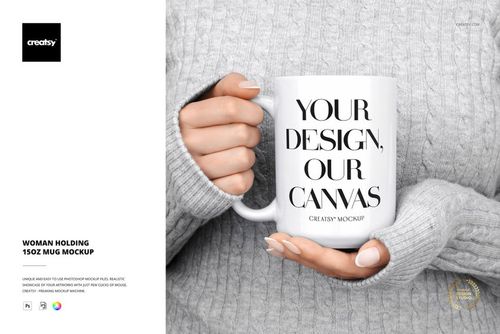
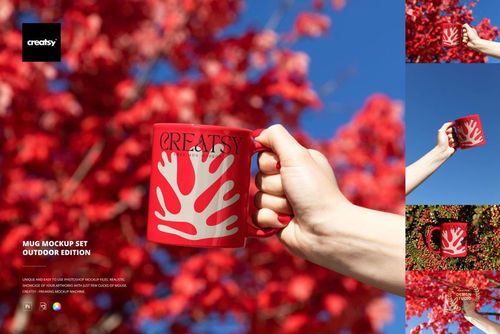
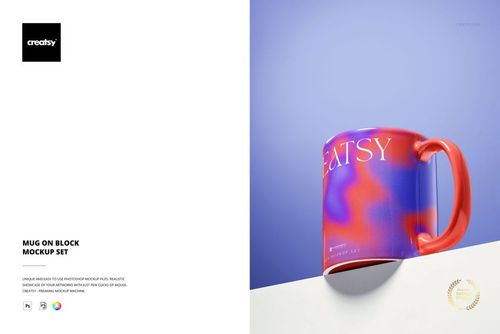
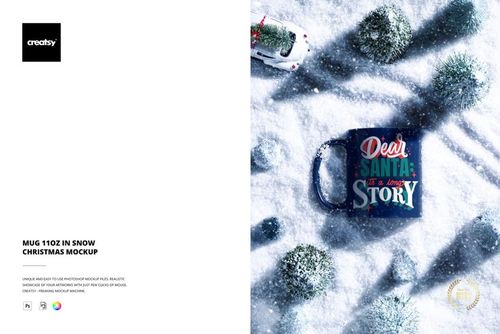
Put your mug artwork into an everyday setting with a collection of people holding white mugs. This 11 oz. and 15 oz. mockup bundle contains 23 layered PSD files, with hands, knitwear, denim, and jacket details framing the design. It is a useful choice for personalized gifts, illustrated mug collections, and lifestyle product listings.

Two mug sizes in coordinated scenes

  • 11 PSD files feature 11 oz. mugs and 11 PSD files feature 15 oz. mugs, plus one extra PSD.

  • Replace the mug artwork through Smart Objects in layered Photoshop files.

  • Choose among photographed settings with different clothing textures and colors.

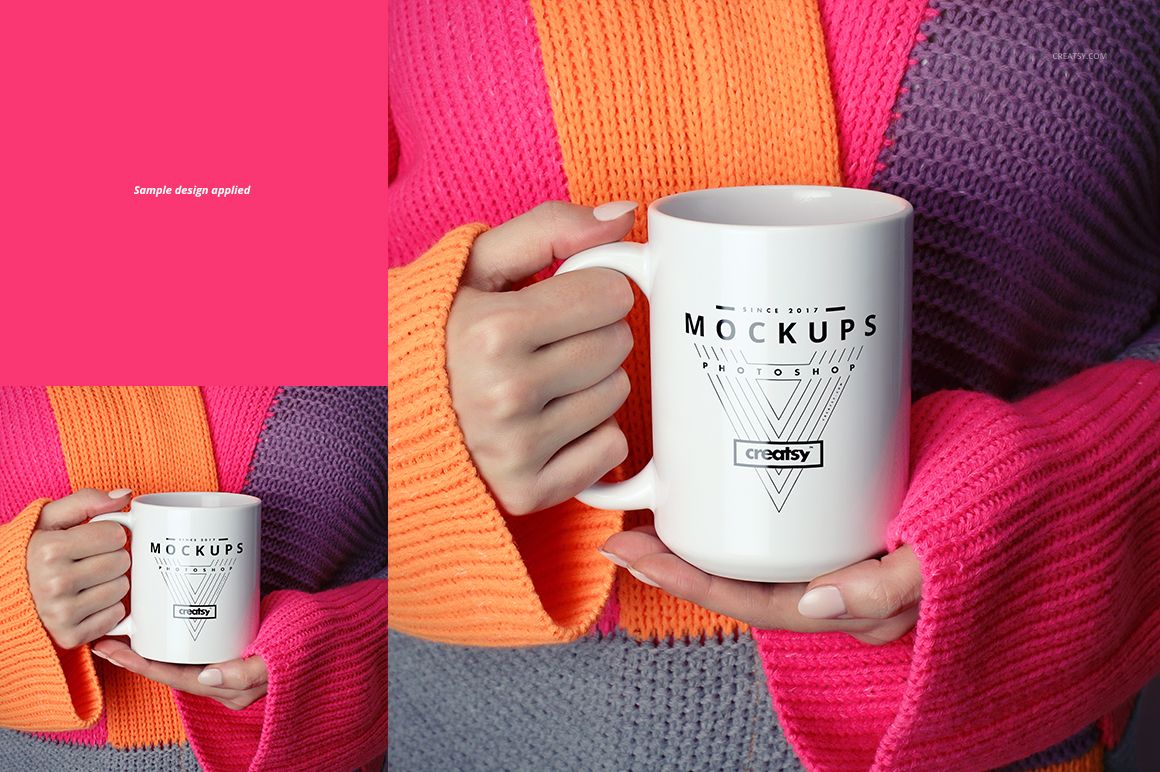
  • Use the coordinated scenes to compare the same design across two mug sizes.

A human setting for your design

The hands and clothing give each composition a sense of scale and a recognizable everyday context. Pair a bold wordmark with a quieter outfit, or choose a knitwear scene for seasonal gift artwork. The collection includes related size variants, so the 23 files should not be treated as 23 entirely different settings.

Files and compatibility

  • 23 layered PSD mockups, 23 JPG previews, and a TIF instruction file; 47 files in total.

  • Listed PSD specification: 3000 × 3000 px, 300 dpi. All 23 JPG previews are 3000 × 3000 px.

  • Edit in Adobe Photoshop CC 2015 or later, or Photopea.

  • Digital presentation files. Example artwork and patterns are not included.

File details

Compatibility
PhotopeaAdobe Photoshop
Package size
1.14 GB1.14 GB|1.22 GB1.22 GB
Files type
.psd, .jpg
Files size
3000x3000
FREE MOCKUPS

47 files total: 23 JPG, 23 PSD, 1 TIF.

MEET THE SHOP

Creatsy logo

Creatsy

Poland
4.8 (714)

Bring your ideas to life.

We're a family-run studio in Katowice, Poland, making PSD mockups by hand since 2016. Everything in this shop starts in our own studio. We shoot the photography, build the 3D, and put together every Smart Object PSD ourselves - then we test it, organize the layers, and only ship it once it actually works...
GO TO SHOP

HOW IT WORKS

3 clicks. That's it.

No tutorial needed. If you can copy-paste, you can use this.

  1. 1OpenDouble-click the smart object inside the PSD - in Adobe Photoshop, or free in your browser with Photopea.
  2. 2PasteDrop in your pattern, print, or artwork. Any design, any style.
  3. 3SaveHit save and the mockup wraps it in for you - shadows, folds, and lighting included.
FROM IDEA TO IMAGE

Built for real workflows

Wrap your logo around the cup, not a flat rectangle Drop the artwork in and see how it sits on the curve before you list it.

See it on the product, not a swatch Drop your file into the smart object and the scene's lighting and folds wrap around it, so you judge the real thing before you commit.

Smart Objects

Edit once and you're done. Your artwork drops into a smart object and the mockup updates itself - no masking, no warping by hand.

Perfectly Organized

Named layers and folders you can actually navigate. Find what you need, change what you want, and get out fast.

Print-Ready

High-resolution files built to hold up on screen and in print. Exact size and DPI are in this product's Details above.