Cone Shaped Mug Mockup Set
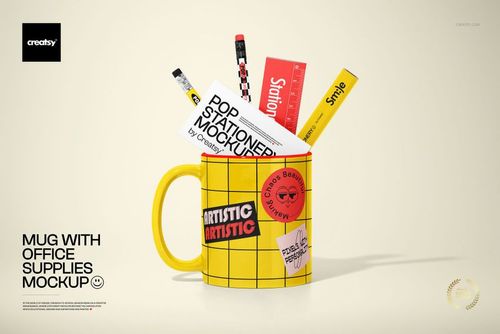
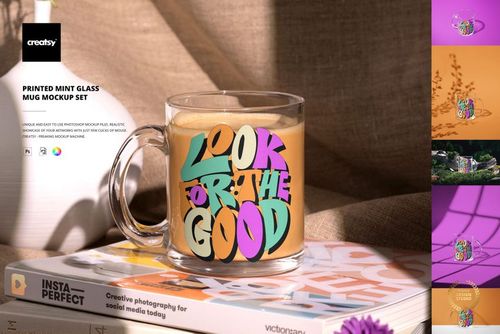
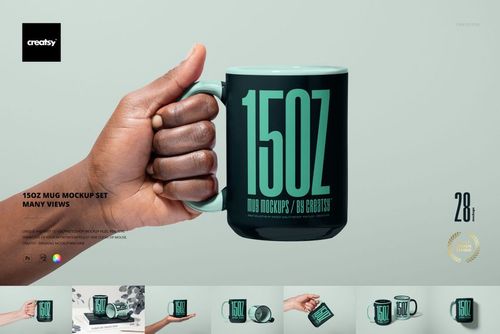
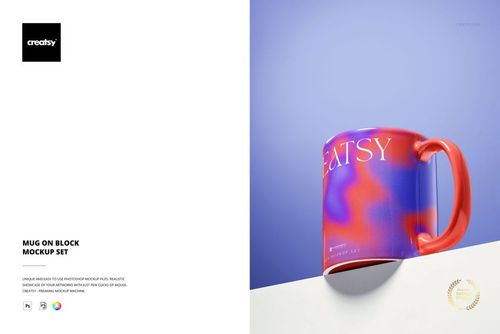
Present your artwork on a mug with a wider rim and a gently tapered base. This cone shaped mug mockup set includes four layered PSD compositions, combining a single mug with paired arrangements. The tapered silhouette offers a useful alternative for showing illustrations, lettering, and coordinated drinkware collections.
Customize artwork, color, and background
Place your design through Smart Objects so it follows the mug surface.
Explore body colors and gradients, with contrasting rim, interior, and handle combinations shown in the gallery.
Choose a custom, neutral, or white background, or insert your own setting.
Work with separate object and drop shadow layers for transparent exports.
Four compositions for one design story
Use the single mug composition to give a logo or illustration clear focus. Paired mug scenes help you compare color variations, introduce matching designs, or present a gift collection within a consistent setting.
Files and compatibility
4 layered PSD mockups, 4 JPG previews, and a Guide.tif instruction file; 9 files in total.
Listed PSD specification: 3000 × 3000 px, 300 dpi. The 4 JPG previews are also 3000 × 3000 px.
Edit in Adobe Photoshop, or Photopea for browser-based PSD editing.
Digital mockup files. Example patterns and artwork shown in the previews are not included.