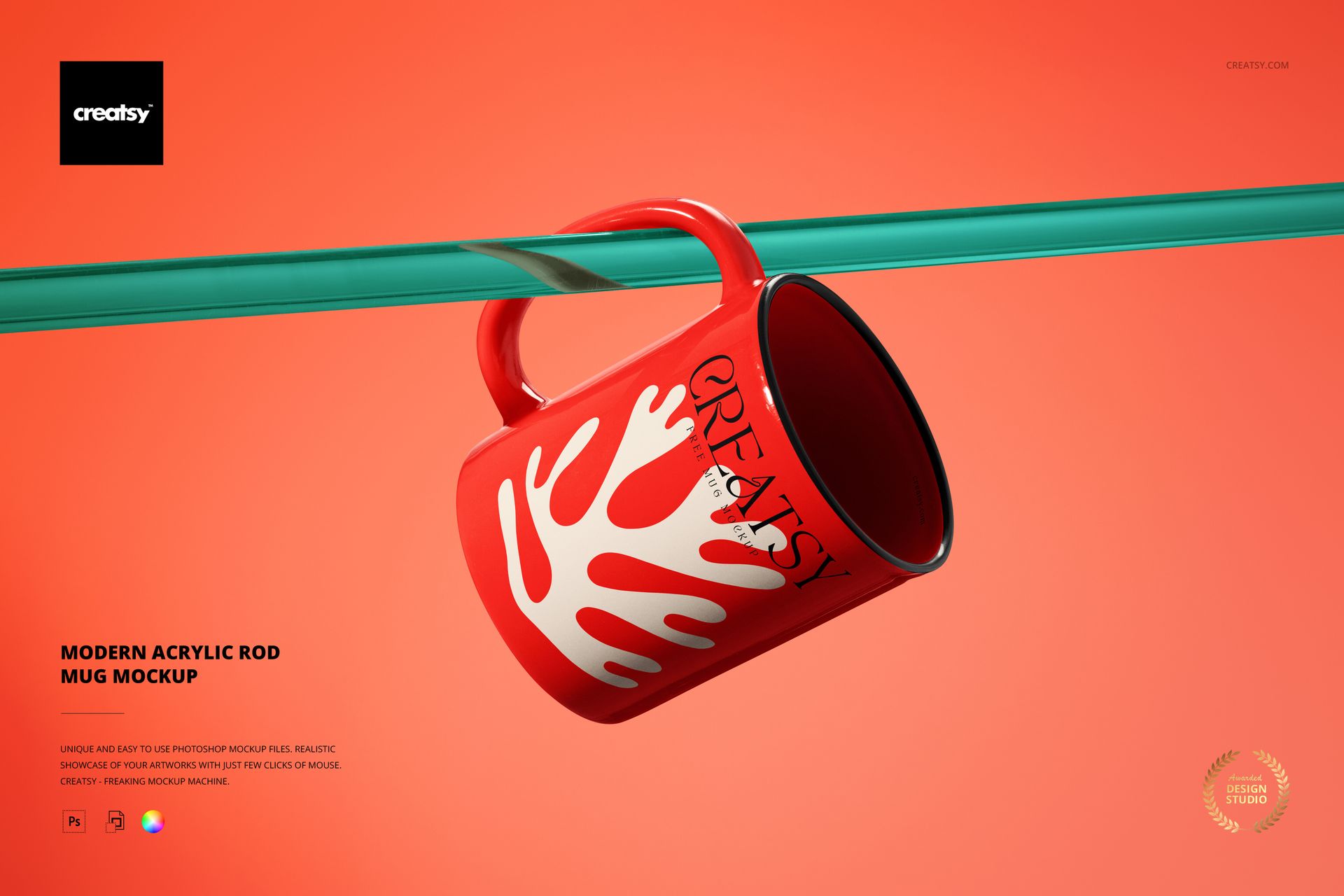
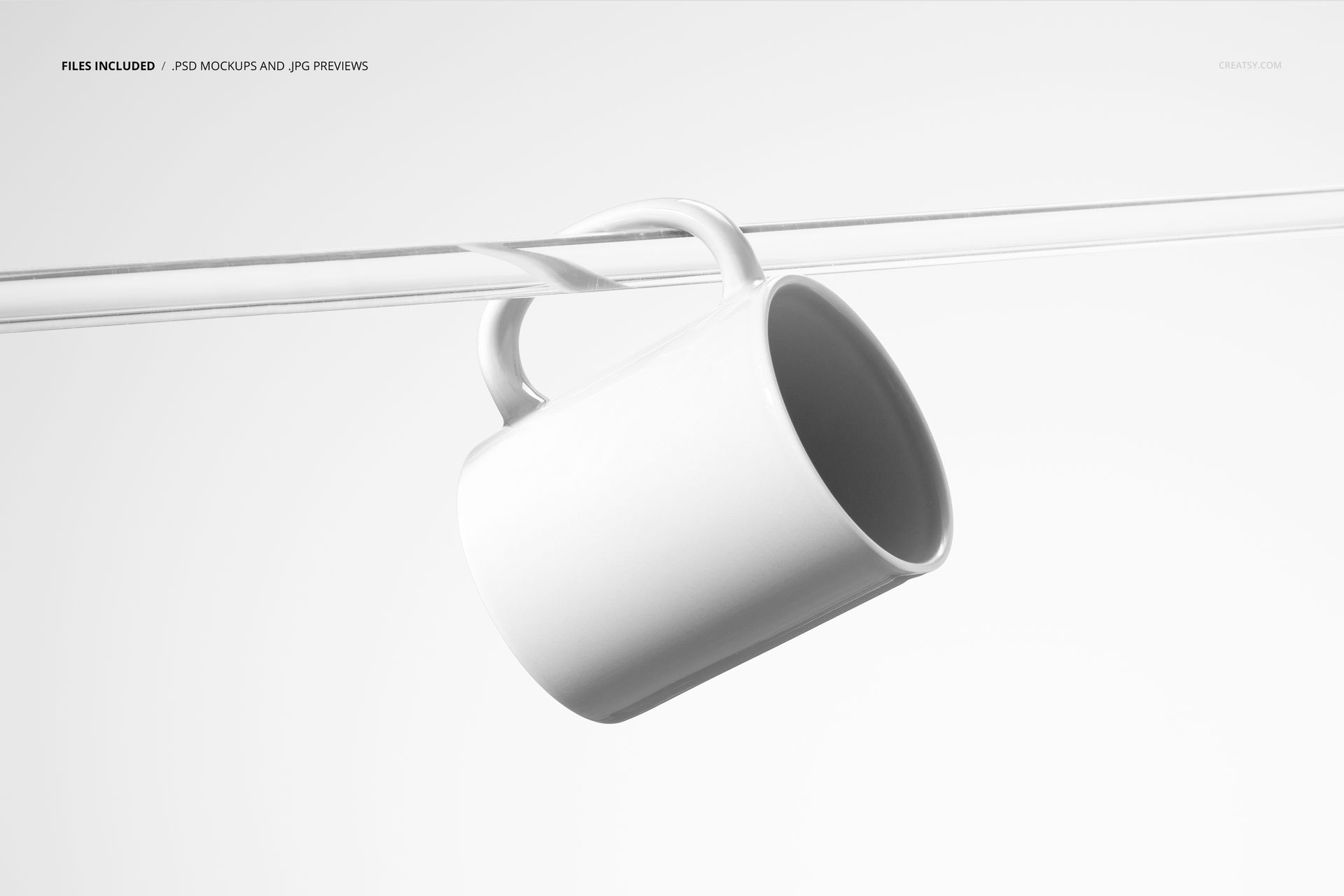
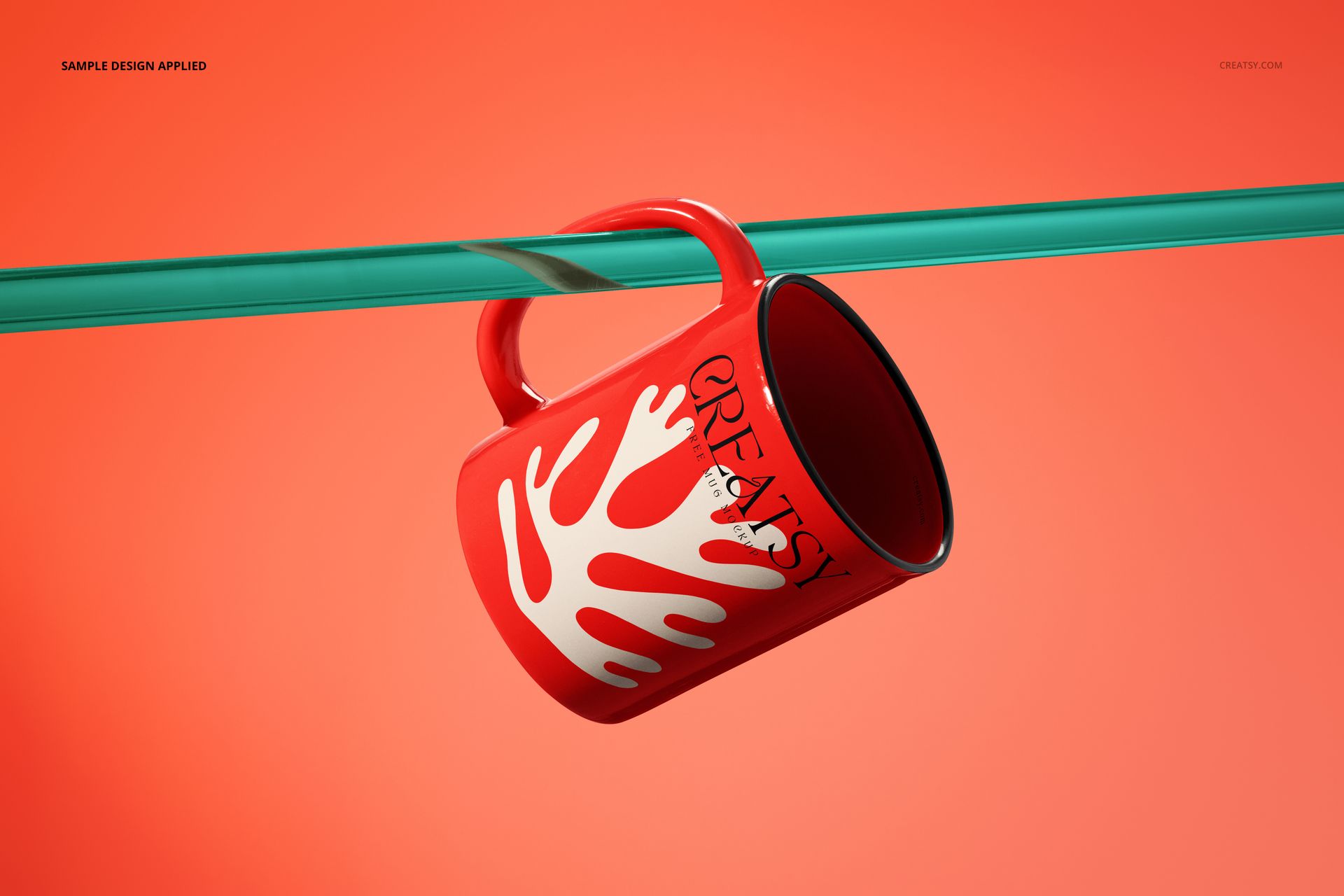
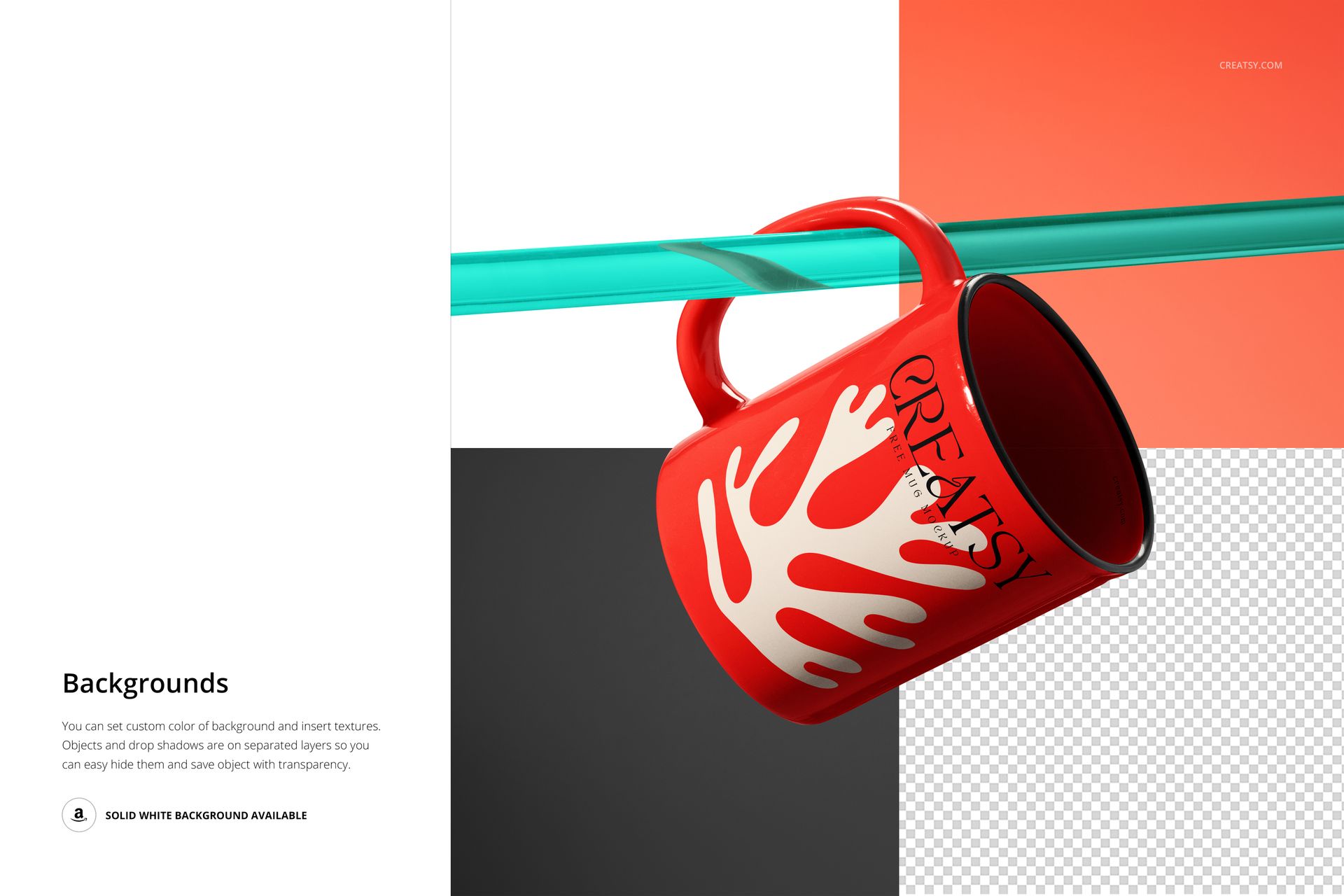
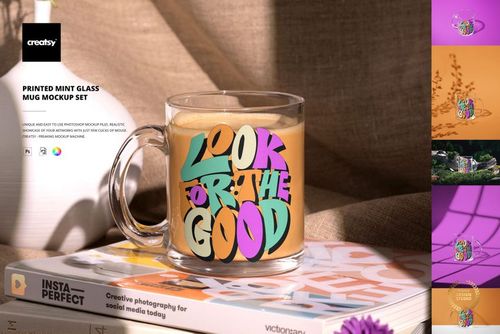
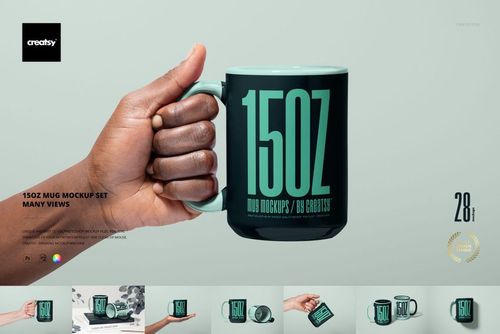
Present your mug designs suspended on a clear acrylic rod against a clean, customizable background. This Modern Acrylic Rod Mug Mockup gives your artwork a distinctive display-style presentation that stands out from standard tabletop mug shots. The mug hangs by its handle from a transparent rod, creating a floating effect that puts the full surface design front and center with no visual clutter. One PSD file with multiple editable elements - mug exterior, interior, handle, rim, rod, and background - so you control every detail of the final image.
Why This Mockup Works
Most mug mockups sit the product on a table or countertop. That works, but it also means every mug listing in a marketplace search looks the same. The acrylic rod presentation breaks the visual pattern. When a buyer scrolls through dozens of tabletop mug photos, a suspended mug on a transparent rod stops the eye. The clean, modern aesthetic signals quality and intentional design, which matters for premium mug lines and gift-focused products. The rod also elevates the mug so the entire surface is visible - no table edge cropping the bottom, no shadows hiding part of the design. At high resolution and 300 dpi, the output is sharp enough for product pages, social ads, print catalogs, and large-format retail displays.
What Is Included
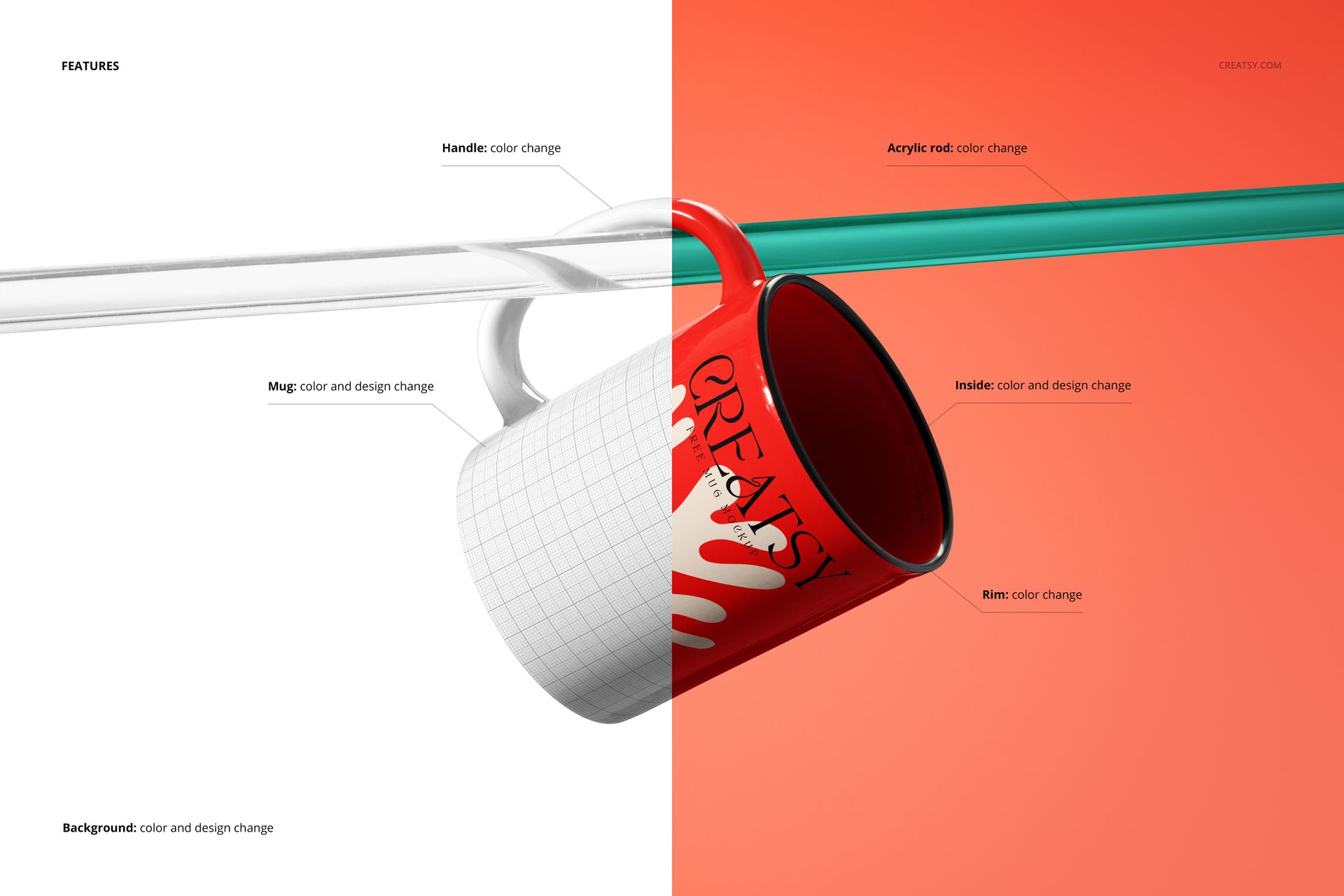
The download contains 1 layered PSD file at high resolution and 300 dpi, plus a user manual PDF (1.13 MB) with setup instructions. Inside the PSD you will find separate editable layers for the mug exterior surface, mug interior color, handle color, rim color, acrylic rod appearance, and background. All layers are organized and clearly labeled for fast navigation in Adobe Photoshop CC 2020 or newer. The total download size is approximately 217 MB. Example artwork shown in preview screenshots is for demonstration only and is not included.
What You Can Customize
The mug exterior uses a smart object - double-click, paste your design, save, and the artwork wraps around the mug body with realistic curvature, lighting, and shadow mapping. Change the mug interior color to white, black, or any custom shade for two-tone mug presentations. Adjust the handle and rim colors independently to match or contrast with your design. The acrylic rod can be tinted or adjusted to complement different background choices. Swap the background color or texture to create different moods - a bright solid for e-commerce listings, a gradient for social media, or a muted tone for catalog layouts. These options let you generate multiple listing images from a single file without repurchasing or rebuilding the scene.
Who This Mockup Is For
Print-on-demand mug sellers listing products on Etsy, Amazon, Shopify, or Redbubble who need listing images that stand out in search results. Graphic designers selling downloadable mug design files who want to show buyers how the artwork looks on the actual product. Coffee and tea brands preparing product pages, wholesale catalogs, or promotional materials for new mug collections. Gift shop owners and corporate merchandise teams building branded drinkware presentations. Surface pattern designers showcasing how their repeating patterns wrap around a cylindrical product. Illustrators and artists creating portfolio pieces that demonstrate commercial product applications of their work.
File Specifications
Format: PSD (Adobe Photoshop) plus user manual PDF. Files included: 1 mockup PSD. Resolution: 300 dpi. Editable elements: mug exterior (smart object), mug interior, handle, rim, acrylic rod, background. Minimum software: Adobe Photoshop CC 2020. Layers: organized and labeled. File size: approximately 217 MB.





















Great mockup. Easy to use. Realistic and High quality.
Thank you so much for your lovely review! We’re so happy to hear you found the mockup easy to use, realistic, and high quality. We truly appreciate your support. Happy creating ✨