Mug Mockup Set

Product Details
Mug Mockup Set
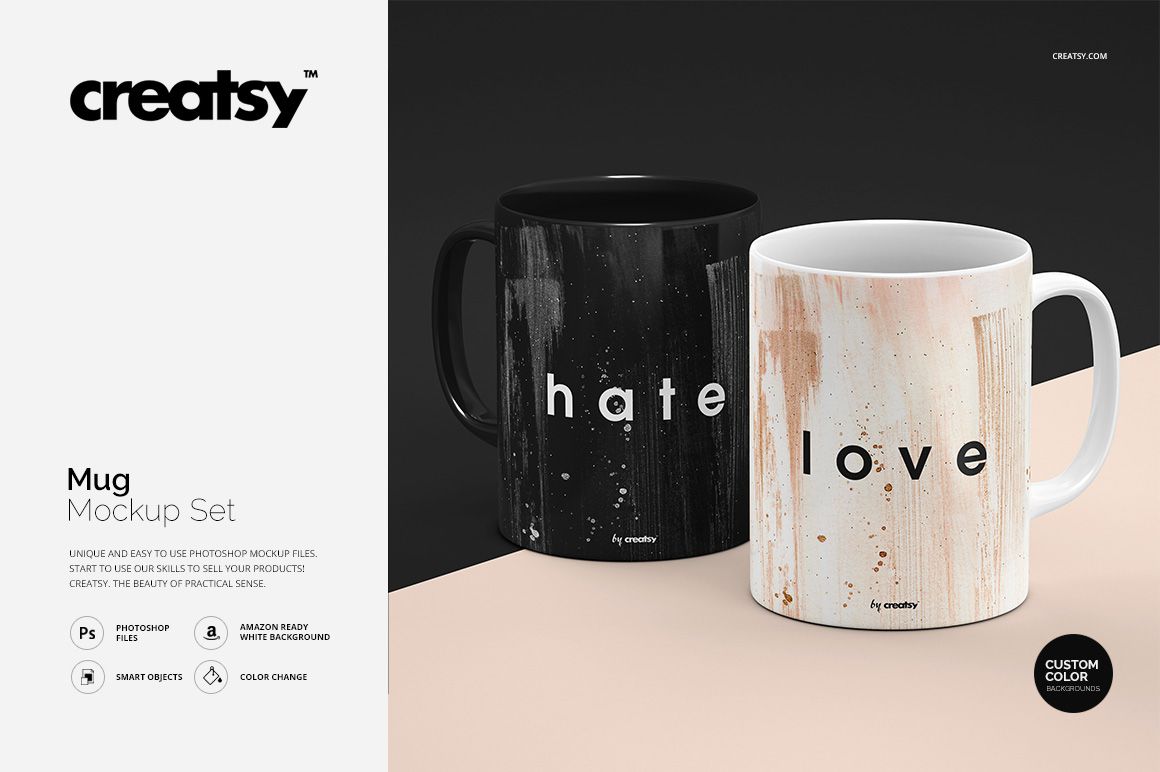
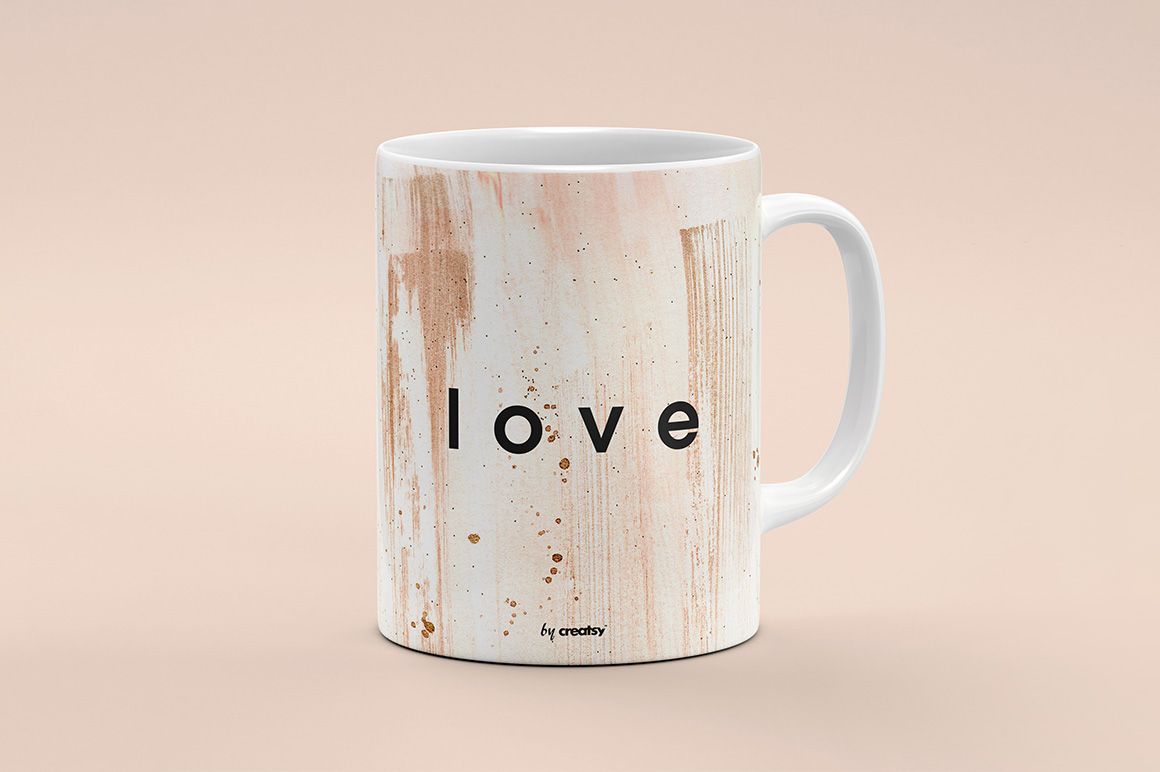
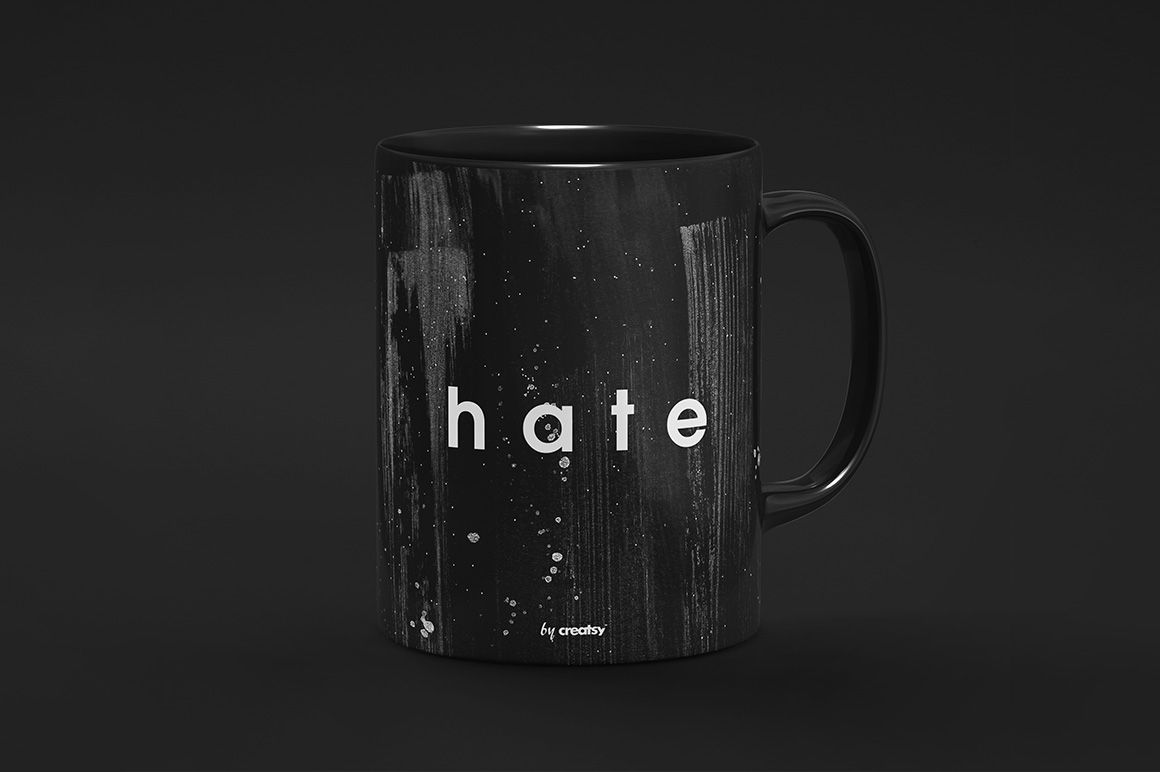
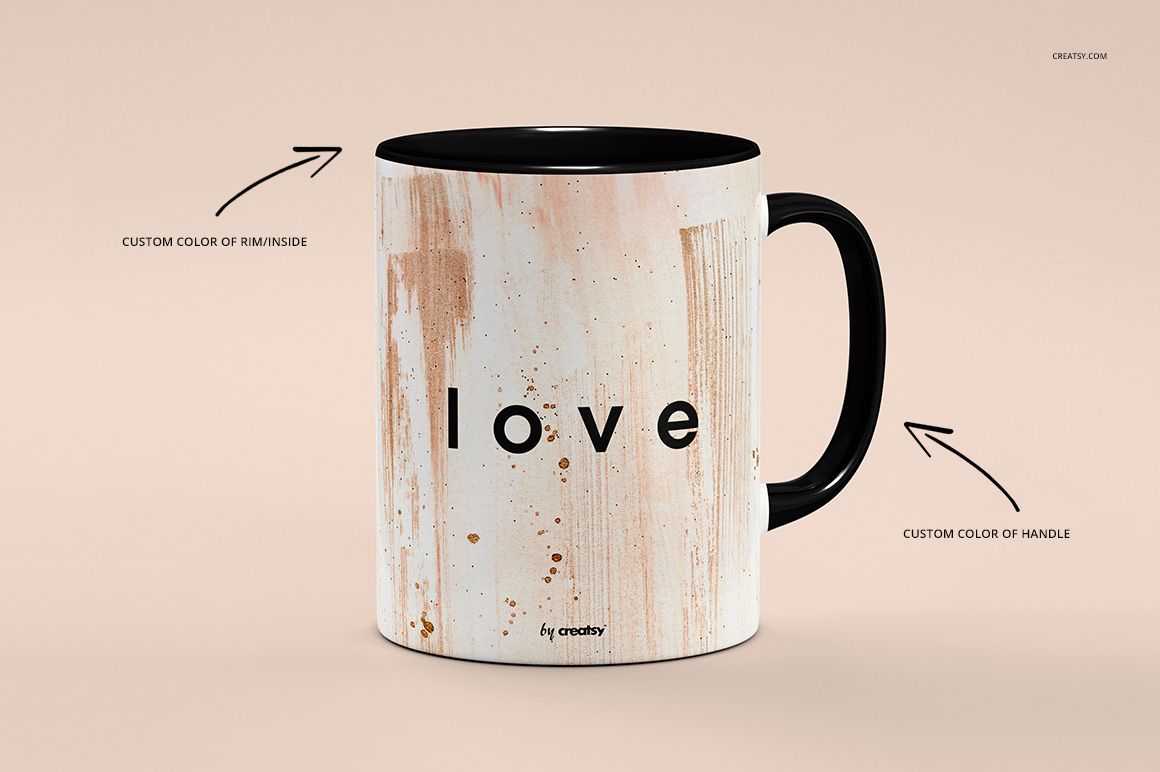
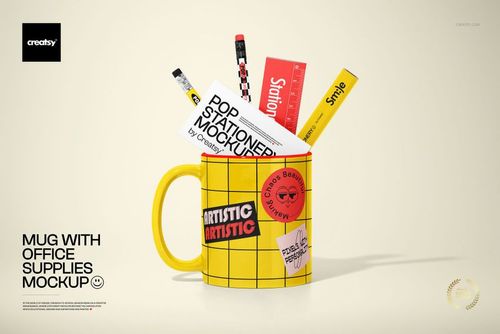
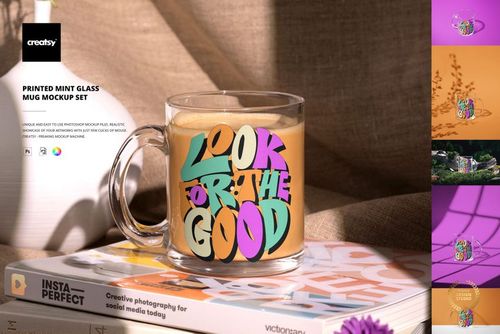
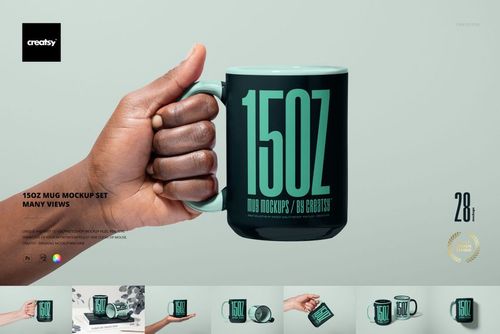
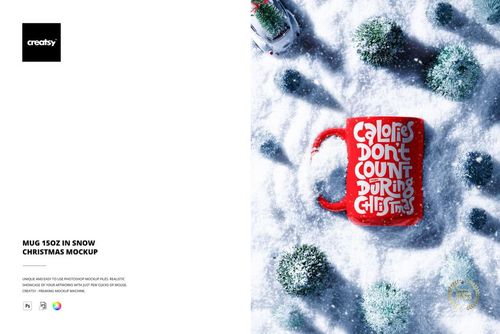
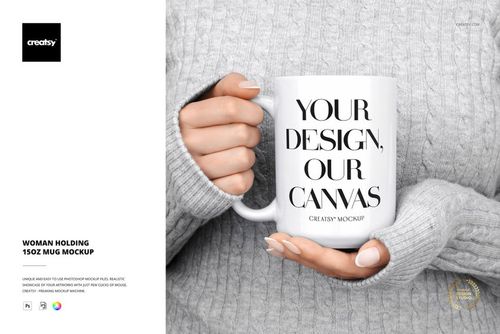
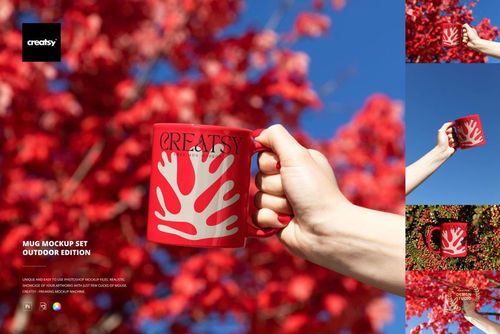
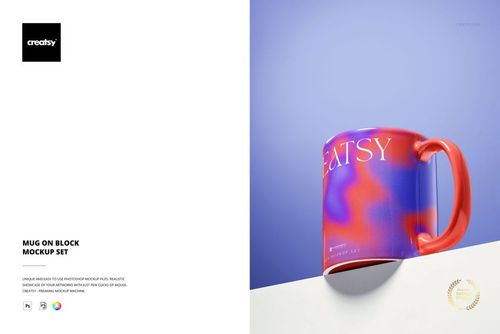
Give a logo, illustration, or typographic design a clear place on a classic straight-sided mug. This mug mockup set includes three layered PSD views with editable artwork and colors. Its simple studio presentation suits product listings, personalized gift concepts, and client proposals that need the design to stay in focus.
Build a focused product presentation
Replace the mug design through Smart Objects.
Adjust colors to compare different treatments of the same artwork.
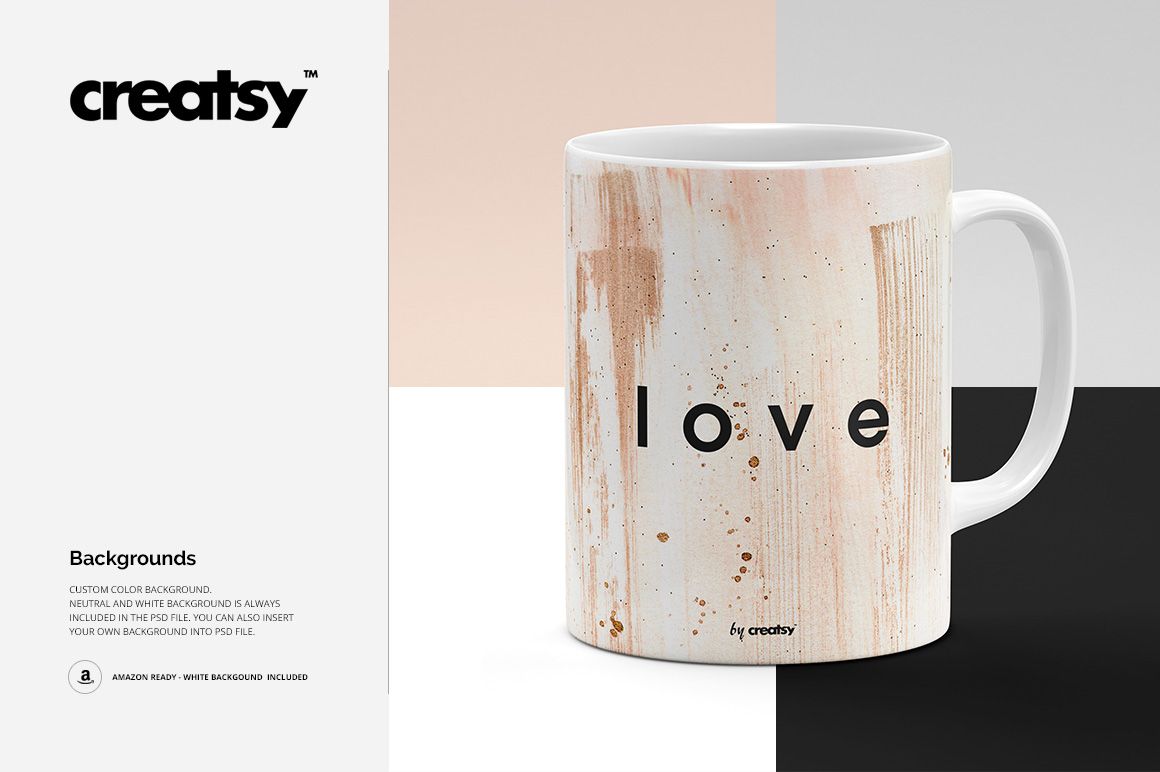
Choose custom, neutral, or white backgrounds.
Insert your own background to match a campaign or portfolio layout.
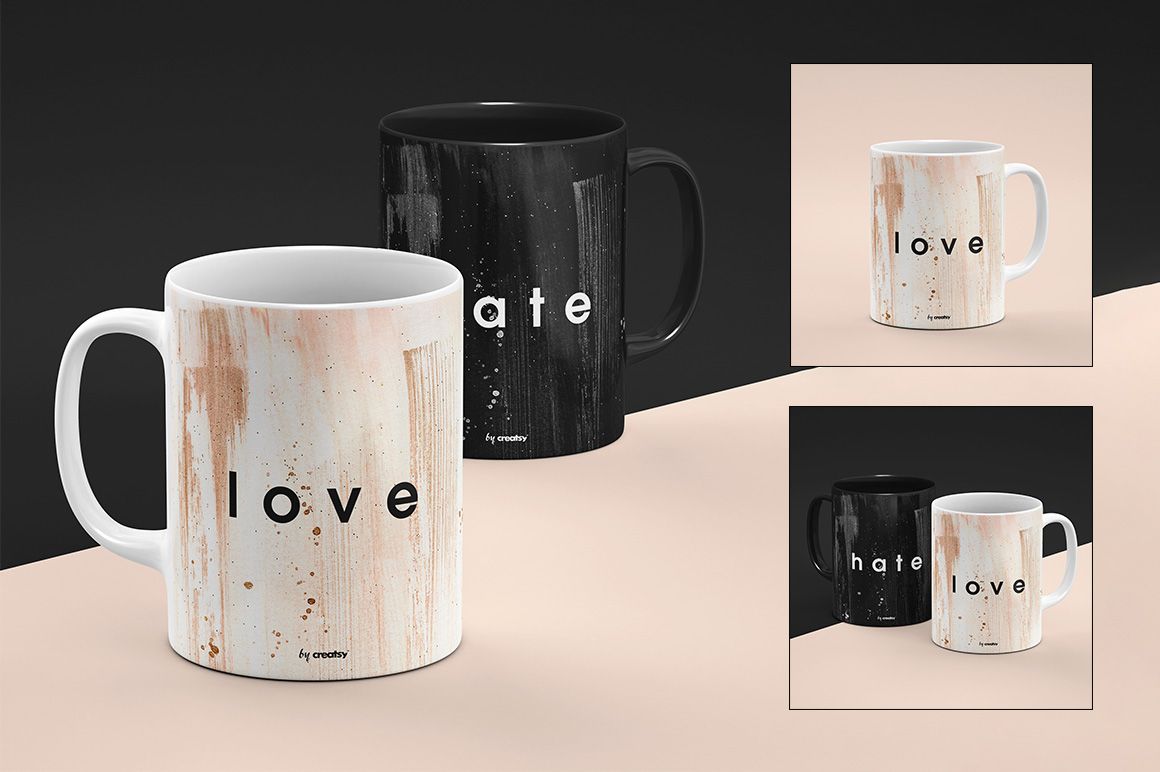
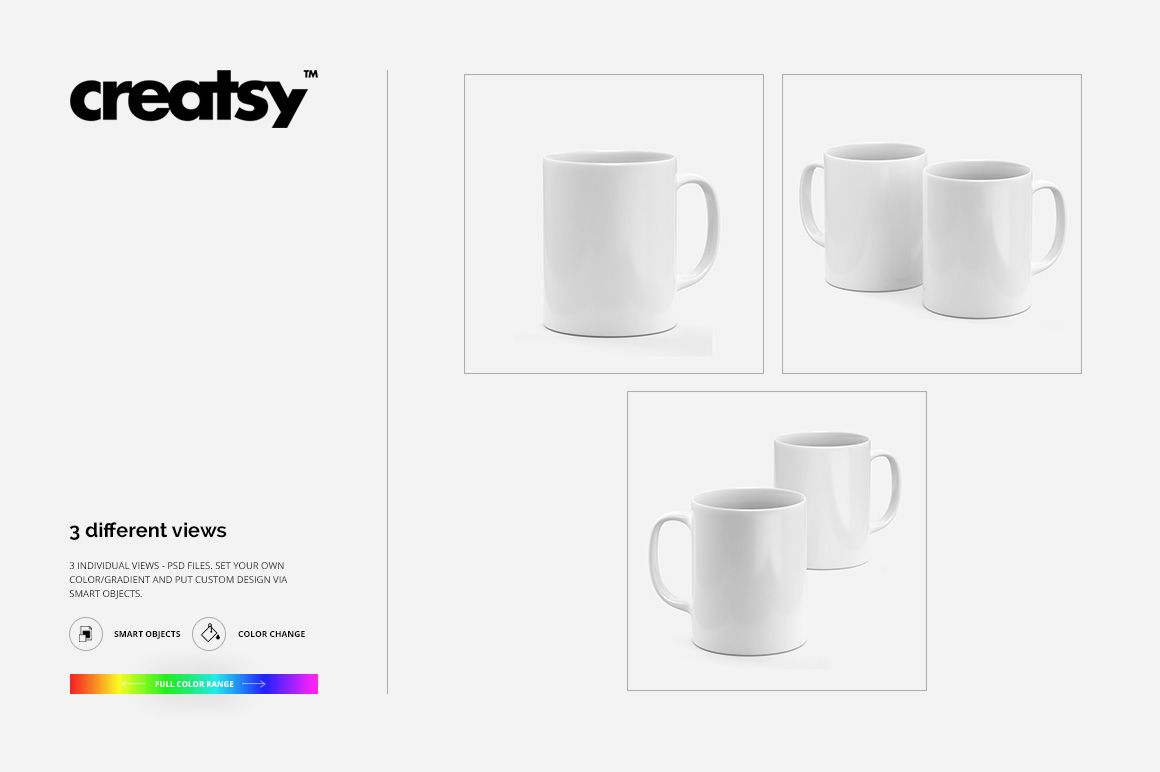
Three views for a compact image set
Use the included views to assess how a design sits on the curved body and how it reads beside the handle. Combine a clean product image with a contrasting color variation to show the range of your mug concept without changing its visual identity.
Files and compatibility
3 layered PSD mockups, 3 JPG previews, and a Guide.tif instruction file; 7 files in total.
Listed PSD specification: 3000 × 3000 px, 300 dpi. The 3 JPG previews are also 3000 × 3000 px.
Edit in Adobe Photoshop CS6 or later, or Photopea for browser-based PSD editing.
Digital mockup files. Example patterns and artwork shown in the previews are not included.
File details
- Compatibility
- Package size
- 134 MB
|140 MB
- Files type
- .psd, .jpg
- Files size
- 3000x3000


MEET THE SHOP
- $1380$23.00
- $1140$19.00
- $1140$19.00
- $1140$19.00

HOW IT WORKS
3 clicks. That's it.
No tutorial needed. If you can copy-paste, you can use this.
- 1OpenDouble-click the smart object inside the PSD - in Adobe Photoshop, or free in your browser with Photopea.
- 2PasteDrop in your pattern, print, or artwork. Any design, any style.
- 3SaveHit save and the mockup wraps it in for you - shadows, folds, and lighting included.
FROM IDEA TO IMAGE
Built for real workflows
Wrap your logo around the cup, not a flat rectangle Drop the artwork in and see how it sits on the curve before you list it.
See it on the product, not a swatch Drop your file into the smart object and the scene's lighting and folds wrap around it, so you judge the real thing before you commit.
Smart Objects
Edit once and you're done. Your artwork drops into a smart object and the mockup updates itself - no masking, no warping by hand.
Perfectly Organized
Named layers and folders you can actually navigate. Find what you need, change what you want, and get out fast.
Print-Ready
High-resolution files built to hold up on screen and in print. Exact size and DPI are in this product's Details above.