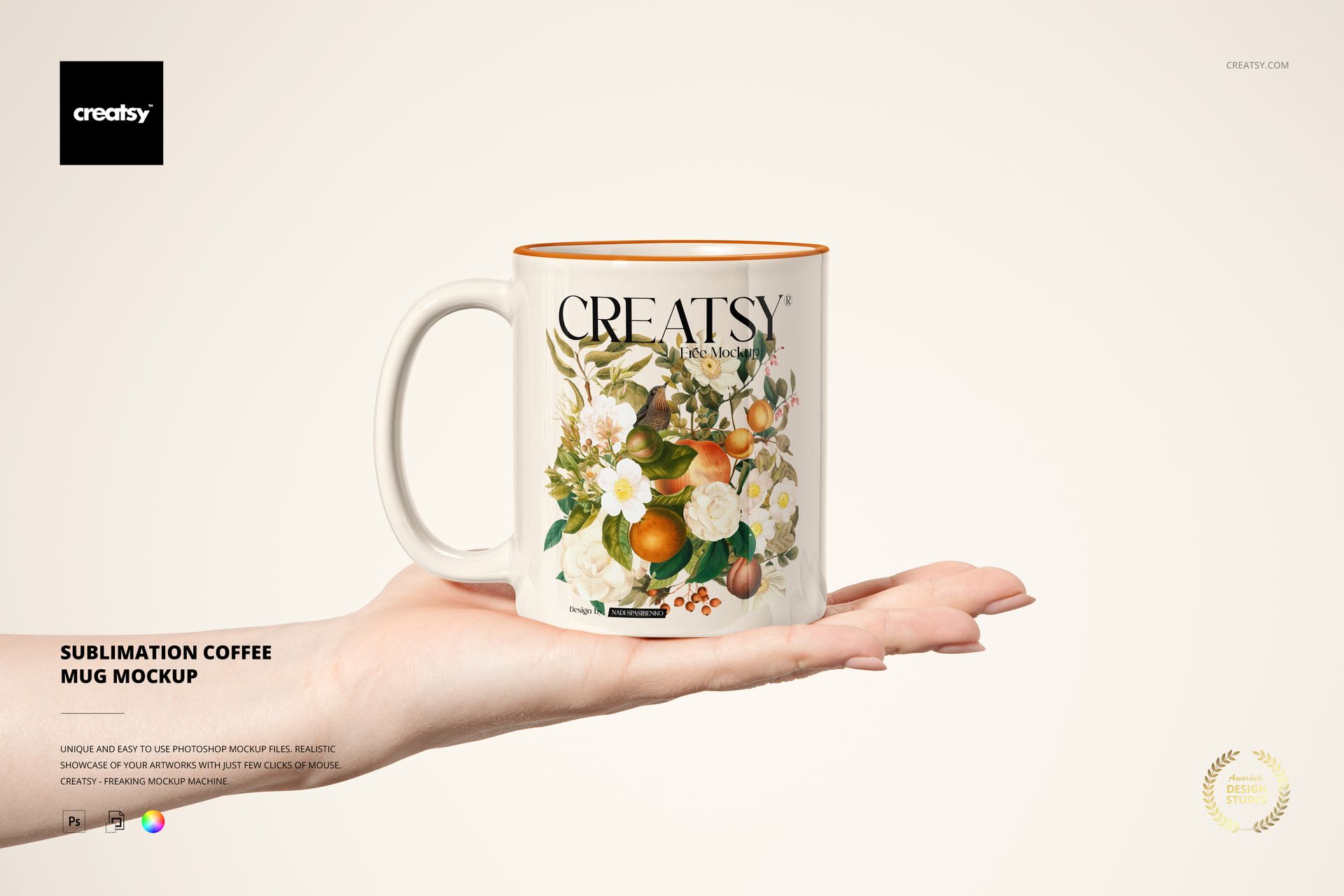
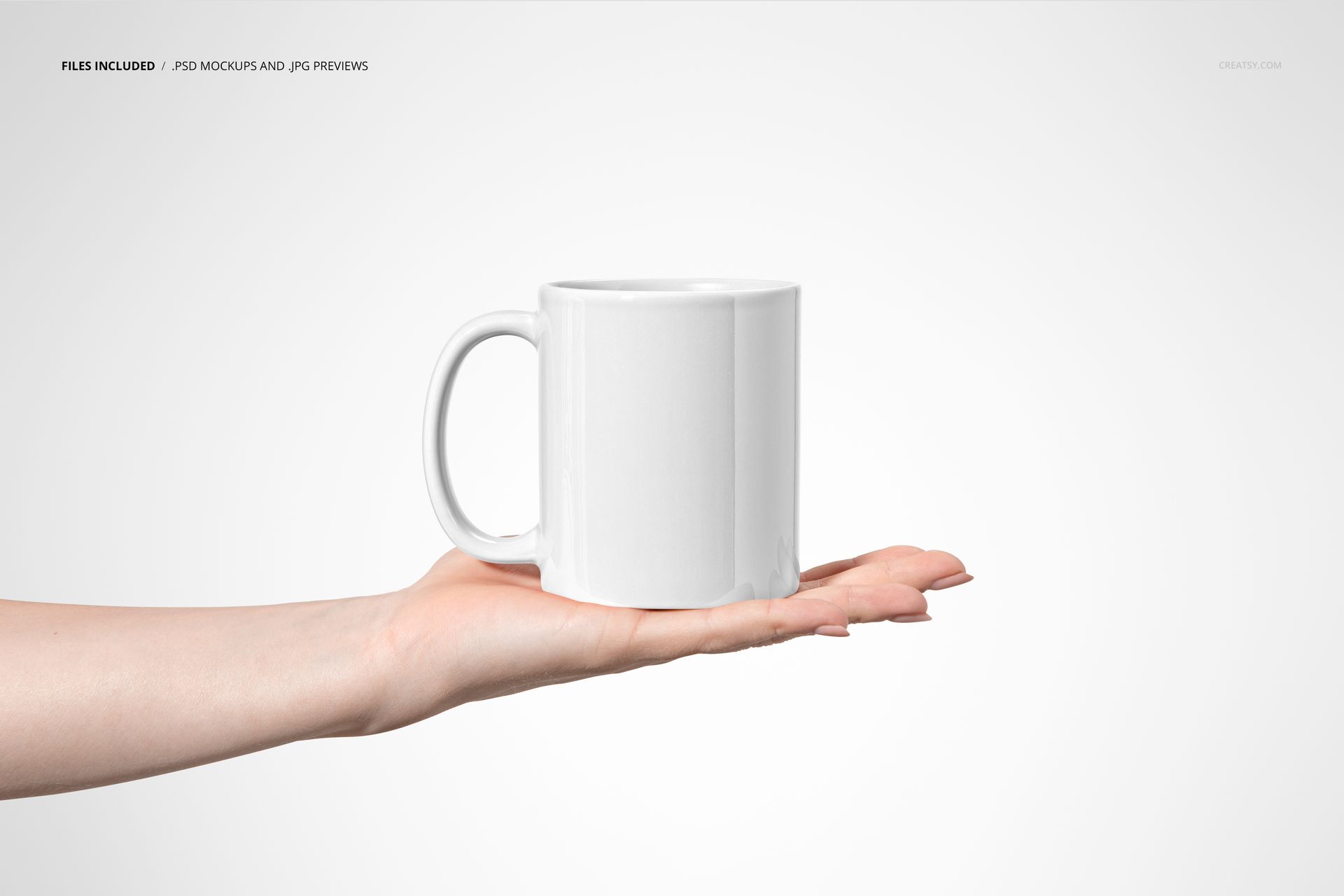
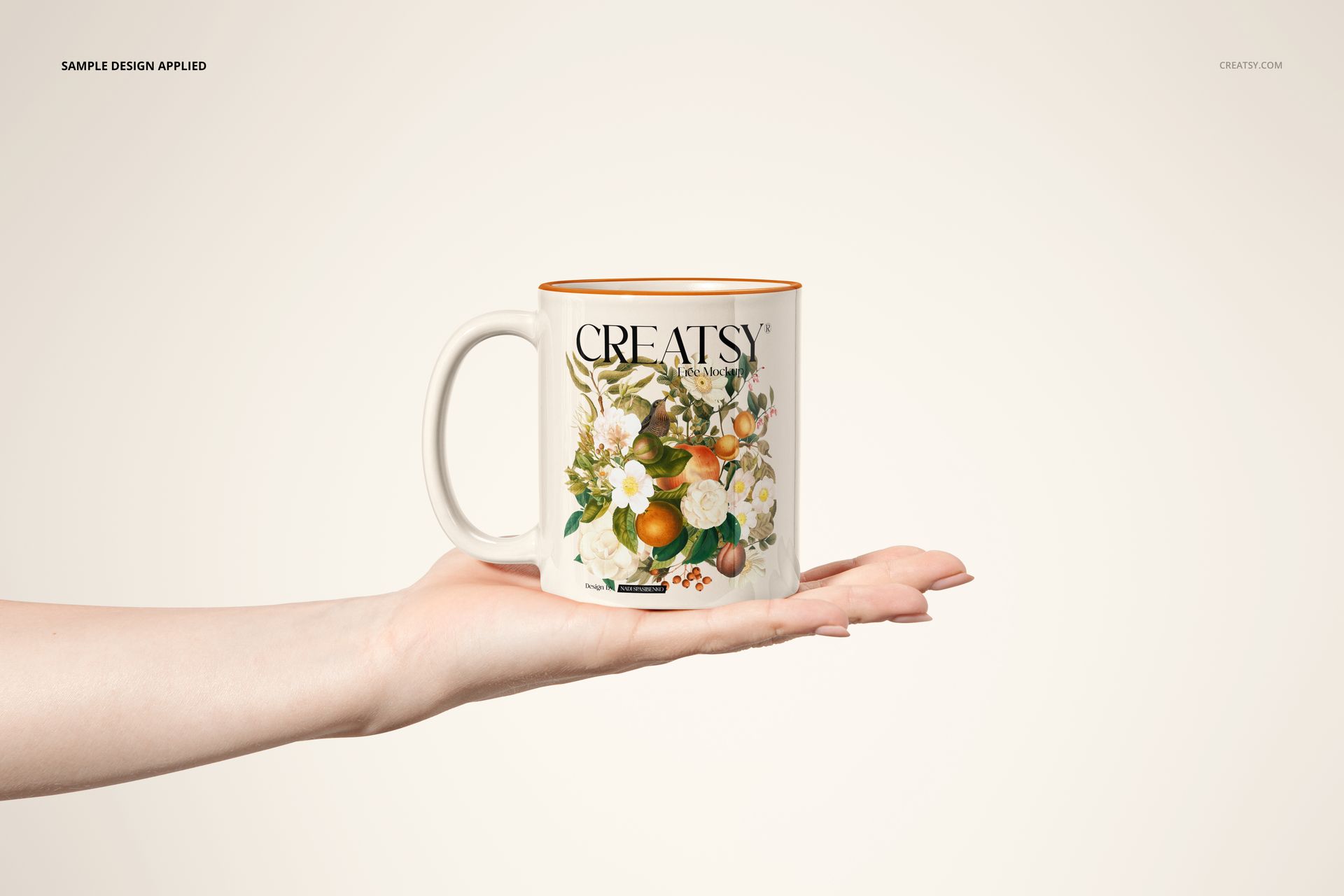
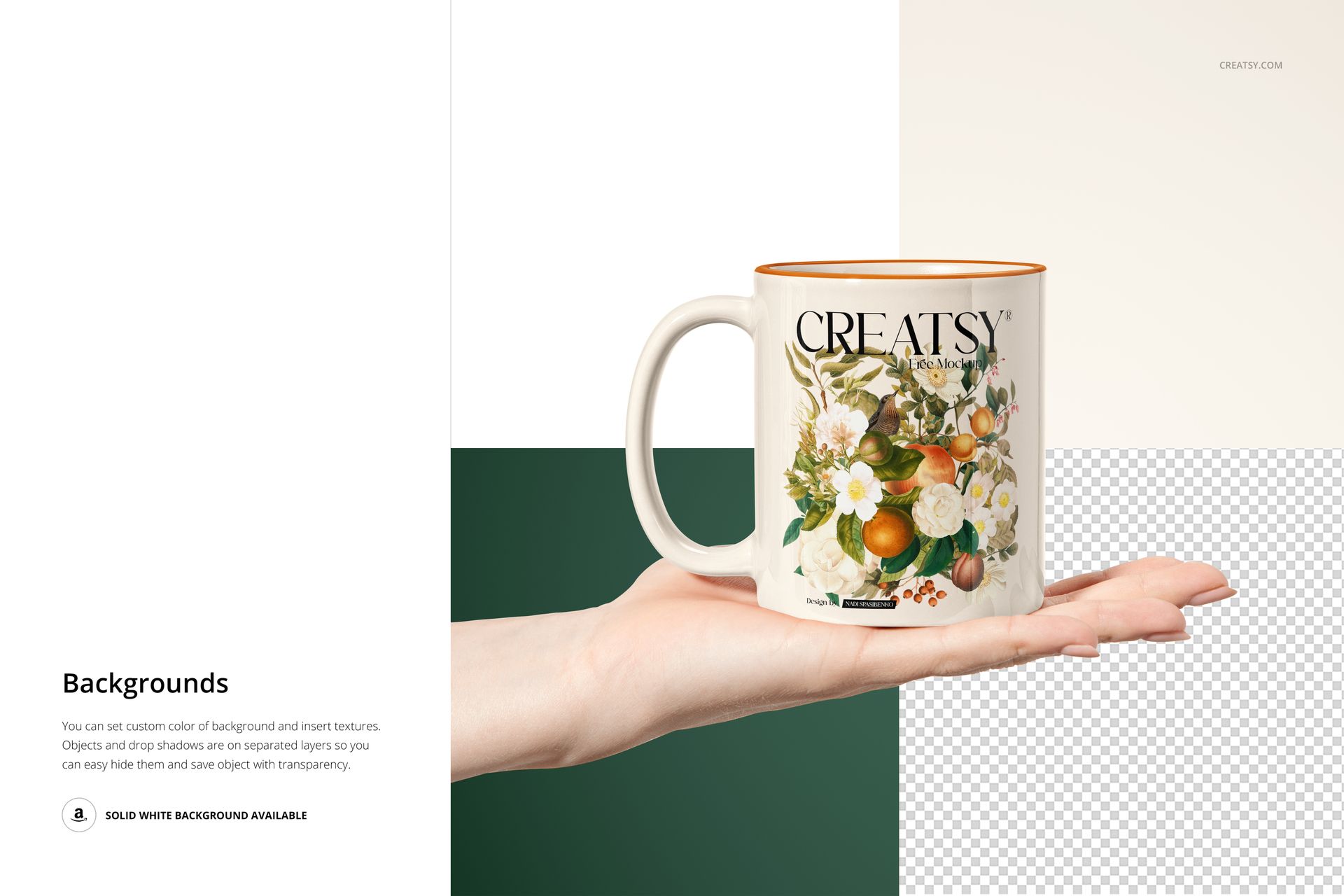
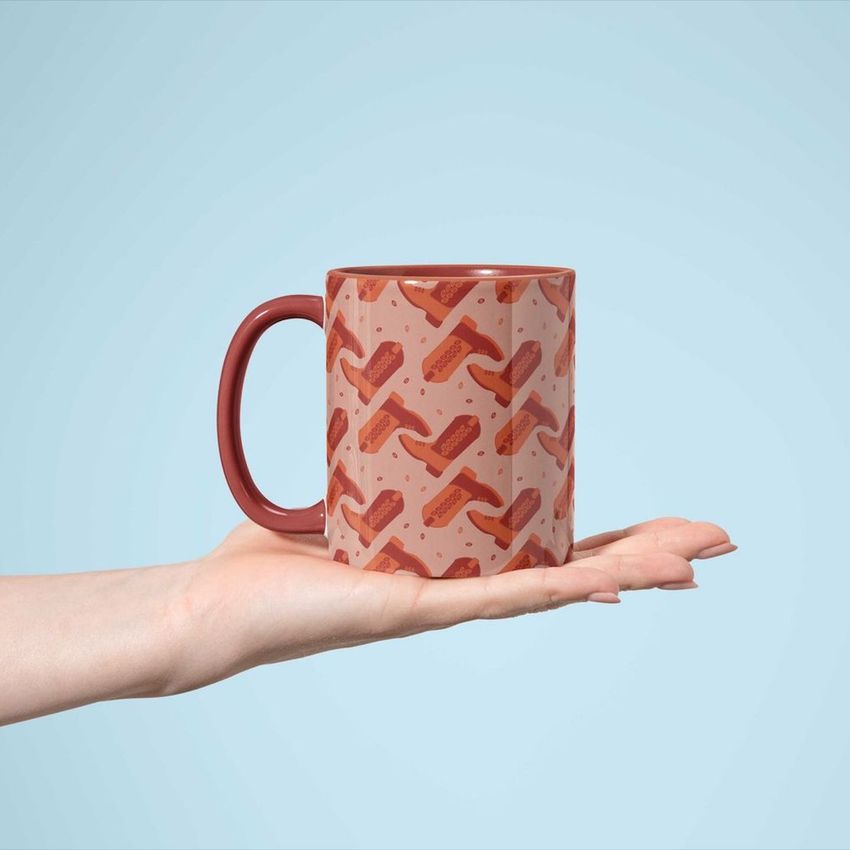
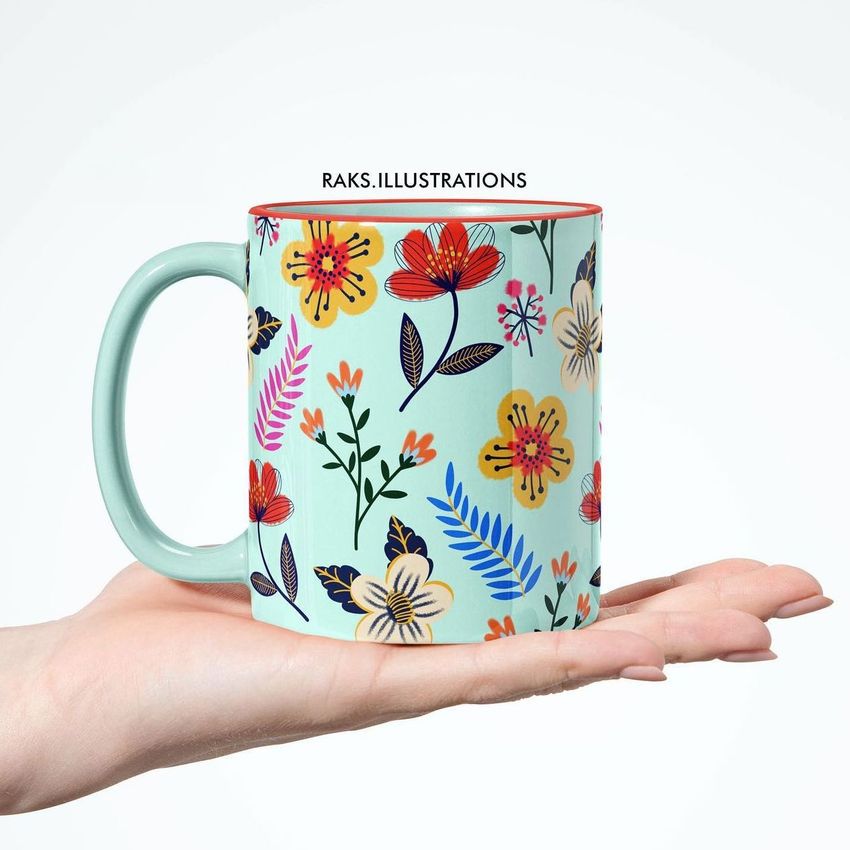
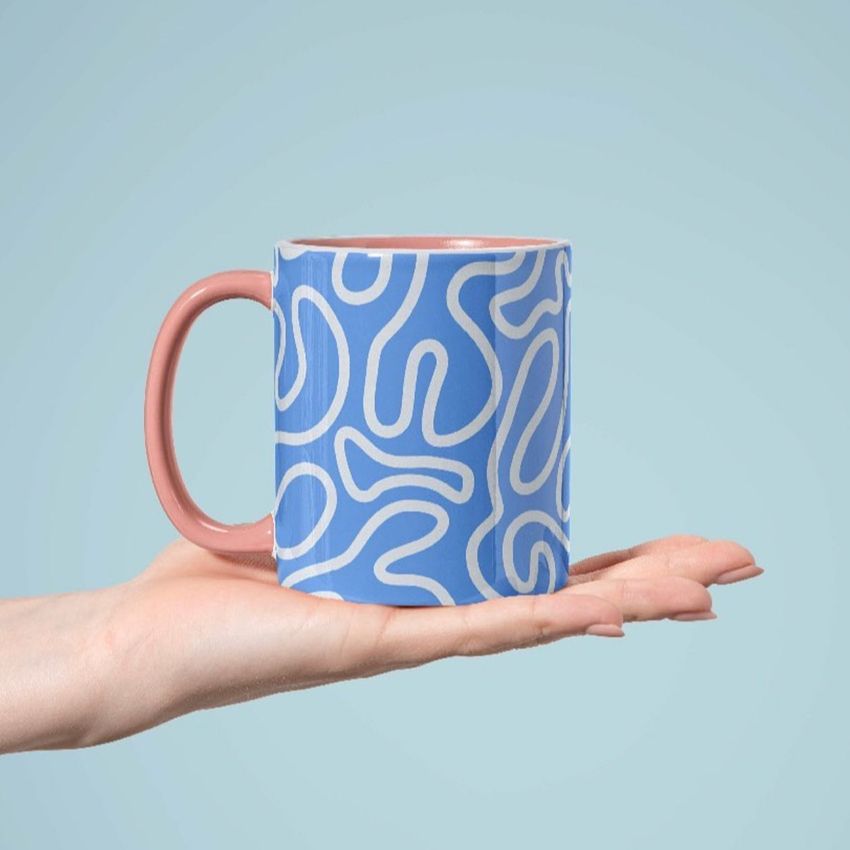
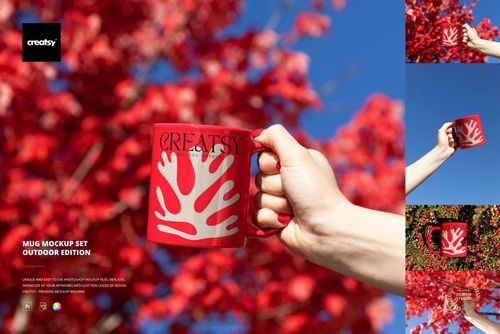
The Sublimation Coffee Mug Mockup lets you present mug designs, sublimation prints, and branded artwork on a realistic white ceramic coffee mug photographed held in a hand. This layered PSD file gives you control over the mug body surface, handle color, inner rim color, and background - producing product images that show your design on a real mug in a natural, relatable context that customers recognize from their own daily routine.
Why This Mockup Works
Mug listings with flat graphic previews or blank white-background shots consistently underperform compared to lifestyle images that show the product in use. This mockup places your design on a coffee mug held in a human hand, instantly communicating the mug size, proportions, and how the print wraps around the curved ceramic surface. Buyers on Etsy, Amazon, Shopify, and other marketplaces can immediately picture themselves holding the mug, which is the context that drives add-to-cart decisions. The clean, neutral hand pose and soft background keep full attention on your artwork while providing enough lifestyle context to feel real and trustworthy.
What Is Included
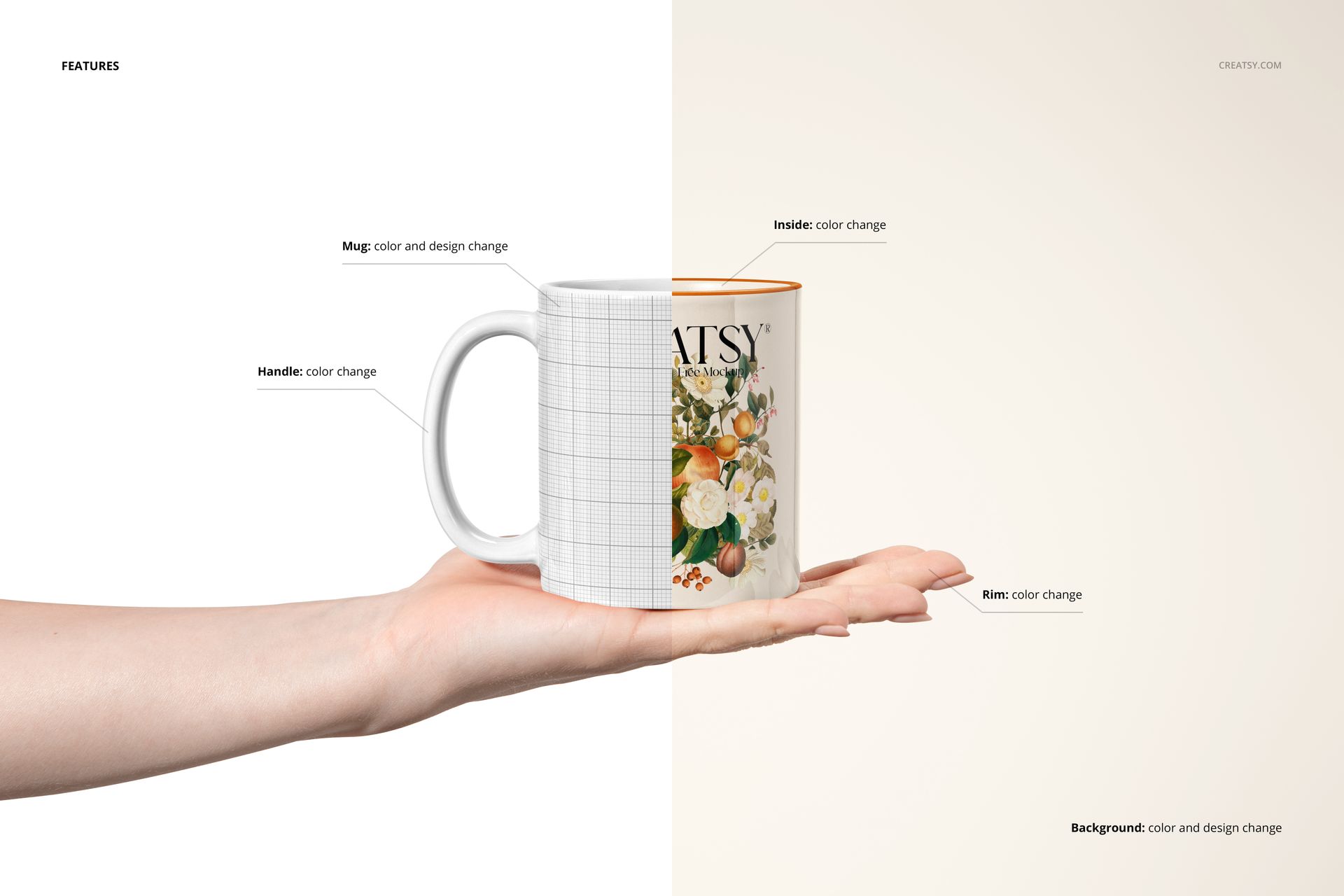
You receive 1 high-resolution PSD file featuring a white ceramic coffee mug held in a hand against a customizable background. The file contains well-organized smart object layers for the mug body surface (where your sublimation design goes), handle color adjustment, inner rim color, and background customization. A separate User Manual PDF (907 KB) walks you through the complete layer structure and editing workflow step by step, making this mockup accessible even if you are new to working with Photoshop smart objects.
What You Can Customize
Open the PSD in Adobe Photoshop CC or newer (also fully compatible with Photopea for free browser-based editing) and double-click the mug body smart object to place your sublimation design. Your artwork wraps around the mug surface with realistic curvature, ceramic texture, and accurate light reflections applied automatically. Change the handle color to match your design palette or create a two-tone mug effect. Adjust the inner rim color for accent contrast, and swap the background to any solid color or gradient that fits your product listing style. The 6000 x 4000 px canvas at 300 DPI provides enough resolution for web product pages, social media marketing, and high-quality print materials including packaging inserts and catalog pages.
Who This Mockup Is For
This mockup is built for sublimation printing businesses creating product catalogs and e-commerce listings, print-on-demand entrepreneurs selling custom mugs on Etsy and Shopify, graphic designers presenting branded mug concepts to clients, coffee shop and cafe owners previewing branded merchandise, gift personalization businesses showing custom mug options to customers, and marketing teams producing promotional merchandise visuals for corporate gifting campaigns. It works equally well for wedding favor previews, event merchandise planning, and retail product photography across any online or offline sales channel.
File Specifications
Format: 1 layered PSD file with organized smart object layers, plus User Manual PDF. Dimensions: 6000 x 4000 px at 300 DPI - suitable for web product listings, social media posts, and print-quality marketing materials. Compatibility: Adobe Photoshop CC or newer, Photopea (free browser-based editor). File size: 78.56 MB. Editable elements: mug body surface, handle color, inner rim color, background. Example artwork by Nancy and Belle (nancyandbelle.com).






















ok