12 oz. Latte Mug Mockup Set for Sublimation
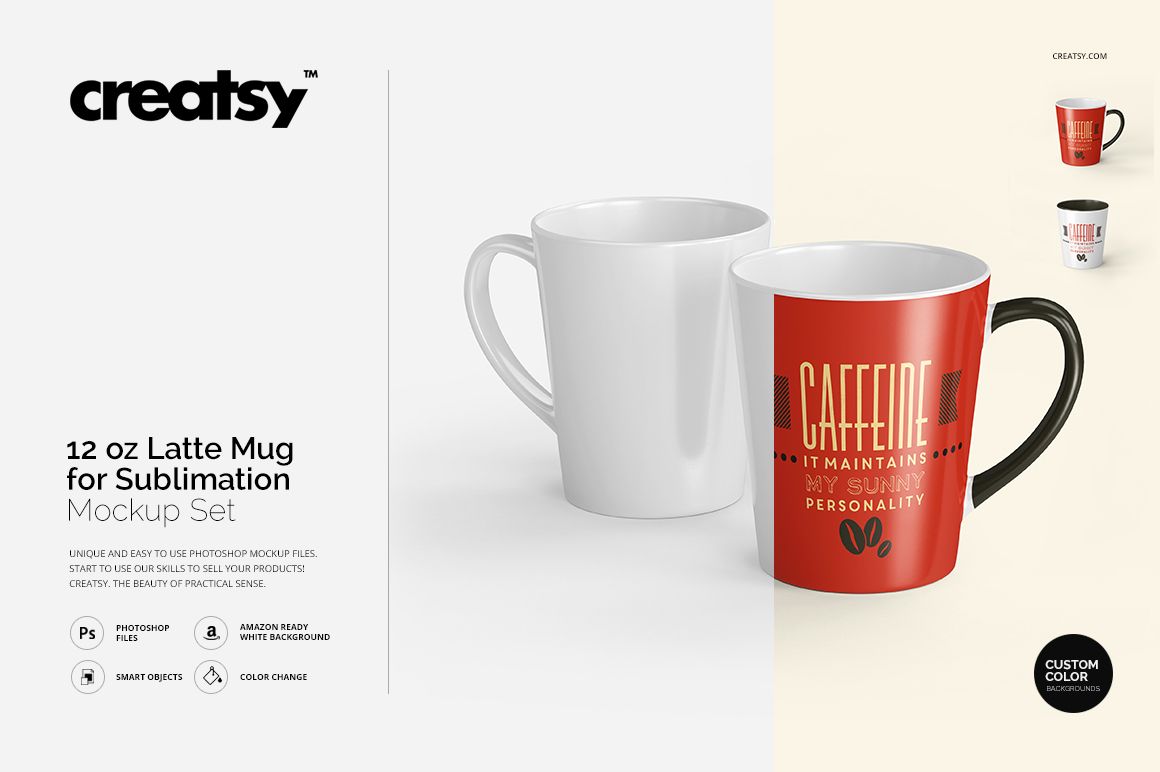
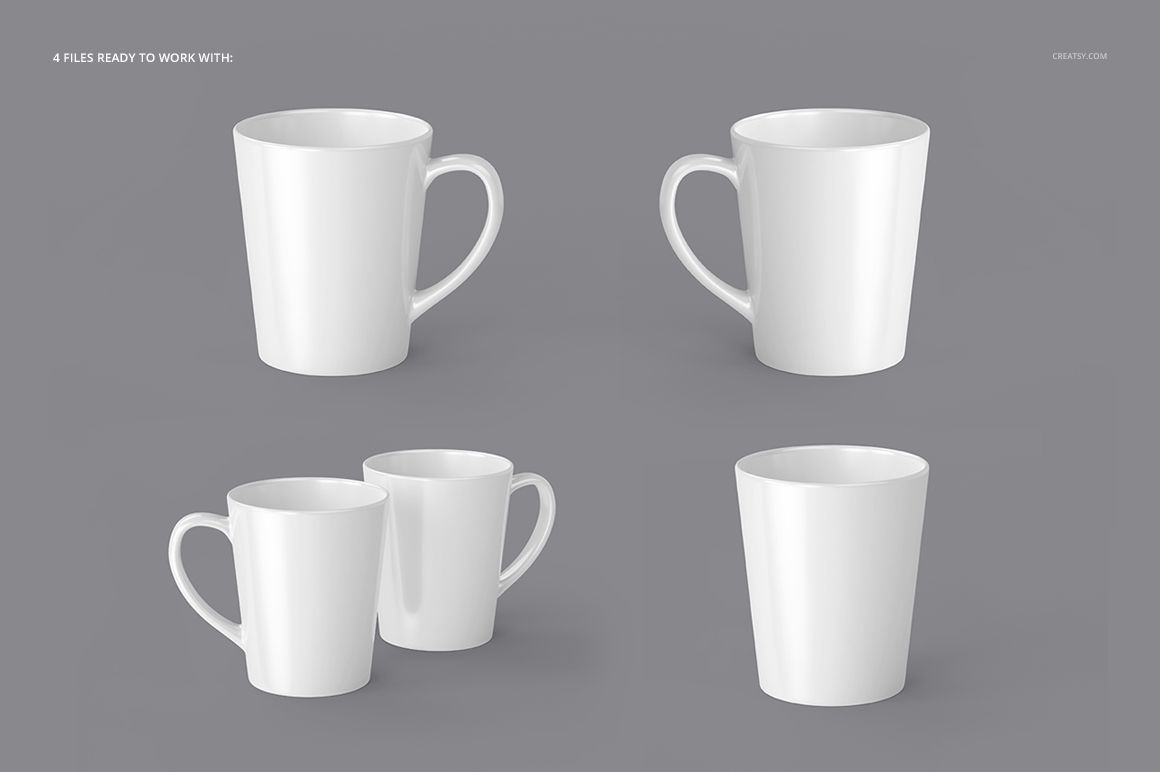
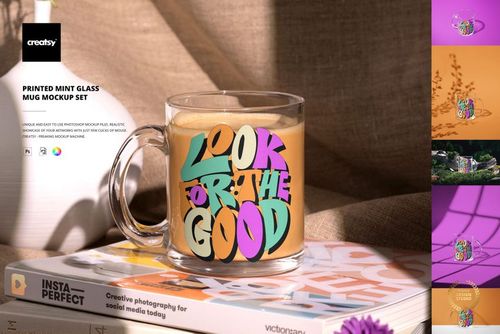
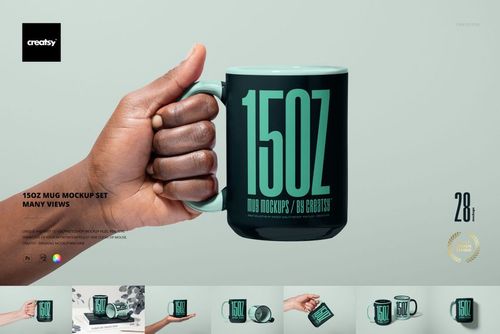
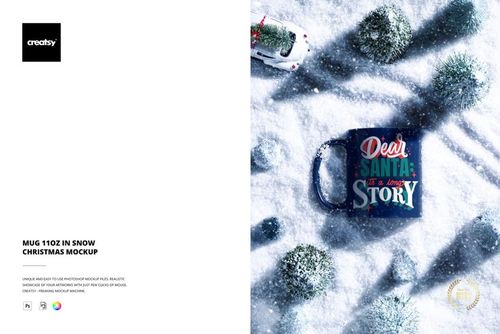
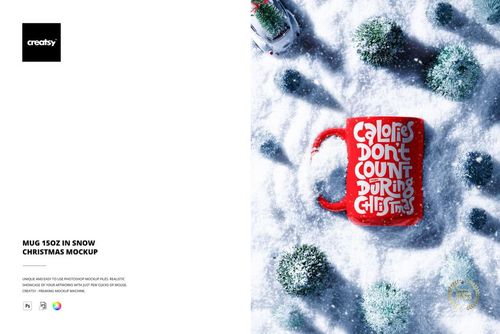
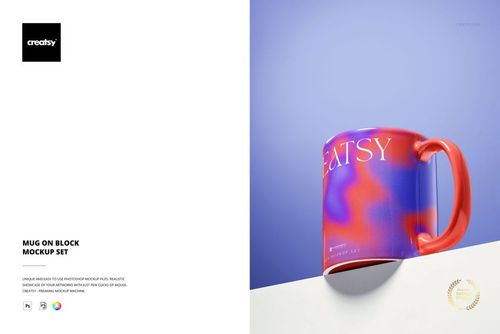
Explore a compact latte mug silhouette with artwork that follows its gently tapered body. This 12 oz. latte mug mockup set gives you four layered PSD compositions for sublimation design presentations. Use individual front and side views to review the print, then bring two designs together in the paired composition.
Develop artwork and color together
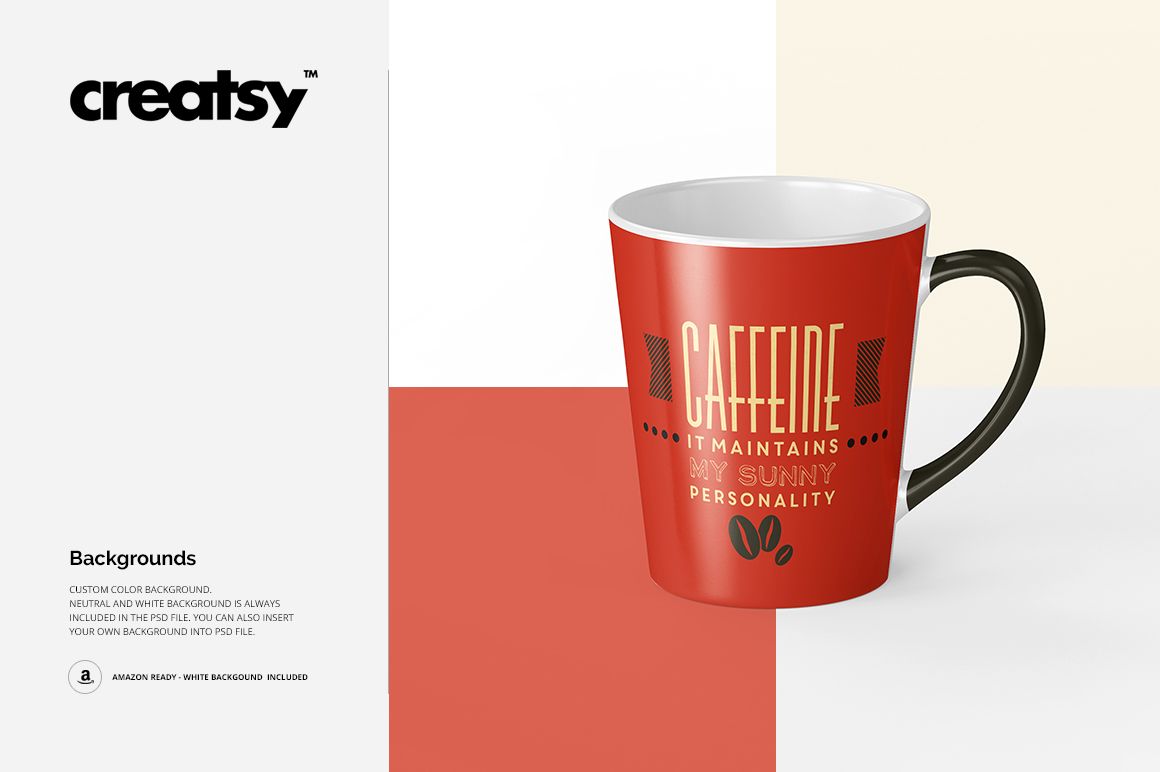
Insert your pattern, illustration, or lettering through Smart Objects.
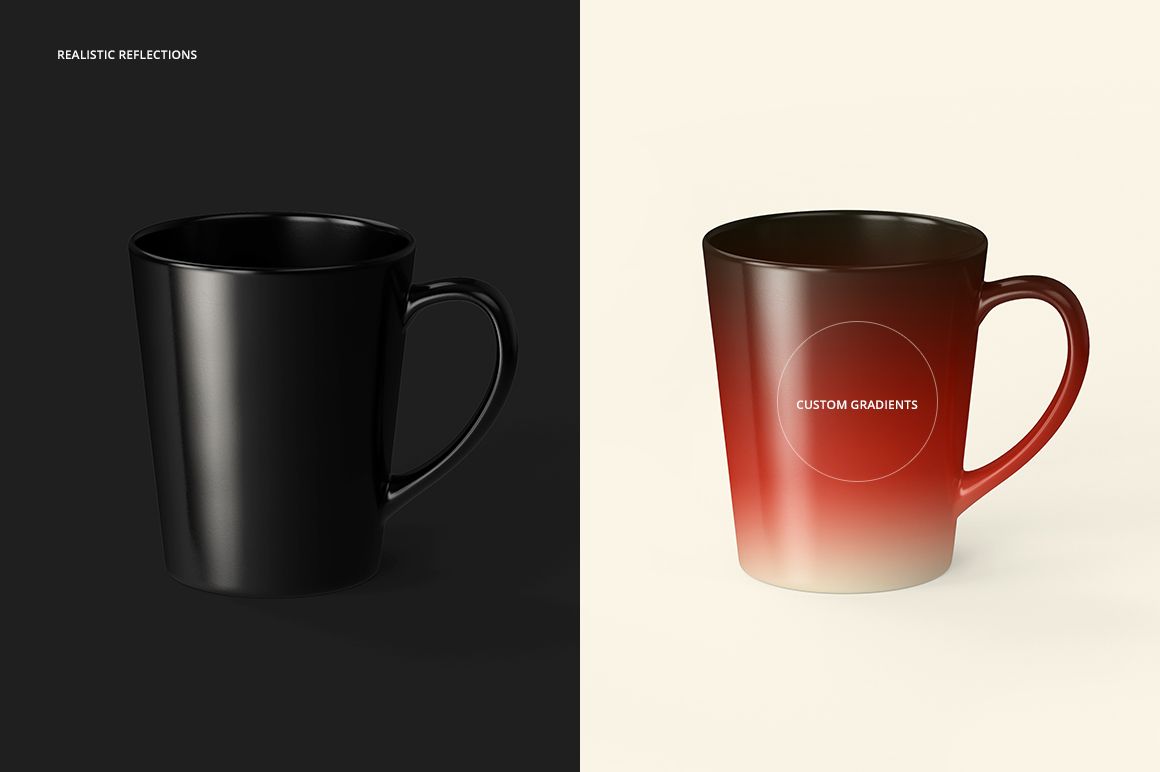
Change colors and create custom gradients.
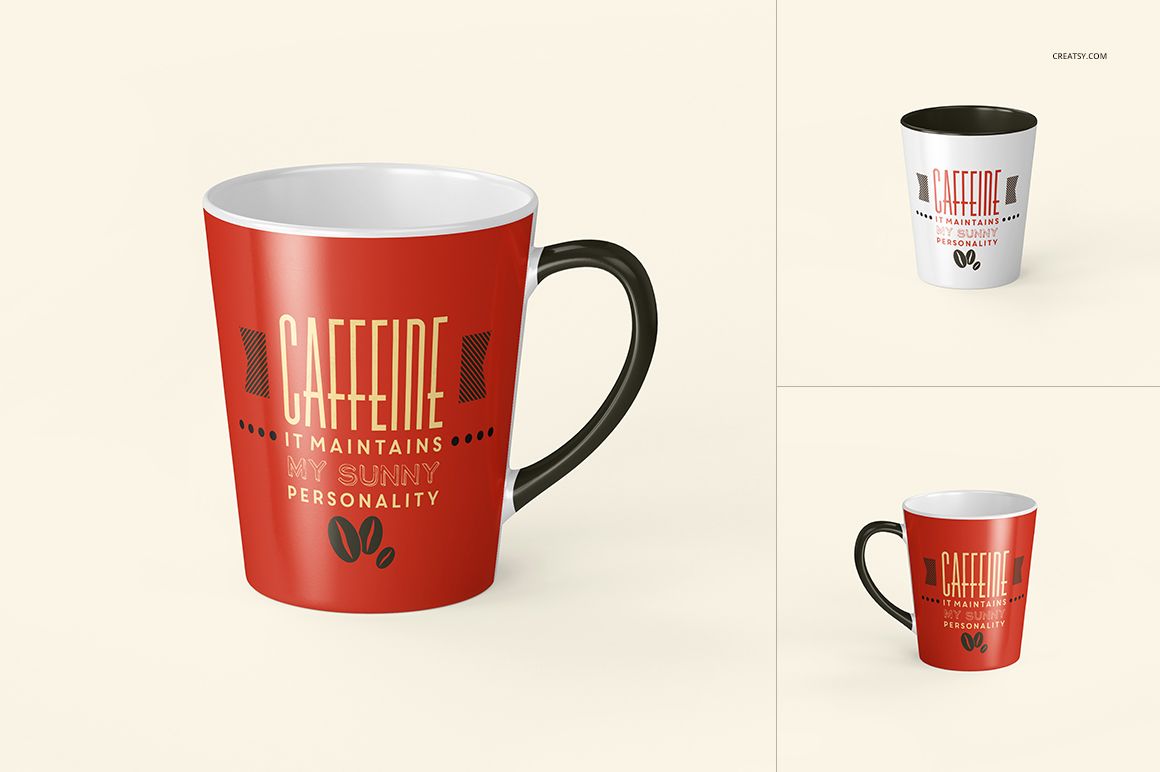
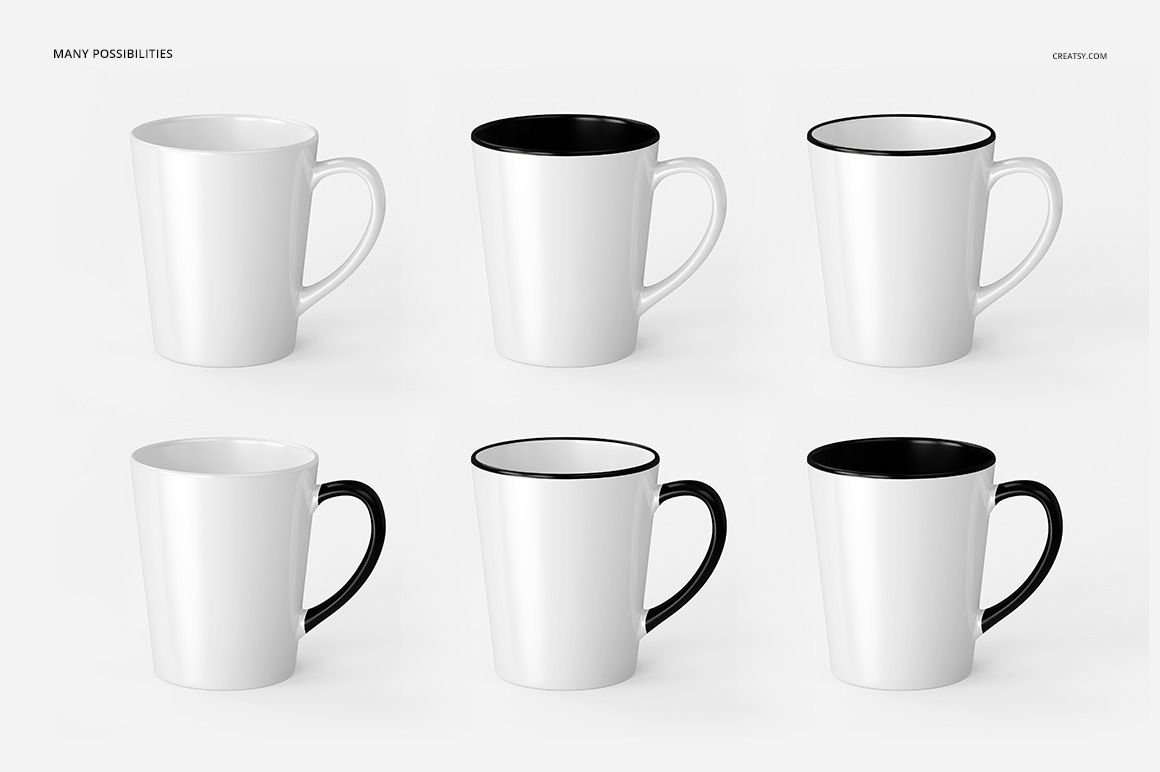
Explore contrasting rim, interior, and handle combinations shown in the previews.
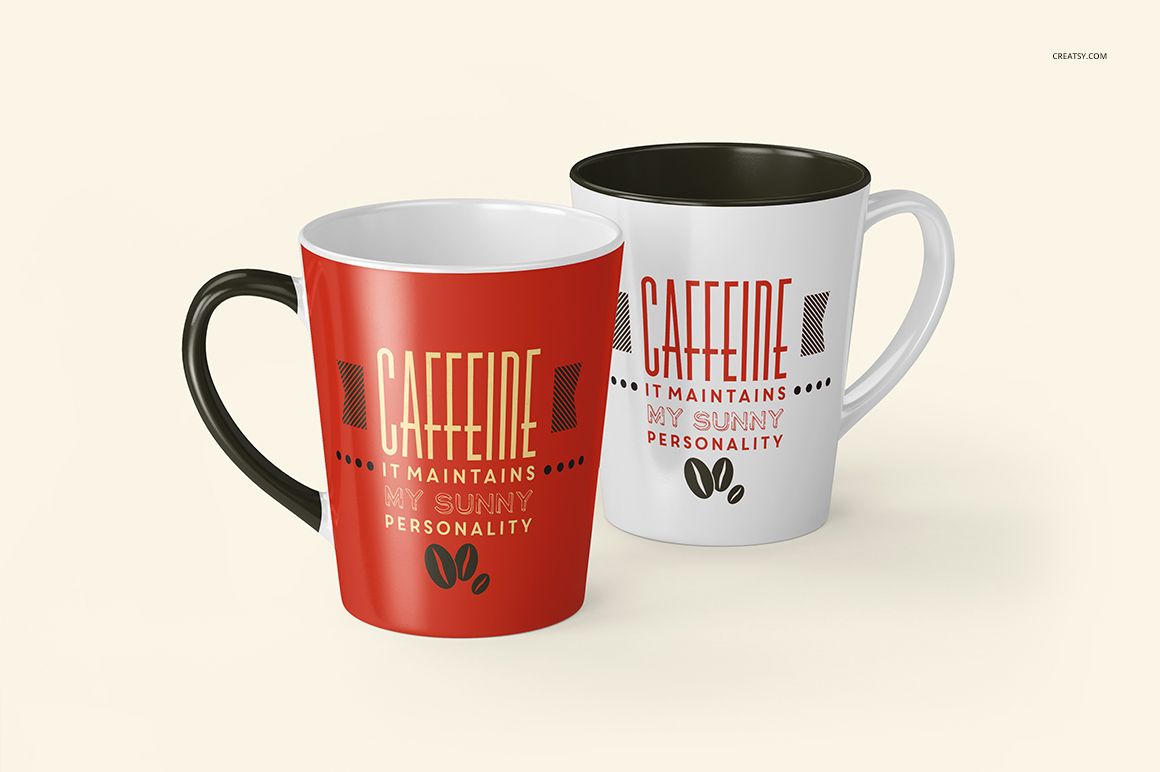
Compare a single design with a coordinated two-mug presentation.
Four views for a compact latte mug
The shape offers a different visual balance from a straight-sided coffee mug. A central illustration can sit within the tapered body, while the side views help reveal how repeating elements or wider graphics continue around the surface. The paired view is useful for presenting matching gifts or a small print collection.
Files and compatibility
4 layered PSD mockups, 4 JPG previews, and a TIF instruction file; 9 files in total.
JPG preview dimensions: 3 individual views at 3000 × 3000 px and 1 paired view at 4000 × 4000 px.
Edit in Adobe Photoshop CS6 or later, or Photopea.
Digital presentation files. Example artwork and patterns are not included.