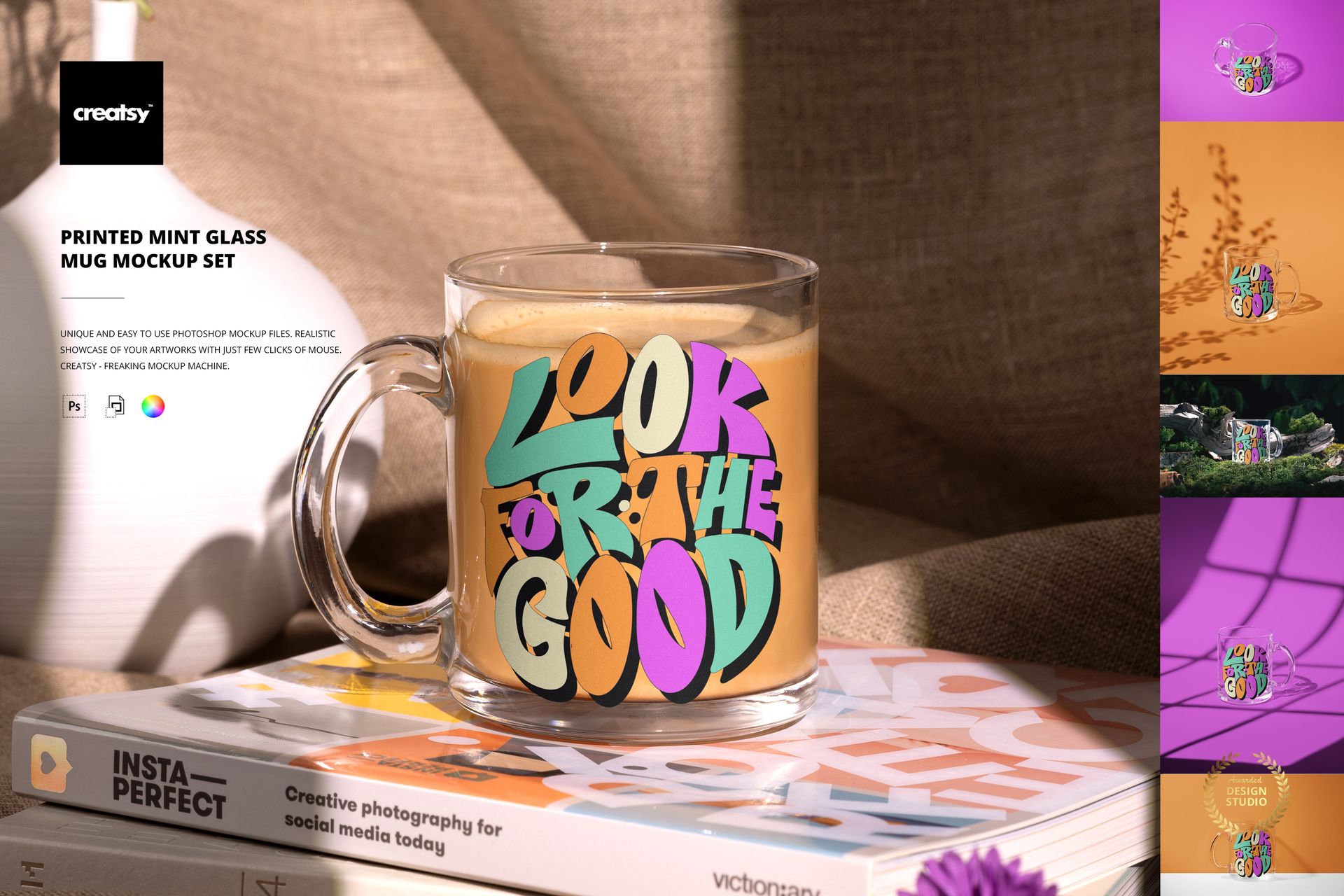
Printed Mint Glass Mug Mockup Set

ID: 2057902421 | Updated: Dec 19, 2024

Product Details

Printed Mint Glass Mug Mockup Set

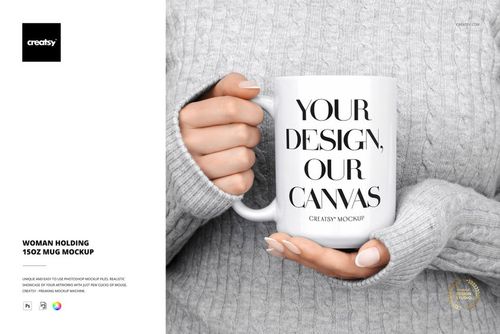
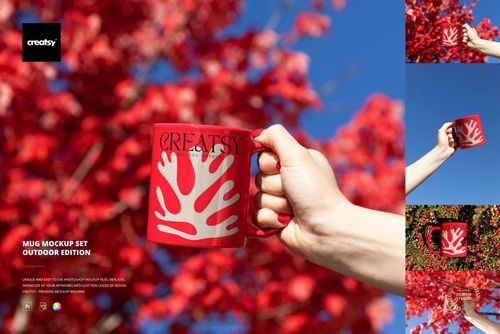
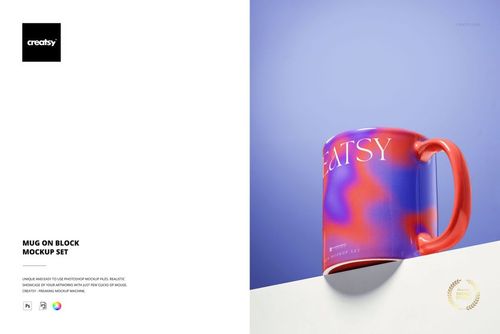
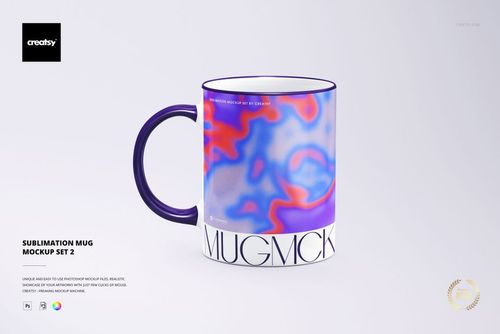
Introduce a fresh, creative energy into your branding projects with the Printed Mint Glass Mug Mockup Set – a collection designed for coffee enthusiasts, branding professionals, and anyone who appreciates beautiful, high-quality design.


Start Your Day with Style 

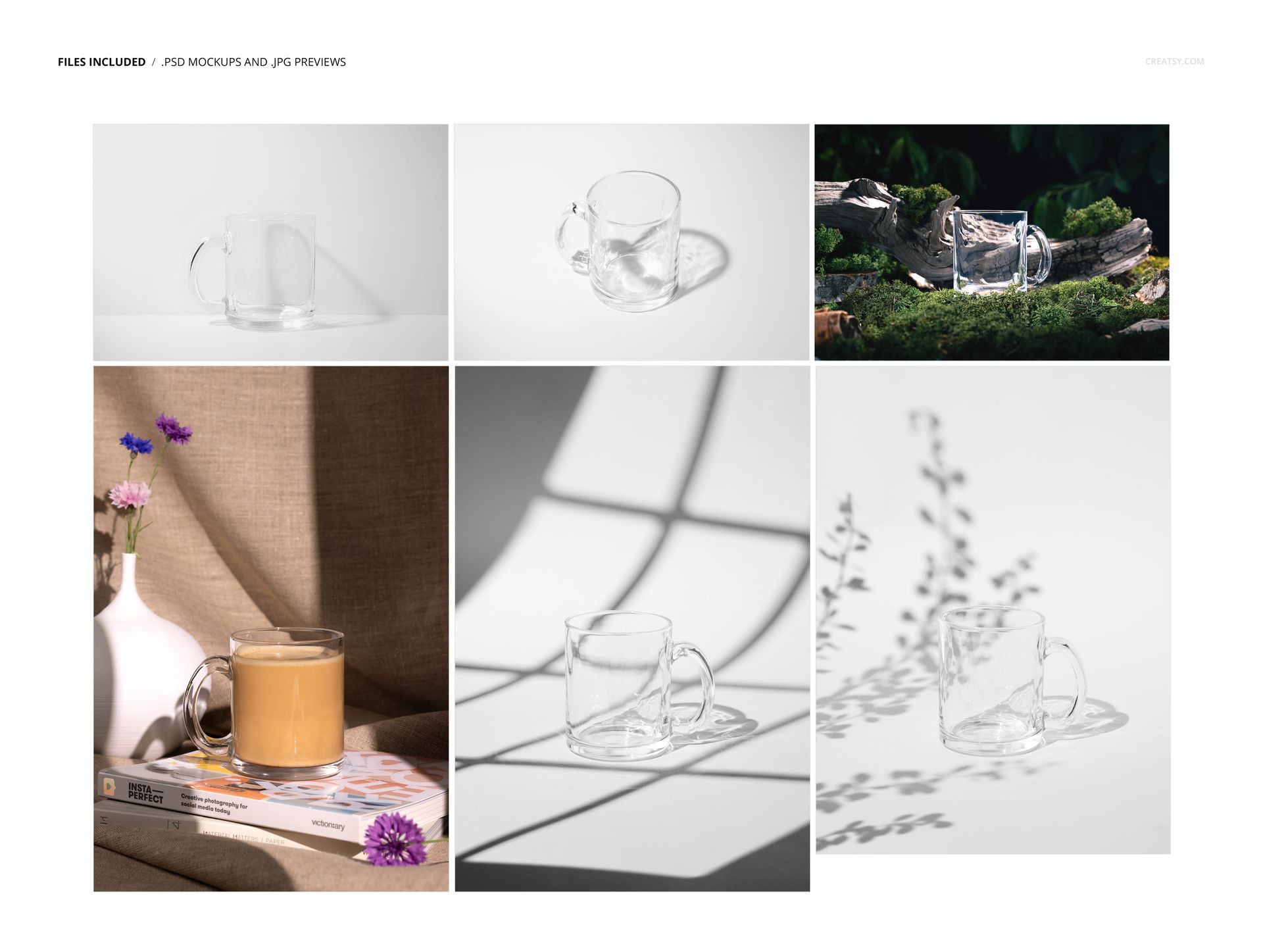
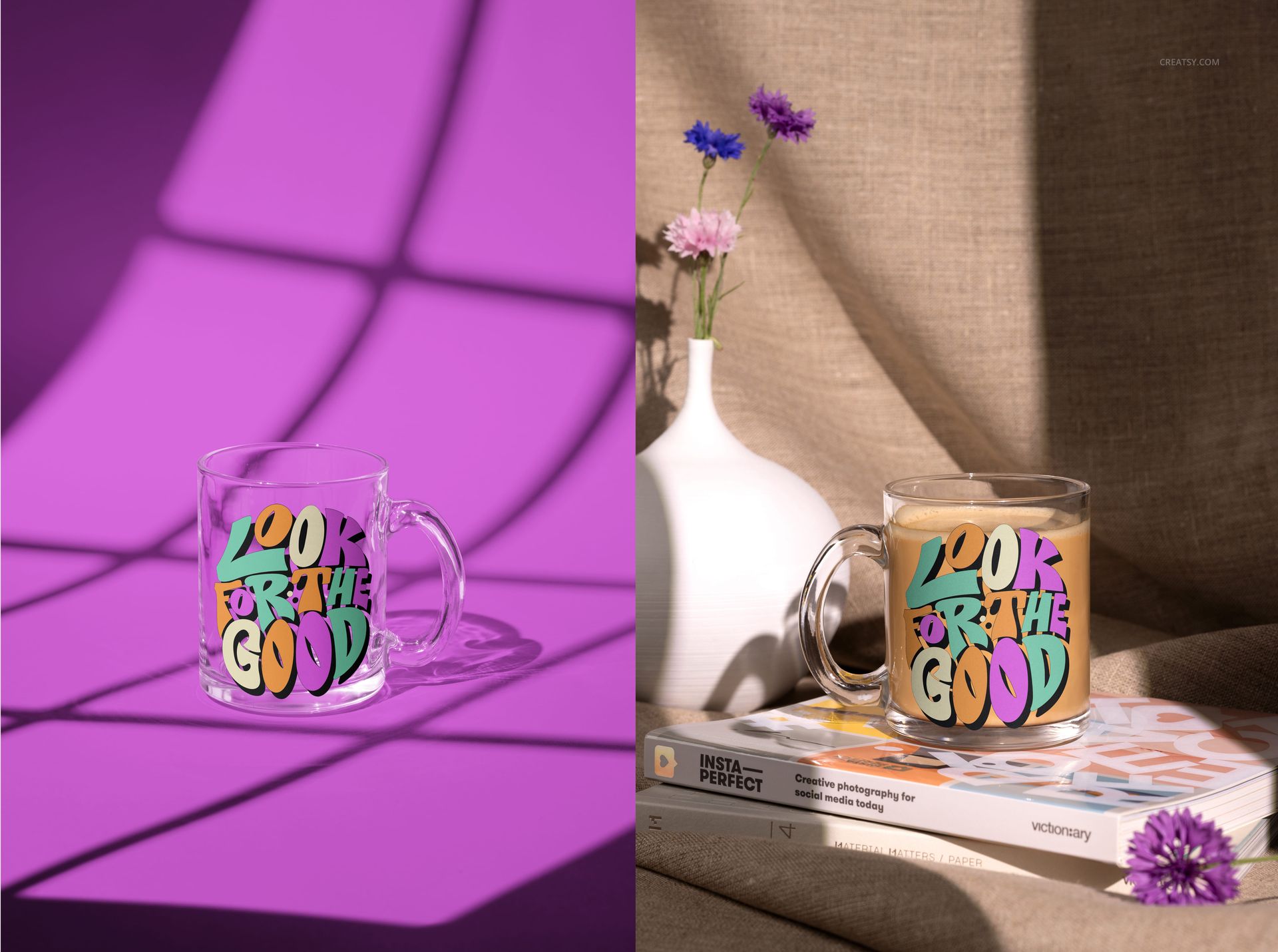
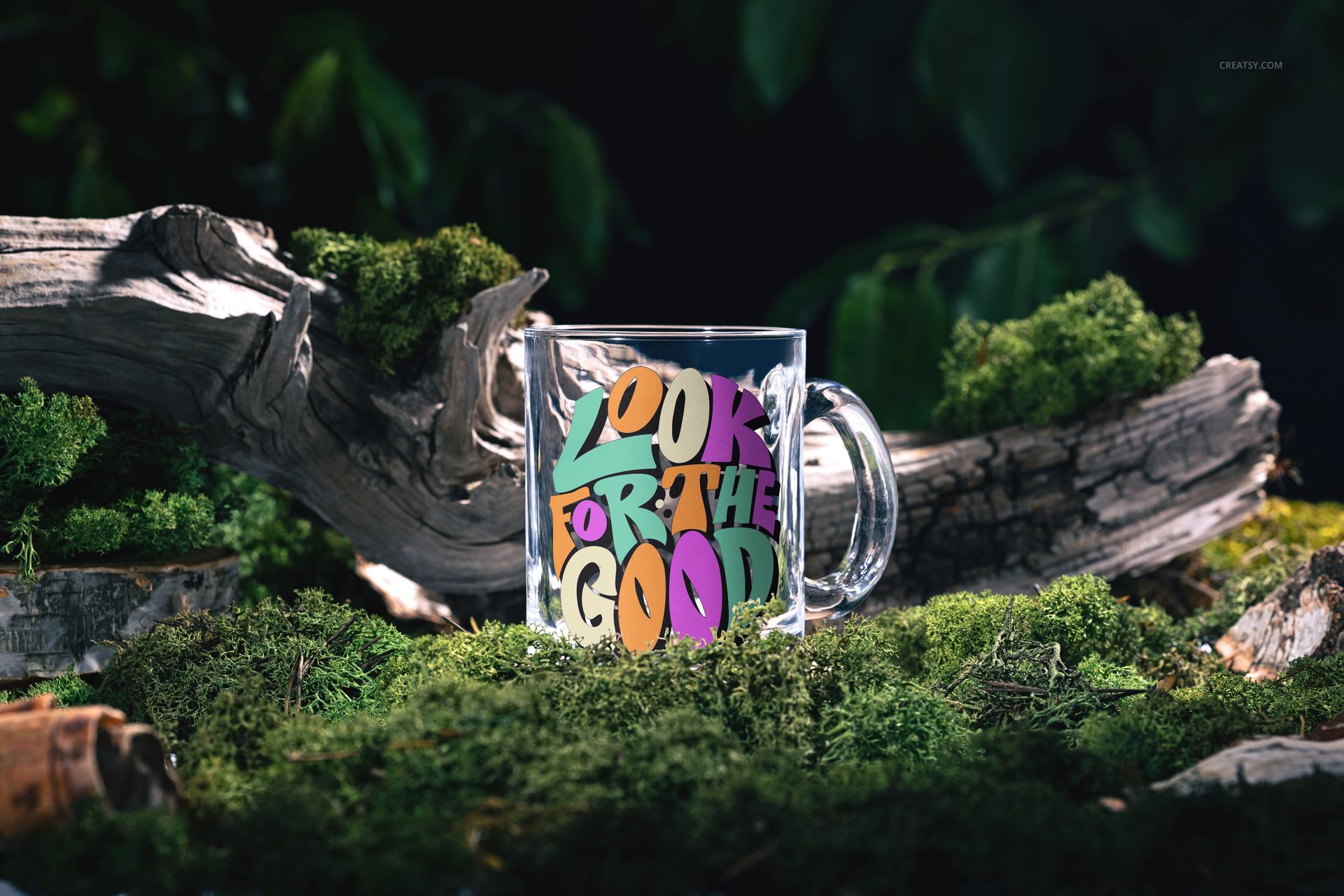
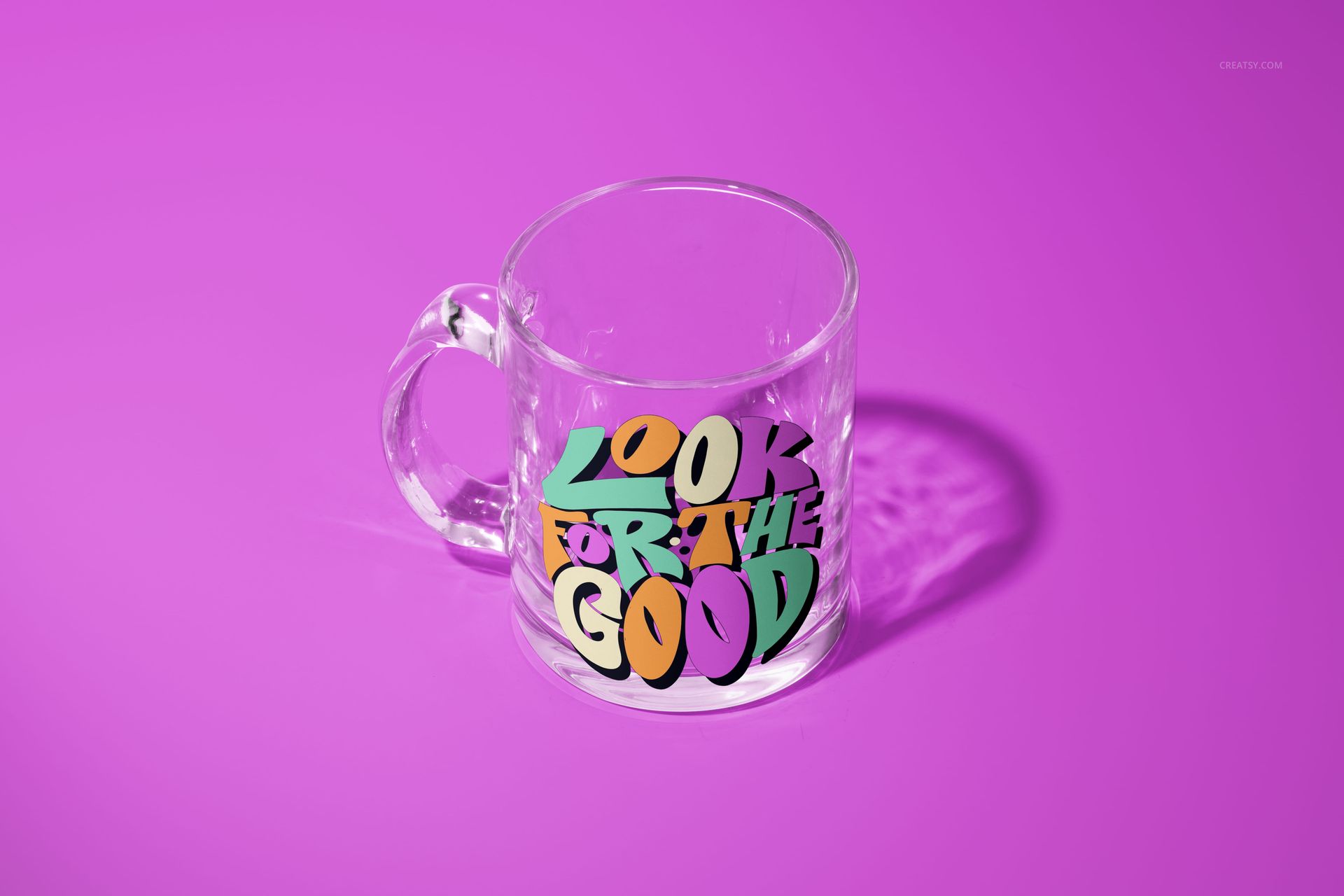
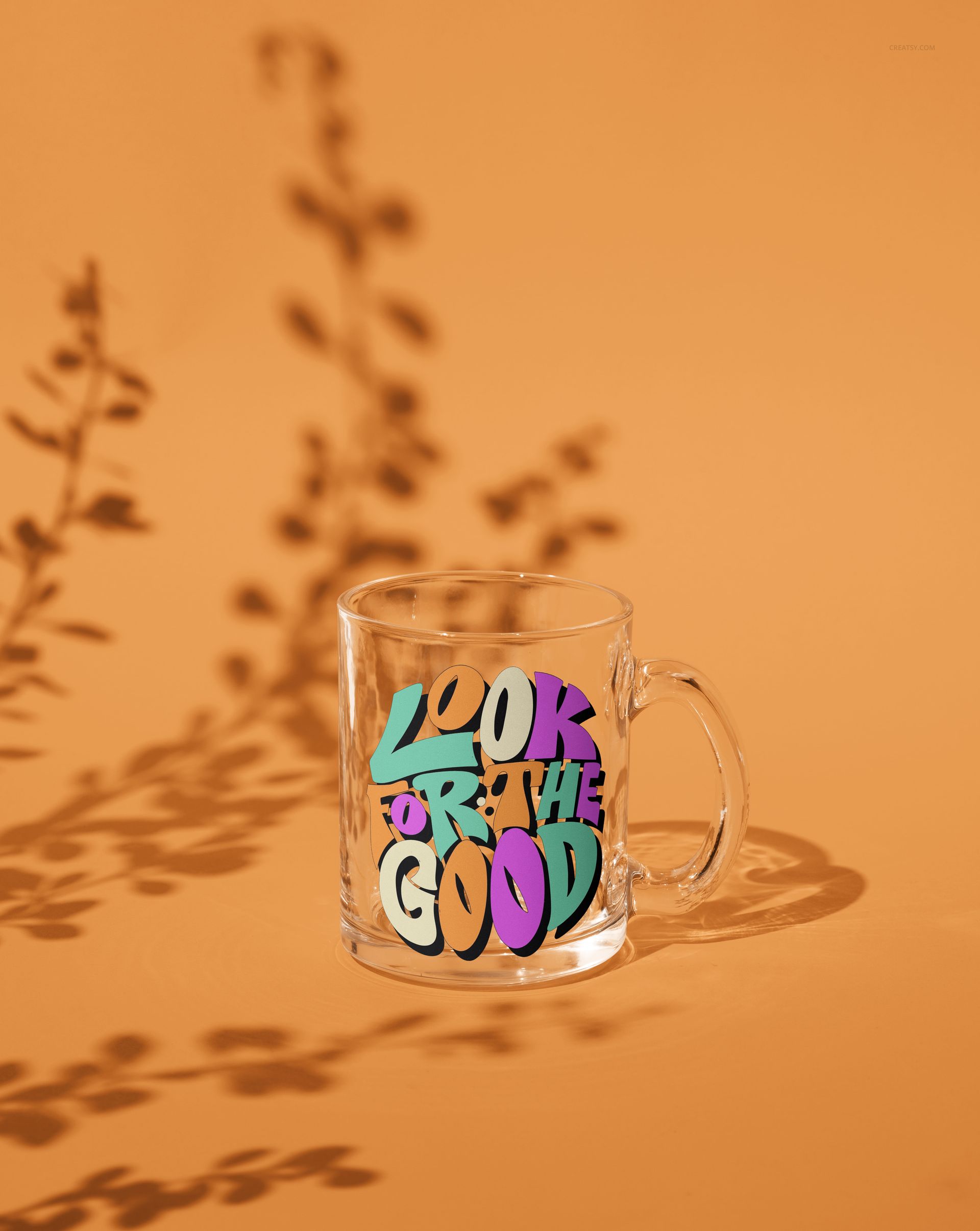
This set includes 6 layered PSD files, each offering a unique scene carefully photographed for authentic detail and depth. Choose from a variety of settings: a steaming mug placed atop a stack of books, mugs highlighted by artistically arranged shadows, a serene shot of a mug resting on forest moss among trees and leaves, and minimalist studio captures that showcase the mug's shape from multiple perspectives.


Customization at Its Best

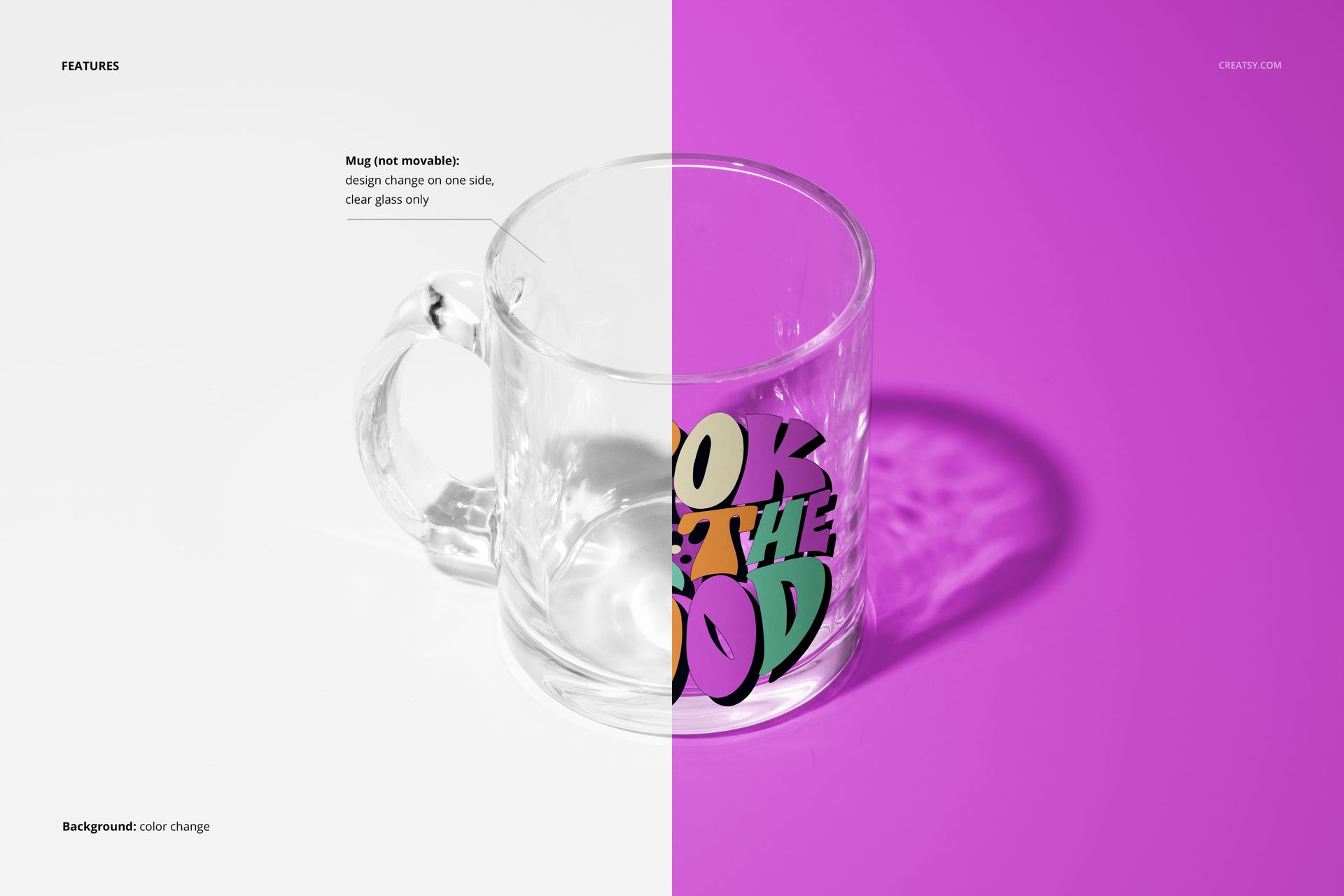
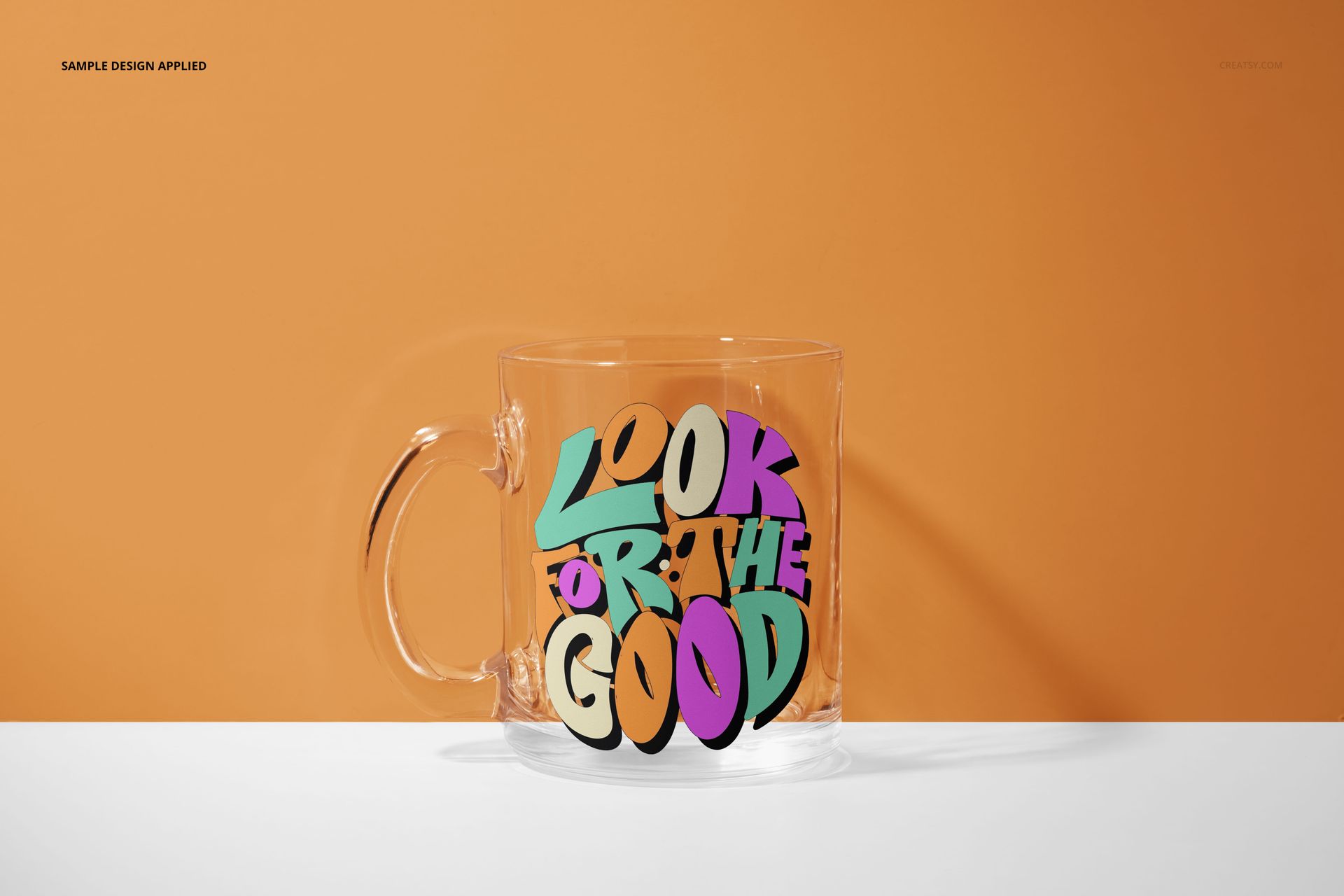
Apply your designs, logos, or slogans to the mug’s transparent glass surface with ease. Customize the background colors to complement your graphics and bring your vision to life. Whether you are crafting promotional material, refreshing a portfolio, or preparing a product launch, this set offers all the flexibility you need to present your ideas with clarity and style.


  •   Files work only in Photoshop (min. version CC);
  • Pack includes 6 .psd files: ~6000x4000 px, 300dpi;
  • Check screenshots for all the features;
  • Well organized layers.

File details

Compatibility
PhotopeaAdobe Photoshop
Number of files included
12
Package size
831 MB831 MB|872 MB872 MB
Files type
.psd, .jpg
Files size
6000x4000
TEST FOR FREE

MEET THE SHOP

Creatsy logo

Creatsy

Poland
4.7 (642)

Bring your ideas to life.

We're a family-run studio in Katowice, Poland, making PSD mockups by hand since 2016. Everything in this shop starts in our own studio. We shoot the photography, build the 3D, and put together every Smart Object PSD ourselves - then we test it, organize the layers, and only ship it once it actually works...
GO TO SHOP

HOW IT WORKS

3 clicks. That's it.

No tutorial needed. If you can copy-paste, you can use this.

  1. 1OpenDouble-click the smart object inside the PSD - in Adobe Photoshop, or free in your browser with Photopea.
  2. 2PasteDrop in your pattern, print, or artwork. Any design, any style.
  3. 3SaveHit save and the mockup wraps it in for you - shadows, folds, and lighting included.

FROM IDEA TO IMAGE

Built for real workflows

Wrap your logo around the cup, not a flat rectangle Drop the artwork in and see how it sits on the curve before you list it.

See it on the product, not a swatch Drop your file into the smart object and the scene's lighting and folds wrap around it, so you judge the real thing before you commit.

Smart Objects

Edit once and you're done. Your artwork drops into a smart object and the mockup updates itself - no masking, no warping by hand.

Perfectly Organized

Named layers and folders you can actually navigate. Find what you need, change what you want, and get out fast.

Print-Ready

High-resolution files built to hold up on screen and in print. Exact size and DPI are in this product's Details above.