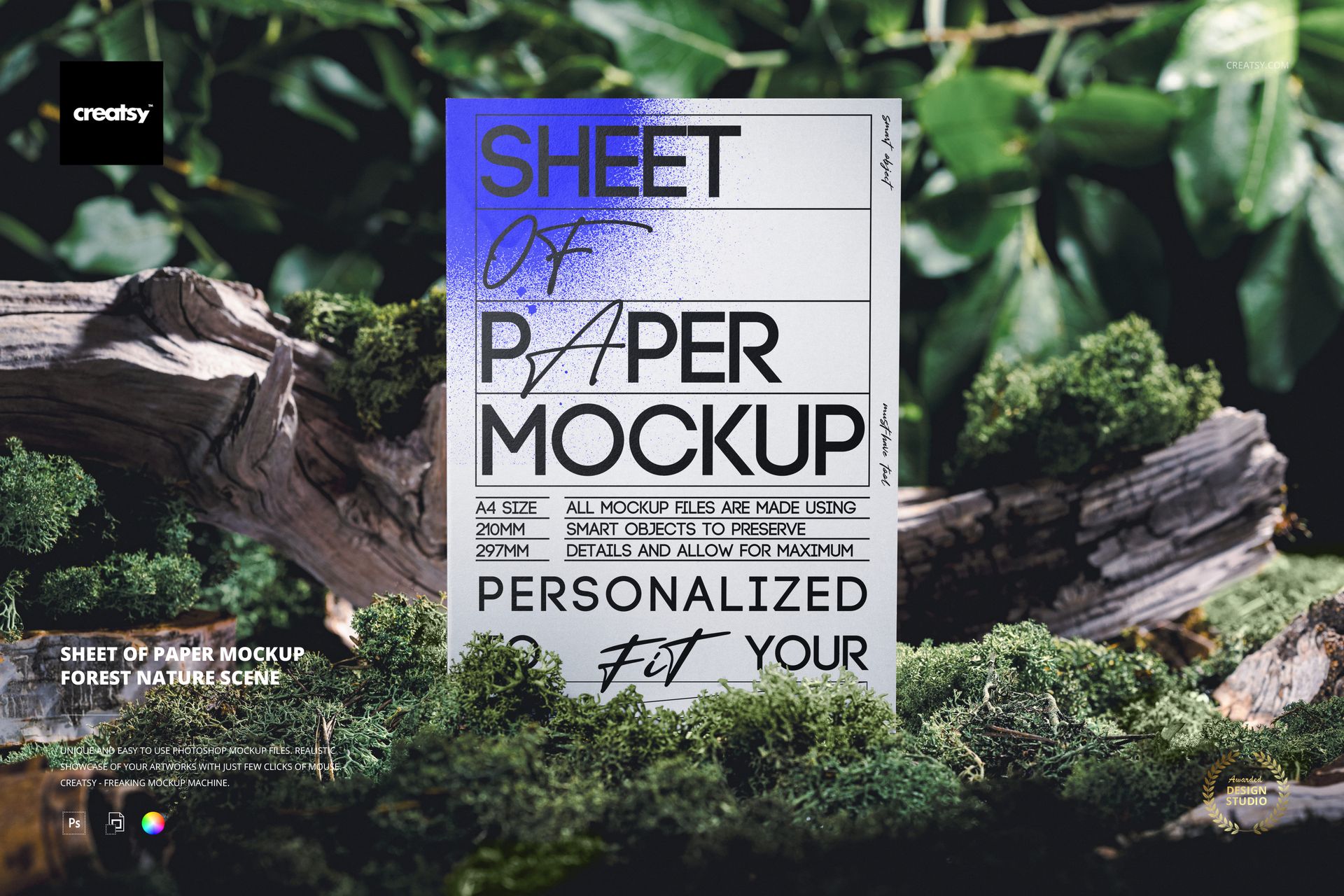
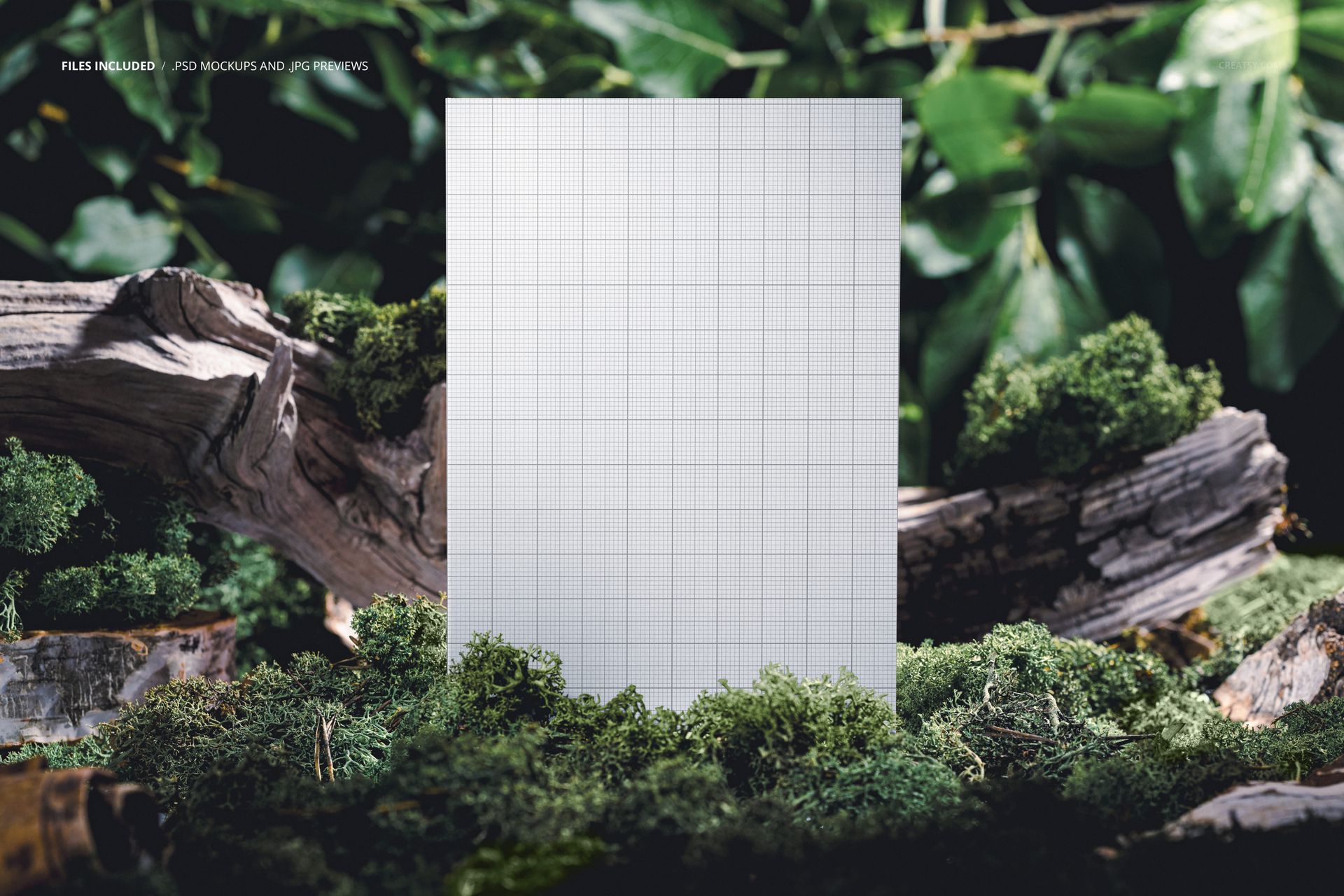
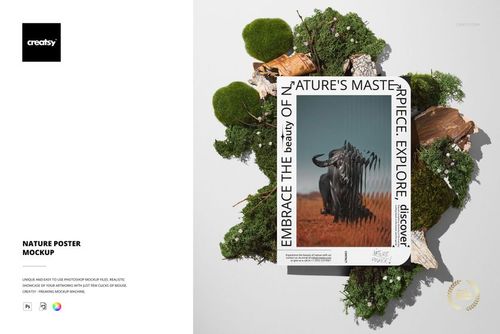
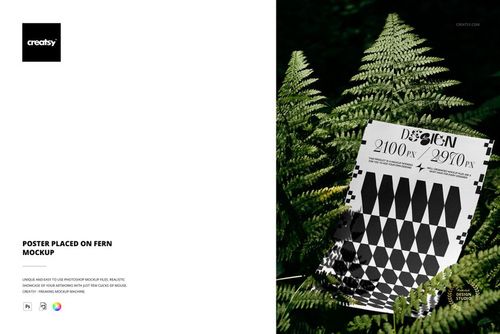
The forest scene does the work. A sheet of paper stands upright on a rock surface surrounded by green leaves, moss, and natural forest textures. The contrast between the manufactured object and the organic environment is immediate - the paper is clearly not from this place, and that visual tension is exactly what makes the image compelling. Whatever artwork or design appears on that sheet inherits the character of the setting: earthy, grounded, connected to something outside the studio.
This PSD mockup places your poster, print, or artwork design into a forest nature scene where the environment becomes part of the presentation. The paper stands at a slight angle against the rock, caught in natural light that filters through the canopy above. Green foliage frames the edges. The surface beneath shows real texture - stone, bark, moss. Nothing about this scene is generic or interchangeable with a studio backdrop. It is a specific place at a specific time of day, and that specificity is what gives the presentation its credibility.
The Nature Context
Outdoor mockups communicate differently than studio setups. A poster shown on a white wall tells the viewer about the artwork. A poster shown in a forest tells the viewer about the artwork and the kind of brand, artist, or project it belongs to. Environmental, botanical, organic, handmade, sustainable, natural - these associations arrive automatically when the design appears surrounded by living greenery. For brands and designers whose work connects to nature, ecology, wellness, or outdoor culture, this context does more than display the design. It positions it.
Single File, Complete Scene
One PSD file delivers the entire composition. The paper surface is accessible through a smart object layer - double-click, place your design, save, and the artwork appears on the sheet with correct lighting, shadow, and surface interaction from the surrounding forest scene. Background elements including the rock surface, leaves, moss, and ambient forest light are present in the file. The layer structure is organized and labeled for quick navigation. Compatible with Adobe Photoshop CC 2020 and newer. Also opens and edits in Photopea (photopea.com).
Technical Details
One PSD file at 4000 x 6000 pixels, 300 DPI. Portrait orientation matches standard poster and print proportions. File size approximately 82 MB. Resolution supports large-format printing, high-resolution web display, social media content at any standard dimension, and print portfolio production. Well-organized layers throughout.
Use Cases
Art print shops and independent artists showing work in a context that evokes gallery-adjacent but outdoor sensibility - somewhere between a white cube and a wilderness trail. Botanical and nature-themed brands presenting packaging designs, labels, or promotional prints where the forest context reinforces the brand story. Sustainability-focused companies whose marketing materials benefit from visual association with natural environments. Wedding and event designers previewing invitation designs, menus, or signage in an organic outdoor setting. Photographers and illustrators building portfolio pieces where the presentation environment matters as much as the work itself.