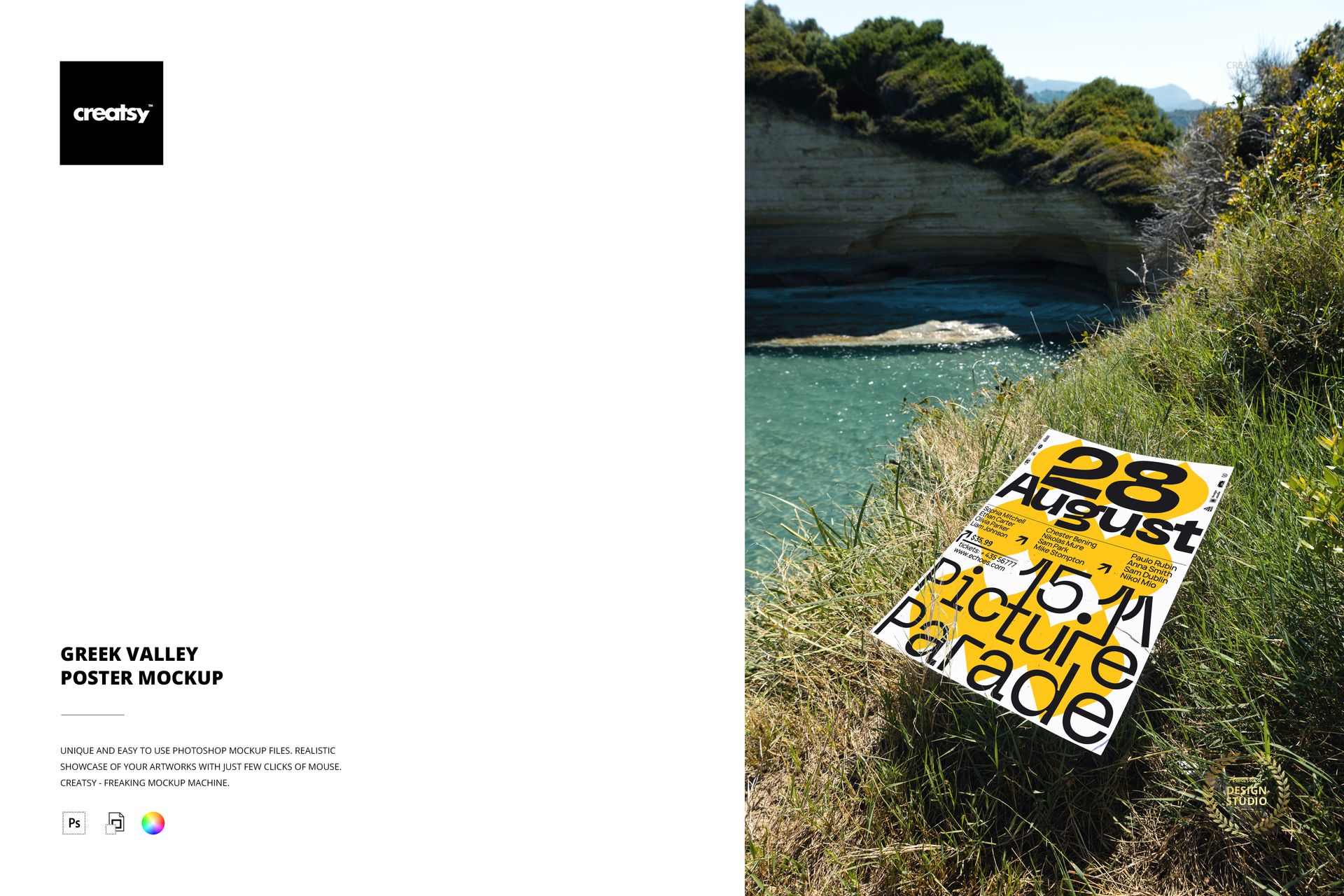
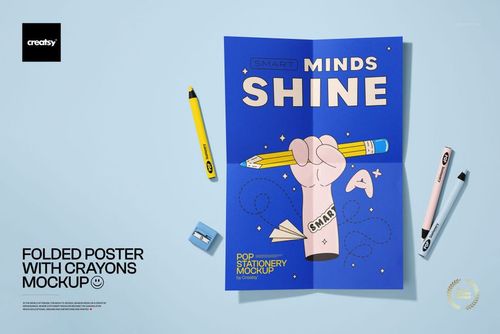
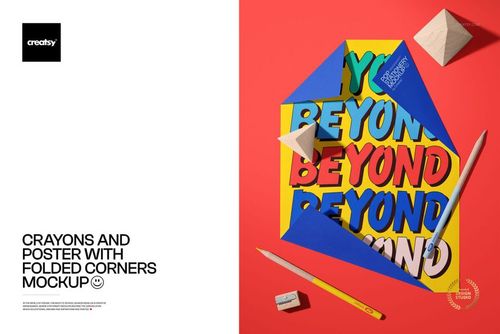
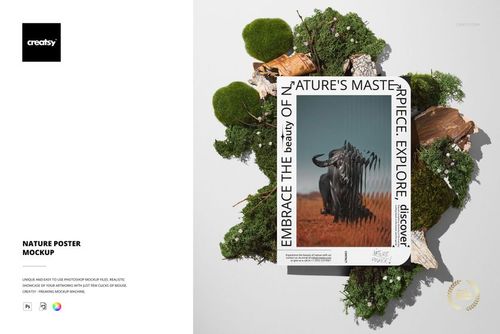
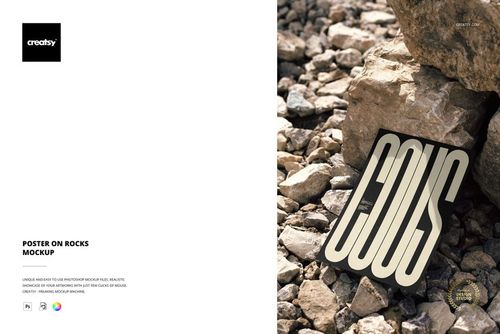
Turquoise water, rocky cliffs, sun-bleached grass. A poster lies flat on the hillside overlooking a Greek valley, and the landscape around it is doing what no studio setup can do - placing the design inside a geography. The Mediterranean light hitting the paper is warm, directional, and real. The colors of the surrounding terrain inform how the viewer reads whatever artwork appears on that sheet. This is location-specific presentation, not generic outdoor photography.
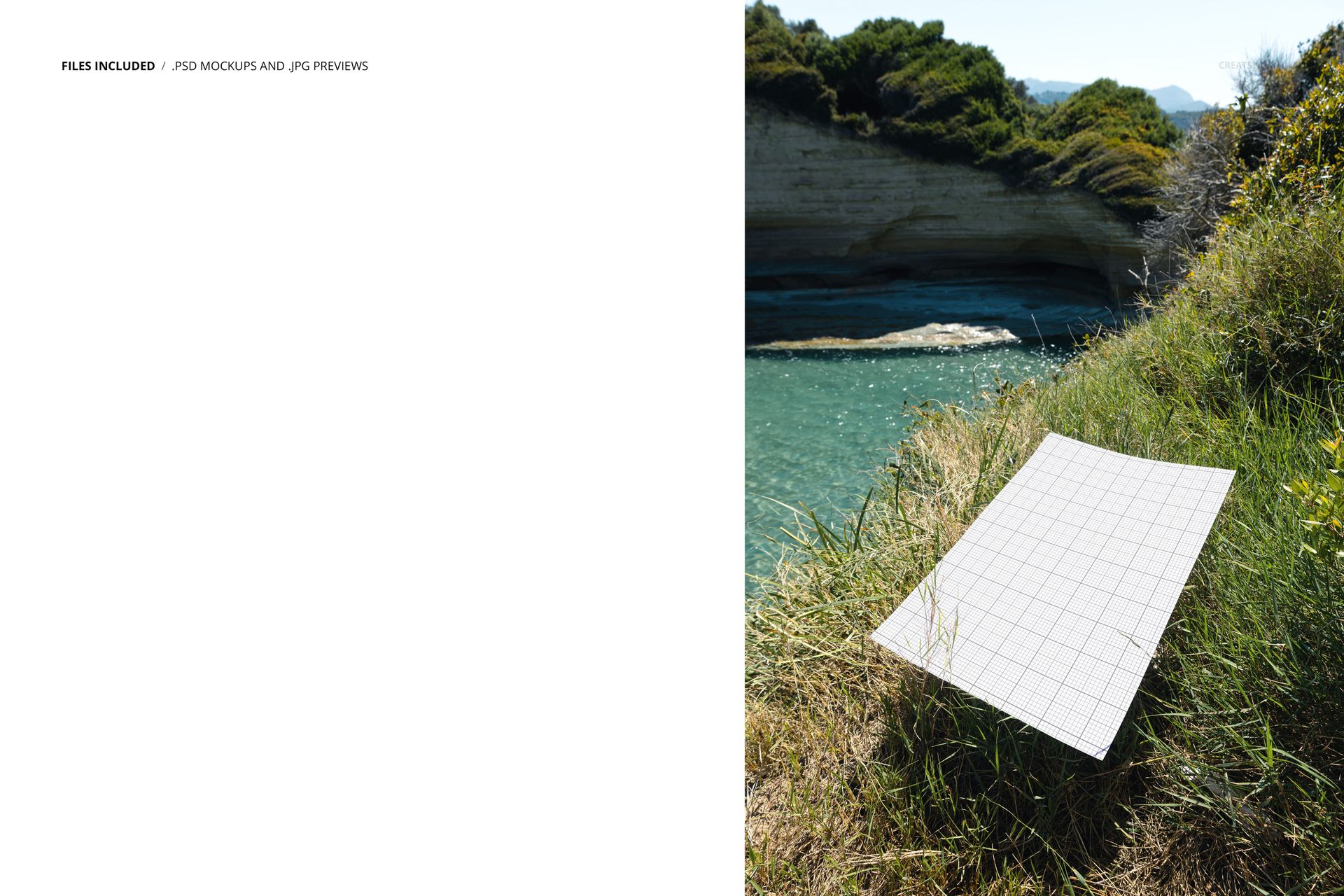
One PSD file captures a rectangular poster resting on natural grass with a dramatic Greek valley landscape stretching behind it. The water below is clear turquoise. The hills are dry and rocky. The vegetation is sparse and sun-adapted. Every element in the scene carries a specific visual character that transfers to the artwork placed on the poster surface through the smart object layer.
What the Location Communicates
Mediterranean landscapes carry associations that transfer directly to whatever design appears within them. Luxury travel, coastal living, island culture, warm-climate lifestyle, European summer, artisan craft, olive groves and sea salt - the Greek valley setting triggers these associations before the viewer consciously processes the poster artwork. For brands and designers working in travel, hospitality, food and wine, Mediterranean aesthetics, luxury goods, or destination marketing, this location context is strategic rather than decorative. It frames the design within a world the target audience already aspires to.
Light and Color Temperature
The natural light in a Greek valley during daylight hours has particular qualities that affect how printed colors read. The sun is higher, the air is drier, and the light carries a warm golden tone that softens into the landscape. This light quality creates gentle, directional shadows on the poster surface and gives the paper a warmth that cool studio lighting cannot replicate. Designs featuring warm palettes, earth tones, Mediterranean blues, and sun-washed pastels look especially natural in this context. The turquoise water in the background provides a complementary color anchor that enhances artwork using contrasting warm and cool tones.
Single File Specifications
One PSD file at 4000 x 6000 pixels, 300 DPI. Portrait orientation. File size approximately 66 MB. The poster surface is editable through a smart object layer - double-click, place your artwork, save, and the design renders onto the paper with correct lighting and shadow from the valley scene. The layer structure is organized and labeled. Compatible with Adobe Photoshop CC 2020 and newer. Also opens and edits in Photopea (photopea.com).
Who Uses a Greek Valley Setting
Travel and tourism brands presenting poster campaigns, brochure covers, or promotional materials for Mediterranean destinations. Boutique hotels and resorts creating visual content for websites, social media, and booking platform listings. Wine, olive oil, and artisan food brands whose packaging and promotional designs reference Mediterranean origins. Real estate companies marketing coastal or island properties. Wedding planners and destination event companies showcasing invitation designs, menus, and signage in a location that matches the event setting. Fine art print sellers positioning landscape photography or illustration work within an environment that reflects the artwork subject matter.