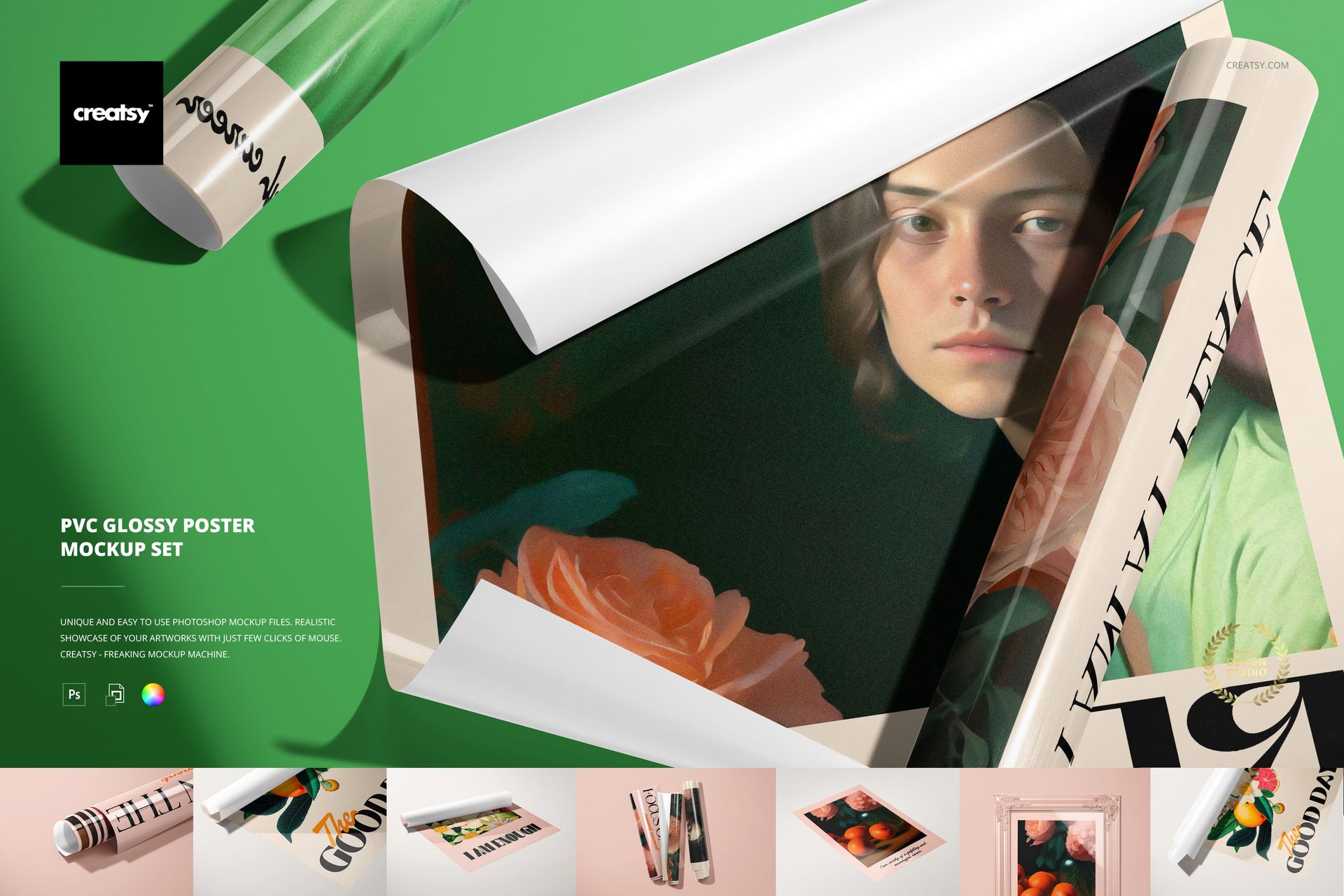
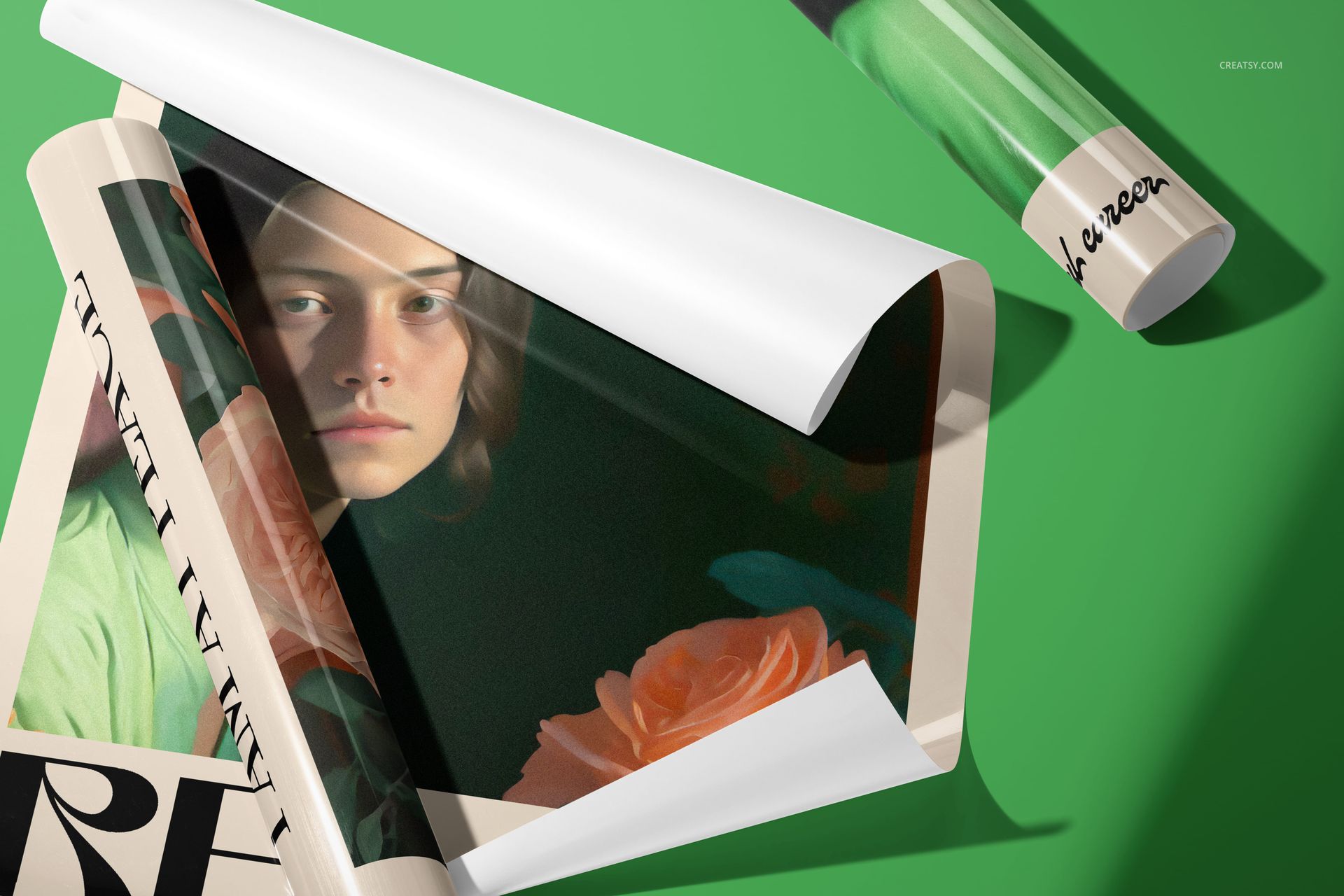
The tube arrives, the cap comes off, and the first poster slides out with a quiet, papery whisper. It curls back slightly at the edges - glossy PVC catching overhead light in a soft band of white. That moment, right there, is the one this mockup set was built to recreate. Not a generic flat rectangle floating in empty space, but the real physical experience of a glossy poster coming out of its packaging and being held, turned, unrolled, and finally placed flat on a surface.
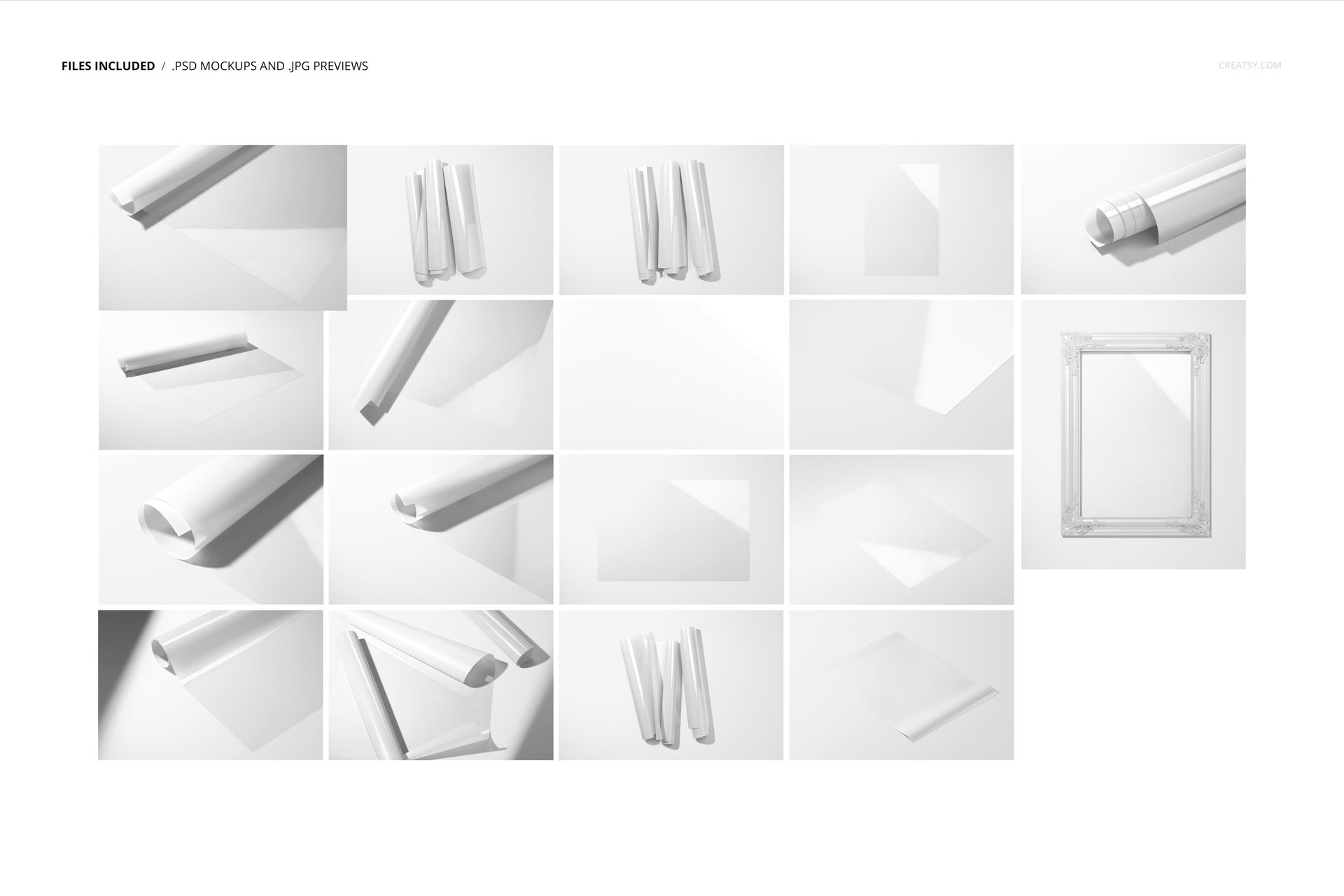
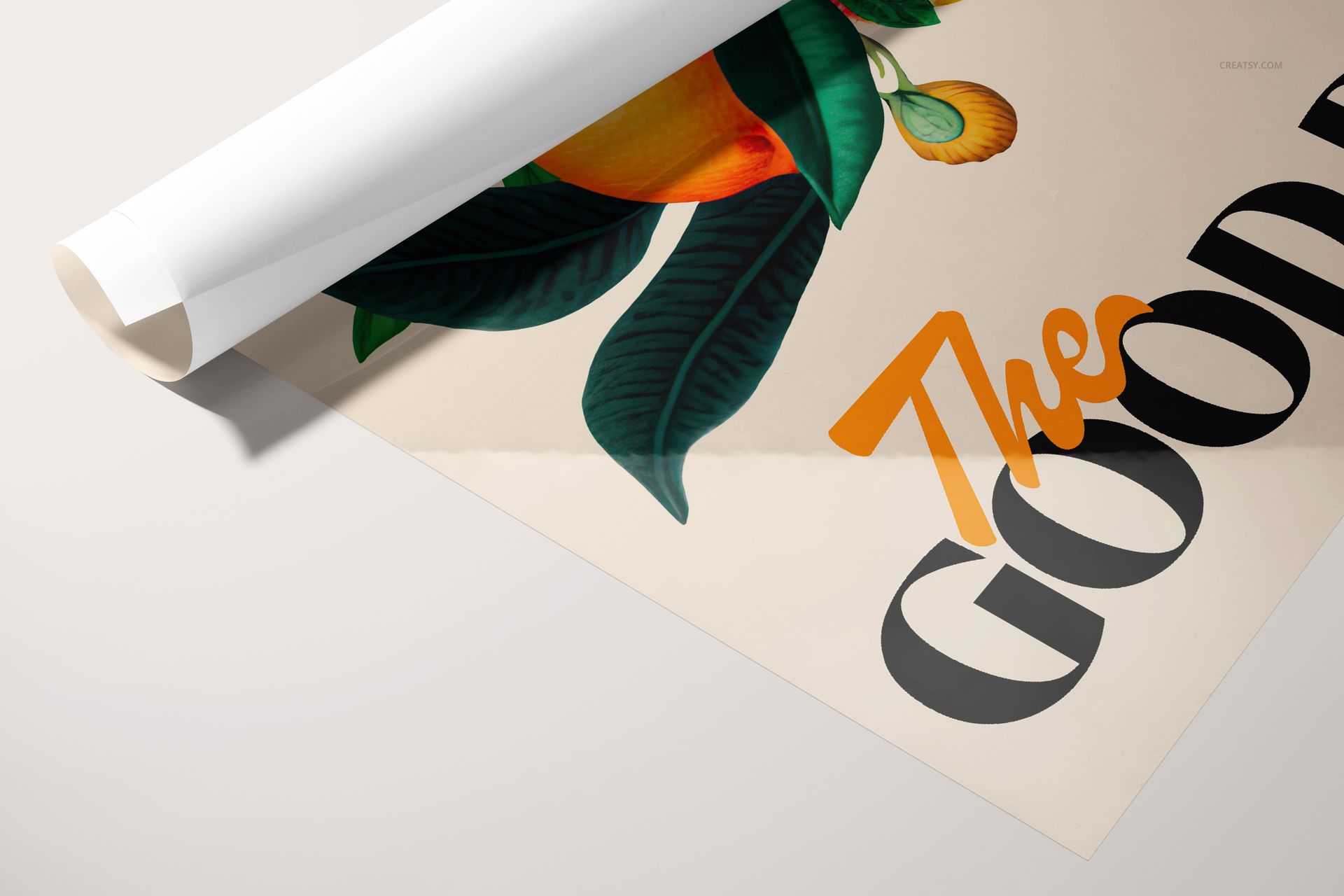
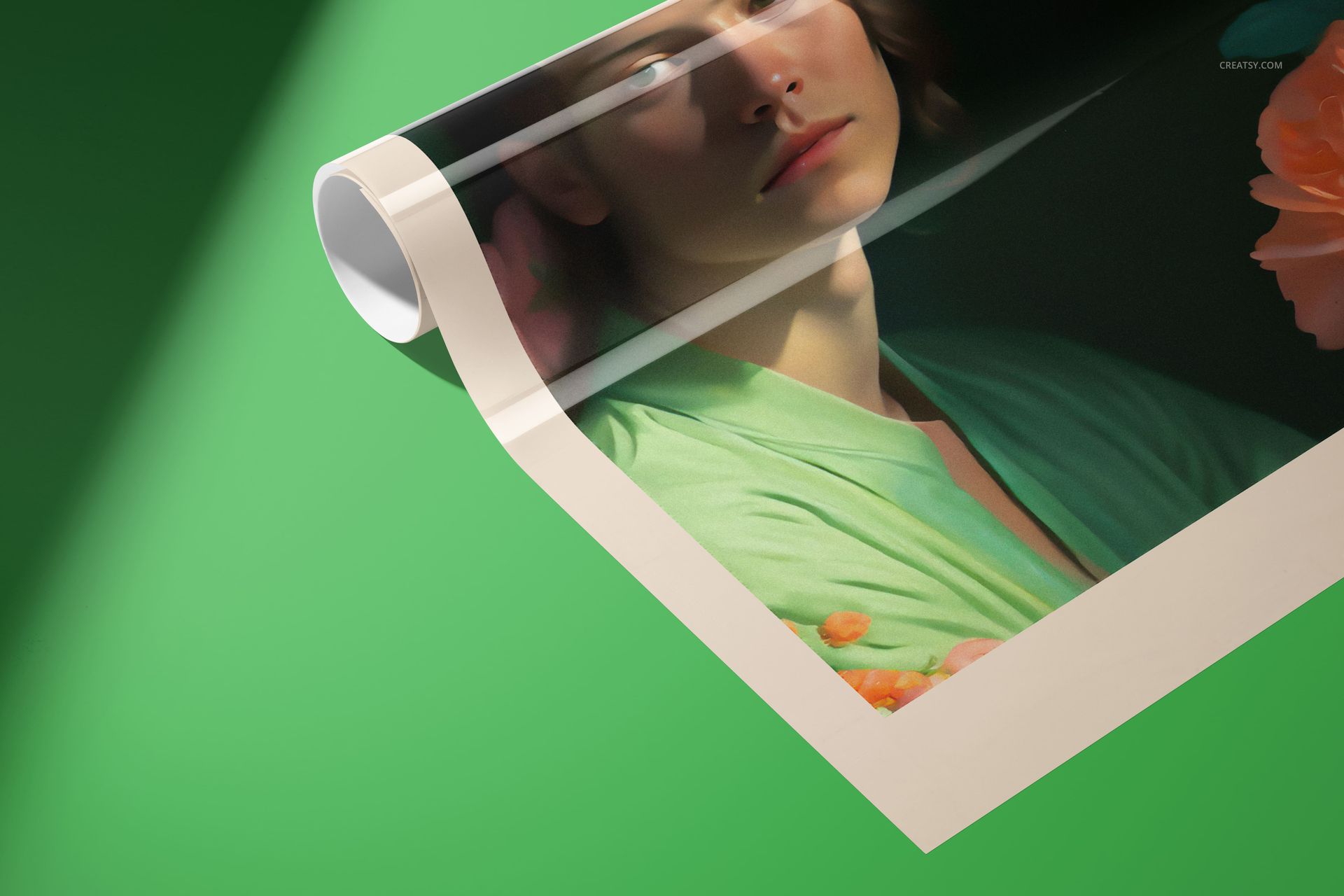
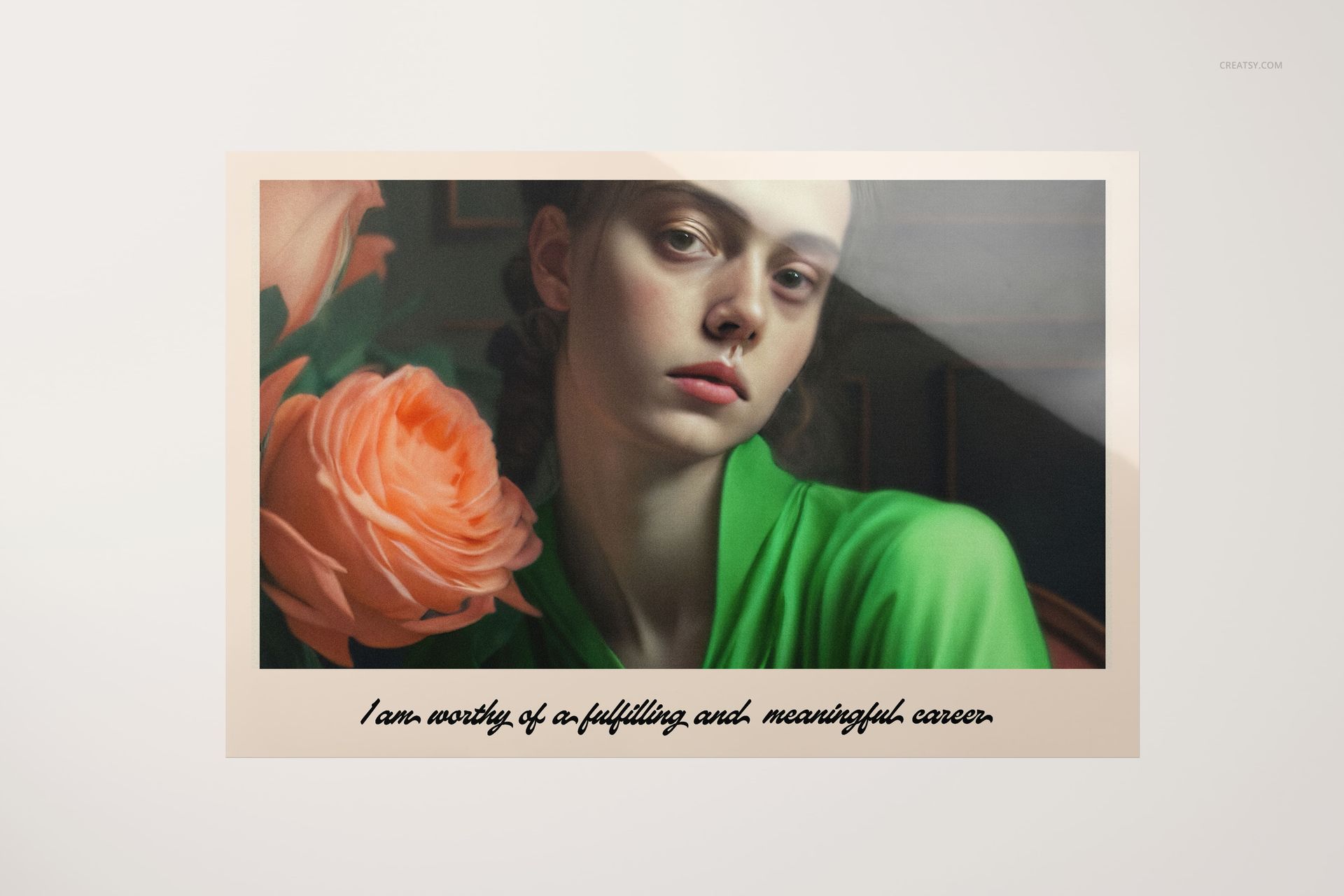
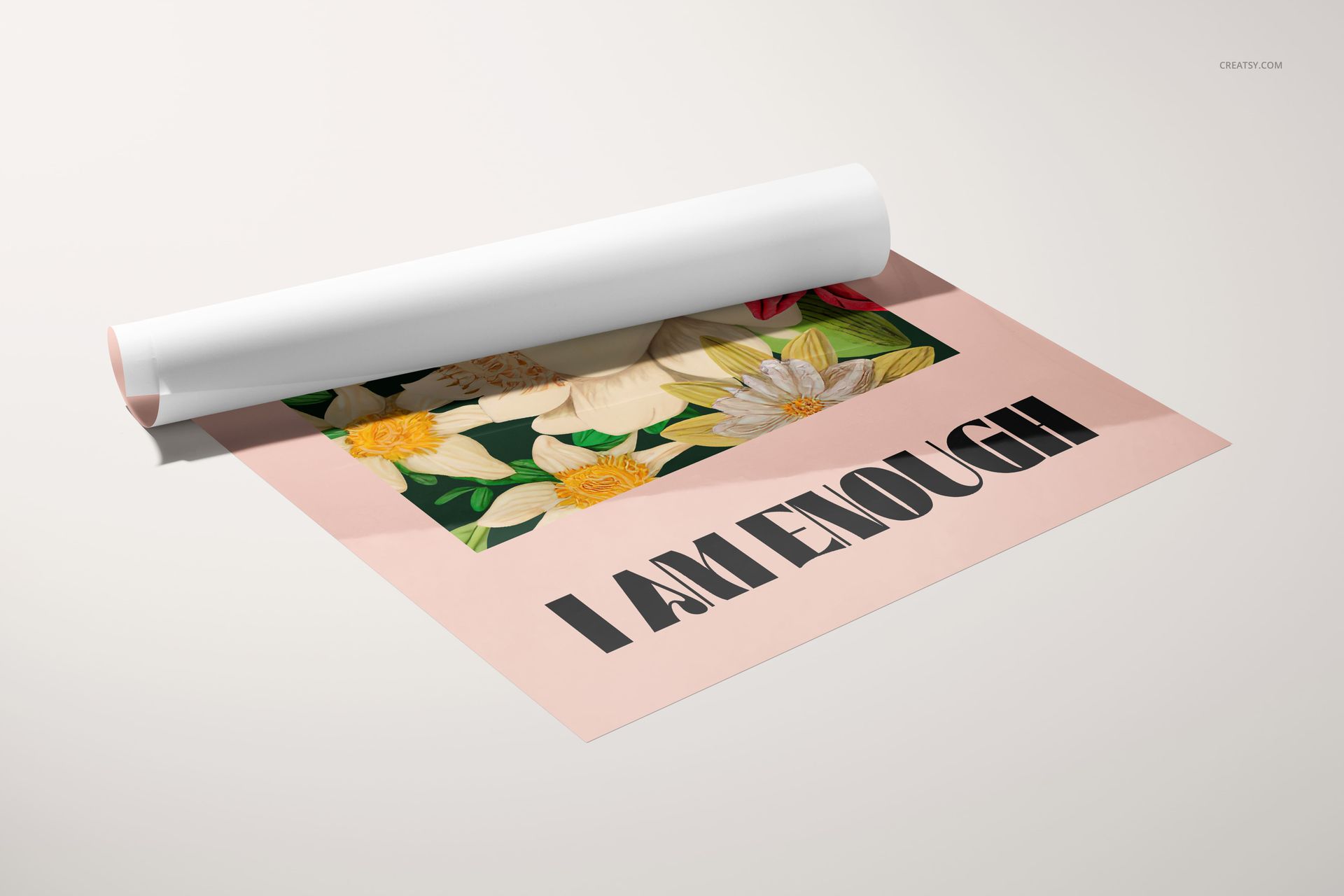
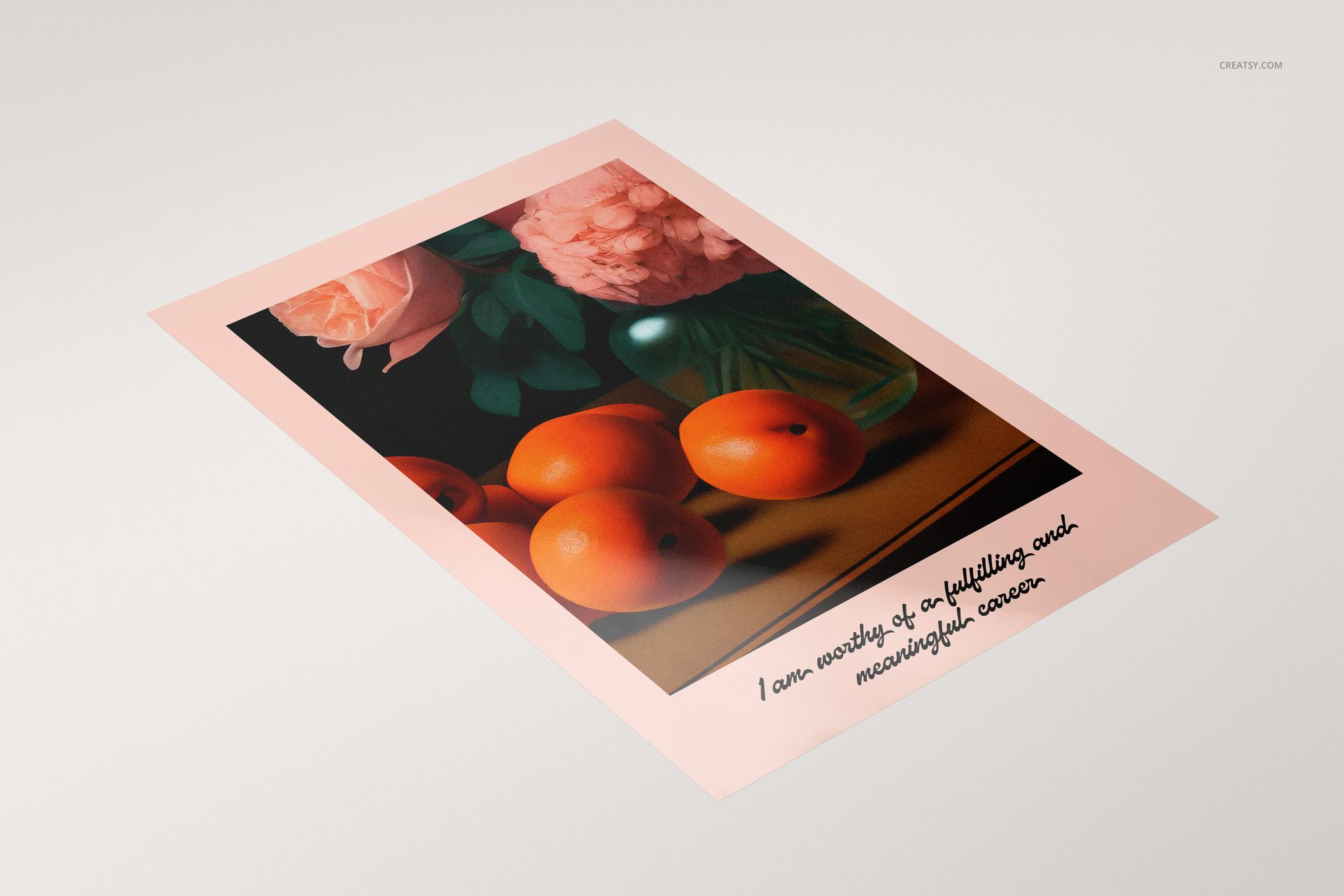
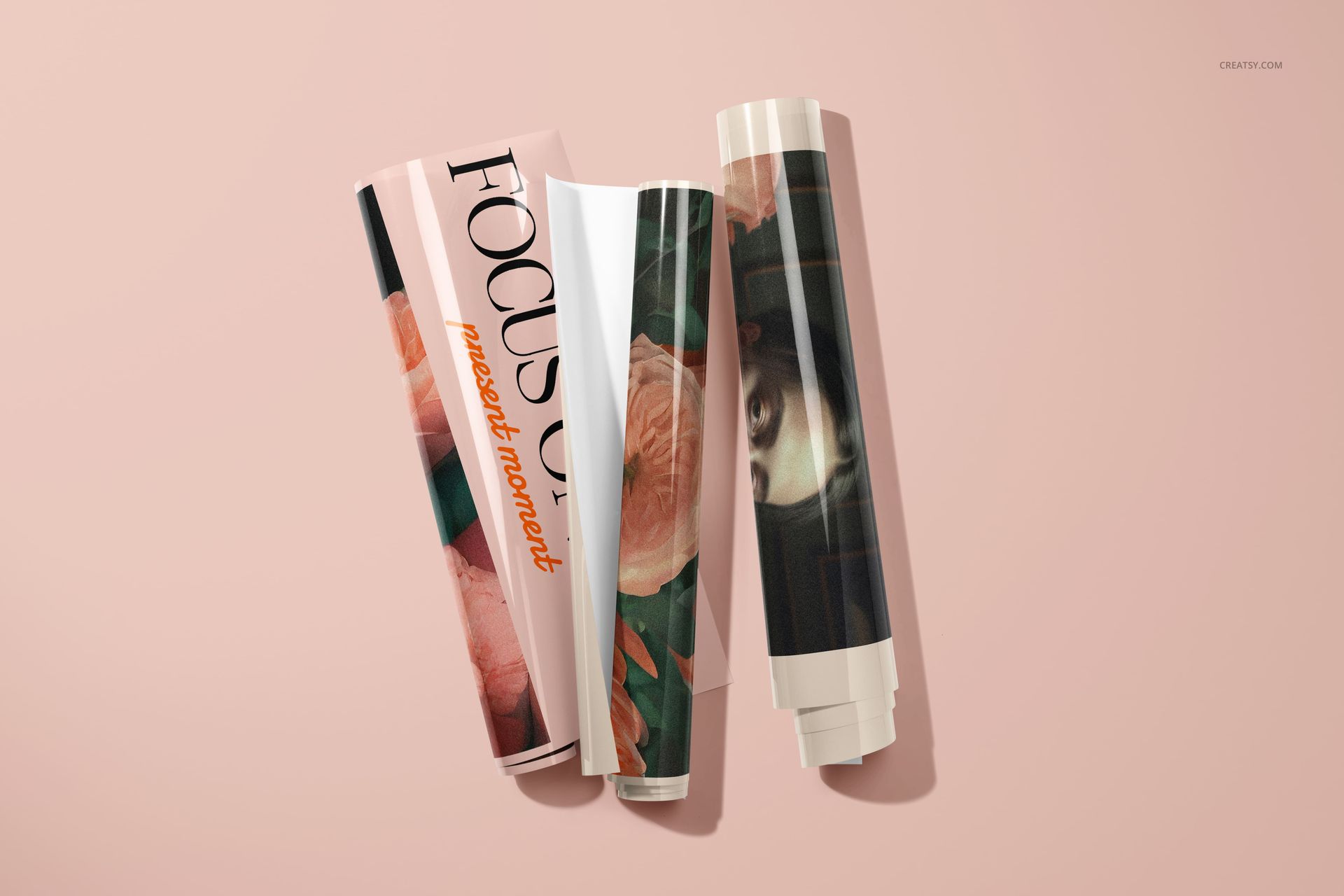
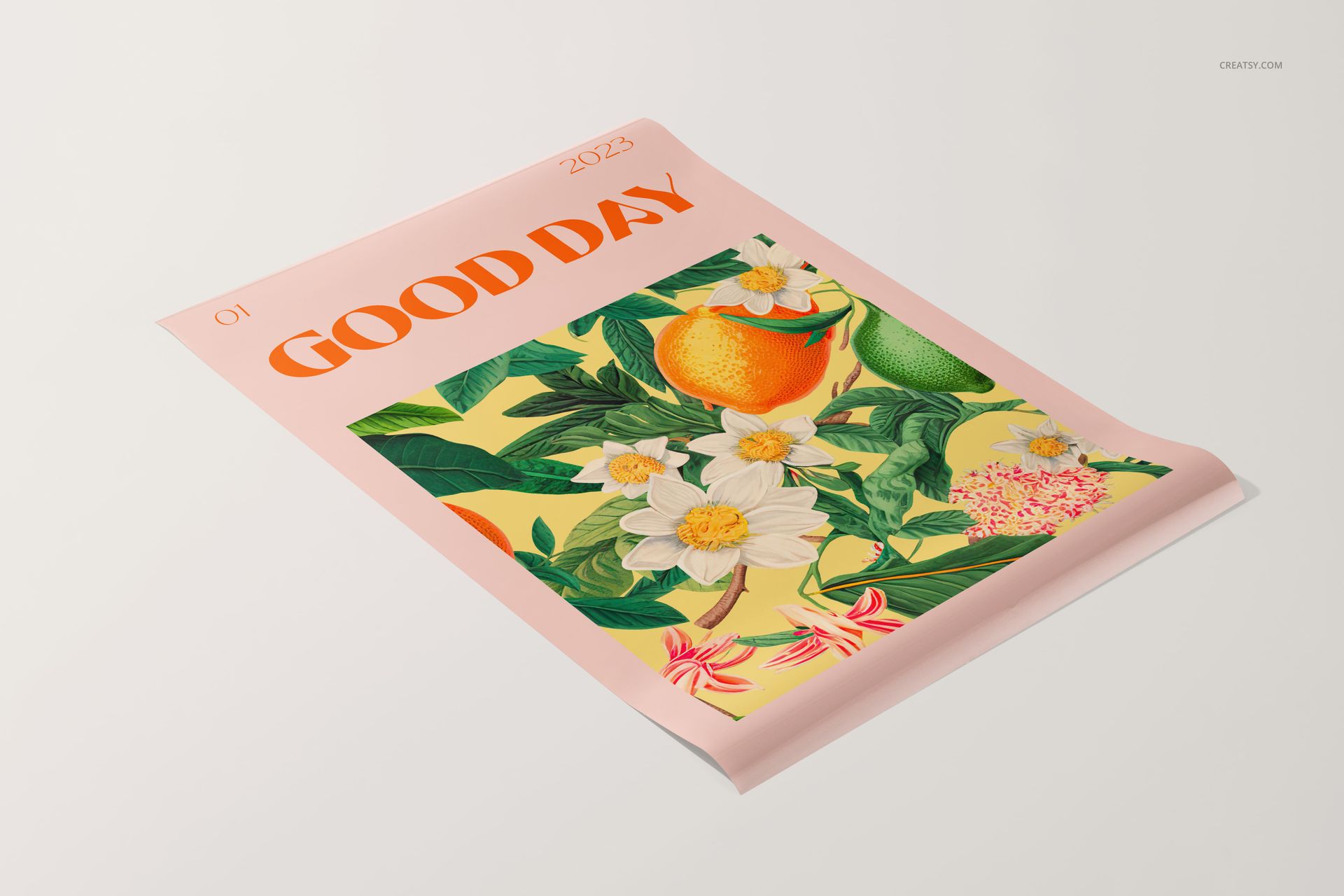
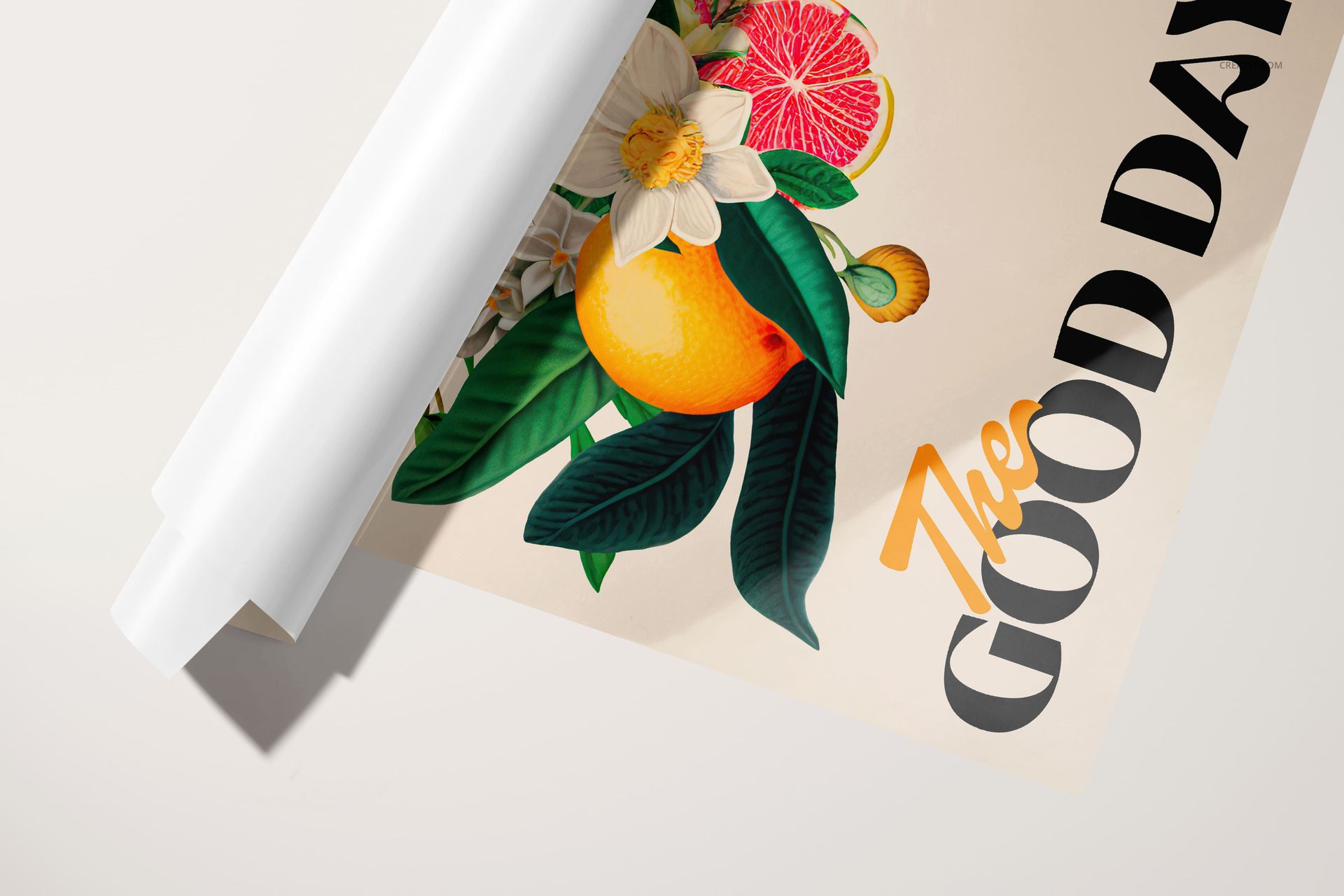
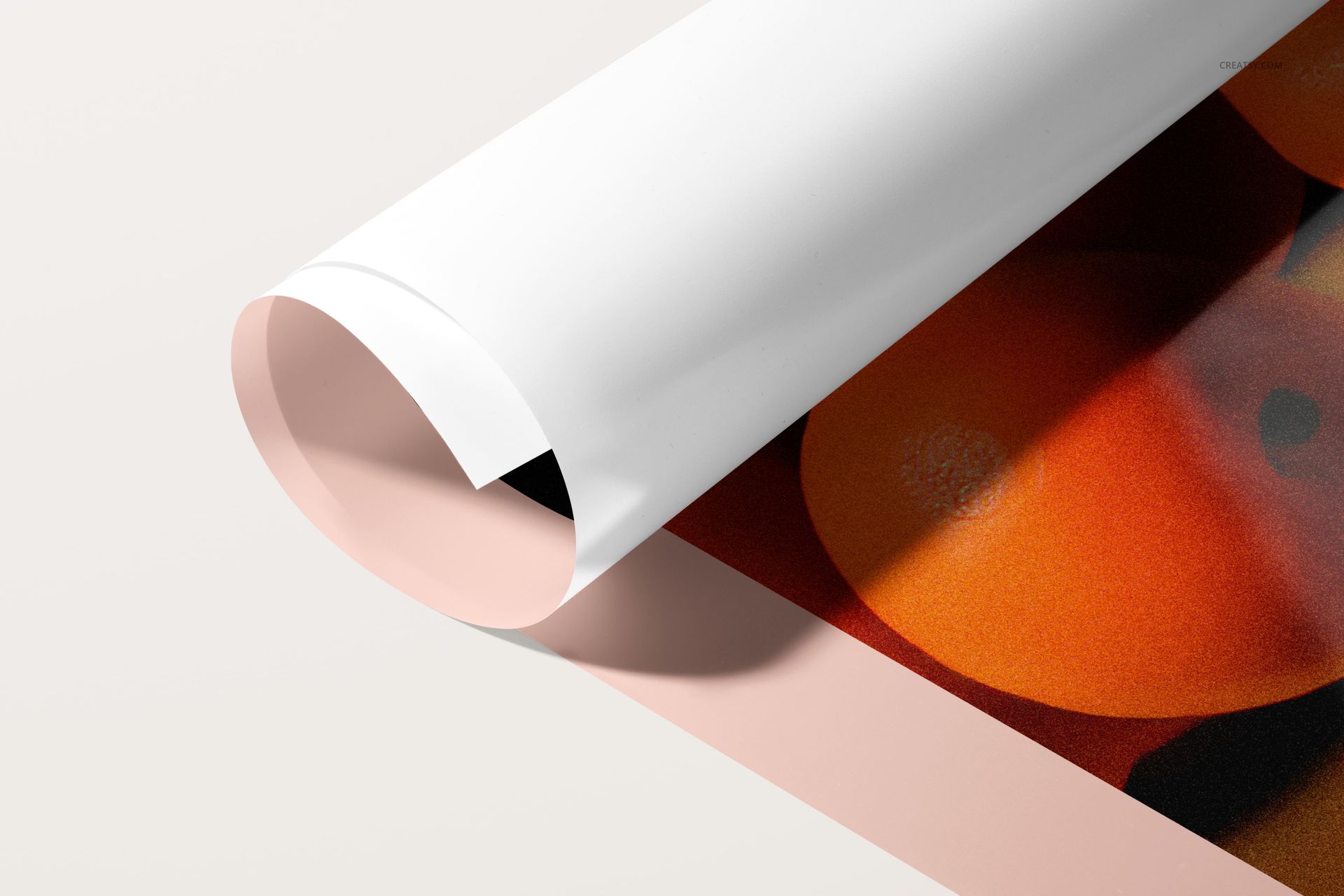
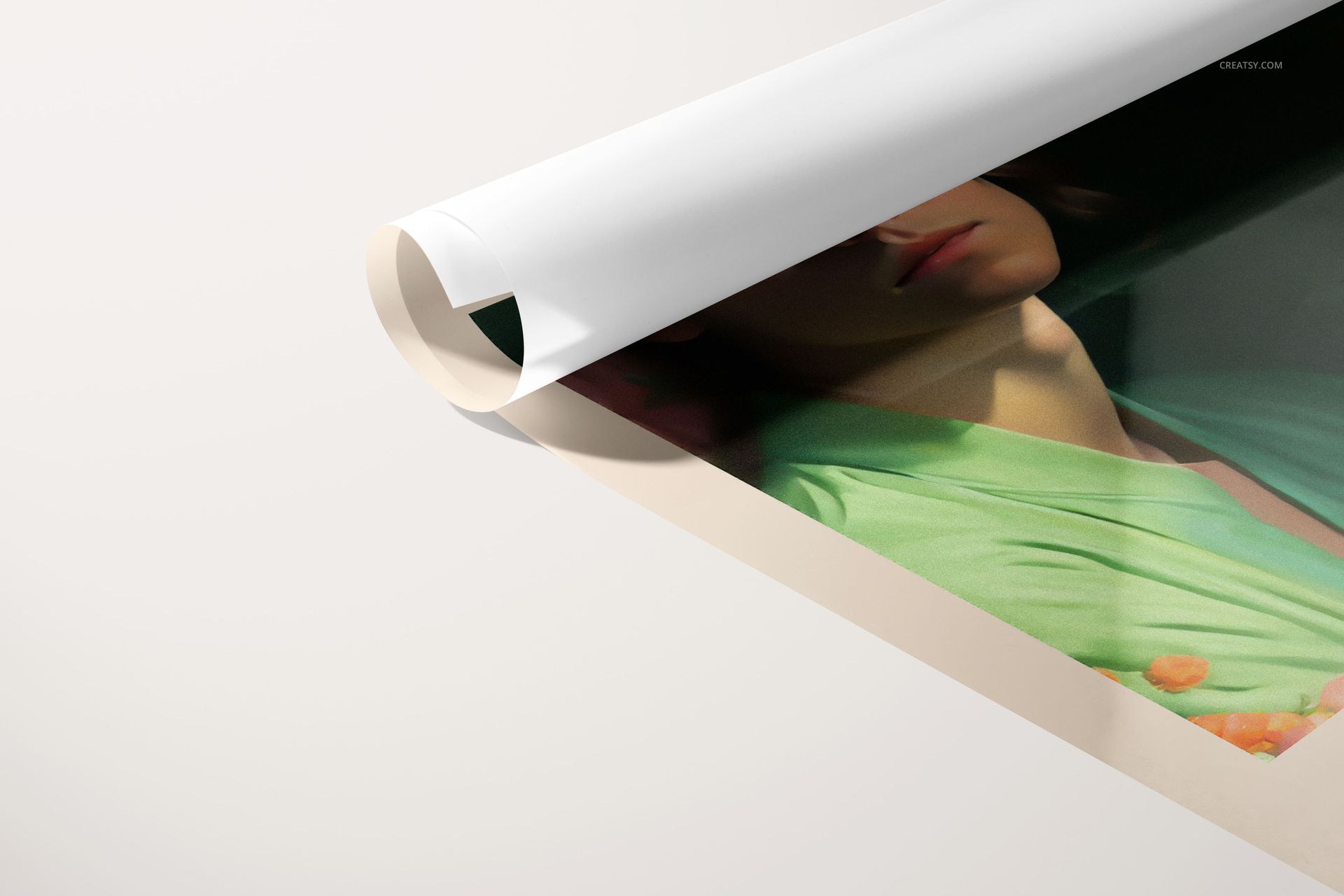
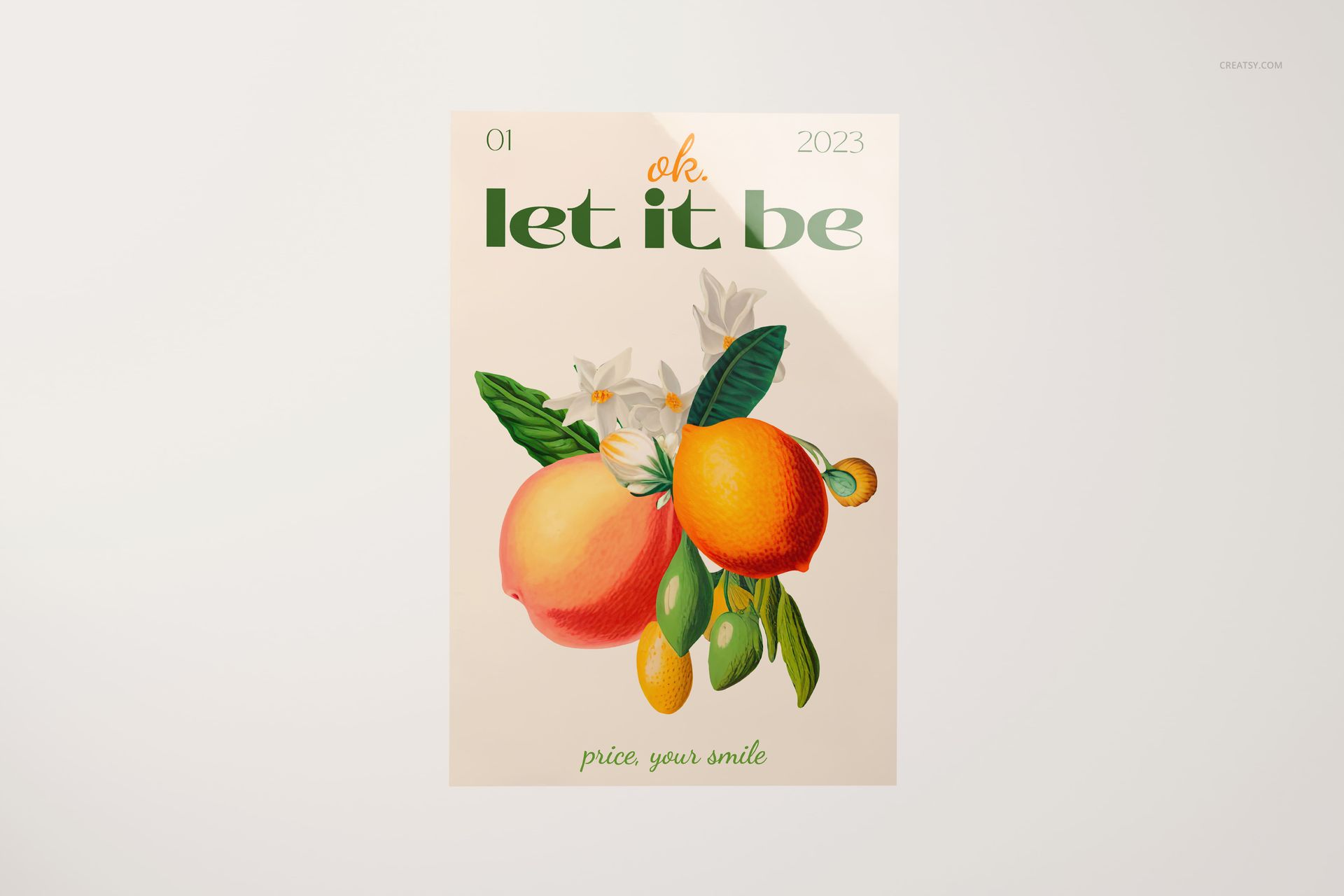
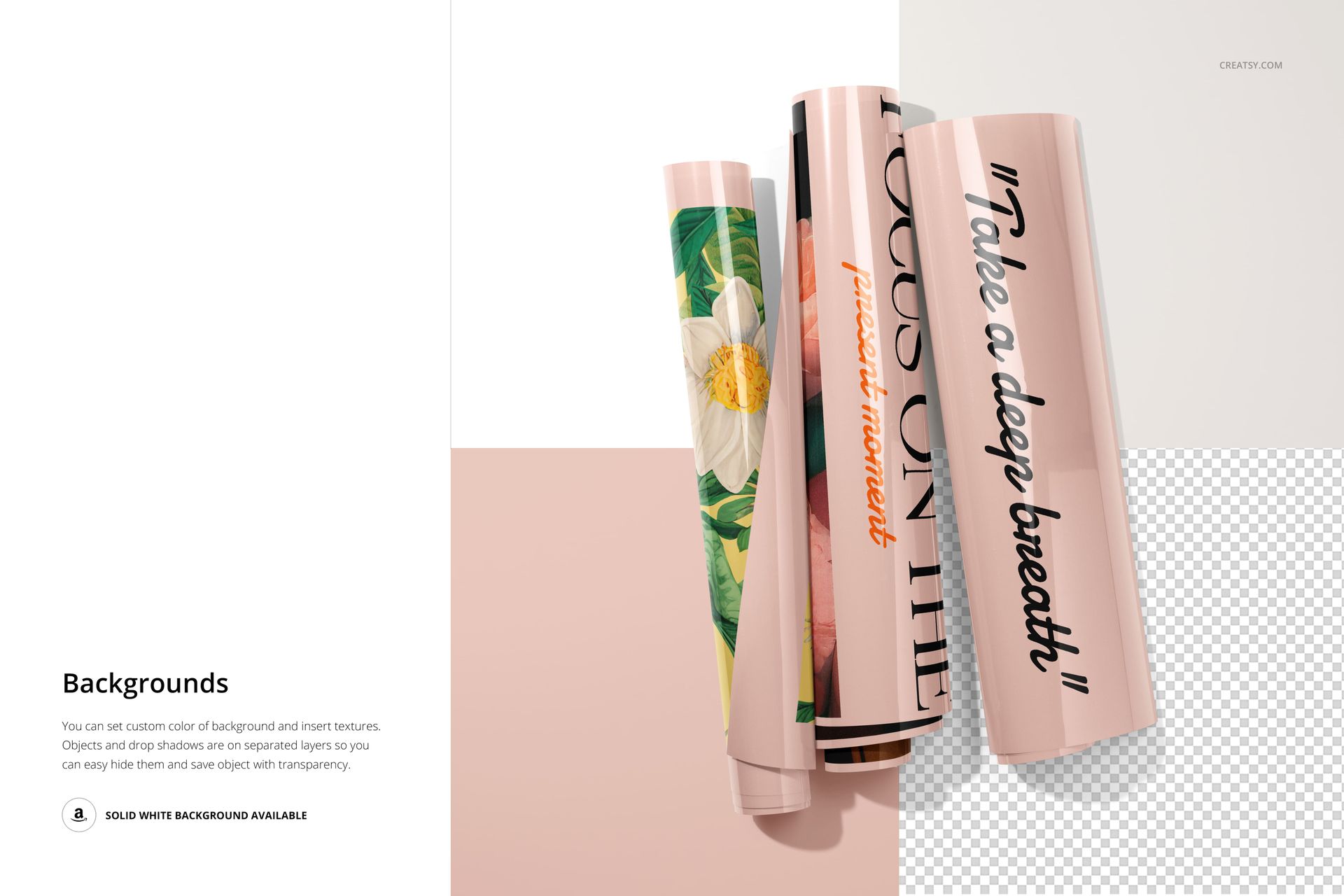
Eighteen PSD files capture the entire arc of that sequence. The tightly rolled poster still holding its cylinder shape against a clean backdrop. The half-unfurled sheet with one corner lifting off the surface, light catching the curl. The fully flat poster laid out for inspection, reflections pooling on its glossy finish like light on still water. Each file isolates a different stage, so you can show a client exactly how their artwork will look from the moment the packaging is opened to the moment the poster is ready for framing or wall display.
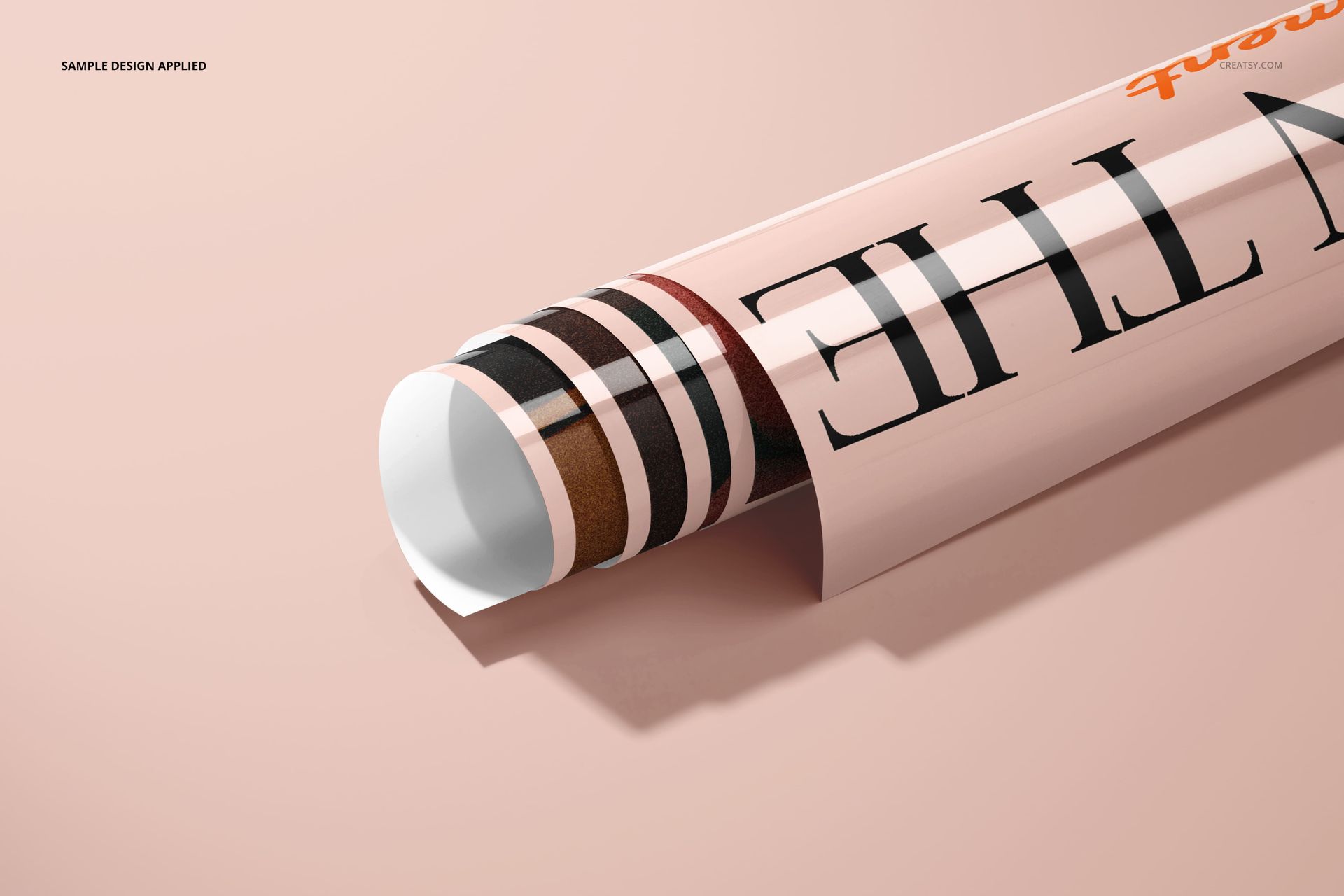
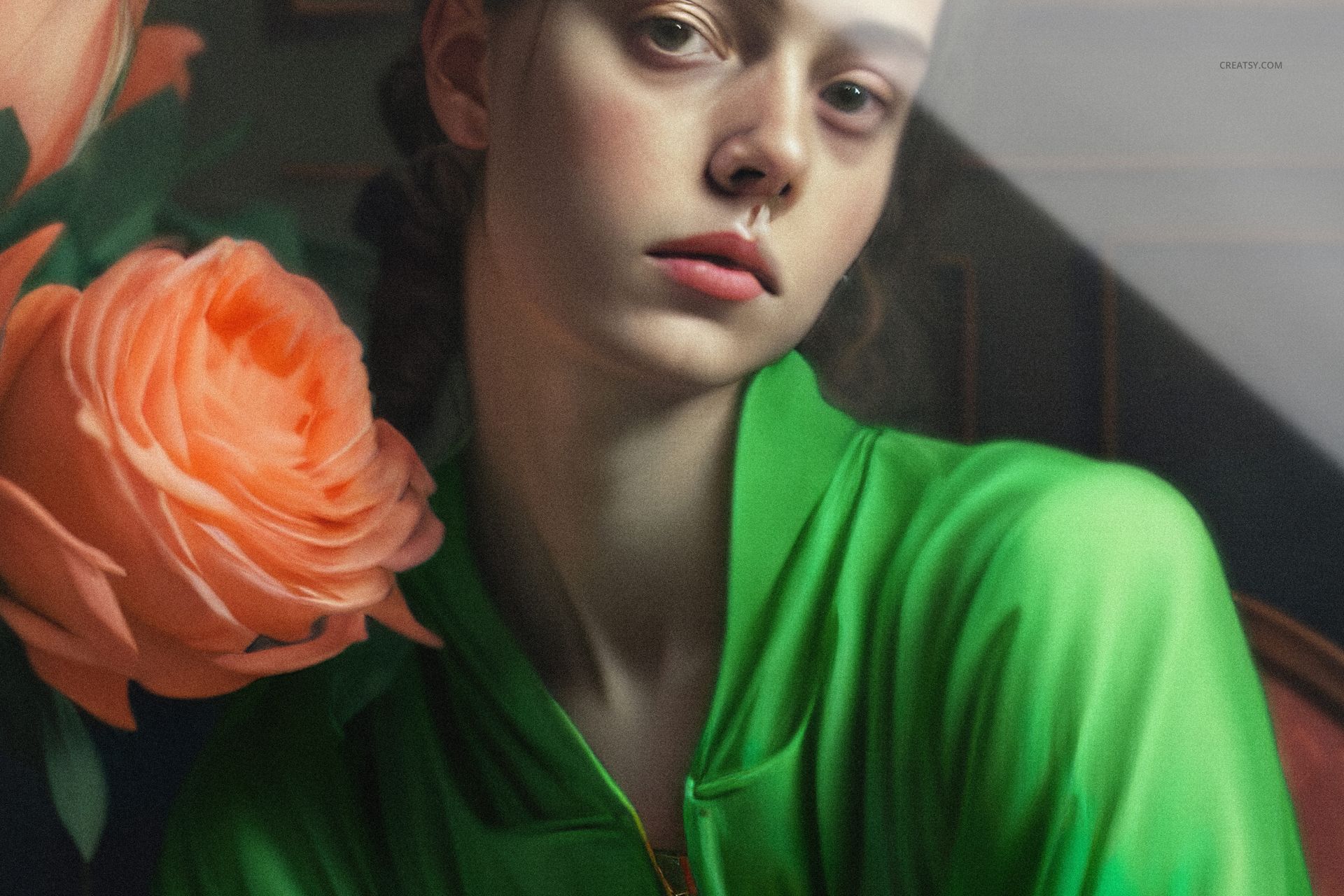
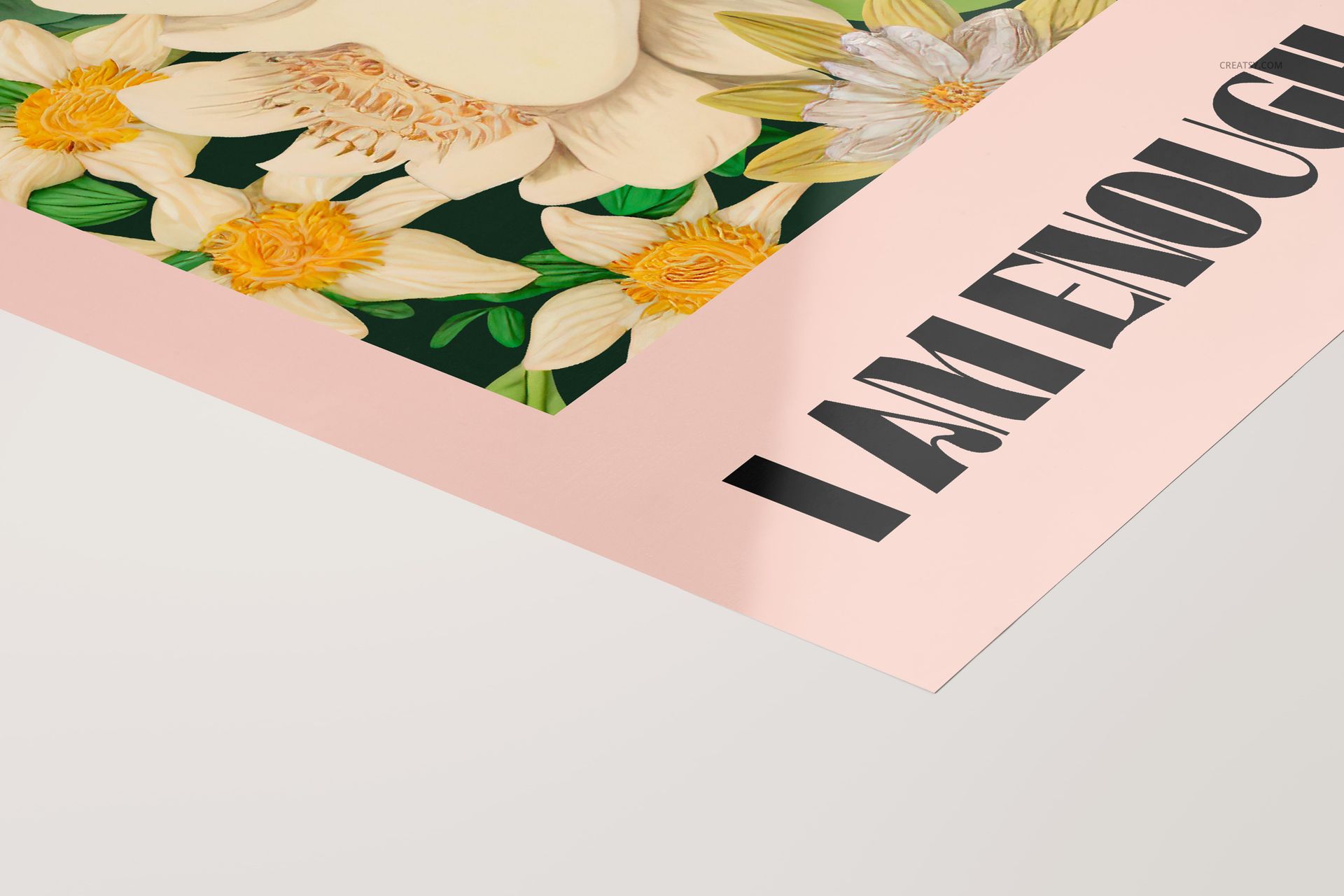
The glossy PVC material matters more than most designers realize when selecting mockups. Standard matte paper templates flatten everything - the ink sits on the surface without depth, without any response to the room around it. PVC gloss adds a reflective layer that changes how colors register in a photograph. Reds appear richer and more saturated. Blacks develop a liquid quality that pulls the viewer in. Whites pick up the faintest tint from surrounding surfaces. And the printed edge where the poster curls slightly creates a shadow gradient that makes the whole image feel three-dimensional rather than composited. These files capture every one of those optical details with accuracy that holds up at full zoom.
Every PSD opens at 6000 by 4000 pixels, 300 DPI - large enough for print portfolio spreads, pitch decks projected on conference screens, and high-resolution web galleries alike. The Smart Object sits in a clearly labeled layer folder. Double-click it, paste your design, save, and the glossy reflections, edge curls, and cast shadows all wrap around your artwork automatically. No manual masking required. No gradient overlays to fake the sheen. No warping by hand.
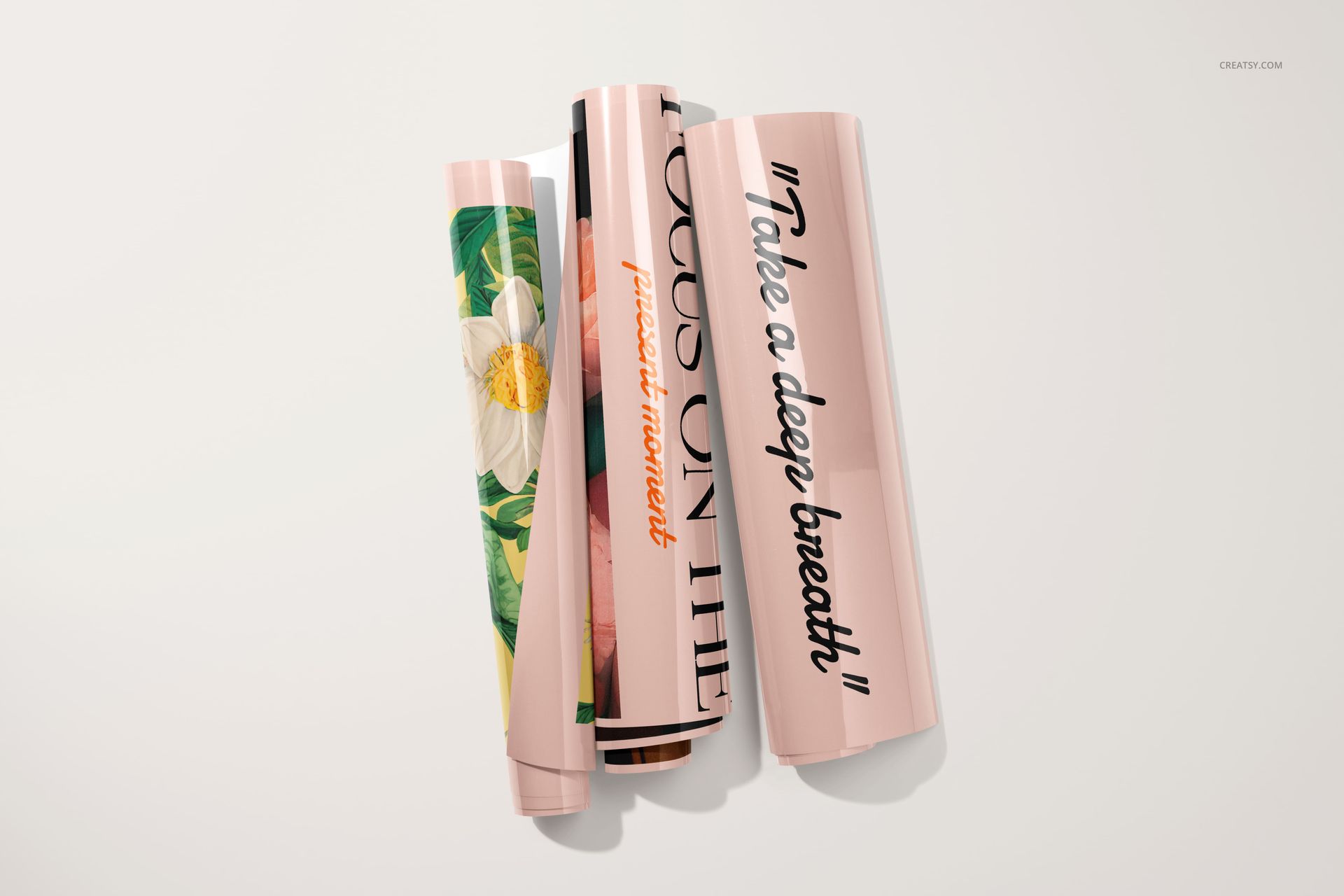
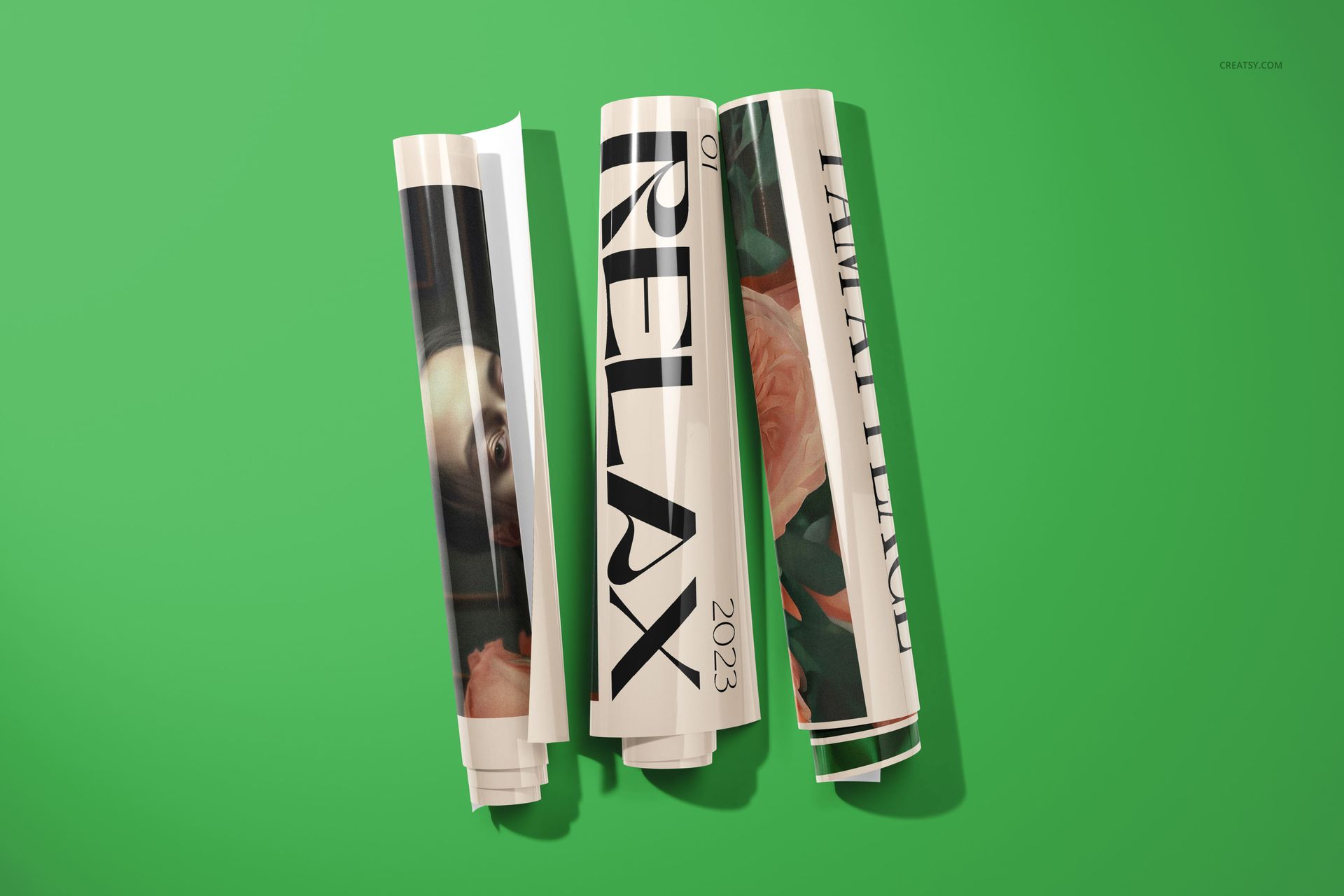
The set includes configurations you rarely find together in a single poster mockup pack. Individual rolled posters shot at close range with visible surface texture and light gradients. Groups of four rolled posters arranged on a shared surface for collection previews and series presentations. Poster-and-tube combinations for packaging shots where the customer needs to see exactly what ships. And multiple flat-lay compositions with both designed and blank poster faces visible, useful for before-and-after comparisons or template demonstrations in your portfolio.
Backgrounds across the set alternate between clean studio surfaces and deeper color blocks. Some files use a saturated matte green backdrop that makes warm-toned artwork pop. Others go neutral with soft grays and warm whites suited to minimalist or typographic designs. You can customize every background through named layers without affecting the poster rendering itself - the reflections, shadows, and edge highlights remain intact regardless of what color you place behind them.
The poster tube appears in several compositions - capped, uncapped, with a poster sliding partially out of the opening. For brands that sell posters as physical products through Etsy, Shopify, Amazon, or their own storefront, these tube shots provide something most poster mockup packs skip entirely: packaging context. A customer browsing an online store sees not just the finished print, but exactly how the product arrives at their door.
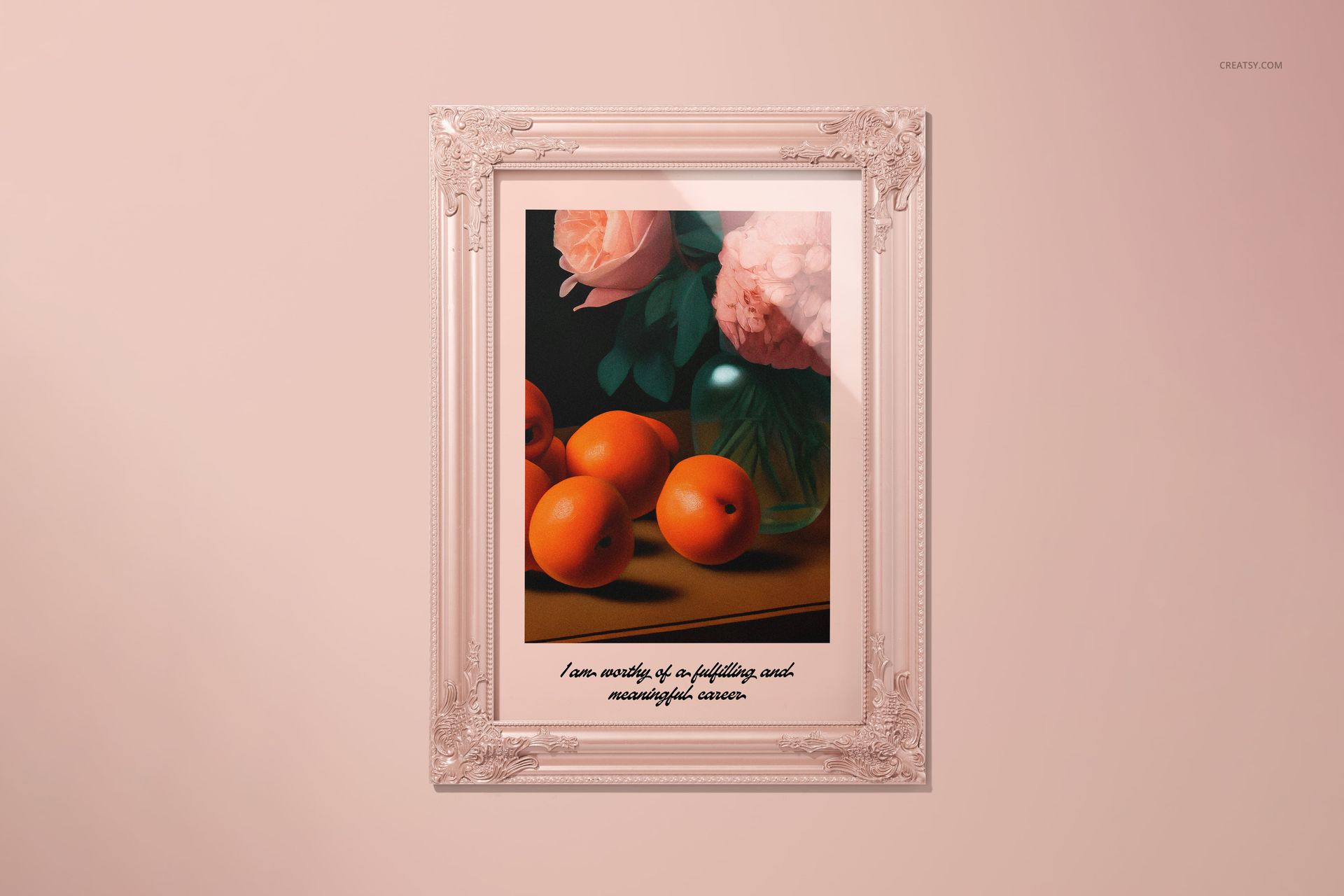
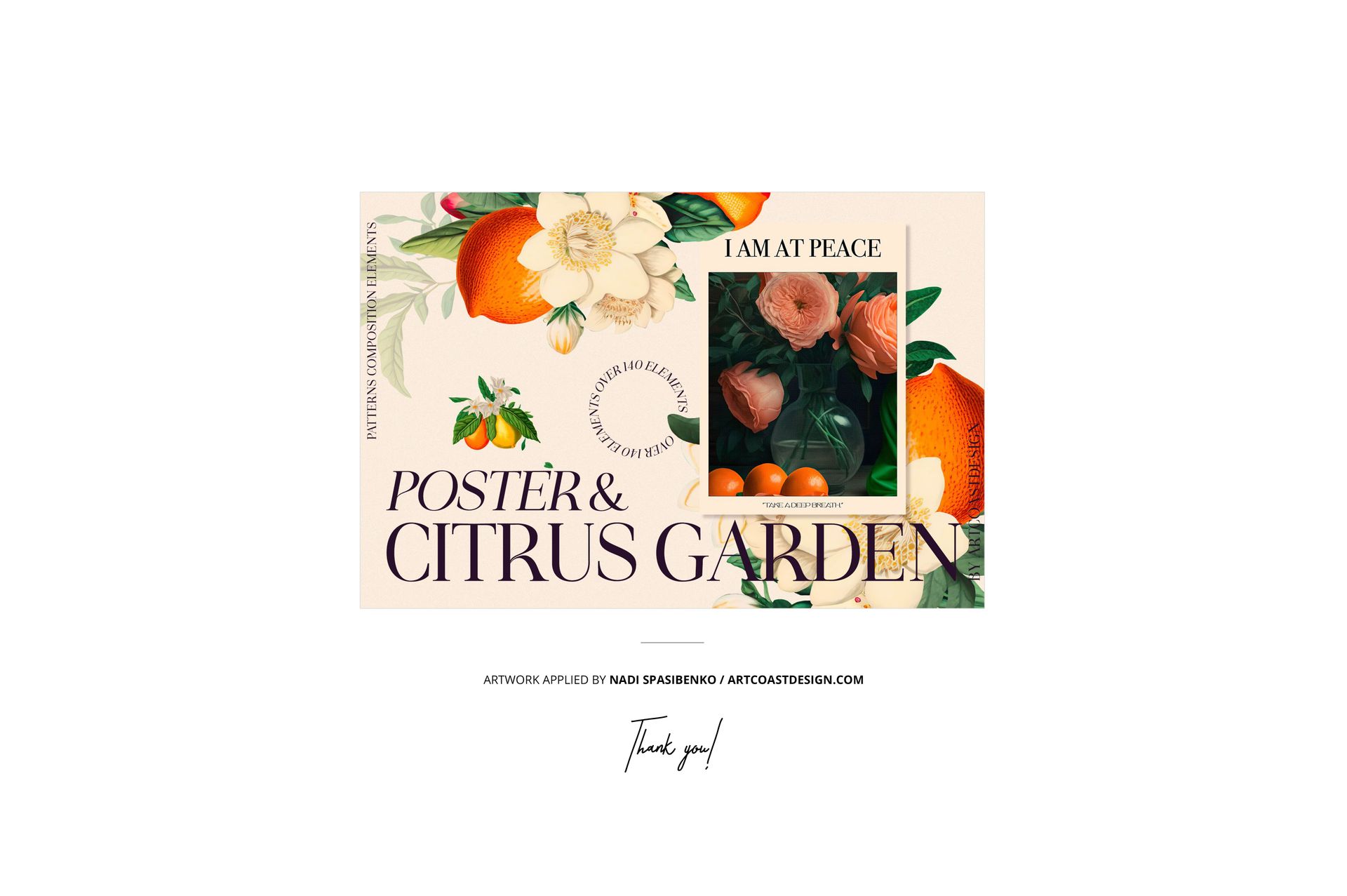
Compatible with Adobe Photoshop CC 2022 and newer, and with Photopea in your browser at no additional cost. Example artwork throughout the preview images comes from Nadi Spasibenko at artcoastdesign.com and is shown for demonstration only - it is not included in the download.












Gorgeous mockup, as always!
Thank you so much, Maritza! We’re so happy you’re enjoying this mockup, and your kind words mean a lot to us. It’s always lovely to hear from you.