The Terrarium
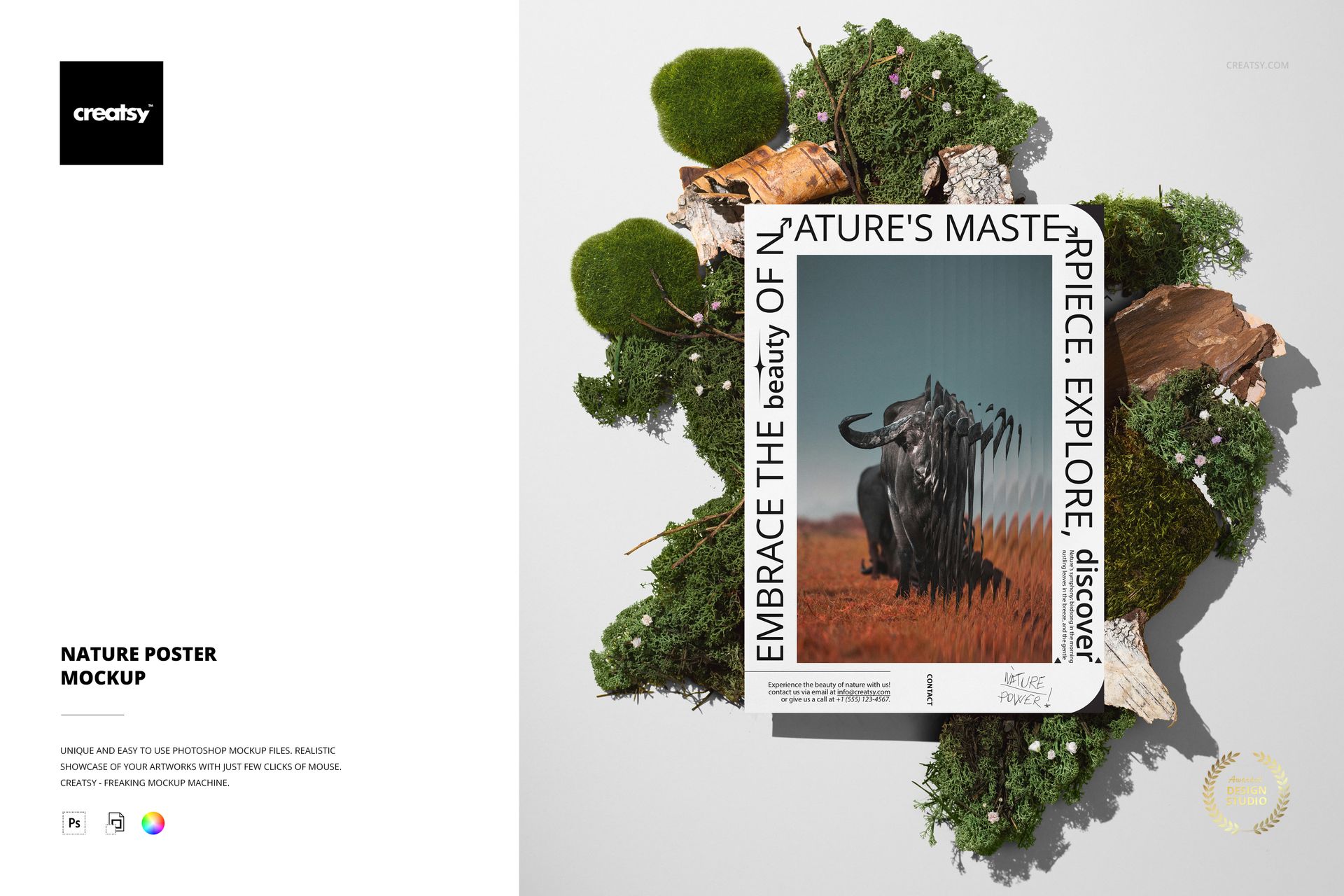
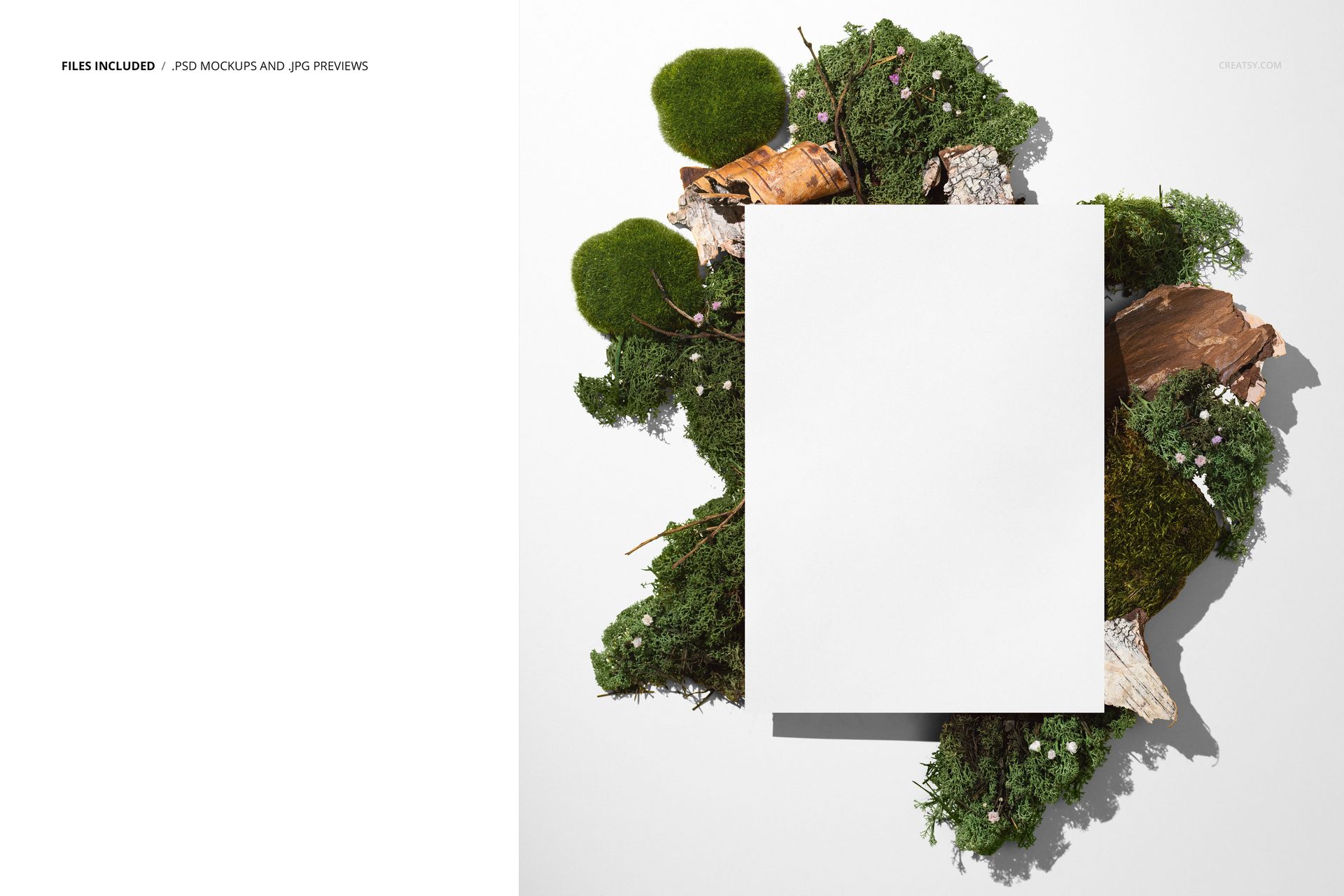
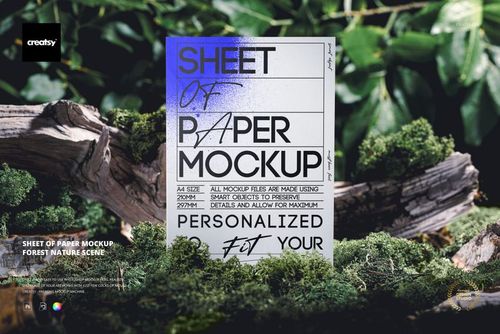
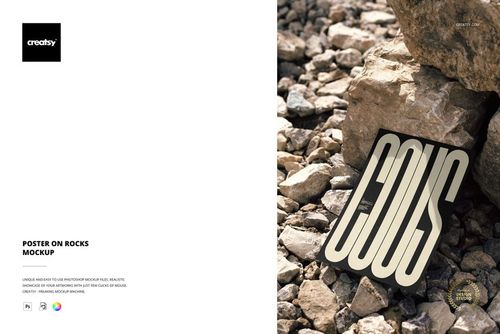
Moss, bark strips, small stones, and wildflowers build a contained natural landscape around the poster in this mockup. The arrangement reads like a terrarium opened flat - every organic element placed by hand to frame the paper without covering it. Your inserted artwork sits at the center of that ecosystem, held in place by the visual weight of the greenery surrounding it.
The poster rests on a white surface that contrasts sharply with the raw textures around its edges. That contrast is the composition's engine. Moss creeps toward the paper but does not touch the design area. Bark fragments sit at the periphery, adding height and shadow. Small flowers introduce pinpoint color without competing with whatever you paste into the smart object. The arrangement gives your artwork a setting that feels curated and deliberate, the way a gallery might style a print against natural materials for a catalog photograph.
File Specifications
One PSD file at 5500 by 6000 pixels, 300 DPI. The resolution supports large-format print proofs, high-density screen displays, and any downsampling you need for social media or web portfolios. The package weighs 118 MB on Windows and 123 MB on macOS.
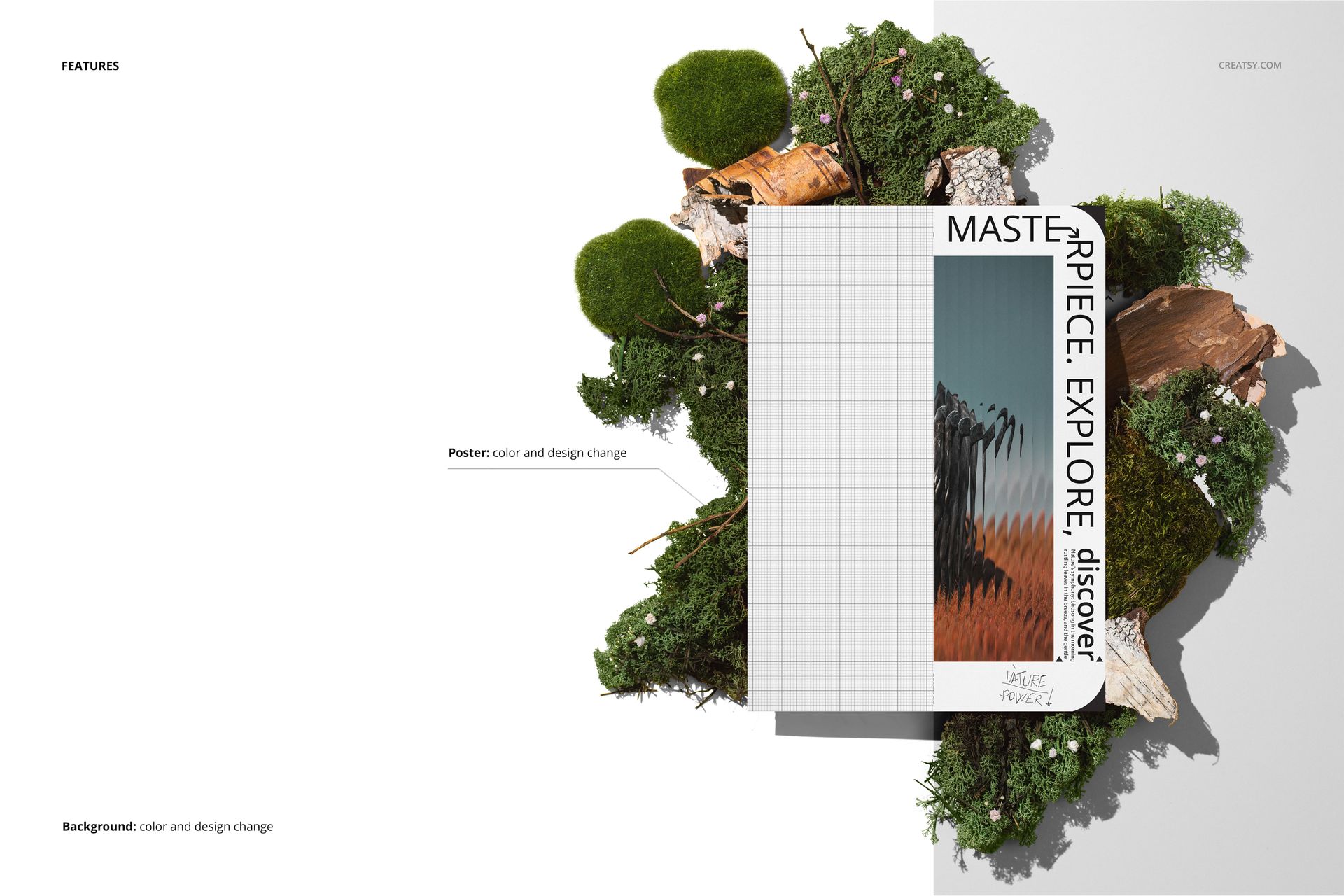
This is one of the few Creatsy poster mockups compatible with three editors: Adobe Photoshop CC, Affinity Photo, and Photopea. If your team standardizes on Affinity instead of Photoshop, or if you prefer a free browser-based editor, this file works without conversion or compatibility layers. Open it, find the smart object, paste your artwork, save.
What Makes the Nature Setting Useful
Organic and nature-adjacent brands - skincare lines, botanical illustration shops, eco-conscious packaging studios, wellness product companies - need mockup scenes that reinforce their visual identity without requiring custom photography. This mockup provides that scene ready-made. Drop in a label design, a poster for a plant shop, a print destined for a yoga studio wall, and the surrounding moss and bark do the storytelling that would otherwise require a prop stylist and a photographer.
For surface pattern designers, the nature context works especially well. Floral patterns, leaf motifs, earthy color palettes - these designs gain credibility when displayed among actual organic materials rather than on a flat digital canvas against a solid gray background. The viewer's eye reads the relationship between the pattern and the environment and finds it coherent.
Background Variations
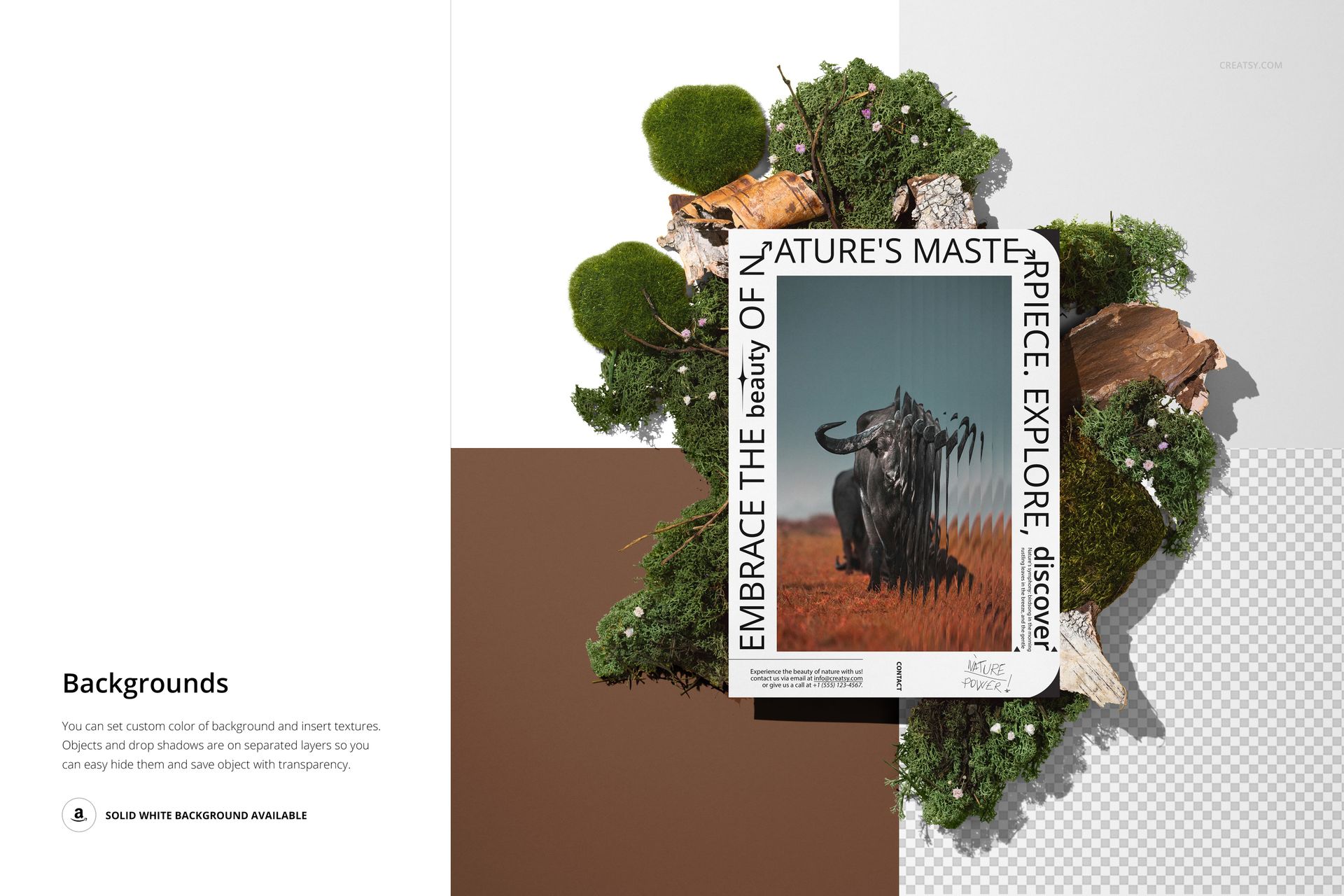
The file includes layered square backgrounds in neutral tones that sit behind the natural props. These background layers let you shift the overall mood from warm earth tones to cool grays without rebuilding the scene. Each variation is stored in its own named layer folder. Toggle one on, toggle the rest off, and the surrounding shadows and lighting adjust to match.
Composition and Viewing Angle
The camera looks down at the scene from a near-overhead position, which is the standard angle for flat-lay product photography. Your artwork displays without perspective distortion, making it easy for viewers to read typography, evaluate color accuracy, and judge the overall layout of whatever design you insert. The overhead angle also ensures the natural props frame the poster evenly on all sides rather than blocking part of the design from an oblique viewpoint.
The layered square backgrounds behind the natural elements add geometric structure to an otherwise organic scene. These squared-off shapes sitting beneath the moss and bark create a visual tension between the natural and the designed - exactly the kind of contrast that makes a mockup image hold attention longer on a scrolling portfolio page or marketplace listing grid.