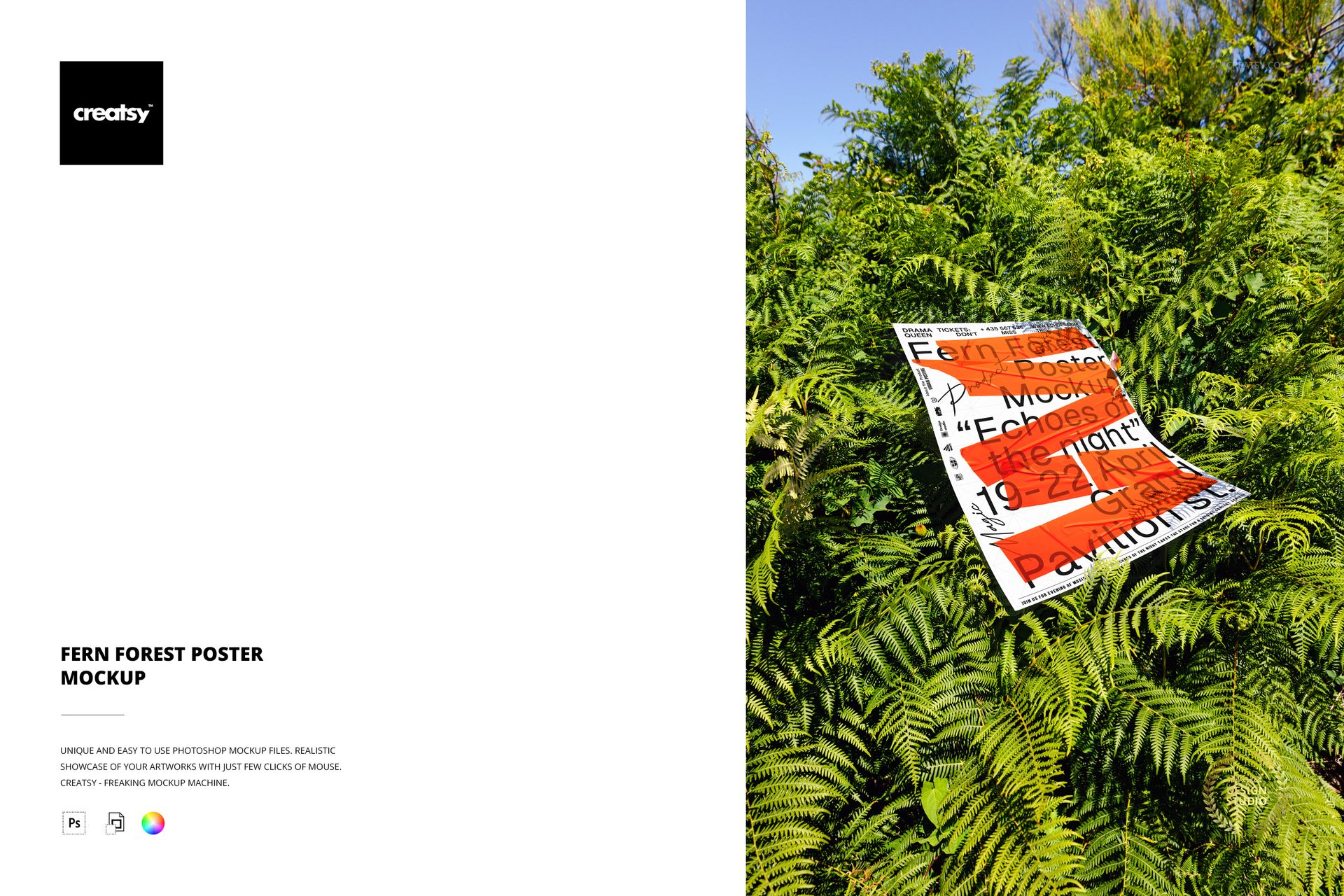
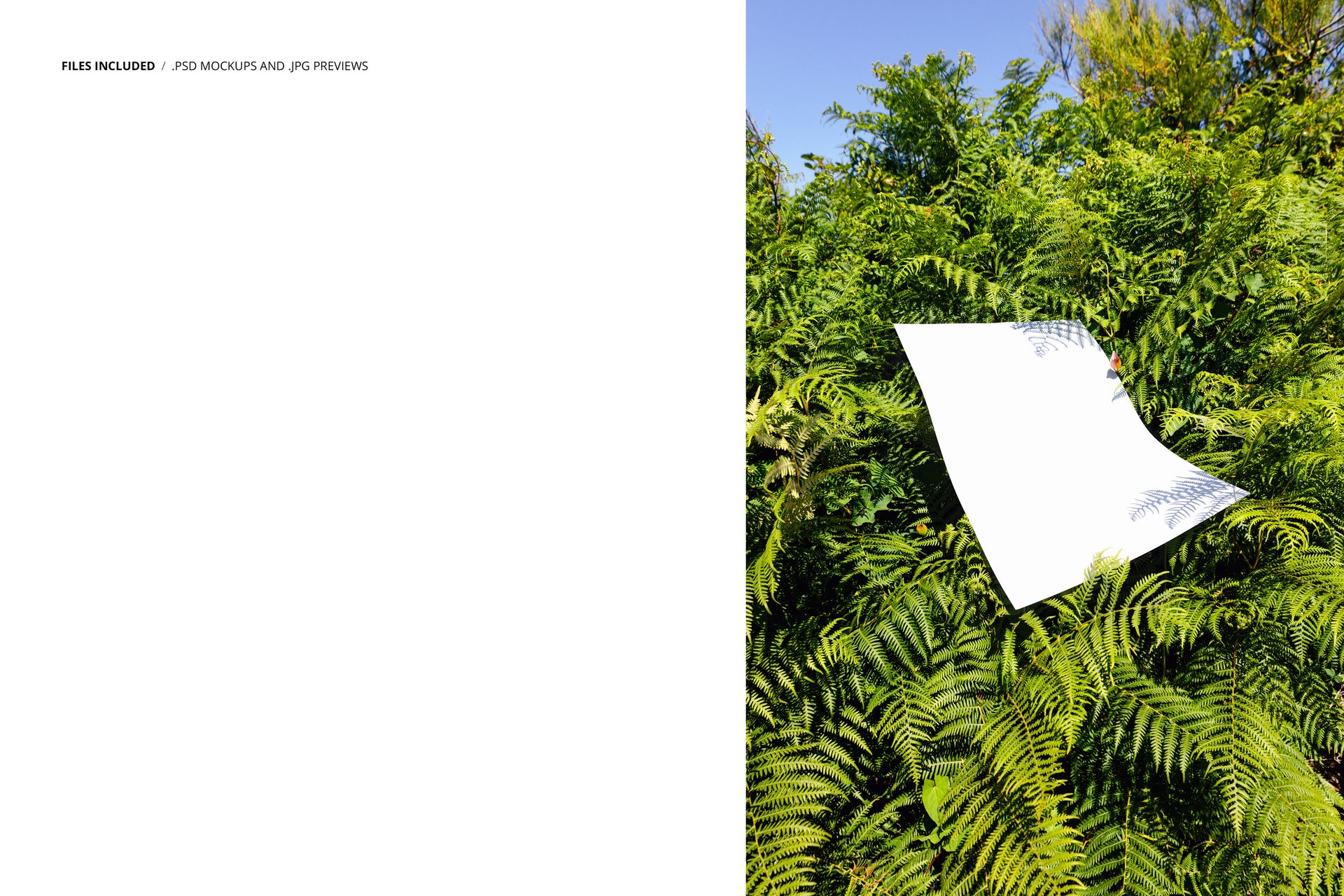
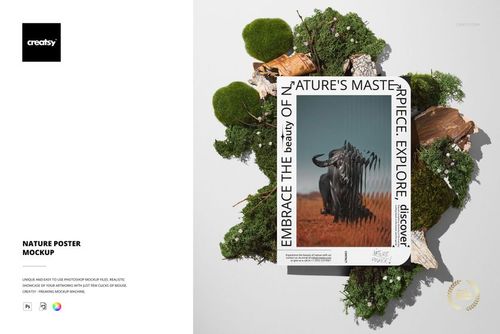
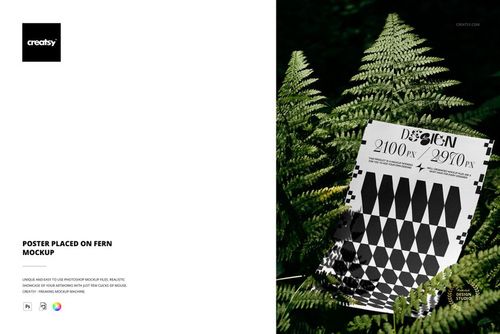
Fern fronds are not backdrop. They are foreground, midground, and frame all at once. In this mockup, the poster sits among dense green fern foliage where the leaves partially overlap the paper edges, creating a layered composition that reads as found rather than staged. The poster is not mounted, not framed, not displayed on a wall. It exists in the ferns the way a lost object exists in undergrowth - discovered rather than presented - and that quality of accidental placement gives whatever artwork appears on the paper an editorial immediacy that studio setups cannot manufacture.
Two views in this PSD file show the poster from different angles within the fern forest setting. One composition features the paper partially covered by curving fern leaves, creating natural vignetting around the artwork. The other presents the sheet from a cleaner front angle where the design is fully visible against the dense green background. Both views capture the specific quality of light that filters through fern canopy - dappled, green-tinged, soft at the edges.
Ferns as Visual Language
Fern imagery carries specific design associations that transfer to whatever artwork appears alongside it. Botanical illustration, organic cosmetics, herbal medicine, sustainable fashion, plant-based food, environmental advocacy, wellness retreats, garden design - these industries use fern imagery because the plant communicates growth, natural complexity, and visual refinement. A poster presented among actual ferns inherits these associations automatically. The mockup does the brand positioning work through environmental context rather than through text or explicit styling cues.
The green color palette of the fern foliage also functions as a powerful complementary backdrop. Designs featuring warm tones - oranges, reds, terracotta, gold - appear more vivid against the green. White and cream designs gain a sense of freshness and purity. Dark designs acquire depth and drama. The natural color interaction between the fern environment and the poster artwork creates visual dynamics that a solid-color background cannot replicate.
File Specifications
One PSD file at 4000 x 6000 pixels, 300 DPI. Portrait canvas orientation. File size approximately 66 MB. The poster surface is editable through a smart object layer. Double-click the smart object, place your artwork, save, and the design renders onto the paper with natural fern forest lighting and leaf overlap effects. Layer structure is organized and labeled. Compatible with Adobe Photoshop CC 2020 and newer versions. All files also open and edit in Photopea (photopea.com).
Intended Users
Botanical brand designers creating packaging previews, label presentations, and promotional material for plant-based or nature-connected products. Fine art print sellers on Etsy and Shopify whose work features organic themes, nature illustration, or botanical subjects. Sustainability-focused marketing teams building campaign visuals that communicate environmental values through context rather than copy. Wedding and event designers previewing outdoor or garden-themed invitation suites, menus, and ceremony programs. Photographers and illustrators building editorial-style portfolio pieces where the presentation setting adds narrative depth to the work.