The Mineral Shelf
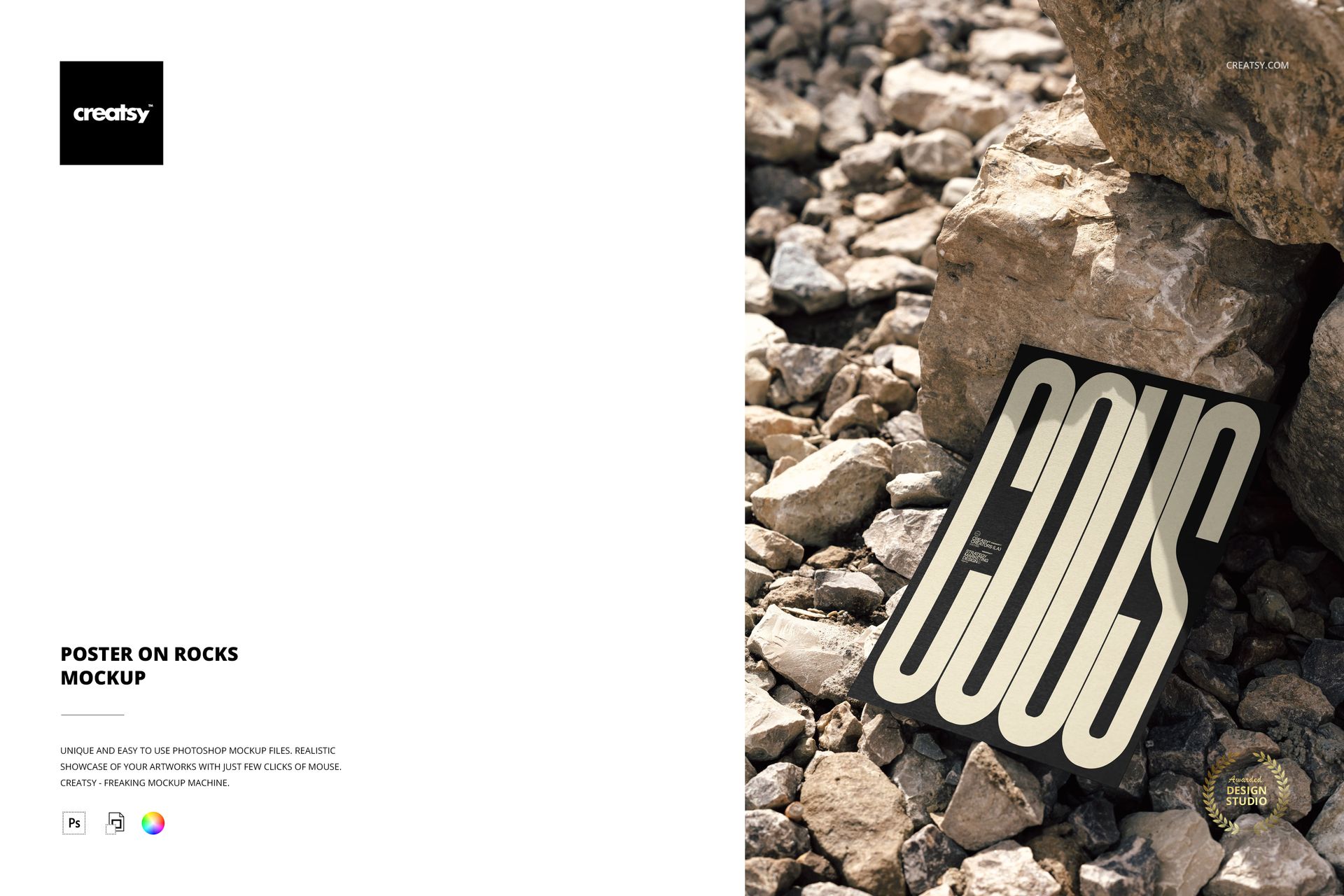
A poster lies flat on a bed of small stones, flanked by larger rocks that cast directional shadows across the scene. Sunlight enters from the side, creating hard-edged shadows that anchor the paper to the surface and give the composition a weight that studio-lit flat lays rarely achieve. The stones are not props brought into a studio. This is an outdoor location shot where the mineral surface is the set.
The distinction matters for buyers evaluating this mockup. Indoor flat lays look controlled, polished, and intentional. This mockup looks found - as if someone carried a print to a rocky hillside, set it down, and photographed it in existing light. That candid quality reads differently on a portfolio page or marketplace listing. It suggests confidence in the work being shown, because the design is surviving a setting it does not control.
Technical Profile
One PSD file at 4000 by 6000 pixels, 300 DPI. The file size is 138 MB on Windows and 144 MB on macOS. It opens in Adobe Photoshop (CC 2020 or later required) and in Photopea, the free browser-based editor at photopea.com.
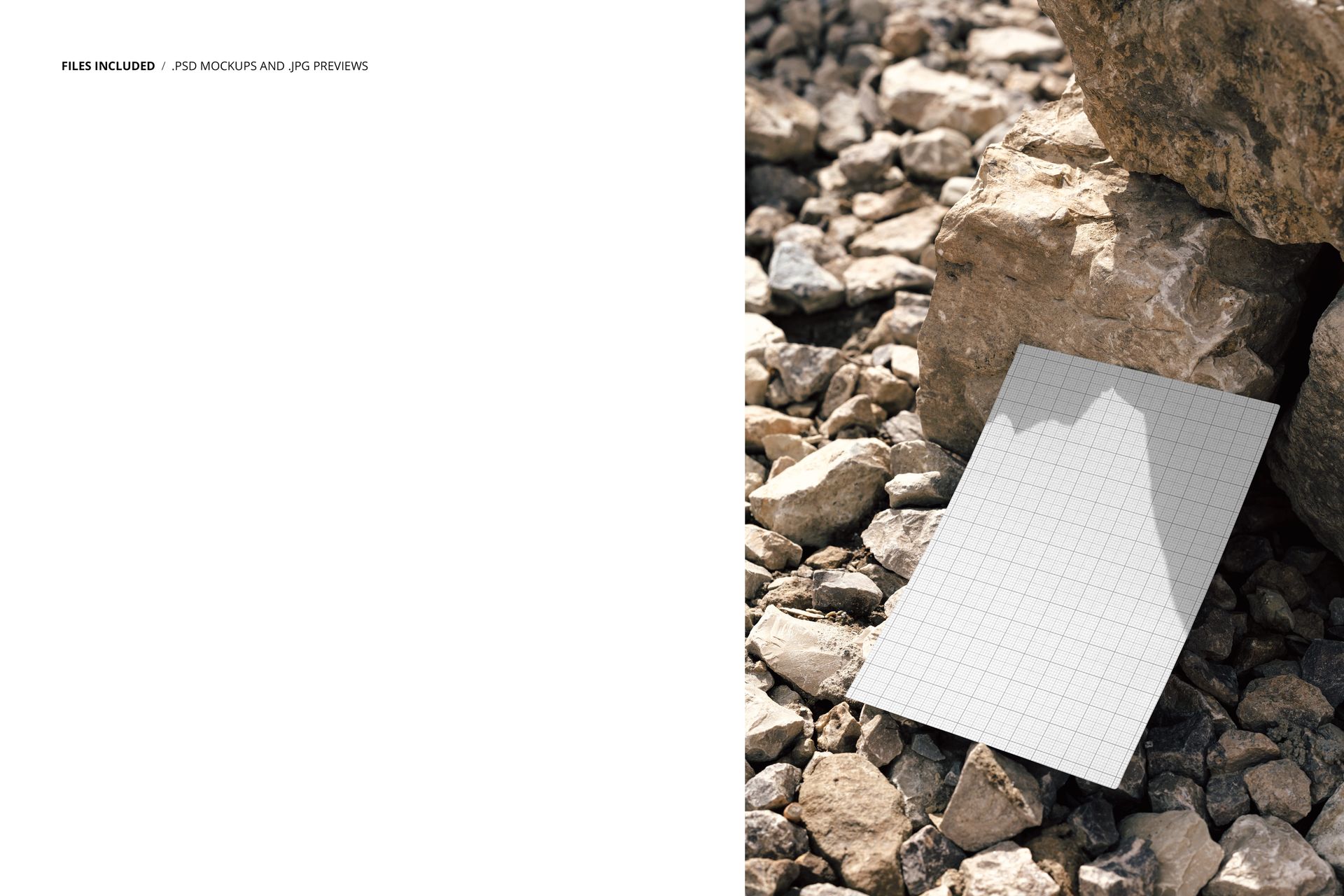
The smart object layer is where your artwork goes. Double-click, paste your design at up to 4000 by 6000 pixels, save, and the mockup composites it onto the poster surface. The paper sits at a slight angle relative to the camera, so your artwork receives a gentle perspective warp that matches the viewing geometry. Shadows from the surrounding rocks fall partly over the poster edges, reinforcing the illusion that the print is physically present in the scene.
What the Sunlight Does
The directional sunlight in this mockup does two things no artificial lighting setup can replicate convincingly. First, it creates the kind of sharp, high-contrast shadows that outdoor photography is known for - the shadows that tell a viewer's eye this is a real place with real depth. Second, it introduces warm color temperature shifts across the stone surface that give the scene a time-of-day quality, somewhere in the late morning or early afternoon range.
These lighting characteristics make the mockup particularly effective for projects where the artwork being presented is meant for outdoor or public-facing applications. Concert posters, festival branding, national park signage, outdoor advertising layouts, real estate marketing collateral - any design destined for a physical outdoor context gains believability when shown in a setting that shares that same quality of light.
The Stone Surface as Context
Rocks read as geological, industrial, and permanent. A poster sitting on stones picks up associations with landscape architecture, construction materials, quarry sites, and natural monuments. Brands in these spaces - stone suppliers, outdoor outfitters, adventure tourism operators, landscape design firms - will find their artwork at home in this environment without any styling beyond what the mockup already provides.
For fine art print sellers, the stone surface works as a textural contrast. A smooth, high-resolution print resting on rough, irregular rocks creates a material dialogue that makes both elements more visually interesting. The viewer notices the print's surface quality precisely because the rocks provide a counterpoint.