Soccer Ball Mockup Set
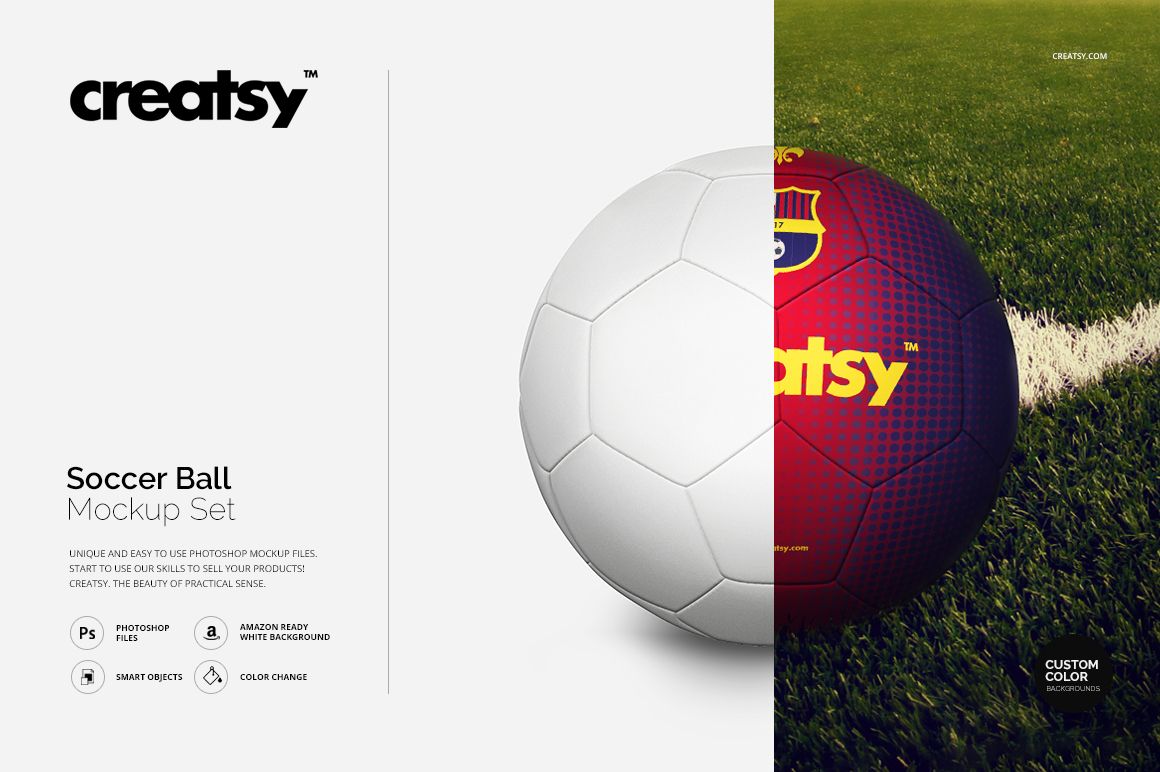
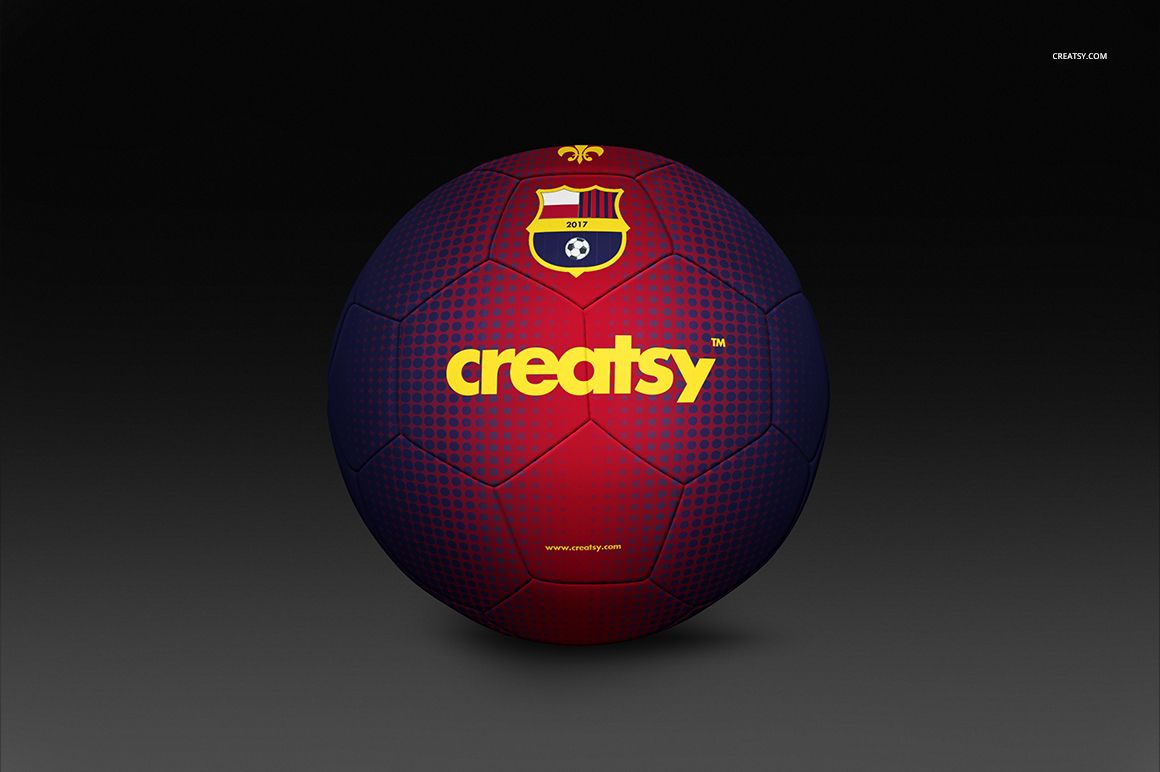
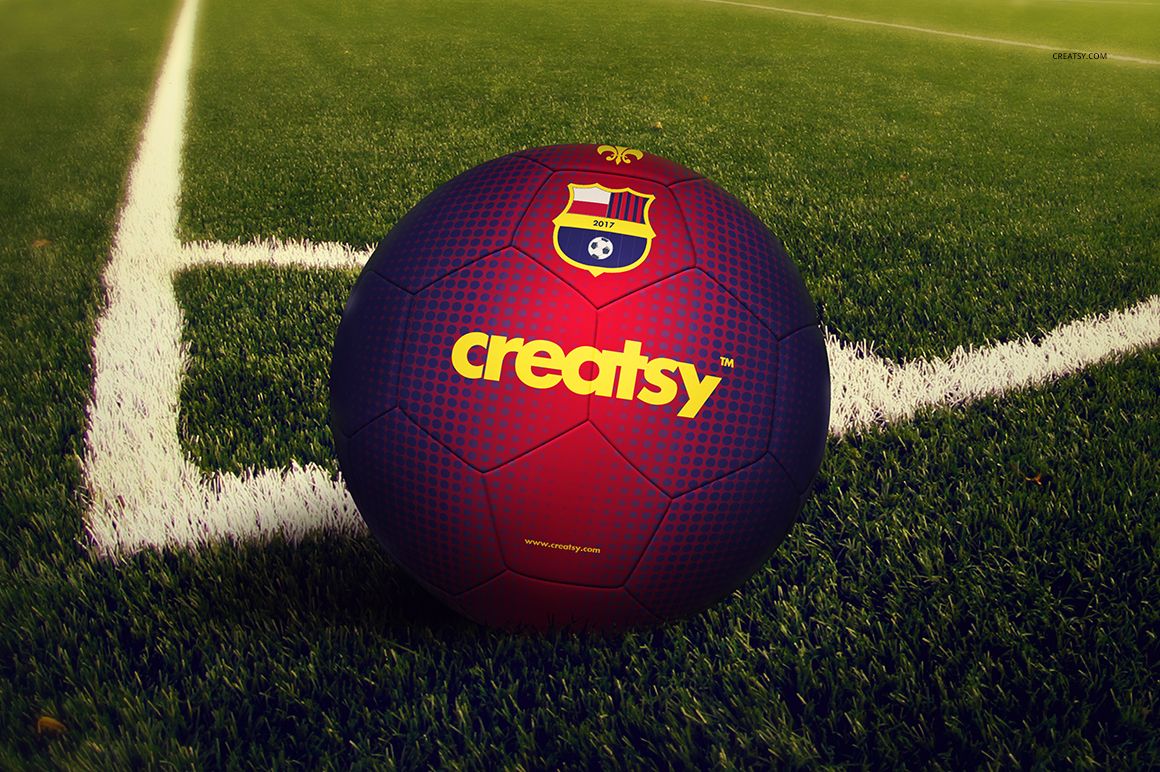
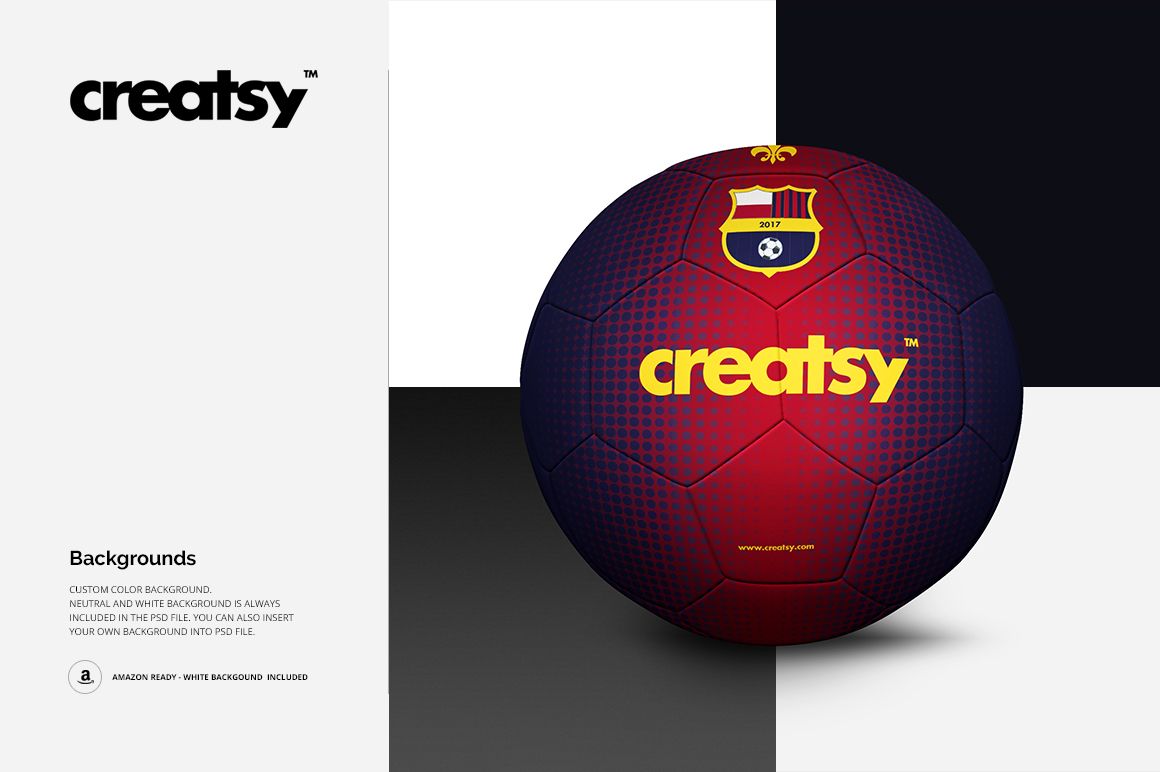
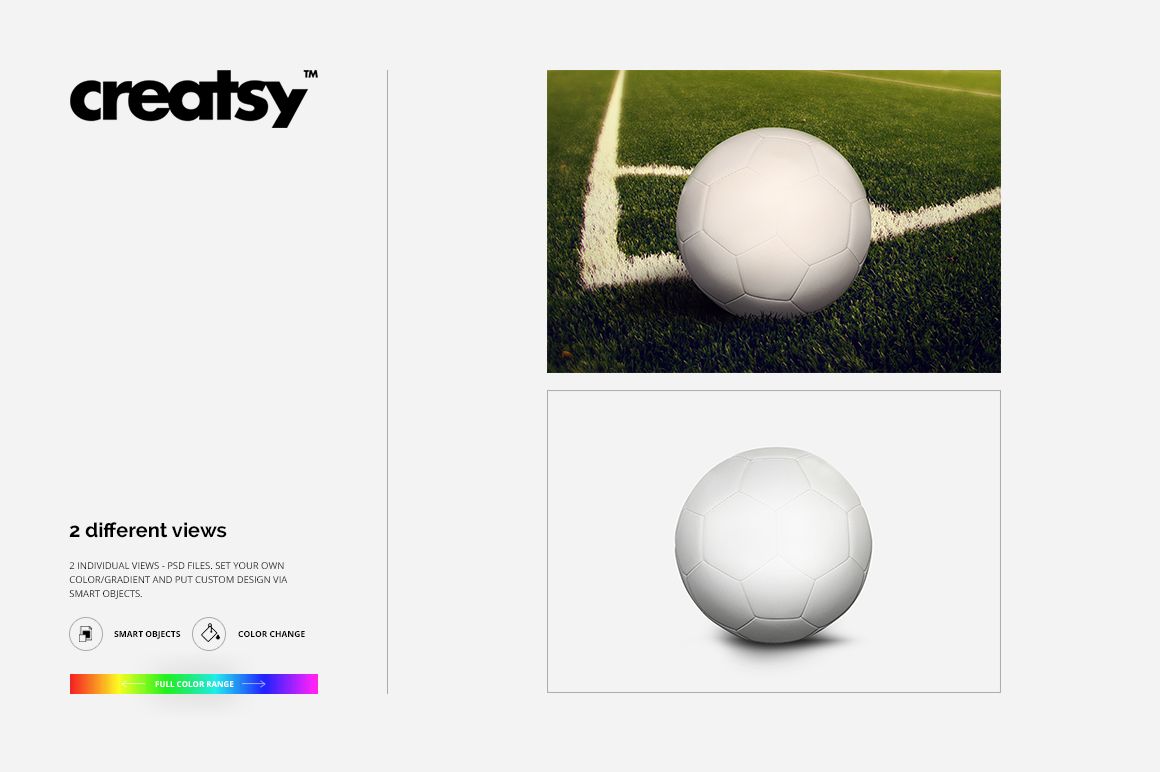
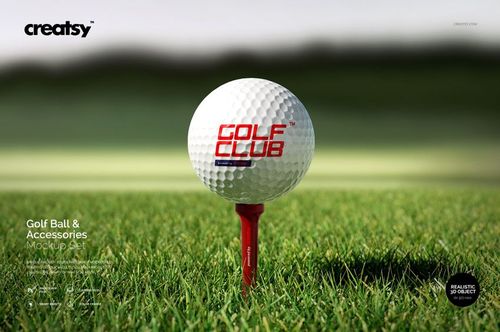
Present one soccer ball concept in two distinct environments: a clean isolated studio scene and a realistic grass field scene beside painted pitch lines. Both views keep the paneled ball at the center, making it easy to show how a logo, club crest, pattern, or colorway reads in a controlled presentation and in match-day context.
Use the pair to build a more complete client preview, compare artwork against different backgrounds, and prepare campaign or product images without arranging a physical photo shoot.
What Is Included
2 layered PSD mockup scenes: an isolated soccer ball and a soccer ball on a grass field
2 JPG preview files
1 Guide.tif reference file
Landscape artwork at a listed resolution of 3000 × 2000 px and 300 DPI
Dark, neutral, white, custom-color, gradient, and user-supplied background options
From a Clean Studio View to the Pitch
Use the isolated scene for focused design reviews, catalog-style images, and white-background presentations. Switch to the field scene when the concept needs realistic soccer context, natural grass, painted lines, and a stronger campaign feel.
Easy Smart Object Editing
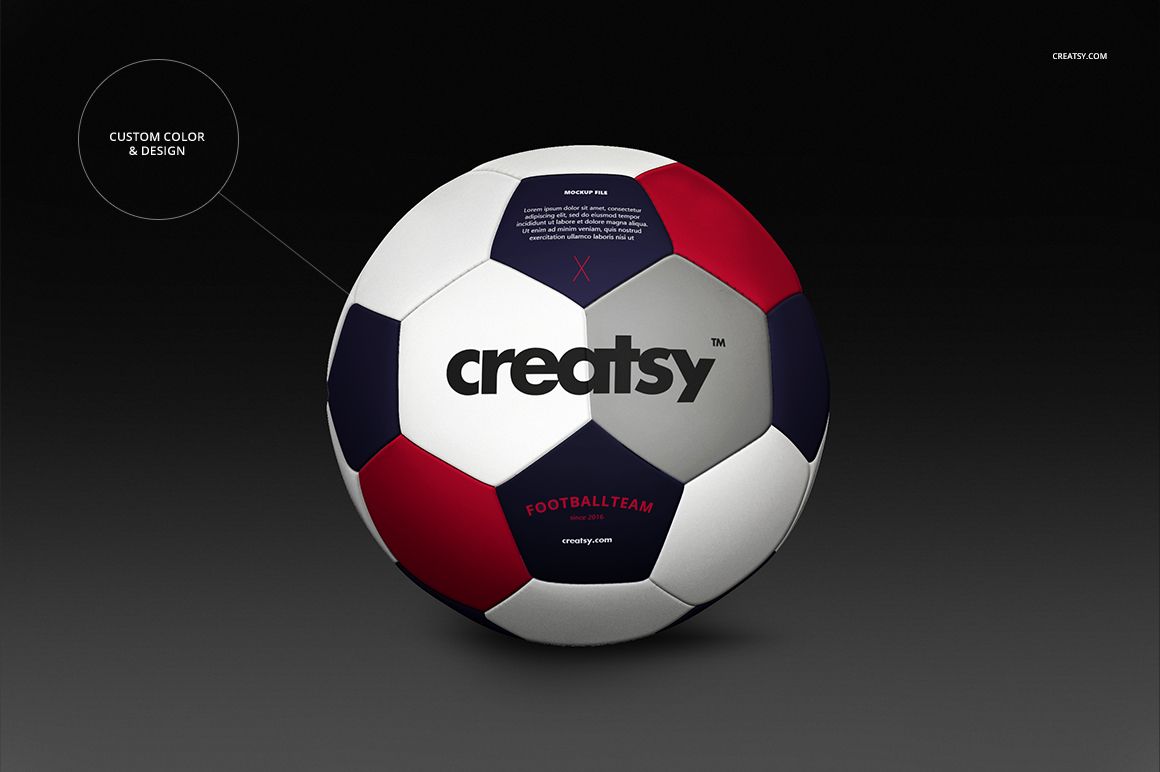
Place your artwork through Smart Objects in Adobe Photoshop or Photopea. Adjust the soccer ball color and design, then choose a dark, neutral, white, custom-color, gradient, or your own background to support the final visual direction.
Perfect For
Sports branding and soccer club presentations
Team logo, crest, and match ball concepts
Graphic designers and illustrators
Athletic brands and sports equipment sellers
Client approvals, portfolios, and ecommerce imagery
This is a digital mockup product. The logos and artwork shown in the preview images are presentation samples and are not included as separate design assets.