Basketball Ball Mockup Set
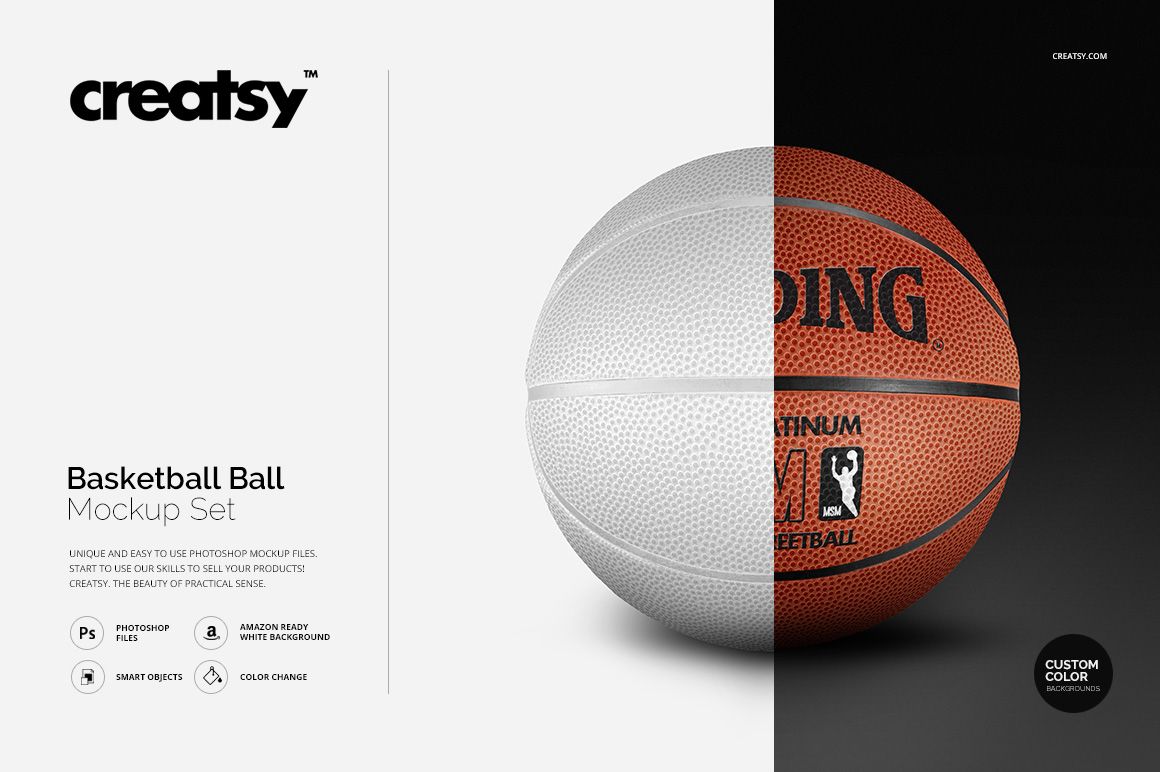
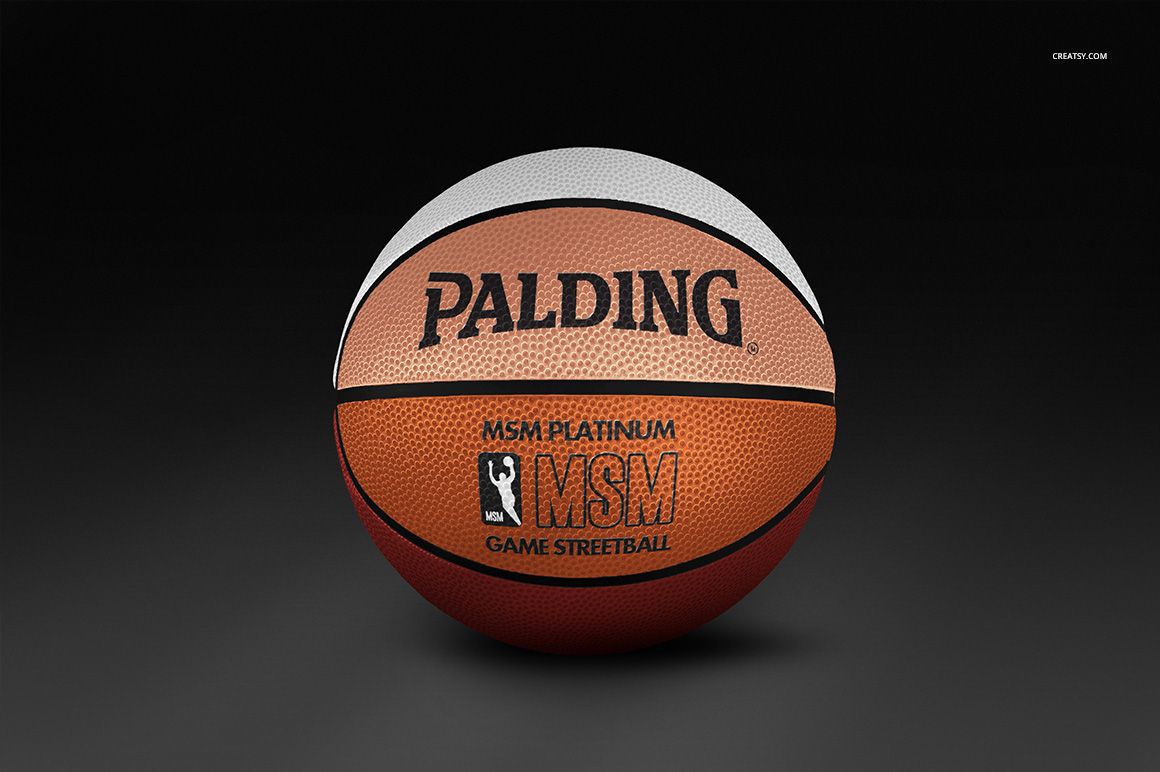
Present team identities, sponsor marks, and event graphics on a textured basketball through four individual PSD scenes. The set combines clean studio-style views with on-court perspectives, helping you compare colorways, check logo placement on a curved surface, and build a varied gallery without arranging a photo shoot.
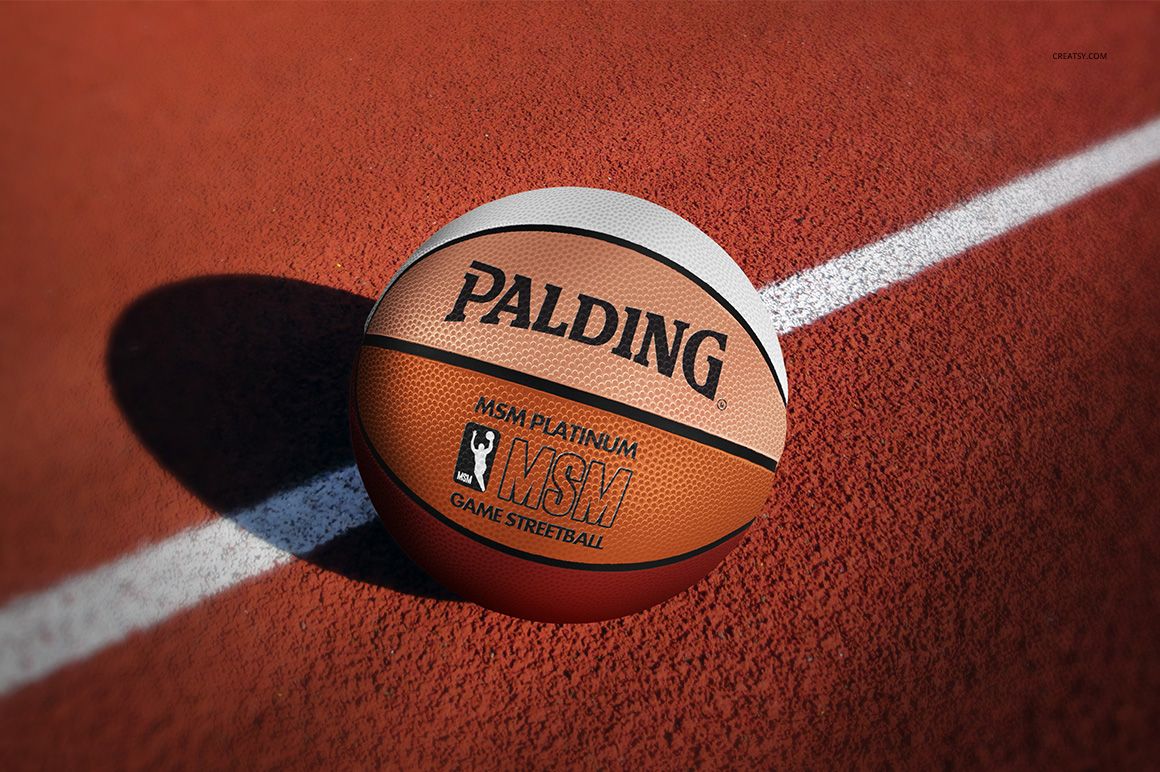
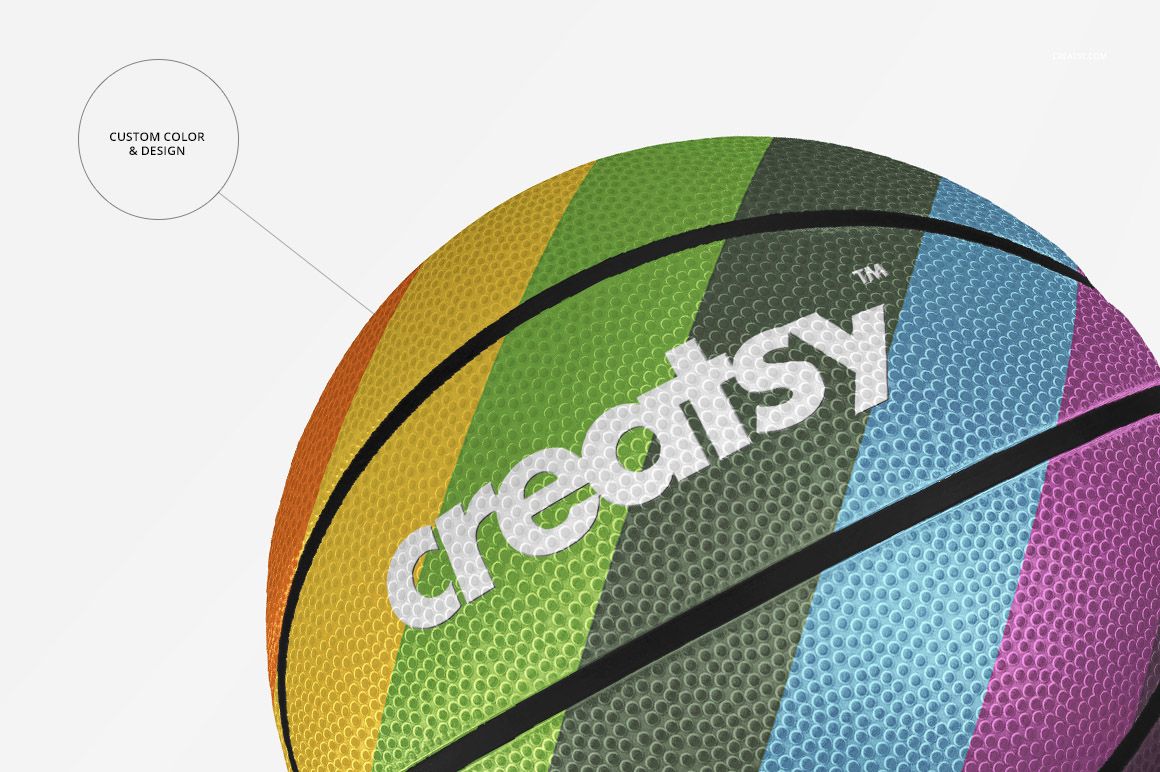
Each scene keeps the ball texture, shadows, and lighting visible while Smart Objects simplify artwork placement. Move between classic and custom-color versions to show a traditional game-ball direction or a more expressive branded concept.
What Is Included
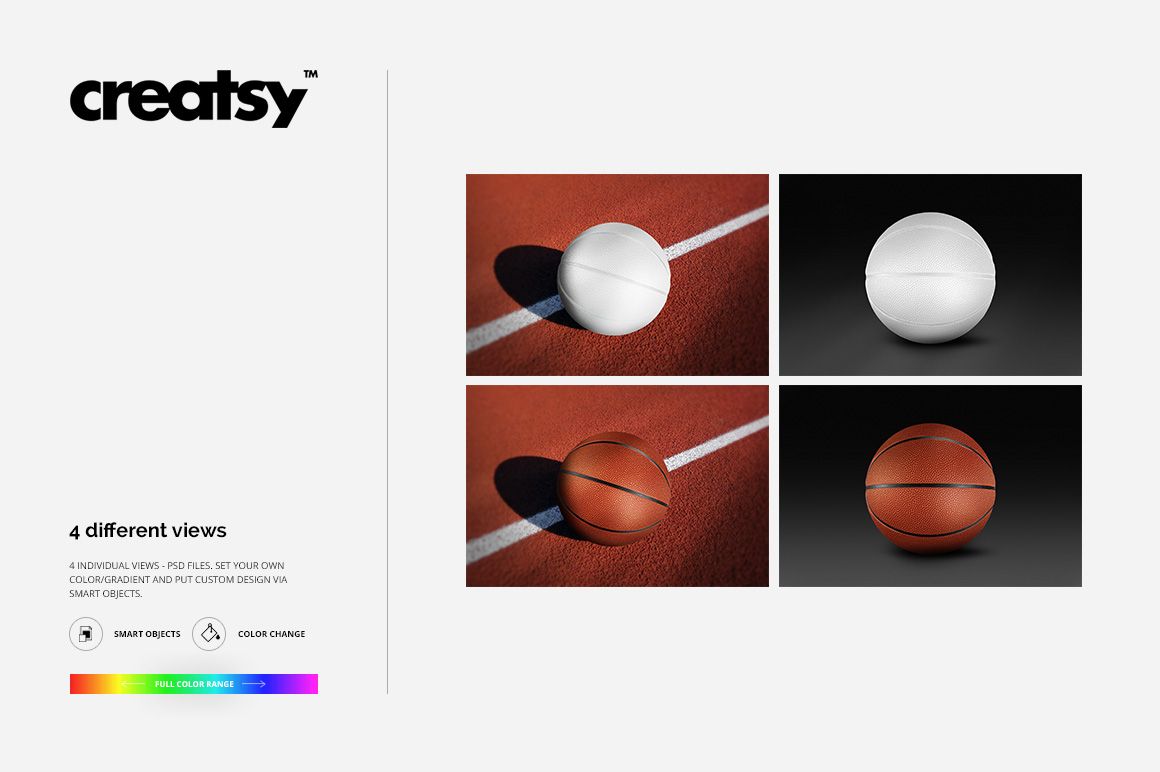
4 layered PSD mockup files, with one editable basketball view per PSD
Custom Color.psd, Classic Color.psd, Classic COlor on Court.PSD, and Custom Color on Court.PSD
4 matching JPG preview files
1 TIFF guide
9 files in total
Classic-color and custom-color presentations
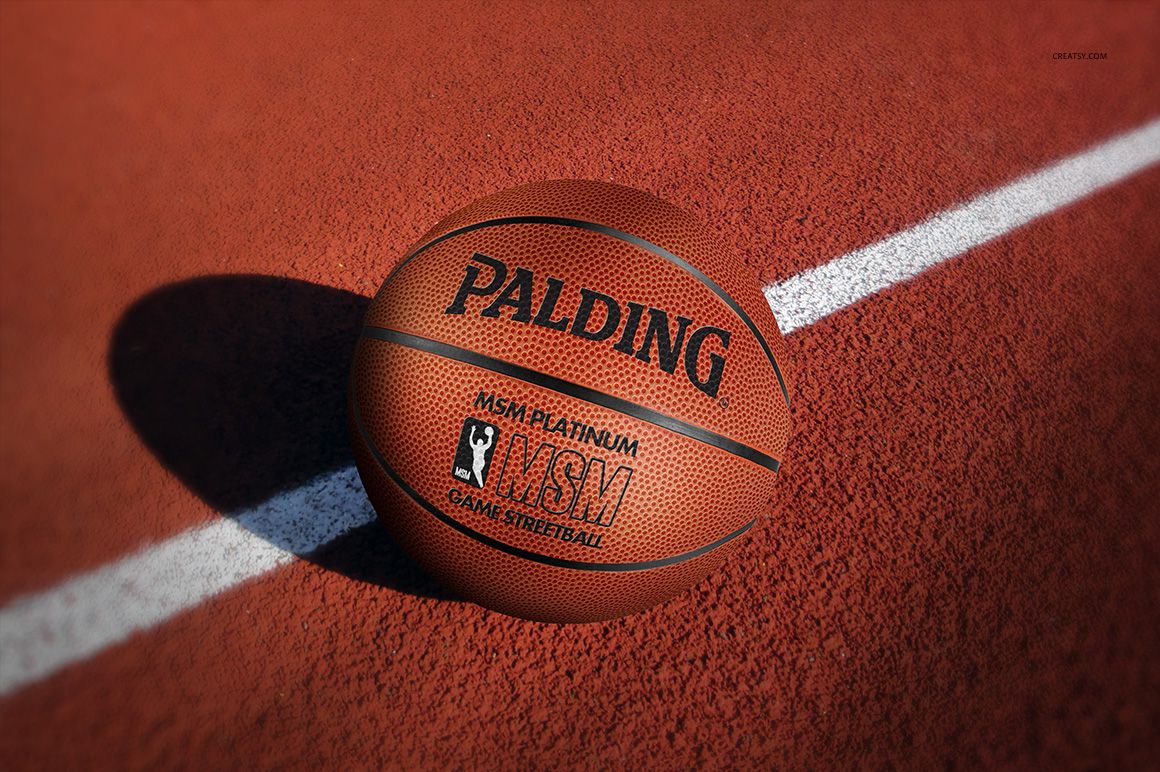
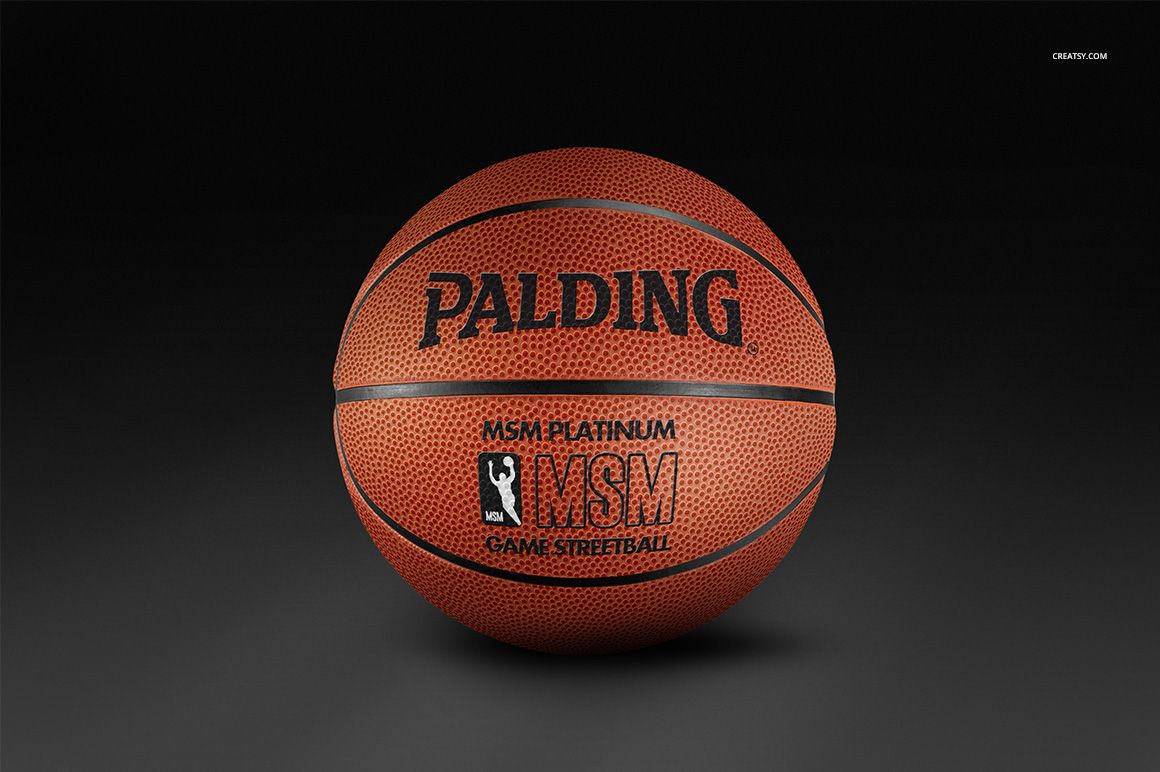
Clean-background and on-court scenes
Four Views Across Court and Studio Settings
Use the two on-court scenes to add sporting context, surface detail, and directional shadows. Pair them with two clean-background views that keep the basketball and its branding at the center of the composition. Front and angled perspectives help reveal how a mark reads across different parts of the curved surface.
Easy Smart Object Editing
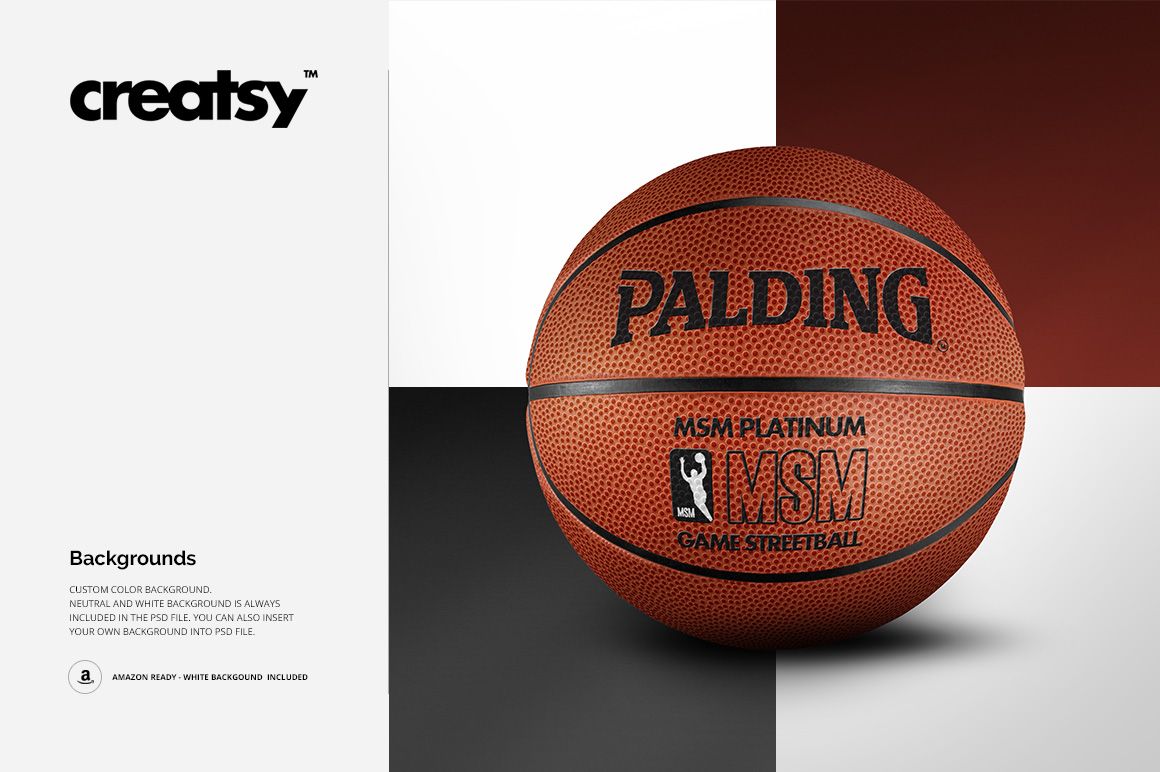
Place custom artwork through Smart Objects, set a ball color or gradient, and compare multiple visual directions without rebuilding the scene. Choose a custom, dark, neutral, or white background, or insert your own background when a campaign needs a specific setting.
Perfect For
Basketball clubs, leagues, and team suppliers
Sports equipment and athletic brands
Branding designers preparing sponsor presentations
Tournament and event organizers
Agencies, illustrators, and ecommerce sellers creating product imagery
This is a digital mockup product. Preview branding is shown as a usage example and is not listed as a separate artwork file in the confirmed package.