Basketball Training Uniform Mockup Set
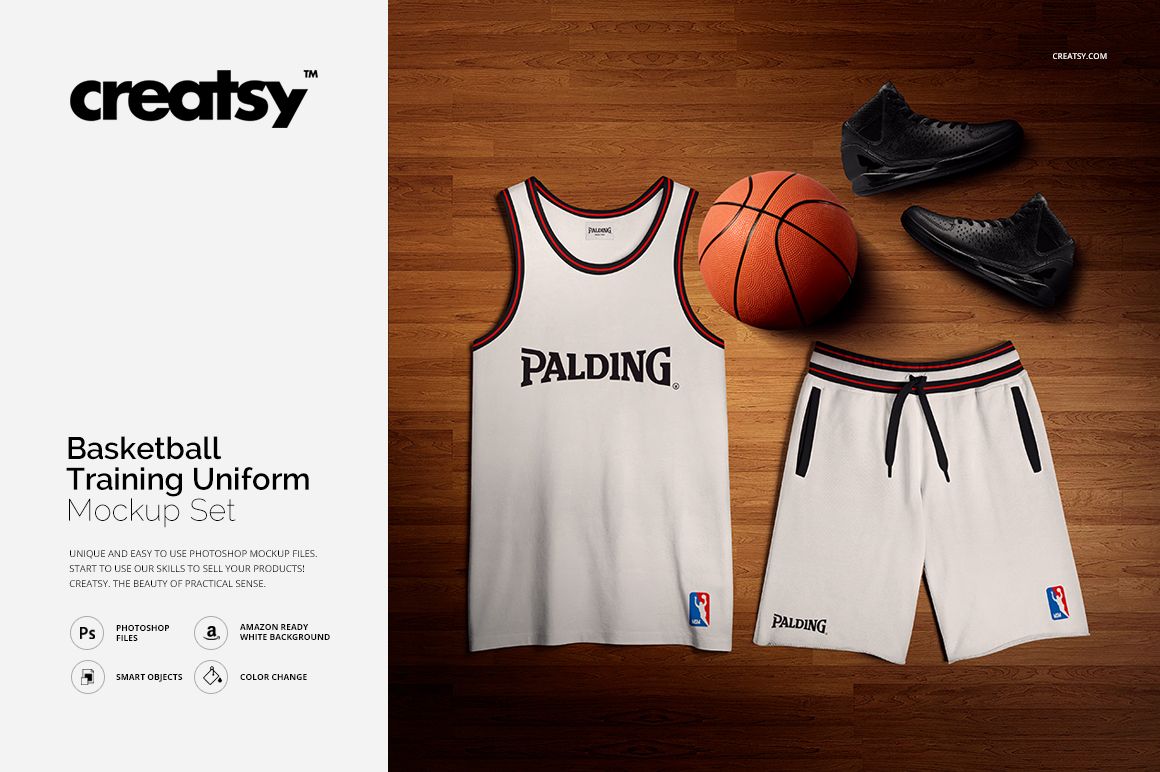
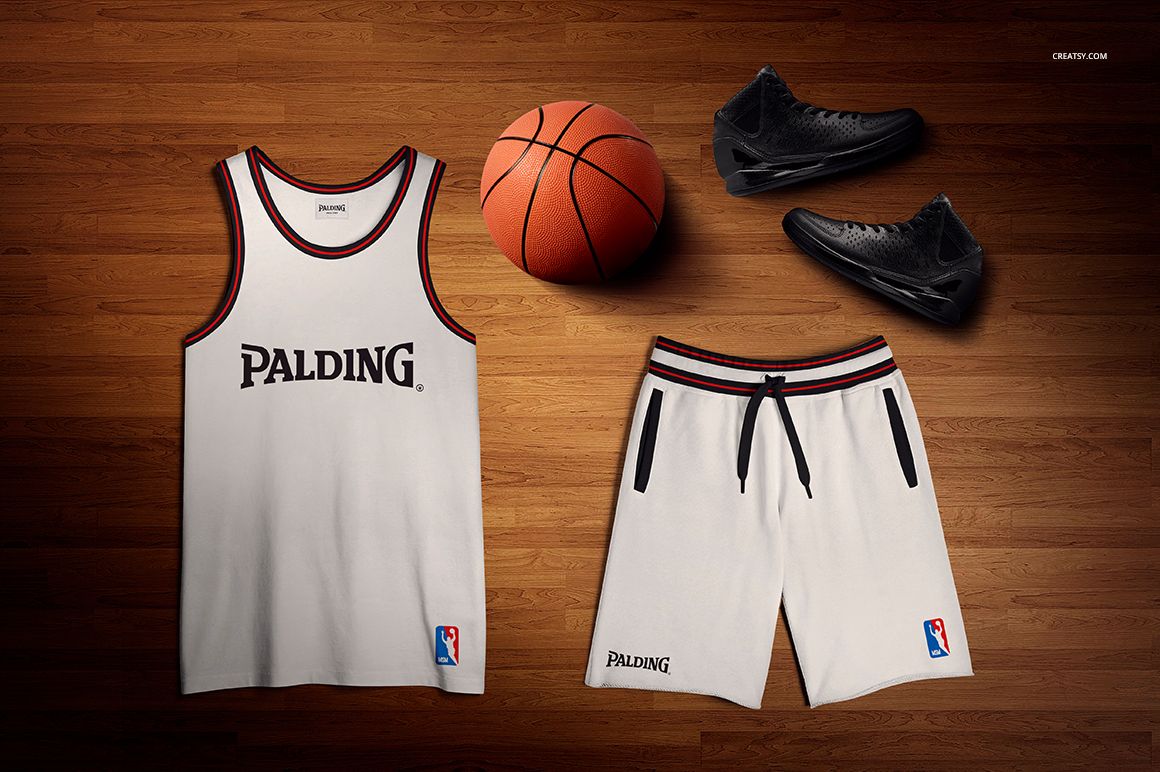
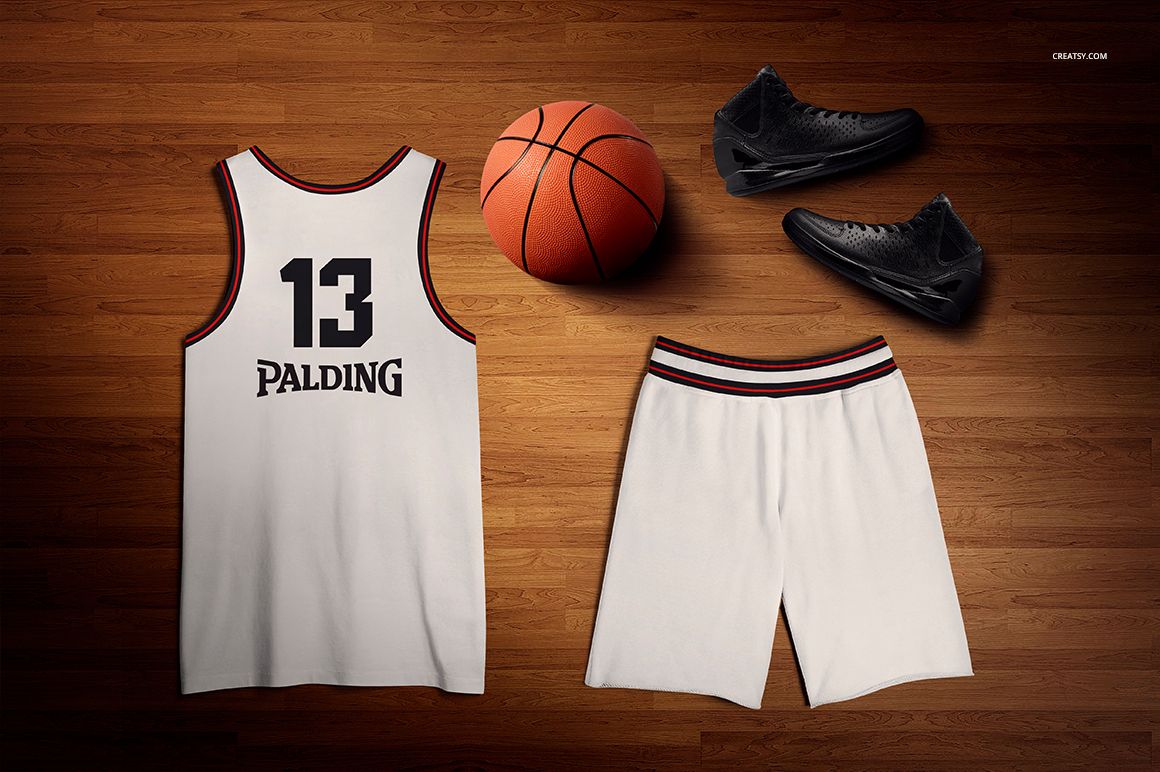
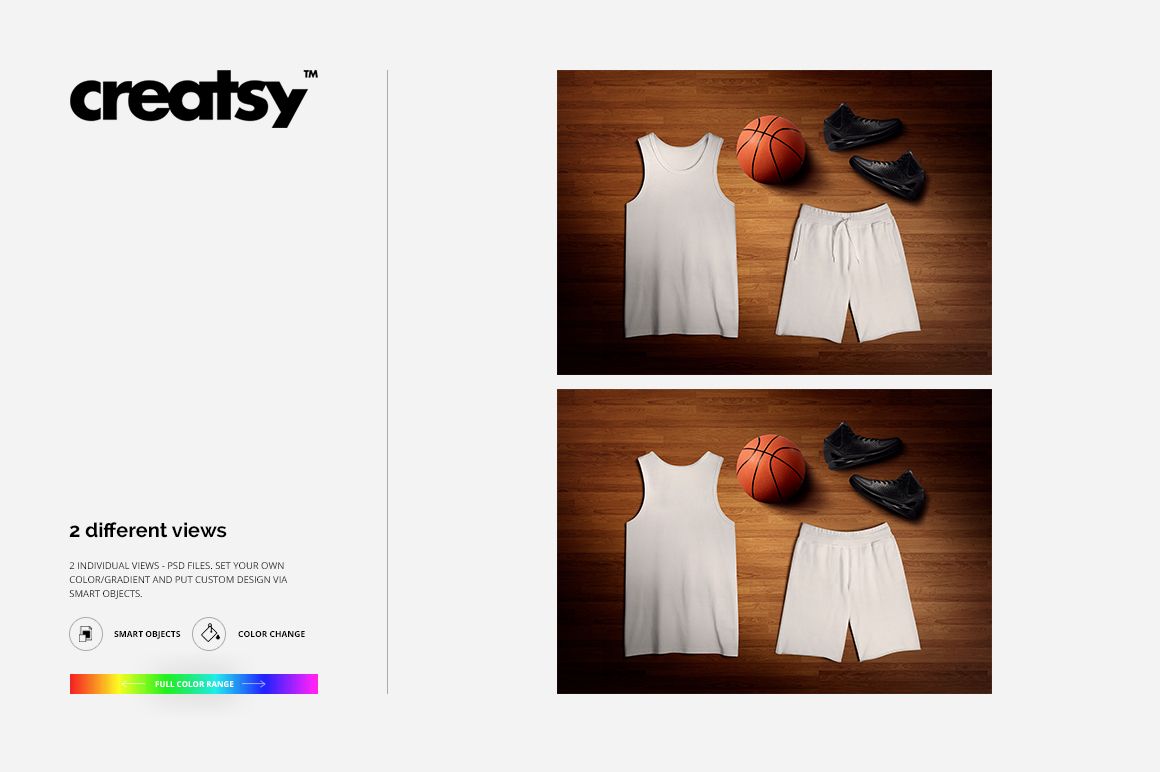
Show a complete basketball training kit from the front and back in two coordinated flat-lay scenes. Each composition brings the tank and shorts together with a basketball and athletic shoes on a wooden floor, giving buyers and clients a clear view of the uniform as a system rather than a single garment.
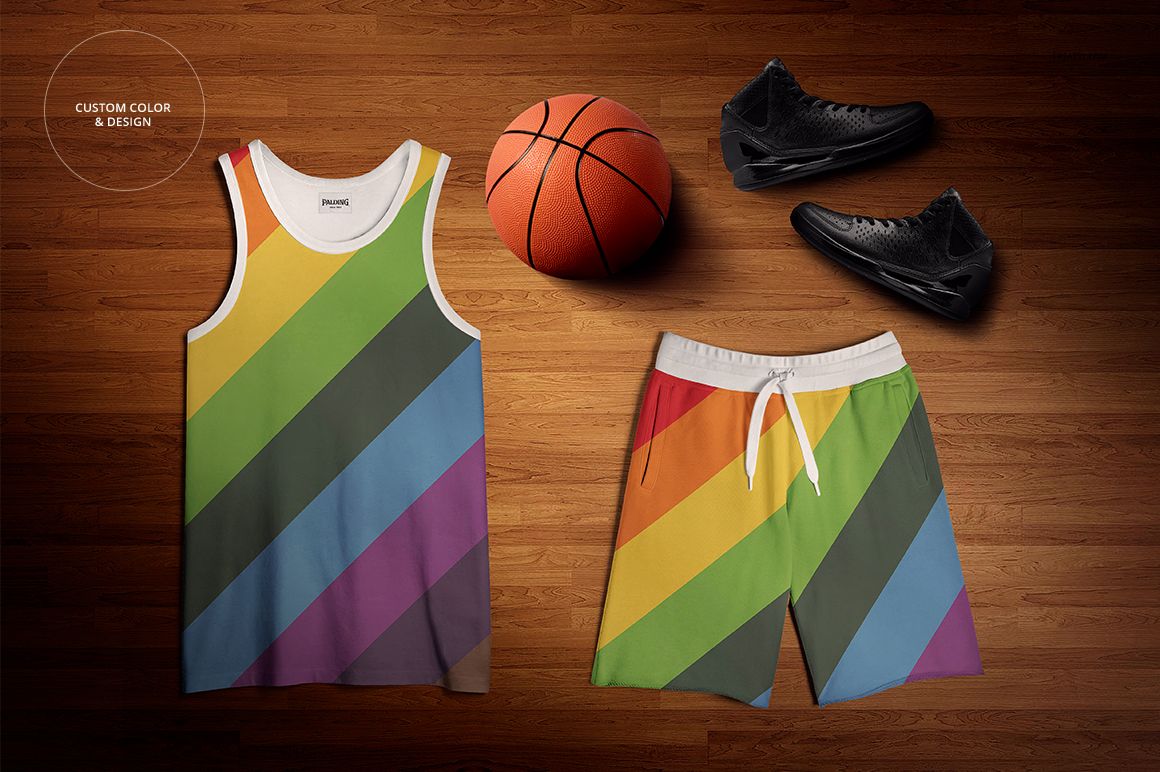
Use Smart Objects to place artwork on the tank and shorts, then compare numbers, lettering, stripes, sponsor graphics, and team colorways across both sides. Editable colors and gradients make the set practical for early design exploration, client approvals, and polished sportswear presentations.
What Is Included
2 layered PSD mockup files: front and back views
2 matching JPG previews at 5000 × 3500 px
1 TIFF guide at 1000 × 1414 px, 5 files in total
Smart Object editing for the tank and shorts
Custom, dark, neutral, and white background options
Front and Back Training Kit Views
The front scene highlights chest graphics, neck and armhole trim, waistband details, and the front of the shorts. The back view provides space for player numbers, names, sponsor marks, and coordinated rear artwork. Both scenes use the same flat-lay styling, so they work naturally as a matched product gallery.
Flexible Color and Background Control
Set solid colors or gradients for the uniform and use the included background options to match a team, school, league, or campaign palette. A clean white background is available for catalog-style images, while custom, dark, and neutral settings support more editorial presentations.
Easy Smart Object Editing
Place artwork through Smart Objects and adjust the colors of the tank and shorts without rebuilding the scene. The current public compatibility panel lists Adobe Photoshop and Photopea. The legacy product description records Adobe Photoshop CS4 as its minimum Photoshop version.
Perfect For
Basketball clubs, school teams, colleges, and leagues
Sportswear and sublimation apparel designers
Branding studios preparing team identity presentations
Uniform suppliers creating client proofs and colorway options
Ecommerce galleries, campaign layouts, and portfolio projects
This is a digital presentation mockup, not a garment pattern or manufacturing specification. Sample logos and graphics shown in the previews are not included.