The Frond Frame
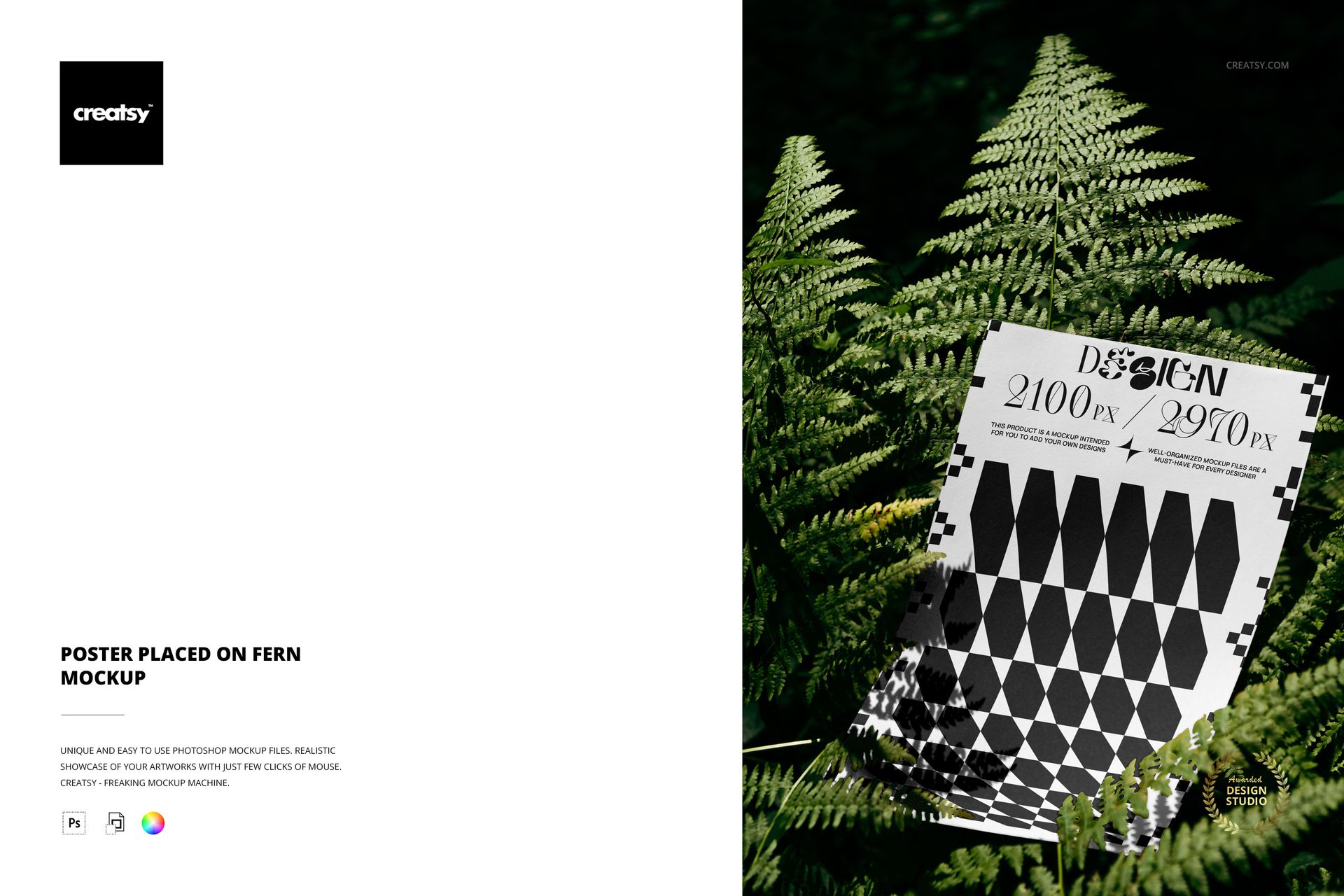
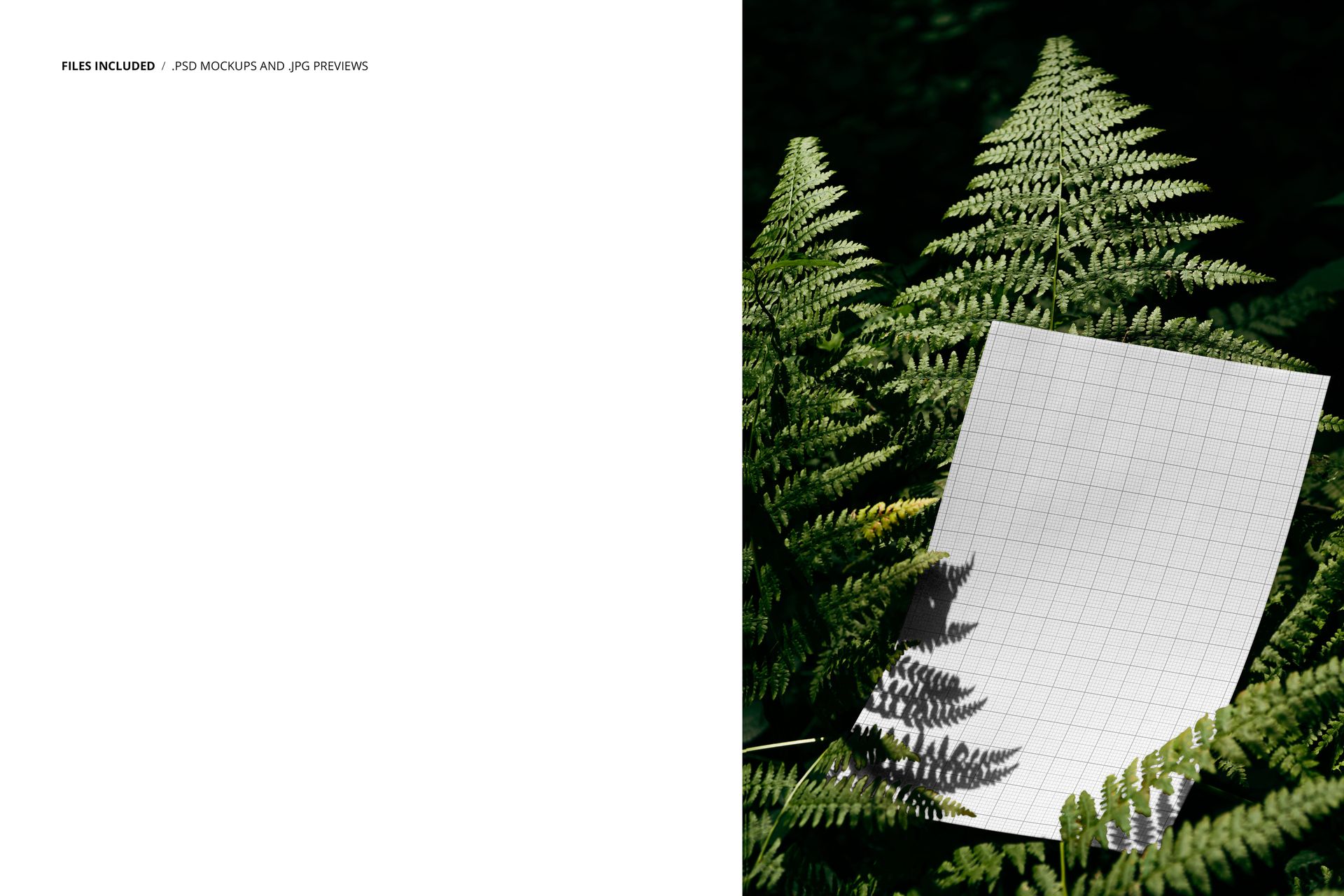
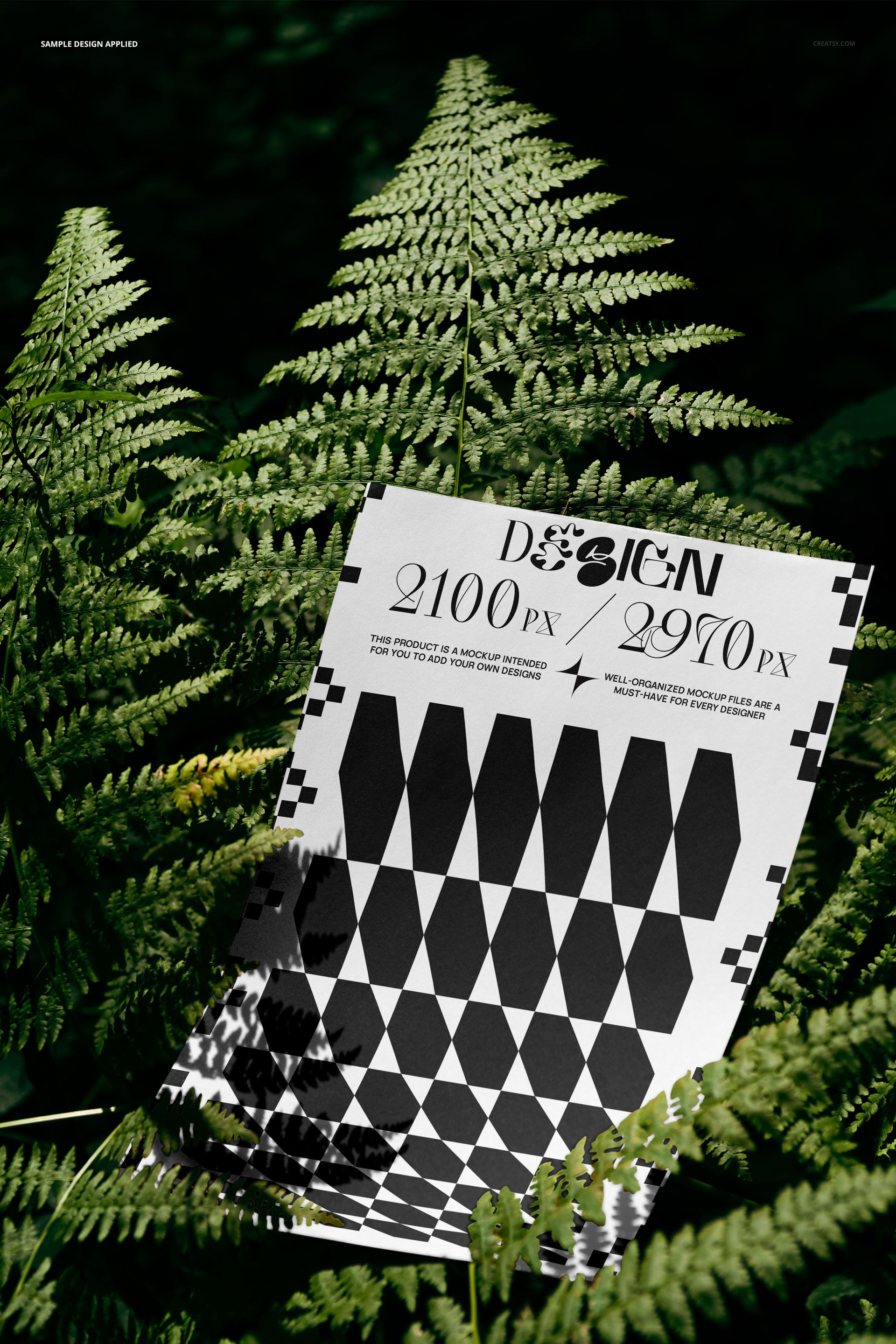
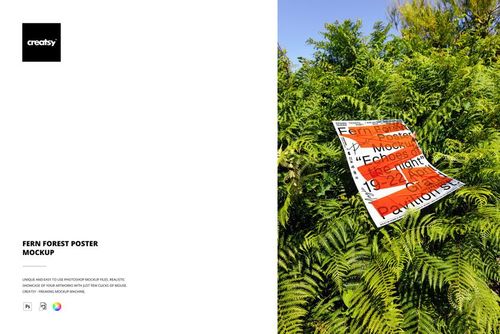
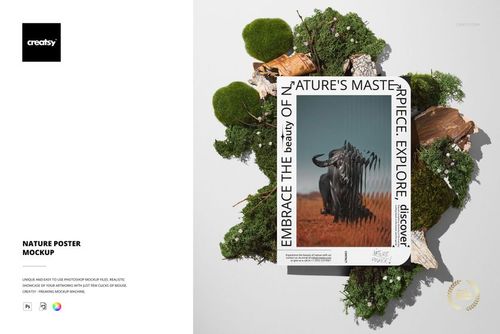
Fern fronds surround and partially overlap this poster from every direction, forming a natural border that no graphic design tool can replicate. Sunlight filters through the leaves, casting soft green-tinted shadows across the paper surface. The poster is not propped against anything or pinned to a wall - it rests directly on the ferns, as if placed there for a single photograph and then retrieved before the next rain.
That temporary, found quality is what makes this mockup different from studio-shot alternatives. There is no backdrop paper, no lighting rig, no styled surface. The entire visual language comes from the plant itself - the repeating fractal geometry of the fern fronds, the transparency of the thinner leaves where light passes through, and the deep green that saturates everything around the poster's edges.
File Specifications
One PSD file at 4000 by 6000 pixels, 300 DPI. The package is compact at 77.8 MB on Windows and 81.5 MB on macOS, making it one of the lighter files in the Creatsy poster collection. It opens in Adobe Photoshop (CC 2020 or later) and in Photopea, the free browser-based Photoshop alternative.
The smart object layer sits inside the poster element. Double-click it, paste your design, save, and the file updates to show your artwork framed by the surrounding fern leaves. The perspective, shadows, and light filtering through the fronds all remain intact regardless of what you insert.
The Color Relationship
Ferns are aggressively green. That single dominant color in the frame creates a strong relationship with whatever you place on the poster. Warm-toned artwork - oranges, reds, earth tones - gains energy through complementary contrast against the green. Cool-toned artwork - blues, purples, silvers - blends into a harmonious palette that reads as calm and composed. Black-and-white designs get the most dramatic framing, because the monochrome poster becomes a visual pause in the middle of saturated color.
Understanding this color dynamic helps you choose which designs to present in this particular mockup. It is not a neutral container. It is an active participant in the composition, and the green framing will influence how your viewer perceives the artwork inside it.
Use Cases and Audiences
Botanical illustration prints shown in their natural habitat. Eco-brand campaign posters presented against living greenery. Jungle and tropical-themed event graphics previewed in an environment that matches their visual language. Yoga and wellness studio artwork displayed in a setting that reinforces tranquility. Plant shop and nursery signage seen among the kind of foliage it will actually hang beside.
Surface pattern designers working with tropical leaf prints, jungle motifs, or botanical repeats will find this mockup especially useful. The real fern fronds surrounding the poster validate the illustrated version of the same subject inside the smart object - a subtle but effective form of visual proof that the pattern captures something true about its inspiration.
File Weight and Performance
At 77.8 MB, this is one of the more lightweight poster mockup files in the collection. The smaller size translates directly to faster download times, quicker opening in both Photoshop and Photopea, and smoother editing sessions on machines with limited RAM. If you regularly work with multiple mockup files open simultaneously - comparing how the same artwork looks across different scenes - the lighter file weight reduces the memory burden and keeps your system responsive.