Round Metal Disk Print Mockup Set with Four Angles
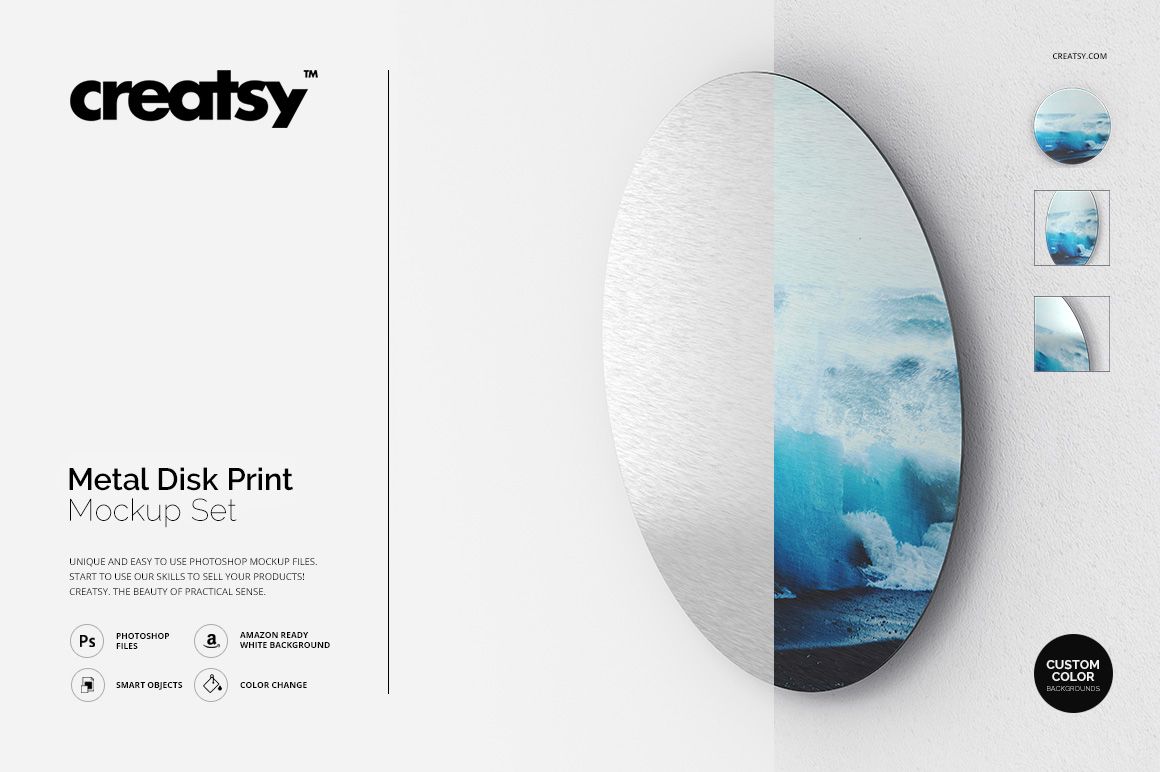
Present circular artwork on a freestanding metal disk from four coordinated viewpoints. The set combines front, perspective and detail-focused compositions with a visible brushed-metal surface for realistic product and wall art previews.
Layered PSD files use Smart Objects for artwork replacement and include flexible background controls for clean e-commerce images, contextual compositions and custom brand colors.
What Is Included
4 layered PSD working files
4 square JPG reference previews
1 TIF guide
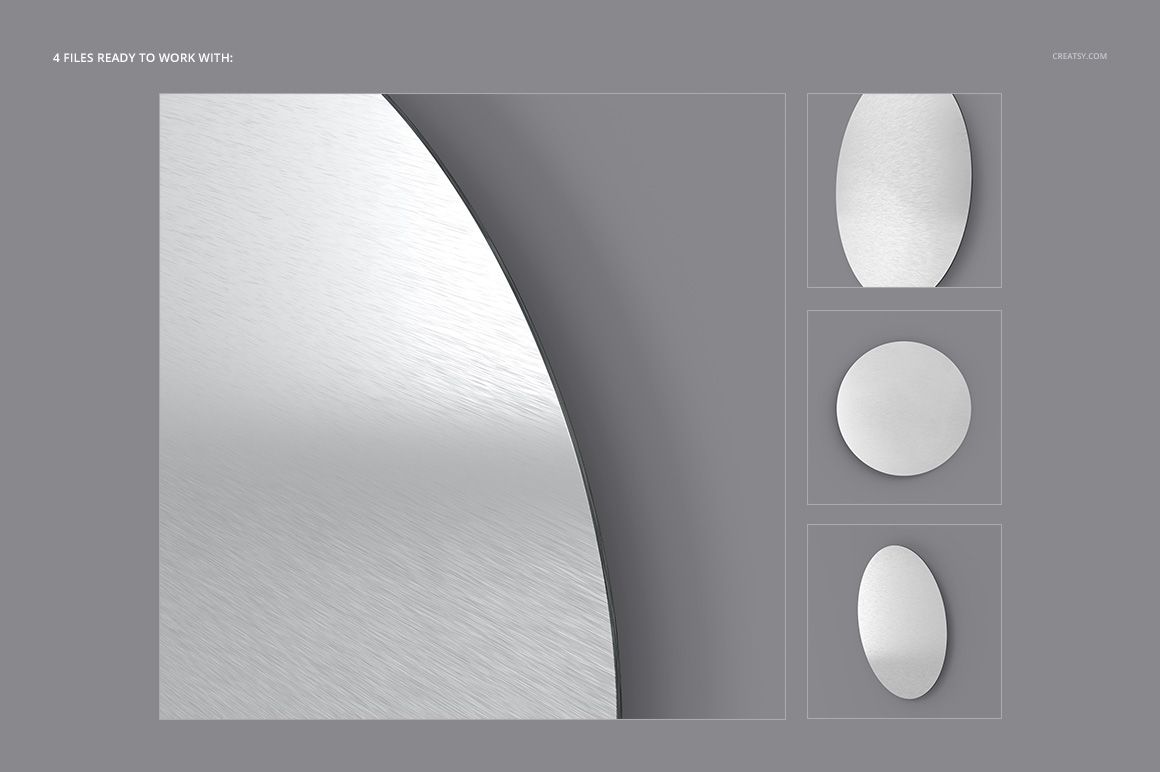
Four views of the same circular metal panel
Editable artwork, color and background controls
Show the Round Print from Four Angles
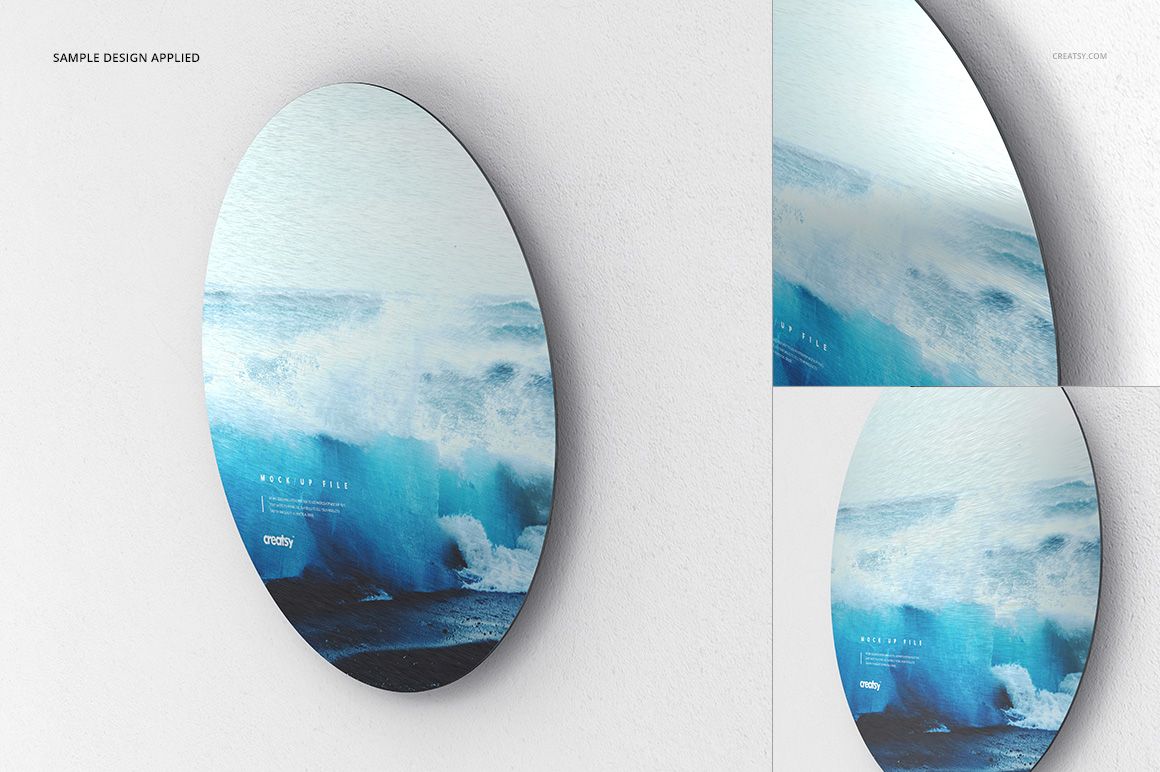
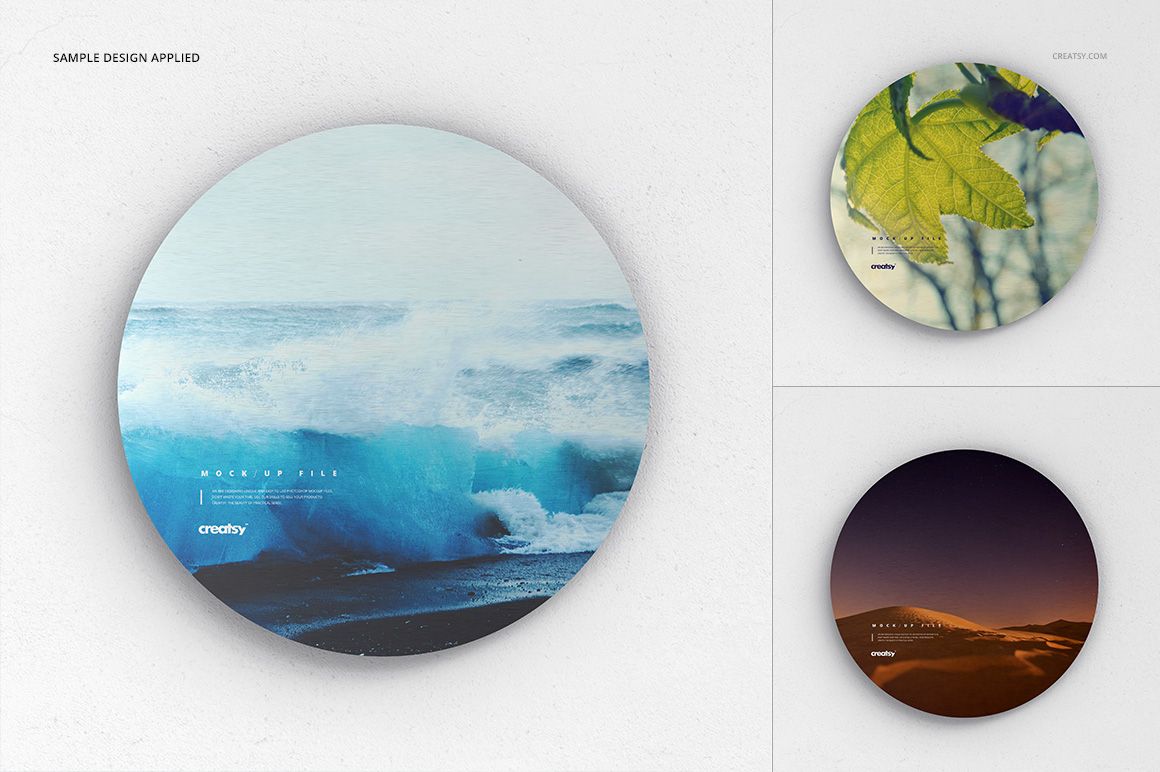
Use a straight-on circular view for clear design presentation, perspective views to communicate the disk edge and depth, and close detail to emphasize the metal surface.
Preserve the Brushed-Metal Effect
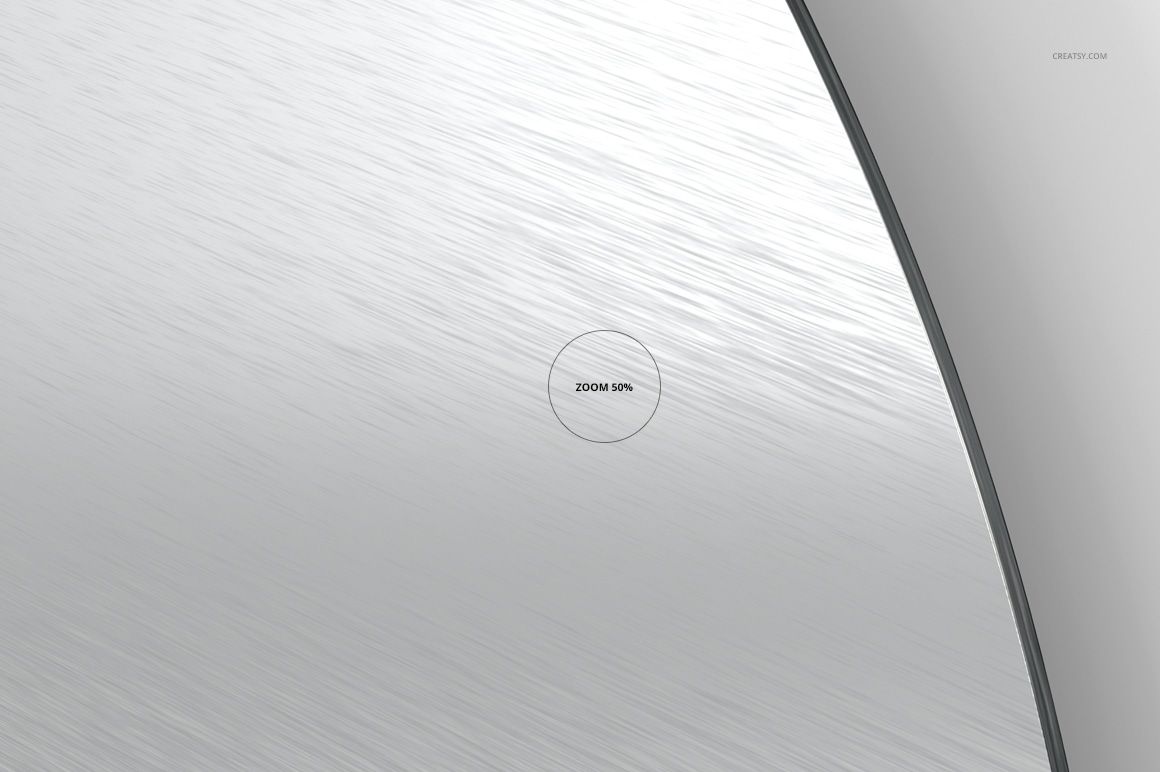
The mockups retain visible metallic grain around and beneath the applied design, helping photographs, illustrations and abstract artwork read as printed metal rather than a flat digital circle.
Replace Artwork with Smart Objects
Open the artwork Smart Object, place your circular design, save it and return to the main PSD. Check the crop in both the front and perspective views to keep key content away from the curved boundary.
Choose the Right Background
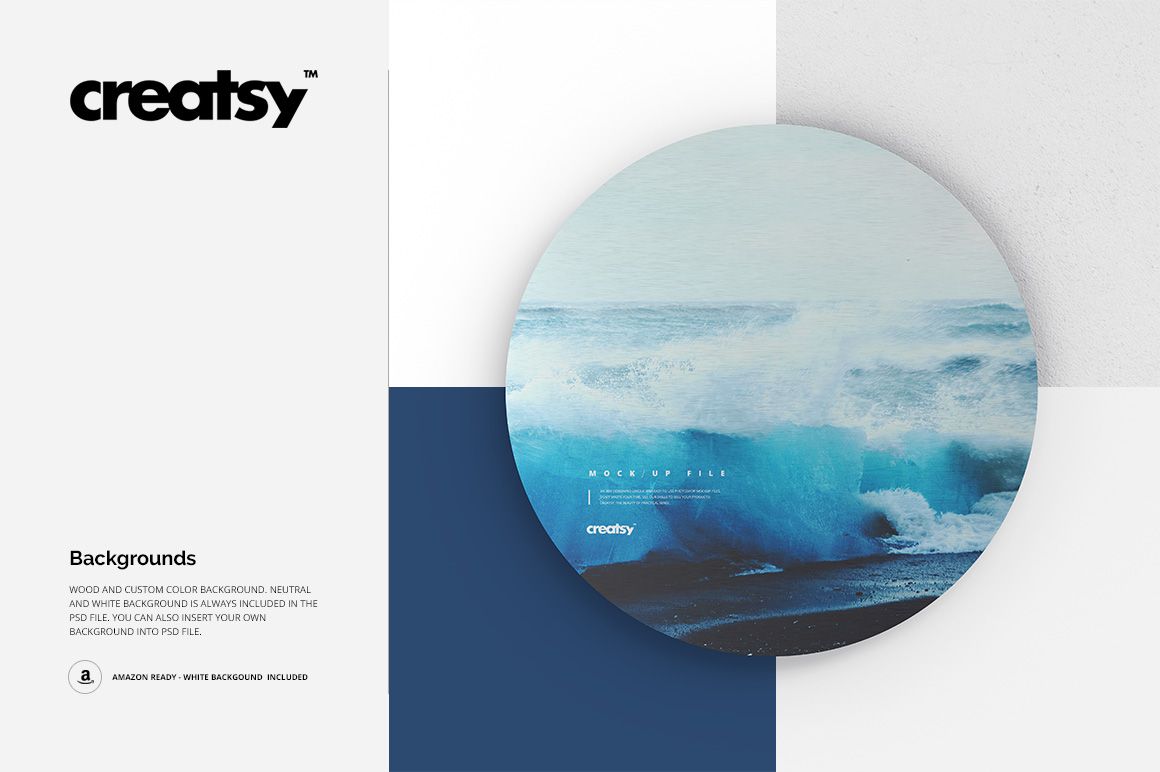
White background for clean e-commerce presentation
Neutral background for understated product imagery
Wood background for a warmer material context
Custom solid color backgrounds
Your own background image or texture
Useful For
Round aluminum and metal print product pages
Circular wall art and photo print previews
Marketplace-ready white-background images
Brushed-metal artwork presentations
Client proofing from multiple angles
Photography and illustration portfolios
This is a downloadable digital mockup set, not a physical metal disk or printed product.