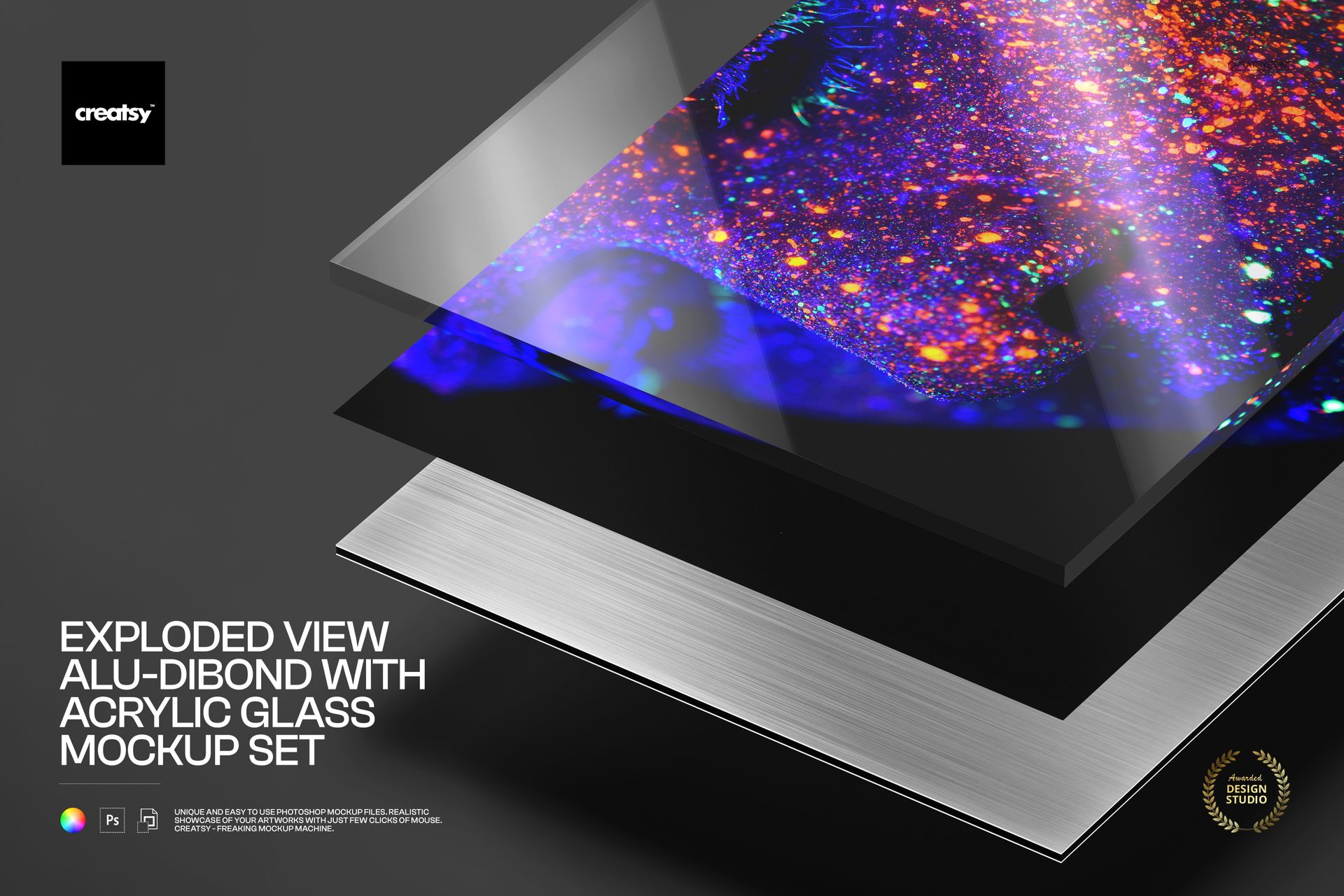
Exploded View Alu-Dibond with Acrylic Glass Mockup Set
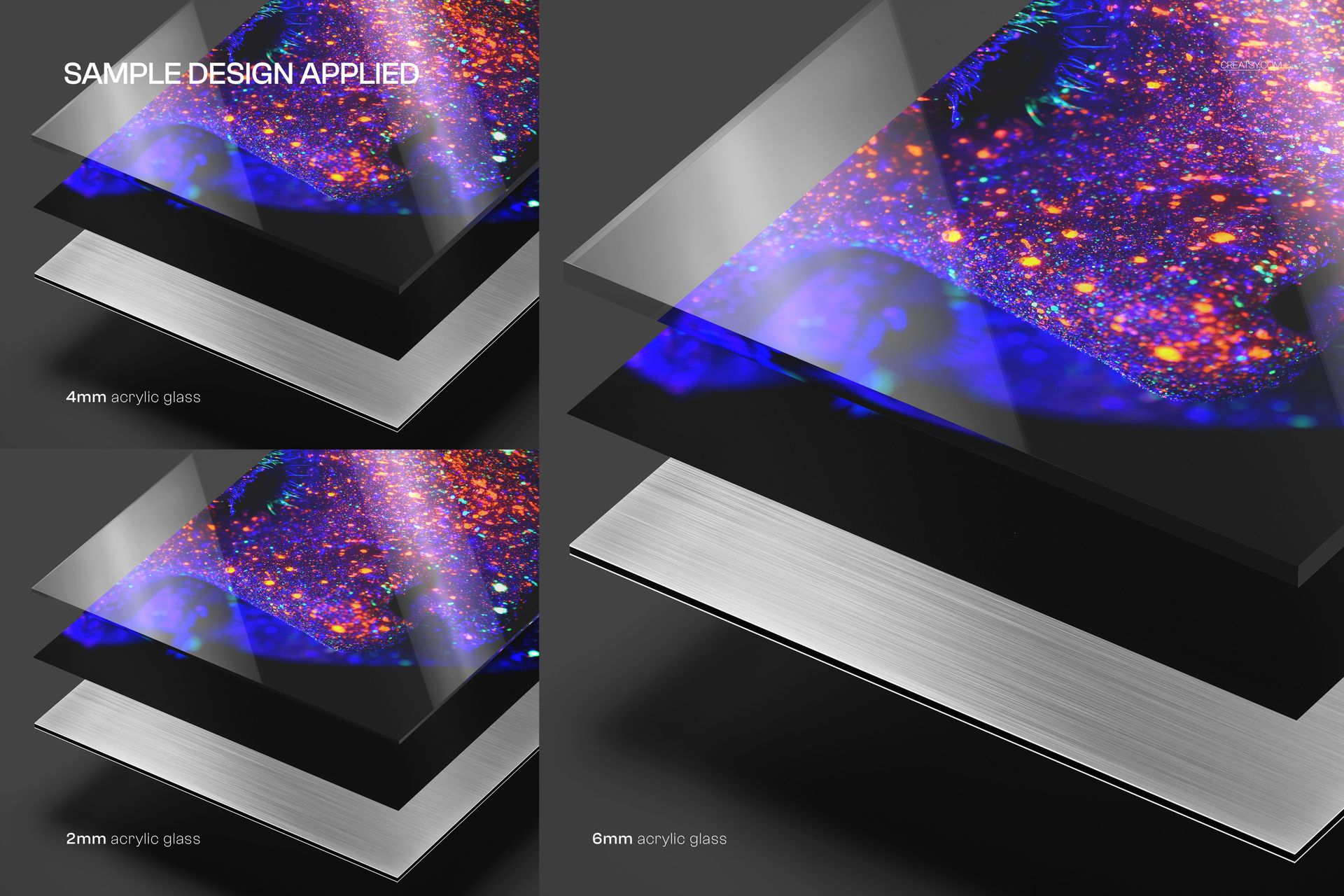
Compare how 2 mm, 4 mm and 6 mm acrylic glass changes the depth of an alu-dibond artwork presentation. Three layered PSD mockups use the same angled exploded perspective, making the clear cover, printed panel and brushed metallic edge easy to examine side by side.
The set is useful when a single finished front view cannot communicate material thickness. It gives artists, photographers and print suppliers a consistent way to present three acrylic glass options without changing the artwork or camera angle.
What Is Included
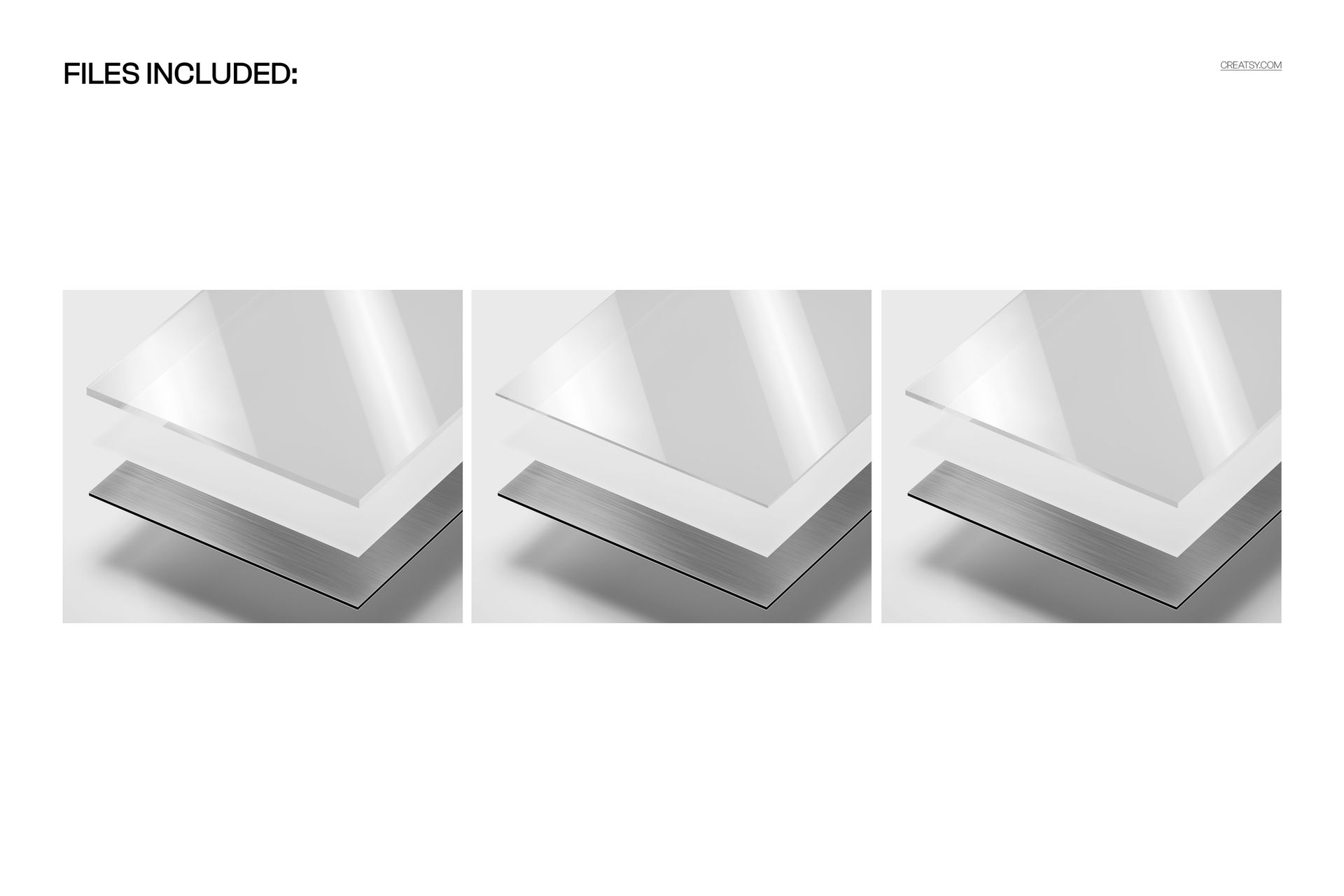
3 layered PSD mockup files
3 matching JPG previews at 6000 × 5000 px
6 files in total
Separate 2 mm, 4 mm and 6 mm acrylic glass variants
One landscape exploded-view perspective across the set
Compare Three Acrylic Glass Thicknesses
Each file represents a different clear acrylic glass thickness over the alu-dibond panel. The consistent viewpoint lets viewers compare the visible edge depth while the brushed metal layer and artwork remain aligned.
Smart Object Artwork Placement
Place a design in the Smart Object of each PSD to build a coordinated comparison. The layered construction, reflections, perspective and metallic edge remain in position around the new artwork.
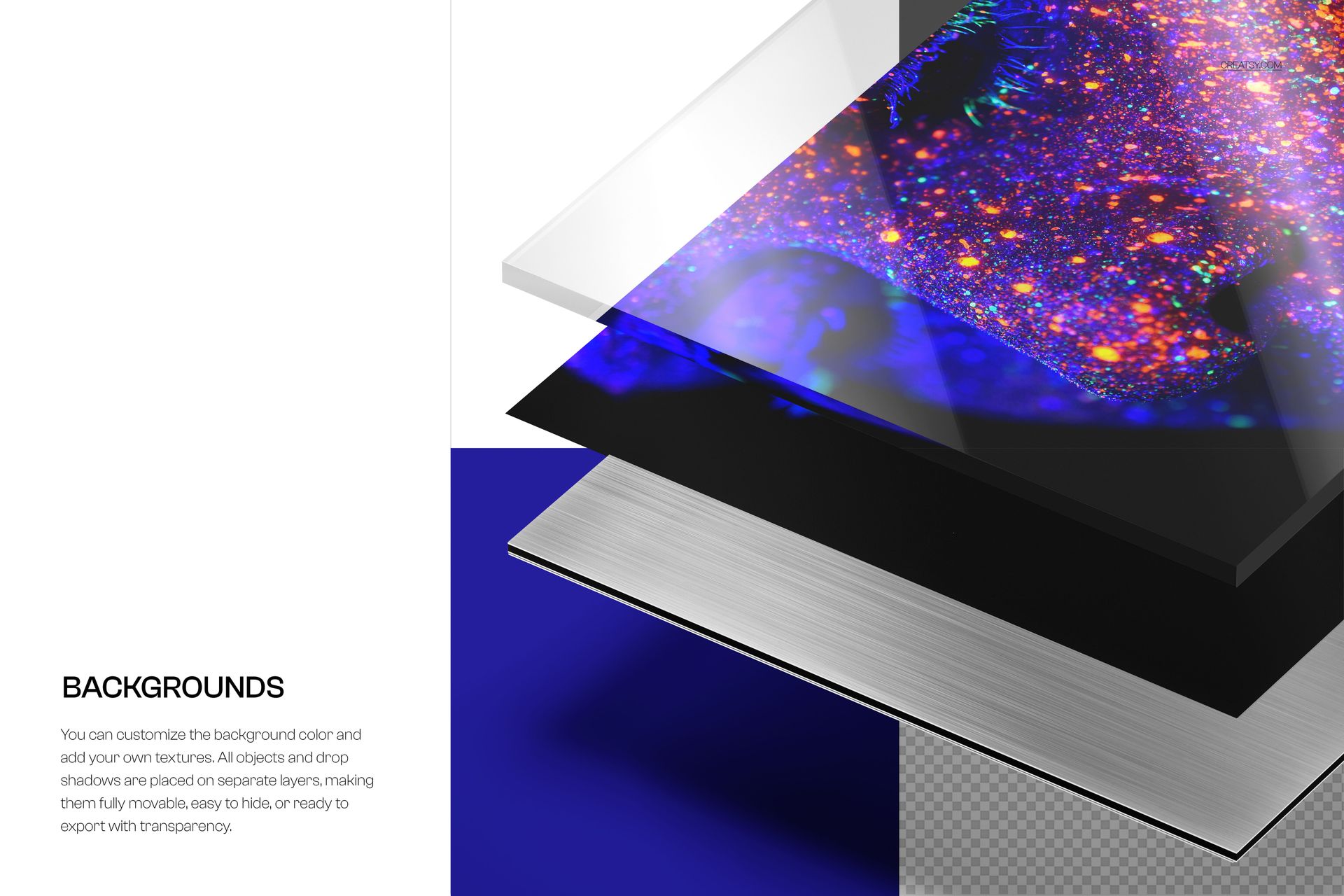
Background and Layer Controls
Replace the print artwork
Change the background color or design
Add a custom background texture
Move or hide scene objects
Control drop shadows on separate layers
Hide the background for a transparent export
Perfect For
Acrylic glass thickness comparisons
Alu-dibond print presentations
Fine art and photography proposals
Print supplier product pages
Client material selection guides
This is a digital mockup set, not a physical alu-dibond panel or acrylic glass sample. The preview artwork is not included.