Exploded View Acrylic Print Landscape Mockup (glossy)
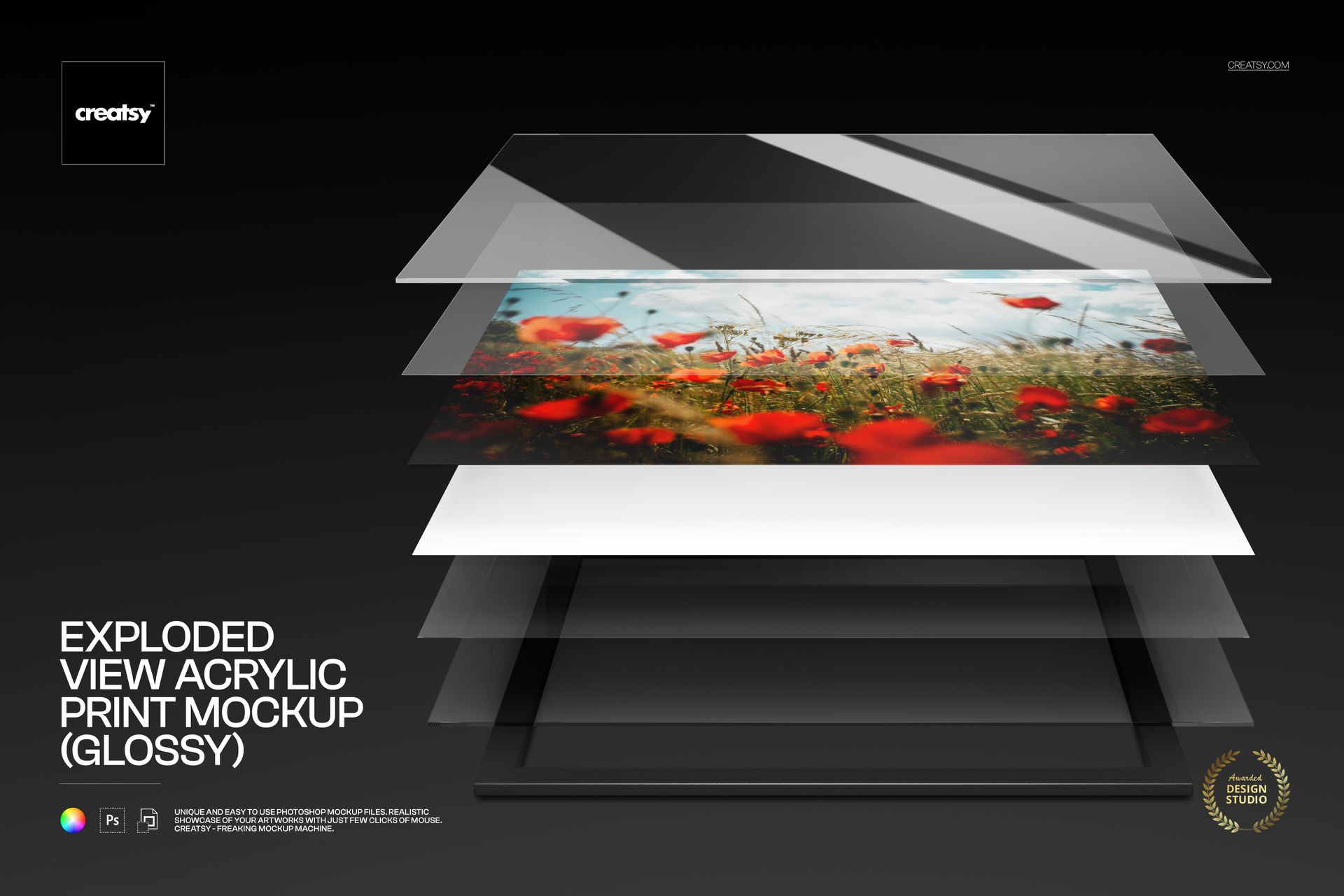
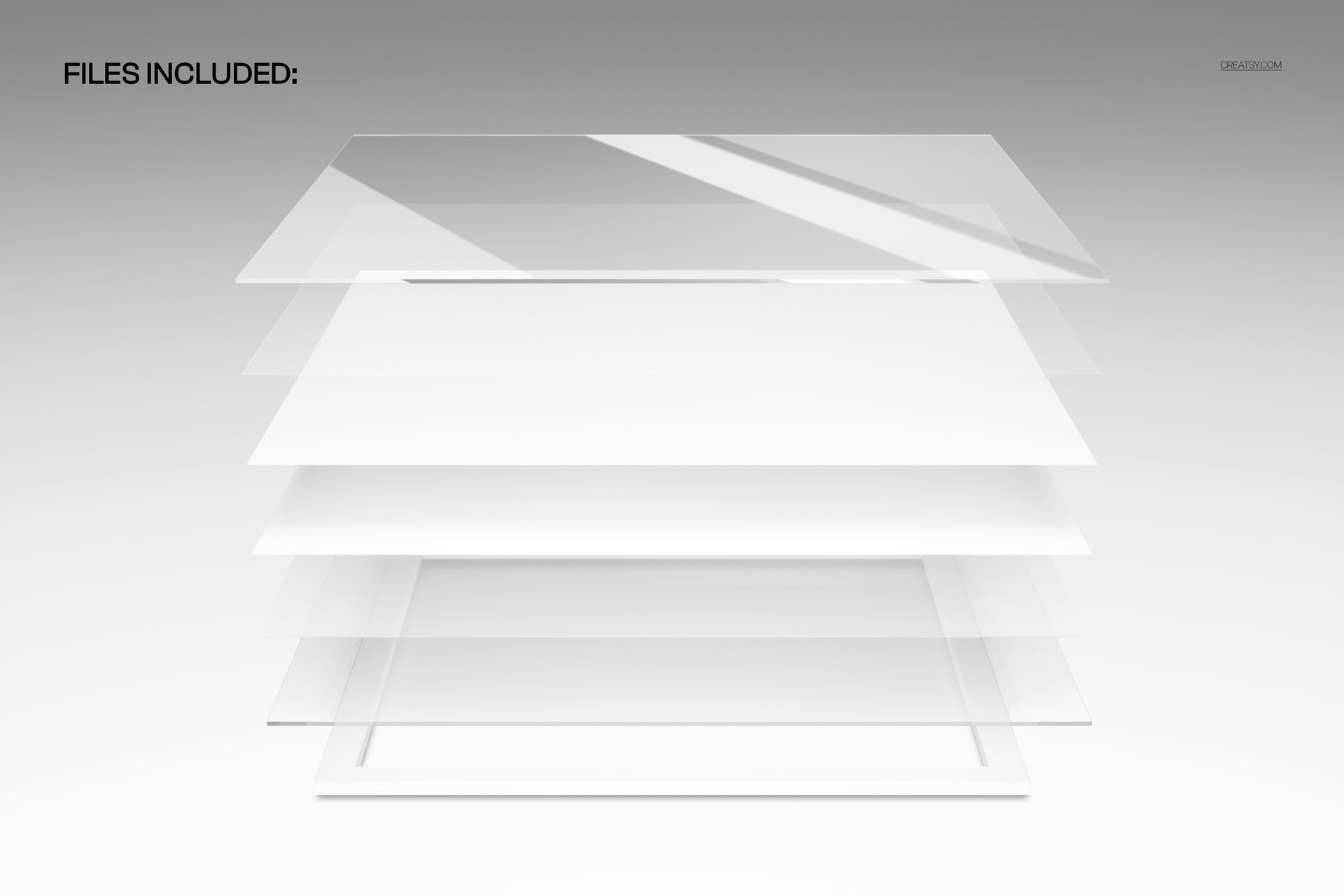
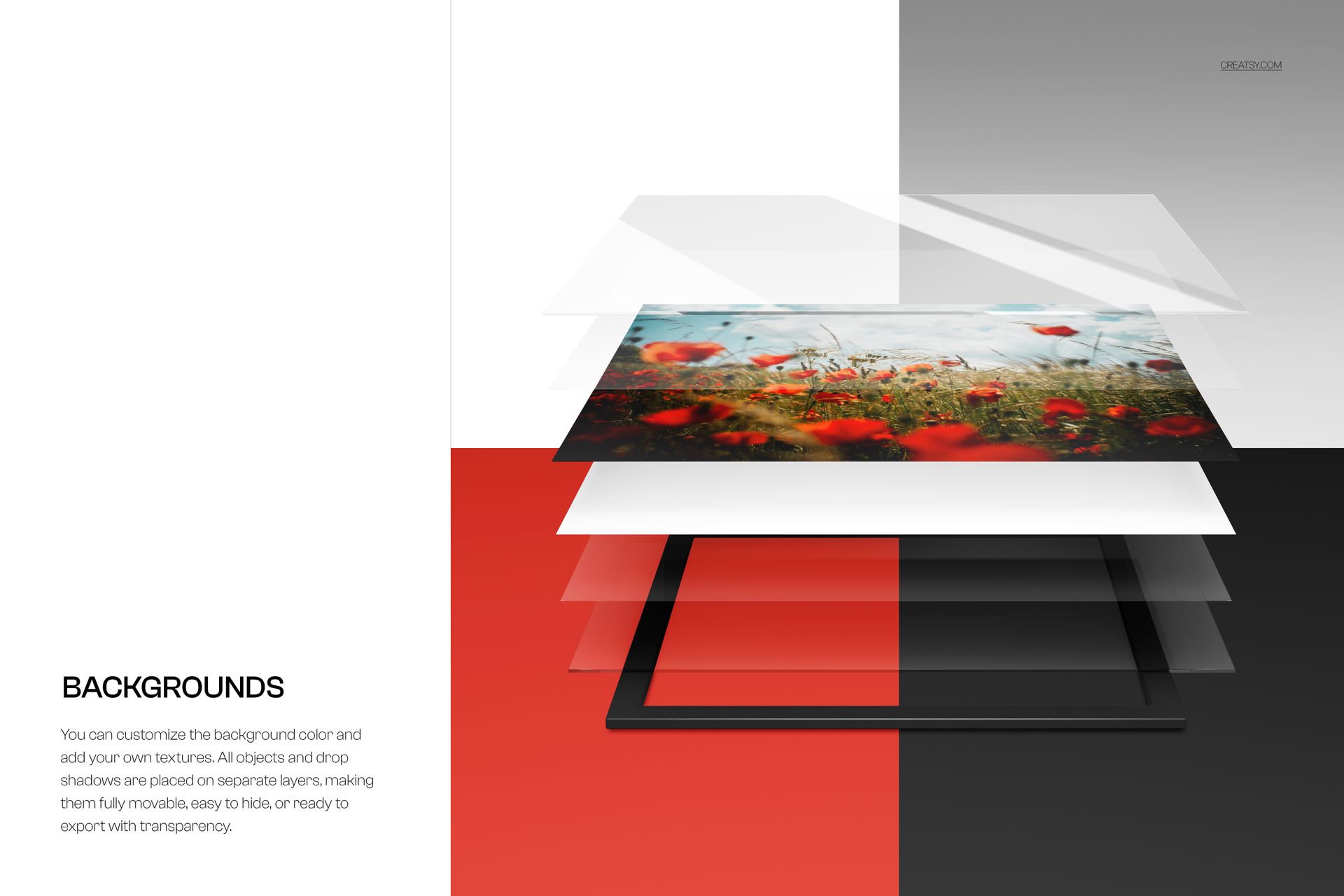
Reveal wide artwork across the separated components of a glossy acrylic print. This fixed studio scene keeps the landscape image visible while clear panels, reflective surfaces, a resin-coated paper base and a floating frame form an exploded product view.
The horizontal composition gives photography, architecture and wide illustration enough room to retain their crop. Glossy highlights and transparent edges add material depth without presenting the scene as a wall installation or technical diagram.
What Is Included
1 layered PSD mockup file
1 JPG preview at 6000 × 4000 px
One fixed landscape-oriented scene
Smart Object artwork replacement
Objects and drop shadows on separate layers
Glossy Materials in a Wide Format
The separated stack makes the print construction easy to read, while stronger reflections distinguish this glossy version from the related landscape matte mockup. The 3:2 JPG preview confirms a format with more width than height.
Update the Artwork
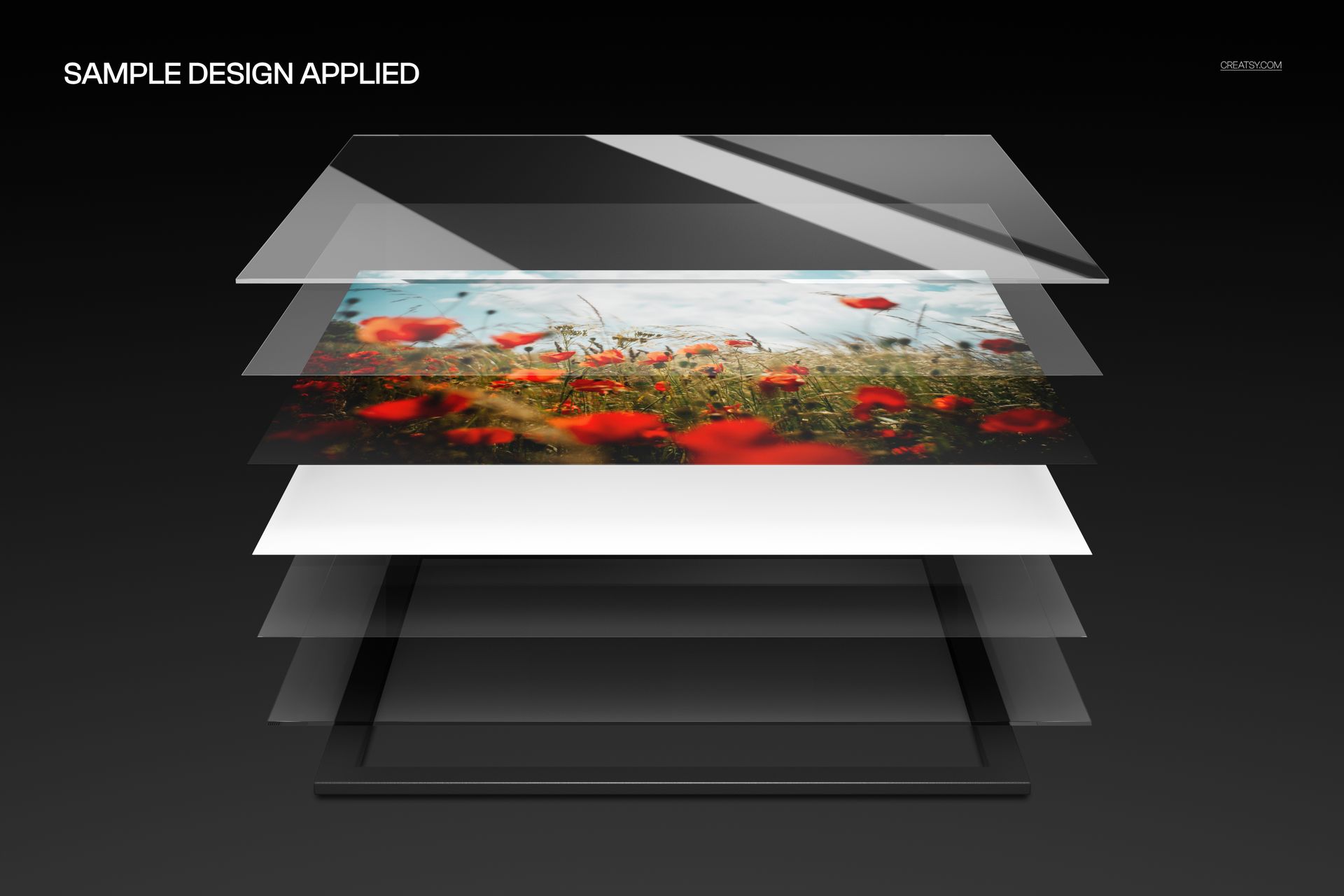
Open the artwork Smart Object, place a landscape design and save it to refresh the print. The fixed perspective, layer spacing and reflective studio lighting stay aligned around the replacement image.
Scene Adjustments
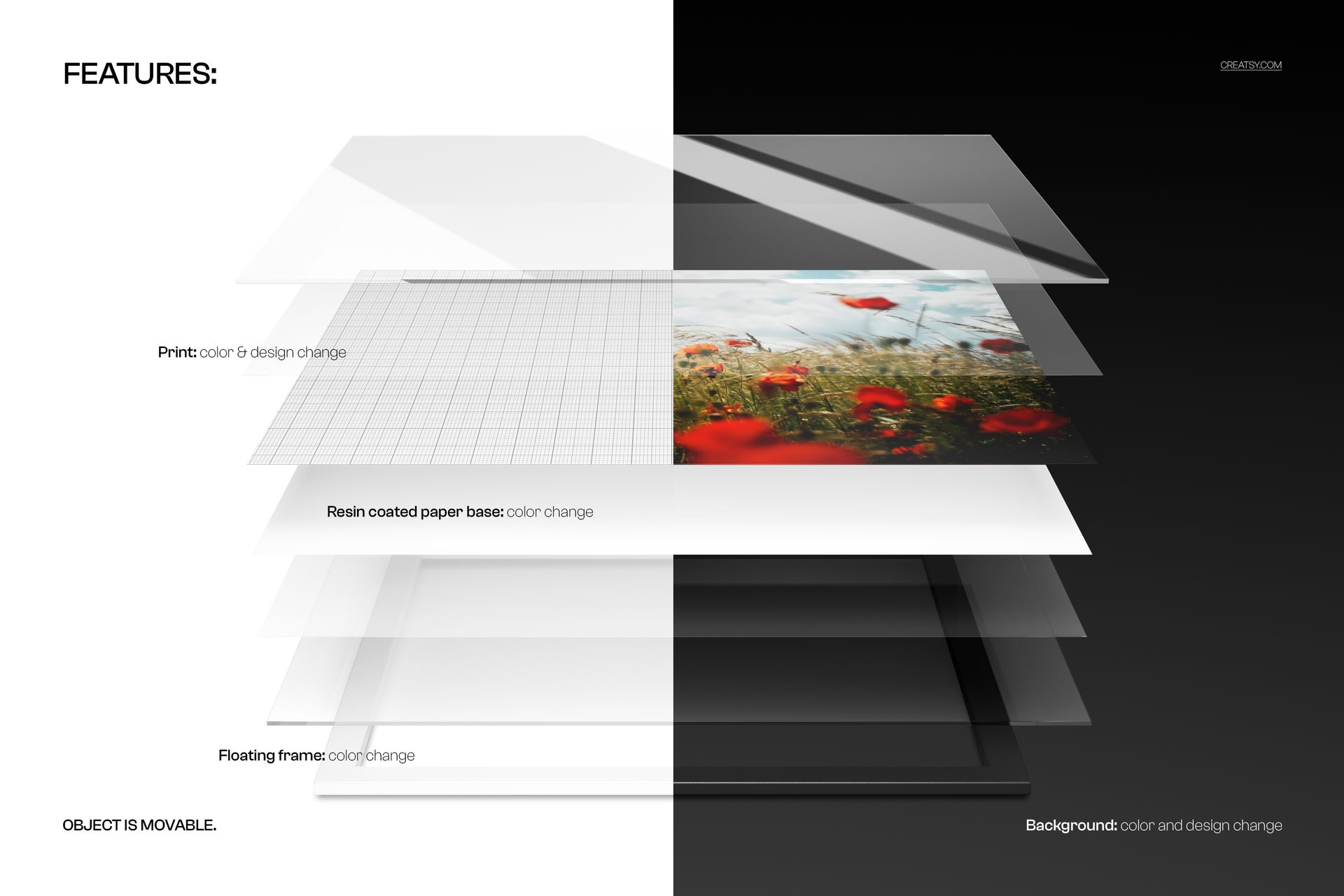
Change the print color and design
Recolor the resin-coated paper base
Adjust the floating frame color
Change the background color or add a texture
Move or hide the object and drop shadows
Remove the background for a transparent export
Ideal For
Landscape photography presentations
Architectural and travel artwork
Wide illustration portfolios
Print lab product explanations
Glossy wall art marketing
This is a downloadable digital mockup, not a physical acrylic print. The floral artwork shown in the previews is not included.