Aluminum Metal Print Mockup Scene

ID: 1401061717 | Updated: Jun 9, 2022

Product Details

Customizable Aluminum Metal Print Interior Mockup Scene

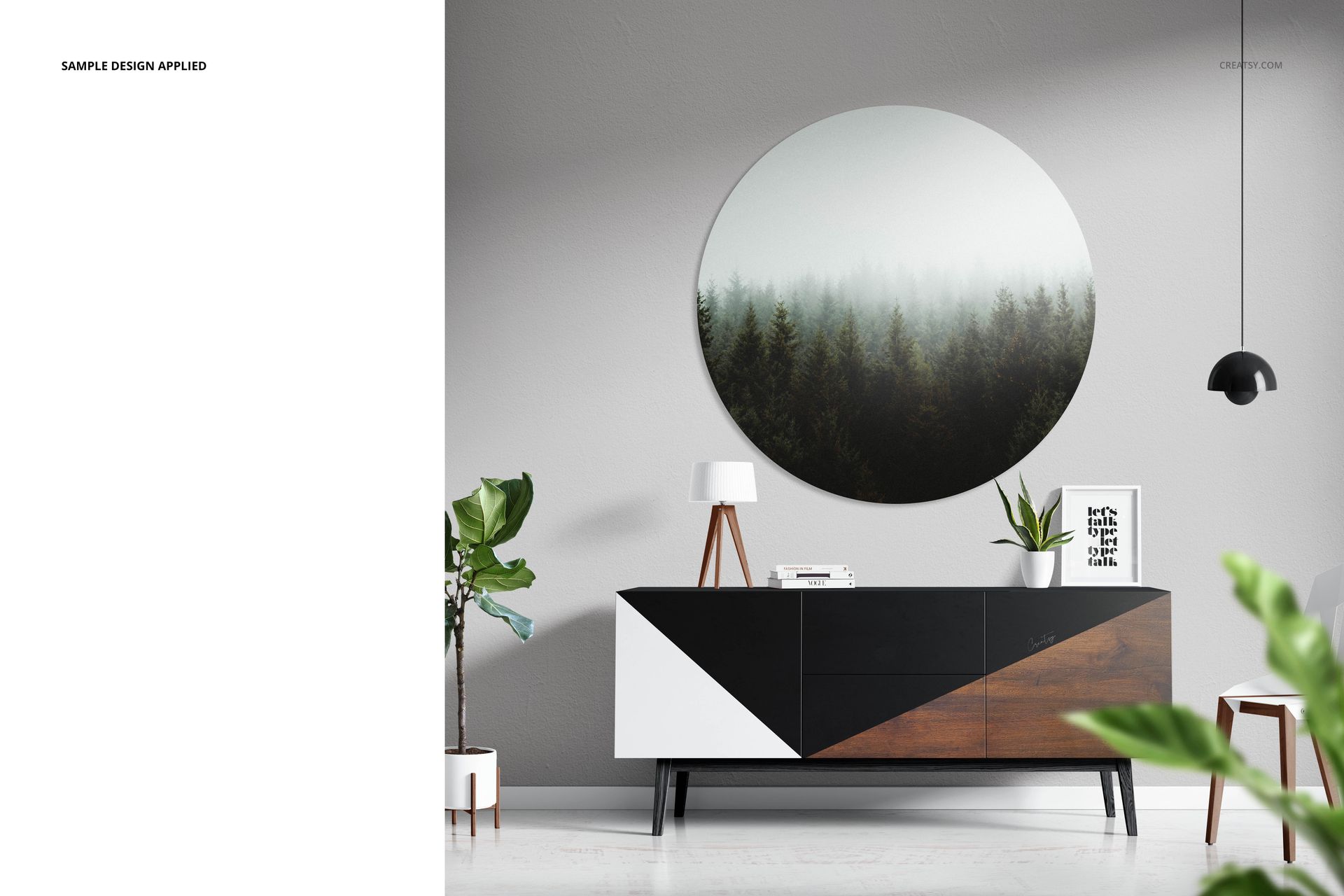
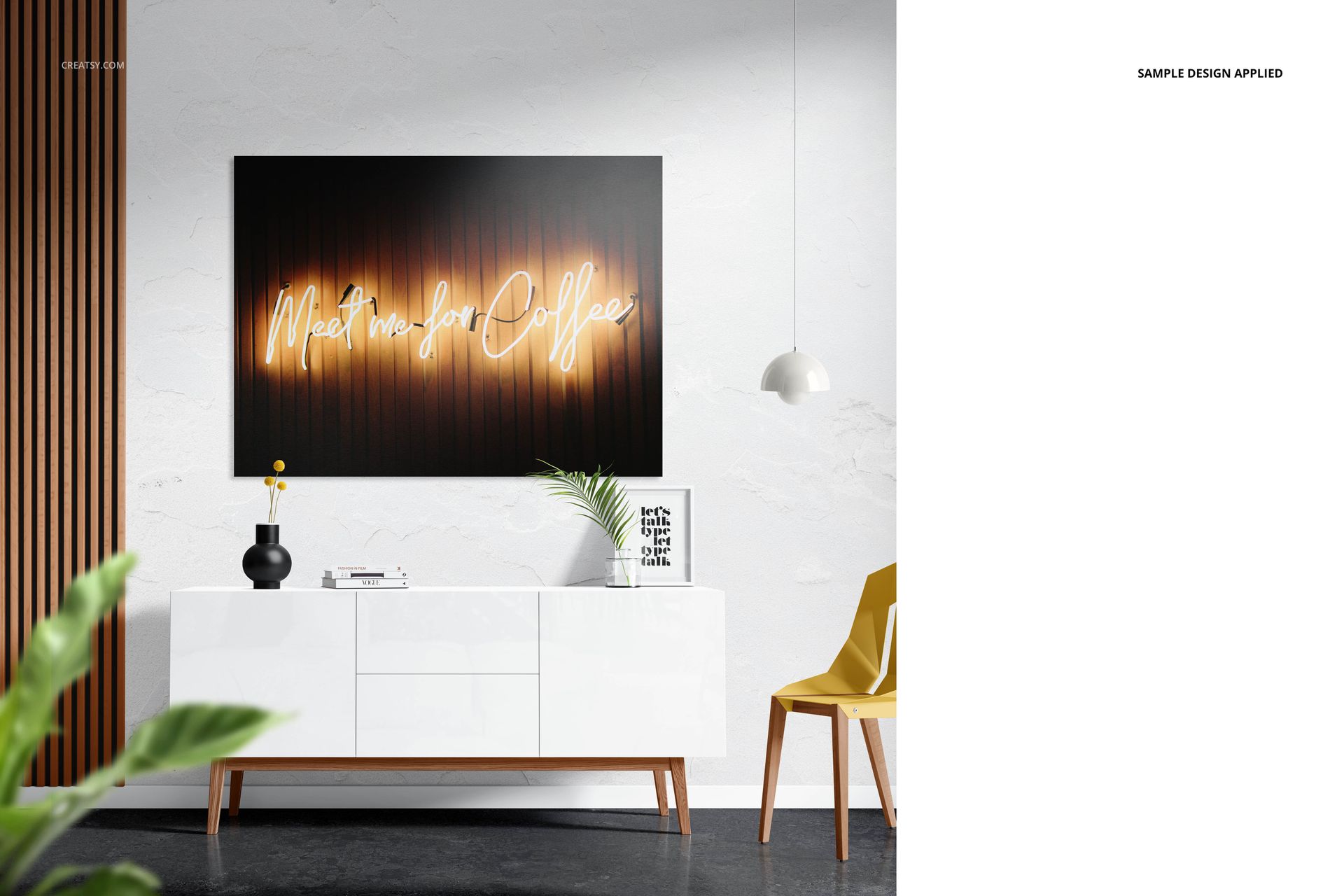
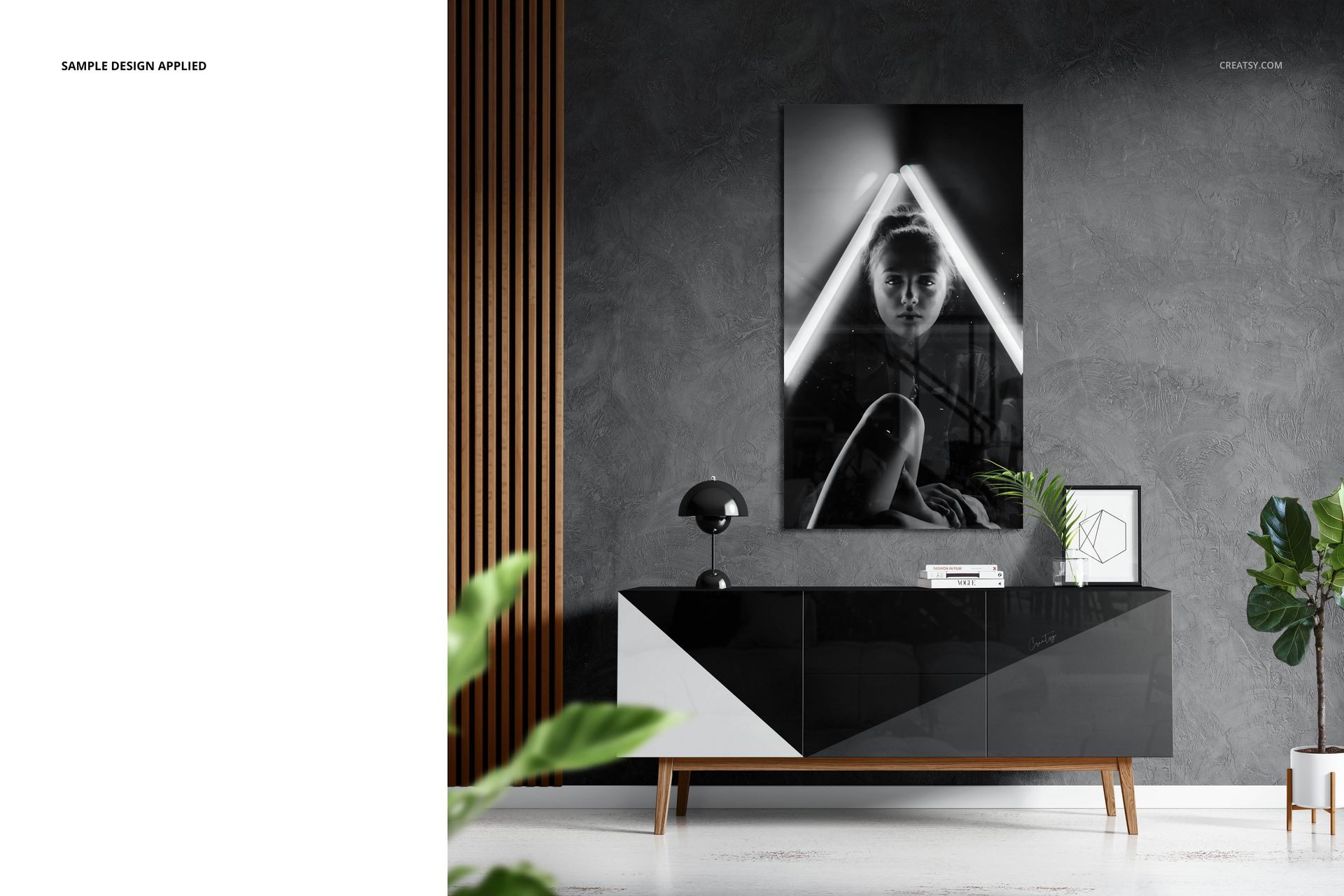
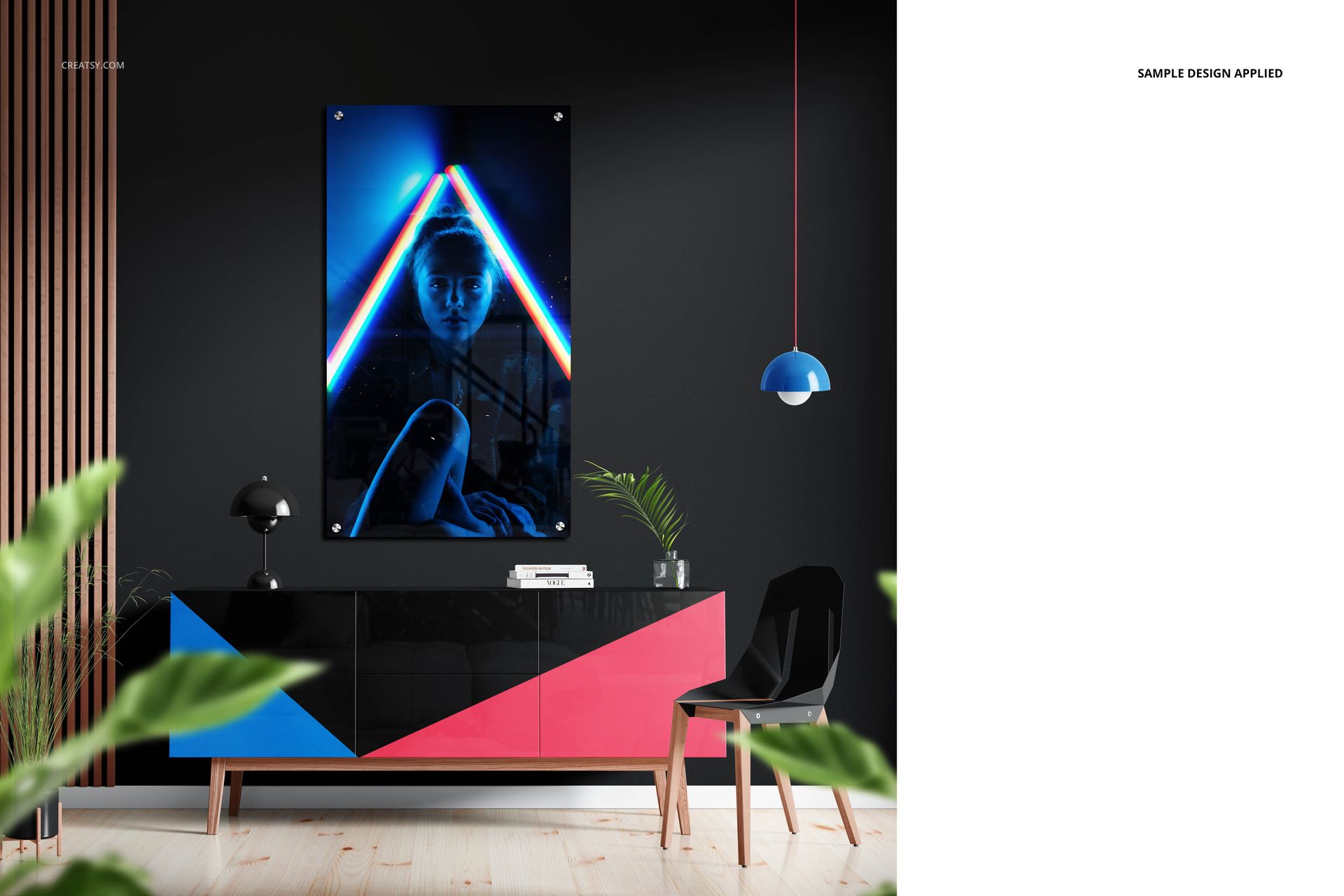
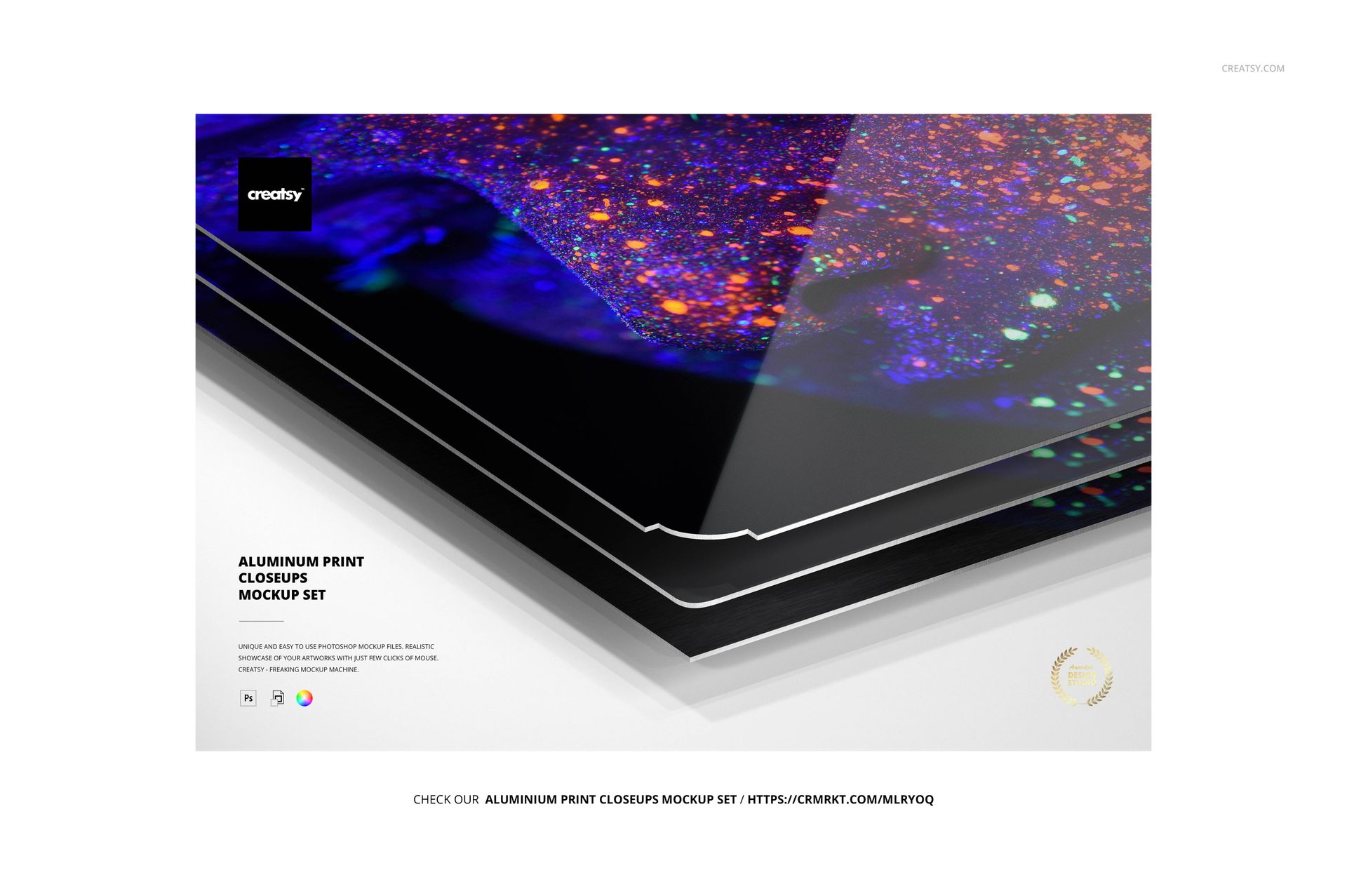
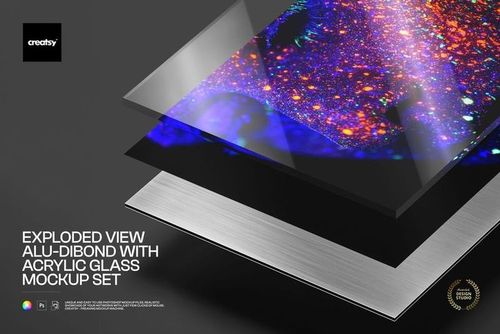
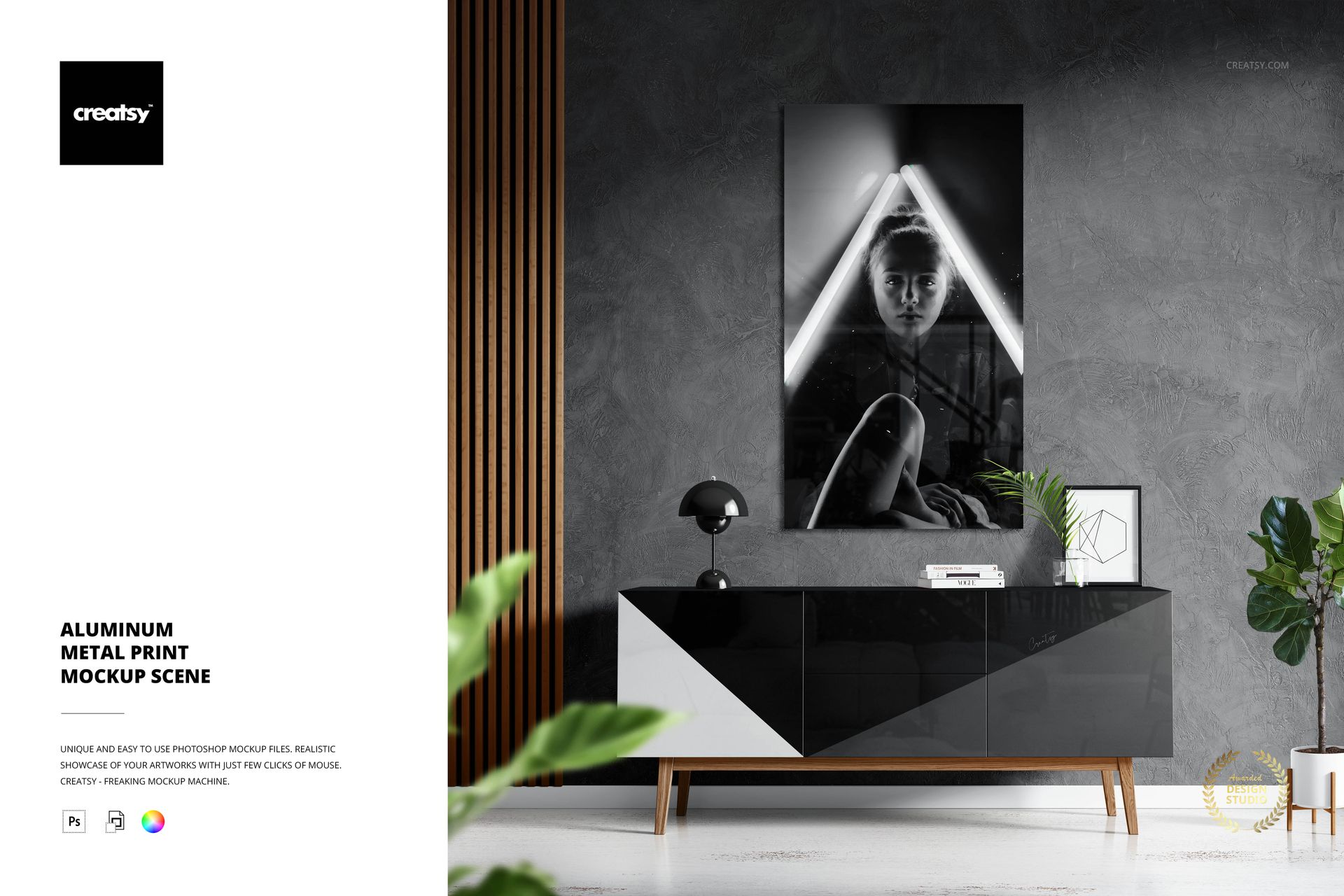
Present aluminum wall art in a configurable interior above a modern sideboard. Three large-format PSB files keep the same room composition while changing the print surface to glossy, matte or brushed aluminum.

Smart Objects update the artwork, while shape, mounting, color and decor controls support rectangular, round, oval and custom print presentations in one coordinated scene.

What Is Included

  • 3 layered PSB working files

  • 1 full-size JPG preview

  • 1 PDF user manual

  • 1 MP4 video guide

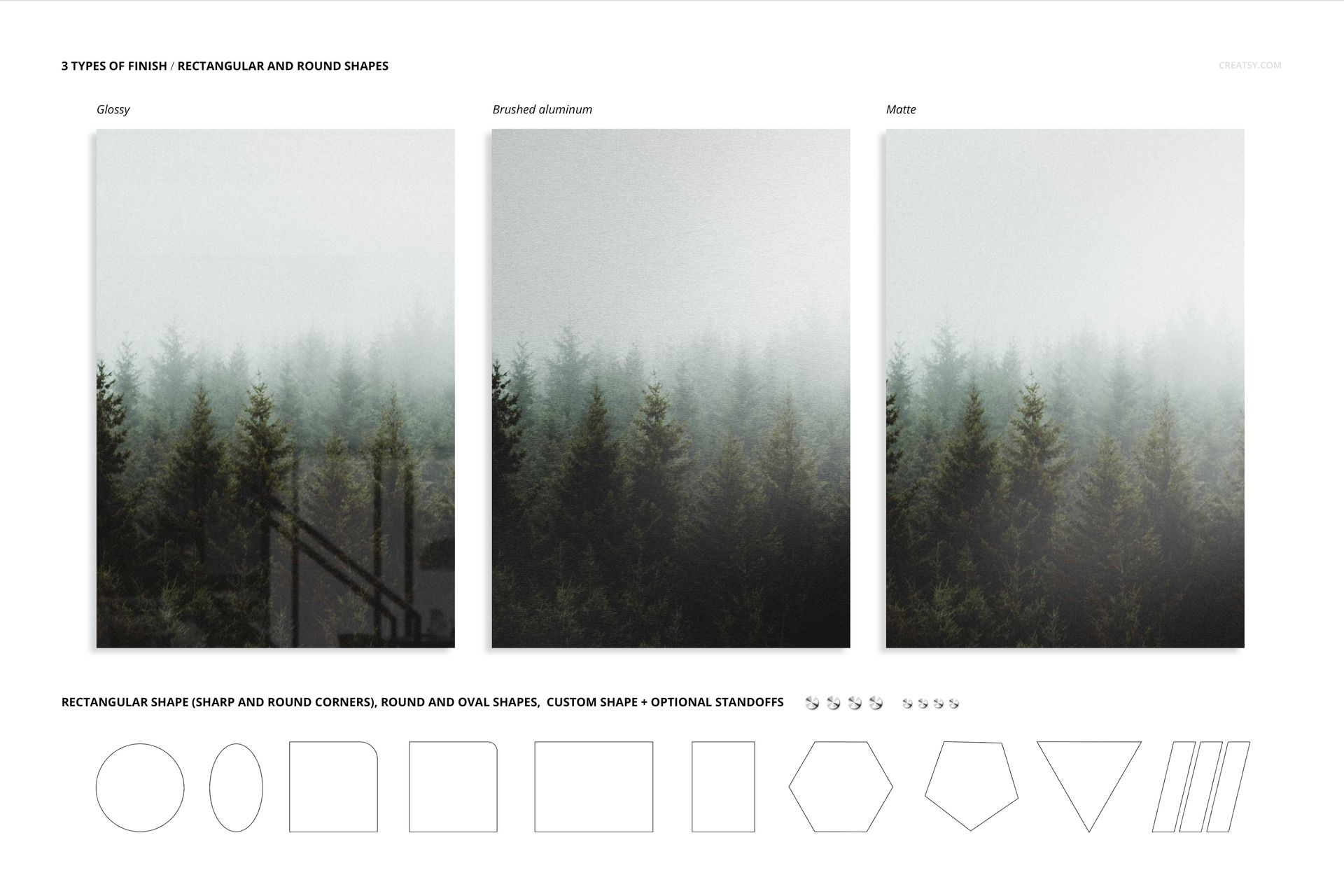
  • Glossy, matte and brushed aluminum versions of the same scene

Choose Shape and Mounting

  • Rectangular prints with sharp or rounded corners

  • Round and oval metal prints

  • Custom print shapes

  • Portrait, landscape and square presentations

  • Optional wall standoffs

Replace Artwork and Select a Finish

Open the artwork Smart Object in the chosen PSB, place a design and save it to update the metal print. Use matching artwork in the glossy, matte and brushed files when you need a controlled surface comparison.

Customize the Interior

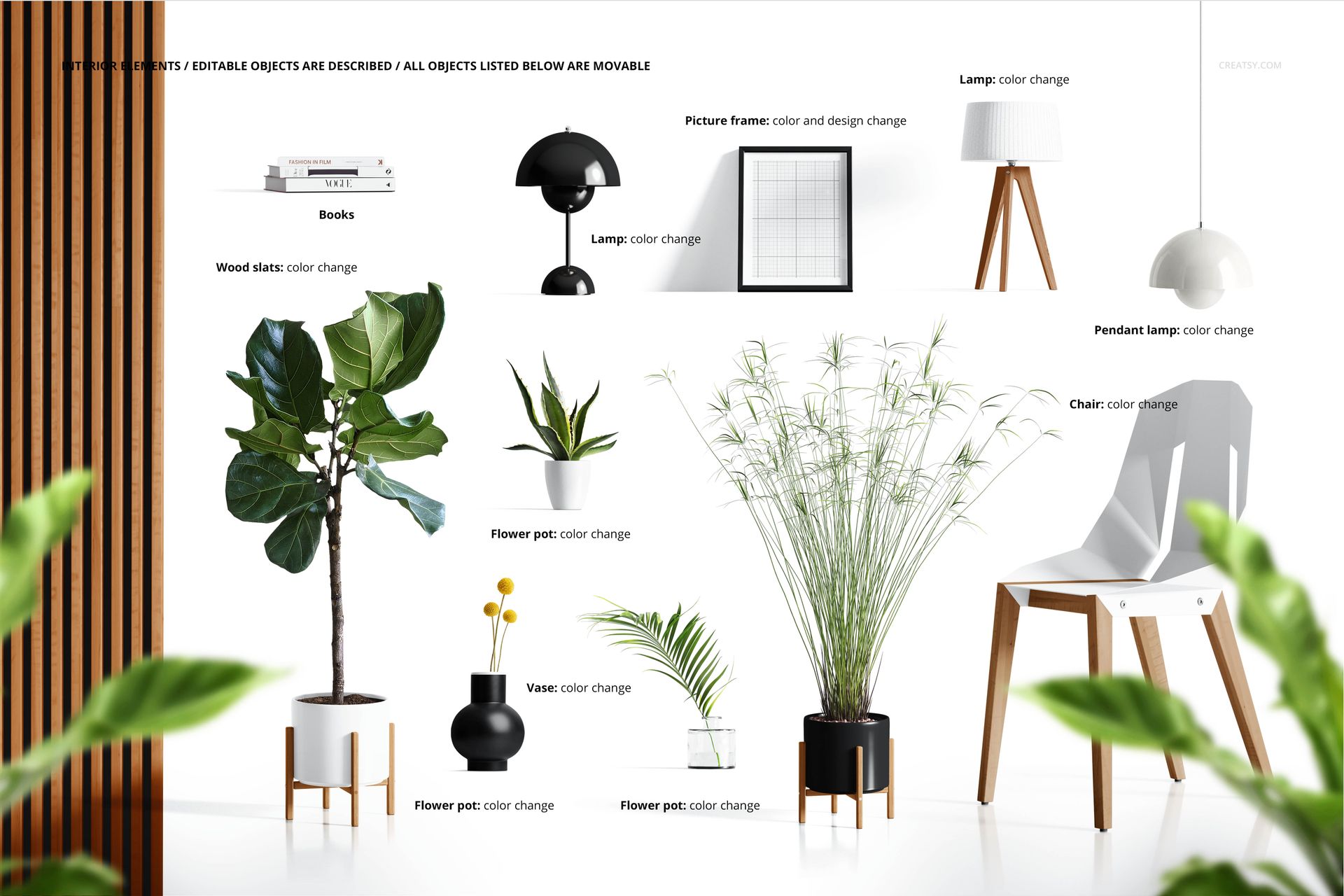
  • Move or recolor books and decorative wooden slats

  • Move or recolor the table, floor and pendant lamps

  • Move the chair, planters and vase

  • Change the frame color and artwork

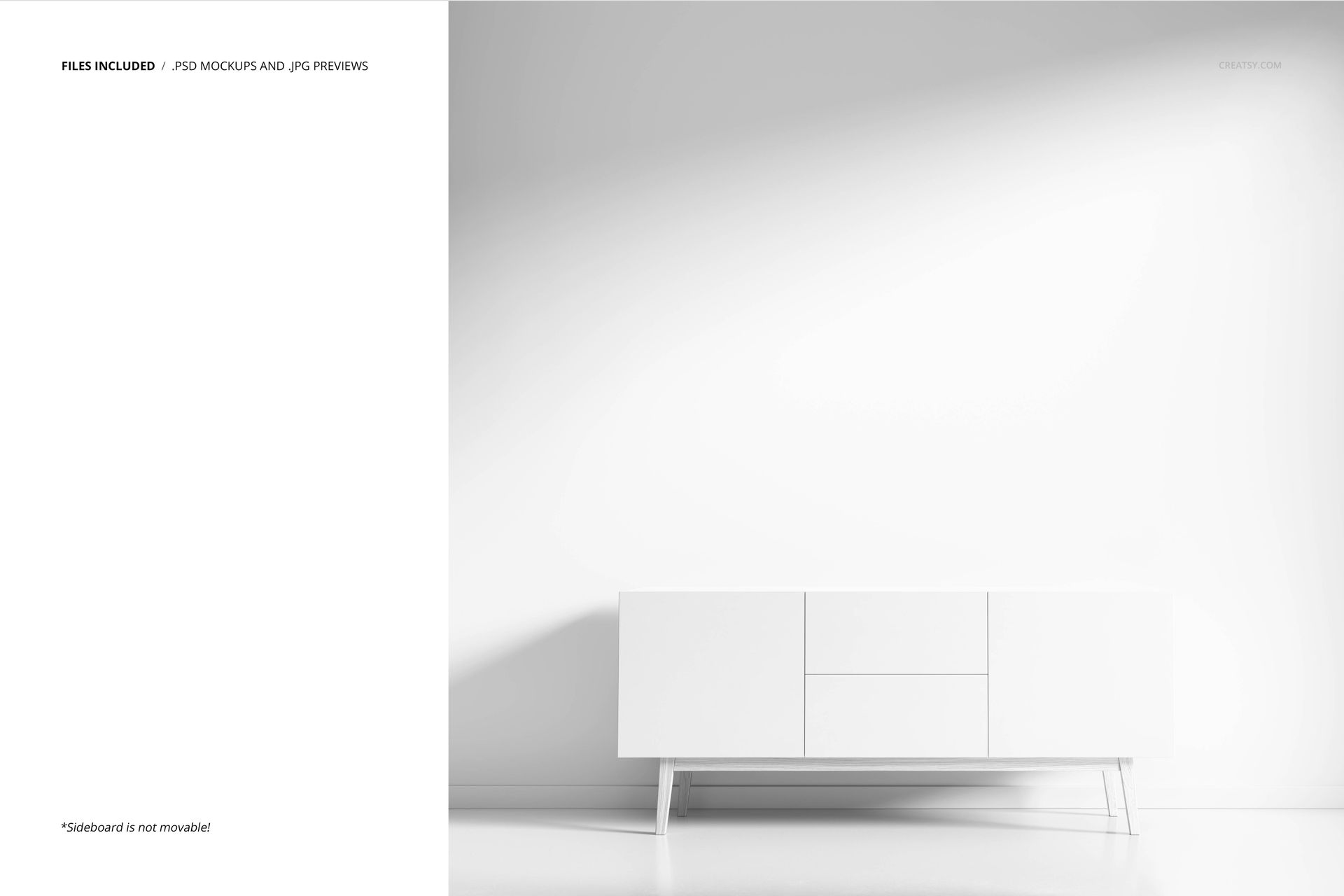
  • Keep the sideboard fixed as the scene anchor

Wall, Floor and Texture Options

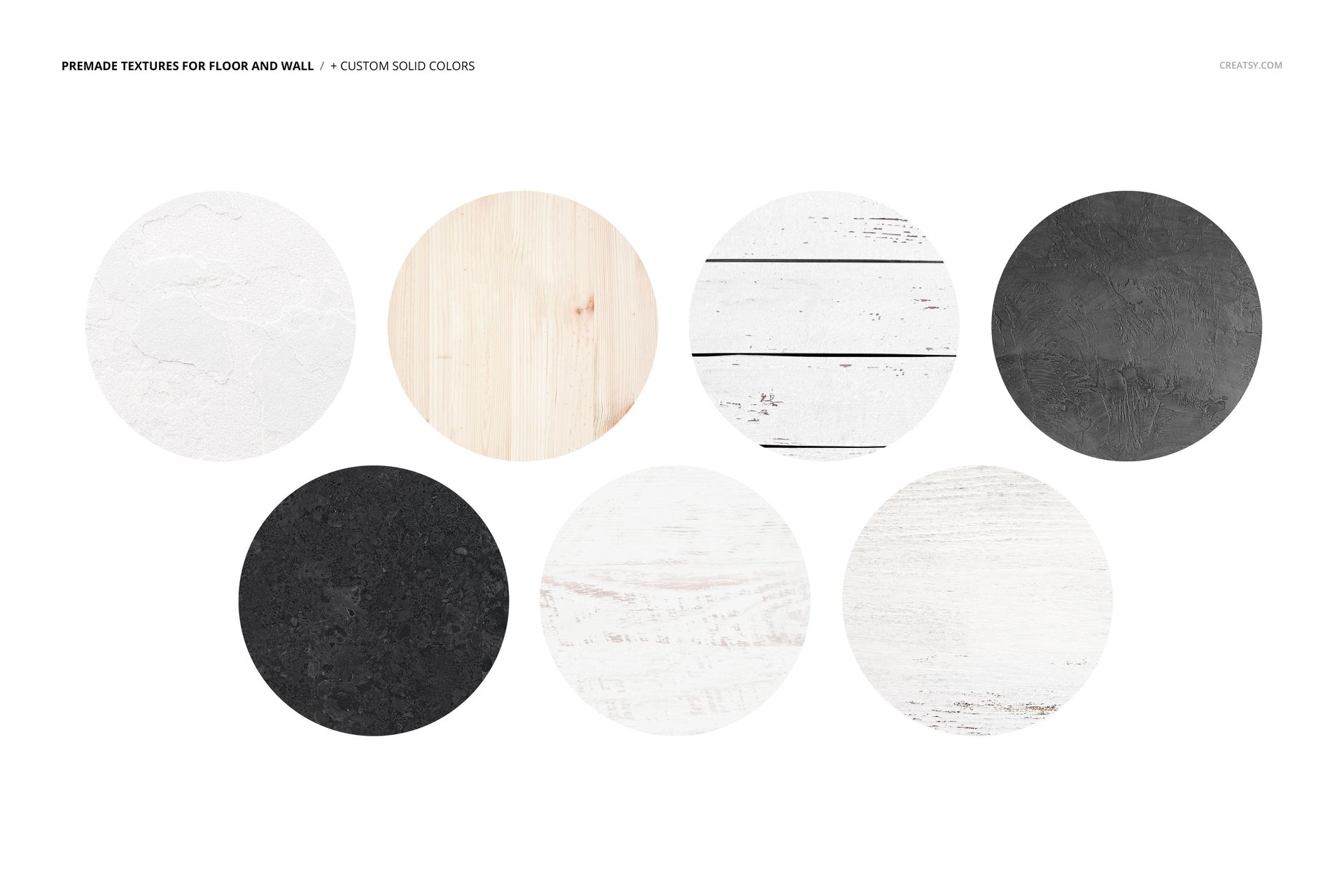
Use seven premade wall and floor textures for quick room variations, or apply custom solid colors. Keep the room treatment consistent across finishes when the metal surface is the main comparison.

Useful For

  • Aluminum wall art product pages

  • Living room and sideboard presentations

  • Round, oval and custom-shape previews

  • Client finish and mounting proposals

  • Photography and illustration portfolios

This is a downloadable digital mockup scene, not a physical aluminum print. The sample patterns and artwork shown in the previews are not included.

File details

Compatibility
Adobe Photoshop
Package size
3.38 GB3.38 GB|3.63 GB3.63 GB
Files type
.psd, .jpg, .pdf
Files size
6000x6000
TEST FOR FREE

MEET THE SHOP

Creatsy logo

Creatsy

Poland
4.7 (672)

Bring your ideas to life.

We're a family-run studio in Katowice, Poland, making PSD mockups by hand since 2016. Everything in this shop starts in our own studio. We shoot the photography, build the 3D, and put together every Smart Object PSD ourselves - then we test it, organize the layers, and only ship it once it actually works...
GO TO SHOP

HOW IT WORKS

3 clicks. That's it.

No tutorial needed. If you can copy-paste, you can use this.

  1. 1OpenDouble-click the smart object inside the PSD - in Adobe Photoshop, or free in your browser with Photopea.
  2. 2PasteDrop in your pattern, print, or artwork. Any design, any style.
  3. 3SaveHit save and the mockup wraps it in for you - shadows, folds, and lighting included.

FROM IDEA TO IMAGE

Built for real workflows

Show the finished print on the wall Poster, canvas, or acrylic - drop your art in and the client sees the hung piece before it goes to print.

See it on the product, not a swatch Drop your file into the smart object and the scene's lighting and folds wrap around it, so you judge the real thing before you commit.

Smart Objects

Edit once and you're done. Your artwork drops into a smart object and the mockup updates itself - no masking, no warping by hand.

Perfectly Organized

Named layers and folders you can actually navigate. Find what you need, change what you want, and get out fast.

Print-Ready

High-resolution files built to hold up on screen and in print. Exact size and DPI are in this product's Details above.