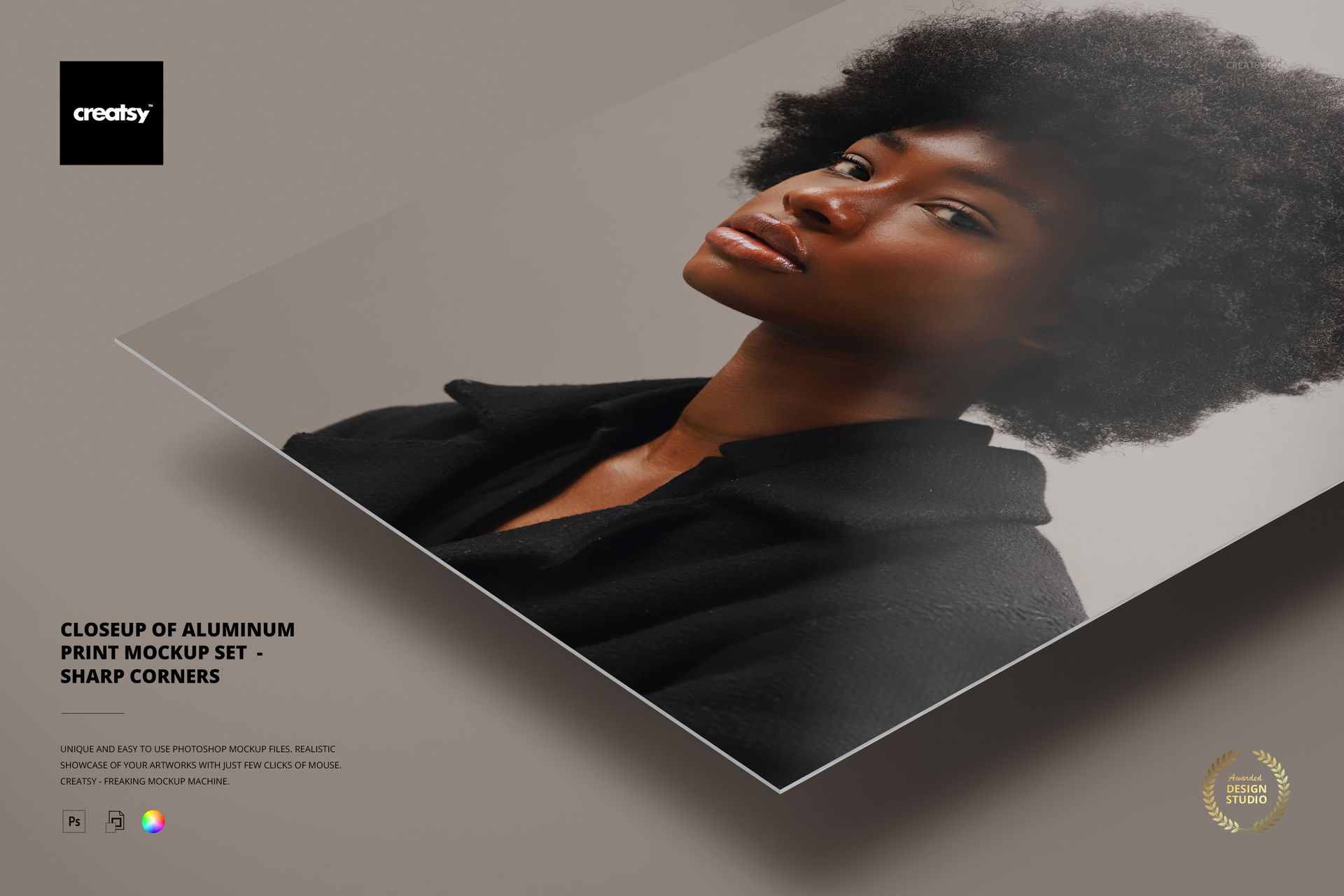
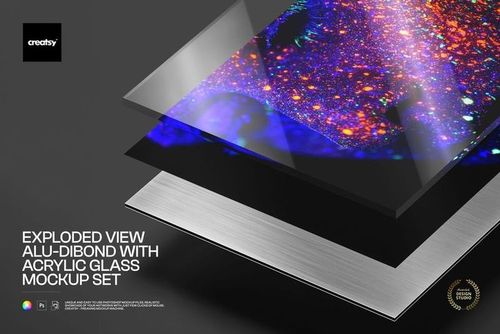
Closeup of Aluminum Print Mockup Set - Sharp Corners

ID: 1842846037 | Updated: May 13, 2025

Product Details

Closeup of Aluminum Print Mockup Set – Sharp Corners


The Closeup of Aluminum Print Mockup Set – Sharp Corners is designed for creatives who want their work to make a lasting impact. This mockup doesn’t just display your art — it frames it with edge, depth, and precision. With hyper-realistic rendering and dramatic lighting, your visuals will gain the clarity and confidence they deserve.


Five Finishes, One Flawless Canvas

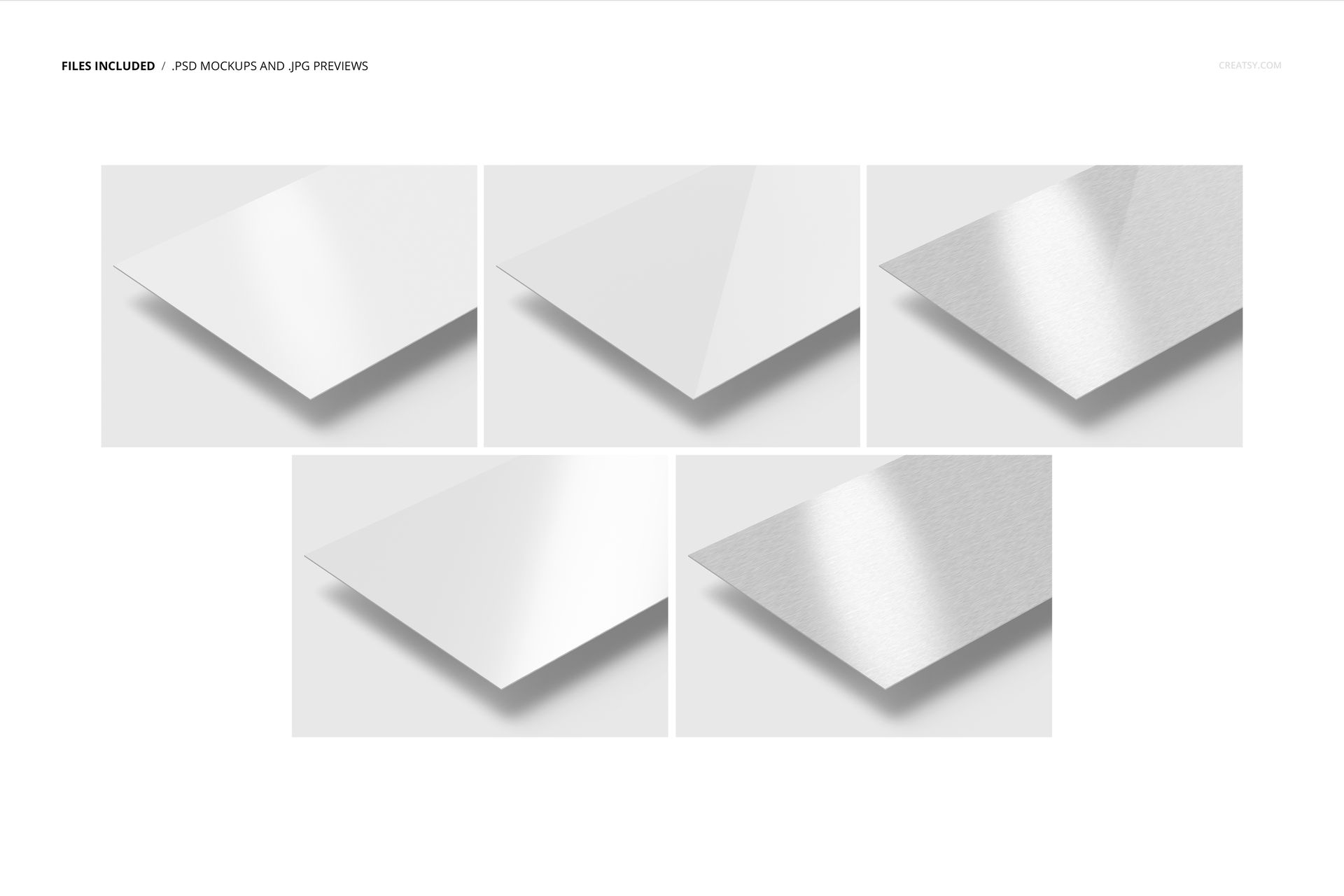
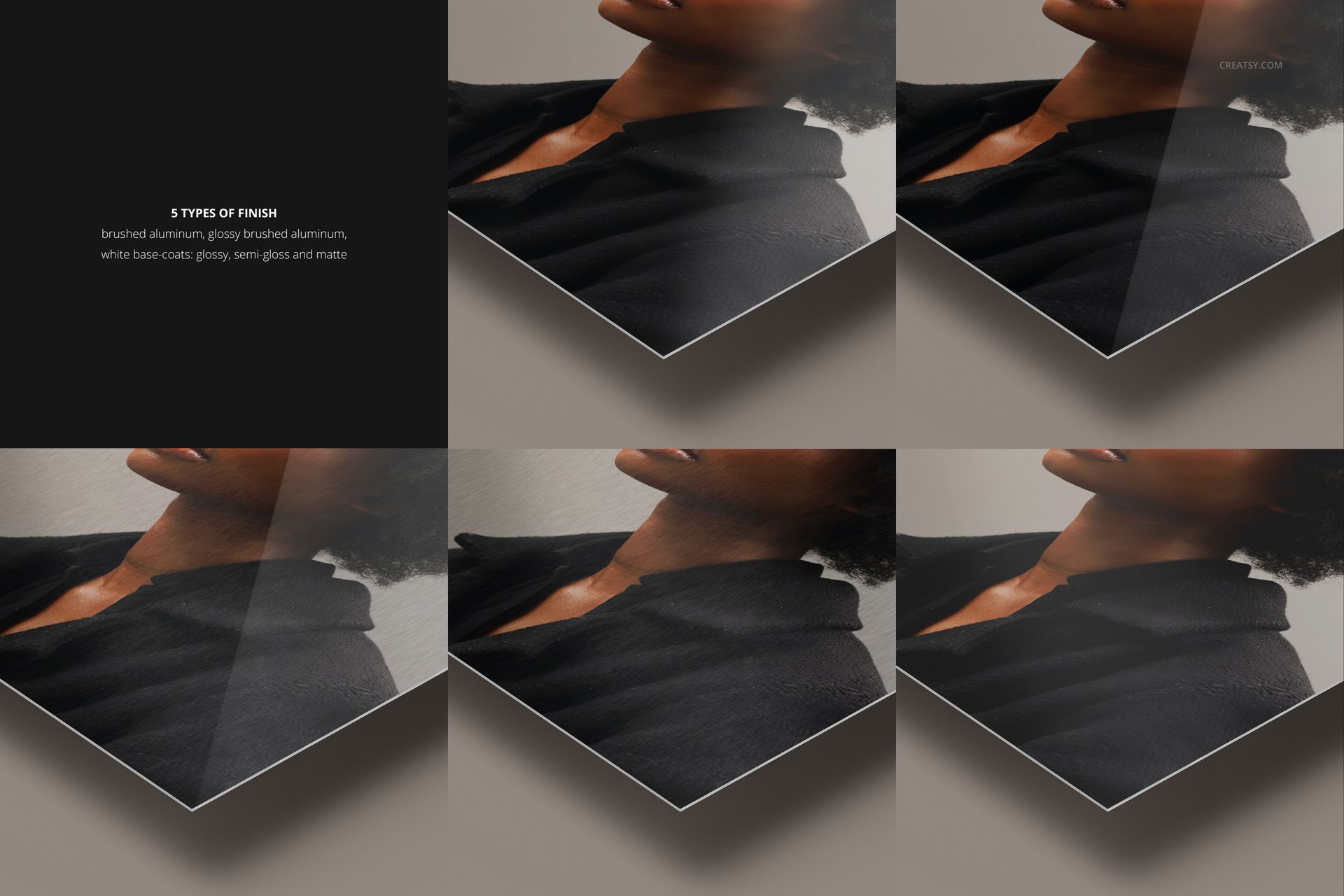
This set includes five premium PSD files, each showcasing a different aluminum finish. Choose between the brushed metallic texture, a gleaming glossy coat, or one of three white base coat variations: glossy, semi-gloss, or matte. Each file captures subtle differences in light refraction, so your mockup always looks print-ready and professionally photographed.


Sharp Details, Seamless Control

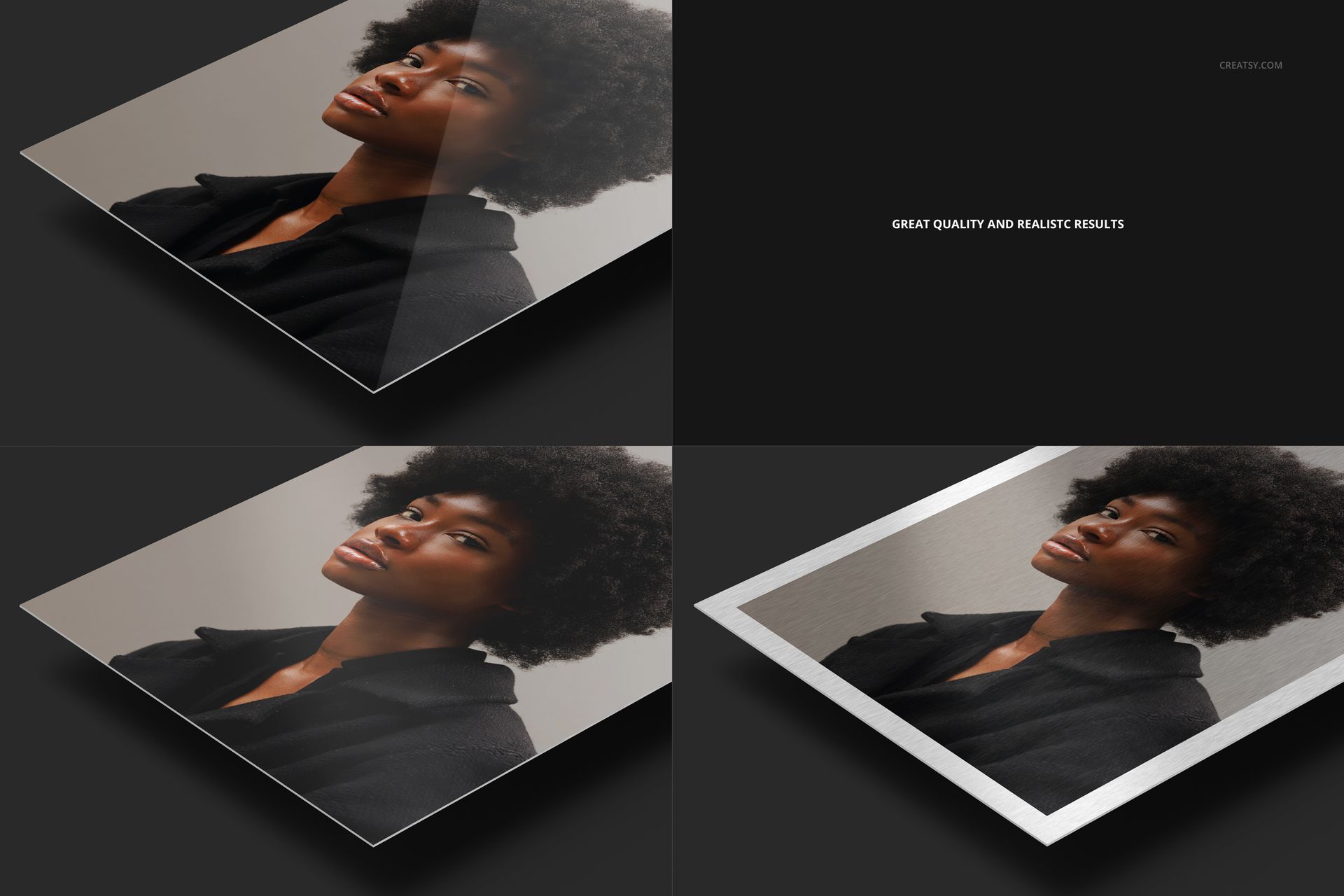
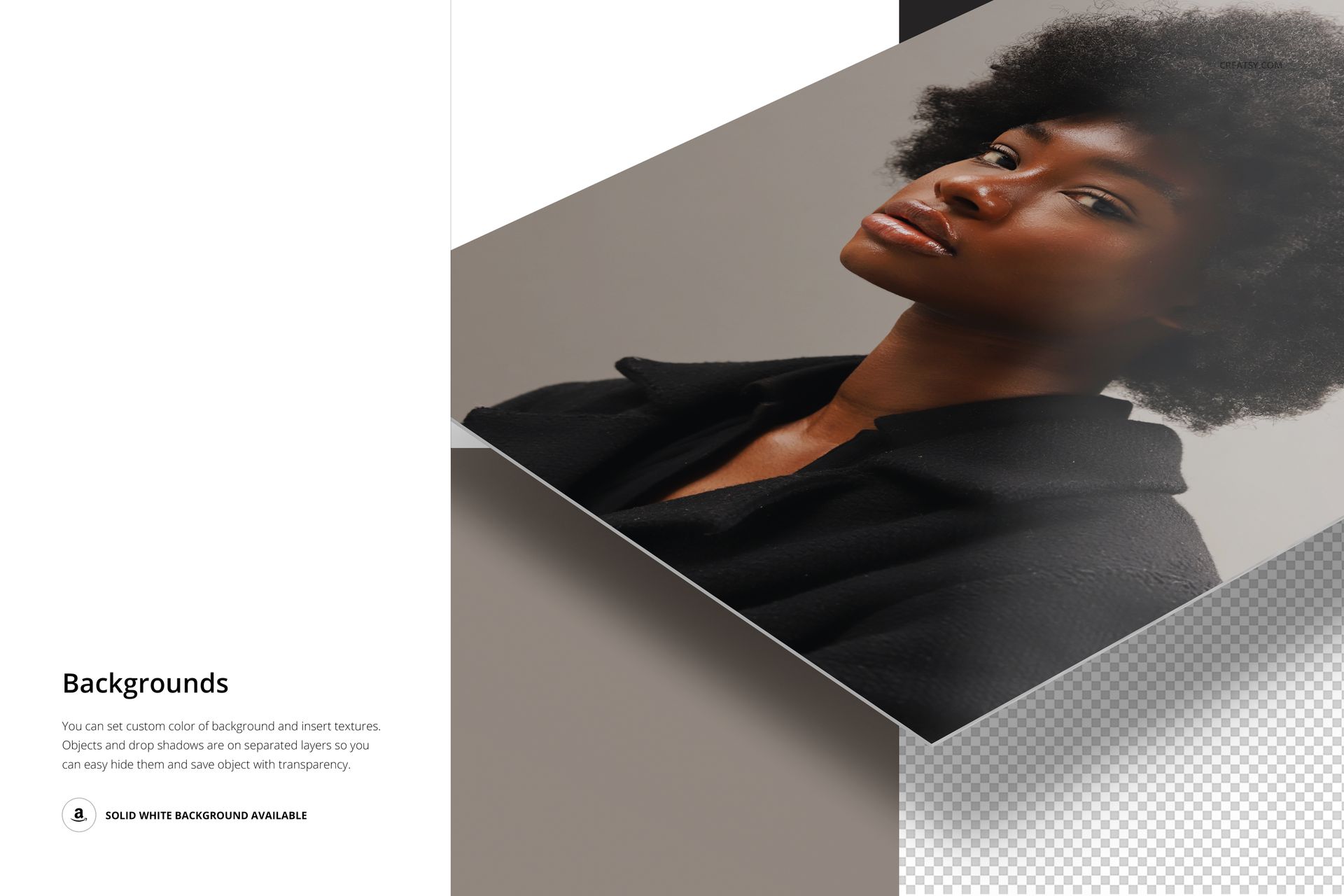
Smart object layers make it easy to add your designs, swap out backgrounds, and tweak positioning to suit your creative direction. Every close-up reveals the realistic structure of the aluminum, emphasizing sharp corners and sleek edges for a polished, modern feel.


  •   Files work only in Photoshop (min. version CC2015);
  • Pack includes 5 .psd files: 4500x6000 px, 300dpi;
  • Editable elements: print surface (design change) and background (color & design change);
  • Removable drop shadow;
  • Well organized layers. 

File details

Compatibility
PhotopeaAdobe Photoshop
Number of files included
10
Package size
900 MB900 MB|943 MB943 MB
Files type
.psd, .jpg
Files size
4500x6000
TEST FOR FREE

MEET THE SHOP

Creatsy logo

Creatsy

Poland
4.7 (647)

Bring your ideas to life.

We're a family-run studio in Katowice, Poland, making PSD mockups by hand since 2016. Everything in this shop starts in our own studio. We shoot the photography, build the 3D, and put together every Smart Object PSD ourselves - then we test it, organize the layers, and only ship it once it actually works...
GO TO SHOP

HOW IT WORKS

3 clicks. That's it.

No tutorial needed. If you can copy-paste, you can use this.

  1. 1OpenDouble-click the smart object inside the PSD - in Adobe Photoshop, or free in your browser with Photopea.
  2. 2PasteDrop in your pattern, print, or artwork. Any design, any style.
  3. 3SaveHit save and the mockup wraps it in for you - shadows, folds, and lighting included.

FROM IDEA TO IMAGE

Built for real workflows

Show the finished print on the wall Poster, canvas, or acrylic - drop your art in and the client sees the hung piece before it goes to print.

See it on the product, not a swatch Drop your file into the smart object and the scene's lighting and folds wrap around it, so you judge the real thing before you commit.

Smart Objects

Edit once and you're done. Your artwork drops into a smart object and the mockup updates itself - no masking, no warping by hand.

Perfectly Organized

Named layers and folders you can actually navigate. Find what you need, change what you want, and get out fast.

Print-Ready

High-resolution files built to hold up on screen and in print. Exact size and DPI are in this product's Details above.