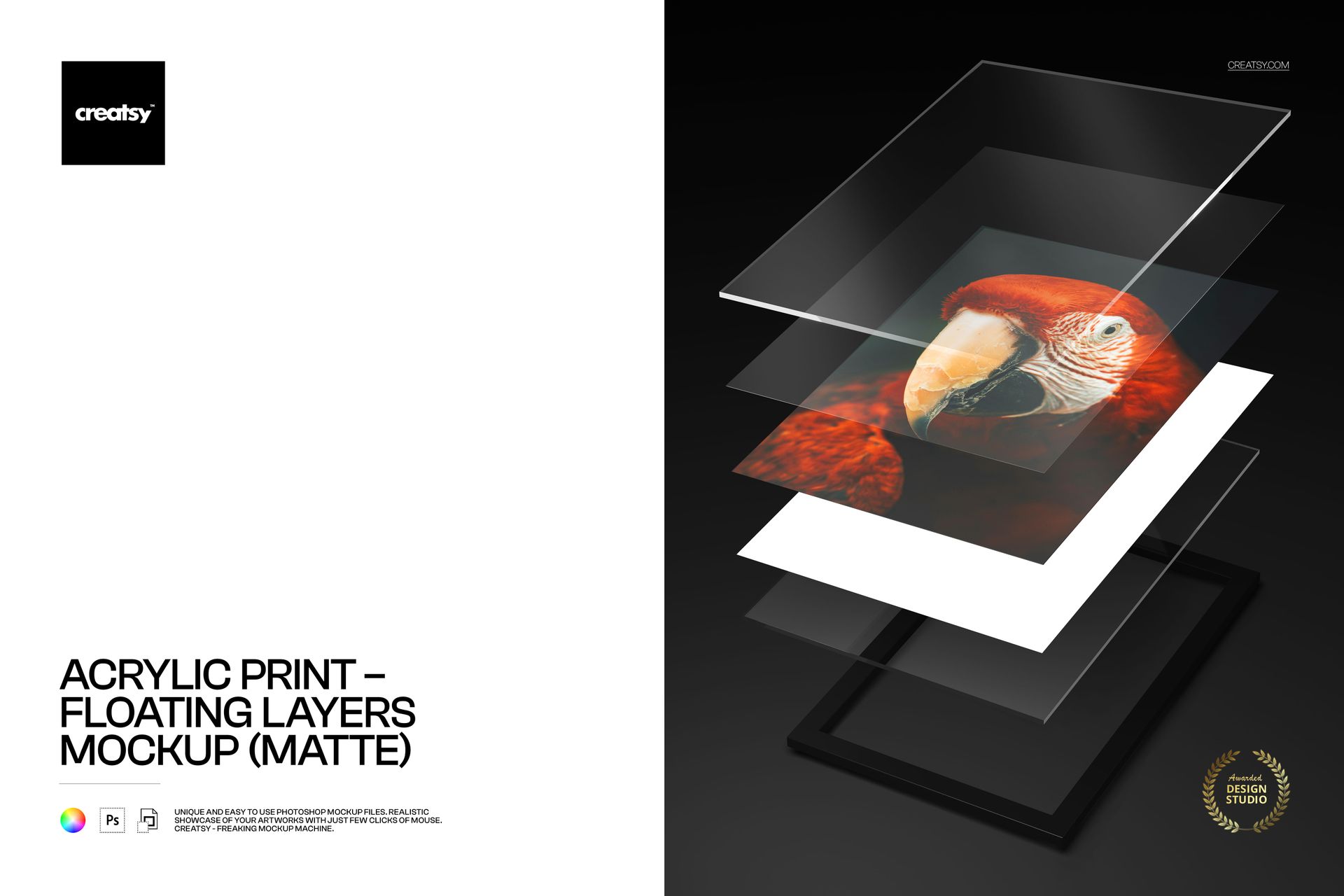
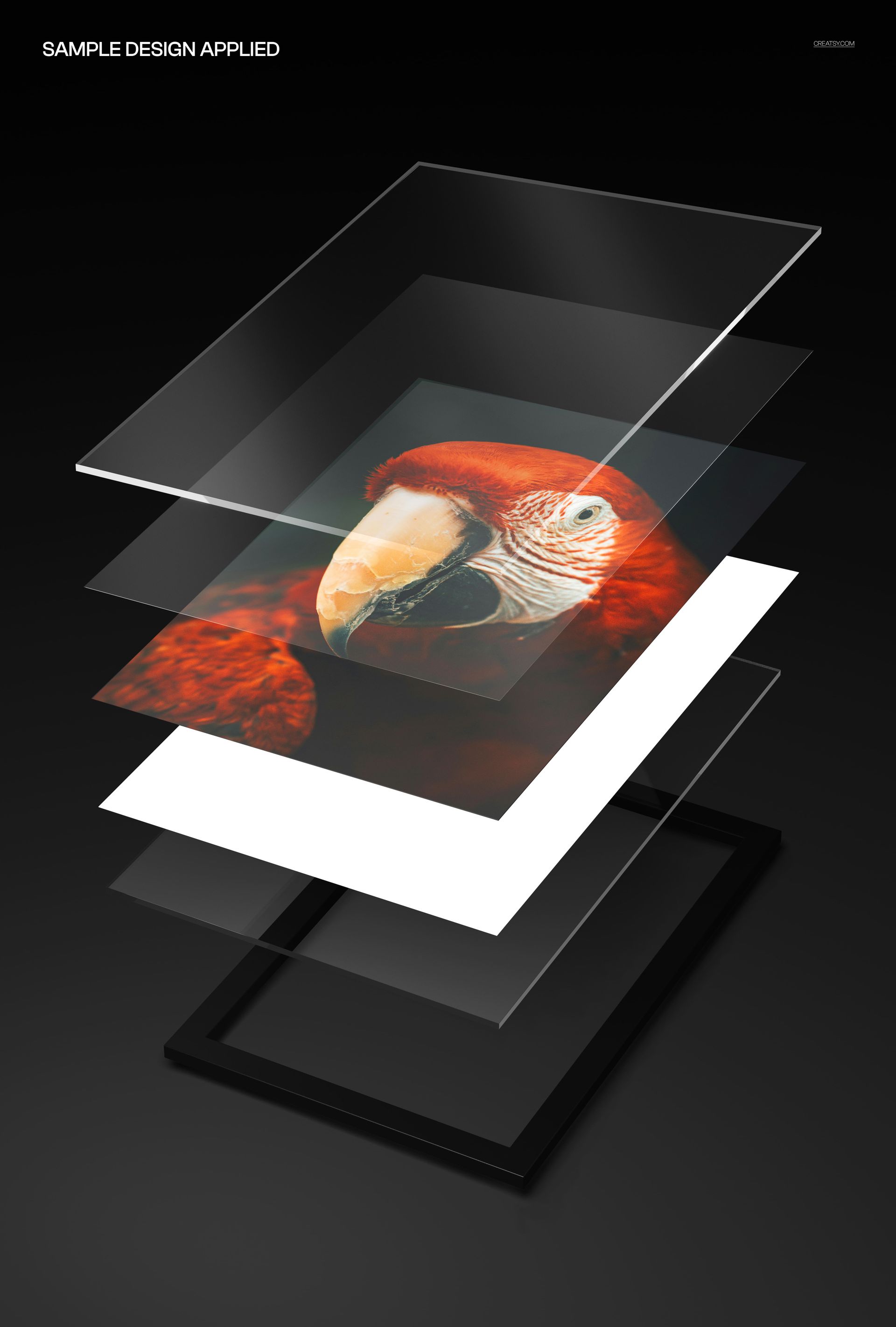
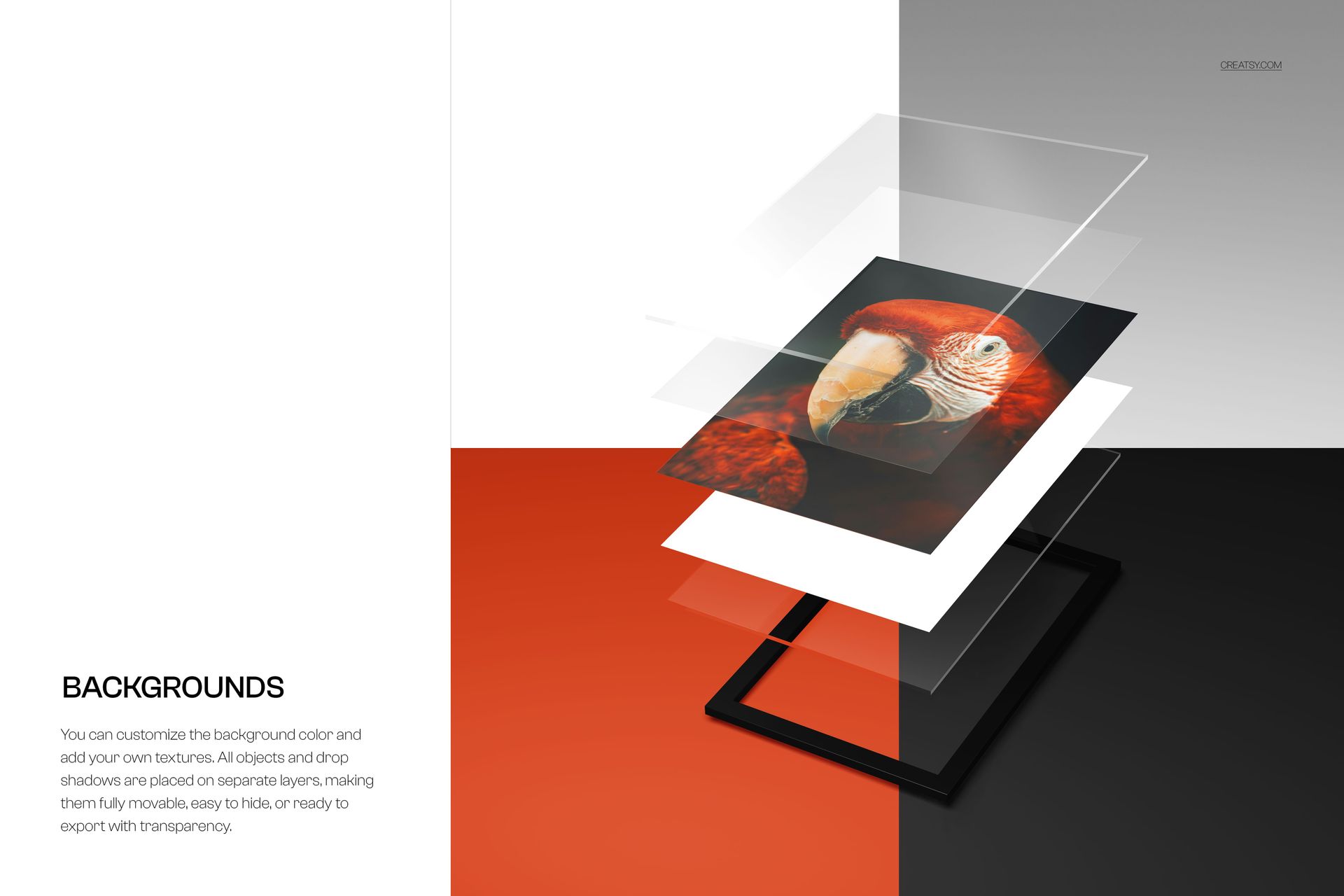
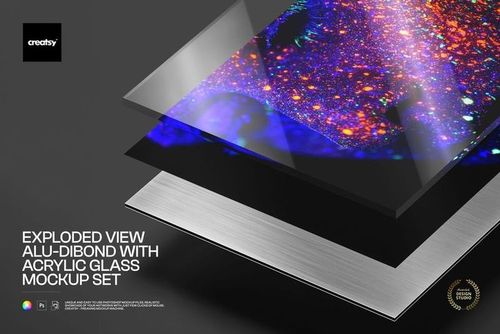
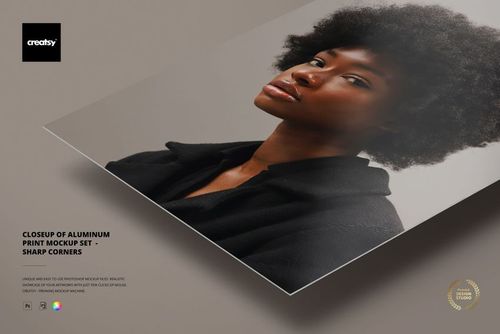
The Acrylic Print - Floating Layers Mockup (matte) presents your artwork, photograph, or design on a modern acrylic print with a matte finish and a distinctive floating-layer mounting style. Acrylic prints are one of the most premium wall art formats available - the image is printed on or behind acrylic glass, creating depth, color vibrancy, and a contemporary gallery look that traditional framed prints cannot match. The floating layers construction adds visible dimension, with the print panel separated from the backing by a visible gap that creates a shadow effect on the wall. This mockup includes 1 PSD file at 6000x4000 pixels, 300 DPI.
The scene captures the acrylic print in a realistic interior setting, showing the floating mount effect, the matte surface finish, and how the piece interacts with ambient light and wall shadows. The matte finish version eliminates reflections and glare, making it ideal for presenting artwork where color accuracy and detail visibility matter more than the glossy mirror effect.
Why an Acrylic Print Mockup
Acrylic prints are the fastest-growing segment in the wall art market. They command significantly higher prices than canvas prints or paper prints - typically 3 to 5 times more per piece - because of the material quality, visual depth, and modern aesthetic. For photographers, artists, and print-on-demand sellers, showing your work on an acrylic print immediately communicates premium value. Buyers browsing wall art listings respond to product presentation, and an acrylic mockup signals that your work is worth the investment.
The floating layers mounting style is specifically popular in contemporary interiors, minimalist design, and commercial spaces. Interior designers, art consultants, and corporate art buyers actively search for floating-mount acrylic prints because the visible depth and shadow gap create a sculptural quality that flat-mounted prints lack. This mockup lets you show your work in that exact format.
What Is Included
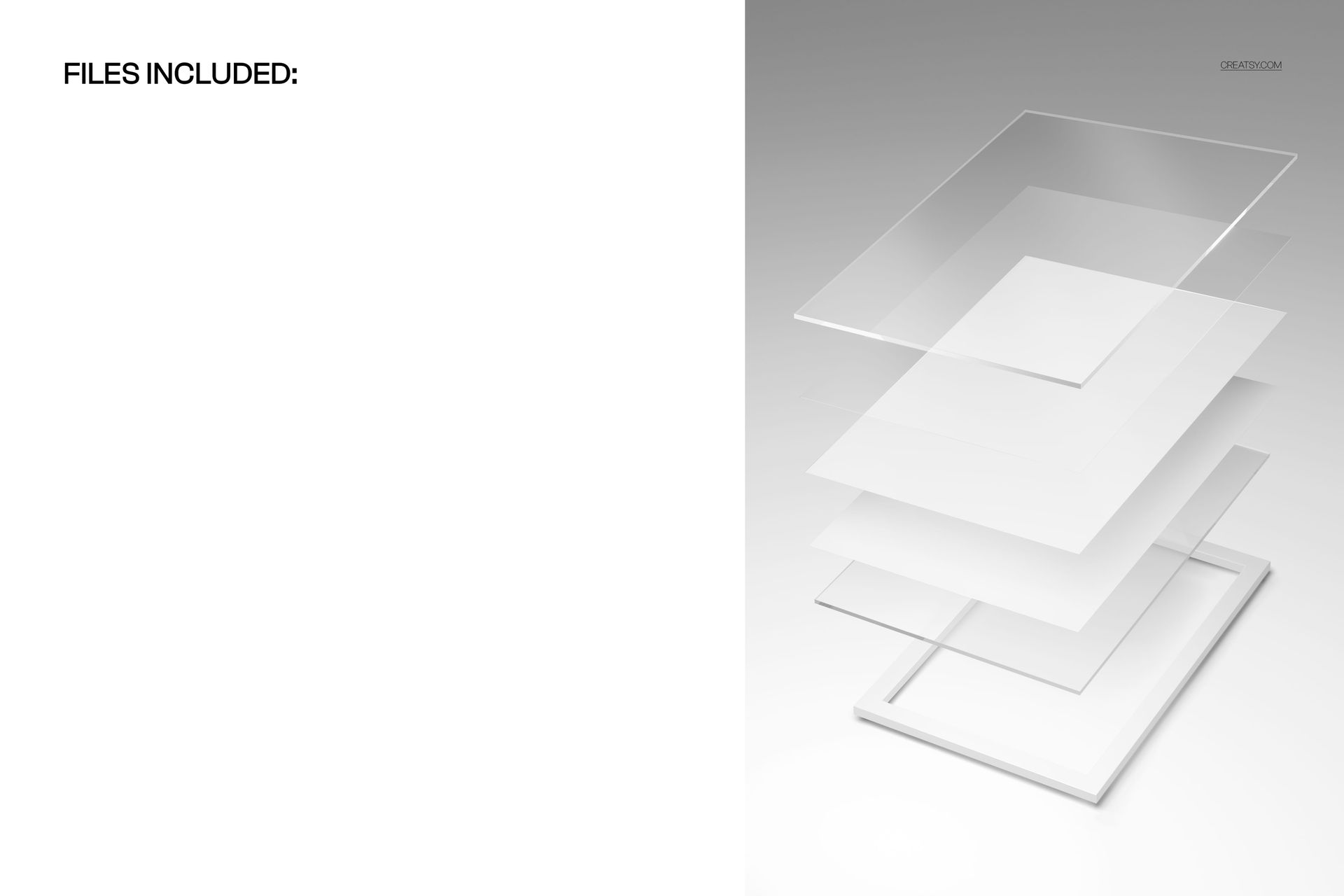
1 layered PSD file at 6000x4000 pixels, 300 DPI. Realistic interior scene showing the acrylic print with floating layers mount and matte surface finish. Smart object layer for easy artwork placement - double-click, paste your image, save. Organized and labeled layer structure. Download size: approximately 111 MB. Compatible with Adobe Photoshop CC and Photopea (free browser-based editor).
What You Can Customize
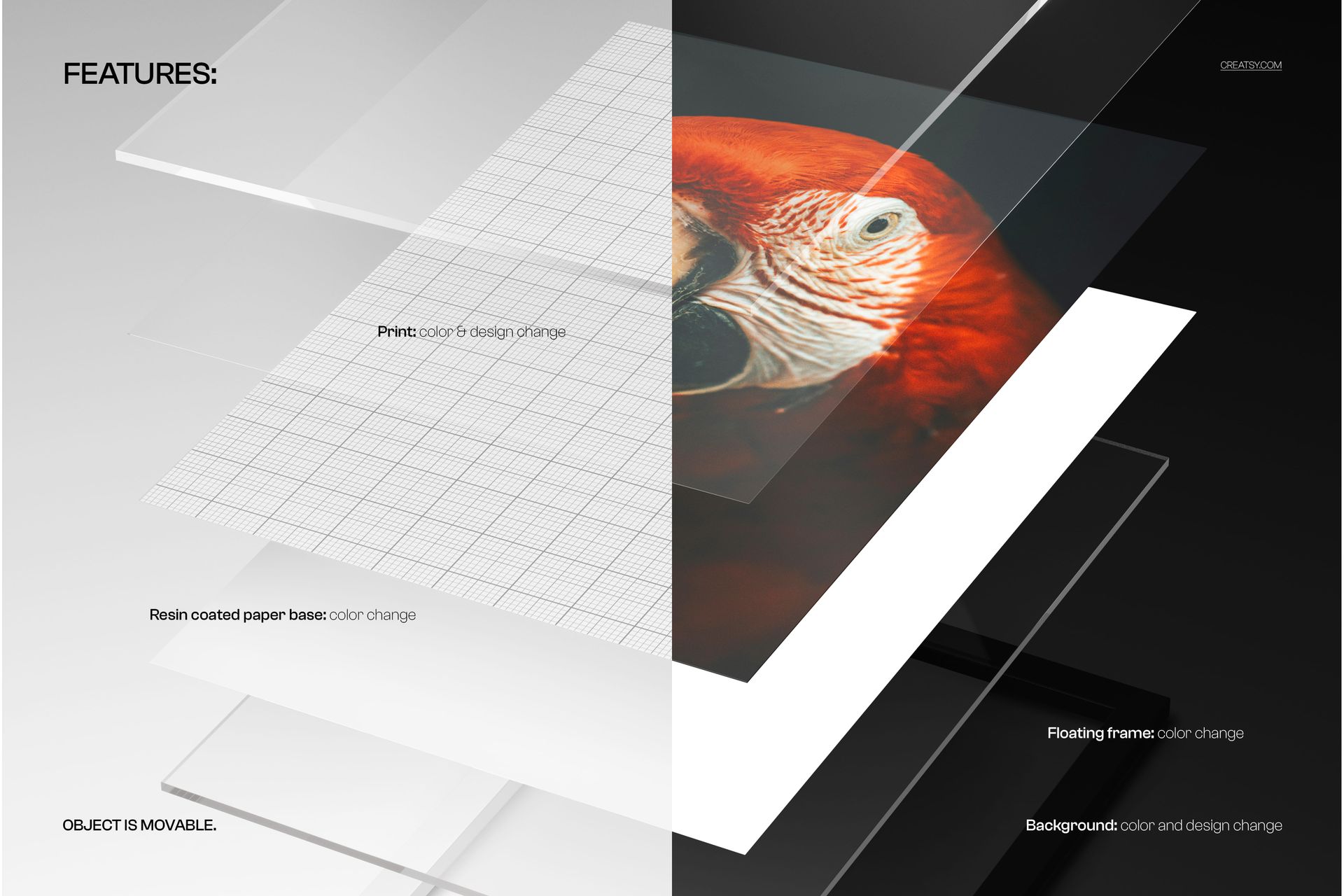
Place any photograph, illustration, digital artwork, abstract painting, typography design, or graphic composition onto the acrylic print through the smart object layer. The mockup handles the matte surface rendering, edge treatment, floating layer shadow, and wall interaction automatically. Test how landscape photography looks on acrylic versus how abstract art performs. Compare dark moody images against bright colorful compositions. The matte finish renders differently than glossy - it softens highlights and reduces contrast slightly, which is exactly how real matte acrylic prints behave.
Who This Mockup Is For
Fine art photographers selling wall art prints through their own websites or marketplaces. Digital artists and illustrators offering large-format prints. Print-on-demand sellers listing acrylic prints on Etsy, Shopify, Fine Art America, or Redbubble. Interior designers creating client presentation boards with specific art recommendations. Art galleries and online art platforms preparing product listings. Corporate art consultants sourcing pieces for office, hotel, and commercial interiors. Photography studios showcasing print products to clients.
File Specifications
Format: PSD (Adobe Photoshop). Number of files: 1 PSD scene. Resolution: 6000x4000 pixels at 300 DPI. Download size: approximately 111 MB. Layer structure: organized layers with smart object. Compatibility: Adobe Photoshop CC, Photopea.