Closeup of Aluminum Print Mockup Set

ID: 1728979285 | Updated: Oct 22, 2023

Product Details

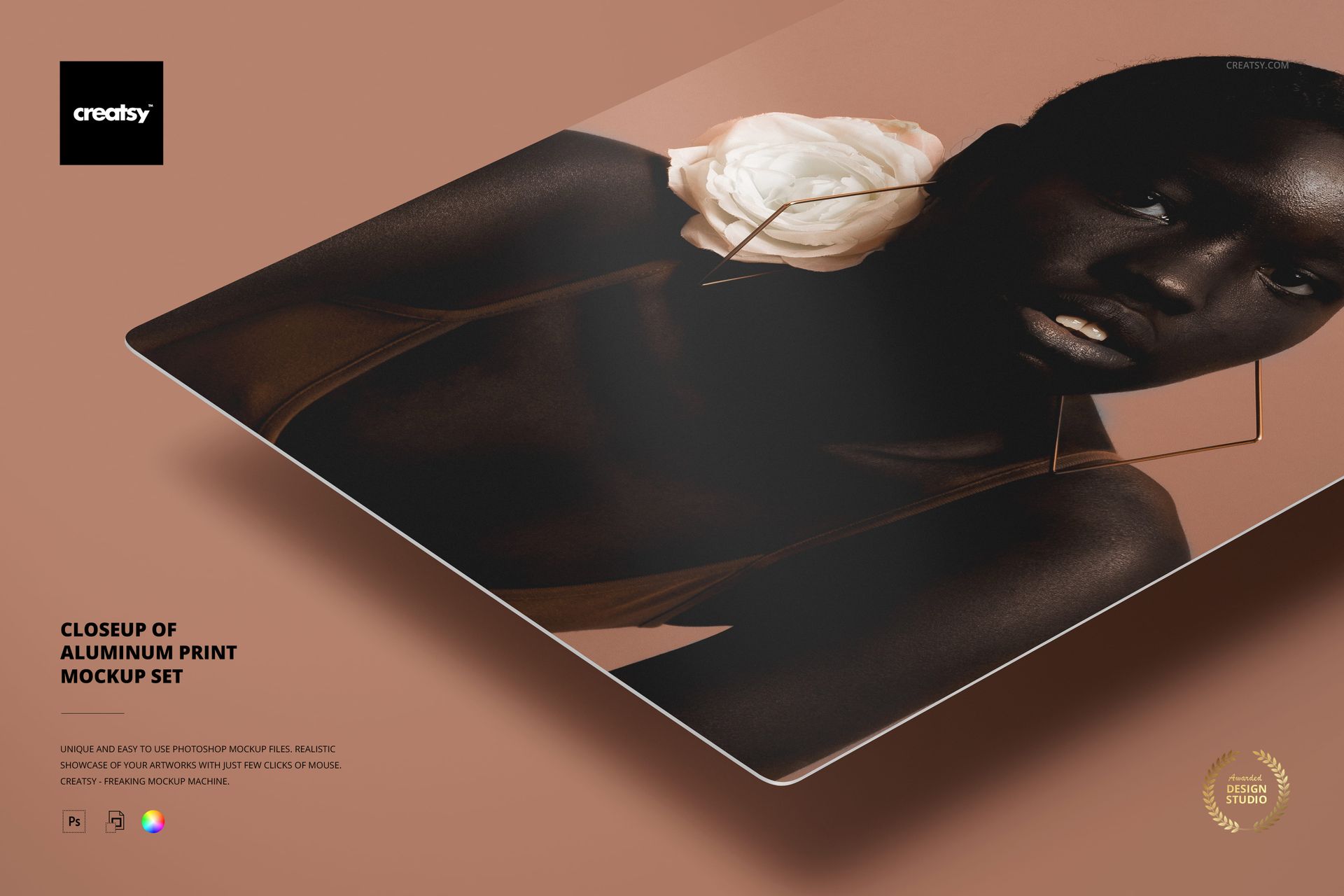
Aluminum Print Closeup Mockup Set with Five Finishes

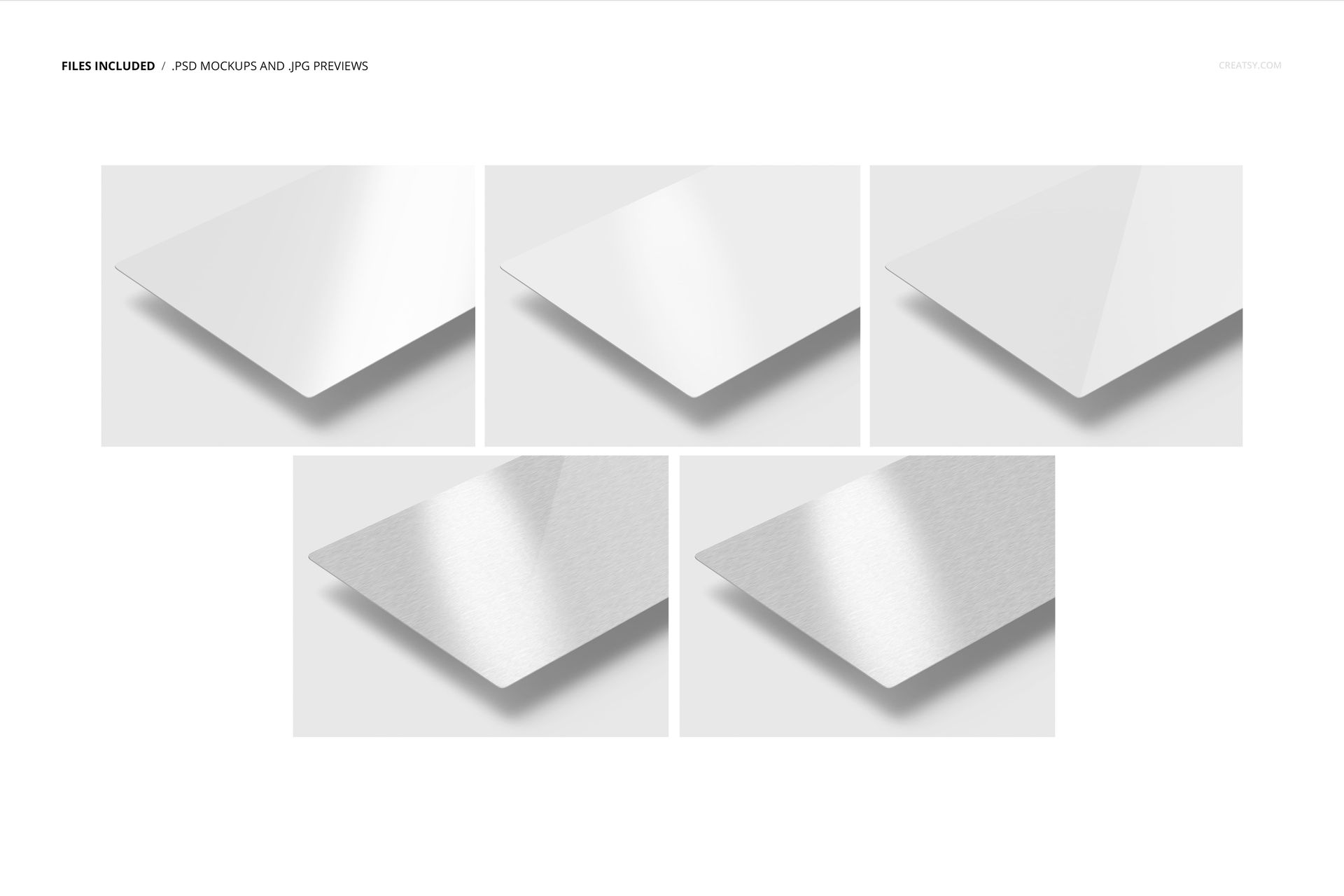
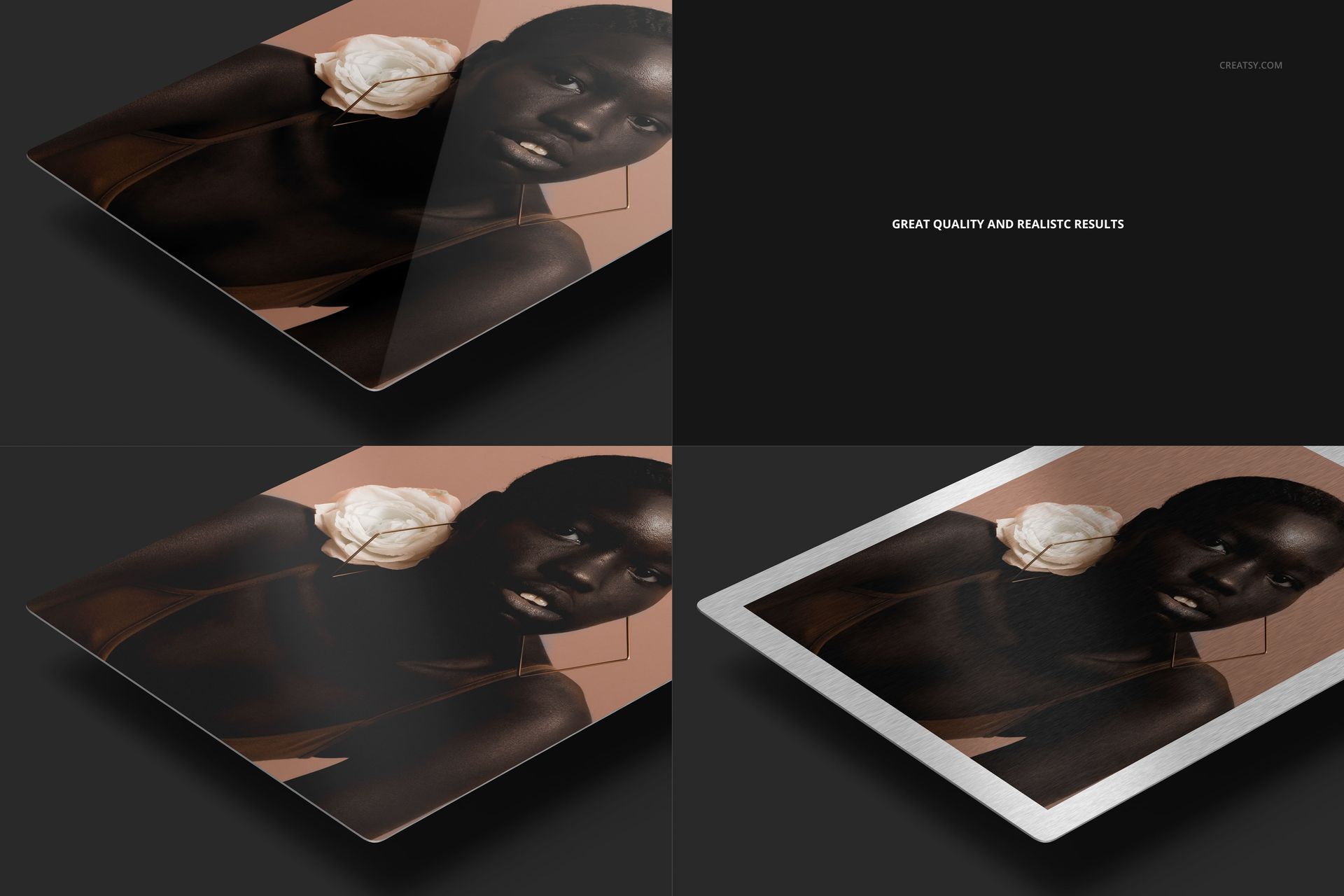
Compare artwork across five aluminum print finishes in one consistent landscape close-up. Each layered PSD keeps the thin panel edge, angled surface and drop shadow in the same position while changing the coating or metal texture.

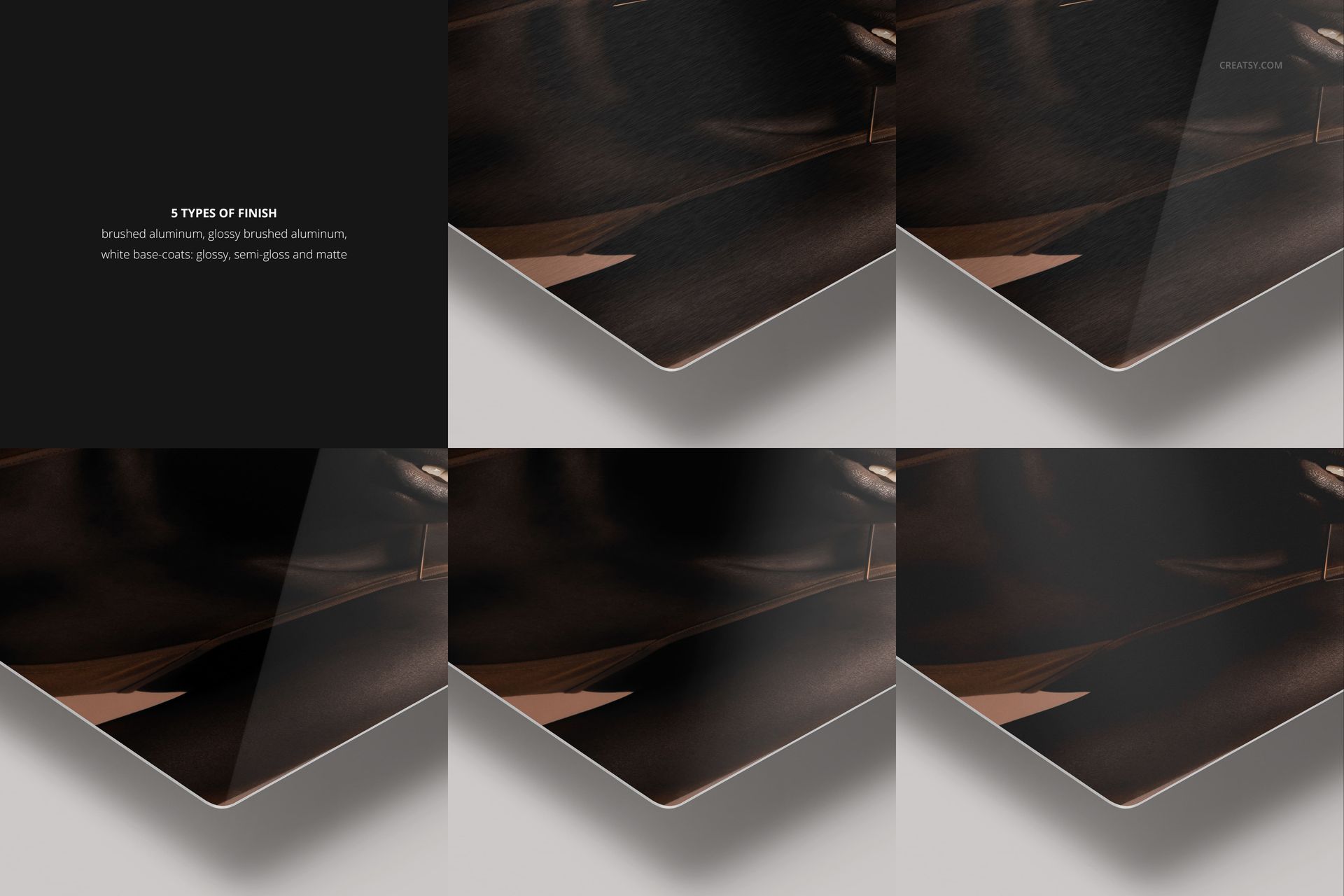
The set separates brushed, glossy brushed, glossy white base-coat, semi-gloss white base-coat and matte white base-coat options for a controlled material comparison.

What Is Included

  • 5 layered PSD mockup files

  • 5 small JPG preview files

  • Brushed aluminum finish

  • Glossy brushed aluminum finish

  • Glossy, semi-gloss and matte white base-coat finishes

  • One consistent landscape close-up scene

Compare Five Surface Finishes

  • Brushed aluminum with visible metal texture

  • Glossy brushed aluminum with texture and stronger reflections

  • Glossy white base-coat

  • Semi-gloss white base-coat

  • Matte white base-coat

Replace Artwork with Smart Objects

Open the artwork Smart Object in the selected PSD, place a photograph or illustration and save it to update the print surface. Reuse one design across all five files to compare finish rather than composition.

Background, Shadow and Export Controls

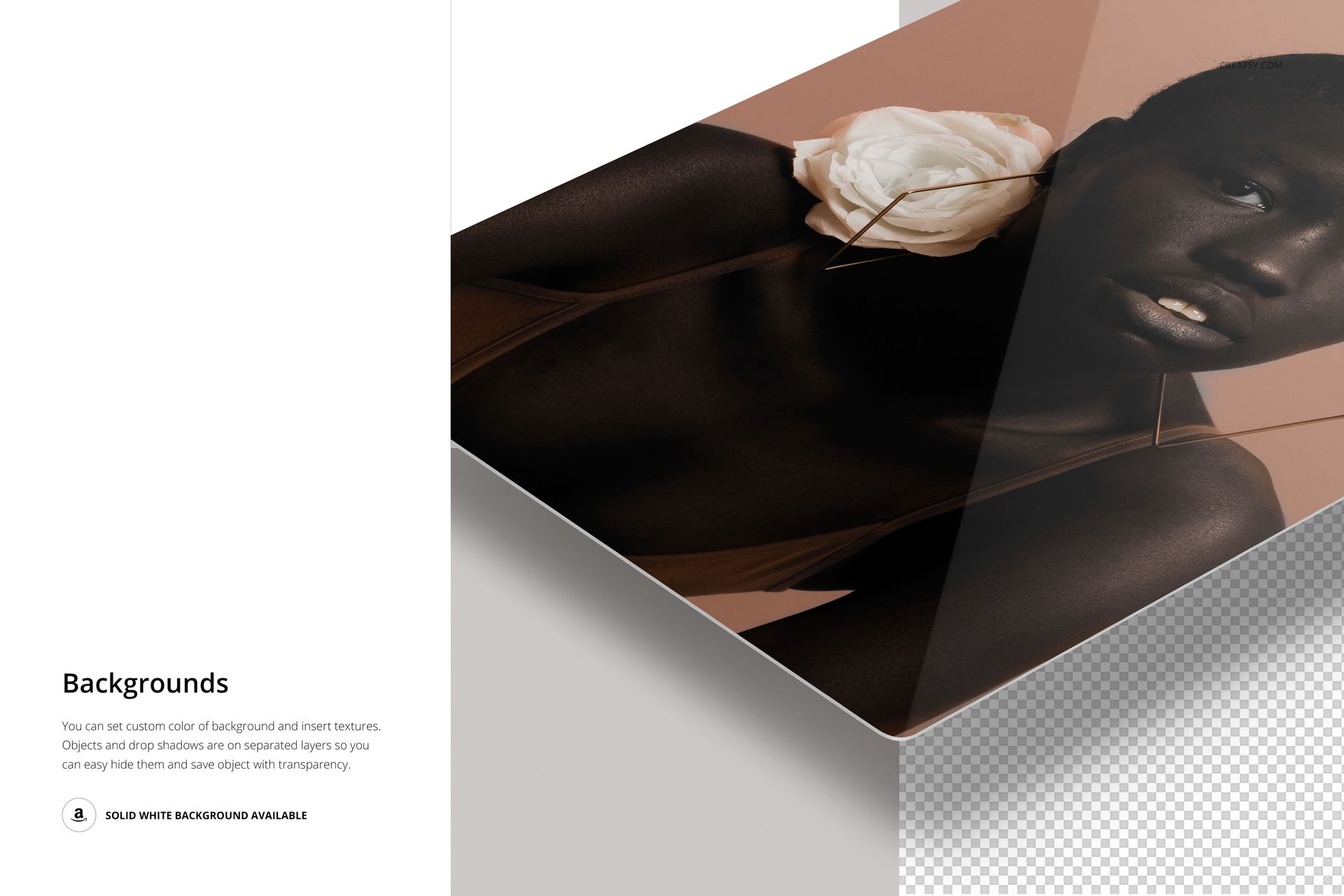
  • Change the background color

  • Add a custom background texture or design

  • Control the panel and drop shadow separately

  • Hide the drop shadow

  • Use the solid white background or export on transparency

Useful For

  • Aluminum wall art product pages

  • Print shop finish guides

  • Photography and illustration presentations

  • Client coating comparisons

  • Ecommerce galleries with consistent close-ups

This is a downloadable digital mockup set, not a physical aluminum print or production color proof. The preview artwork is not included.

File details

Compatibility
PhotopeaAdobe Photoshop
Package size
236 MB236 MB|247 MB247 MB
Files type
.psd, .jpg
Files size
6000x4000
TEST FOR FREE

MEET THE SHOP

Creatsy logo

Creatsy

Poland
4.7 (672)

Bring your ideas to life.

We're a family-run studio in Katowice, Poland, making PSD mockups by hand since 2016. Everything in this shop starts in our own studio. We shoot the photography, build the 3D, and put together every Smart Object PSD ourselves - then we test it, organize the layers, and only ship it once it actually works...
GO TO SHOP

HOW IT WORKS

3 clicks. That's it.

No tutorial needed. If you can copy-paste, you can use this.

  1. 1OpenDouble-click the smart object inside the PSD - in Adobe Photoshop, or free in your browser with Photopea.
  2. 2PasteDrop in your pattern, print, or artwork. Any design, any style.
  3. 3SaveHit save and the mockup wraps it in for you - shadows, folds, and lighting included.

FROM IDEA TO IMAGE

Built for real workflows

Show the finished print on the wall Poster, canvas, or acrylic - drop your art in and the client sees the hung piece before it goes to print.

See it on the product, not a swatch Drop your file into the smart object and the scene's lighting and folds wrap around it, so you judge the real thing before you commit.

Smart Objects

Edit once and you're done. Your artwork drops into a smart object and the mockup updates itself - no masking, no warping by hand.

Perfectly Organized

Named layers and folders you can actually navigate. Find what you need, change what you want, and get out fast.

Print-Ready

High-resolution files built to hold up on screen and in print. Exact size and DPI are in this product's Details above.