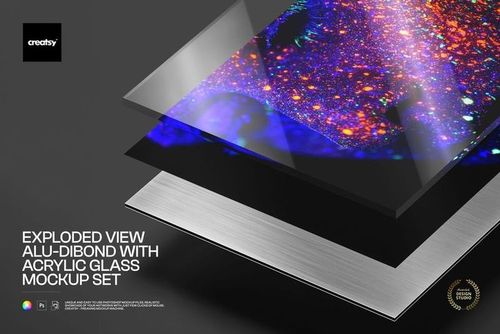
Aluminum Print Corner Closeup PSB Mockup Set
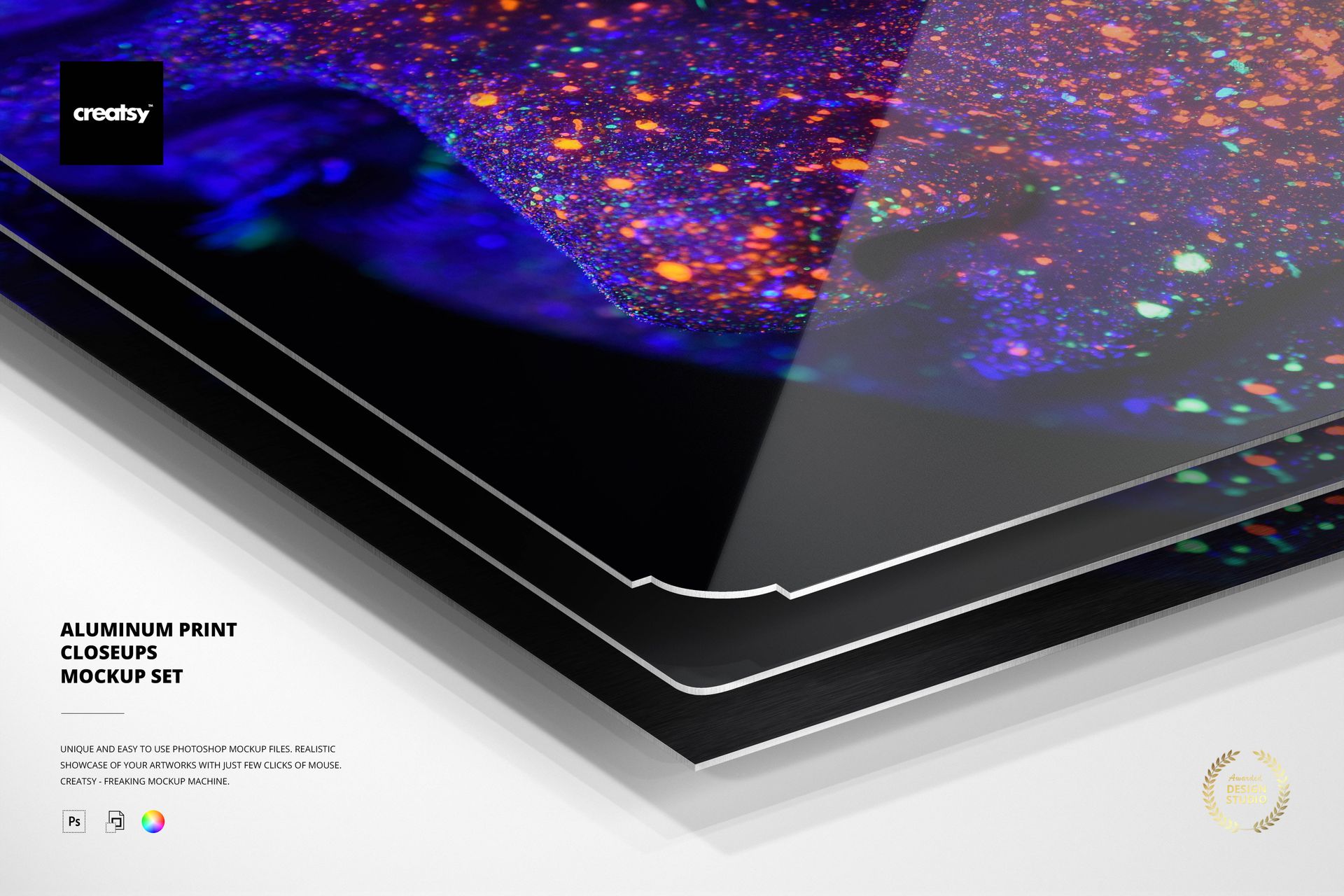
Compare aluminum print edge shapes and surface treatments in a consistent close-up composition. Six large-format PSB files focus on different corner geometries, while five selectable finishes help you present the same artwork across realistic metal print variations.
Smart Objects make artwork replacement straightforward, and separate background, object and shadow controls support clean product comparisons, transparent exports and focused detail shots.
What Is Included
6 layered PSB working files
6 full-size JPG previews
1 PDF user manual
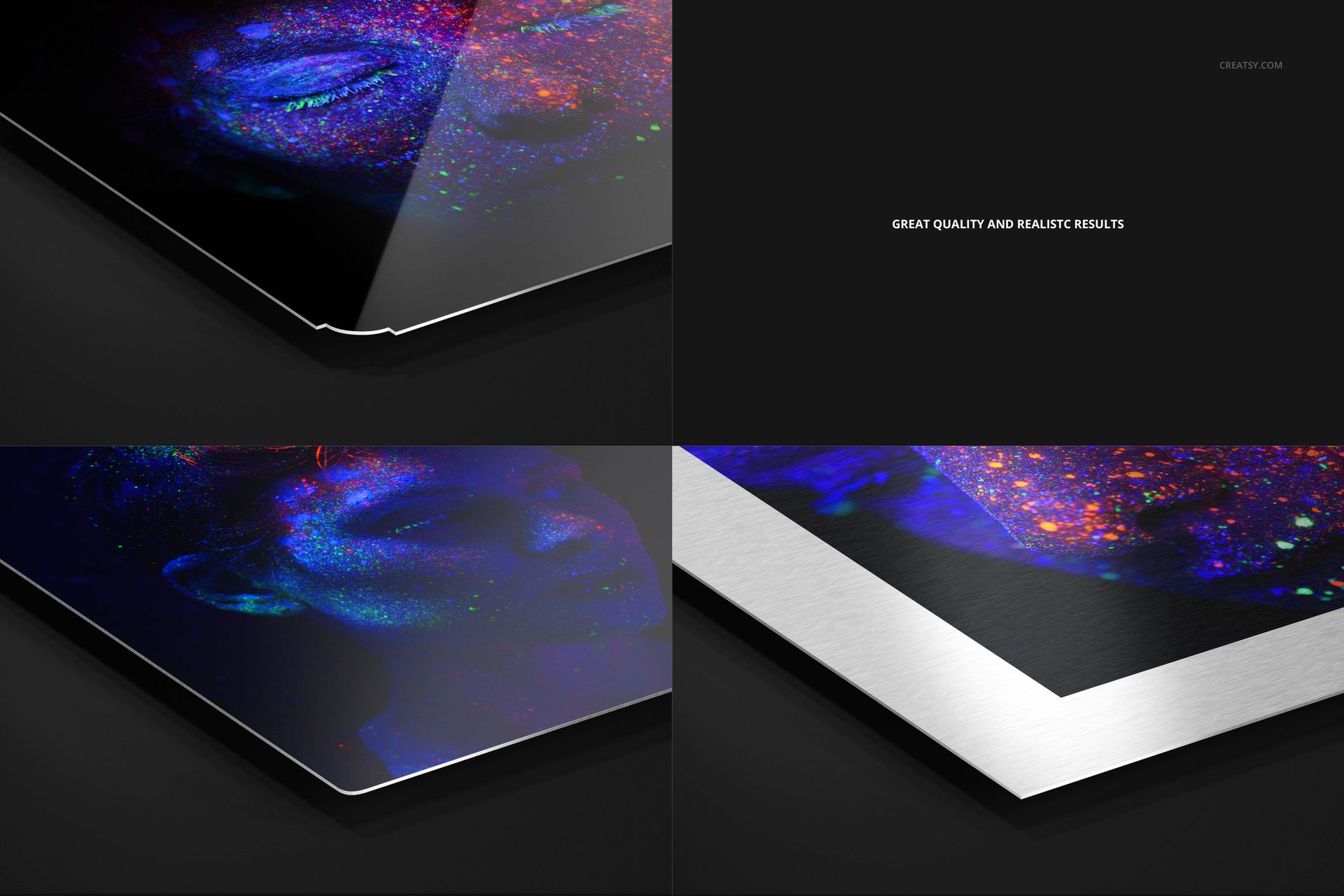
Six corner geometries in one coordinated close-up set
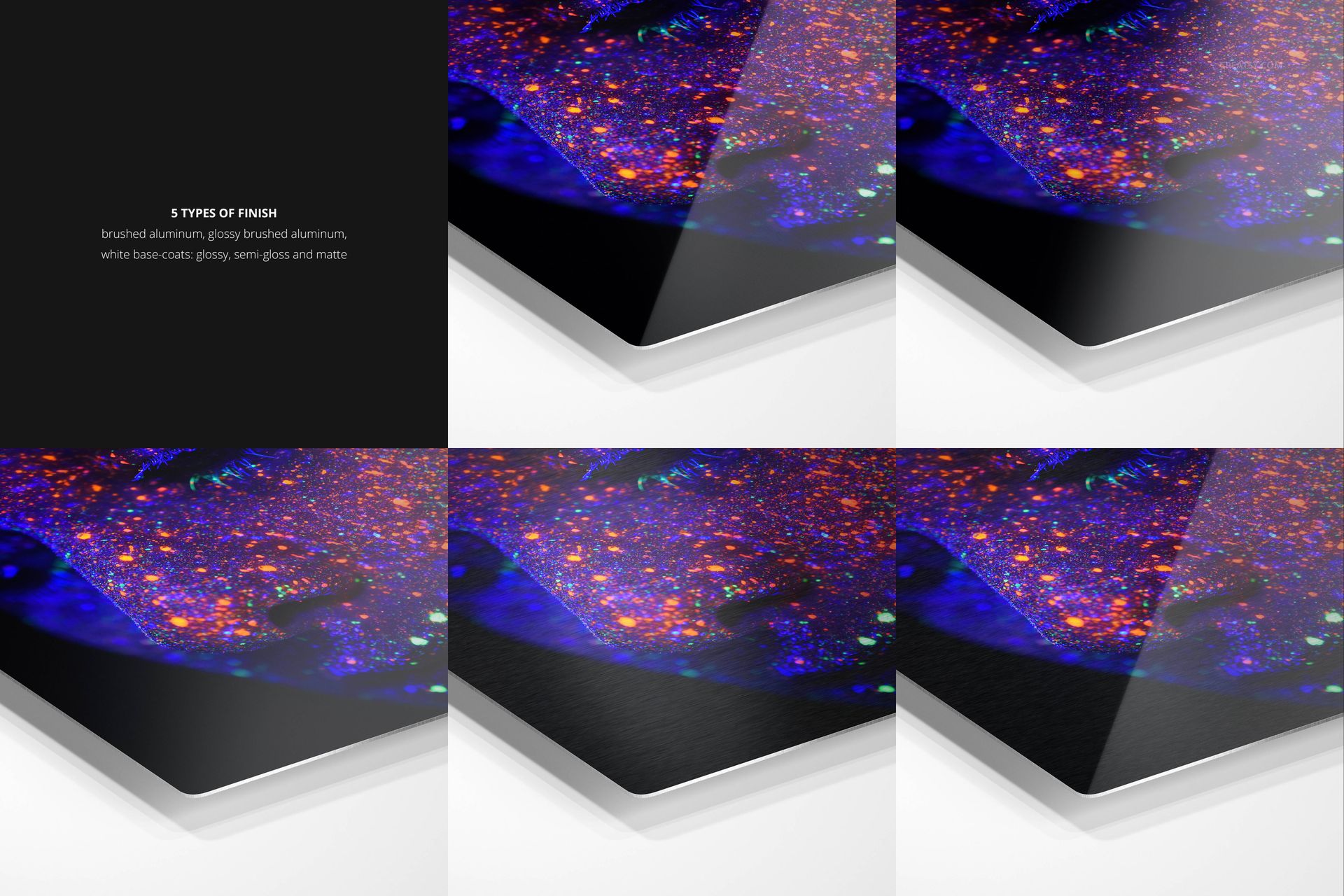
Five surface finish options available inside the PSB files
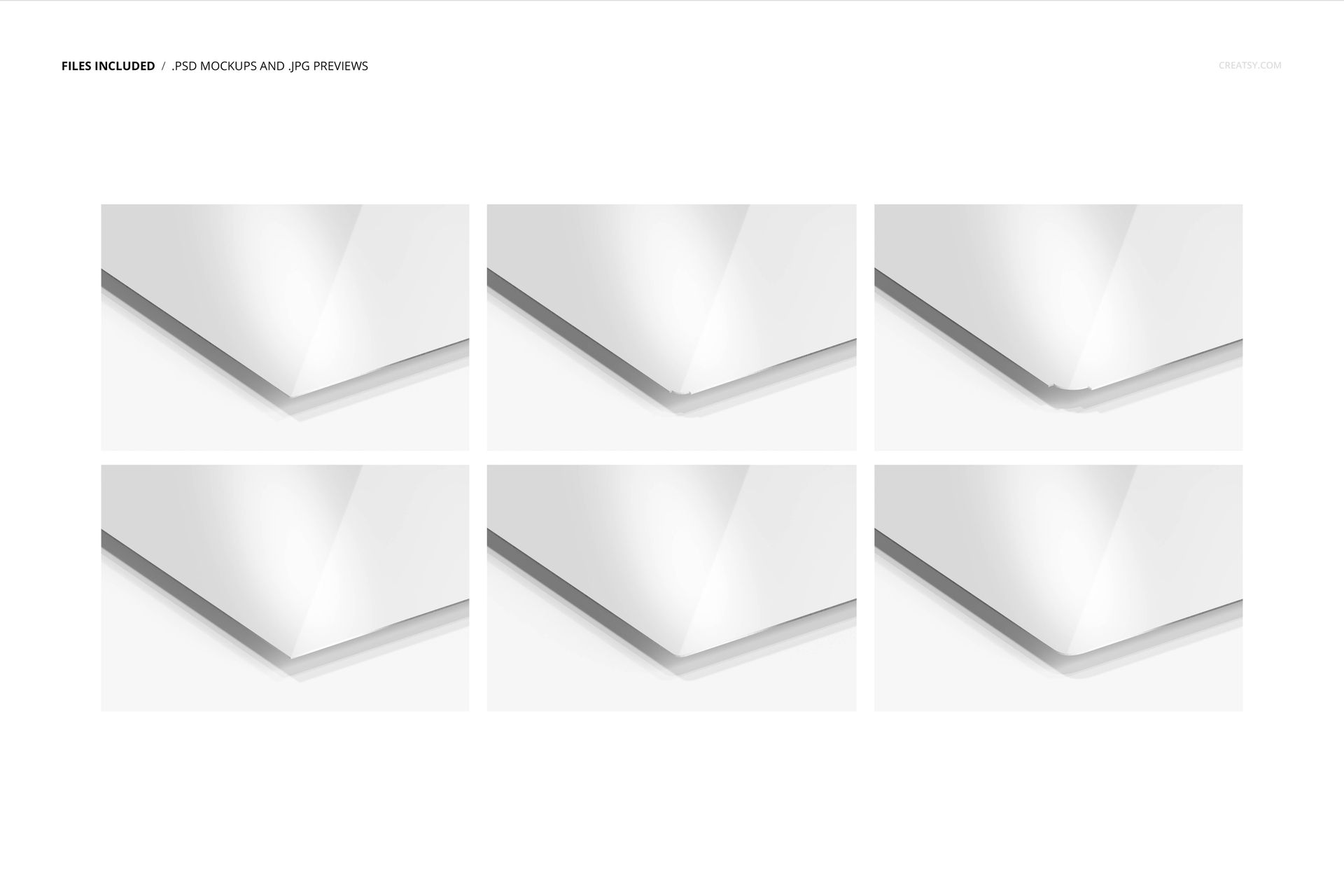
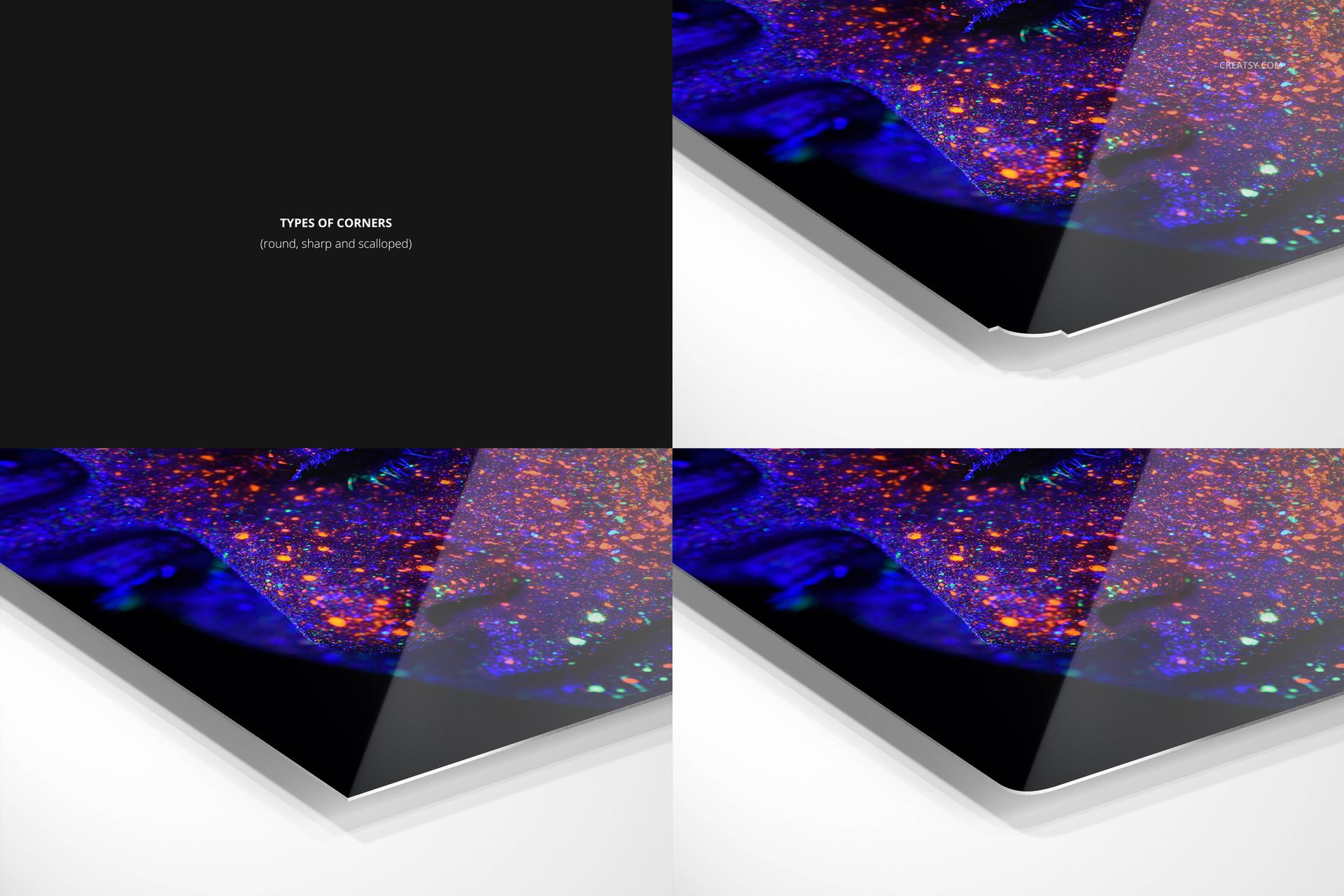
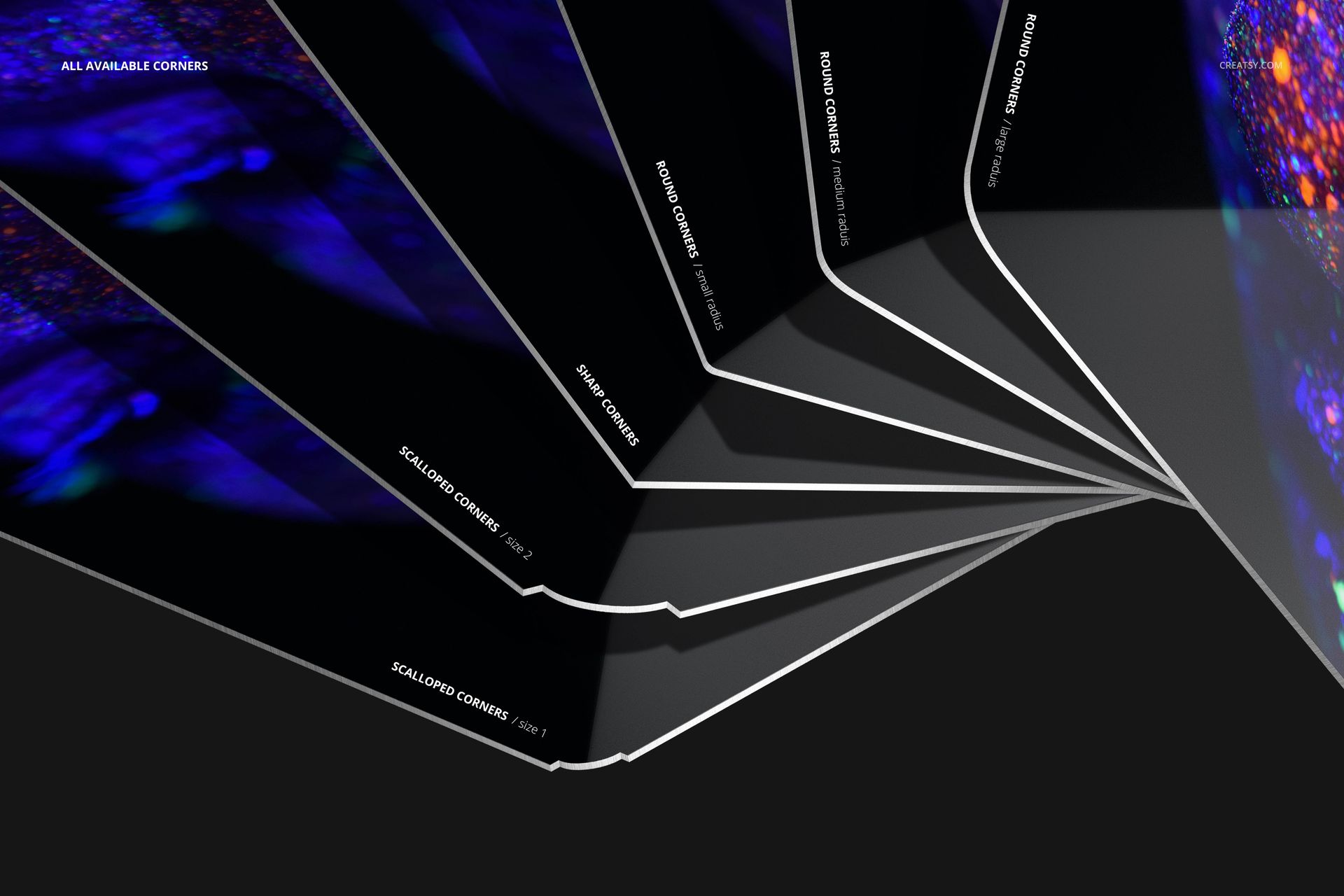
Compare Six Corner Shapes
Sharp square corner
Round corner with a smaller radius
Round corner with a bigger radius
Round corner with the biggest radius
Scalloped corner
Scalloped corner with a bigger profile
The coordinated viewpoint makes it easier to compare subtle edge differences without changing the overall presentation style.
Compare Five Surface Finishes
Each finish can support a different kind of artwork, from images that benefit from visible metallic grain to designs that need a cleaner white base.
Replace Artwork with Smart Objects
Open the relevant Smart Object, place your artwork, save it and return to the main composition. This non-destructive workflow keeps the print perspective and close-up detail consistent across the set.
Background, Shadow and Export Controls
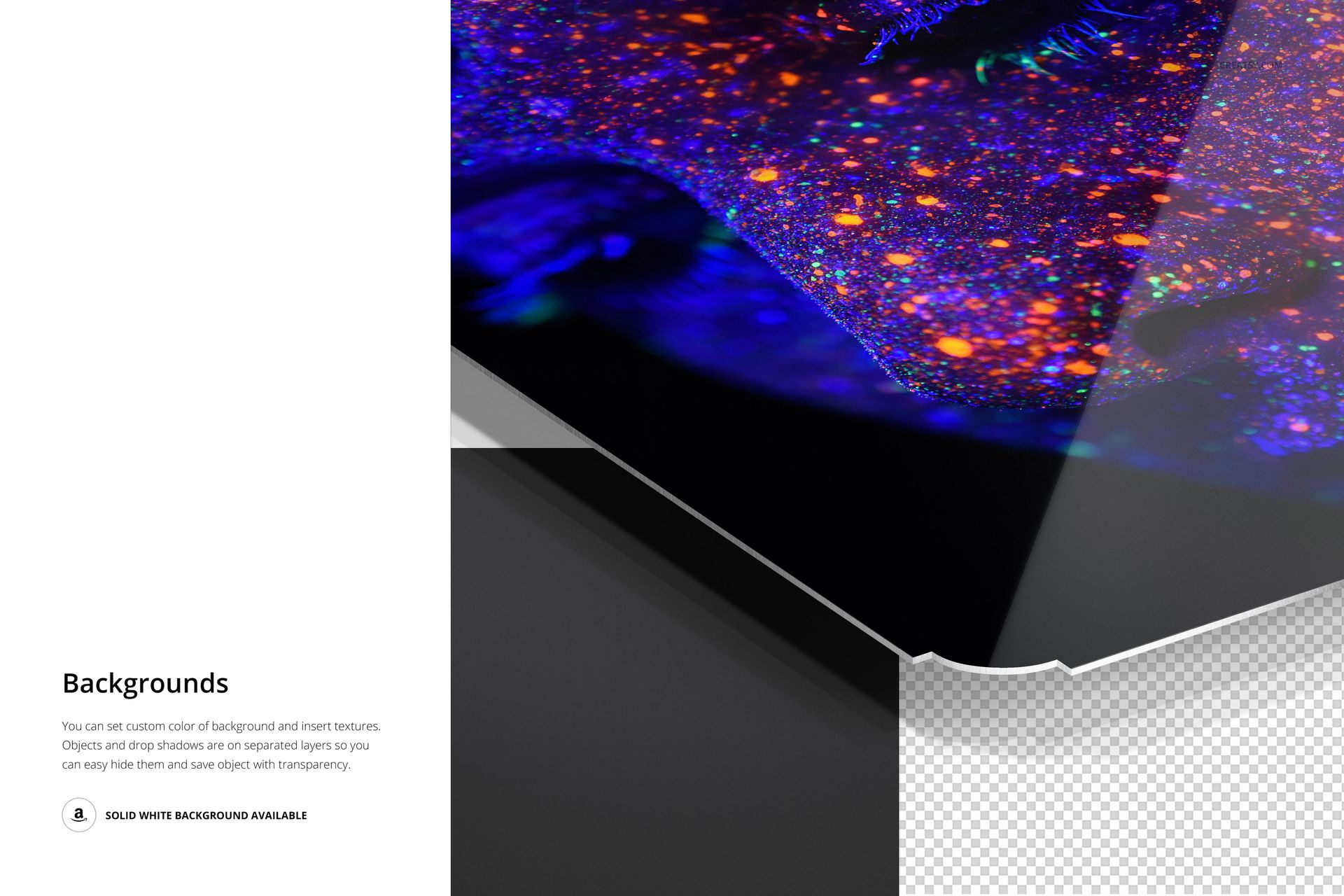
Replace the background with a custom texture or design
Use a solid white background for clean product presentation
Keep the object and shadow on separate layers
Hide the shadow when a flatter catalog look is preferred
Export the isolated aluminum print with transparency
Useful For
Aluminum print corner and edge comparisons
Surface finish presentations for clients
Close-up product pages and marketplace listings
Photography, illustration and graphic design previews
Shape selection guides for metal wall art
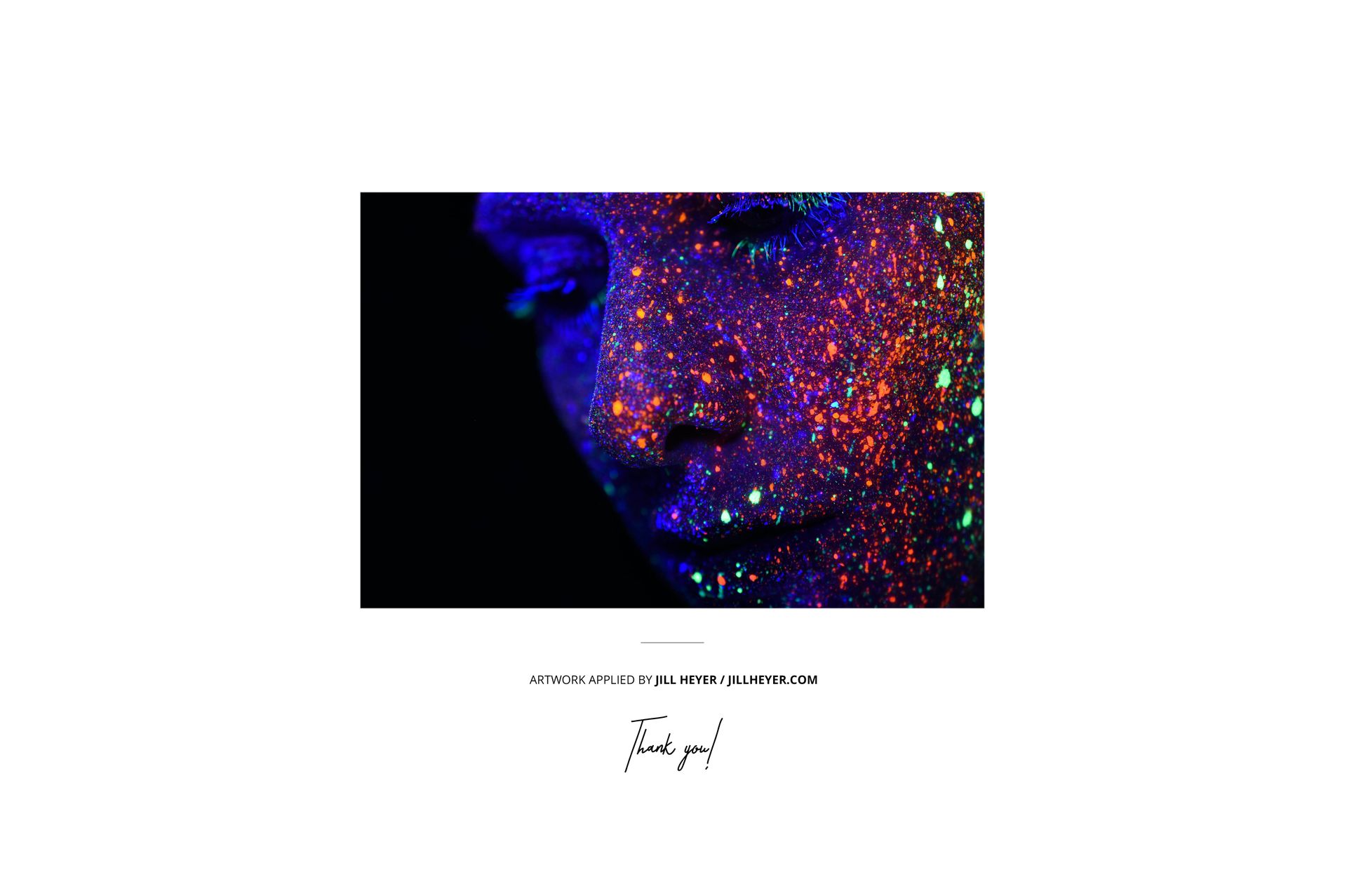
Preview artwork and patterns shown in the listing images are used for demonstration and are not included with the downloadable files.