Exploded View Acrylic Print Landscape Mockup (matte)

ID: 1934178645 | Updated: Jun 8, 2026

Product Details

Exploded View Acrylic Print Landscape Mockup (matte)

Some wall art mockups show only the finished piece. This one shows what gives the piece its depth.

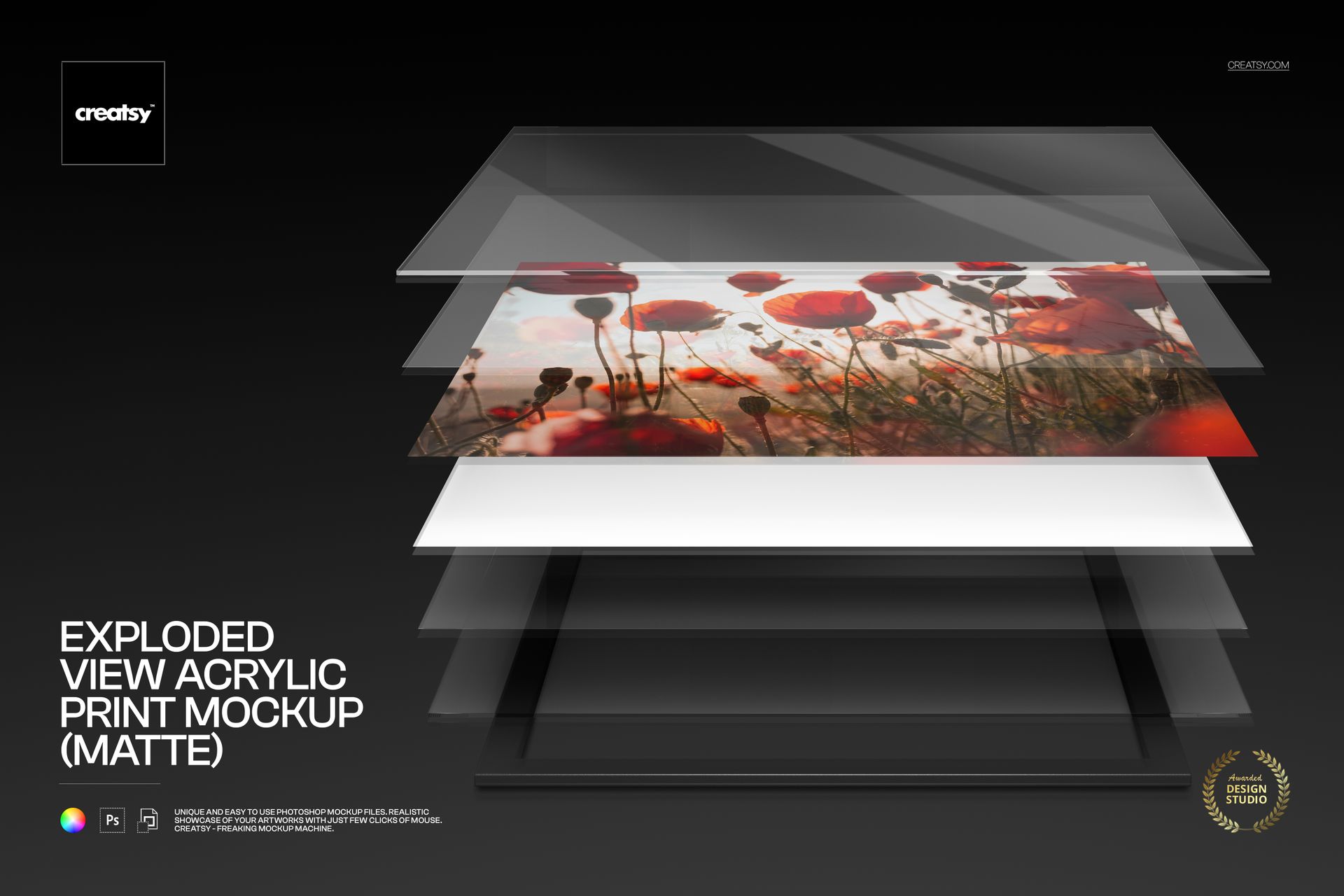
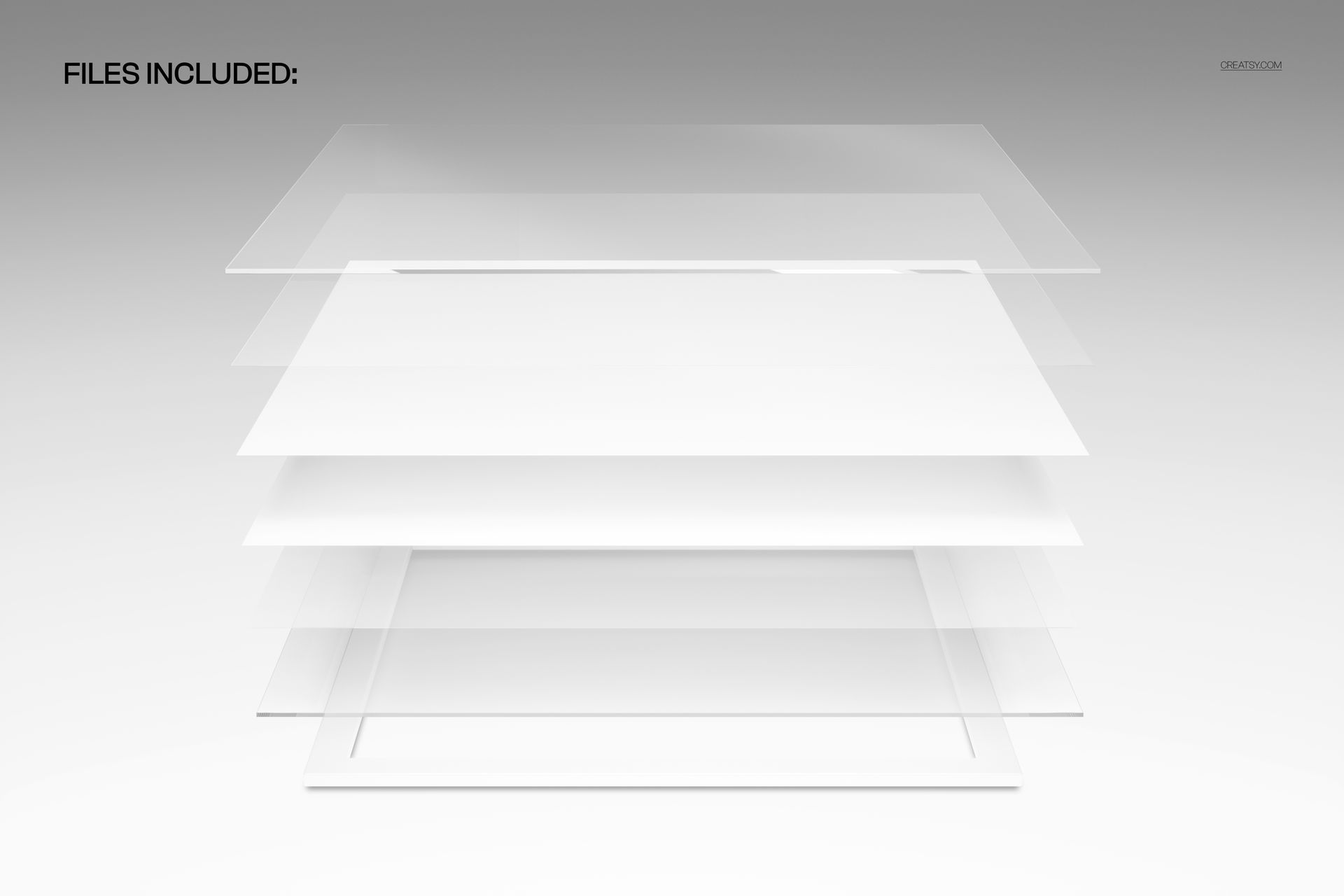
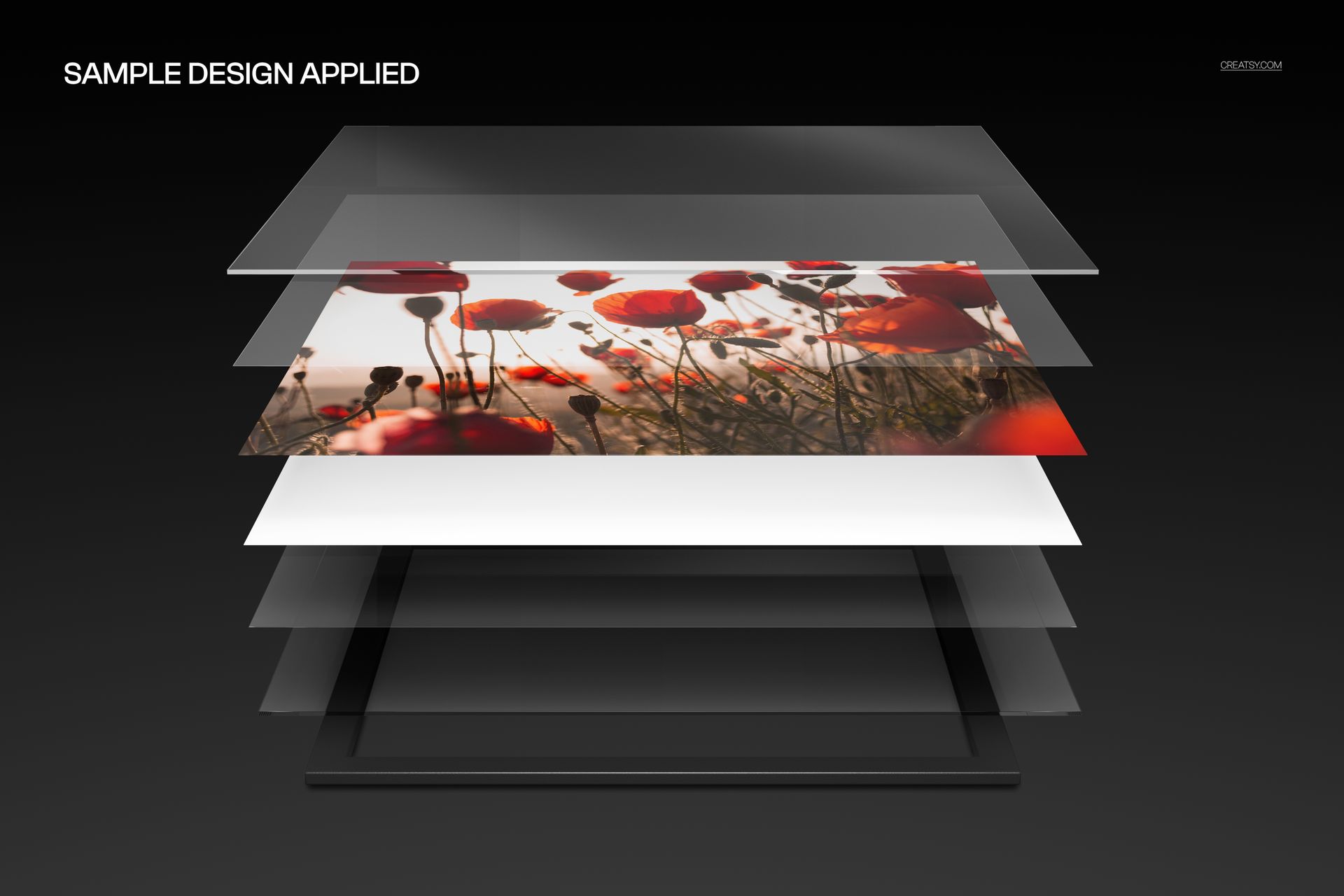
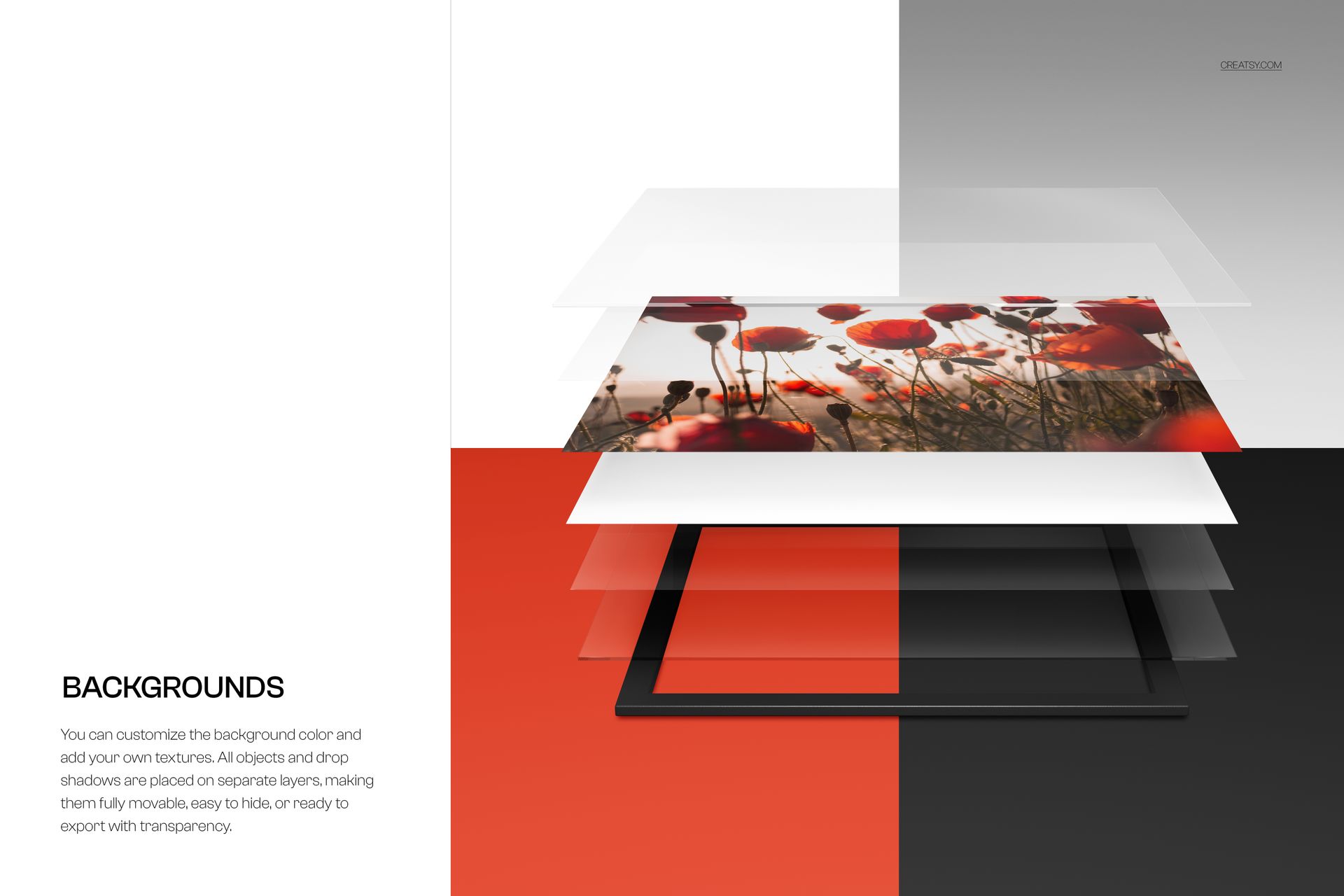
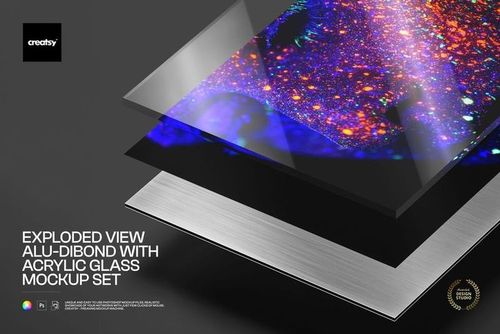
The Exploded View Acrylic Print Landscape Mockup (matte) separates a horizontal acrylic print into visible layers, creating a clear product presentation that combines artwork with construction. The angled exploded-view composition helps viewers understand how the print is assembled while keeping the image itself at the center of the scene.

Use it to present landscape photography, wide-format artwork, abstract compositions, architectural images, illustrations and fine art prints in a way that feels both polished and informative.

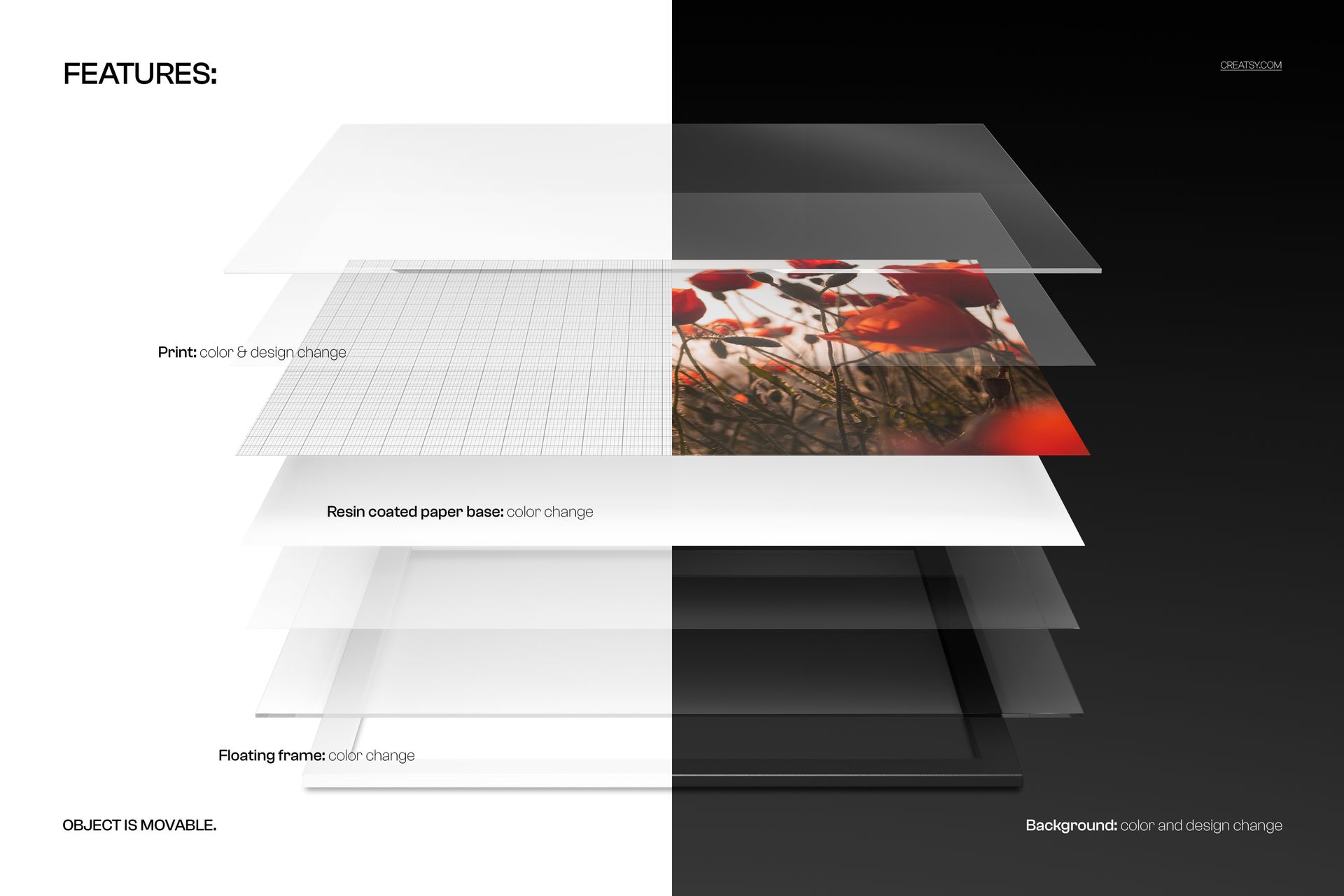
The preview gallery shows four separated layers in clean neutral scenes, as well as examples with floral artwork, grid graphics and dark backgrounds.

Show More Than the Finished Surface

A standard wall art mockup answers one question: what will the artwork look like when displayed?

An exploded-view mockup answers another: what kind of product is the customer actually buying?

By separating the components visually, this scene helps communicate that an acrylic print is a layered physical object rather than a flat digital image. It gives photographers, print shops and wall art sellers a more transparent way to explain the product construction without relying on a long technical description.

Use the mockup to highlight:

A layered acrylic print structure
The relationship between artwork and transparent panels
The depth of the finished wall art product
A premium print construction
The difference between acrylic prints and standard paper posters
The physical presentation behind a fine art photograph
The components included in a print shop product range

The result can serve as both a marketing image and an educational product visual.

Built for Landscape Artwork

The horizontal composition is particularly useful for artwork that needs more width than height.

It can support:

Landscape photography
Travel and nature images
Architectural photography
Panoramic-style compositions
Wide abstract artwork
Editorial illustrations
Cityscape photography
Fine art reproductions
Horizontal digital paintings
Commercial wall decor
Hotel and office artwork
Gallery photography collections

A portrait-oriented exploded mockup may compress or crop wide compositions. This landscape version gives horizontal artwork a more natural visual balance and enough room to remain recognizable within the layered scene.

Give Customers a Clearer Product Explanation

Acrylic prints can be difficult to explain through product copy alone, especially when customers are comparing several wall art materials.

A clean exploded view can help show why the product looks different from a poster, canvas print or direct metal print. It communicates depth and construction visually, allowing customers to understand the format before placing an order.

This can be useful for:

Print shop product pages
Acrylic print comparison guides
Wall art material explainers
Fine art photography stores
Client print consultations
Wholesale catalogs
Product specification pages
Artist portfolio presentations
Print laboratory marketing
Trade show displays
Sales presentations
Educational social media content

The scene can sit beside a finished wall-mounted mockup, giving customers both the construction view and the final interior result.

A Matte Presentation for Softer Artwork

This version is created for a matte acrylic print presentation, giving the layered product a more subdued and less reflective visual character than the glossy variants in the same collection.

That makes it a strong choice for artwork where clarity and color should remain the main focus, including:

Soft landscape photography
Black and white photography
Muted fine art collections
Editorial illustration
Minimal abstract artwork
Botanical photography
Architectural images
Gallery-style print presentations
Neutral interior collections
Art with delicate tonal transitions

For designs that depend on stronger shine and visible reflections, the separate glossy acrylic print mockups can target that different search intent.

Who Is It For?

This mockup is designed for creatives and businesses that need to present both the artwork and the physical format behind it.

It is particularly useful for:

Photographers presenting landscape and fine art prints as acrylic products.

Artists and illustrators showing how horizontal artwork could look as premium wall decor.

Print shops and photo labs explaining the layered construction of an acrylic print.

Wall art sellers creating more informative product pages and comparison images.

Interior designers presenting material options for residential, office or hospitality projects.

Graphic designers building print catalogs, specification sheets and client-facing visuals.

Galleries and art studios introducing premium print formats to collectors and buyers.

Create Better Ecommerce Product Galleries

A product gallery becomes more useful when every image answers a different customer question.

A complete gallery could include:

  1. A finished acrylic print displayed in an interior

  2. A close-up of the print surface and edges

  3. This exploded view showing the separated layers

  4. A front-facing artwork presentation

  5. A product size or format guide

  6. A comparison between matte and glossy finishes

This sequence helps move the customer from inspiration to product understanding. The interior scene shows the emotional result, while the exploded view provides a more practical explanation.

The edited mockup can be used in online shops, product catalogs, sales decks, website banners, portfolio projects, Behance case studies, print service pages and social media posts.

Useful Before Printing or Presenting to a Client

A realistic visualization can help artists and clients make decisions before the final print is ordered.

Use the mockup to review:

Whether the artwork suits a landscape acrylic format
How the image appears within a layered product presentation
Whether the color palette works with a light or dark background
Which artwork should be promoted as a premium acrylic print
How a print shop should explain the product online
Whether the final presentation feels technical, artistic or commercial

The mockup is intended for visual communication and product presentation. It should not replace the technical specifications, material samples or production guidance supplied by the acrylic print manufacturer.

Easy Smart Object Editing

Open the PSD in Adobe Photoshop CC or Photopea, locate the editable Smart Object and place your own photograph, artwork or design inside it. Save the Smart Object to update the print within the existing perspective and lighting.

Creatsy’s Smart Object workflow is designed to apply artwork without requiring manual masking or perspective warping, while the organized layer structure makes the file easier to navigate.

Use the same PSD to:

Compare several photographs
Prepare alternative artwork collections
Test light and dark backgrounds
Create client approval visuals
Build a coordinated product gallery
Prepare print shop promotional graphics
Create educational product content

What You Can Showcase

Use the mockup to present:

Landscape acrylic prints
Horizontal photography
Fine art photo prints
Wide-format illustrations
Abstract wall art
Architectural images
Travel photography
Gallery collections
Matte acrylic wall decor
Print shop product options
Layered print construction
Premium artwork formats
Client print proposals
Wall art material comparisons
Ecommerce product visuals

File Specifications

Editable mockups: 1 PSD file
Supporting preview: 1 JPG file
Total number of files: 2
PSD dimensions: 6000x4000 px
Orientation: landscape
Resolution: 300 DPI
Compatibility: Adobe Photoshop CC and Photopea
File formats: PSD and JPG
PSD file size: approximately 166 MB for Windows and 174 MB for macOS
Compressed package size: approximately 66.4 MB for Windows and 69.7 MB for macOS
Layers: well organized
Editing workflow: Smart Object
Preview artwork: shown for presentation only and not listed as a separate included design file

Help Viewers Understand the Product at a Glance

Acrylic wall art can feel premium, but the reason is not always obvious in a standard front-facing image.

The Exploded View Acrylic Print Landscape Mockup (matte) gives the product a clear visual explanation. It allows viewers to see the artwork, understand the layered build and imagine the print as a physical object rather than another flat digital image.

Use it when your product presentation needs to feel informative, modern and visually distinctive while keeping horizontal artwork clearly in focus.

File details

Compatibility
PhotopeaAdobe Photoshop
Package size
66.4 MB66.4 MB|69.7 MB69.7 MB
Files type
.psd, .jpg
TEST FOR FREE

MEET THE SHOP

Creatsy logo

Creatsy

Poland
4.7 (665)

Bring your ideas to life.

We're a family-run studio in Katowice, Poland, making PSD mockups by hand since 2016. Everything in this shop starts in our own studio. We shoot the photography, build the 3D, and put together every Smart Object PSD ourselves - then we test it, organize the layers, and only ship it once it actually works...
GO TO SHOP

HOW IT WORKS

3 clicks. That's it.

No tutorial needed. If you can copy-paste, you can use this.

  1. 1OpenDouble-click the smart object inside the PSD - in Adobe Photoshop, or free in your browser with Photopea.
  2. 2PasteDrop in your pattern, print, or artwork. Any design, any style.
  3. 3SaveHit save and the mockup wraps it in for you - shadows, folds, and lighting included.

FROM IDEA TO IMAGE

Built for real workflows

Show the finished print on the wall Poster, canvas, or acrylic - drop your art in and the client sees the hung piece before it goes to print.

See it on the product, not a swatch Drop your file into the smart object and the scene's lighting and folds wrap around it, so you judge the real thing before you commit.

Smart Objects

Edit once and you're done. Your artwork drops into a smart object and the mockup updates itself - no masking, no warping by hand.

Perfectly Organized

Named layers and folders you can actually navigate. Find what you need, change what you want, and get out fast.

Print-Ready

High-resolution files built to hold up on screen and in print. Exact size and DPI are in this product's Details above.