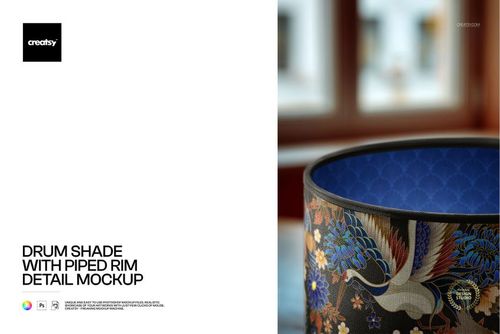
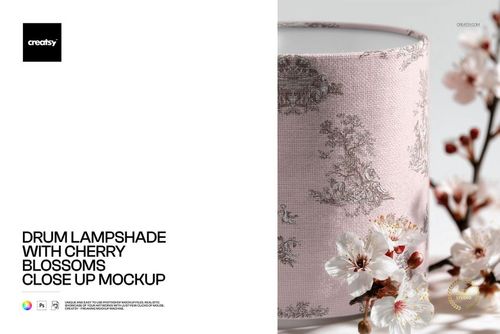
Lampshade 2 Mockup Set
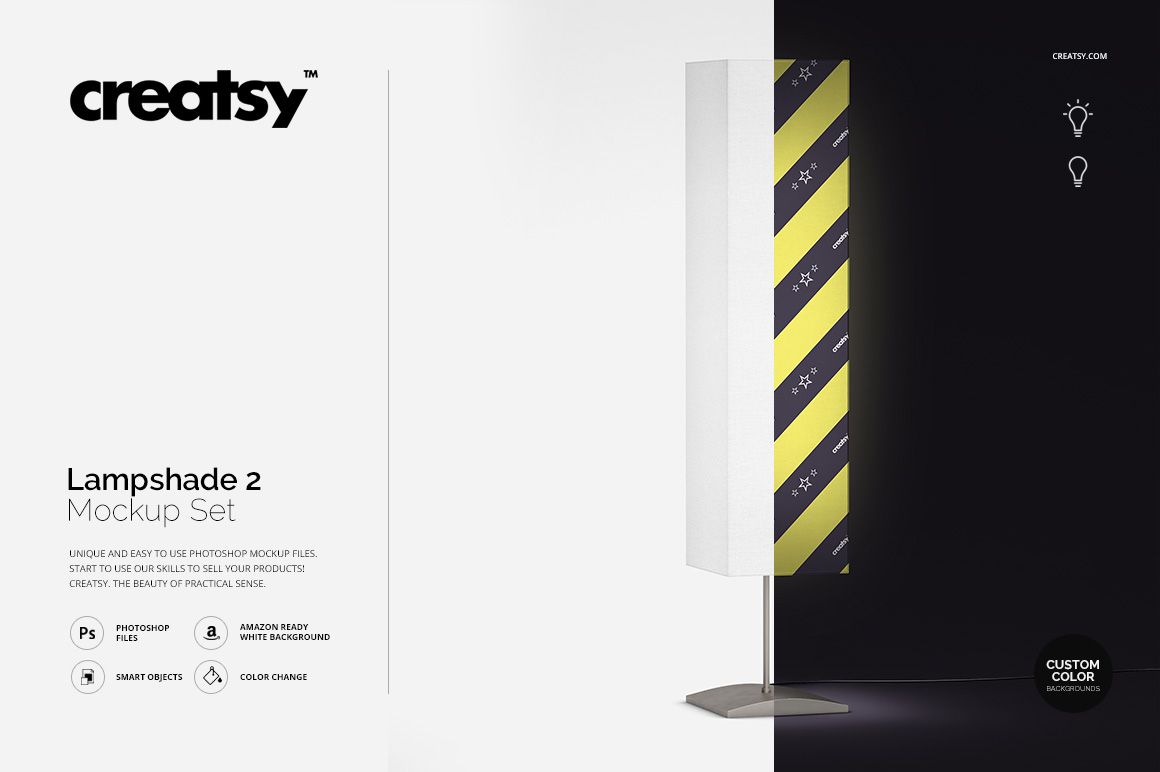
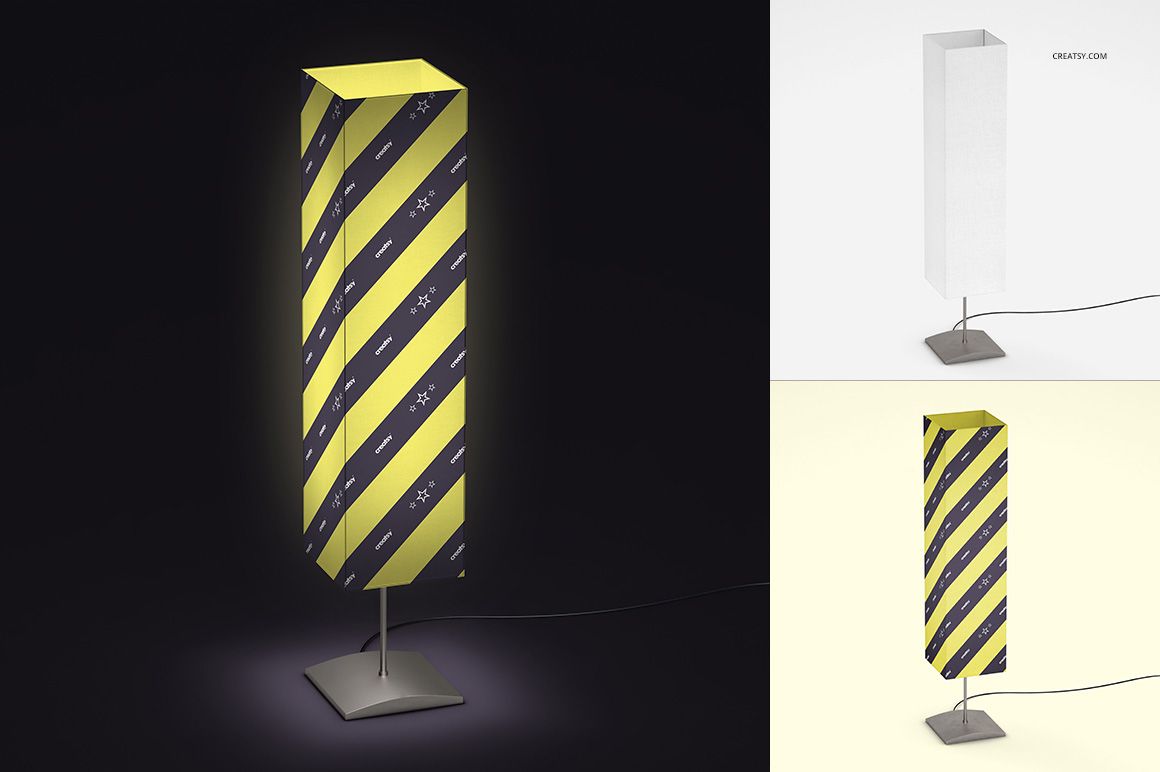
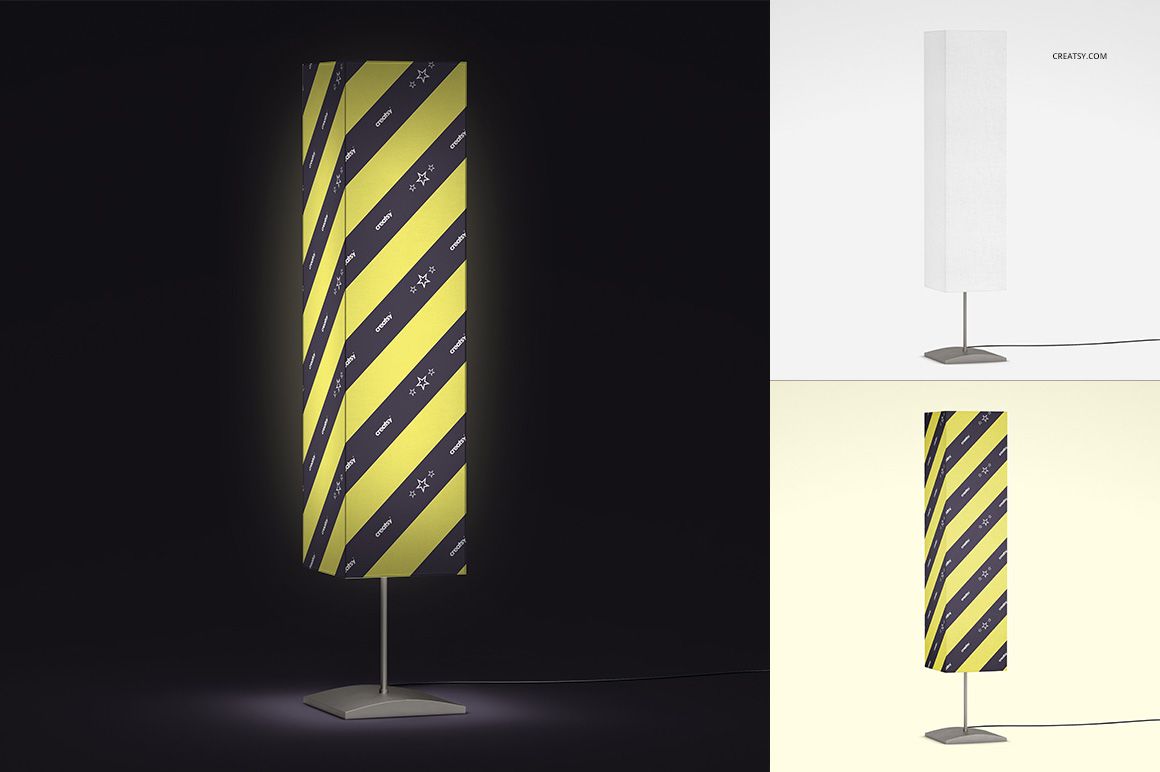
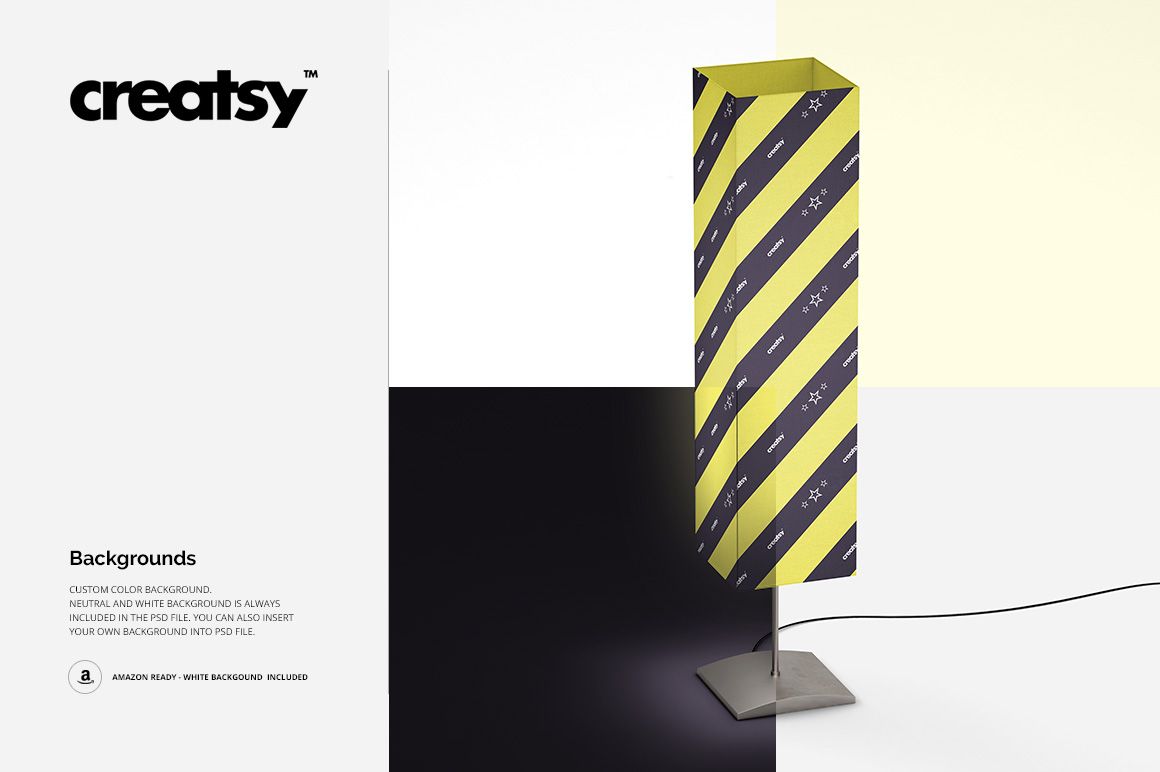
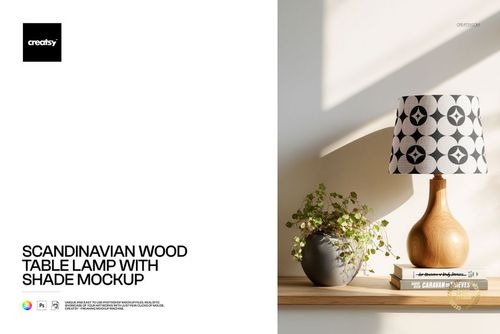
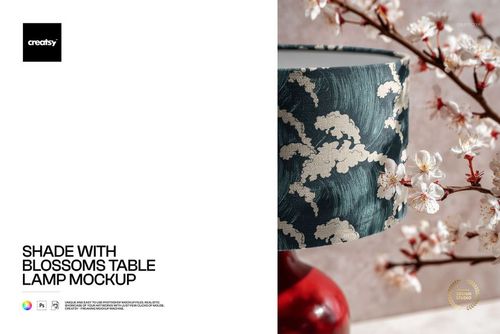
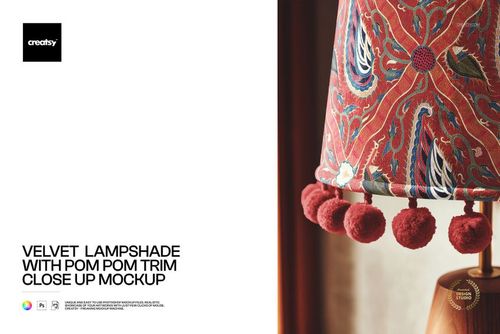
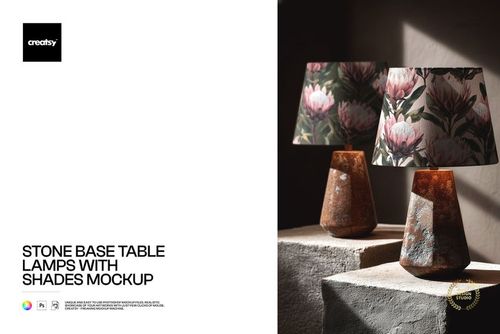
Present fabric patterns, illustrations and custom lampshade designs using four editable Photoshop mockups with illuminated and unlit lighting options. This lampshade mockup set lets you explore how your artwork looks on a curved shade surface, with customizable colors, designs and backgrounds.
The different lighting presentations are useful for creating product images, comparing pattern colorways and preparing textile design portfolios.
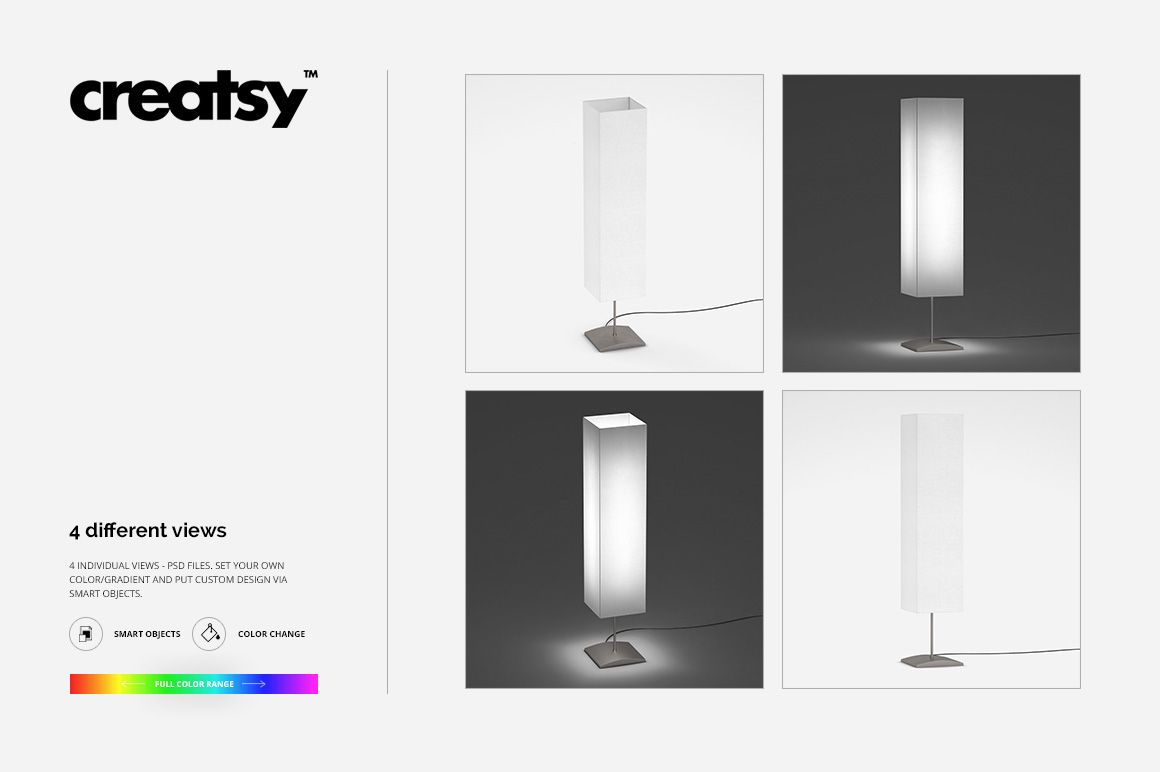
Four lampshade mockups with lighting variations
The set includes 4 layered PSD files, allowing you to display custom lampshade artwork in different presentations.
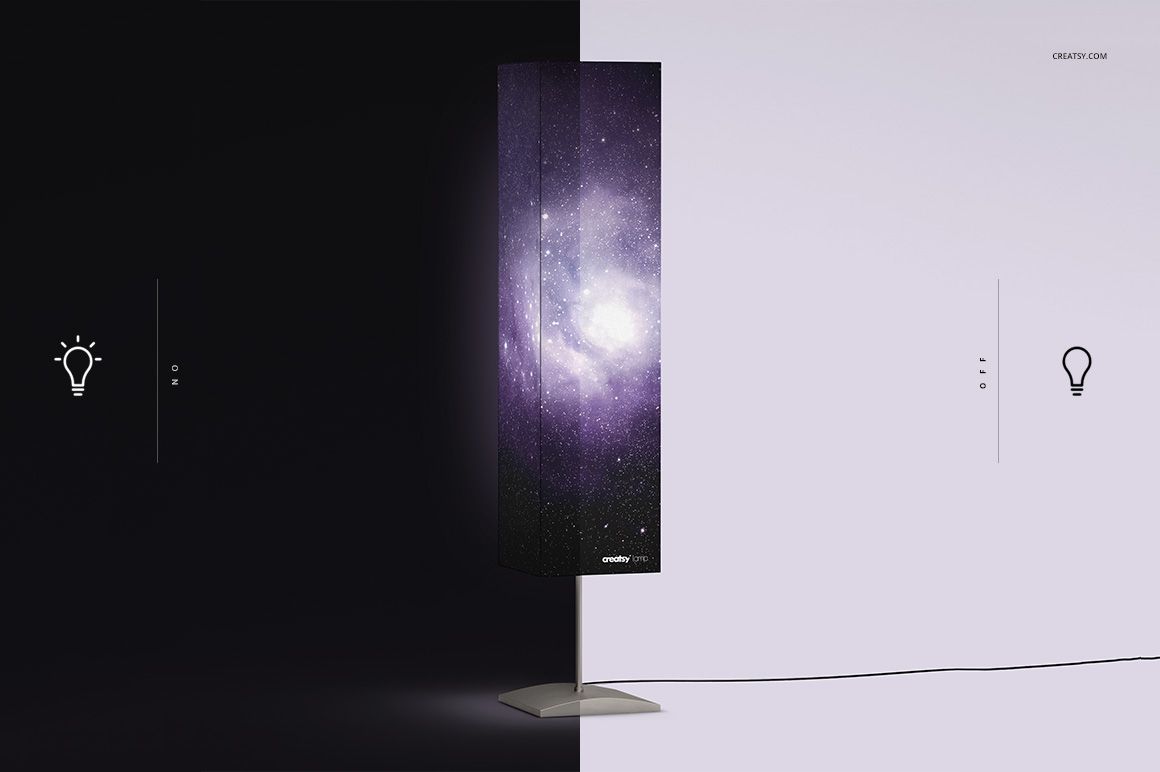
Use the light-on and light-off options to compare how a fabric pattern appears when the lamp is illuminated and when the shade is shown without internal lighting.
The curved lampshade surface provides a realistic context for floral patterns, geometric repeats, illustrated motifs and decorative textile designs.
Editable designs, colors and backgrounds
Replace the sample artwork with your own design using the prepared Photoshop layers. You can also change the available colors and customize the background to complement your artwork.
Try a bold repeat pattern against a neutral background or create a coordinated group of images using several colorways from the same textile collection.
The lighting options help communicate the intended appearance of a decorative lampshade, although the actual light transmission and printed colors of a manufactured product will depend on its materials and bulb.
For lighting brands and surface pattern designers
Use these mockups to prepare lampshade product listings, textile licensing portfolios, home decor catalogs and design presentations.
The set is particularly useful for showing how repeat patterns wrap around a curved product rather than appearing only as flat fabric samples.
Four high-resolution layered PSD files
The package contains 4 organized PSD mockup files, each measuring 3000 × 3000 px at 300 DPI. JPG previews are also included.
The mockups provide editable design, color and background options and are listed as compatible with Adobe Photoshop and Photopea.
This is a digital mockup set, not a physical lampshade or lamp. The example patterns shown in the previews are not included in the download.