Vangard Fashion Exhibit Poster Template
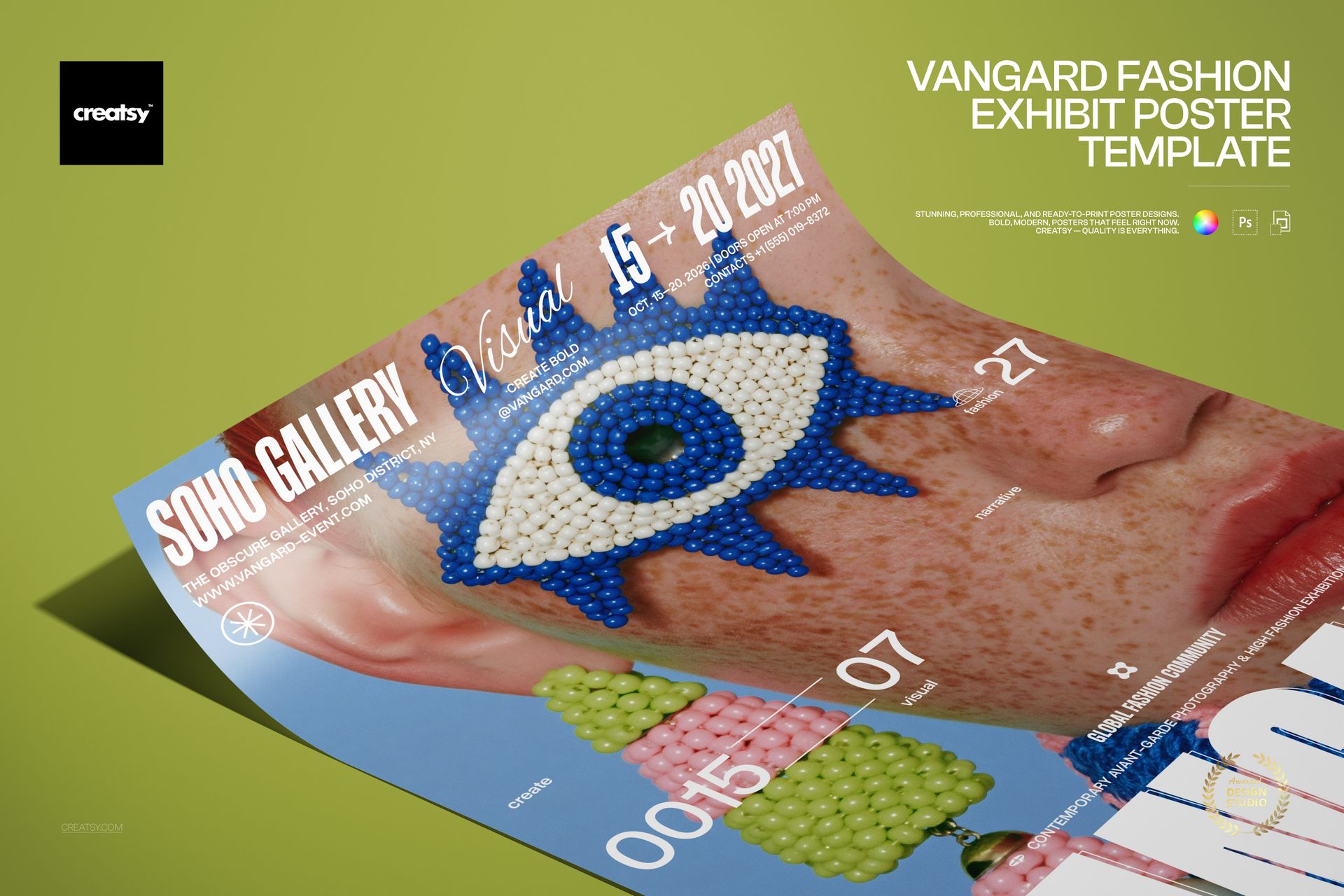
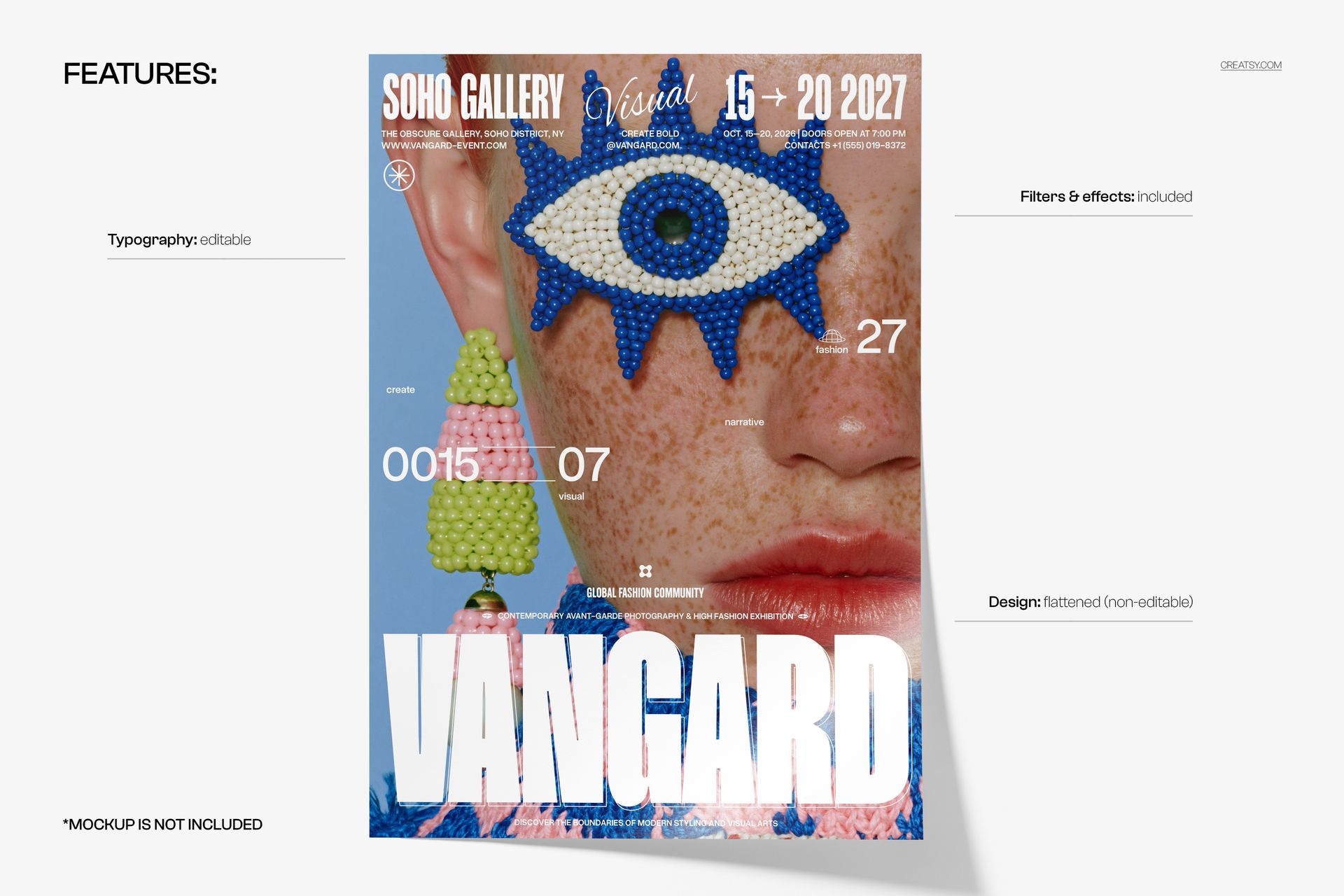
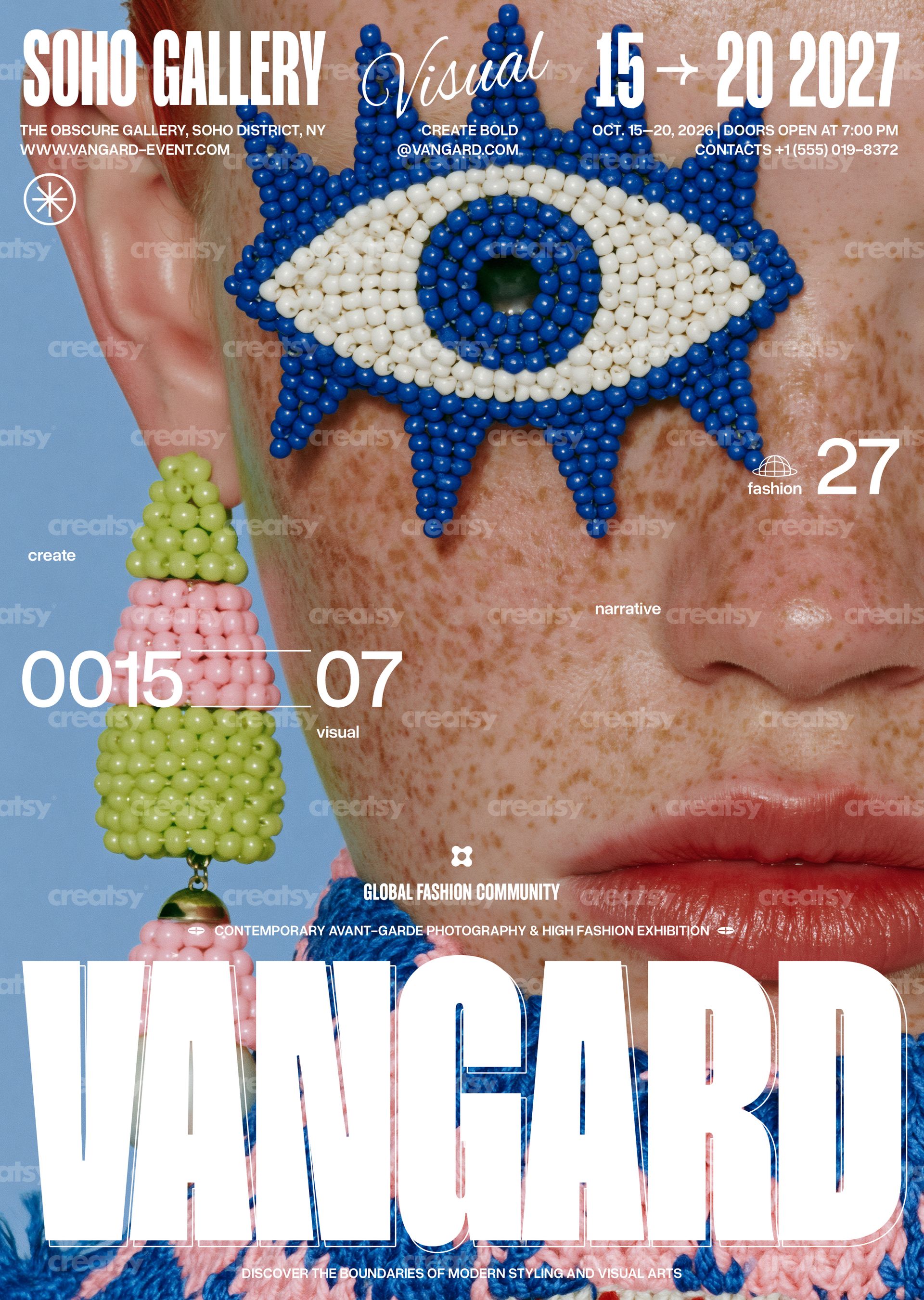
Vangard Fashion Exhibit Poster Template by Creatsy is an avant-garde fashion poster template: a close-up portrait with a beaded blue-and-white eye motif and a beaded earring, set on a light blue ground, with a condensed gallery name, an italic accent word, a date range and a giant word across the bottom, delivered as two layered PSD files at 297 x 420 mm (A3) with 3 mm bleed, 3579 x 5032 px at 300 DPI. The typography is editable and the photograph is flattened, so you change the show, the dates and the venue, and the beadwork stays exactly as shown.
The type is laid out for an exhibition announcement: a top band with the gallery name, the accent word and the date range, address and contact lines in small type beneath it, a pair of floating numbers and a few small labels across the middle, two short lines of small caps above the bottom word and one oversized word running edge to edge. Replace the words, keep the sizes, and the poster still reads from across the street.
What Is Included
CMYK PSD for print, 297 x 420 mm (A3) plus 3 mm bleed, 3579 x 5032 px at 300 DPI.
RGB PSD of the same layout for screens.
Fonts used.txt with the names of the typefaces, so you can install them before you open the files.
Organized layers: editable text, the flattened photograph, and the filters and effects that finish the poster.
Rewrite the Show, Keep the Beadwork
The gallery name, the italic accent, the date range, the address, contact and opening-time lines, the floating numbers, the small labels, the two lines of small caps and the giant bottom word are editable text layers. Retype them, swap the fonts, resize the bottom word to fit a longer title, recolor the type, or hide what you do not need. The portrait with the beaded eye and earring is a flattened, non-editable layer; the filters and effects that finish the poster are included in the file.
Easy Editing in Photoshop or Photopea
Both PSD files open in Adobe Photoshop CS6 or newer and in Photopea. Install the typefaces from Fonts used.txt, select each text layer with the Type tool and type your own copy, then keep the layered PSD as your master. For output, flatten a copy: the CMYK file for the print shop as a PDF or TIFF, the RGB file for the web as a JPG or PNG.
Perfect For
Fashion exhibitions and photography shows, jewelry and accessories presentations, design-school and graduate shows, gallery openings and museum late nights, beauty and eyewear launches, magazine and lookbook launch parties, or a printed run for the showroom, the venue and the streets around it.
This is a digital print template, not a printed poster. The poster with the curled corner on the olive-green surface in the first preview is a separate mockup and is not included; the fonts are not bundled, only listed in Fonts used.txt.