Tune In Frequency Poster Template
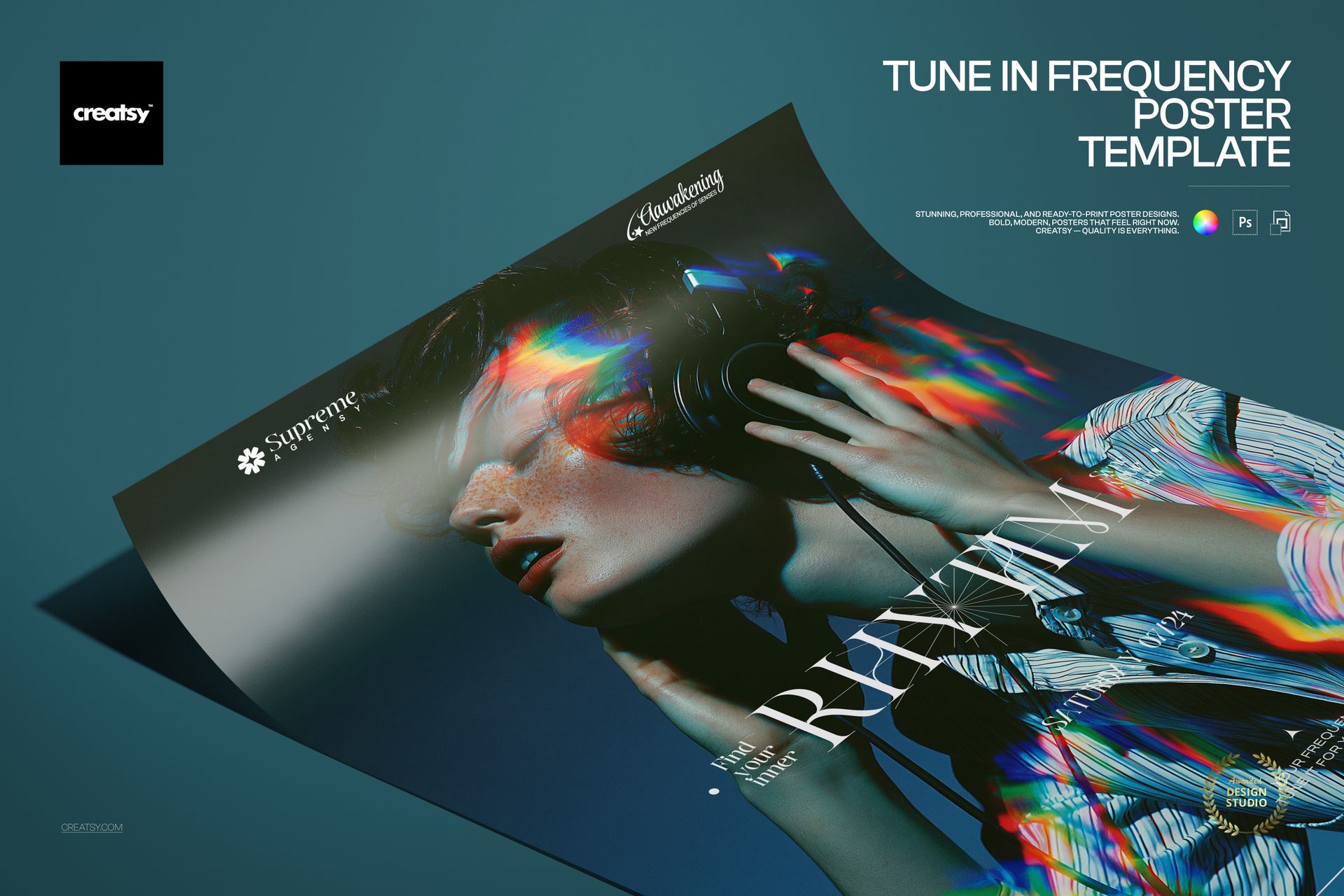
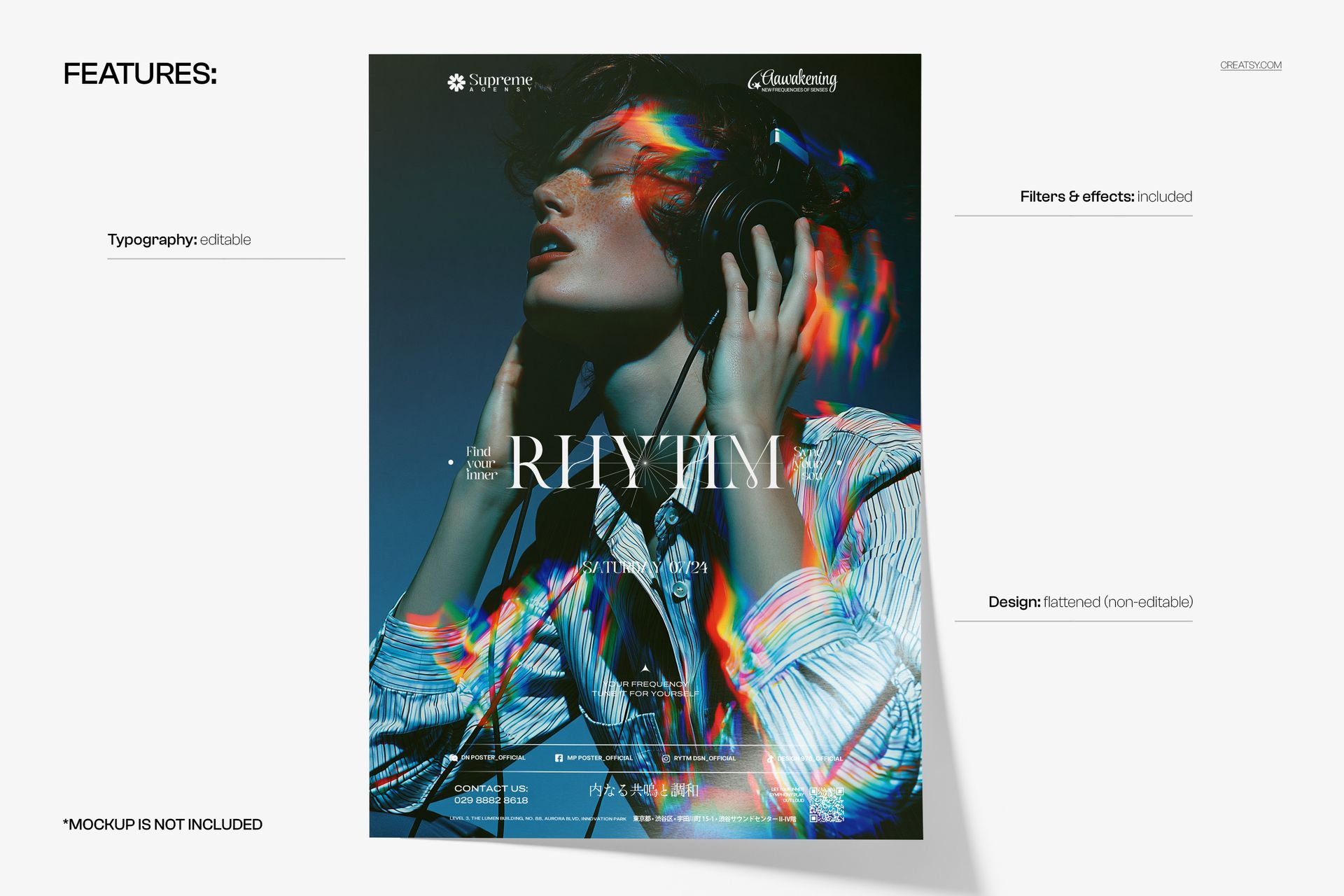
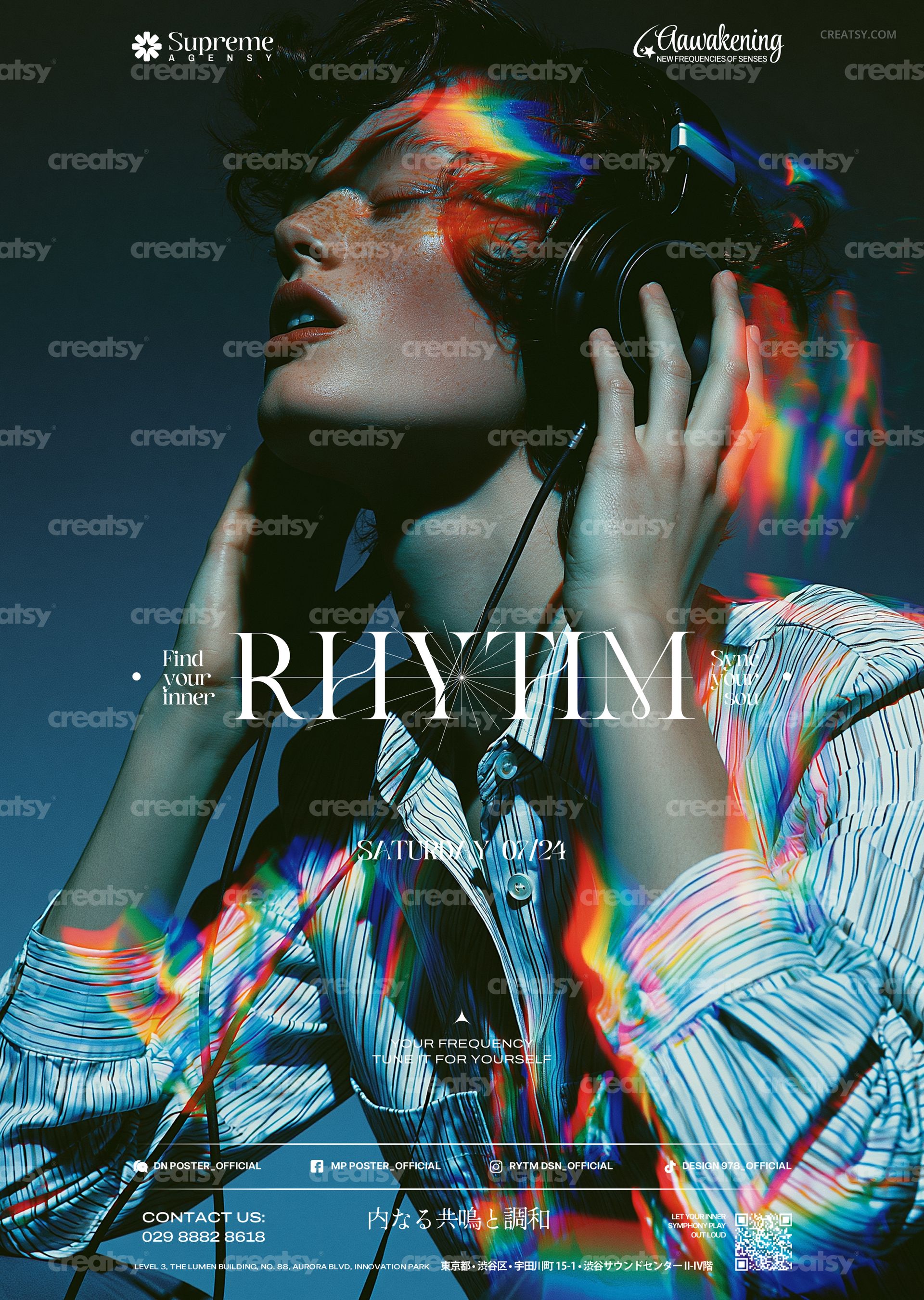
Tune In Frequency Poster Template by Creatsy is a music event poster template built on a dark, blue-toned photograph of a listener in headphones, head tilted back, with prismatic light streaks refracting across the face and hands. Two layered PSD files, one CMYK and one RGB, at 297 x 420 mm (A3) with 3 mm bleed, 3579 x 5032 px at 300 DPI, carry a serif headline, a date line, small taglines, a row of social handles and a contact strip, every one of them an editable text layer.
What makes it a working poster rather than a nice picture is the restraint of the type: two small wordmarks in the top corners, a single serif word across the middle with a short phrase on either side, the date beneath, and a quiet information strip along the bottom. Give those lines your artist, your night and your venue and the mood does the rest.
In the Download
The CMYK PSD, prepared for print: 297 x 420 mm (A3) with 3 mm bleed, 3579 x 5032 px at 300 DPI.
The RGB PSD, the same design in screen color for the web and social media.
Fonts used.txt, a plain list of the typefaces in the layout so you can install them first.
Organized layers: editable text on top, the flattened photograph beneath, and the included filters and effects.
Editable Type, Fixed Photograph
Everything set in type can be changed: the two wordmarks at the top, the small phrases around the headline, the headline itself, the date, the taglines under it, the social handles, the contact line, the line of Japanese characters and the fine print at the bottom. Retype, restyle, resize, recolor or hide any of them. The photograph with its prismatic streaks is a single flattened layer and cannot be edited; the filters and effects that finish the poster are included in the file.
How to Edit It
Install the fonts listed in Fonts used.txt, then open either PSD in Adobe Photoshop CS6 or newer, or in Photopea in a browser. Select a text layer with the Type tool, type over the placeholder, move to the next layer. Keep the layered PSD as your master and export flattened copies for delivery: PDF or TIFF from the CMYK file for print, JPG or PNG from the RGB file for screens.
Made For
Club nights and DJ sets, concerts and album release parties, listening sessions and sound-art exhibitions, festival lineups, radio and streaming launches, headphone and audio brand events, or a printed run for the venue, the record store and the streets around them.
This is a digital print template, not a printed poster. The curled poster in the first preview is a separate mockup and is not included; the fonts are not bundled, only listed in Fonts used.txt.