Wearable Acrylic Forms Poster Template
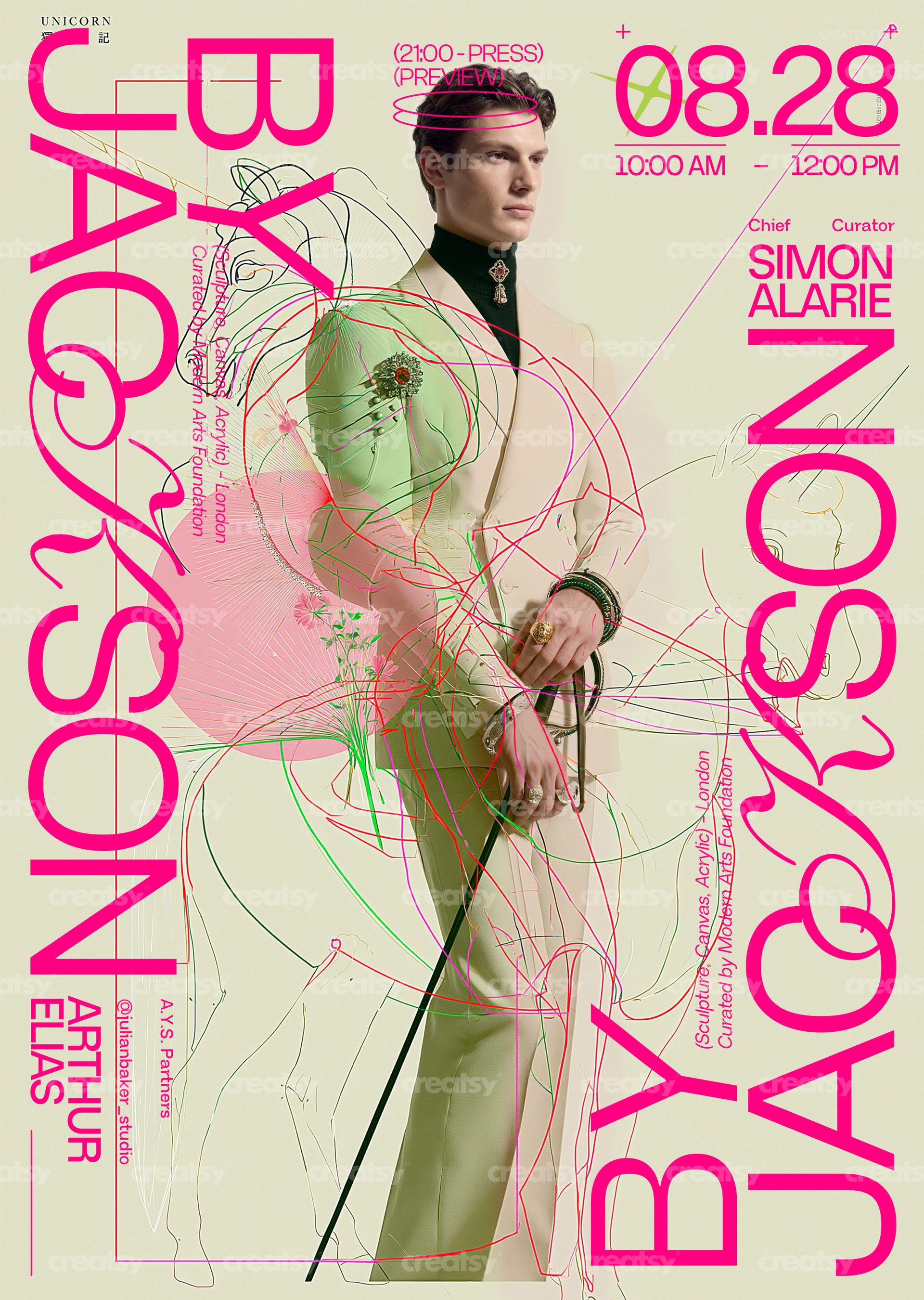
Wearable Acrylic Forms Poster Template by Creatsy is a fashion exhibition poster template that runs a hot-pink display headline vertically down both sides of a portrait, over a cream background laced with pink and green line drawings, delivered as two layered PSD files at 297 x 420 mm (A3) with 3 mm bleed, 3579 x 5032 px at 300 DPI. The typography is editable, so the designer name, date, curator credits and venue lines can be yours while the portrait and line art stay as shown.
The layout is built for a show with a name to announce: a large vertical name on the left, its echo on the right, a date block with times in the top corner, curator and organizer credits in small type and a column of fine print. Change the words and the composition holds, because the type sits beside the figure rather than over the face.
What Is Included
A CMYK PSD for print production: 297 x 420 mm (A3) plus 3 mm bleed, 3579 x 5032 px at 300 DPI.
An RGB PSD of the same layout for screens and online listings.
A Fonts used.txt file that names every typeface in the design.
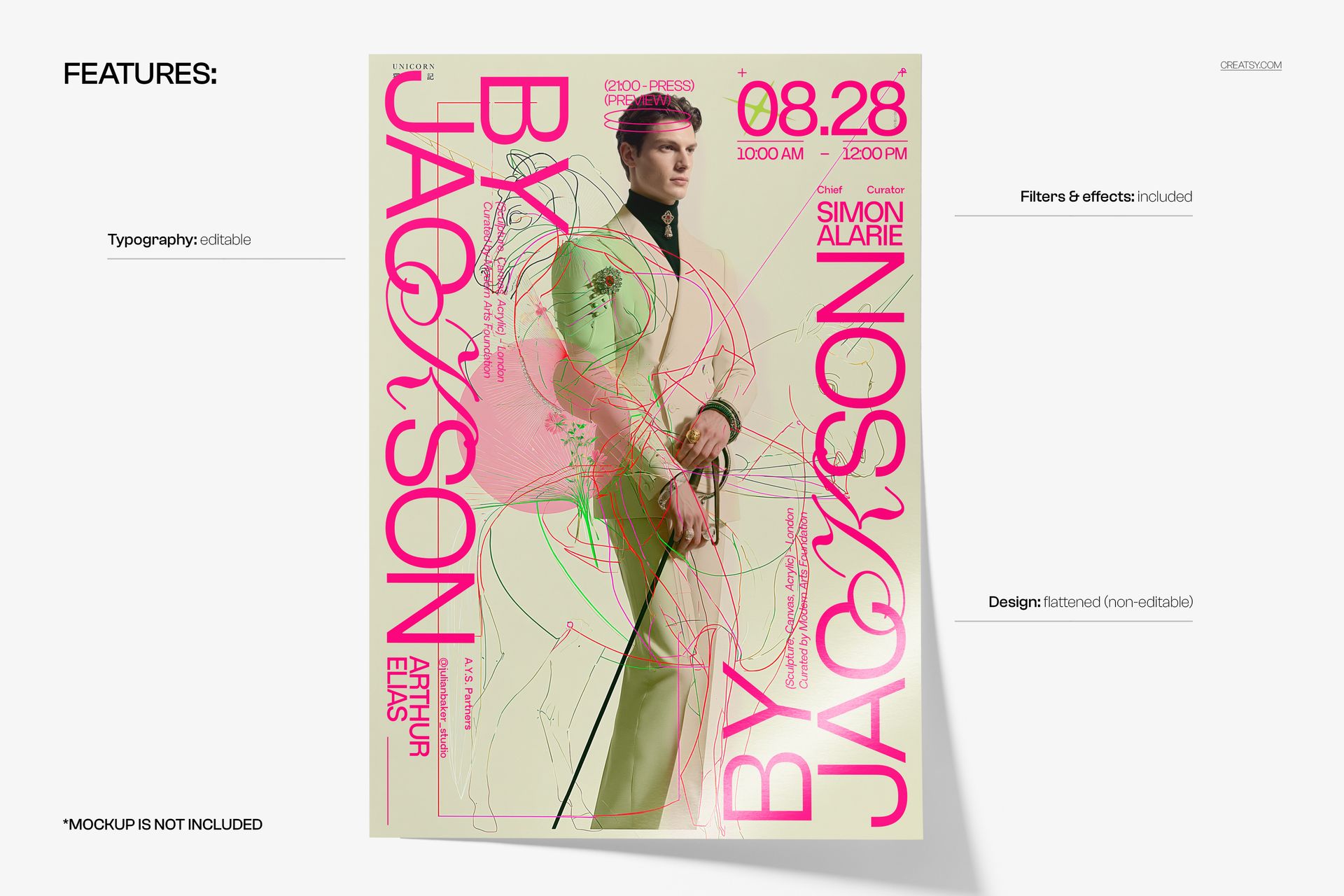
Organized layers: editable text, the flattened artwork, and the filters and effects that finish the poster.
Rewrite the Type, Keep the Portrait
The two vertical headlines, the date and time block, the curator and organizer names and the small credit columns are editable text layers: retype them, change the fonts, sizes and colors, or hide what you do not need. The portrait with the pink and green line drawings is a flattened, non-editable layer; the filters and effects that finish the poster are included in the file.
Easy Editing in Photoshop or Photopea
Both PSD files open in Adobe Photoshop CS6 or newer and in Photopea. Start by installing the typefaces named in Fonts used.txt, then click into each text layer with the Type tool and write over the placeholder copy. When the poster reads right, save the layered PSD as your master and flatten a copy for output: the CMYK file goes to the printer as a PDF or TIFF, the RGB file becomes a JPG or PNG for the web.
Perfect For
Fashion exhibitions and designer retrospectives, wearable-art and sculpture shows, graduate and portfolio shows at design schools, boutique and collection launches, gallery openings and museum late nights, magazine launch parties, or a printed run for the showroom, the venue and the invitations that go out before the show.
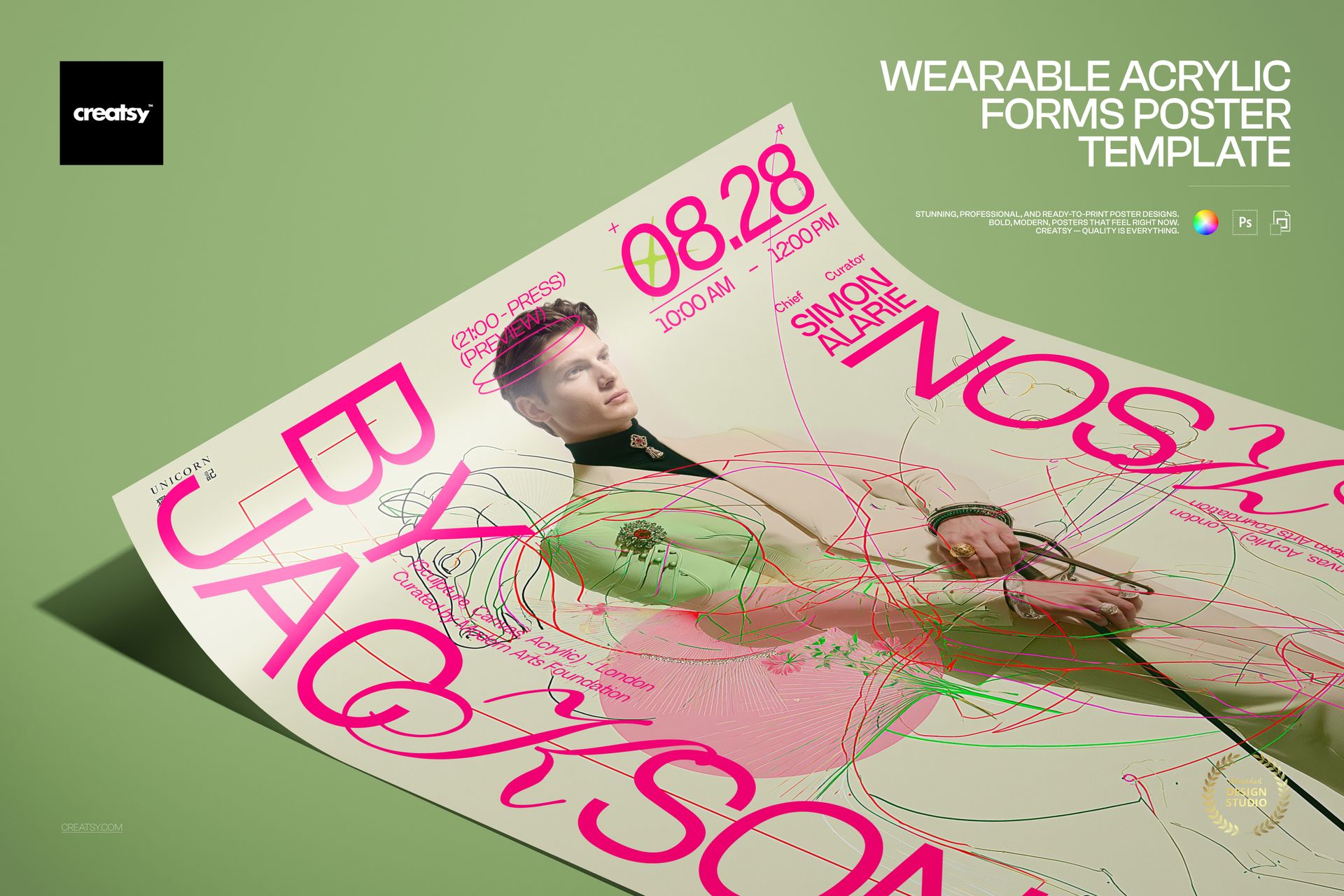
This is a digital print template, not a printed poster. The poster with the lifted corner on the green surface in the first preview is a separate mockup and is not included; the fonts are not bundled, only listed in Fonts used.txt.