Vangard Visual Arts Poster Template
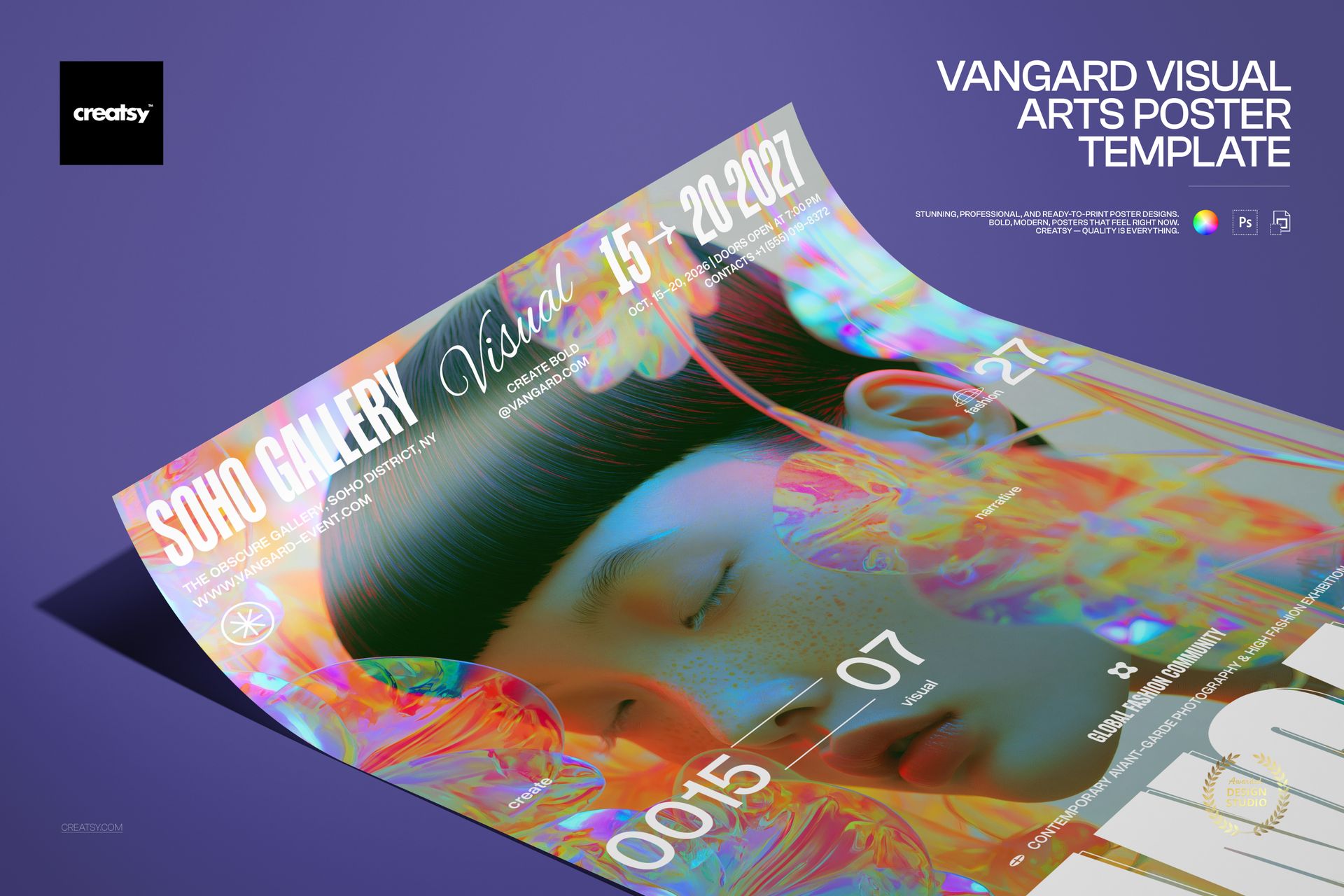
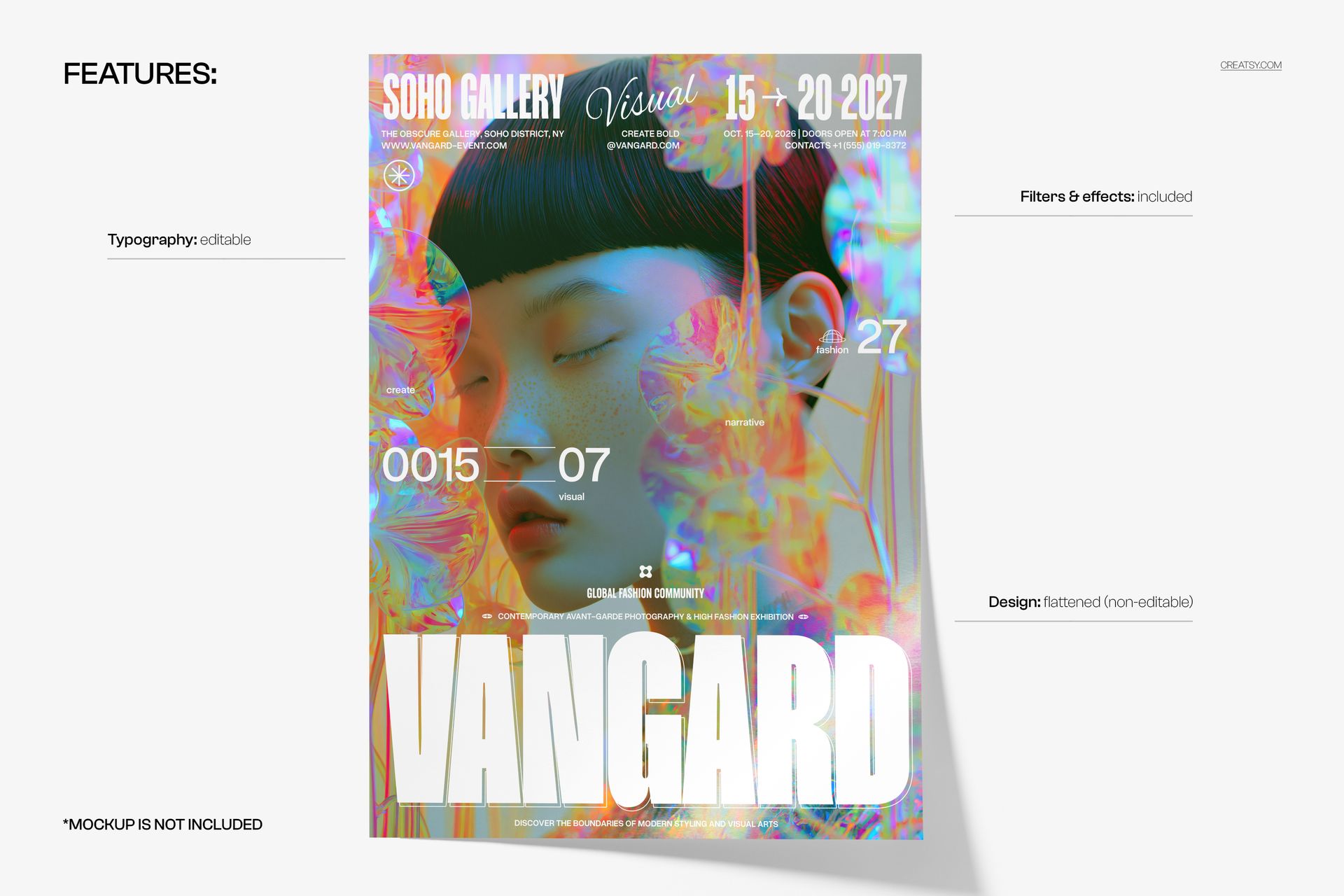
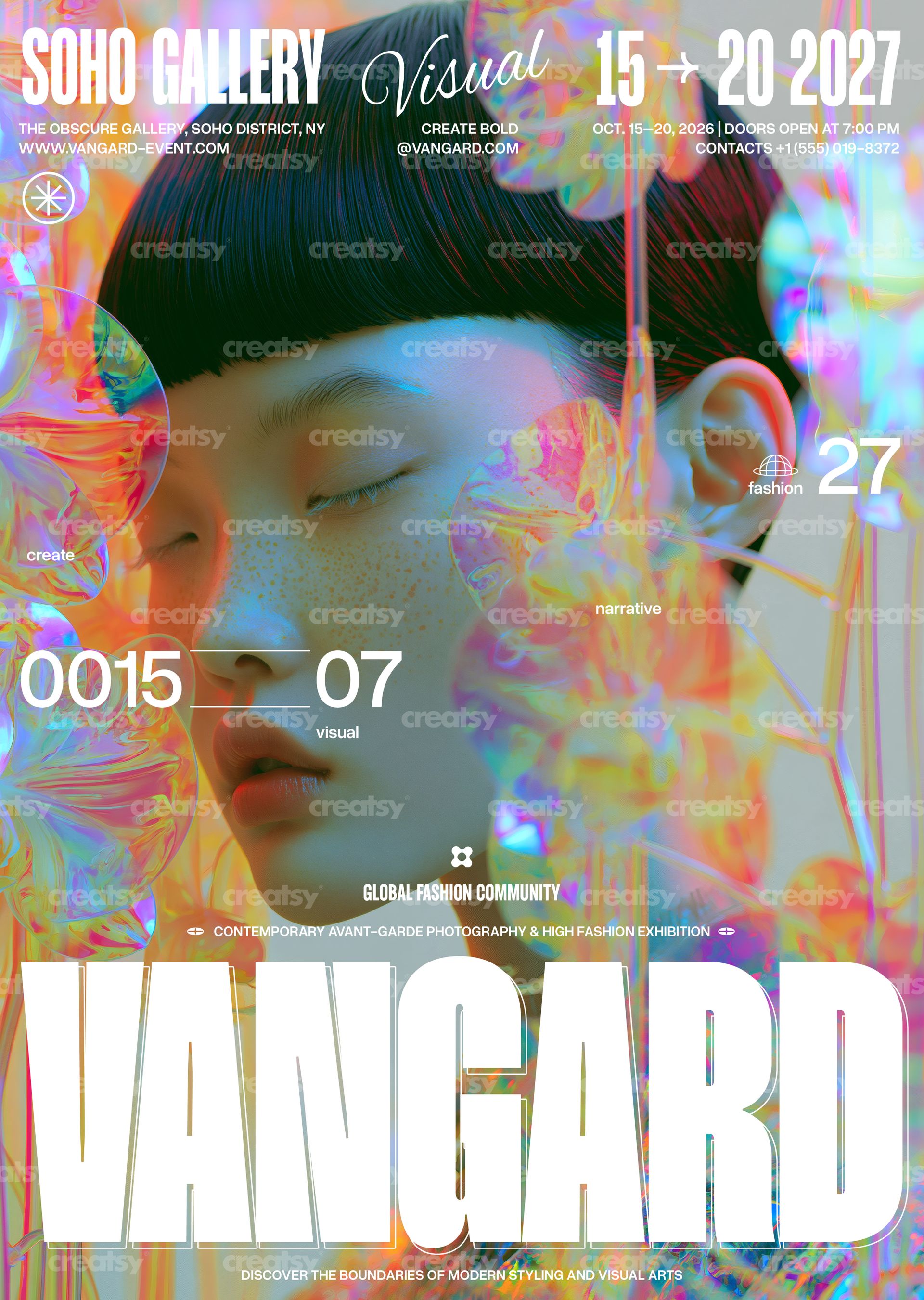
Vangard Visual Arts Poster Template by Creatsy is a holographic art exhibition poster template: a portrait with closed eyes dissolves into iridescent, glass-like flowers and prismatic light, while a condensed gallery name, an italic accent, a date range and a giant word at the bottom carry the event details, all delivered as two layered PSD files at 297 x 420 mm (A3) with 3 mm bleed, 3579 x 5032 px at 300 DPI. The text is editable and the artwork is not, so you rename the show, change the dates and keep the look.
Because the picture already glows, the typography stays white and structural: a compact top band with the gallery name, dates, address and doors-open time, a pair of numbers floating mid-poster, a line of small labels and one oversized word across the bottom. Rewrite them and the poster still reads as a single piece.
What Is Included
CMYK PSD for print, 297 x 420 mm (A3) plus 3 mm bleed, 3579 x 5032 px at 300 DPI.
RGB PSD of the same layout for screens and social media.
Fonts used.txt with the typefaces named, so you can install them before opening the files.
Organized layers: editable text, the flattened artwork, and the filters and effects that finish the poster.
Retype the Event, Keep the Iridescence
The gallery name, the italic accent, the date range, the address, contact and opening-hours lines, the floating numbers, the small labels and the giant bottom word are editable text layers. Change the wording, the fonts, the sizes and the colors, scale the bottom word to fit your title, or hide the lines you do not need. The iridescent portrait is a flattened, non-editable layer, and the filters and effects that finish the poster are included in the file.
Easy Editing in Photoshop or Photopea
Open either PSD in Adobe Photoshop CS6 or newer, or in Photopea. Install the typefaces named in Fonts used.txt, click each text layer with the Type tool and type over the placeholder copy, and keep the layered PSD as your master. For output, flatten a copy: a PDF or TIFF from the CMYK file for the print shop, a JPG or PNG from the RGB file for social media and the web.
Perfect For
Visual arts and photography exhibitions, digital art and new-media shows, fashion and beauty presentations, gallery openings, design festivals and biennials, club nights and album launches with a dreamlike theme, or a printed run for the gallery, the festival grounds and the venues around town.
This is a digital print template, not a printed poster. The poster with the curled corner on the violet surface in the first preview is a separate mockup and is not included; the fonts are not bundled, only listed in Fonts used.txt.