The Artistic Voyage Poster Template
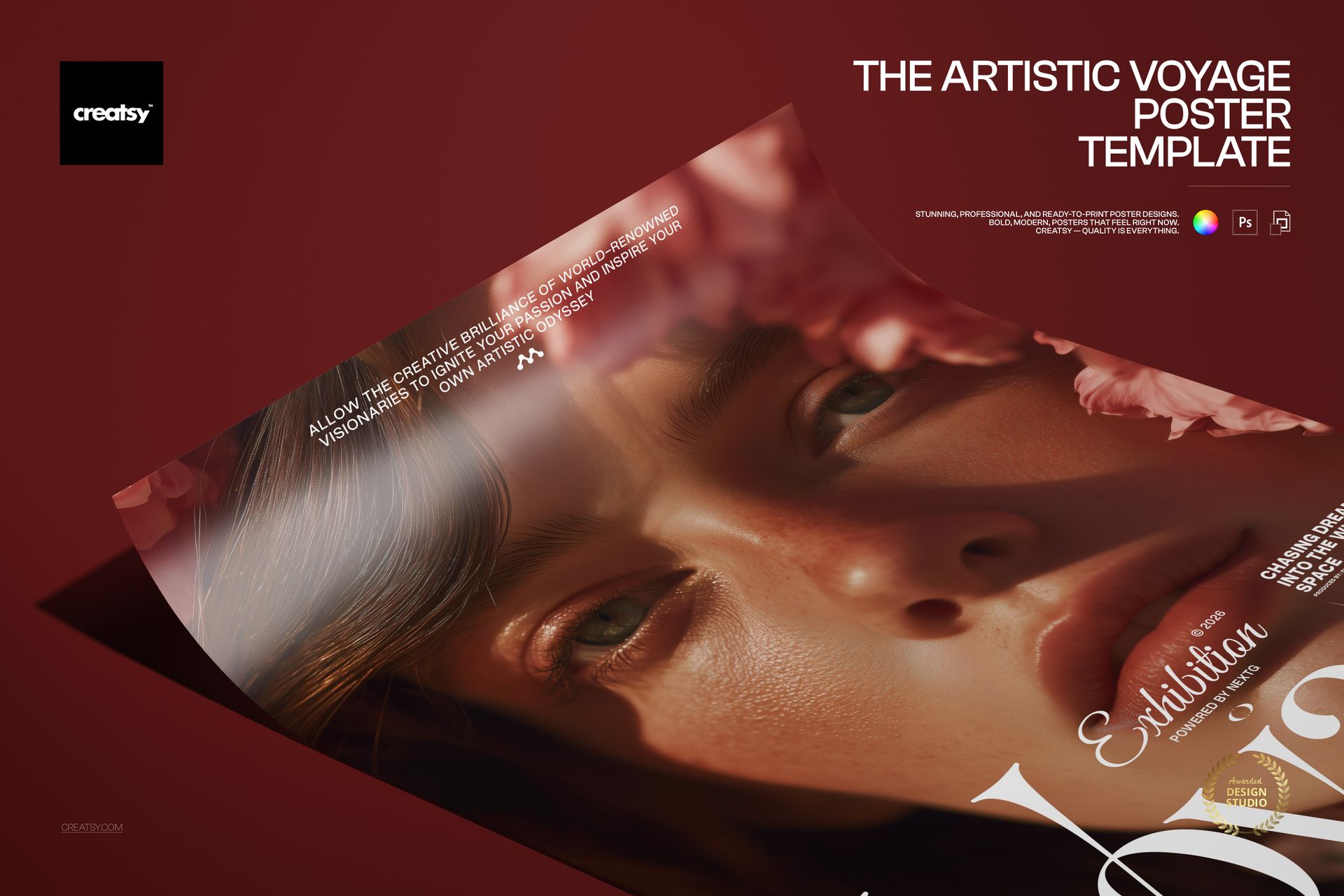
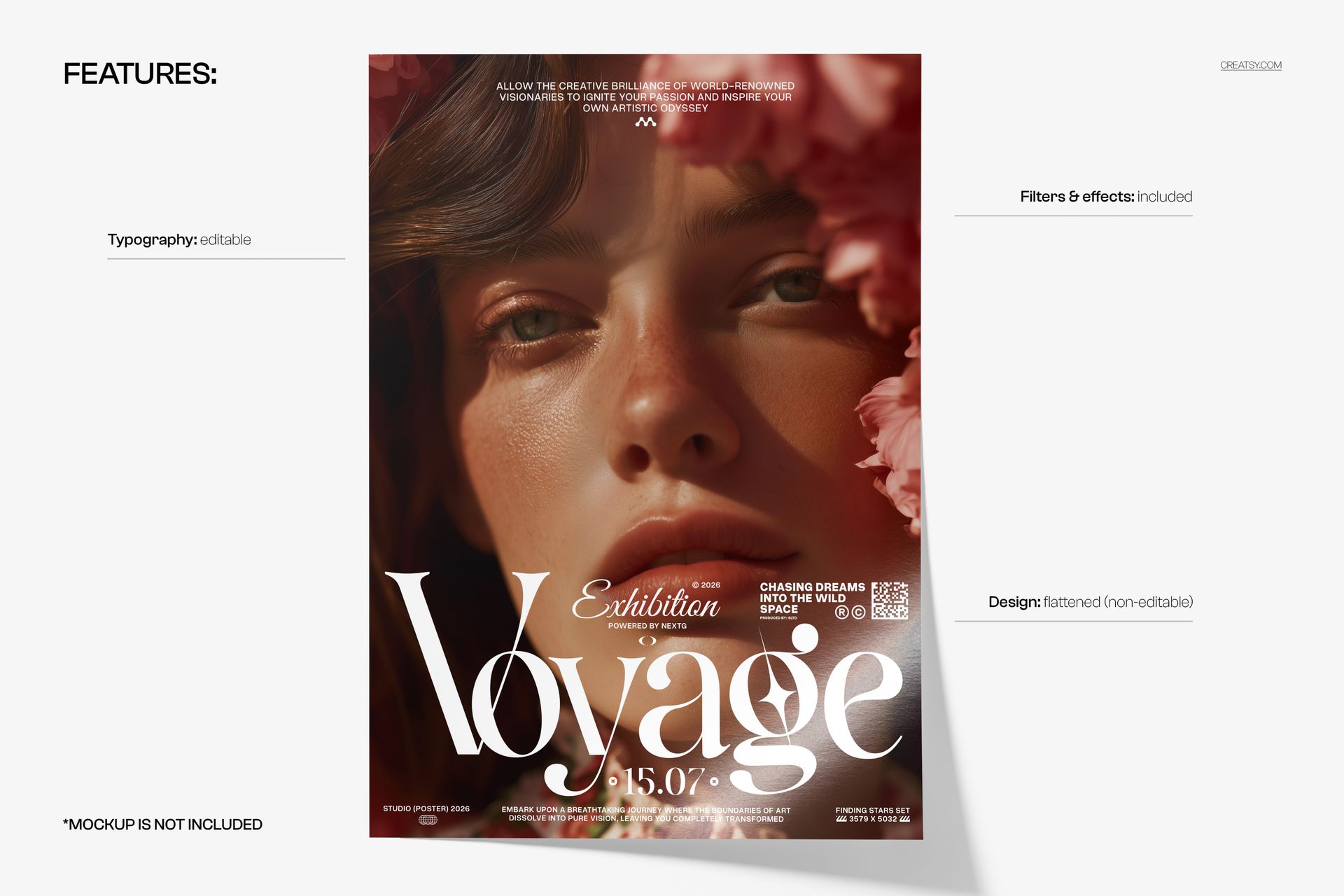
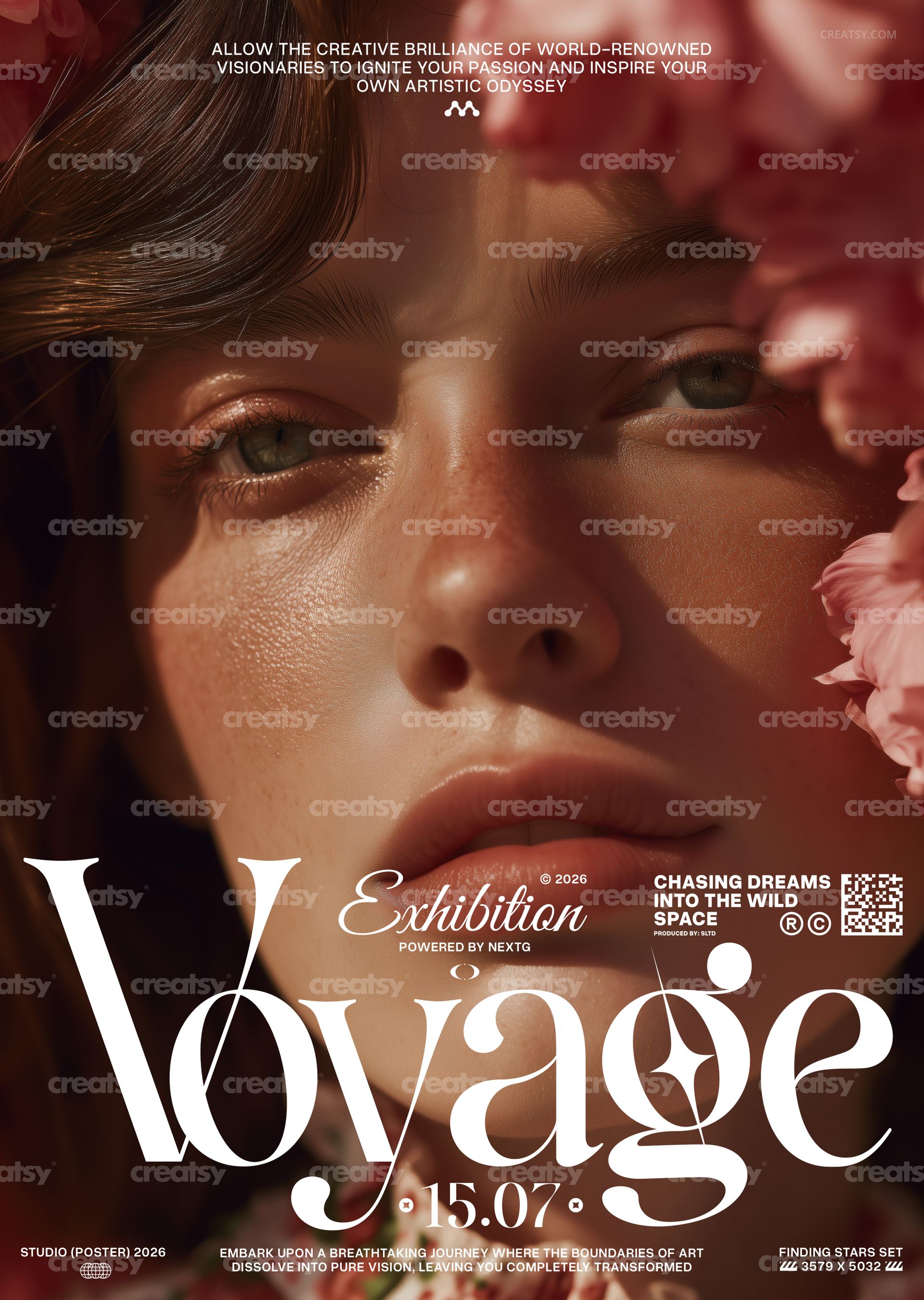
The Artistic Voyage Poster Template by Creatsy is an art exhibition poster template built around a cinematic close-up portrait: a freckled face lit by warm side light, pink flowers along the right edge, three lines of uppercase sans at the top and, across the lower third, the word Voyage in a tall serif with looping swash ligatures, an italic Exhibition label above it and the date 15.07 below. It is delivered as two layered PSD files, CMYK and RGB, at 297 x 420 mm (A3) with 3 mm bleed, 3579 x 5032 px at 300 DPI. The type is editable; the photograph is flattened.
The composition leaves the face alone for two thirds of the height and gathers all the words at the bottom, which is why it reads as a gallery poster rather than an advertisement. Replace the intro lines, the exhibition label, the one-word title, the date and the credits, and it announces a photography show, a vernissage, a beauty editorial or a season opening without any change to the picture.
Contents of the Download
A CMYK PSD for the print shop, 297 x 420 mm (A3) plus 3 mm bleed, 3579 x 5032 px at 300 DPI.
An RGB PSD with the same layout for the web and social media.
Fonts used.txt, a list of the typefaces to install before you open the files.
Organized layers: editable text, the flattened portrait, and the included filters and effects.
The Editable Parts
Every word on the poster sits on a text layer: the three intro lines at the top, the italic Exhibition label with the small year and the powered-by credit, the tagline block on the right, the Voyage wordmark, the 15.07 date with its two ornaments, the studio and set credits in the bottom corners and the two-line sentence between them. Retype any of them, change the size, the color or the typeface, or hide the ones you do not need. The portrait with the flowers is a single flattened, non-editable layer, so the photograph stays as shown in the previews, and the filters and effects that give it its finish are included in the file.
Three Steps to a Finished Poster
First, install the typefaces from Fonts used.txt so the wordmark and the labels open as designed. Second, open the CMYK PSD in Adobe Photoshop CS6 or newer, or in Photopea in a browser, pick each text layer with the Type tool and write your own copy. Third, export a flattened PDF or TIFF for print, then repeat the edits in the RGB PSD and export a JPG or PNG for the screen. The layered files stay untouched as your masters.
Where It Fits
Photography and portrait exhibitions, gallery openings and vernissages, museum late nights, beauty and fashion editorial campaigns, a fragrance or skincare launch, a dance or theatre season, a florist or boutique window, a magazine issue launch, or a printed run for a cultural venue that wants one quiet, expensive-looking poster instead of a loud one.
This is a digital print template, not a printed poster. The poster on the dark red surface in the first preview is a separate mockup and is not part of the download; the typefaces are named in Fonts used.txt but not bundled.